
Add GIZMOCHINA as Preferred Source on Google
I’ve been writing about AR and XR glasses for a while, but the RayNeo Air 3s Pro is the first pair I’ve personally lived with for more than two weeks. Going in, I knew what to expect on paper: a brighter display than the standard Air 3s, upgraded audio, and some ergonomic refinements. What I didn’t expect was how much the “big screen anywhere” promise would actually hold up in practice.
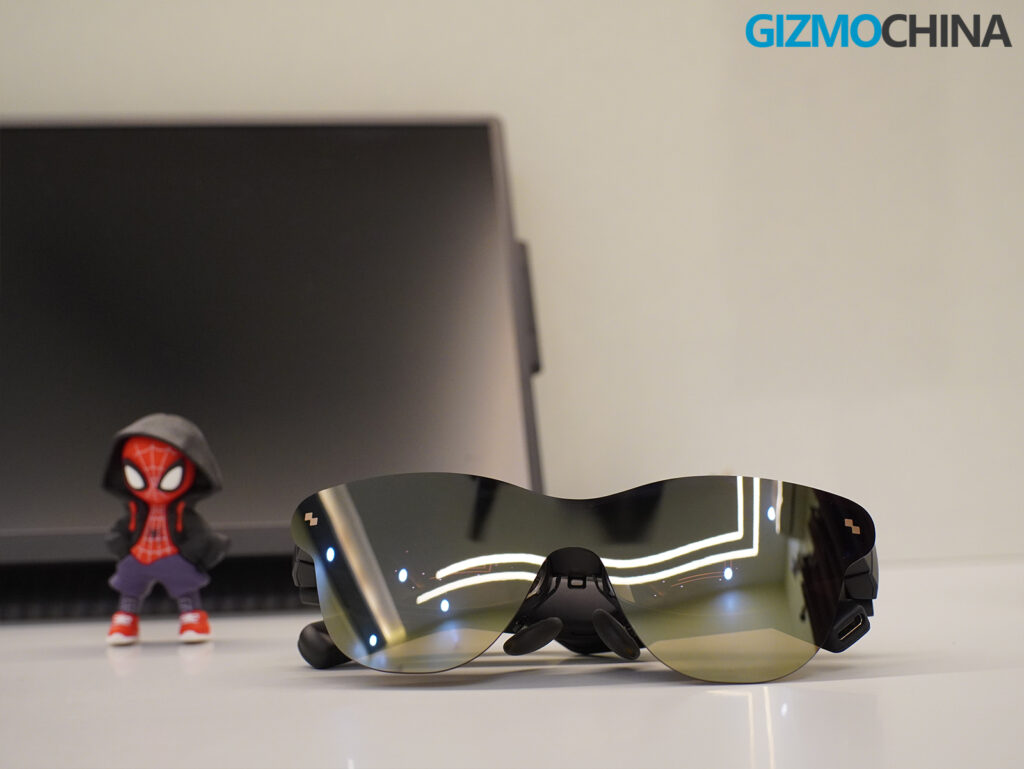
Over the past two weeks, I’ve watched movies, gamed a little, and used the glasses as an external display for my laptop. The Air 3s Pro is not trying to be a futuristic mixed-reality headset. It’s a personal display, an external monitor you wear on your face. But in that narrow focus, it often shines brighter (literally and figuratively) than many of its rivals.
That said, these glasses aren’t perfect. But at $299, they sit in an approachable space where XR glasses start to make sense.
What’s in the Box
RayNeo keeps things simple. Inside the retail box, you’ll find:
- Air 3s Pro glasses in matte black
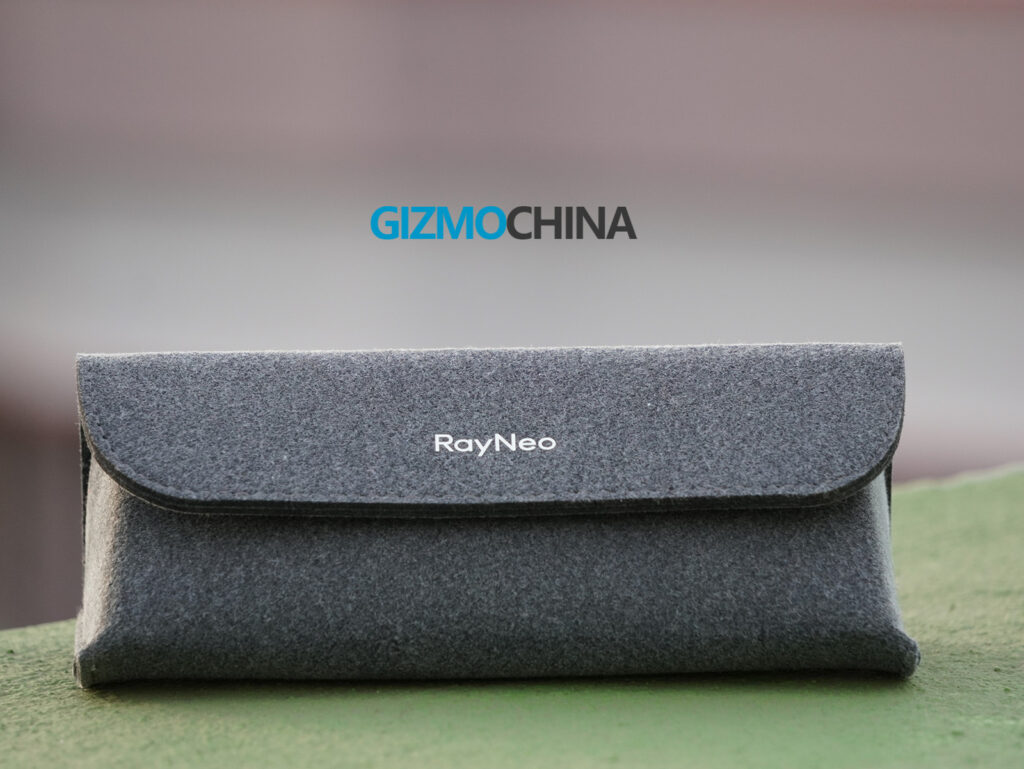
- Soft felt carrying pouch
- 1.2-meter USB-C cable with a downward-angled connector
- Two swappable nose pads
- Prescription lens frame insert
- Quick start guide
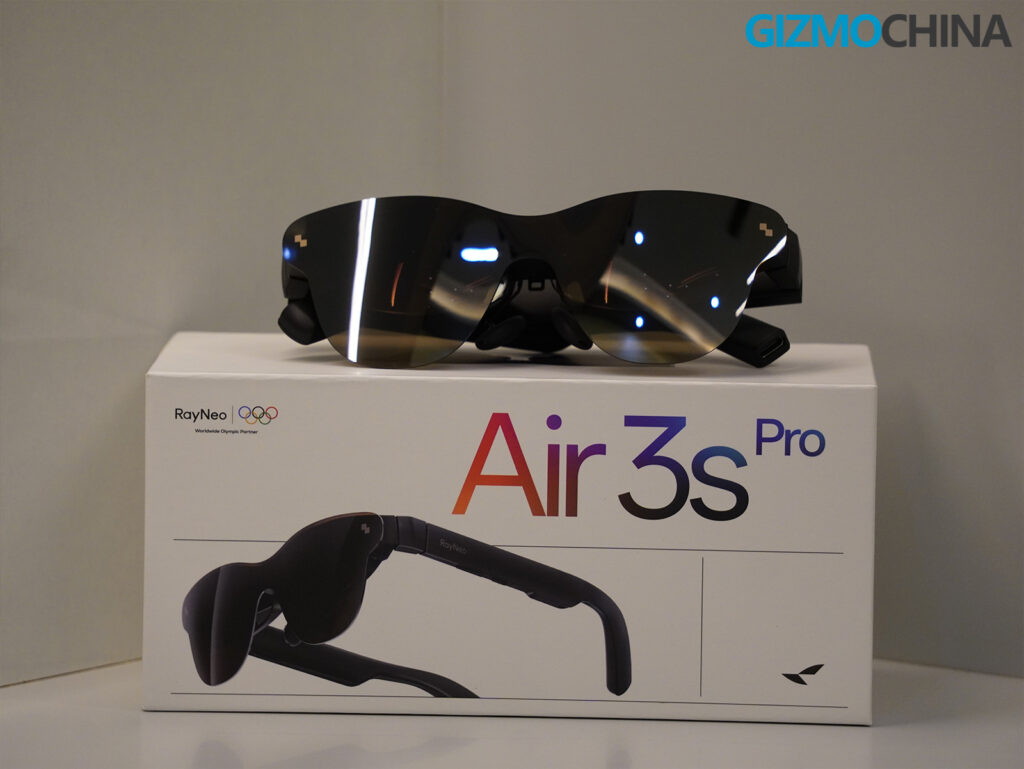
That’s it. There’s no hard-shell travel case, no lens shade for ambient light reduction, and no optional adapters like the Pocket TV or JoyDock in my unit. RayNeo sells those separately. I really wish a braided cable and rigid case were included. These accessories aren’t just nice to have; they’re necessary for travel and daily wear.
Design and Build Quality
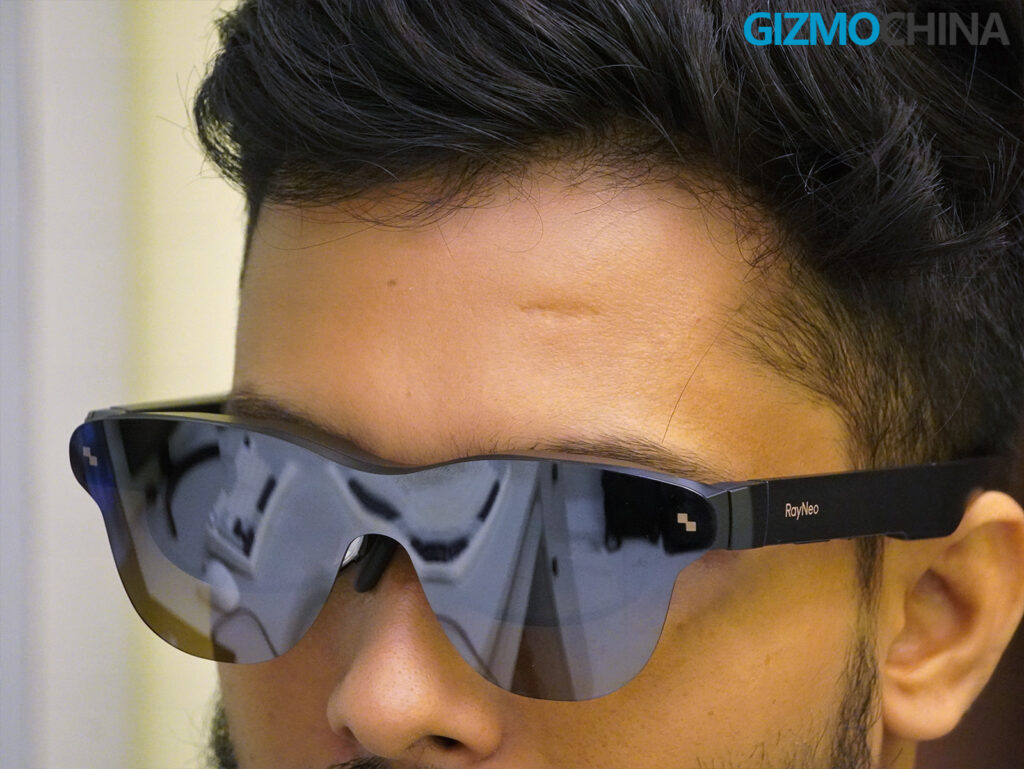
The Air 3s Pro looks nearly identical to the standard Air 3s but swaps the chrome highlights for a full matte black treatment. The design feels less flashy and more understated, which I prefer for commuting or casual public use.
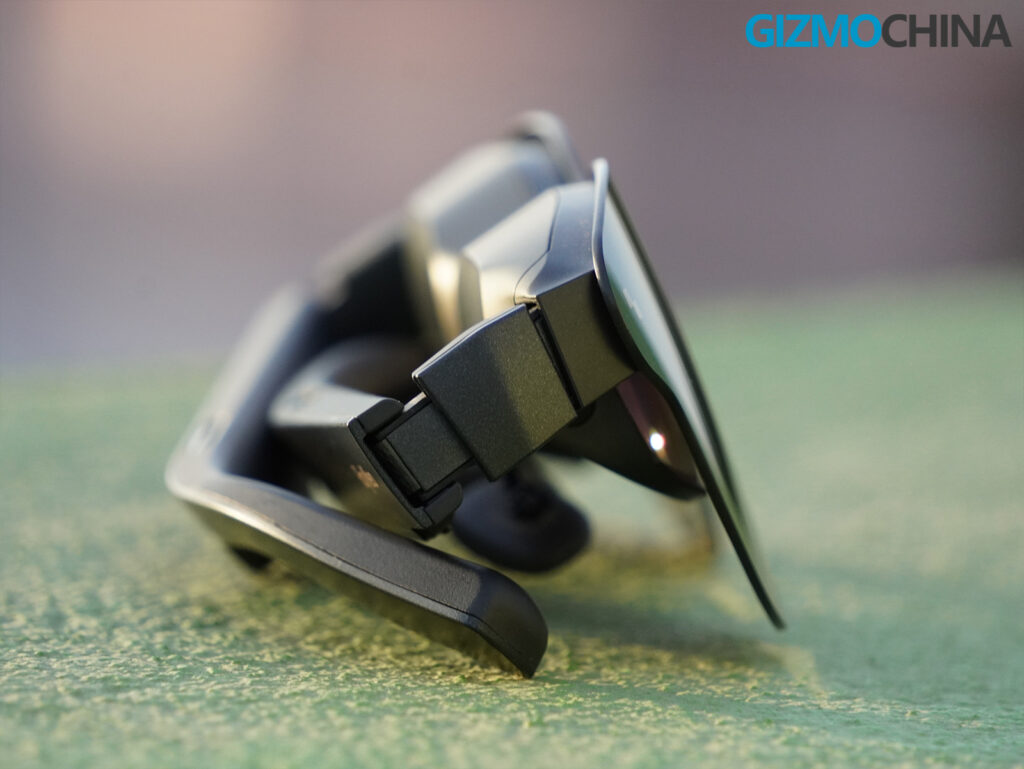
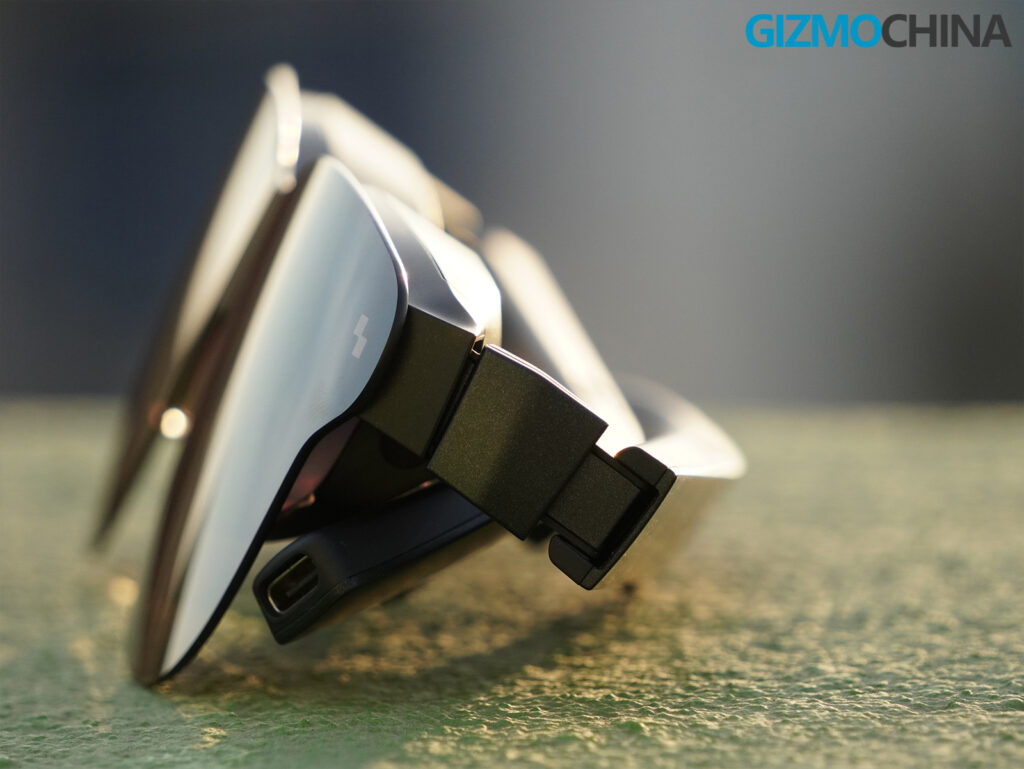
It weighs 76 grams and is built from plastic that feels solid, not fragile. The matte coating helps cut down on fingerprints and unwanted reflections. The 9-point FlexiFit system remains, letting me tilt the lens arms, tweak the nose pad angles, and dial in a comfortable fit without much hassle.
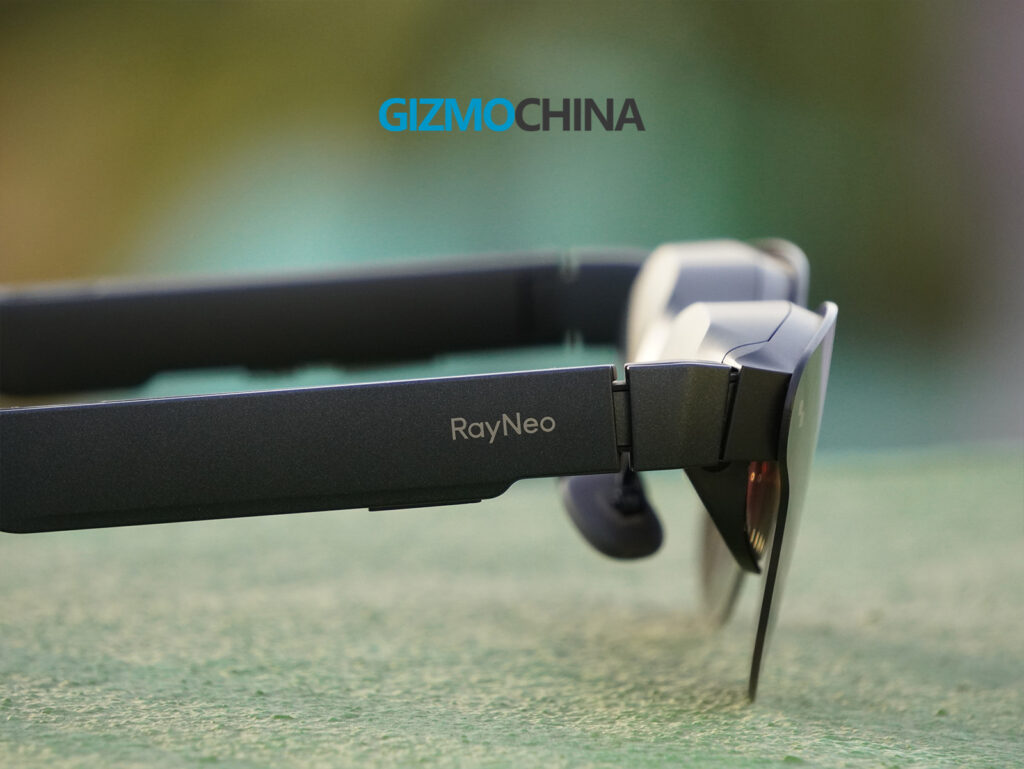
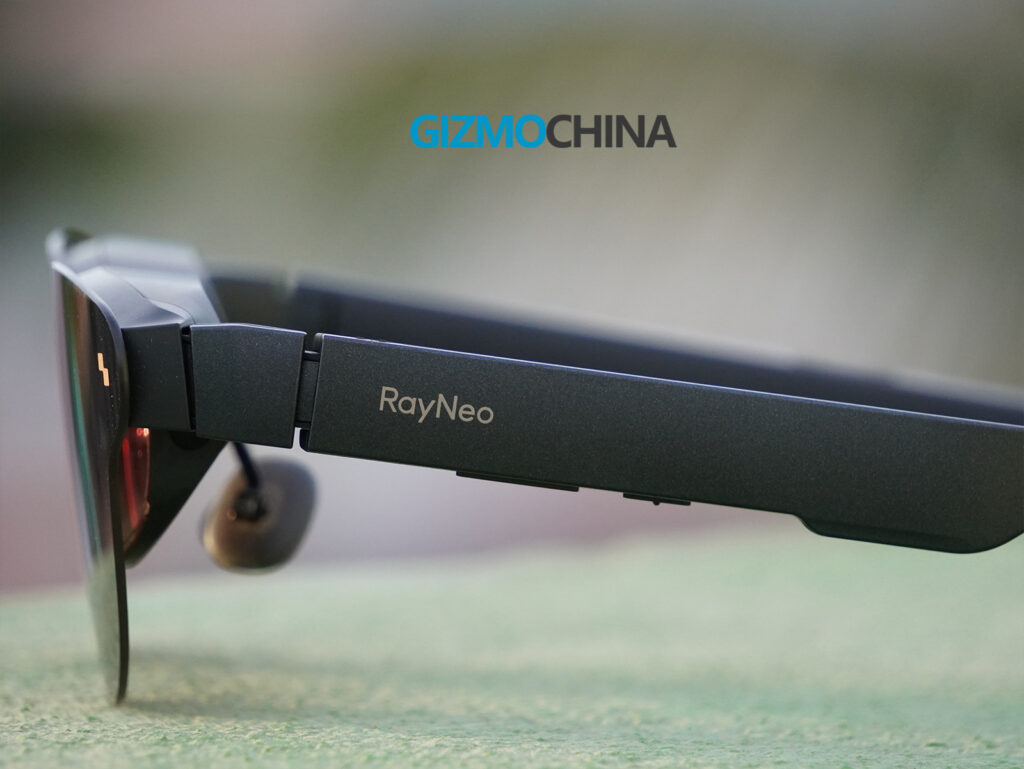
There’s no smartphone app to mess with; everything happens right on the glasses. Brightness controls live on the right side, volume and menu buttons on the left. Hit that menu button, and you get an overlay with settings for refresh rate, audio modes, and color profiles. The USB-C port sits under the right temple, and while that angled connector helps the cable hang naturally, I still found it stiffer than I’d like.
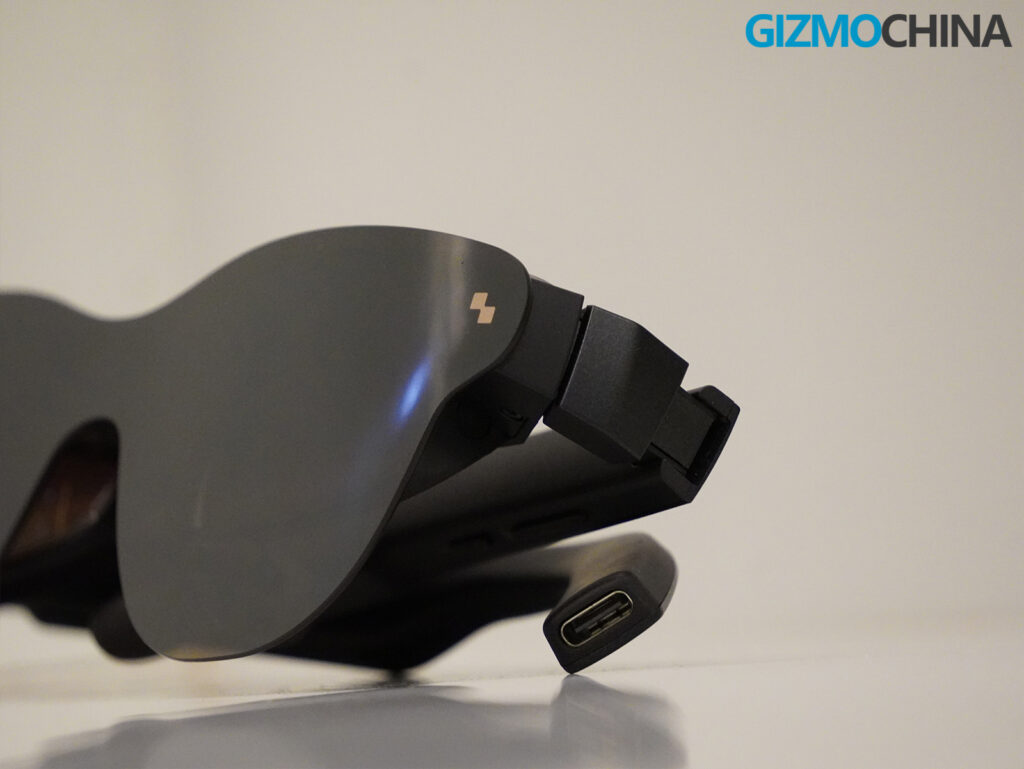
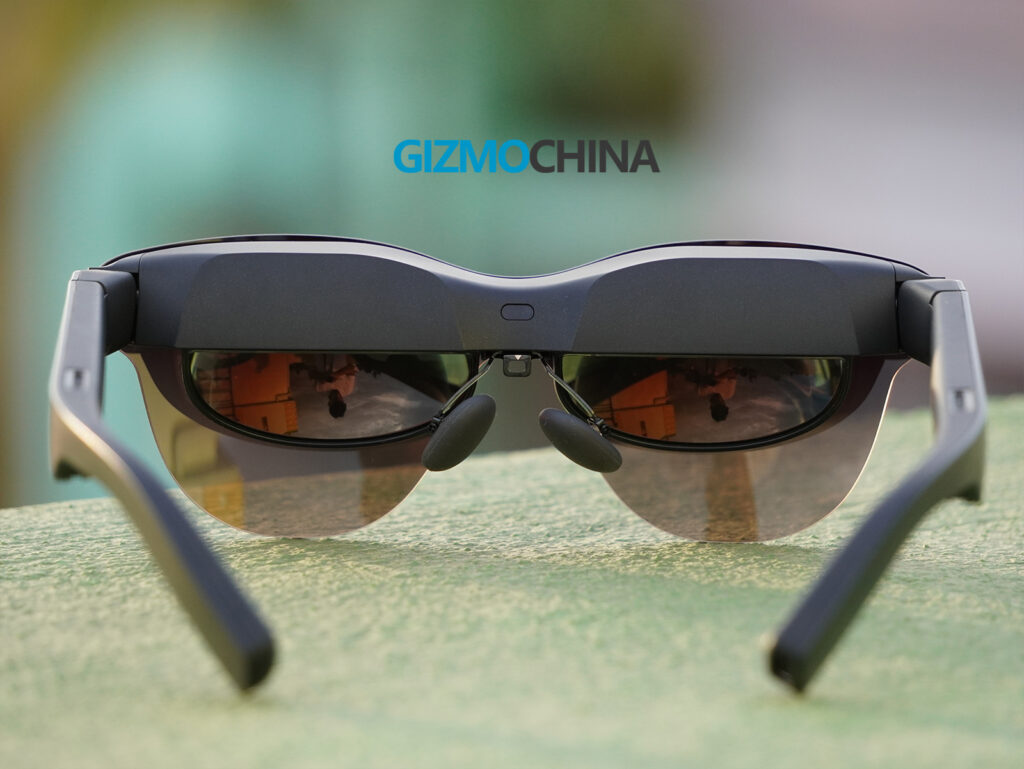
The built-in visor blocks most ambient light, but it’s not a total blackout. In bright rooms or outdoors, you’ll definitely notice some glare creeping in. Unlike the Xreal Air 2 Pro, there’s no fancy electrochromic dimming, though RayNeo is apparently selling a clip-on shade accessory now.
Features
The hardware specs are impressive for the price.
Each eye sees a 0.6-inch Sony micro-OLED display pushing 1920×1080 resolution at up to 120Hz. The peak brightness reaches 1,200 nits thanks to RayNeo’s new tandem OLED light engine, and it supports 20 brightness steps for granular control. These are the brightest AR glasses I’ve used to date.
The visuals are powered by RayNeo’s HueView 2.0 system, which promises sharper edges, accurate colors, and better contrast. It hits 98% of the DCI-P3 color space and maintains ΔE < 2 color accuracy, which shows in movies and HDR video. Contrast is rated at 200,000 to 1, and it really helps blacks stay black and highlights pop.
There are six display presets: Movie, Game, Standard, Professional, Eye-Care, and Vision Boost. Eye-Care mode introduces a warmer tone to reduce strain in dark rooms.
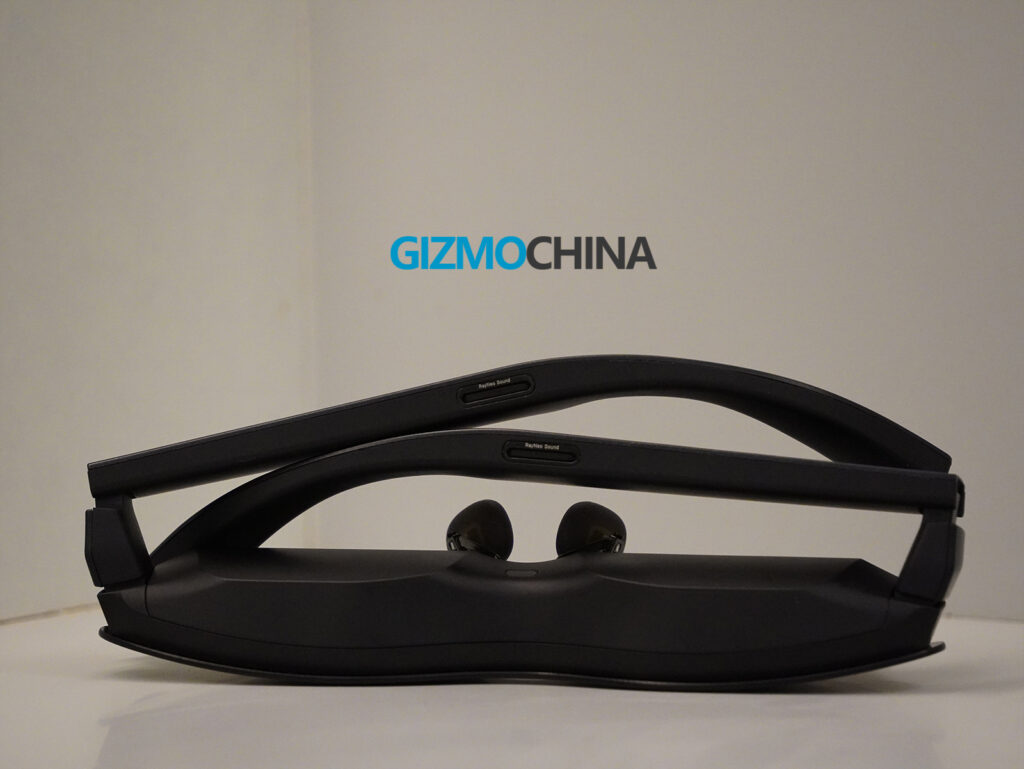
Spatial audio is also here. RayNeo has built four speakers into the arms, two per side, using what they call a dual opposing acoustic chamber design. Sound is directed toward your ears while minimizing leakage. Whisper Mode 2.0 uses phase cancellation to prevent others nearby from hearing what you’re playing, unless the volume is maxed.
You can watch 3D SBS video too. Holding both rockers switches into 3D mode, and the depth effect is more convincing than I expected.
What’s missing: adjustable IPD, built-in diopter correction, and any screen repositioning. If your eyes don’t naturally align with the 14 by 7 mm eyebox, image sharpness may suffer.
Comfort
This was honestly what I was most curious about, and I’m happy to report that comfort really isn’t an issue. At 76 grams, they’re light enough for movie marathons or multi-hour work sessions without causing fatigue.
RayNeo says they reduced the clamping force by 15% compared to the standard Air 3s, and I can feel the difference. Once you get the fit dialed in, they just feel like wearing a chunky pair of sunglasses.
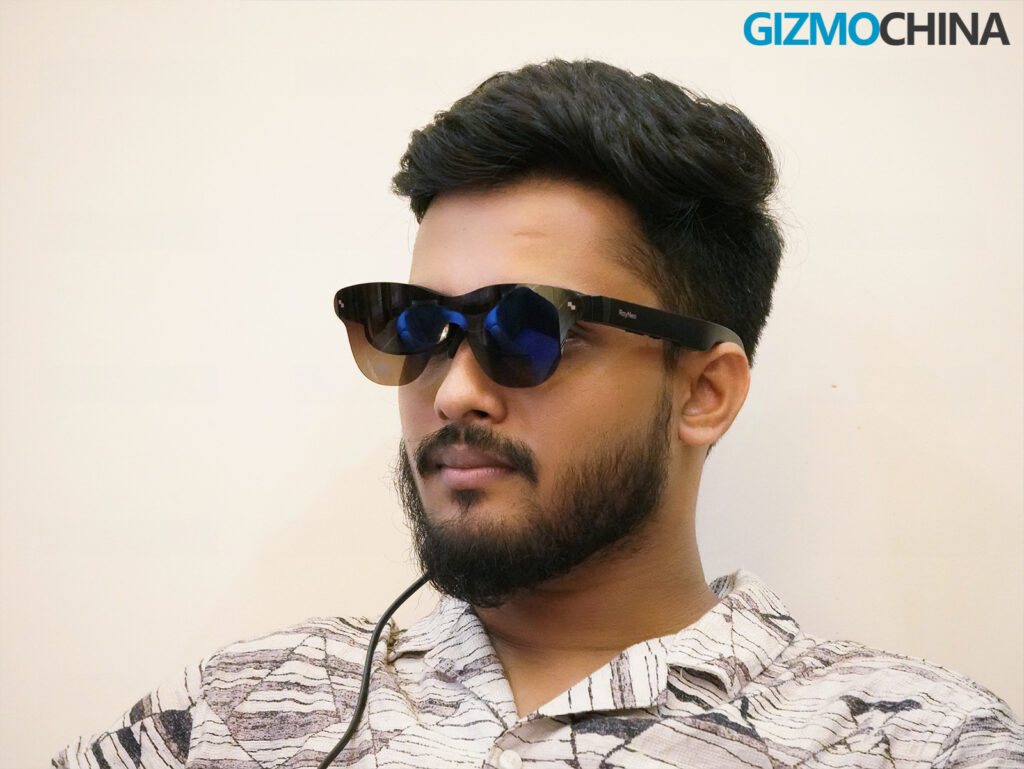
The nose pads are soft and flexible, and that adjustment system really does accommodate different face shapes well. It took me a few minutes of fiddling to get the temple angle and nose pad position just right, but once I did, everything clicked.
If you wear prescription glasses, trying to layer these on top is pretty awkward and gets uncomfortable fast. The prescription insert works if you want to invest in custom lenses, but that’s extra money on top of an already $299 purchase.
The only real discomfort I noticed was during longer sessions, my right temple area would get a bit warm after an hour or so, though never uncomfortably hot. Also, because the cable exits downward and slightly back, I couldn’t comfortably lean against a pillow or couch arm without it poking me awkwardly. I would’ve loved a side-mounted port or at least a swappable cable design for people who like to use these while lying down.
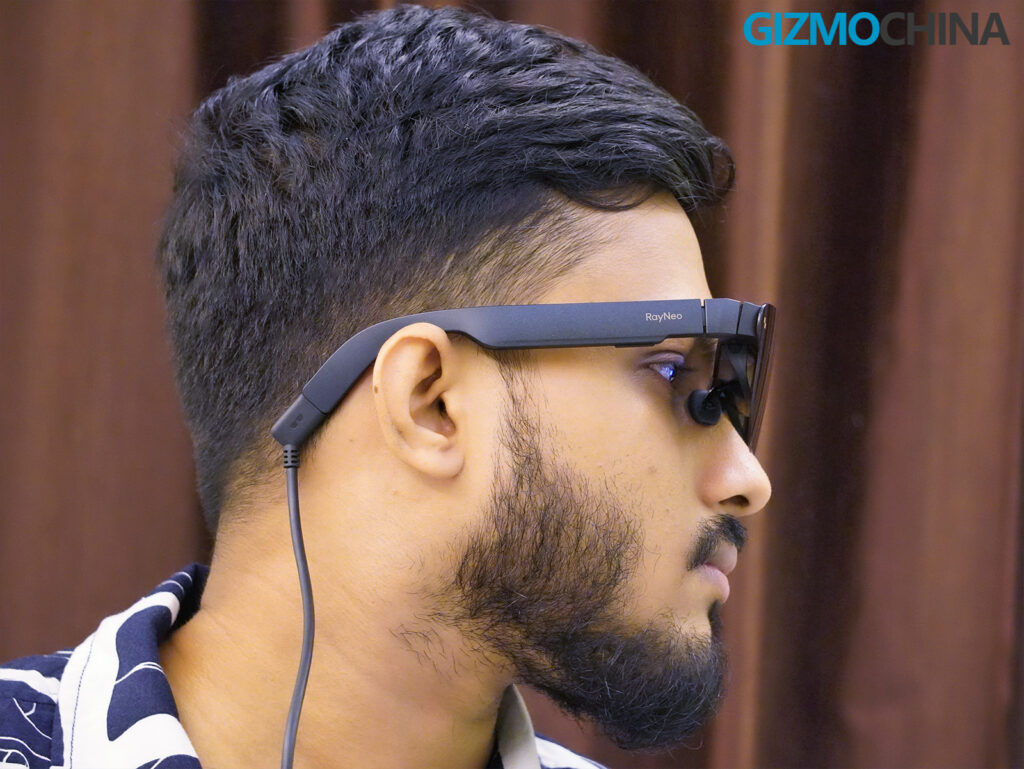
And can we talk about that cable for a second? The rubber coating feels pretty basic, almost cheap. For something that’s supposed to be portable entertainment gear, a braided cable should’ve been standard.
Performance
During my testing, the Air 3s Pro mostly served as a second screen for my Asus laptop, and in that role, they were excellent. The display genuinely feels like a 201-inch screen floating a few feet in front of you.
And the display is so bright that most of the time you won’t even need full brightness to enjoy movies or games. Even at 60% brightness, everything looks bright and crisp. I could write emails, scroll the web, or binge on entire movies while sitting comfortably.
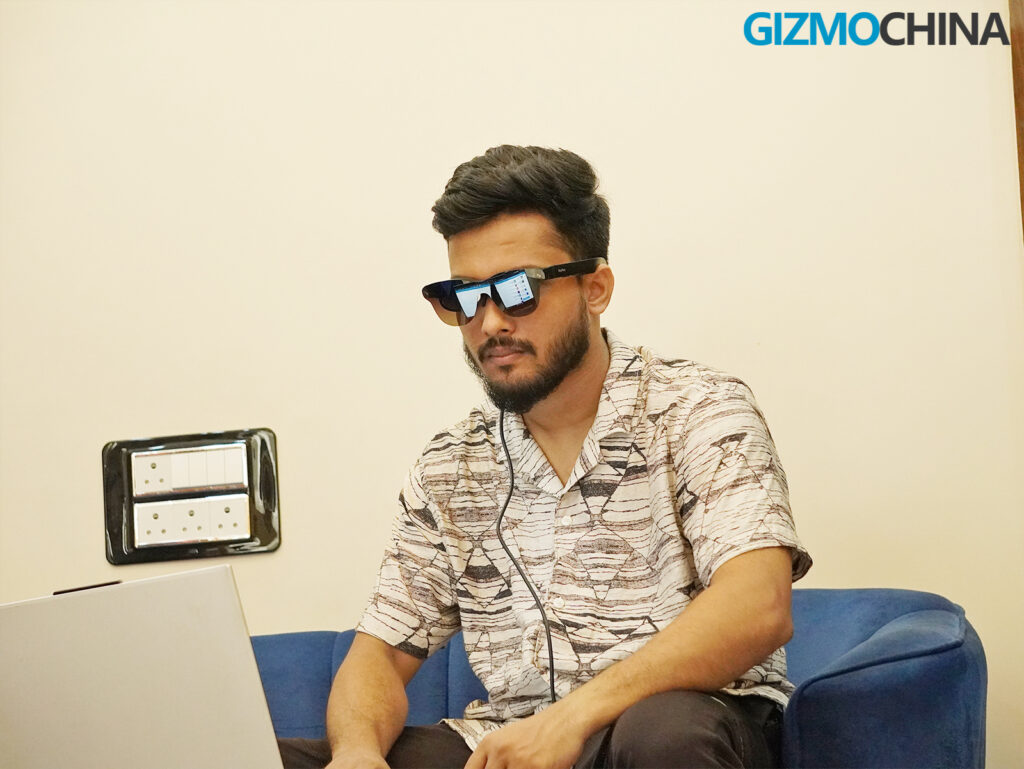
Movies looked absolutely stunning. Those OLED blacks, the vibrant colors, the strong contrast, it all adds up to something that genuinely feels cinematic. Watching Oppenheimer and Interstellar on these glasses came surprisingly close to that mini-theater experience. I ran everything at 120Hz when possible, and you can really see the difference in fast motion, whether you’re gaming or just scrolling through web pages.
Gaming wasn’t my main focus, but I tested a few titles on my laptop. Latency was minimal, motion blur was well controlled, and the high refresh rate made everything feel responsive.
The one display quirk I noticed is that the bottom edge curves inward slightly. You might miss it during movies, but it can clip UI elements like the Windows taskbar clock or game HUDs that sit in the corners. Not a dealbreaker, just something to be aware of.
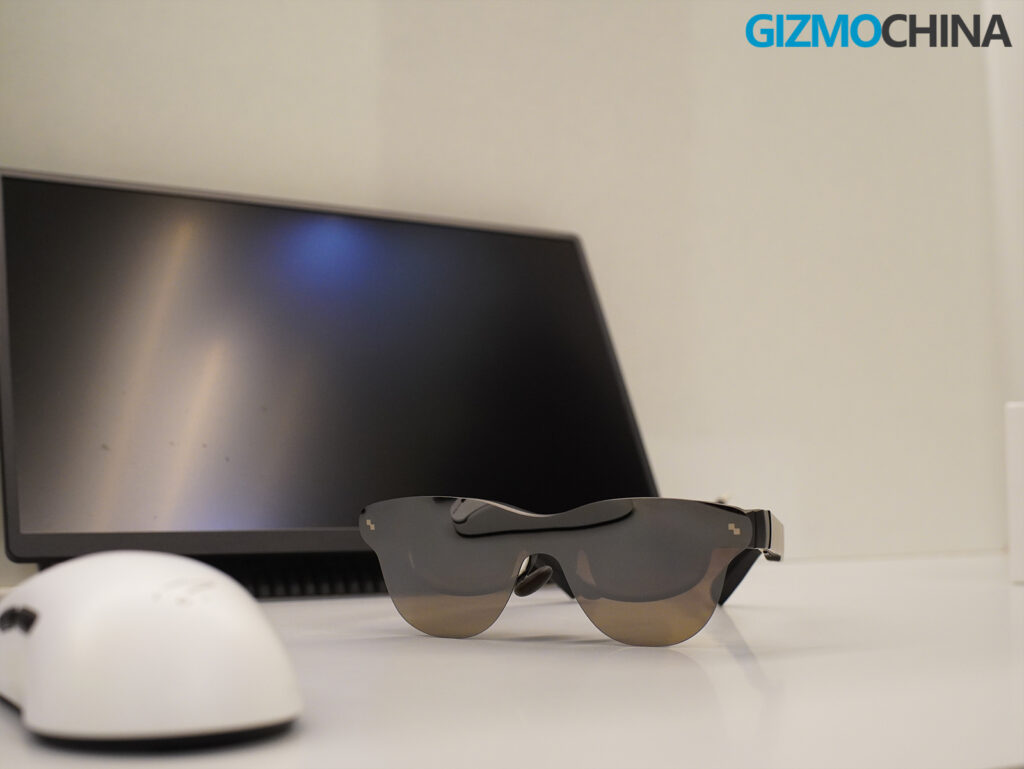
Audio quality genuinely surprised me. That four-speaker setup delivers clear dialogue, solid bass response, and convincing stereo separation. The spatial audio mode adds a sense of width and height that works particularly well for games and movies. Whisper Mode actually works too, I played a podcast at moderate volume while sitting next to someone, and they couldn’t hear anything.
That kind of private listening experience without needing earbuds or noise cancellation makes these perfect for shared spaces. I could enjoy my content while still being aware of what’s happening around me.
My biggest limitation was mobile compatibility. I daily drive an iPhone 14 Pro, and since these glasses need a USB-C DisplayPort connection, I couldn’t use them directly. RayNeo didn’t include any adapters with my review unit, so I couldn’t test the full mobile experience properly. I also didn’t get the Pocket TV accessory, which could’ve offered a completely different experience and possibly changed my overall opinion.
I did briefly test them with a friend’s Galaxy S24 Ultra, and Samsung DeX worked flawlessly. But without those adapters, your mobile experience will totally depend on what devices you already own.
Final Thoughts
The RayNeo Air 3s Pro isn’t trying to revolutionize AR. It won’t pin virtual windows around your living room, it doesn’t do 6DOF head tracking, and it’s not going to replace your main monitor. But as a personal entertainment device? It’s genuinely impressive.
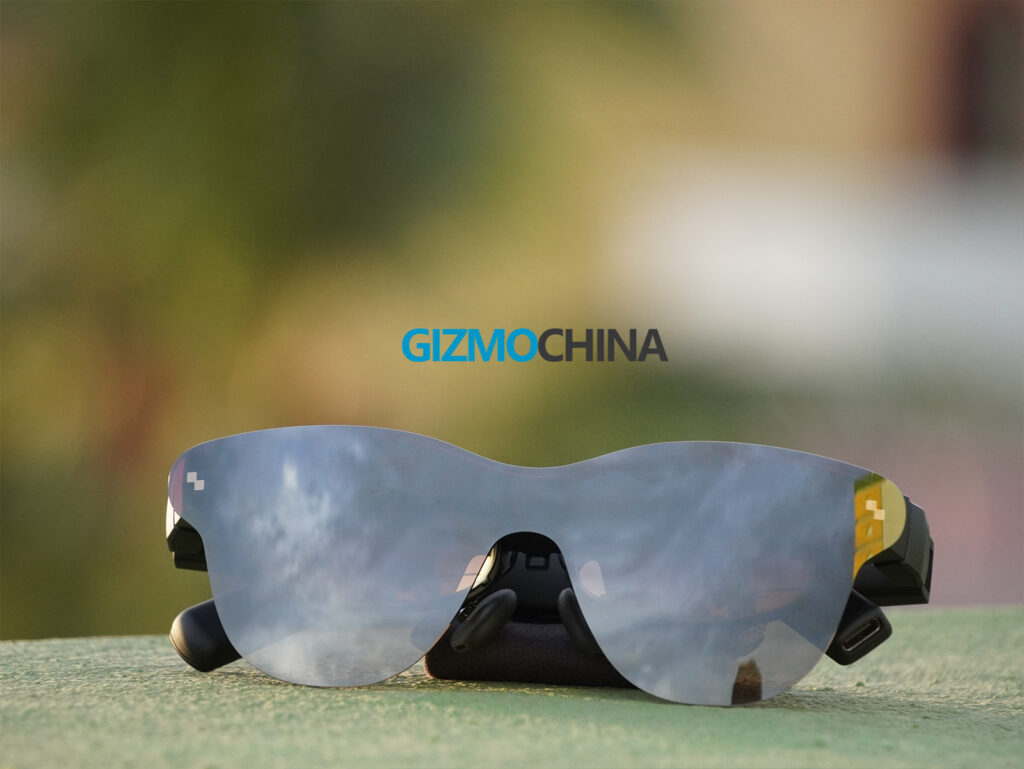
If you love movies, travel frequently, or just want a second screen without the desk space requirements, this is one of the best plug-and-play options available right now. The display is sharp, the brightness is industry-leading, and the audio is good enough that you can ditch your earbuds entirely.
The limitations matter: no dimmable visor, no IPD or diopter adjustment, and that awkward cable situation for certain use cases. But for $299, you’re getting an OLED personal theater with solid audio and broad device compatibility. That value proposition is pretty hard to argue with.
Pricing and Availability
RayNeo sells the Air 3s Pro for $299, but a limited-time launch offer drops the price to $249 with $50 off auto-applied at checkout. Optional accessories like the JoyDock, Pocket TV, blackout visors, or prescription inserts will increase the total cost depending on your setup.
| Preview | Product | |
|---|---|---|

|
RayNeo Air 3s AR/XR Glasses, 201″ 120Hz FHD HueView Display, Portable AR Video Eyewear Gaming… | Check Price on Amazon |
Please Note: When you buy something using the links in our articles, we may earn a small commission at no cost to you.
For more daily updates, please visit our News Section.
Stay ahead in tech! Join our Telegram community and sign up for our daily newsletter of top stories! 💡



Comments