
Add GIZMOCHINA as Preferred Source on Google
As an Amazon Associate, Gizmochina earns from qualifying purchases. Links on this page may earn us a commission at no extra cost to you.
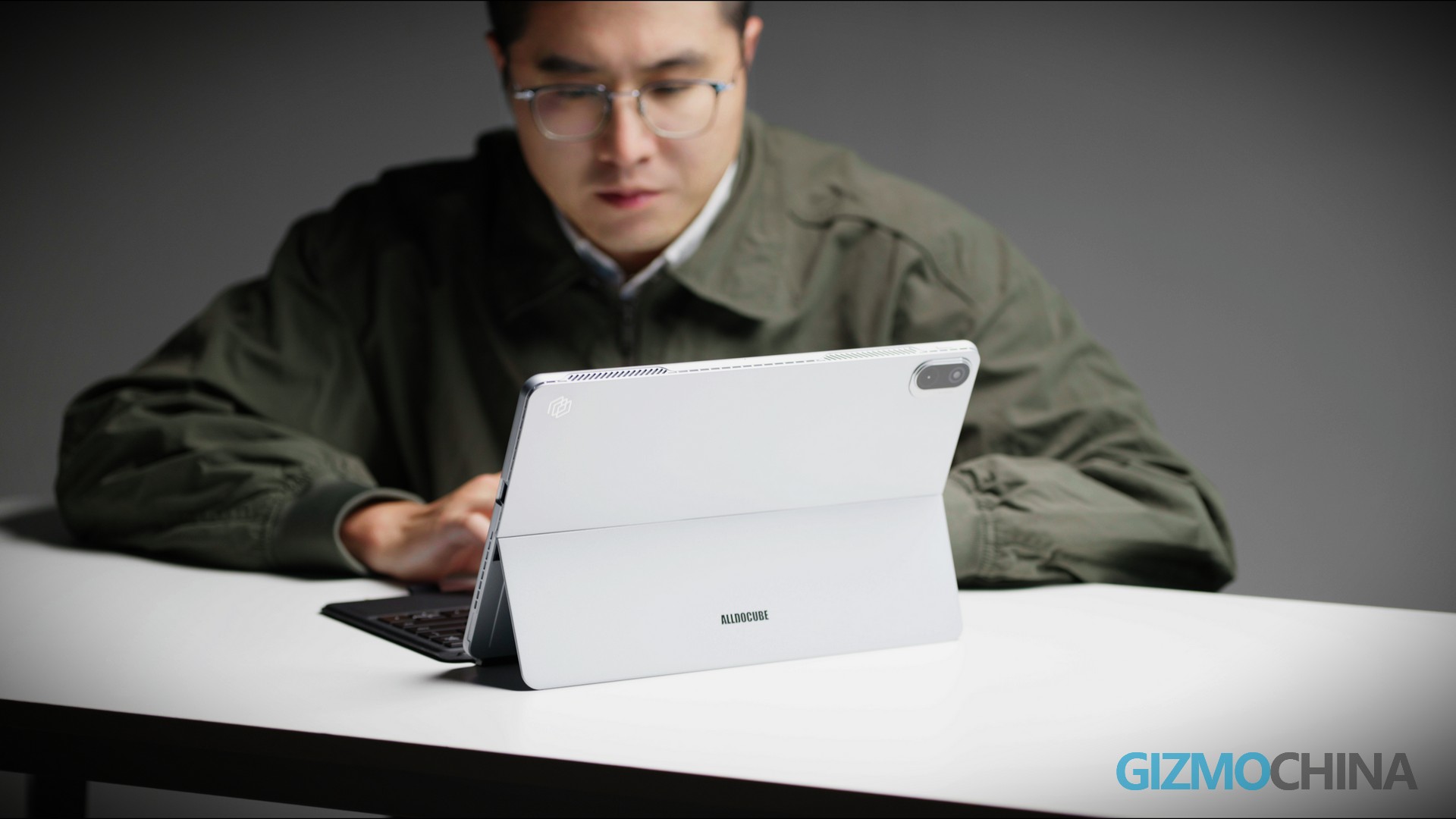
For owners of the previous-generation ALLDOCUBE iWork GT, the tradeoffs were unavoidable: its 600g ultra-lightweight design made it effortless to carry, but the 11-inch screen felt cramped for document work, and 8GB of RAM struggled with even basic multitasking. If you’re new to 2-in-1 devices and seek Windows 11’s seamless office compatibility without sacrificing screen size or performance, the ALLDOCUBE iWORK GT Ultra is tailor-made for your needs.
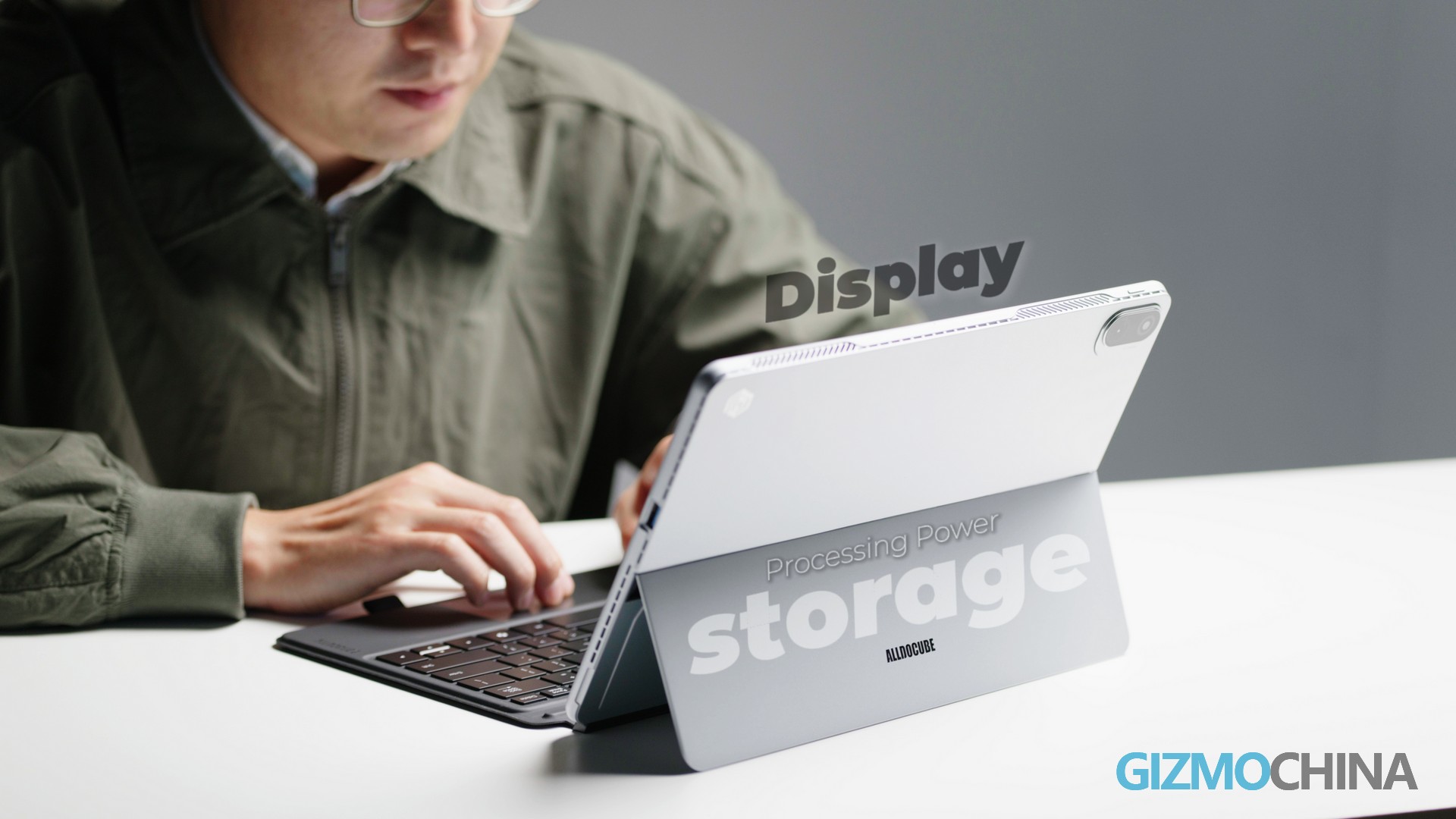
As a purpose-driven iterative upgrade, it delivers on three core promises: a larger display, enhanced processing power, and expanded storage. After the daily testing—spanning commutes, back-to-back meetings, and late-night report sessions—we’re breaking down how these upgrades translate to real-world usability.
Design & Portability
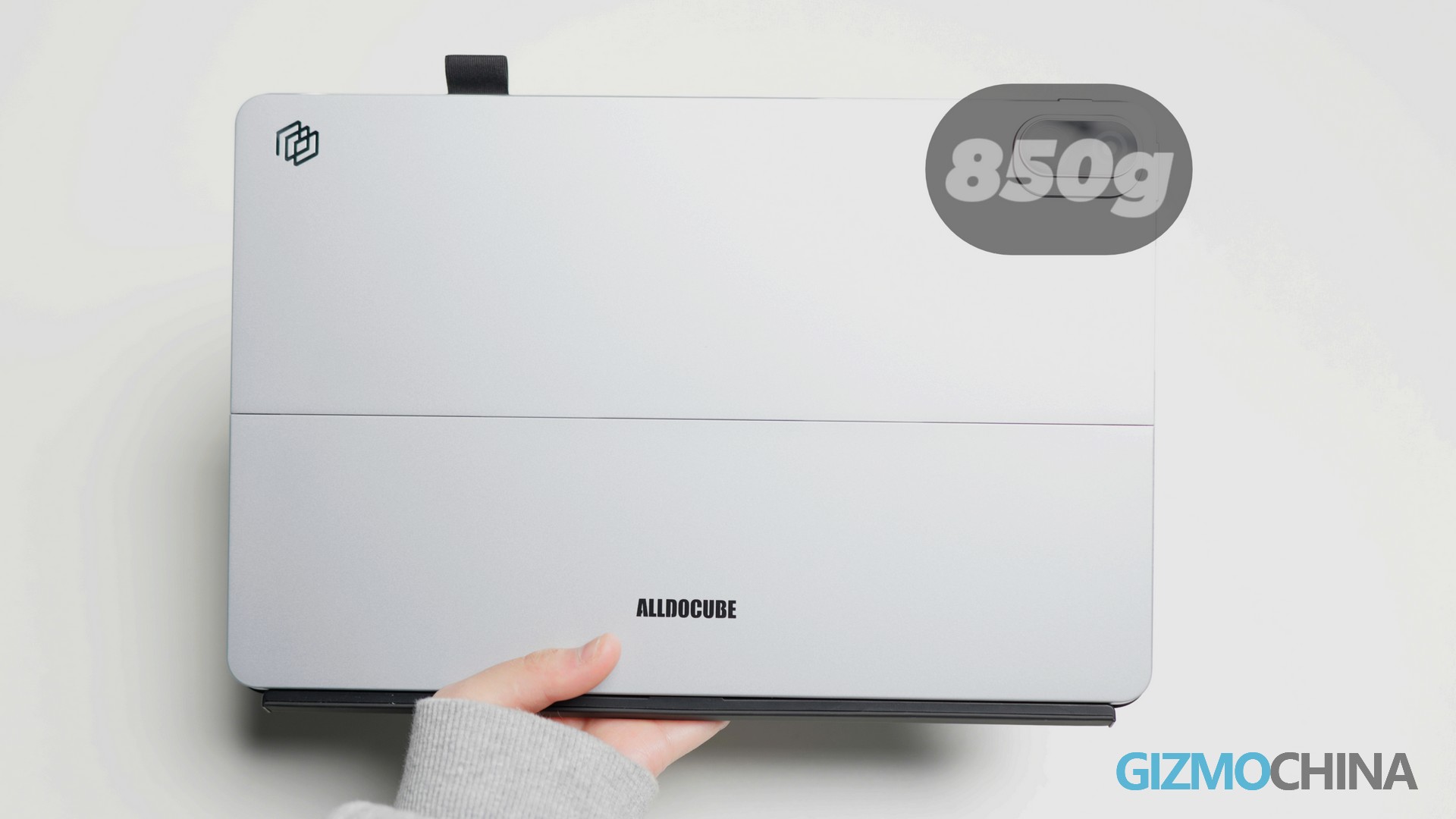
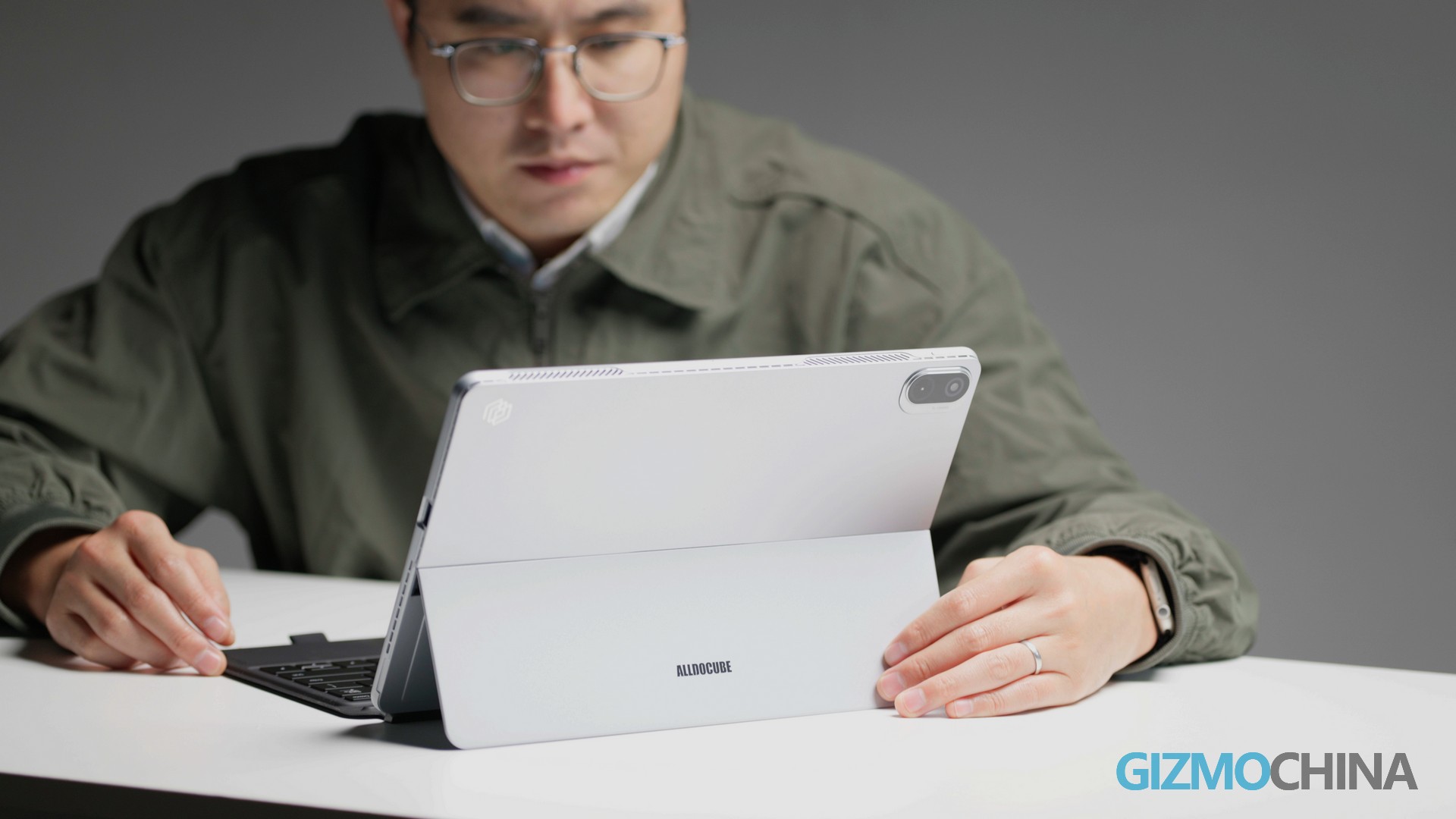
The previous iWork GT stood out for its 600g frame—slim enough to slip into a backpack side pocket and light enough for 30 minutes of one-handed video viewing without wrist strain. To accommodate the 13-inch display, the Ultra gains 250g (now 850g)—a deliberate tradeoff that prioritizes productivity without sacrificing portability:
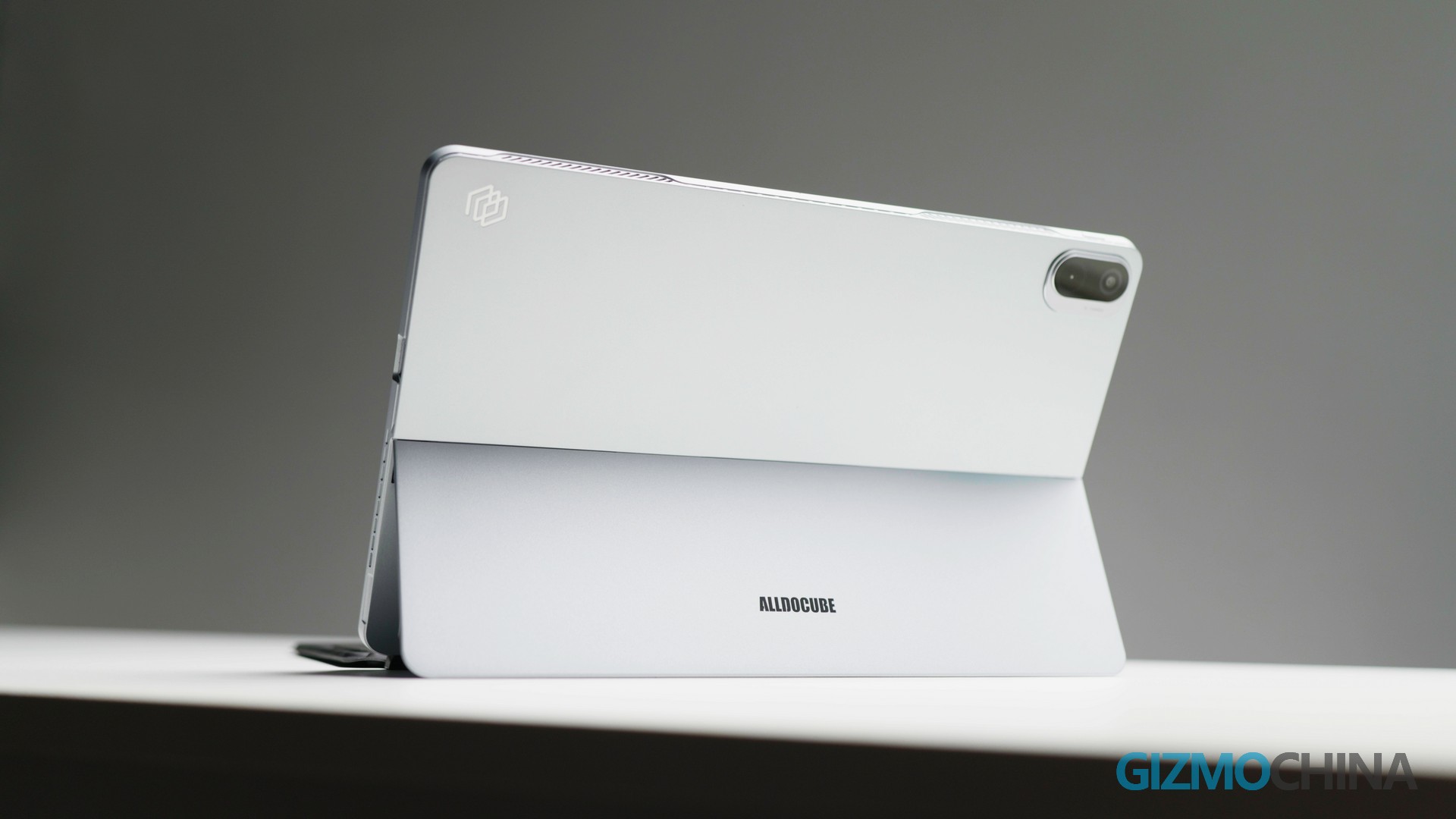
One-handed usability: Holding it for more than 10 minutes causes mild wrist fatigue, but it still fits seamlessly into a 13-inch laptop bag. At 850g, it’s 35g lighter than the Microsoft Surface Pro 10, making it a more comfortable choice for frequent travelers.
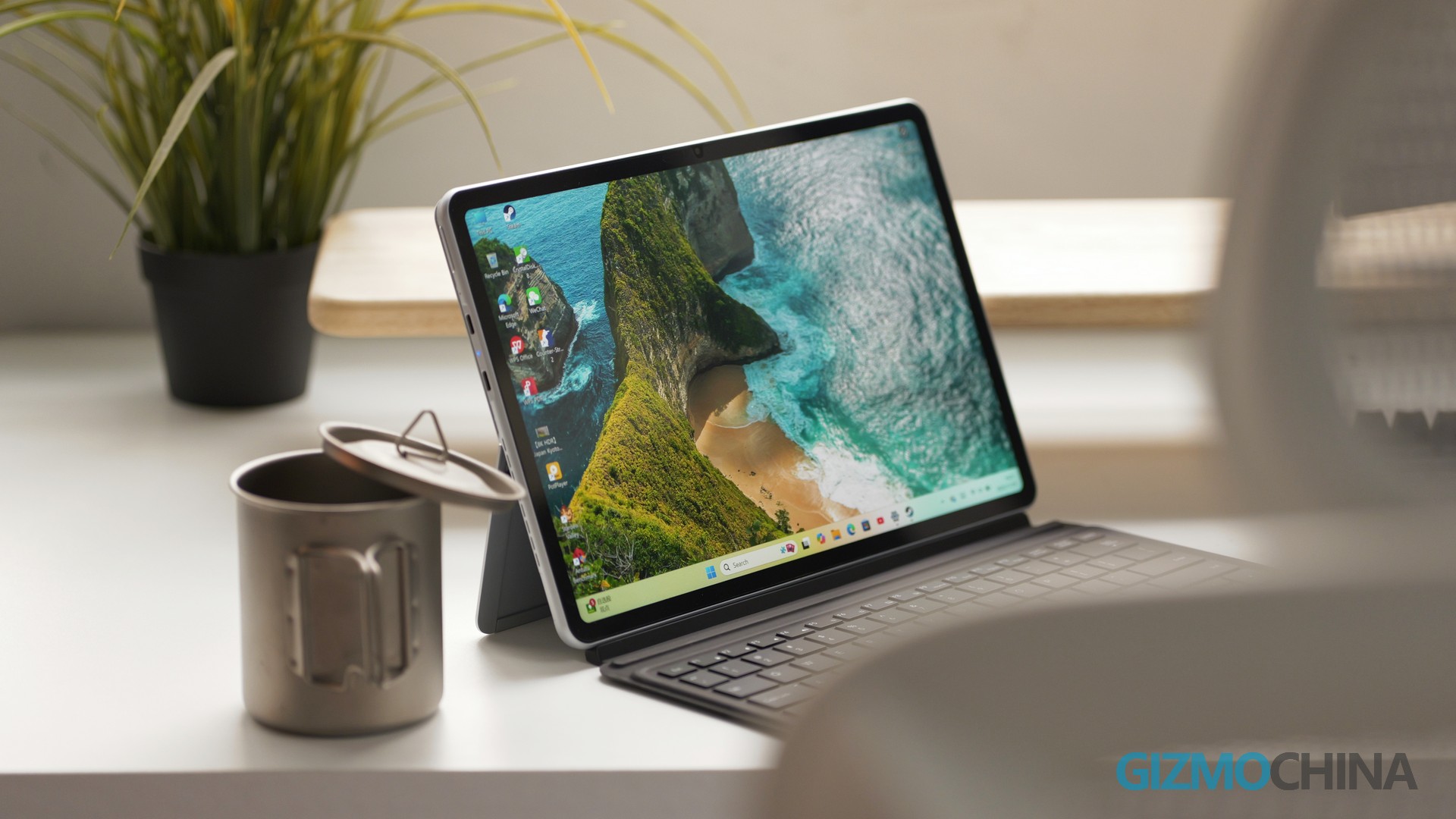
Game-changing display upgrade: Jumping from an 11-inch to a 13-inch 2.5K panel transforms multitasking. Split-screen work—Excel on one side, reference documents on the other—finally feels intuitive, with 1-2 extra columns of data visible at once. This cut our report-writing time by ~20% during testing, eliminating the need for constant window switching.
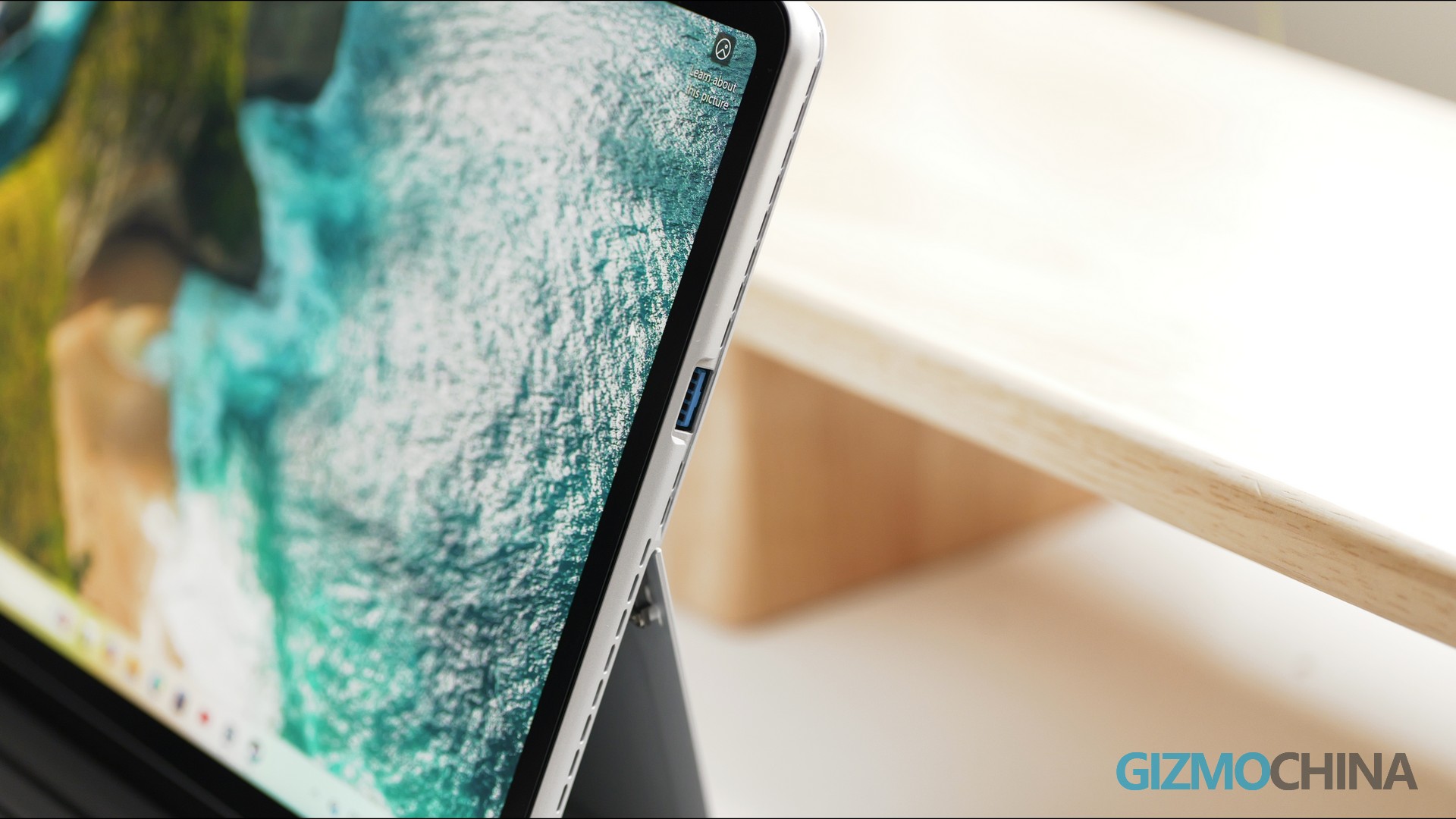
Practical port refinement: Retaining the matte aluminum alloy chassis (fingerprint-resistant as ever), the Ultra streamlines its ports to two full-function USB-C and one USB-A. While the older model’s SD card slot, mini-HDMI, and 3.5mm headphone jack are discontinued (a minor inconvenience for photographers), the USB-A port is a lifesaver for direct connections to U disks and portable printers—no adapters needed for business trips.
Display Performance
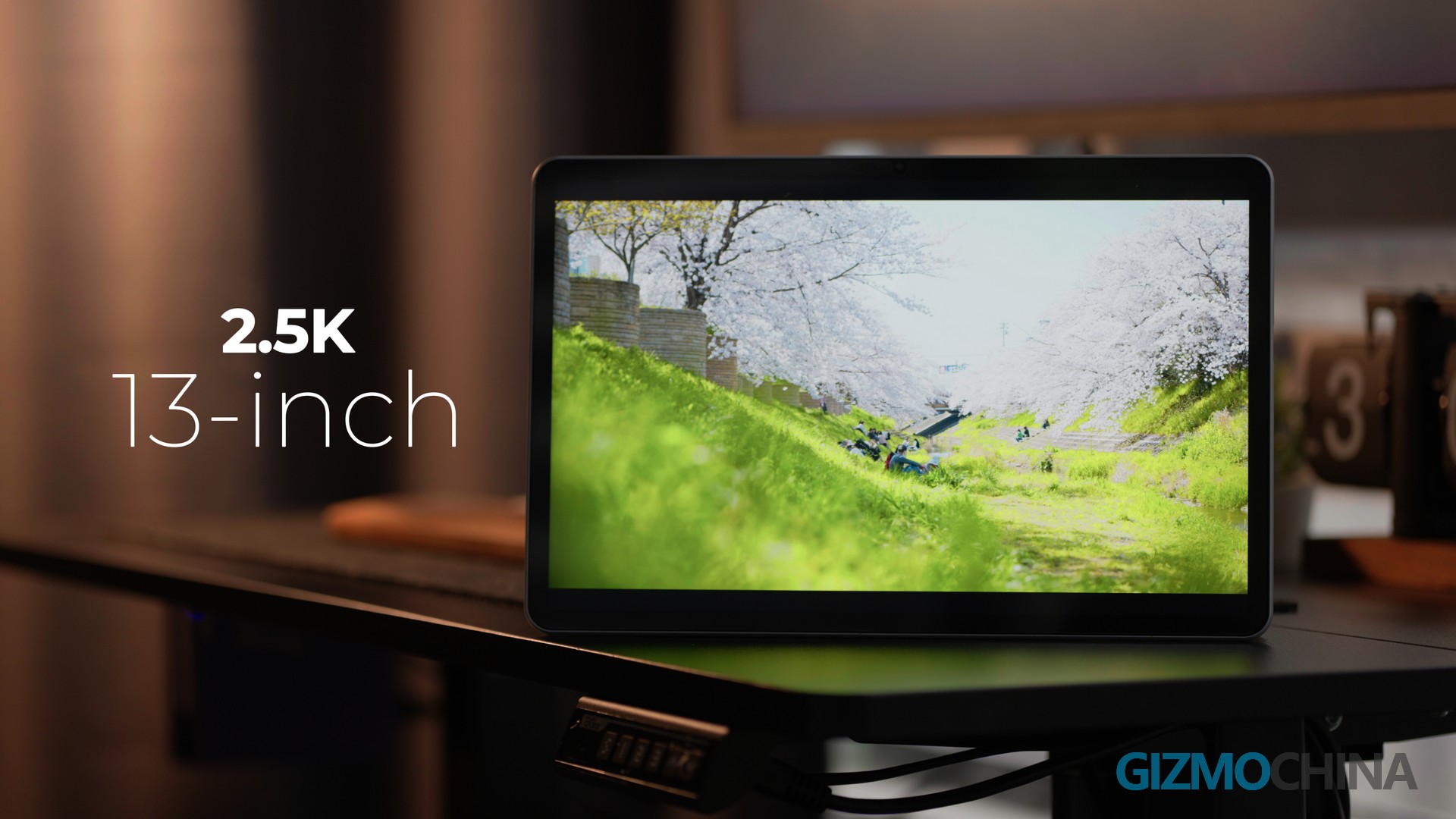
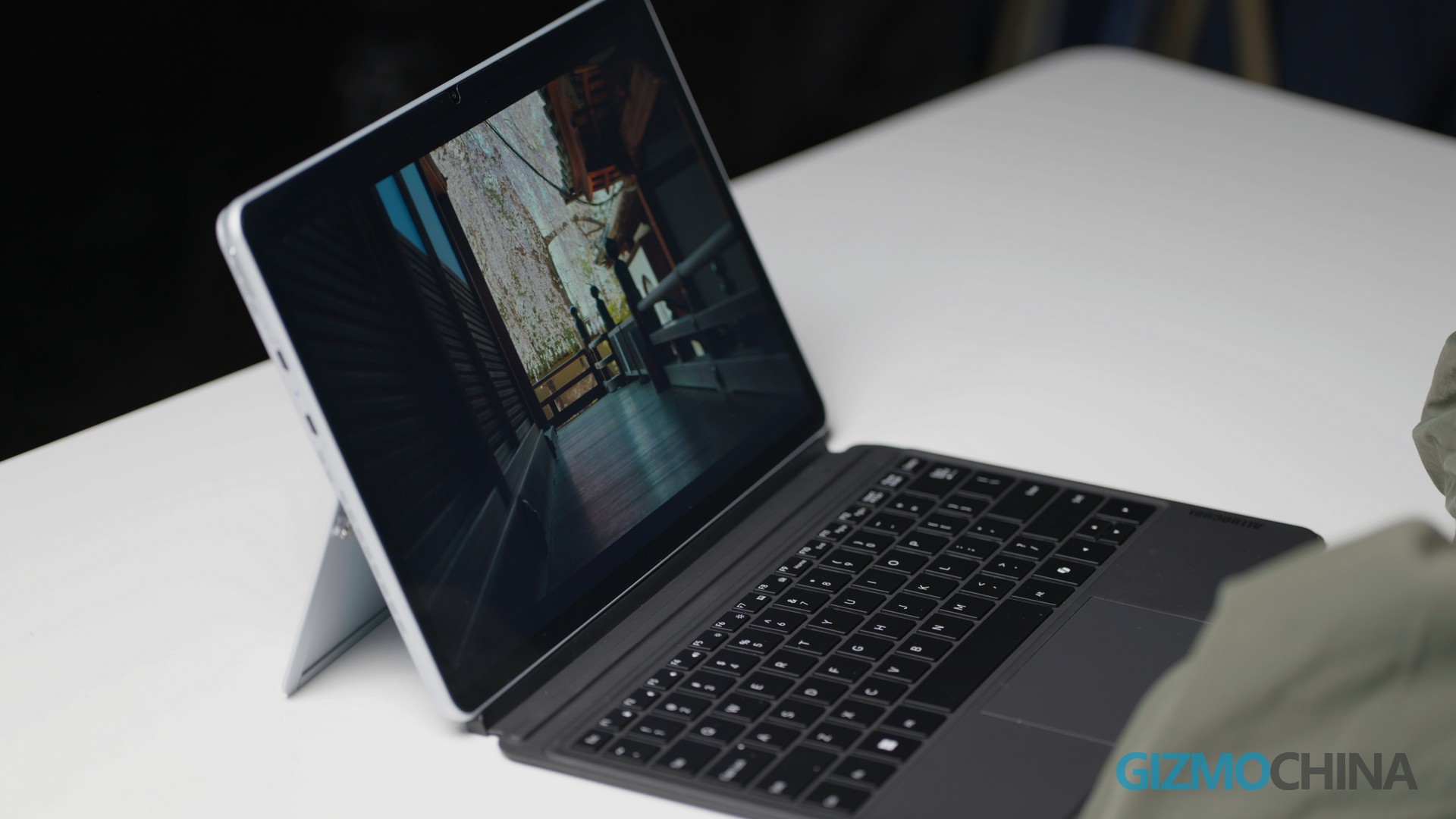
The 13-inch 2.5K screen builds on the previous 11-inch 2K panel, with upgrades that directly improve daily workflows: Expanded viewing real estate: PDFs and Excel spreadsheets are fully readable at 100% zoom, eliminating repetitive horizontal scrolling. The wider 16:10 aspect ratio makes editing long documents or analyzing datasets far less tedious. Enhanced color accuracy: Lab tests confirm 92% sRGB and 85% DCI-P3 gamut coverage—an upgrade from the older model’s unspecified color performance. It’s reliable for PPT design and casual photo editing, with red tones rendering true-to-life.
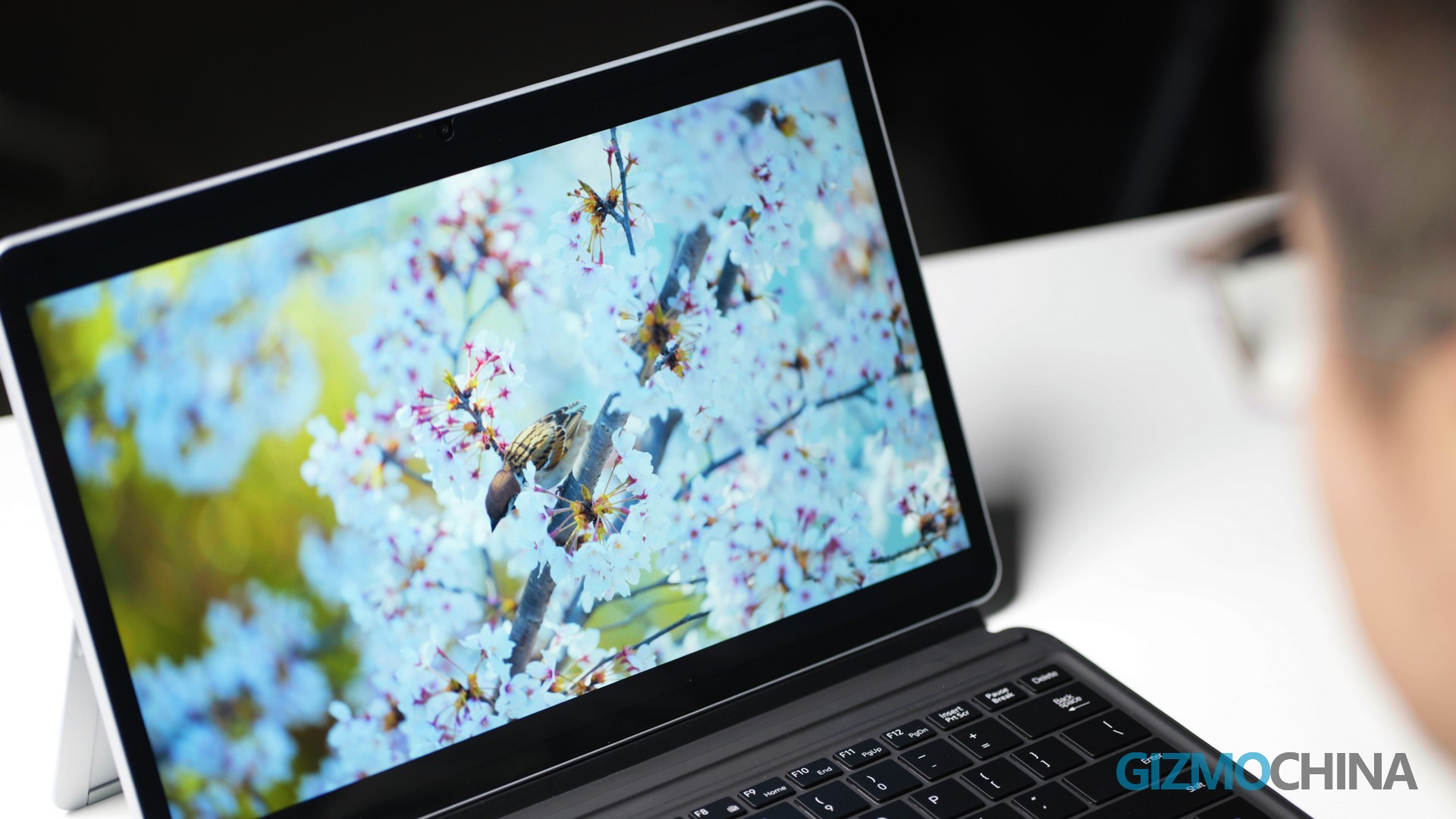
Brightness & glare control: 400 nits of brightness works seamlessly in offices and homes, and the matte finish reduces reflections better than the older model—usable under shaded outdoor conditions, though direct sunlight still requires max brightness.
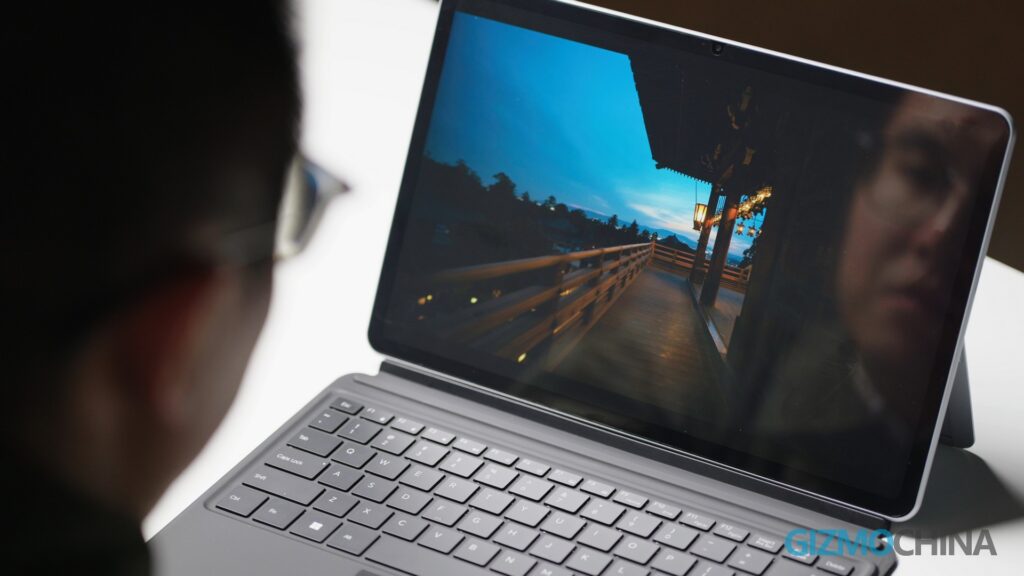
The 60Hz compromise: Like its predecessor, the Ultra sticks with a 60Hz refresh rate. If you’re upgrading from the older iWork GT, this won’t feel like a downgrade. However, users switching from 120Hz devices will notice a slight lag when scrolling webpages or e-books. This tradeoff prioritizes battery life—a sensible choice for productivity-focused users, as high refresh rates offer minimal benefit for static tasks like document editing.

Processing Power
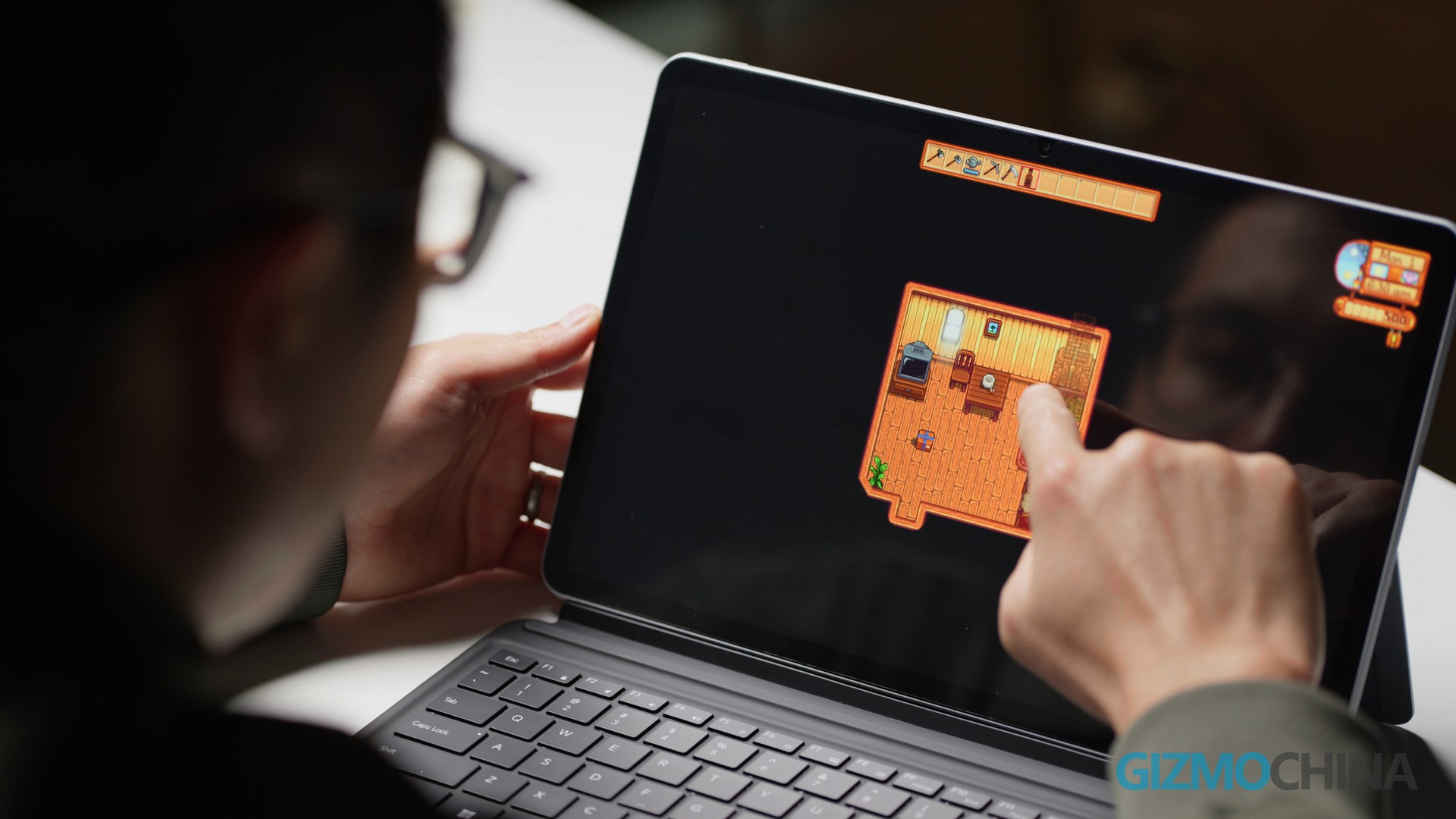
The Ultra’s most impactful upgrade lies under the hood: swapping the 11th-gen Intel Core i3/i5 for the Intel Core Ultra 5-125H, paired with 16GB LPDDR5 RAM and 512GB/1TB PCIe SSD. The performance leap is tangible in every workflow: Gaming & creative use: The integrated Intel Arc Graphics handles a smooth experience in Stardew Valley, as well as low image quality “Counter-Strike 2” —enough for lunch-break gaming, but 3A games still cannot run, consistent with the old mode. For casual creators, 16GB RAM eliminates lag when editing 20MB RAW photos in Photoshop or running Photoshop + Premiere Pro simultaneously, no more crashes from insufficient memory, a common frustration with the 8GB older model.
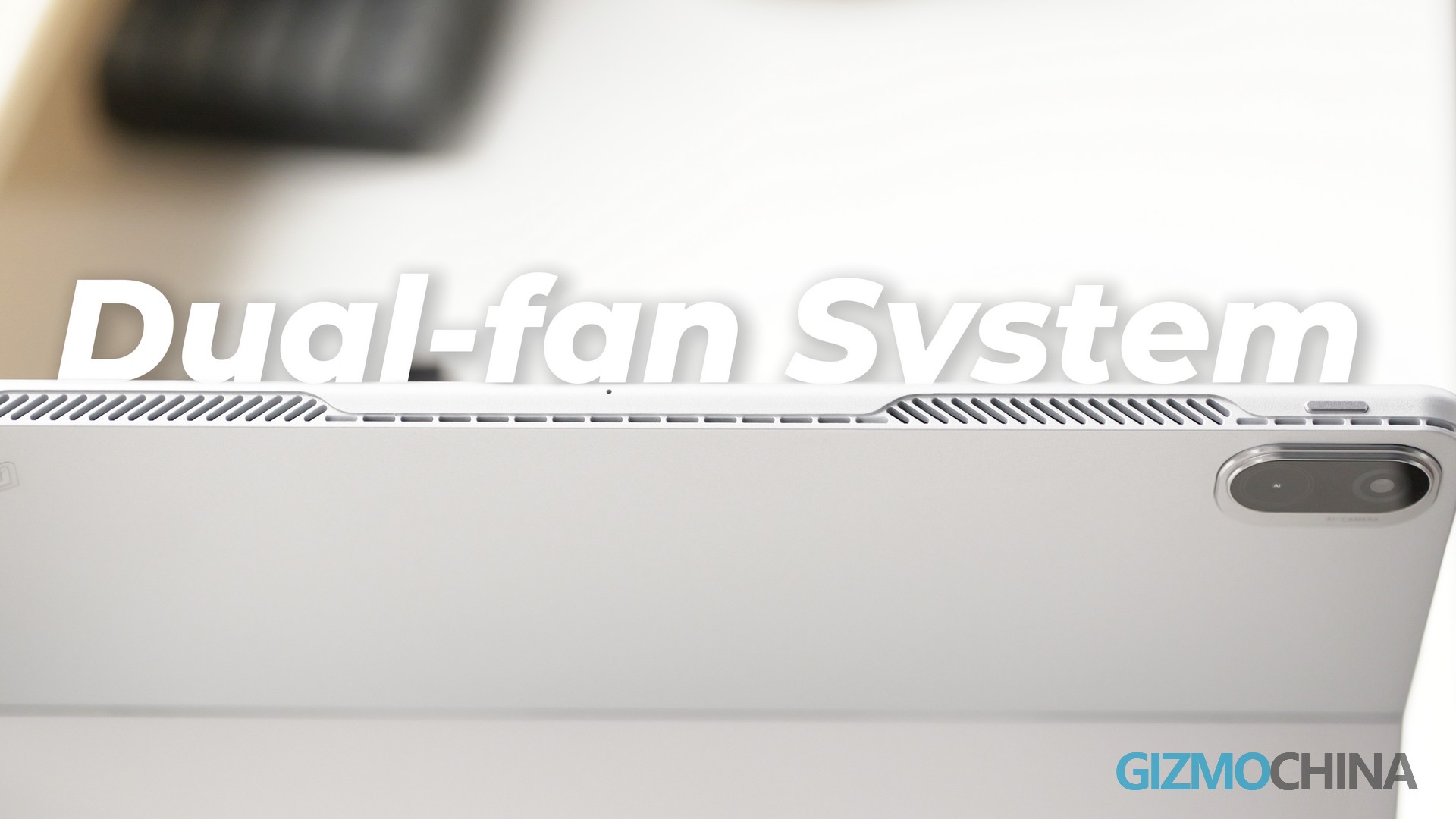
Cooling & noise management: During a 30-minute 4K video export stress test, the Ultra’s dual-fan system kept temperatures warm to the touch, not uncomfortable. Fan noise peaked at 42 decibels—barely audible in a quiet office, making it suitable for open workspaces.
Battery Life & Charging
The Ultra swaps the older model’s battery for a 42.72Wh unit, delivering transformative Battery Life improvements:
Scenario-based battery performance: 1080P video playback: 7.5 hours – enough for a full afternoon of streaming or in-flight entertainment.
Office workload: 4 hours 10 minutes – sufficient for a morning of back-to-back meetings without hunting for an outlet.
Web browsing: 5 hours 20 minutes – ideal for research-heavy workdays.
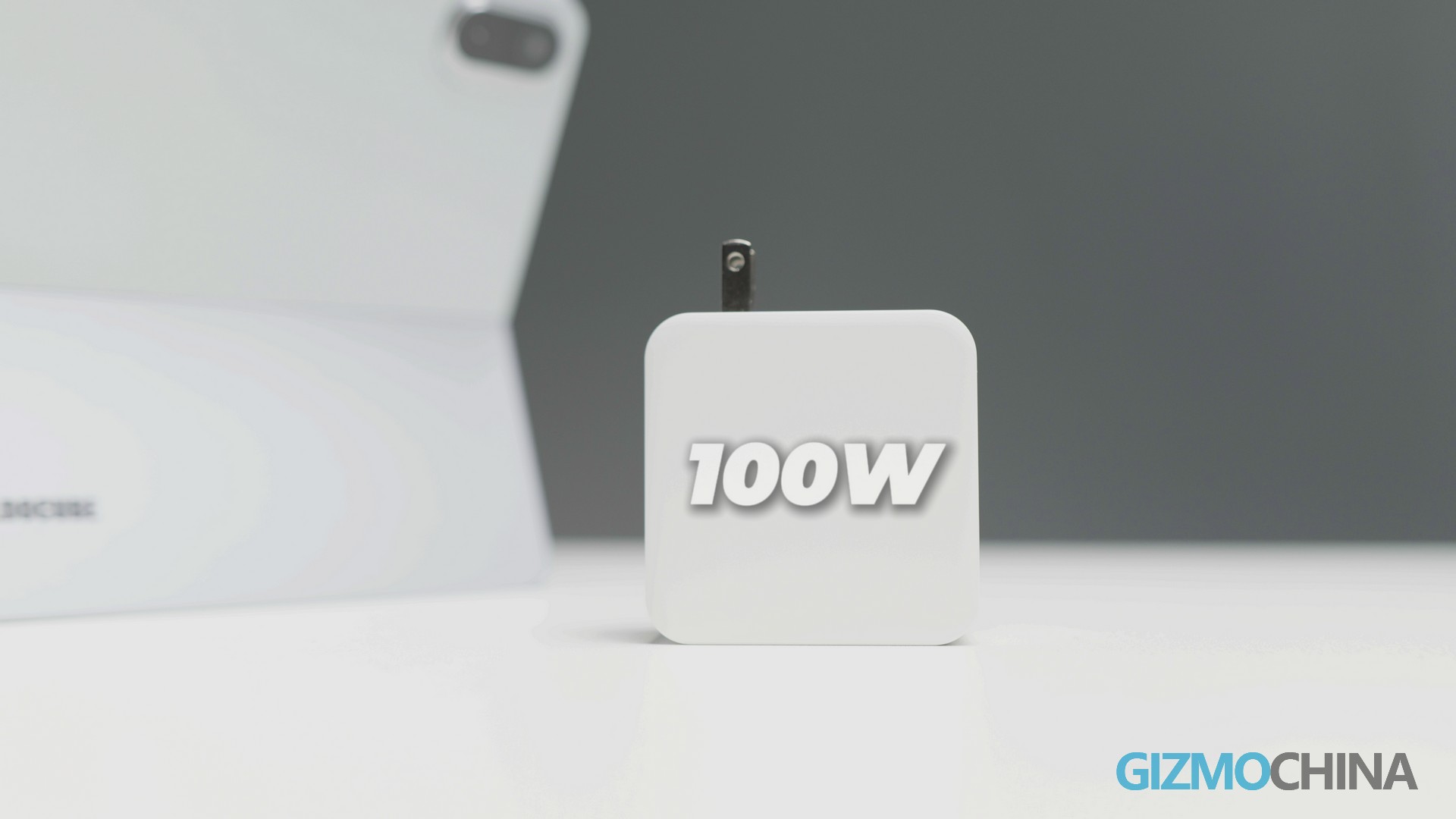
Charging tradeoff: The Ultra supports 65W PD fast charging, down from 45W on the older model, reaching 50% battery in 45 minutes and full charge in 1 hour and 50 minutes. While slower than its predecessor, the larger battery capacity means less frequent charging overall. For rushed mornings, a 30-minute top-up delivers ~35% battery—enough for 2 hours of office use.
Input Ecosystem
Magnetic Pogo pin keyboard: This device comes with a keyboard, the keyboard attaches more securely than the older model’s floating design, with no wobble during typing. The 1.2mm key travel offers better tactile feedback, making 3000-word essays or long emails more comfortable.
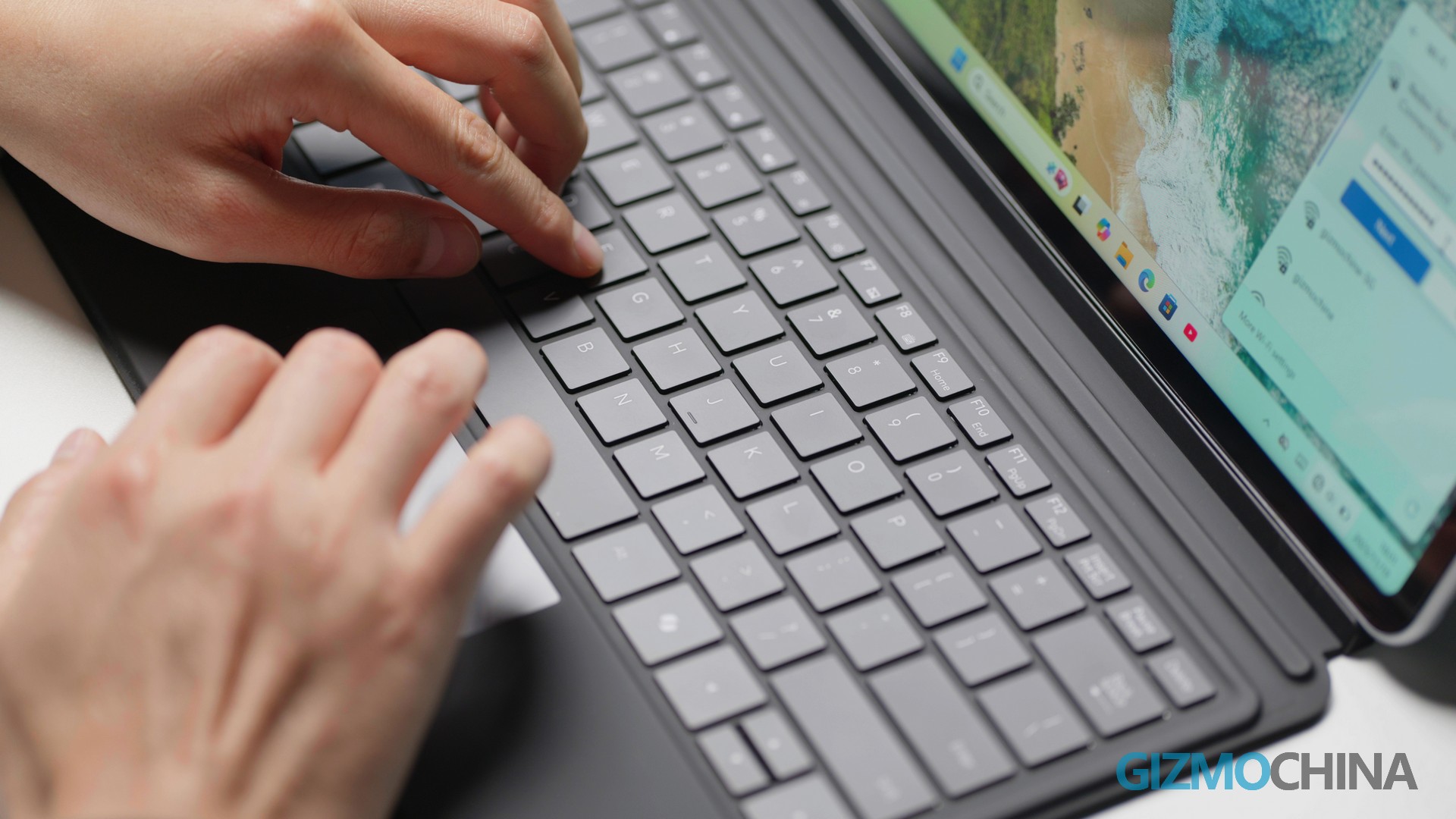
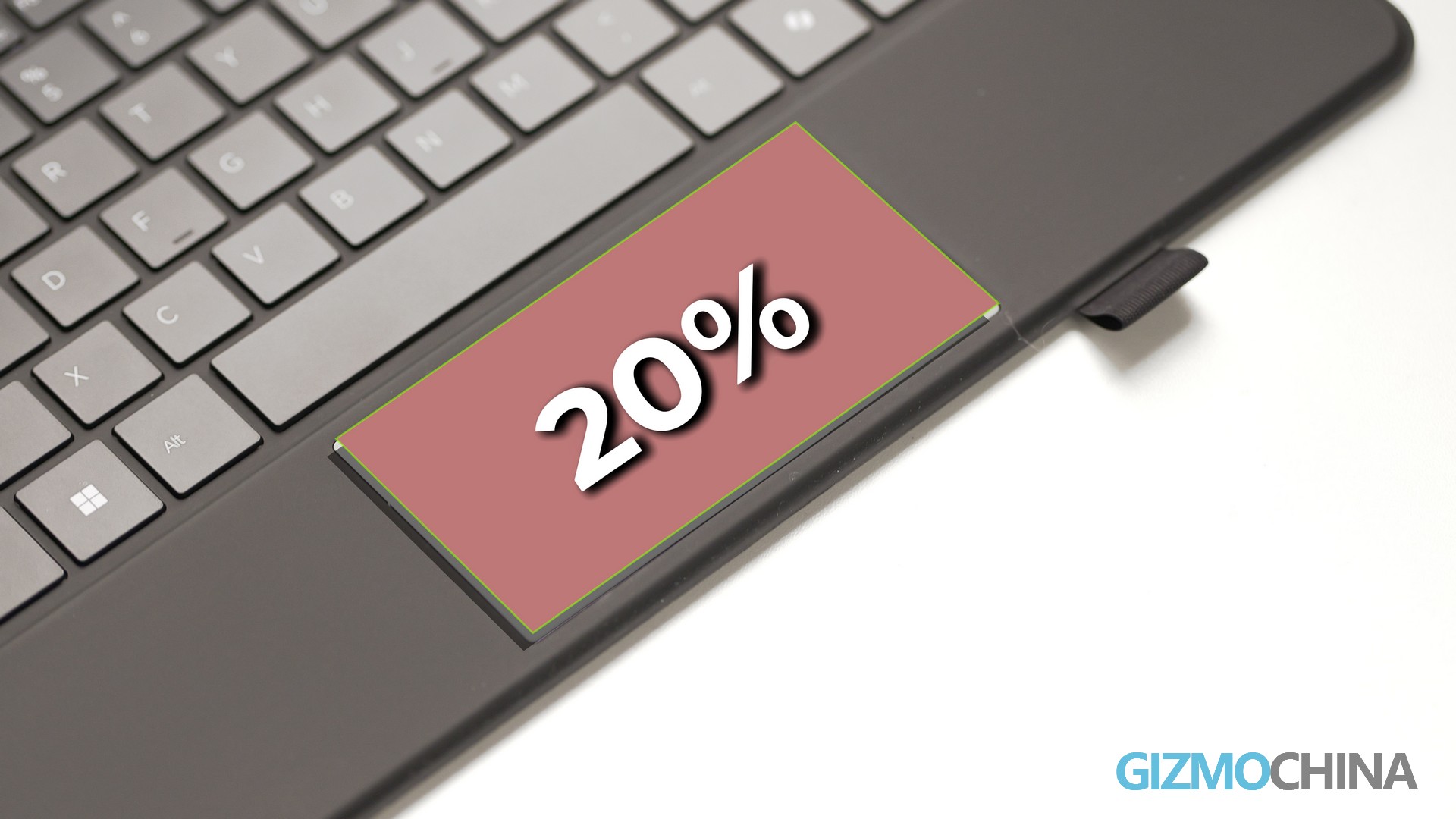
The touchpad, 20% larger than the older model’s, supports smooth three-finger gestures, reducing reliance on an external mouse. Pressure-sensitive stylus: Retaining 4096-level pressure sensitivity and 18ms latency. However, two drawbacks persist: no eraser function on the stylus body and no magnetic attachment to the device.
Who Should Buy It?
Previous iWork GT owners: Frustrated by the small screen, limited RAM, or multitasking lag—this upgrade fixes all core pain points.
Students: Need Windows 11 for assignments, note-taking, and occasional vlog editing; value the large display and long battery life without the Surface Pro 10’s premium price tag. Mobile professionals: Travel frequently, hate carrying adapters (USB-A is a game-changer), and prioritize lightweight design for commutes or business trips.
Final Verdict
The 2025 ALLDOCUBE iWORK GT Ultra isn’t a revolutionary device—it’s a refined, user-centric upgrade that solves the previous model’s most frustrating flaws. The 13-inch 2.5K display, Intel Core Ultra 5 performance, and 15000mAh battery directly enhance productivity, while the pragmatic port selection and lightweight design cater to mobile users.
For students, mobile professionals, and previous iWork GT owners seeking a Windows 11 2-in-1 that balances performance, portability, and affordability, this is one of 2025’s strongest contenders.
Where To Buy
This ALLDOCUBE iWORK GT Ultra is now available on Amazon: Amazon Europe | Amazon Japan.




Comments