
Add GIZMOCHINA as Preferred Source on Google
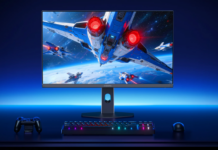
MSI and NVIDIA released the MPG 272QRF X36 G-SYNC Pulsar, a 27-inch gaming monitor built for esports. The Rapid IPS panel runs at WQHD resolution (2560 x 1440) with a 360Hz refresh rate.
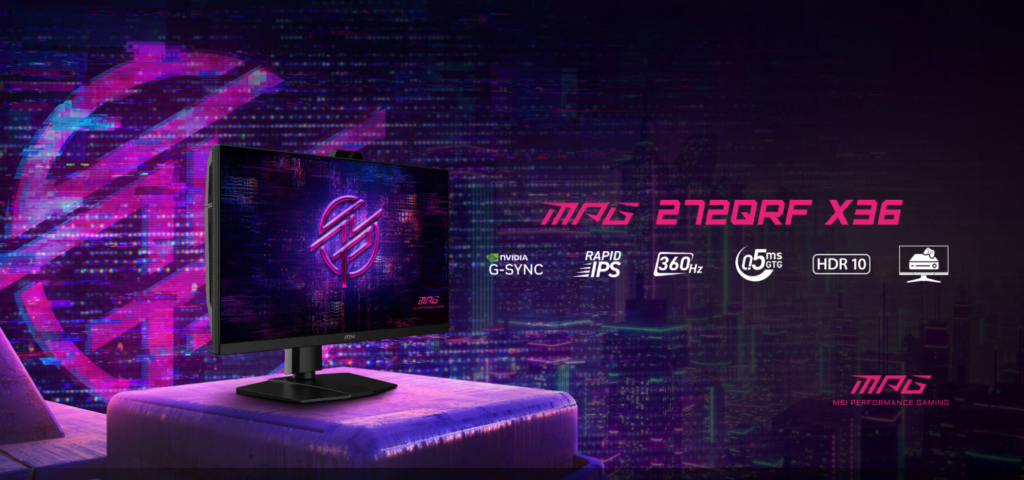
The main feature is G-SYNC Pulsar technology. It uses variable frequency backlight strobing to deliver four times better motion clarity than regular displays. You still get G-SYNC’s smooth, tear-free visuals. This matters for competitive players who need to track fast movements accurately.
G-SYNC Ambient Adaptive Technology adjusts the display automatically using a built-in light sensor. It changes color temperature and brightness based on your room’s lighting. The monitor adapts in real time whether you’re playing in the dark or near a window. This reduces eyestrain and keeps visuals consistent. The display also provides accurate colors and low-latency HDR, meeting NVIDIA’s G-SYNC certification standards.

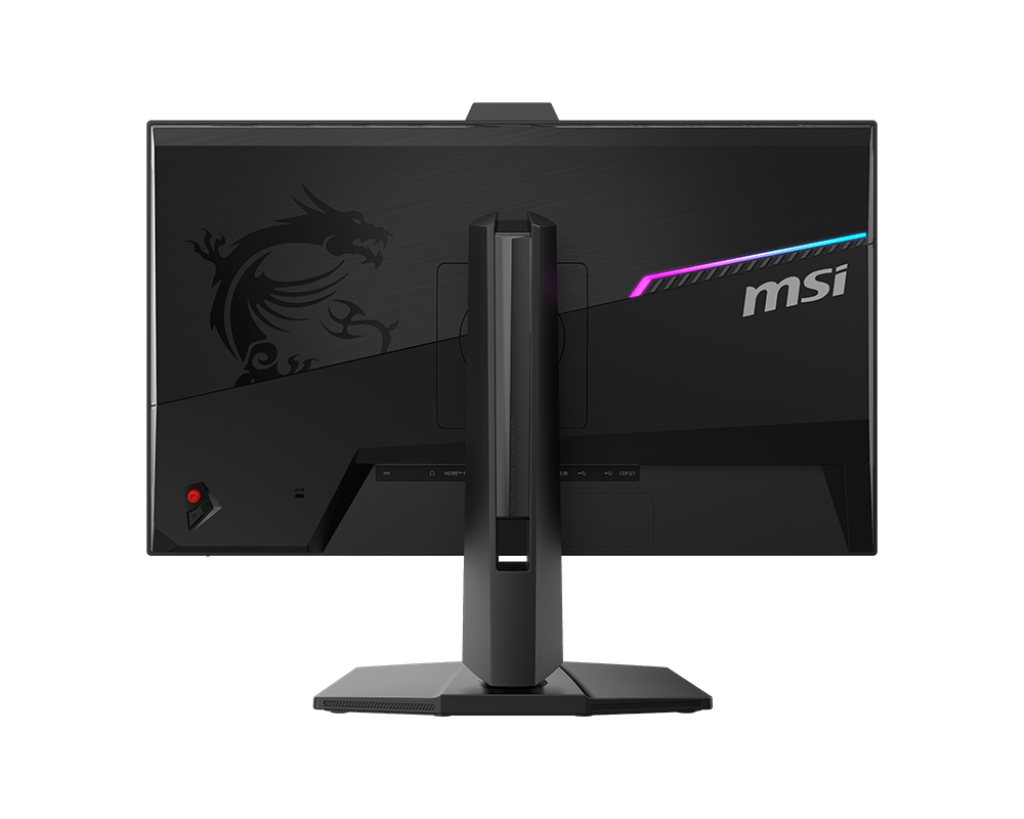
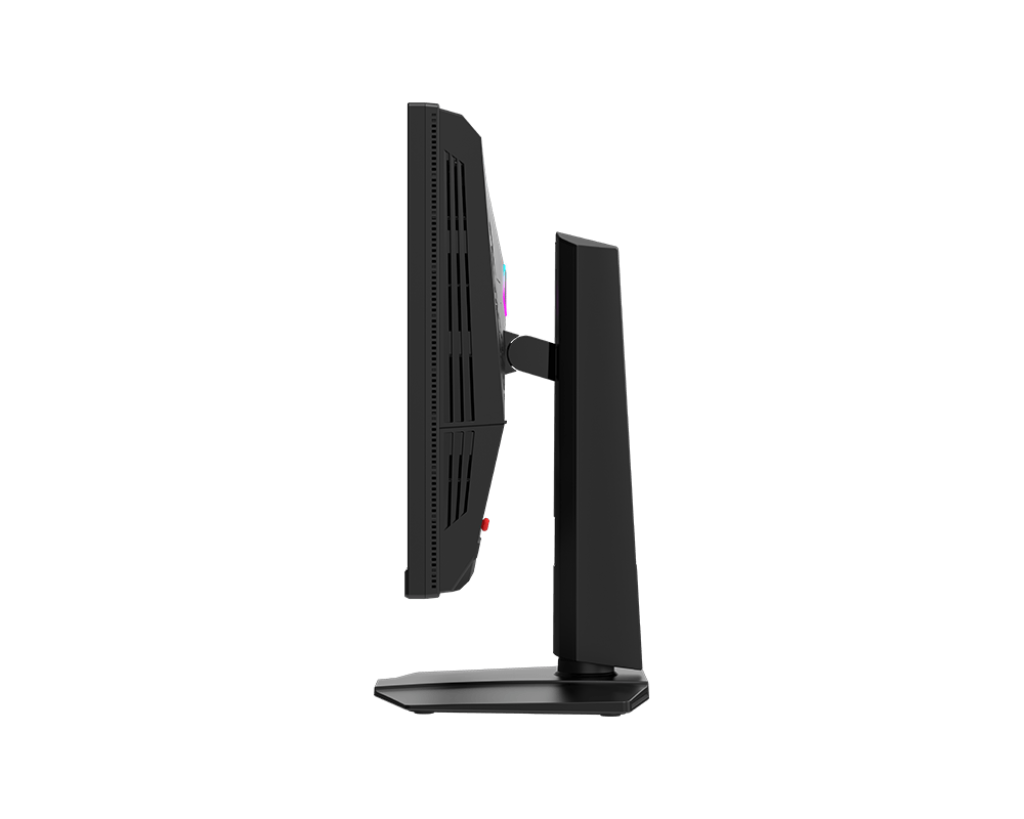
The monitor supports firmware updates directly from NVIDIA, so you can keep performance current. It offers detailed color customization and multiple aspect ratio options for different gaming setups.
There’s a 25 Mode that gives you pixel-perfect scaling at three specific resolutions: 2368 x 1332, 1920 x 1080, and 1280 x 960. Players who want a smaller screen format get sharp images without the blur that normally comes with non-native resolutions.
MSI is also pushing boundaries at the high end with the MEG X, a flagship monitor that combines elite hardware with controversial AI-assisted features. It features a 34-inch fifth-generation QD-OLED panel with a 3440 × 1440 resolution, 21:9 ultrawide aspect ratio, a 360Hz refresh rate, and a 0.03ms response time, placing it among the fastest gaming displays available.
What truly differentiates the MEG X is its display-level AI, which analyzes the video signal itself rather than relying on game software. This enables features such as on-screen character highlighting, reduced flashbang effects, dynamic brightness and contrast adjustments, digital zoom, night-vision-style viewing, and automatic switching between display presets based on the type of game being played.
For more daily updates, please visit our News Section.
Tech enthusiast? Get the latest news first! Follow our Telegram channel and subscribe to our free newsletter for your daily tech fix!


Comments