
Add GIZMOCHINA as Preferred Source on Google
Let’s be entirely honest with ourselves for a second: most of us do not need a robotic, AI-powered, pan-tilt-zoom (PTZ) 4K webcam to join a morning Zoom sync. The built-in laptop camera will technically suffice to prove you are awake and at your desk.
But over the last few years, the webcam market has evolved from a race for basic competence into a full-blown arms race for absolute overkill. And sitting right at the bleeding edge of that overkill is Obsbot.
I’ve spent the last month using the brand-new Obsbot Tiny 3 as my primary daily driver, alongside its more affordable sibling, the Obsbot Tiny 3 Lite. Obsbot’s Tiny series has been around since 2020, effectively pioneering the AI-tracking webcam space, but the Tiny 3 series feels like a culmination of every wild idea the company has ever had, crammed into an impossibly small chassis.
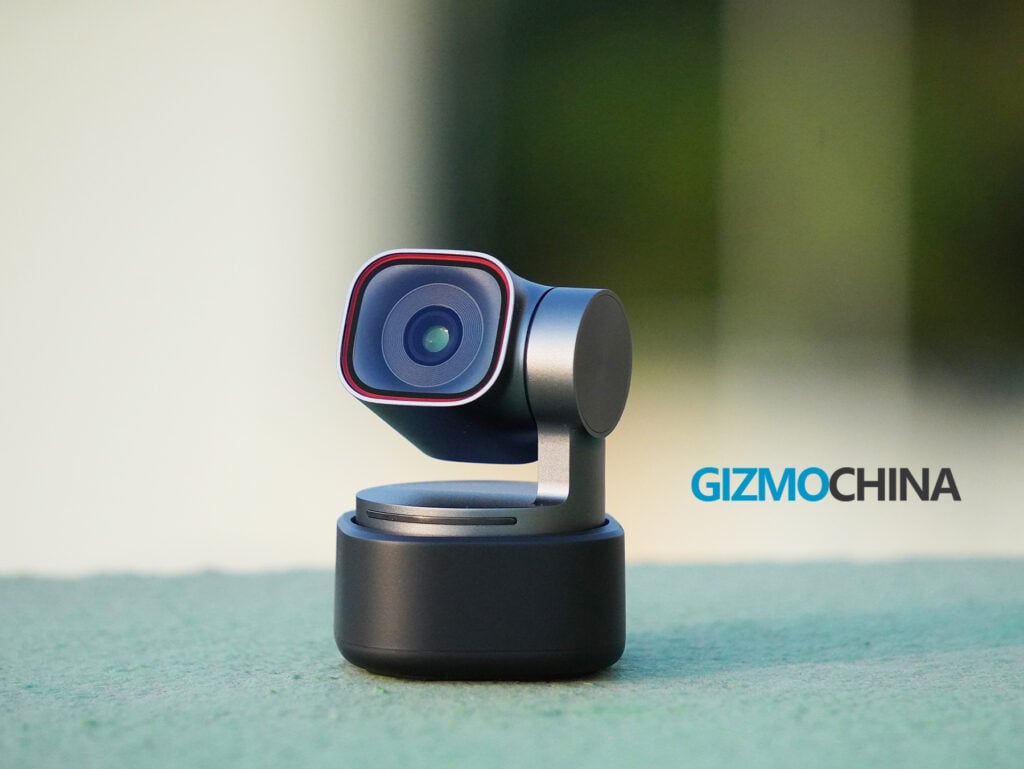
At $349 for the Tiny 3 and $199 for the Tiny 3 Lite, these are premium devices aimed squarely at content creators, streamers, remote educators, and office workers who simply refuse to look anything less than spectacular.
But after a month of having a tiny robot track my every move across my home office, I’ve realized that the magic of the Tiny 3 isn’t just in its spec sheet; it’s in how seamlessly it fades into the background while doing a dozen incredibly complex things at once.
Here is my deep dive into the Obsbot Tiny 3 and the Tiny 3 Lite.
Design and Hardware
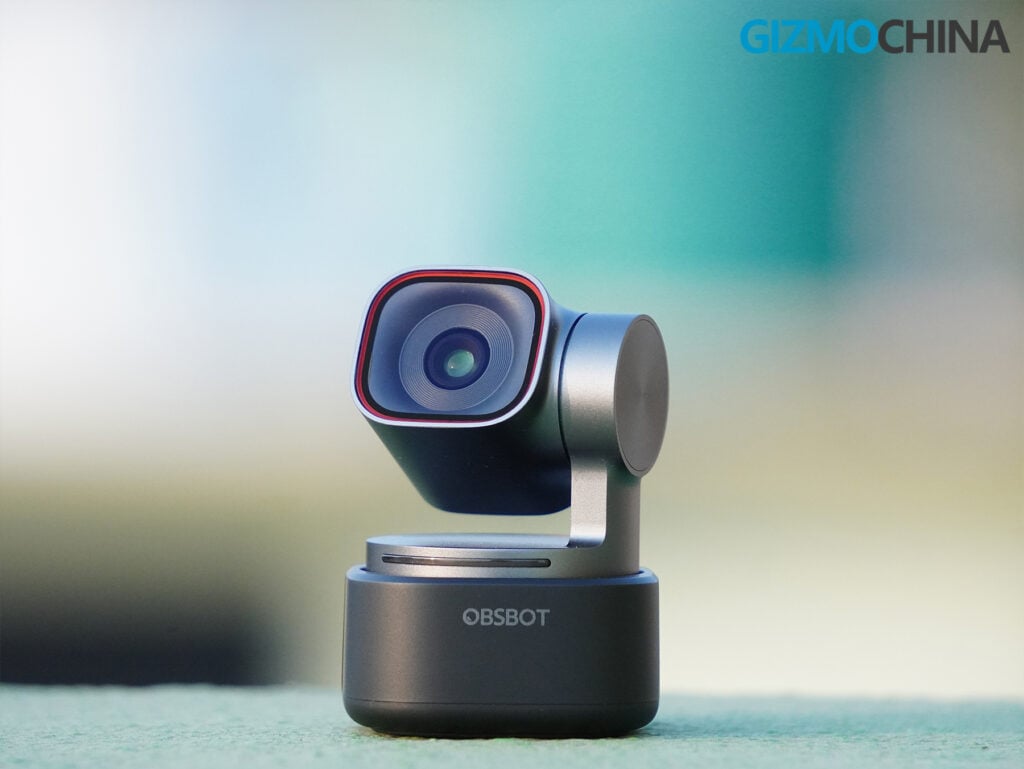
When I first unboxed the Tiny 3, I was genuinely surprised. The name is finally, aggressively accurate. Measuring just 1.5 by 1.5 by 1.9 inches and weighing a mere 2.2 ounces (63 grams), the Tiny 3 is absurdly small. It is 48% more compact and 34% lighter than its predecessor, the Tiny 2. Despite this, it feels incredibly premium.
The main camera module and the two-axis gimbal are encased in a dark gray metal alloy that stays cool to the touch even after hours of continuous 4K streaming.
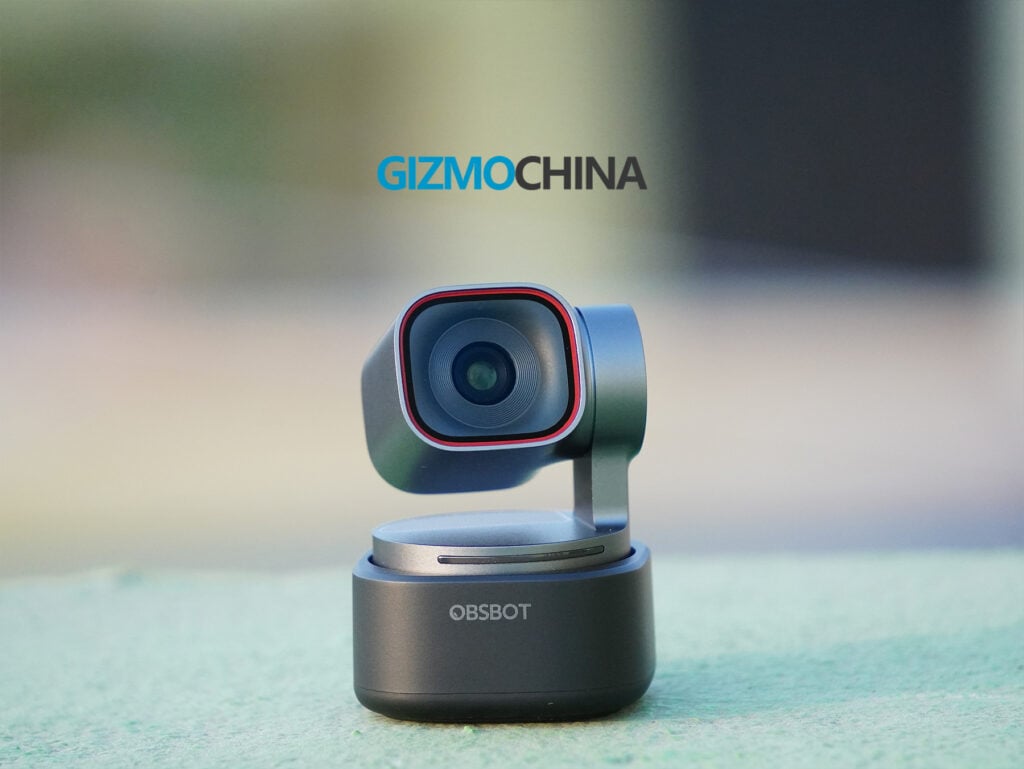
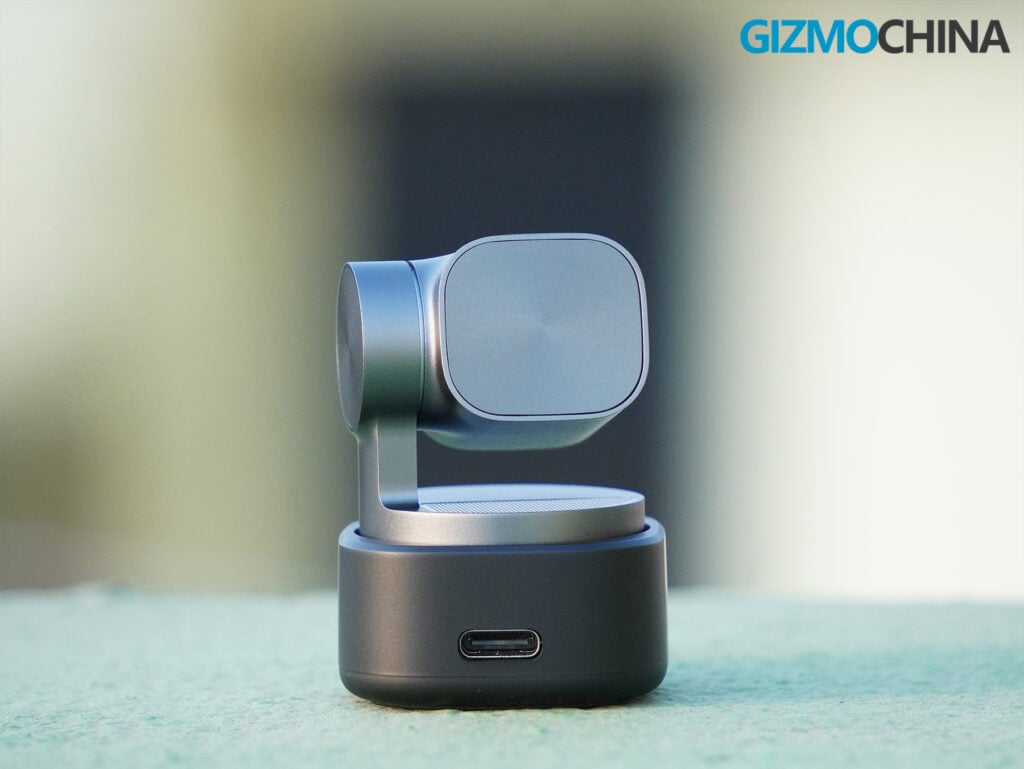
The Tiny 3 Lite, interestingly enough, goes in a slightly different direction. It is actually a bit larger in dimensions (1.6 by 1.6 by 2.3 inches) and adopts a softer, more minimalistic design language. Where the Tiny 3 looks sharp and industrial, the Lite feels a bit more approachable and rounded.
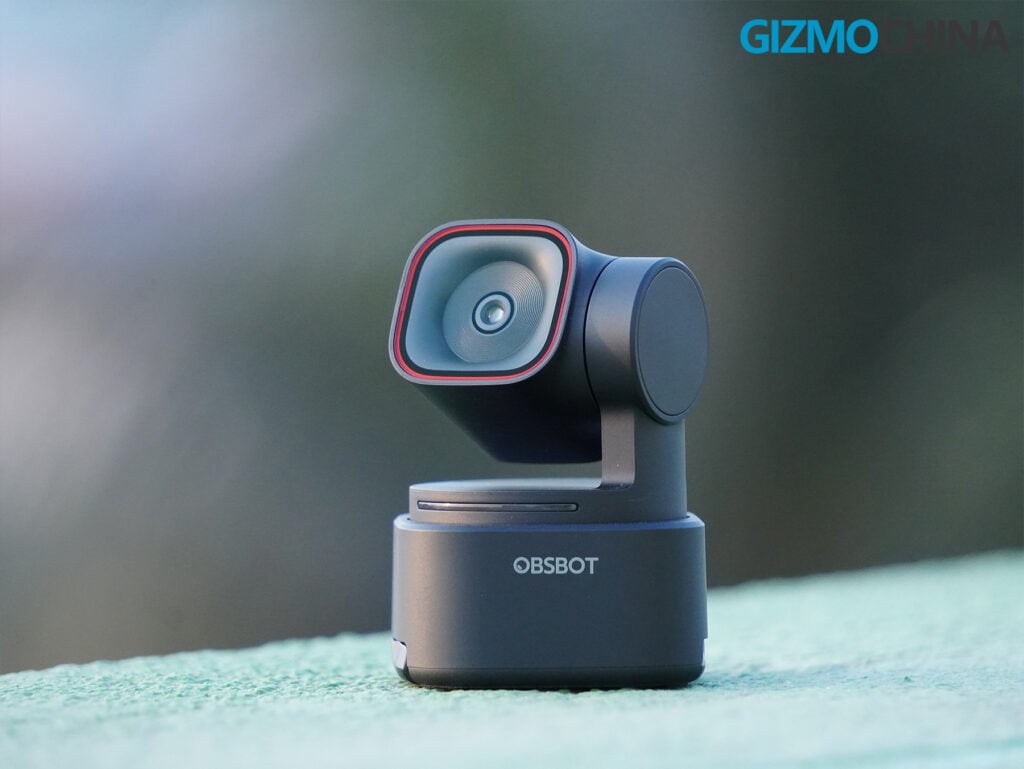
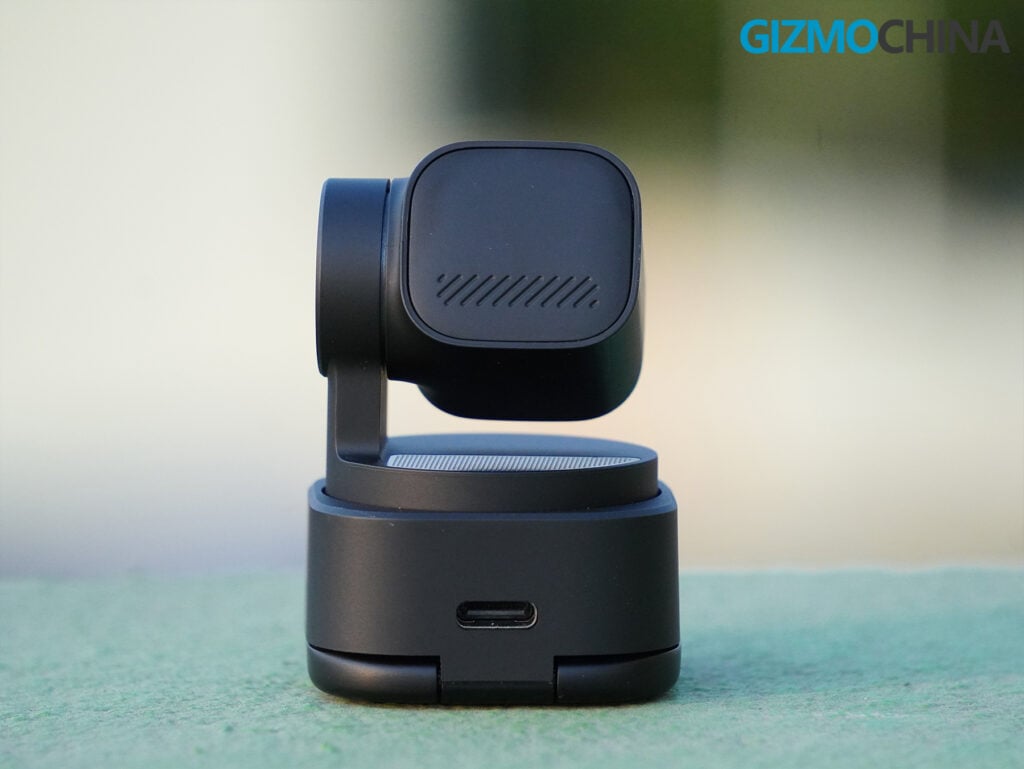
But the biggest physical divergence between the two lies in how you mount them. This is a point of slight contention for me. The Tiny 3 comes with a detachable magnetic base that snaps onto a separate, included screen clip.
The magnet is incredibly strong, and the modularity is great if you want to pop the camera off and snap it onto a tripod or a desktop stand. However, I can’t help but feel that if it had an internal, integrated clamp too, it would have made life just a bit easier for laptop users on the go. You have to keep track of two pieces.
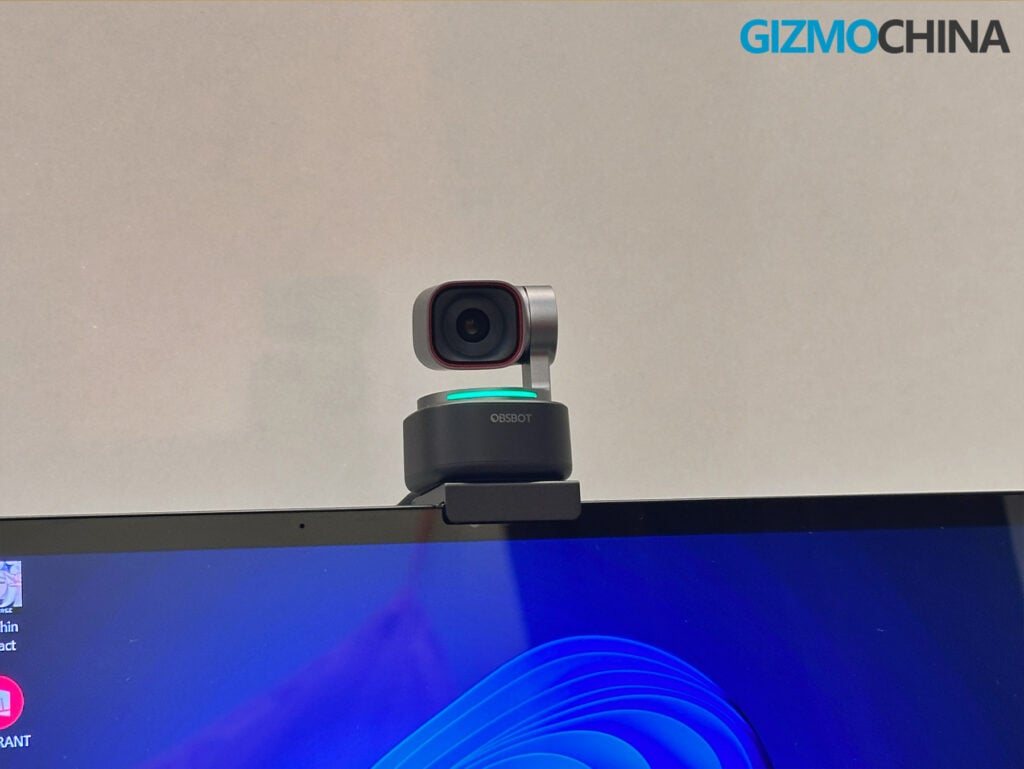
The Tiny 3 Lite, on the other hand, features an integrated clamp. It’s permanently attached to the base, meaning you can just unfold it and slap it onto any laptop or monitor immediately.
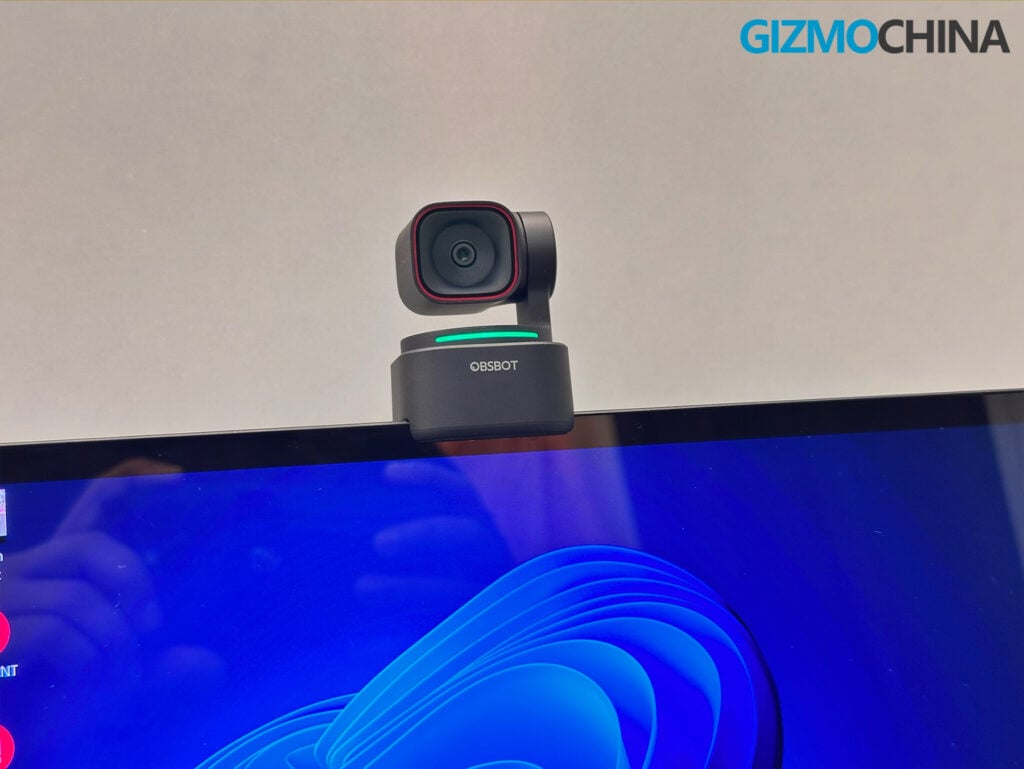
It’s less flexible if you want to do complex tripod rigging, but for everyday use, it’s arguably more convenient. Still, the Tiny 3’s magnetic snap has a satisfying, premium tactility to it that the Lite lacks.
Video Quality
Let’s talk about the glass and the silicon, because this is where the $349 price tag of the Tiny 3 starts to justify itself.
The flagship Tiny 3 is packing a massive 1/1.28-inch 50-megapixel CMOS sensor. For context, that is a larger sensor than you’ll find in many premium smartphones, let alone webcams. It boasts a dual native ISO that scales all the way up to 12,800, and an f/1.8 aperture. It shoots in 4K at 30fps, or, if you want buttery smooth motion, 1080p at a staggering 120 frames per second.
In practice, the image quality is nothing short of breathtaking. I have my desk set up in a room where light hits me from all sides, including right from the ceiling. Usually, this kind of omnidirectional lighting makes things incredibly messy for most devices, as they struggle to cut through the glare and balance the frame properly.
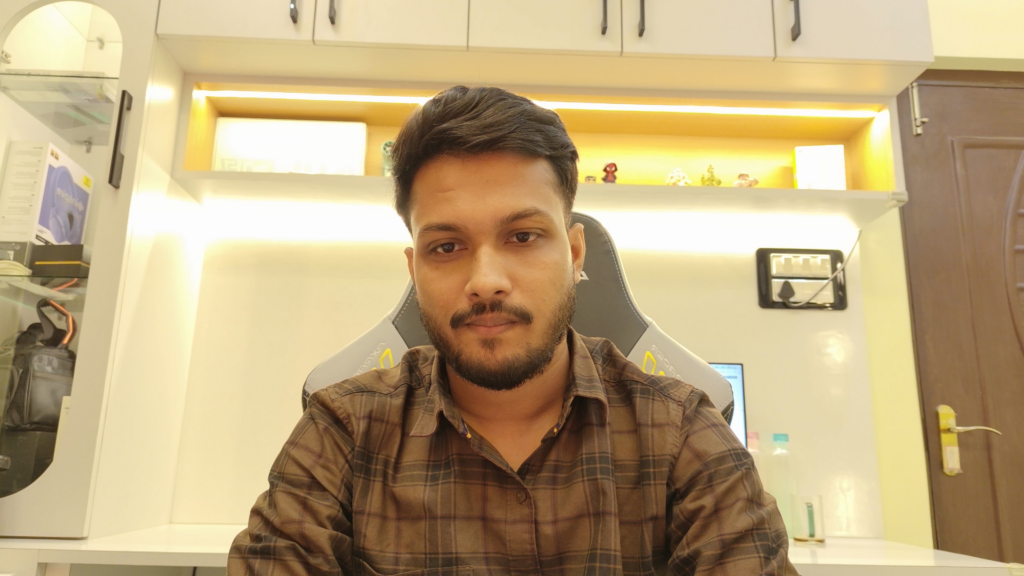




But the Tiny 3, utilizing its DCG (Dual Conversion Gain) HDR technology, does an amazing job of managing this chaos. It handles the light so well that I haven’t faced a single issue with overlighting or harsh blasts of glare on my face. It balances the exposure so effortlessly that it looks like I have a perfectly calibrated, professional studio lighting rig.
The natural depth of field is also a massive win. Because the sensor is so large and the aperture so wide, you get actual, optical background blur. It’s not the aggressive, artificial cut-out you get from Zoom or Google Meet; it’s a gentle, natural fall-off that makes you pop off the screen.
The Tiny 3 Lite steps down to a 1/2-inch 48-megapixel sensor. It still shoots 4K at 30fps and 1080p at 120fps, and it still looks fantastic in good lighting. But in low light when I’m relying on the glow of my monitors and a single desk lamp, the difference becomes apparent.
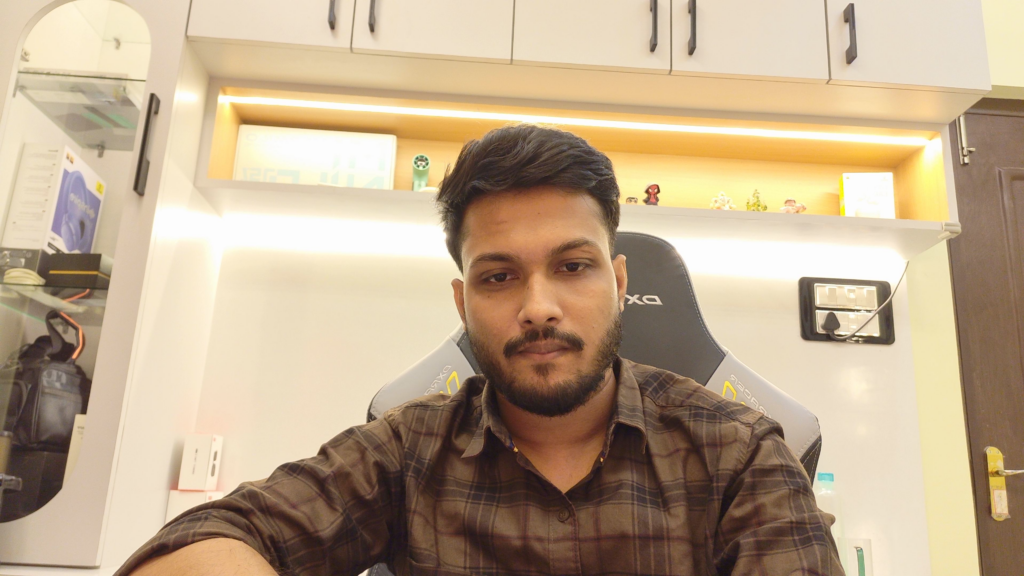
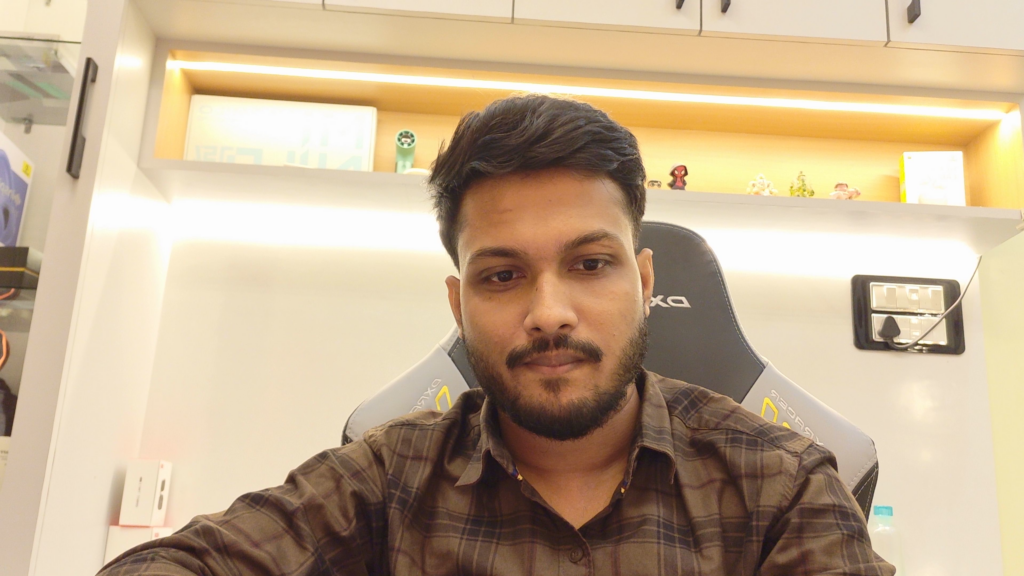



The Tiny 3 remains clean and sharp, while the Tiny 3 Lite introduces a bit of static-like noise into the background. The Lite’s maximum ISO is capped at 6,400, and while it’s still vastly superior to your laptop’s built-in camera, it doesn’t quite have the night-vision-esque magic of the premium model. But for most users, it is more than enough.
Gimbal and AI Tracking
The defining feature of the Obsbot lineup is the mechanical gimbal, and the AI Tracking 2.0 system on the Tiny 3 series is the best I have ever used.
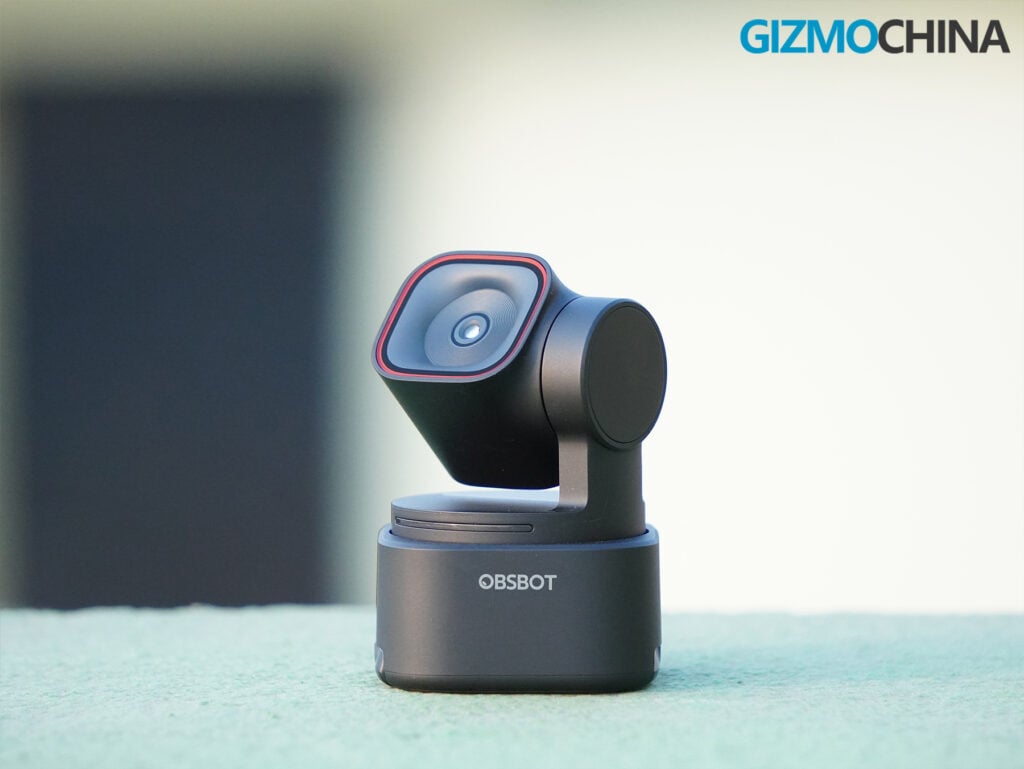
Both cameras feature a two-axis gimbal that can pan up to 150 degrees mechanically and tilt 90 degrees. When you turn on auto-tracking, the camera physically moves to keep you in the center of the frame. There is no robotic jerking or mechanical whining; it just glides. I can stand up from my desk, pace around my office, and the camera follows me seamlessly.
Obsbot gives you an absurd amount of control over this. You can set it to track your full body, your upper body, or just keep a tight crop on your face. But the new Object Tracking feature is what truly blew my mind. Inside the Obsbot Center software, you can draw a bounding box around anything: a coffee mug, a phone, a toy, a product you are demonstrating, and the camera will lock onto it.
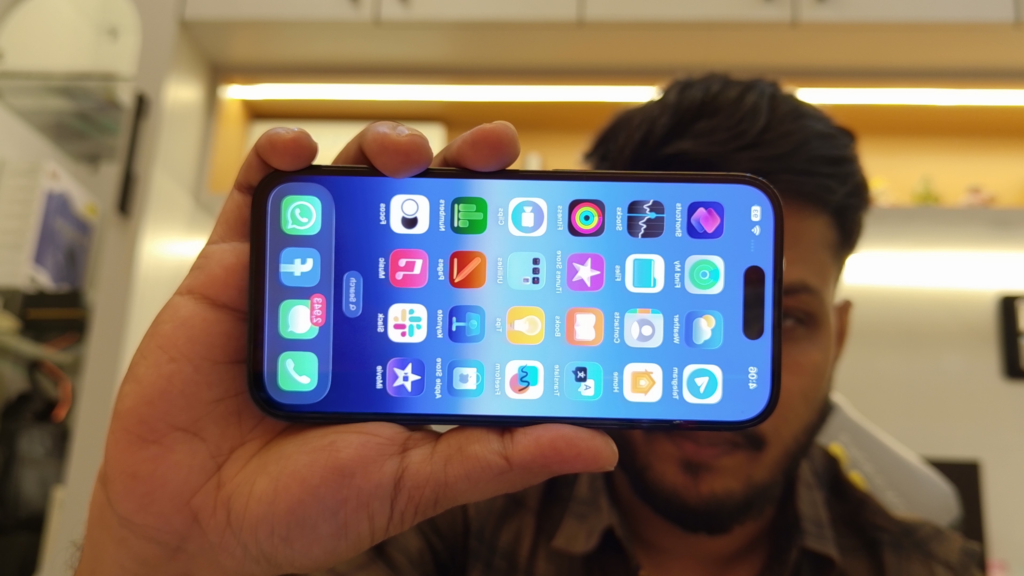
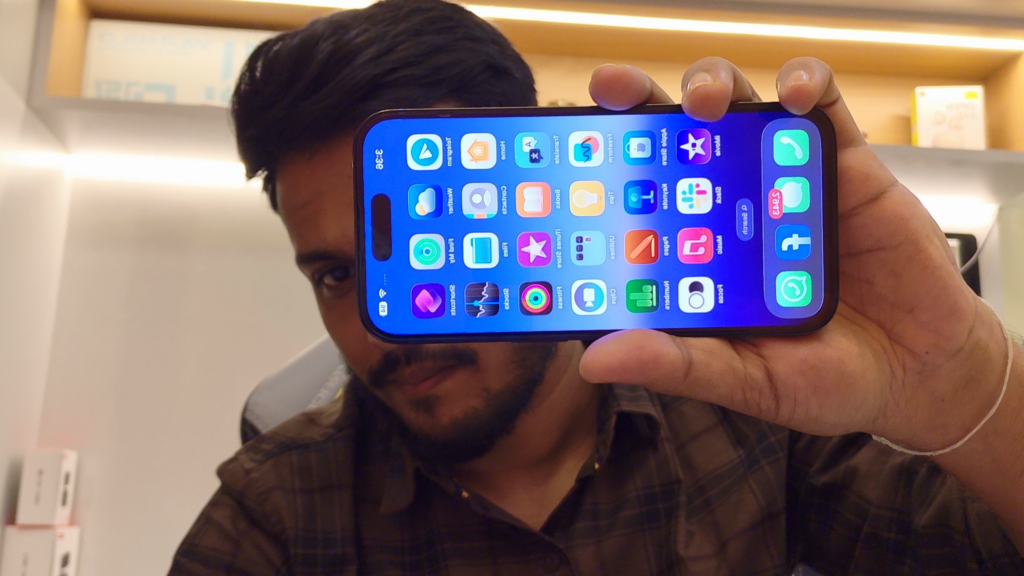
If you’re a YouTuber showcasing products or a teacher demonstrating crafts from a top-down view, this feature is honestly fantastic. However, it can occasionally be a hit or miss experience, but I believe this could be improved with a software update.
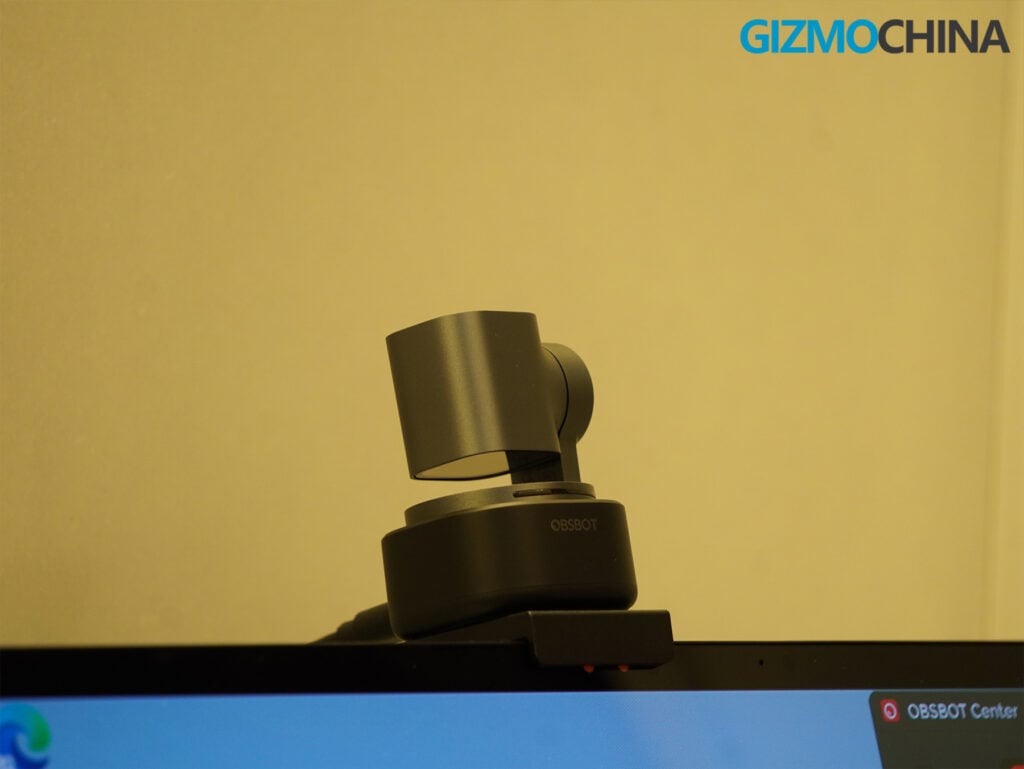
The Tiny 3 also supports gesture controls (holding up your hand to start tracking, making an ‘L’ shape to zoom). It also includes voice controls as well. Saying “Hi, Tiny” wakes it up, “Track me” initiates the gimbal, and “Sleep, Tiny” points the camera straight down at its base, physically cutting off the video feed for guaranteed privacy.
Audio
Built-in webcam microphones usually aren’t the best, but the audio on the Tiny 3 is actually a solid step up. Both the Tiny 3 and the Tiny 3 Lite use a new three-microphone setup (one omnidirectional and two directional), and the software does a good job of processing the sound for everyday use.
You get a few different audio modes depending on what you need. “Pure Audio Mode” leaves the audio raw without extra processing, which is nice if you want to tweak the sound yourself later. “Spatial Audio Mode” captures stereo sound, so if you move around the room, people on the other end can hear which direction you’re speaking from.
I find myself using “Directional Mode” the most. My room environment isn’t always perfectly quiet. I have a noisy fan, and sometimes I get some noise bleeding in from outside, though it’s pretty quiet when I just have the AC running. Directional Mode does a really good job of focusing on my voice and filtering out those background sounds. Even when the fan is running, it isolates my voice well enough that the people on my calls don’t seem to notice the background hum.
The Tiny 3 also has a Voice Tracking feature. The camera uses the microphones to figure out where a voice is coming from and physically turns to face the speaker. If you have two people in the same room sharing the webcam, it just automatically pans back and forth to whoever is talking at the moment, which makes group calls a lot easier to manage.
Software
To get the most out of these cameras, you need to use the Obsbot Center app (available for Windows and macOS). The software is dense, but beautifully laid out.
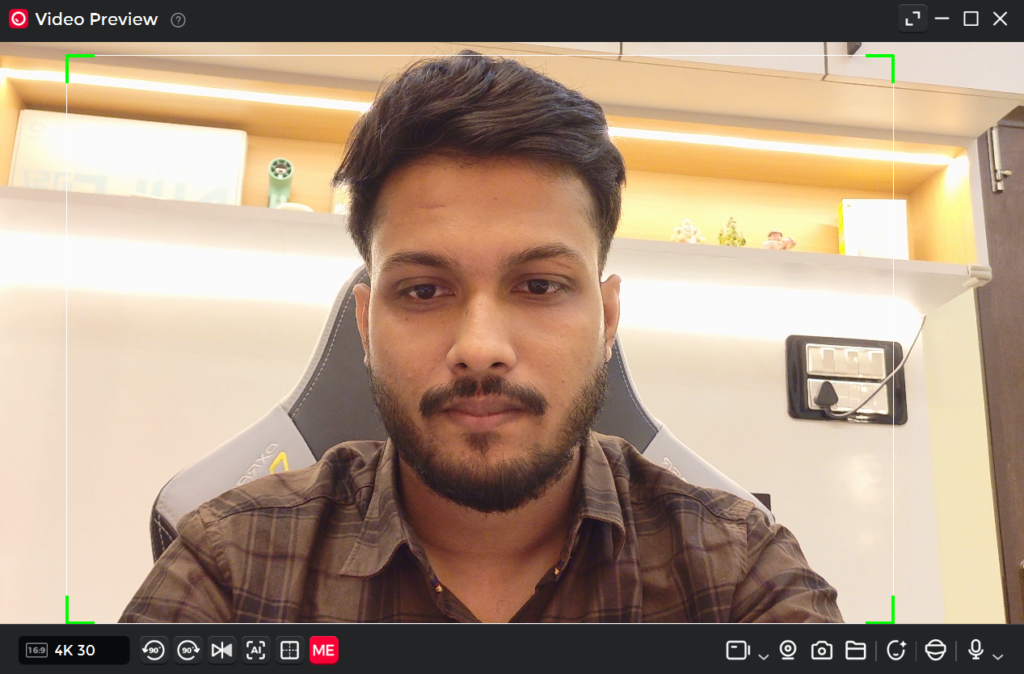
If you just want to plug and play, you can leave it in Lite mode. But if you click over to Pro, you get all the controls. You can manually adjust the exposure curves, tweaking shadows, midtones, and highlights independently. You can manually set the white balance by adjusting the red and blue gain. You can set up to three preset gimbal angles, allowing you to snap the camera from a wide shot of your room to a tight crop of your face with a single click.
Obsbot has also built in some virtual camera features, like background replacement and artificial bokeh. The background replacement is significantly better than the native tools in Zoom or Teams, handling the edges around my hair with impressive accuracy.
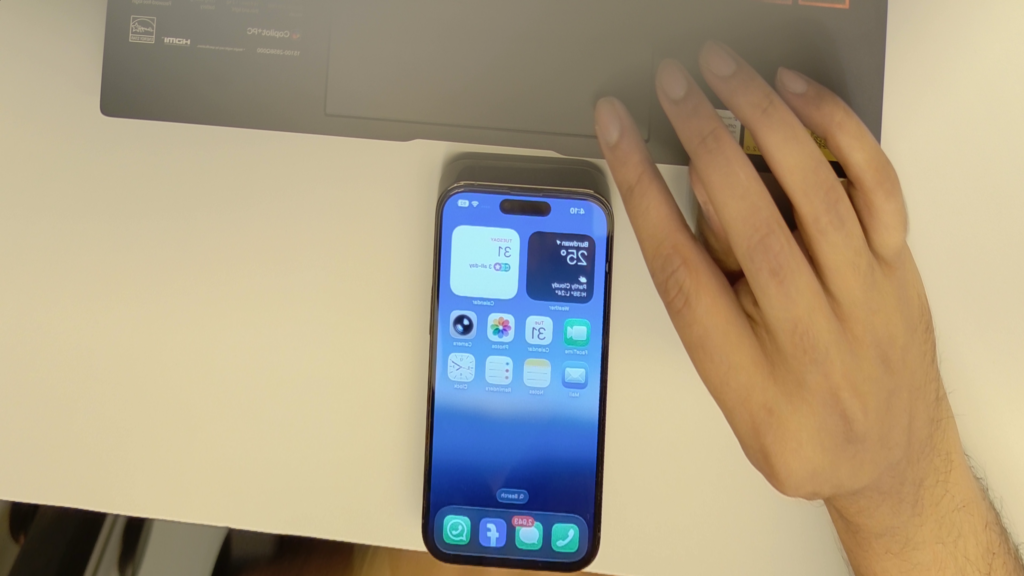
It is also worth noting that the flagship Tiny 3 has a couple of software tricks the Lite lacks, specifically Desk Mode and Whiteboard Mode. Desk Mode automatically tilts the camera down and digitally flips the image so you can show off documents or sketches on your desk without the image being upside down for your viewers. If you don’t need this, the Lite becomes an even more appealing option.
Final Verdict
After a month of living with both of these cameras, I am thoroughly impressed. Obsbot hasn’t just made a good webcam; they have built a genuinely exciting piece of consumer technology.
If you are a content creator, a streamer, a high-level executive, or someone who simply demands the absolute best image quality and low-light performance available, the Obsbot Tiny 3 ($349) is the undisputed king of the hill.
The 1/1.28-inch sensor is a marvel, the HDR processing is flawless, and the sheer amount of technology packed into a chassis the size of a golf ball is a masterclass in hardware engineering. Yes, I wish the magnetic mount had an integrated clamp for laptop convenience, and yes, it is painfully expensive. But it is the best webcam I have ever tested.
However, if you are looking for value, the Obsbot Tiny 3 Lite ($199) is the real scene-stealer here. For $150 less, you are getting the exact same world-class AI tracking, the exact same incredible triple-mic audio system, and the exact same 1080p 120fps capability.
You lose a bit of low-light fidelity due to the smaller sensor, and you miss out on the Desk/Whiteboard modes, but for 95% of users, the video quality is still going to blow away anything else in the sub-$200 price bracket. Plus, the integrated clamp design, while making the camera slightly larger, is undeniably practical for everyday laptop use.
For more daily updates, please visit our News Section.
Stay ahead in tech! Join our Telegram community and sign up for our daily newsletter of top stories! 💡

Comments