Add GIZMOCHINA as Preferred Source on Google
For years, compact smartphones have come with compromises. If you wanted a phone that was genuinely comfortable to use with one hand, you usually had to settle for a smaller battery, fewer cameras, slower charging, or hardware that wasn’t quite flagship-grade. Meanwhile, phones with the best specifications kept getting larger, making one-handed use increasingly difficult.
The Vivo X300 FE takes a different approach. Instead of asking users to choose between portability and performance, it combines flagship hardware with a compact form factor. It packs Qualcomm’s Snapdragon 8 Gen 5 chipset, a 6,500mAh battery, ZEISS-backed cameras, wireless charging, and a premium build into a body that’s noticeably smaller than most flagship smartphones.
There’s one catch, though. The Vivo X300 FE starts at Rs. 79,999 (~$850), while the regular Vivo X300 is available for Rs. 75,999 (~$800). That naturally raises the question: why would anyone pay more for the FE model?
After spending time with the phone, the answer becomes clearer. The X300 FE isn’t positioned as a cheaper alternative to the X300. Instead, it’s designed for users who value comfort, battery life, and everyday usability just as much as camera hardware. Whether that strategy works is what this review aims to find out.
5OriginOS 6 Feels More Mature Than Ever
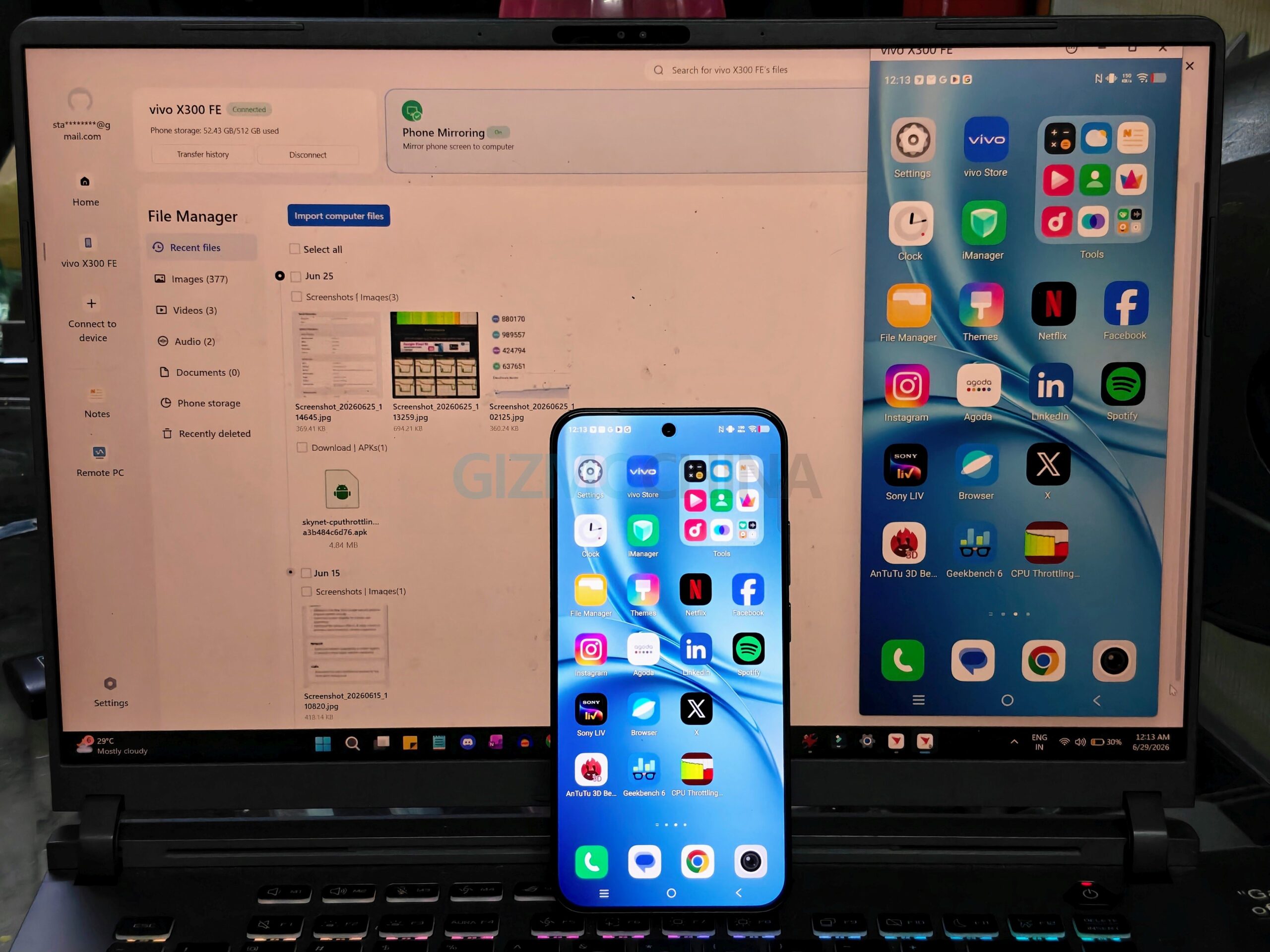
The Vivo X300 FE ships with OriginOS 6 based on Android 16, and it delivers one of Vivo’s most polished software experiences yet. The company promises five years of Android OS updates and seven years of security updates, making the X300 FE a far better long-term investment.
The interface feels fast and fluid throughout, backed by smooth animations and responsive touch interactions. More importantly, the software stays out of the way. Apps launch quickly, multitasking is seamless, and I didn’t encounter any bugs or stability issues during my time with the device.
Like every modern flagship, the X300 FE includes plenty of AI-powered features, but Vivo has focused on tools that are genuinely useful. AI Retouch includes features like AI Erase, AI Reflection Erase, AI Image Expander, and AI Magic Move, all of which make quick photo edits surprisingly easy without relying on third-party apps.
Origin Island is another thoughtful addition, displaying timers, navigation updates, music playback, and other background activities in a clean, glanceable interface.
There’s also the Vivo Office Kit for seamless file sharing with Windows PCs and Macs, alongside Gemini integration, AI Search, AI Creation, and DocMaster for productivity tasks.