
Add GIZMOCHINA as Preferred Source on Google
Google’s new Googlebook laptops are finally showing up in stores around the world. The pitch is pretty appealing: a more versatile laptop that sits somewhere between Android and ChromeOS, with deeper ties to your phone, native Android apps, and a bunch of AI tools baked in.
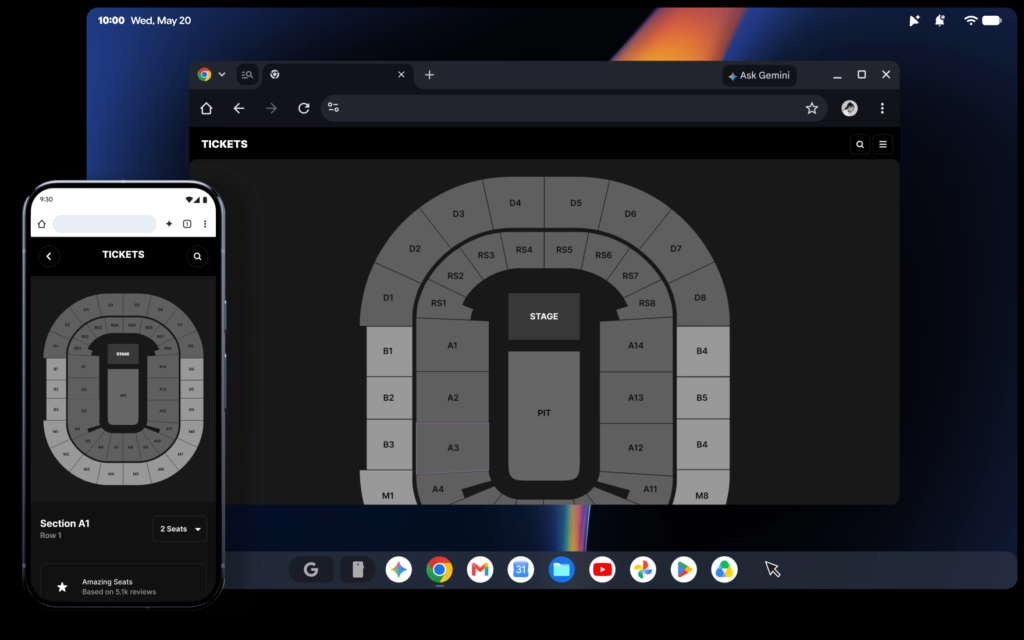
These machines run Googlebook OS, which is built mostly on Android tech but borrows some desktop foundations from ChromeOS. That means they can run regular Android apps natively instead of stuffing them in a container.
But not every Googlebook is created equal. Google confirmed to Android Authority that if you go for an Intel (x86) model instead of a Qualcomm Snapdragon (ARM) one, you’ll run into some limits. Most Android apps were built for the ARM chips that live in phones.
Google says 96.6% of the top 10,000-plus most-used apps still work fine on the Intel versions, but a handful of more complex apps and games need developer updates to run properly on Intel hardware. There’s no public list of which ones yet. Three of the five launch models use Intel chips; the Dell and HP ones are the ARM-powered Qualcomm versions.
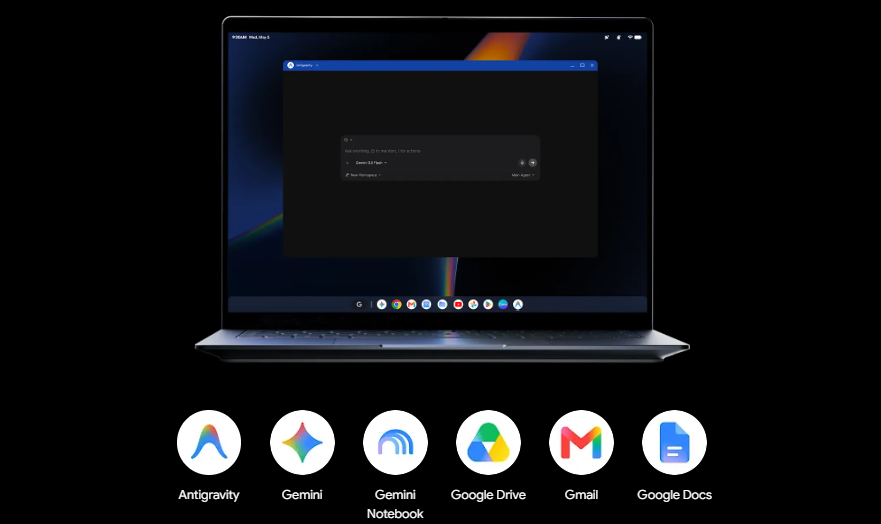
The tight phone-to-laptop features also come with a requirement: Android 17. Things like browsing your phone’s files from the laptop, picking up tasks mid-flow with Continue On, syncing notifications, or streaming your phone’s screen and apps to the laptop just aren’t available on older Android versions. That’s a bit of a bummer, since the seamless continuity is one of the big selling points Google keeps highlighting, and Android 17 isn’t exactly everywhere yet.
Google is still supporting Chromebooks on their own track. Some newer ones might even get a path to Googlebook OS later. In the meantime, the company is leaning hard on the long software support (up to 10 years), the premium builds, and the AI focus.
If you’re deep in the Android ecosystem and want that tighter phone-laptop link, Googlebooks are an interesting step. Just be picky about the processor if you care about specific demanding apps or games, and make sure your phone is on Android 17 if you want the full continuity package.
Don’t miss a thing! Join our Telegram community for instant updates and grab our free daily newsletter for the best tech stories!
For more daily updates, please visit our News Section.
(Source; Android Authority)



Comments