
Add GIZMOCHINA as Preferred Source on Google
The Asus Vivobook S15 Copilot+ brings a fresh perspective to the competitive laptop market as one of the first laptops to feature the Snapdragon X Elite processor. Tailored for both professionals and students, it is designed to cater to the demands of everyday computing. In this comprehensive review, we will examine the Vivobook S15 Copilot+’s overall performance to determine if it truly meets the needs of its users and justifies its price tag in the Indian market.
1. Design and Build
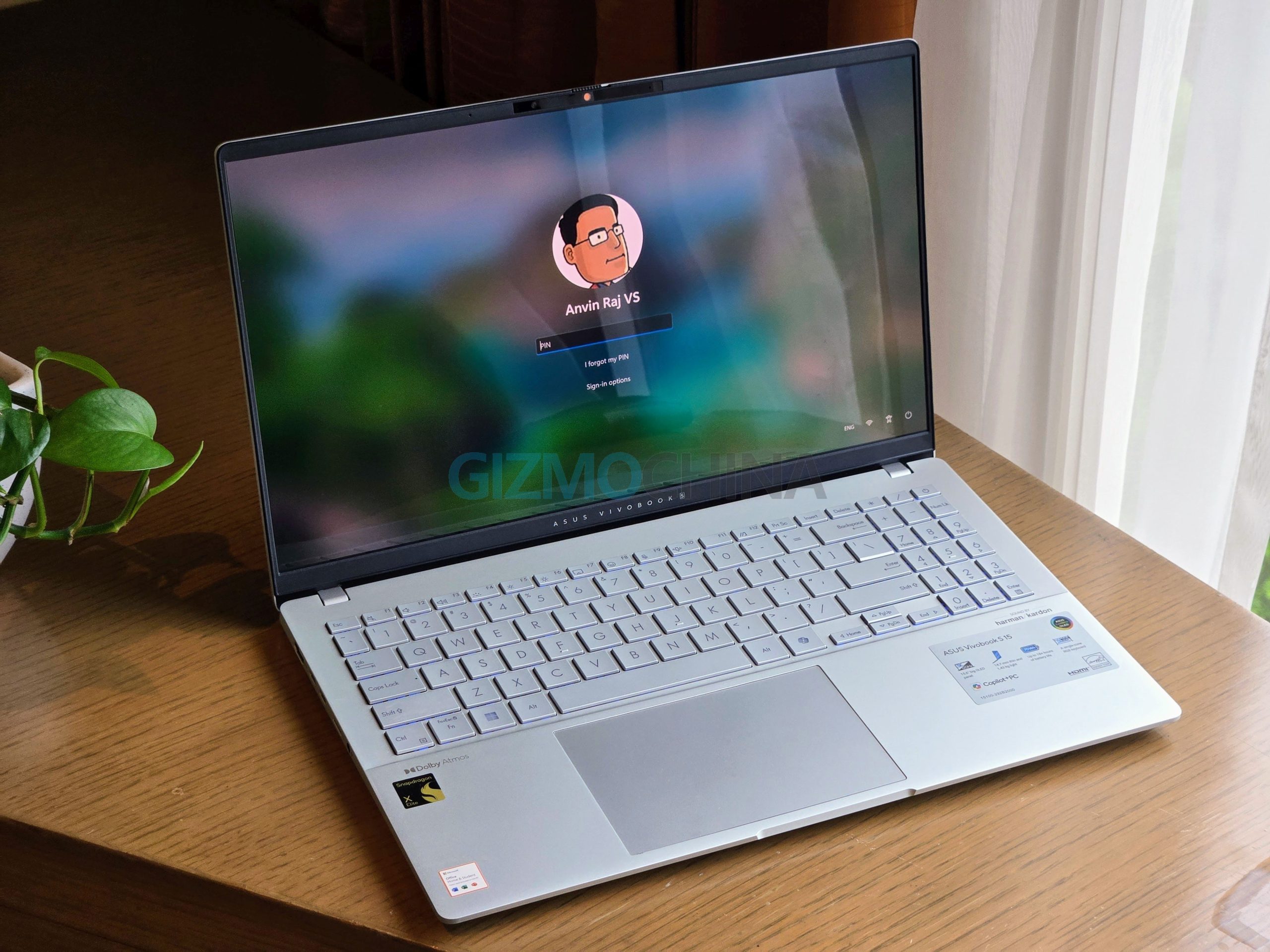
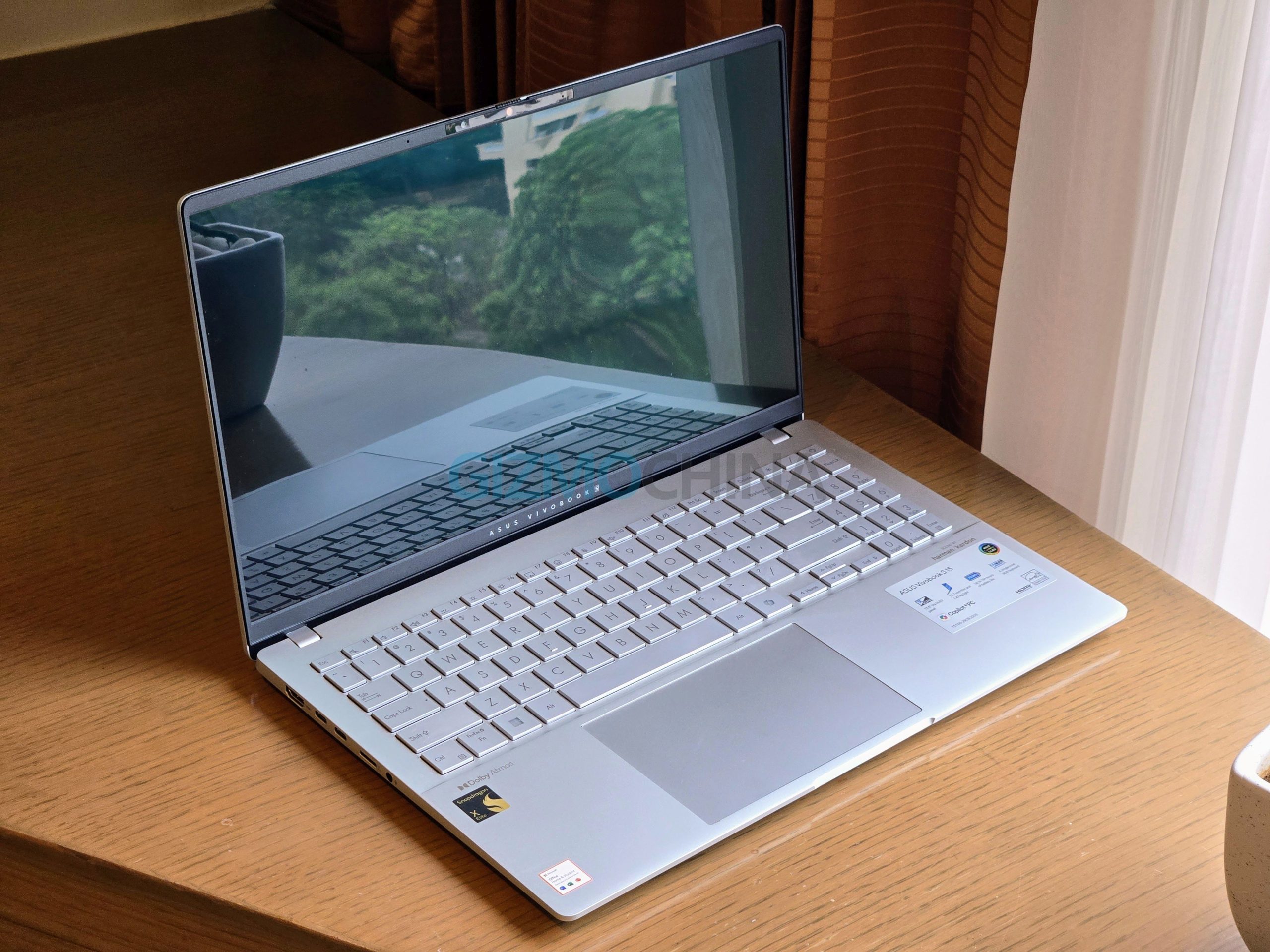
Asus has crafted the Vivobook S15 with an all-metal chassis featuring a minimalist aesthetic, catering to both professionals and students. It is reasonably compact with dimensions of 359 x 229 x 17.9mm and weighs 1.7kg, which is quite good, especially for a laptop not marketed as ultra-light. Asus states that the S15 meets MIL-STD-810H durability standards, having undergone 12 test methods and 26 test procedures without any issues. The 180-degree ErgoLift hinge is both functional and aesthetically pleasing, allowing for flexible viewing angles and improved airflow.


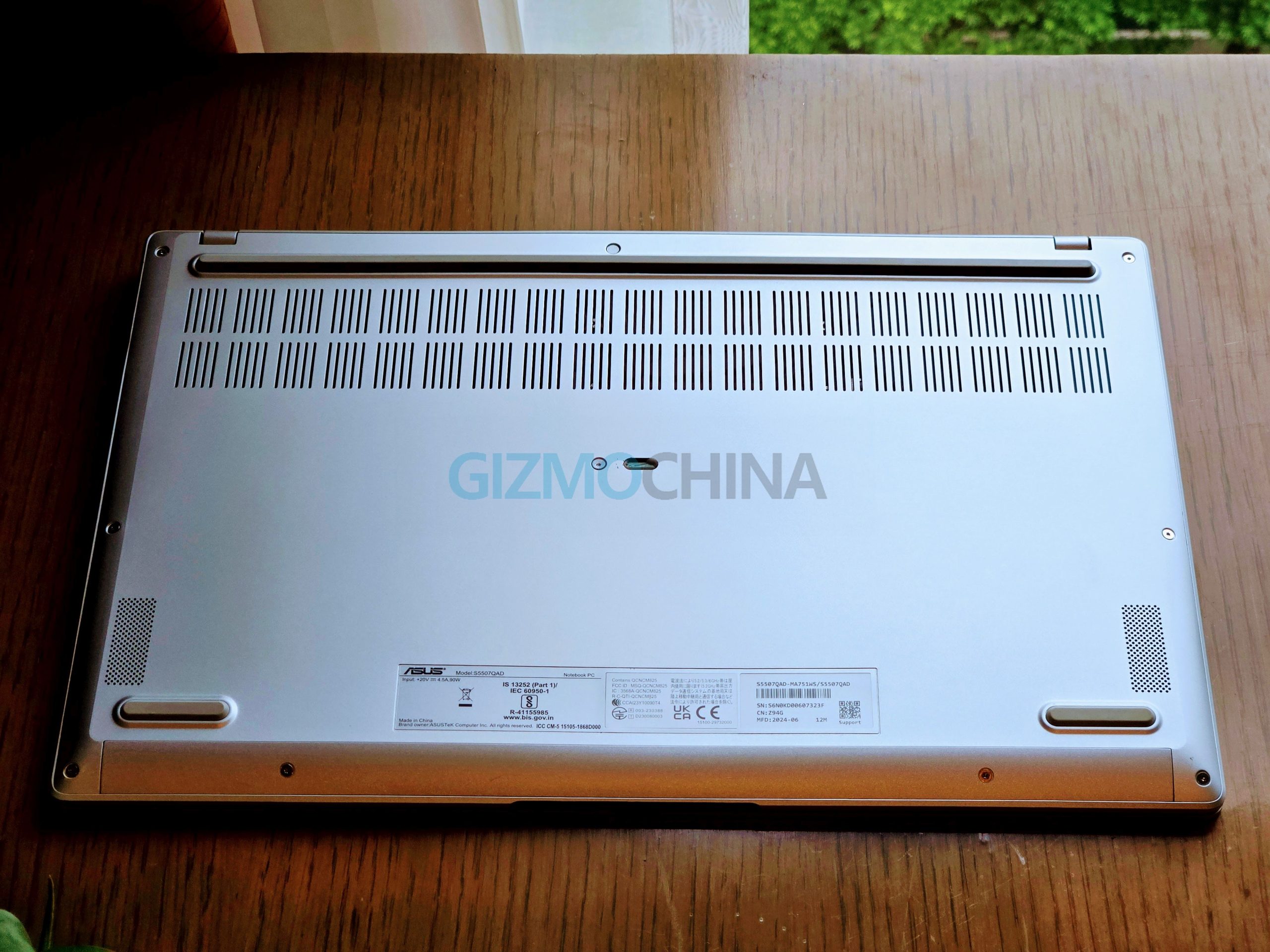
In terms of connectivity, the Vivobook S15 excels compared to its rivals. It includes two full-size USB 3.2 Gen 1 ports on the right, providing 5Gbps bandwidth. On the left, there are two USB 4.0 Gen 3 Type-C ports, which support 40Gbps bandwidth and fast charging. Additionally, there’s an HDMI 2.1 TDMS port, effectively operating as HDMI 2.0 in terms of bandwidth, a microSD card reader, and a 3.5mm headphone jack. For wireless connectivity, the laptop features tri-band Wi-Fi 7 (802.11be) and Bluetooth 5.4 with LE audio.
2. Display, Keyboard, Audio, and Webcam
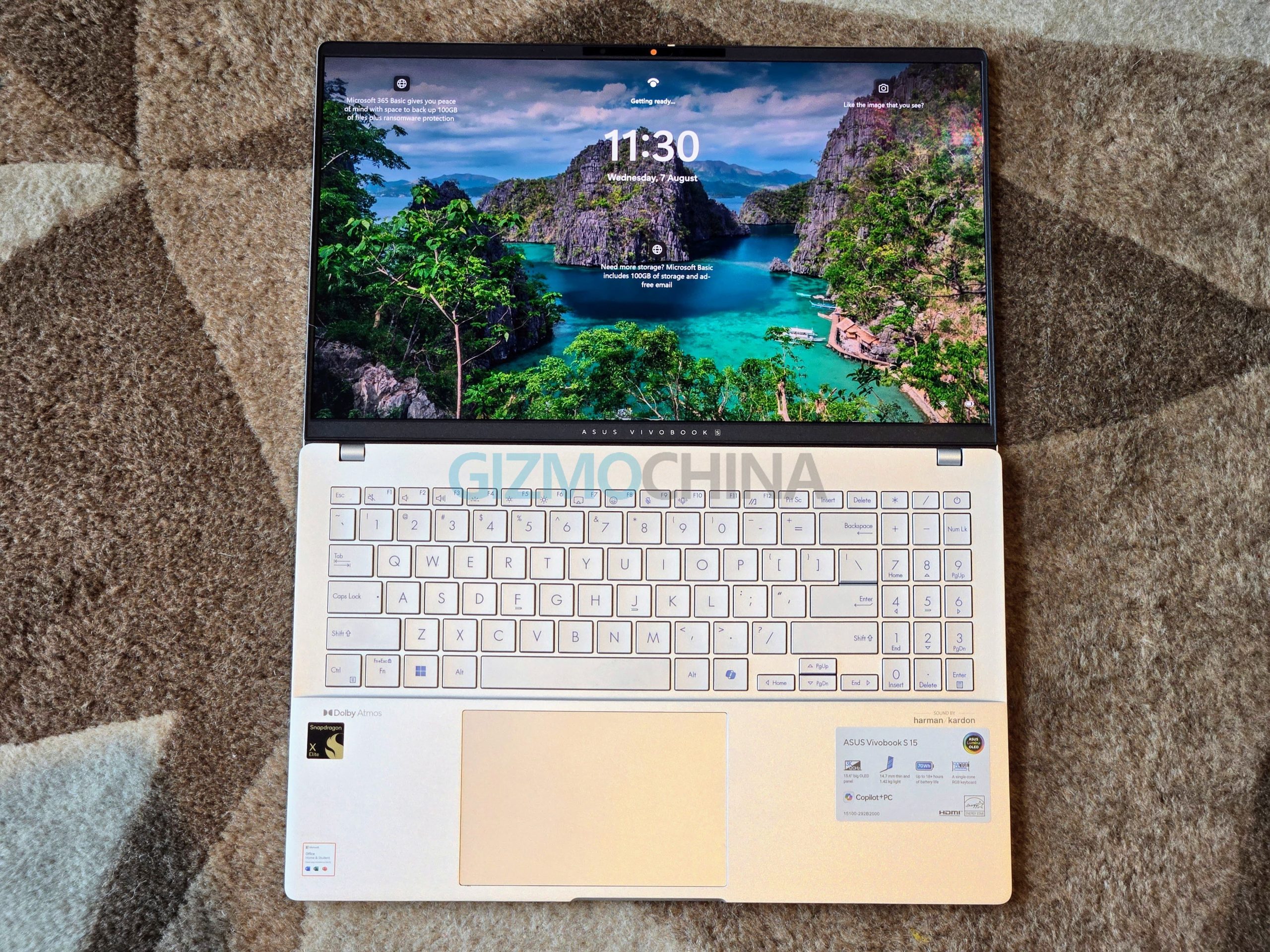
The Asus Vivobook S15 has an impressive 15.6-inch OLED display with a resolution of 2880 x 1620 pixels, a 16:9 aspect ratio, a 120Hz refresh rate, and a rapid 0.2ms response time. With a peak brightness of 600 nits and support for HDR, the display ensures vibrant and clear visuals. It covers 100% of the DCI-P3 colour space, making it ideal for colour-critical tasks. The OLED panel’s infinite contrast ratio and factory colour calibration add to its appeal, although it lacks Dolby Vision support, limiting HDR content to HDR10. The MyASUS app offers various display settings, including OLED Care to minimize burn-in, flicker-free dimming, and Adaptive Edge Brightness for better battery life. However, the glossy finish of the display can cause significant reflections in well-lit environments, making it challenging to use outdoors.


The Vivobook S15 features the ErgoSense keyboard with a number pad, enhancing productivity for users who work with numerical data. The single-zone RGB backlighting allows for customization, and the typing experience is smooth and comfortable. However, the key travel might feel shallow to some users, potentially impacting long typing sessions. The inclusion of a dedicated Copilot key highlights the laptop’s AI-centric approach, providing quick access to AI assistance. Its long-term value, though, will depend on how well Microsoft integrates Copilot into Windows and how users adapt to it. The generously sized trackpad measures 129.7 x 84.8 mm, offering ample space for gestures and navigation. It includes Smart Gesture technology, allowing users to adjust audio, optimise screen brightness, and manage video playback efficiently. Despite its size and functionality, the trackpad’s surface can feel a bit slippery, which may affect precision during detailed tasks.

The Vivobook S15’s audio setup includes Harman Kardon-tuned bottom-firing speakers. These speakers produce solid, punchy bass and detailed sound, enhanced by the bundled Dolby Atmos app, which creates an expansive sound profile. The maximum volume is adequate, and there is minimal distortion at high levels. The laptop’s Full HD webcam is adequate for casual video calls but lacks clarity. Despite this, the webcam performs reasonably well in various lighting conditions, keeping faces recognizable. The dual-array microphone captures clear audio, maintaining consistent volume even when the user moves around.
3. Performance (Part 1)
The Asus Vivobook S15 is designed to handle day-to-day tasks with ease, thanks to its efficient Snapdragon X Elite processor. The laptop runs cool and quiet, even under typical usage scenarios such as web browsing and media consumption. When it comes to productivity tasks, like high-resolution image editing and 4K video processing, the Vivobook S15 performs admirably, although it may reach the limits of its 16GB memory. For more demanding applications, the 32GB memory option would be preferable, though it’s not available in all regions. It runs on Windows 11 Home Edition designed for ARM-based devices and has fewer bloatware apps.
The device features four fan profiles accessible through the MyASUS app, which adjust the power limits and fan speeds to manage performance and thermals:
- Whisper: Limits power to 20W for minimal fan noise.
- Standard: The default setting with a power target of 35W.
- Performance: Increases power to 45W for enhanced performance.
- Full-speed: Maximises power at 50W for peak performance.
When using Chrome extensively with numerous tabs open, the Vivobook S15’s RAM usage can reach nearly 90%, significantly hindering browser performance. This high RAM consumption sometimes renders Chrome almost unusable, though I could still access other applications and even use Microsoft Edge without issues. This experience suggests that the 16GB of RAM may be insufficient for users with heavy multitasking needs. Unfortunately, the laptop does not offer an option to upgrade the RAM, and there is no 32GB RAM variant available in India. On the storage front, the Vivobook S15 includes a single M.2 2280 slot that supports PCIe Gen 4 SSDs, allowing you to replace the existing SSD with a larger one if more storage space is required.


When it comes to intensive tasks like video editing on the Vivobook S15, the performance is generally adequate for basic editing but falls short for more demanding workloads. For tasks such as trimming and adding simple effects, the laptop handles Arm-optimised video editing apps smoothly, benefiting from its impressive battery life and quiet, cool operation. However, its limitations become apparent with professional software not fully compatible with the Arm architecture, leading to reduced performance and potential stability issues. Emulation of popular video editing software can result in slower render times and a less efficient editing process. Additionally, performance may drop when running on battery power, which can impact intensive tasks. For casual editors or smaller projects, the Vivobook S15 is a practical choice, but professionals working on complex video projects might find it less suitable. Opting for Arm-native editing software and keeping the laptop plugged in can help mitigate some of these limitations.
Copilot AI
The Copilot AI feature on the Asus Vivobook S15 Copilot+ is a notable addition, providing a blend of AI-driven convenience and functionality. Accessible via a dedicated button on the keyboard, Copilot AI offers a chat interface similar to other large language models like Google Gemini or ChatGPT. While its primary function is to assist with queries, provide suggestions, and create images, it does not integrate directly with the system or perform tasks beyond offering advice.
The feature includes live captioning for various media and language translation capabilities, though these functionalities can be somewhat laggy and imprecise, particularly with less common languages and accents.
Personally, I feel that Gemini and ChatGPT or Grok AI from X (formerly Twitter) offer a better experience in terms of both accuracy and integration. Despite its limitations, Copilot AI represents a forward-looking attempt to integrate AI into everyday computing, making it a useful tool for users seeking assistance and enhanced productivity.
4. Performance (Part 2)
Benchmarks


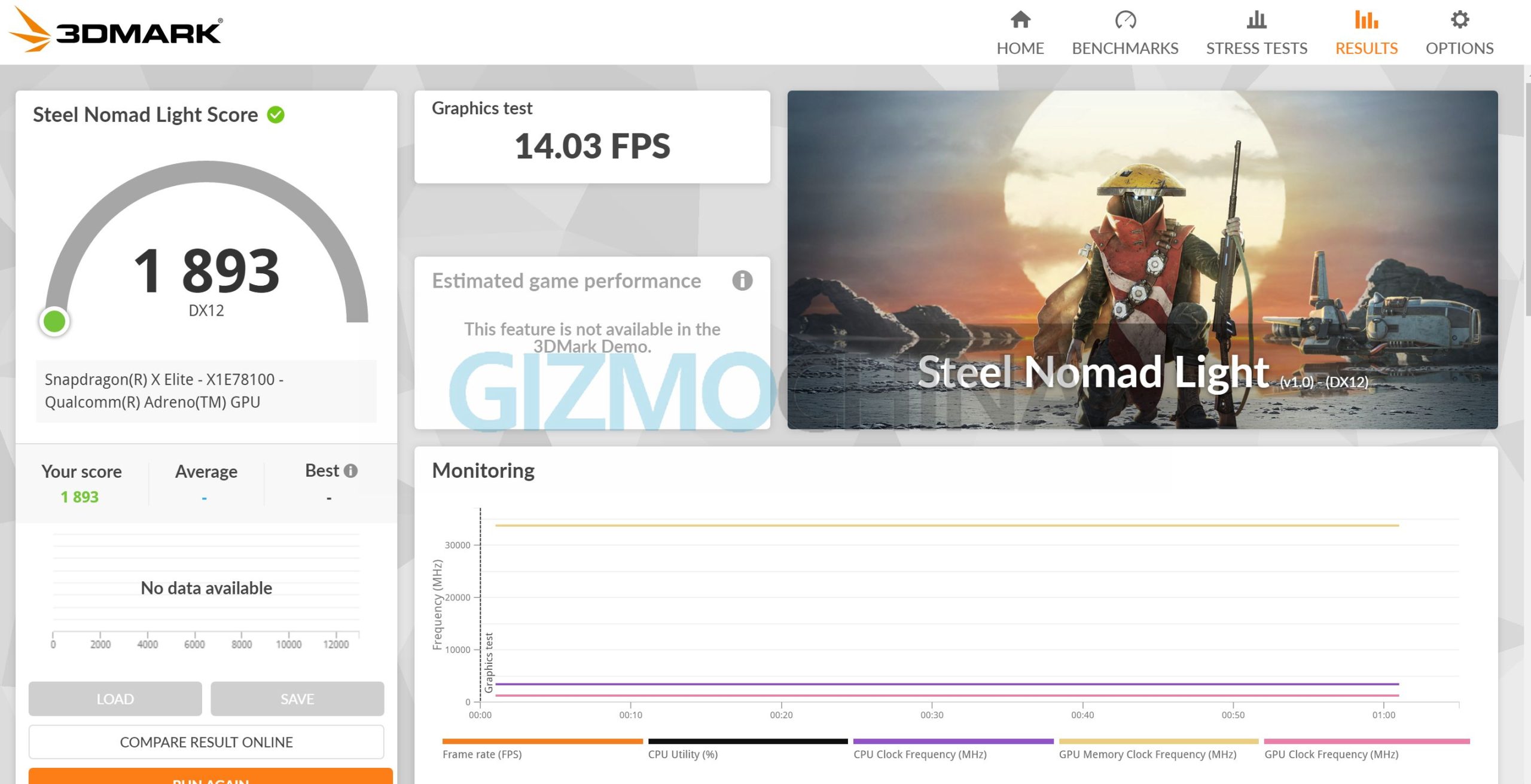
Benchmark results for the Vivobook S15 reveal a competitive yet challenging performance landscape. The Snapdragon X Elite achieved Geekbench 6 scores of 2,444 in single-core and 9,088 in multi-core tests. While these scores are impressive, they fall behind the Intel Core i9-13900H, which scored 2,605 in single-core and 12,568 in multi-core tests. Graphical performance, assessed through 3DMark, showed the Snapdragon’s Adreno GPU achieving 6,091 in Wildlife Extreme, compared to Intel’s Iris Xe graphics which scored 13,731. This significant difference highlights the current limitations of integrated graphics in handling demanding tasks.
Gaming
Gaming on the Asus Vivobook S15 presents notable challenges due to the current limitations in ARM-native Windows games and the reliance on emulation. Many popular titles encounter performance issues, as the lack of optimization for ARM architecture can lead to reduced frame rates, graphical errors, or even failures to launch. For instance, games like Control and Metro Exodus are playable but experience reduced performance and graphical quality, while others such as Alien: Isolation and Stray suffer from significant graphical errors or may run at an unplayable rate.
More demanding titles, including God of War and Counter-Strike 2, either have severe performance problems or fail to launch altogether. This underscores the current limitations of the Vivobook S15 for gaming, highlighting the need for Qualcomm to enhance driver support and foster native ARM game development to improve compatibility and performance in future updates.
Battery Life
The battery life of the Asus Vivobook S15 Copilot+ stands out for its impressive longevity, easily accommodating multiple days of work. Featuring a 70WHr battery and a fast-charging 90W AC USB Type-C adapter, the laptop is rated to deliver up to 18 hours of use under general conditions. In practical testing, it consistently achieved around 10 hours of use, which is more than adequate for extended office work and presentations. Although battery life slightly decreases during video playback and calls, it remains reliable overall, supporting users throughout their day without frequent recharges.
In my experience, including travel from Mumbai to Delhi for launch events, the Vivobook S15 Copilot+ proved to be exceptionally reliable. I was able to work without needing to carry a charger, a rarity for Intel or AMD-powered Windows laptops, which typically do not offer such extended battery life.
The Vivobook S15 comes with a 90W USB-C charger and takes around 1 hour and 20 minutes for a full charge. It also supports lower-wattage USB-C PD chargers, though they may charge the laptop more slowly. This allowed me to carry a USB-PD power bank to charge the laptop during short trips, avoiding the need to carry the bulkier Vivobook charger.
5. Verdict
The Asus Vivobook S15 Copilot+ is a compelling choice for those seeking a high-performance, versatile laptop that excels in day-to-day tasks and productivity. Its robust battery life, efficient cooling, and impressive display make it a reliable work companion. The flexibility of its power profiles allows users to adjust performance and cooling according to their needs, from quiet, low-power operation to full-speed performance when required.
However, the RAM may feel insufficient for some users, especially those who frequently multitask with numerous applications or browser tabs open. Additionally, its gaming capabilities are constrained by the current state of ARM-native game support and emulation performance. While the Adreno GPU performs well for casual gaming and general graphics tasks, the absence of a dedicated GPU means that demanding games will struggle, and many titles may not run optimally or at all. For users prioritising gaming, a laptop with a dedicated graphics card would be a better option.
I’ve always wanted a Windows laptop that could offer longer battery life, as most of the models I’ve used in the past never quite met that expectation. The Vivobook S15 Copilot+ promises a significant improvement in this area, making it a standout choice for those prioritising battery performance. Overall, the Vivobook S15 Copilot+ excels as a laptop for professionals and general users who value long battery life, a high-quality display, and quiet, efficient operation. However, it may fall short for those needing more robust RAM or seeking a laptop with serious gaming capabilities.
I would definitely recommend it to professionals and everyday users who need a reliable laptop with exceptional battery life and a high-quality display.
Asus Vivobook S15 Copilot+ PC (2024) price in India
The Vivobook S15 (S5507) is priced at Rs 1,24,999 (~$1,490) in India. It can be purchased through Flipkart, the Asus India website, and offline stores in the country.




Comments