
Add GIZMOCHINA as Preferred Source on Google
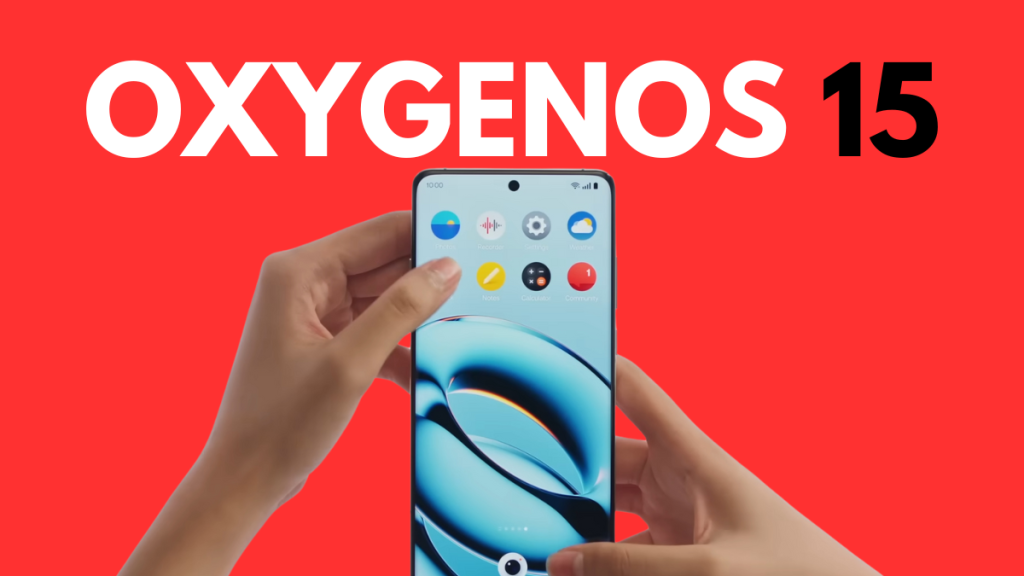
OxygenOS 15, based on Android 15, has been launched, and there are many reasons why one would upgrade to the new Android skin. In fact, it’s the best OxygenOS upgrade in recent years.
Here are the top 7 features of OxygenOS 15 you wouldn’t want to miss out on:
1. Parallel processing
One of the most significant under-the-hood changes to OxygenOS 15 is parallel processing. It makes operations such as opening a widget or folder and switching apps feel snappier.

When you launch an app, it runs through a series of tasks before you see the app’s content. If you quickly open a different app, the device will finish the tasks for the first app before initializing for the second. This causes a little lag, which OxygenOS 15 resolves by handling them parallelly.
OnePlus is the first Android brand to introduce this feature to smartphones. Even iPhones do not have this feature.
2. AI features
OnePlus brings loads of useful AI features to OxygenOS 15. First is the AI Detail Boost, which upscales photos to 4K resolution so you can crop them without losing quality.
This feature isn’t perfect, though, so you’ll likely see a quality drop in a cropped image. However, it’s far better than not having it.
There’s also AI Unblur, which is pretty self-explanatory. It does an excellent job of improving blurred photos. However, like any other AI feature, it’s not perfect.

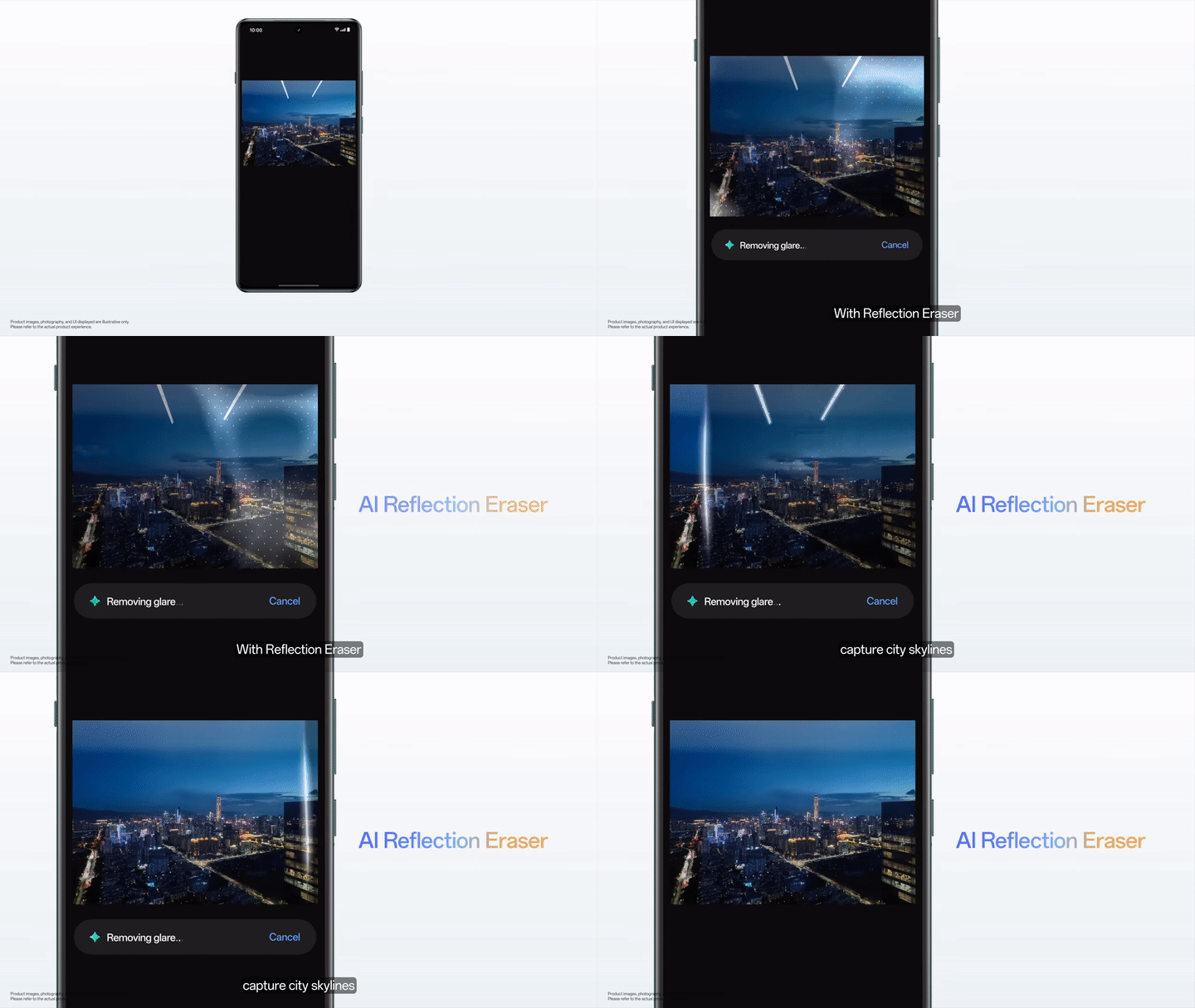
The latest OxygenOS software also introduces an AI Reflection Eraser that removes all glares from your photos, resulting in non-distracting shots.
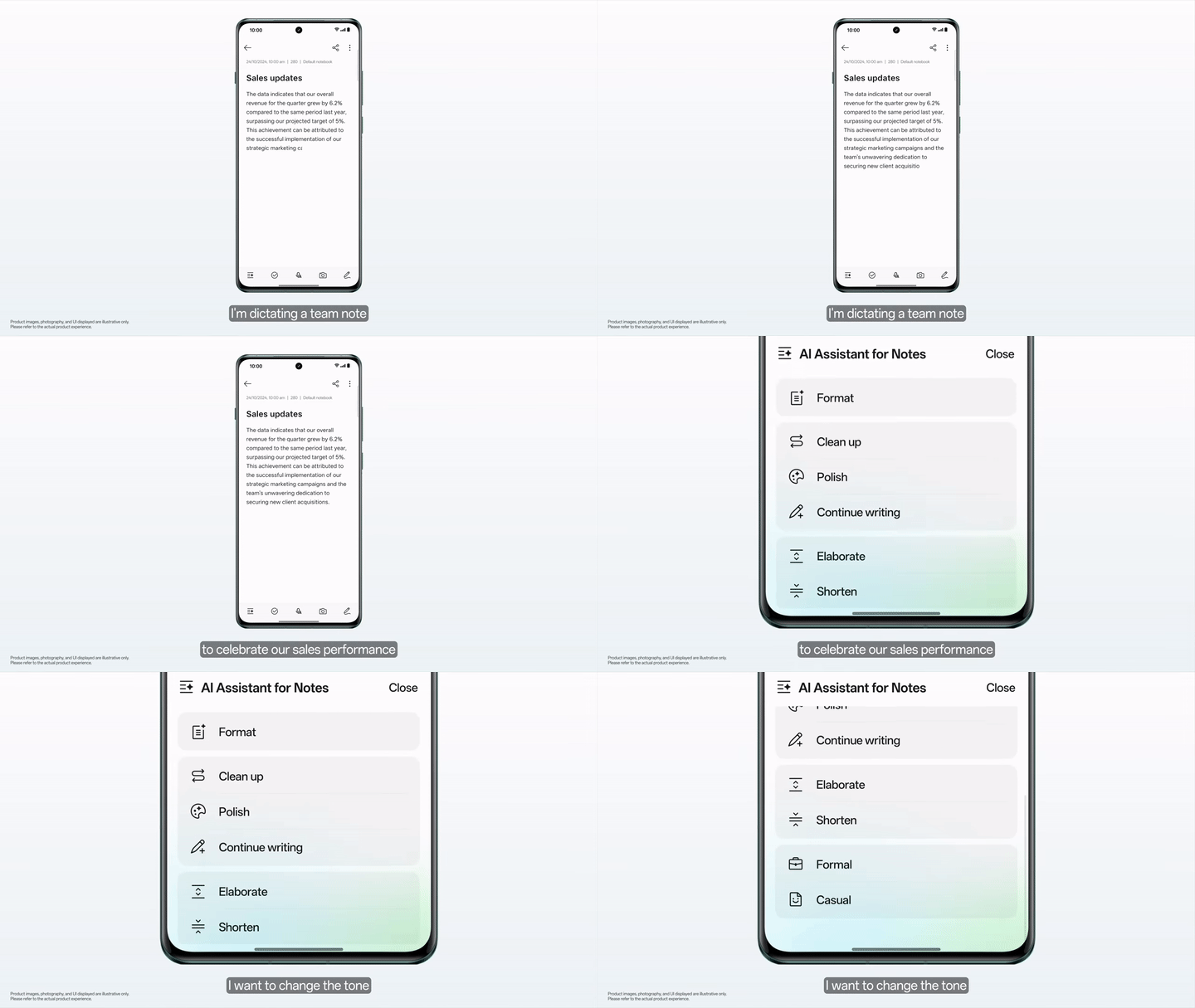
The Notes app in OxygenOS 15 is also getting AI touchups with new tools like Cleanup (to remove filled pauses from a transcript0, Format (to create clean summaries), Continue Writing (to generate new content), and Tone Adjustment (to change the tone).
3. Circle to Search
Circle to Search, originally unveiled with the Galaxy S24 series, has also been introduced to many Samsung Galaxy and Google Pixels. Now, this feature is coming to OnePlus phones as well, as a part of OxygenOS 15.

For those uninitiated, Circle to Search lets you quickly search for anything on your screen by drawing a circle around it. This feature comes in handy when finding products appearing on your reels/shorts feed and anywhere on the internet.
4. Flux themes
It’s one of my favorite features of OxygenOS 15 to give a fresh look to my device instantly. Basically, these are preset themes that let you customize your lock screen, wallpaper, always-on-display (AOD), and more in a single click.
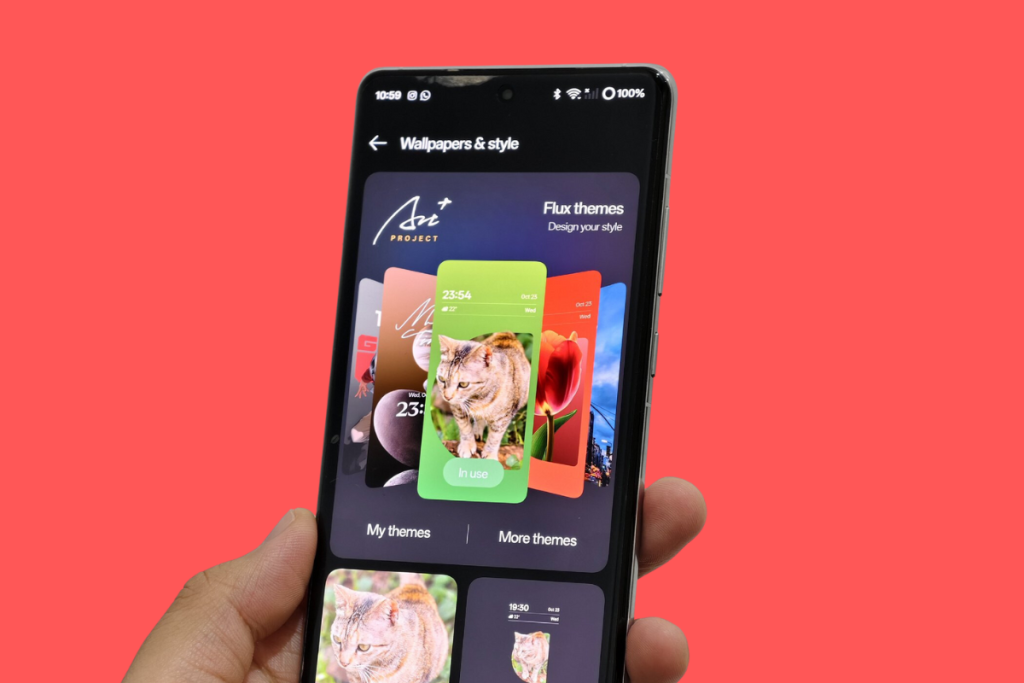
Besides Flux themes, the new Android skin also brings new wallpapers, icons, and depth effects so you can customize the lock screen your way.
5. Live Alerts
OxygenOS 14’s Smart Suggestion feature is now Live alerts. Previously, it appeared in the notification panel. In OxygenOS 15, it has been moved to the area around the front camera, similar to Dynamic Island on iPhones.

Previously, it only worked with some food delivery and cab hailing apps, but it has been improved to also support things like timers, hotspots, screen recording, music playback, and more.
6. Share with iPhone
Sharing files from Android to iOS has been tedious. However, OnePlus is taking a step forward by introducing ‘Share with iPhone’ in OxygenOS 15, though it still requires several steps to follow.
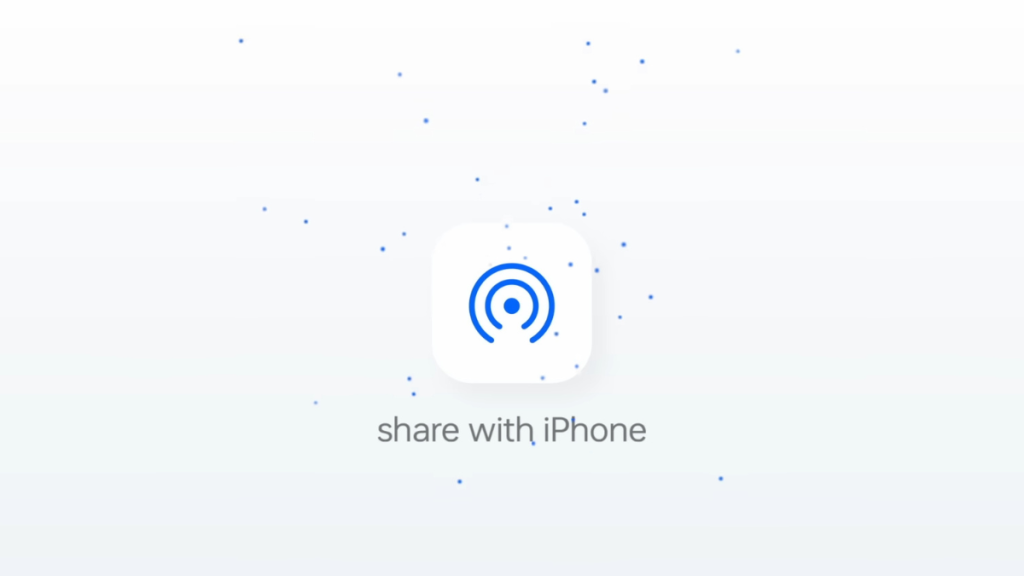
The iOS device needs to install and set up the O+ Connect app. The next step is to enable it on the OnePlus phone via Settings. After the iOS device accepts the file transfer request, it must be connected to the OnePlus device’s Wi-Fi.
#Bonus
This list can’t be complete without highlighting the return of the OnePlus Easter Egg in the Calculator app. When you tap “1” and “+” in Calculator and hit equals (=) you see a glorious OnePlus’s Never Settle animation.

OxygenOS 15 also brings a host of other exciting visual upgrades, such as new icons and new animations for boot-up, charging, and fingerprint.
Also Read:
1. Here’s when will your OnePlus phone get OxygenOS 15 beta
2. What’s new in OxygenOS 15



Comments