
Add GIZMOCHINA as Preferred Source on Google
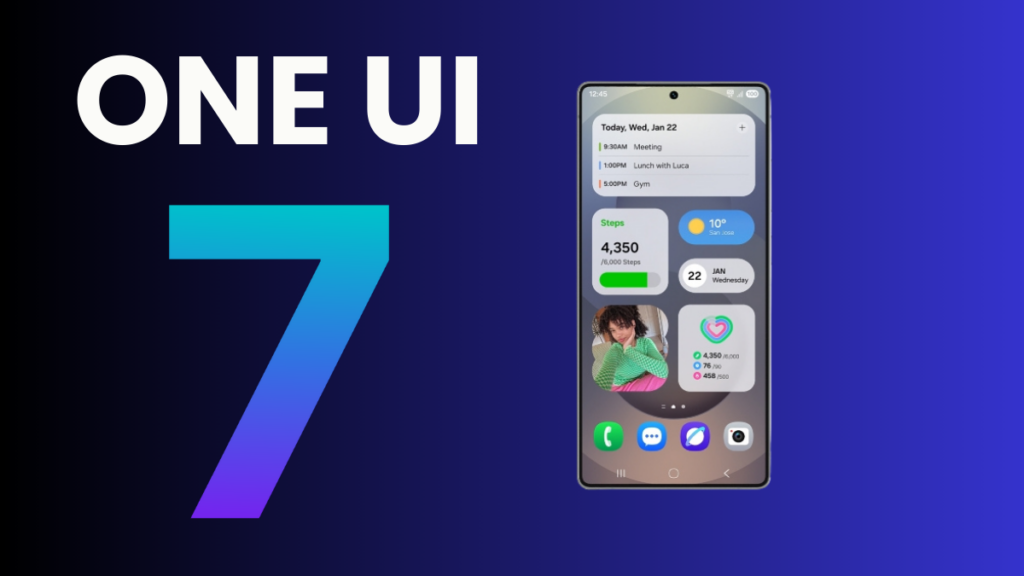
After months of waiting, Samsung has finally announced the One UI 7 rollout details. The brand has previously confirmed that the rollout will begin in April; now, it has revealed the exact rollout date and the device list that will get it first, along with details on major changes to One UI 7.
In a blog post published on the official website, Samsung revealed that the stable One UI 7 rollout will begin from April 7. The Galaxy S24, Galaxy S24+, Galaxy S24 Ultra, Galaxy Z Fold 6, and Galaxy Z Flip 6 will be the first to join the party. These devices will most likely get the update on the same day — April 7. However, because of incremental rollout, it can take a few days to reach all the regions.
The rollout will then expand to more Galaxy S and Tab series models in the following weeks. These devices include:
- Galaxy S24 FE
- Galaxy S23
- Galaxy S23+
- Galaxy S23 Ultra
- Galaxy S23 FE
- Galaxy Z Fold 5
- Galaxy Z Flip 5
- Galaxy Tab S10+
- Galaxy Tab S10 Ultra
- Galaxy Tab S9
- Galaxy Tab S9+
- Galaxy Tab S9 Ultra
Samsung hasn’t revealed the One UI 7 rollout details about other Galaxy devices. Well, that doesn’t make them ineligible for this upgrade. Perhaps those devices will get the update in the second wave, which will most likely begin in May. You can check the full list of One UI 7 eligible devices here.
Related:
1. One UI 7 will be the last major upgrade for these Galaxy devices
2. 5 One UI 7 features that are making me impatient for this major upgrade
According to Samsung, One UI 7 brings a bold new design for greater personalization and control to the user experience. The new interface, built for AI, allows users to interact with their Galaxy devices more naturally than ever before. Samsung says One UI 7 comes with a “simple, impactful and emotive design” for a streamlined experience.
The update, based on Android 15, brings a simplified home screen, redesigned One UI widgets, and a lock screen that allows seamless customizations. There’s also the all-new Now Bar, a pill-shared UI element that provides quick access to useful information such as ride status, the current playing song, delivery updates, timers, and more—all with a simple swipe, without unlocking the phone.
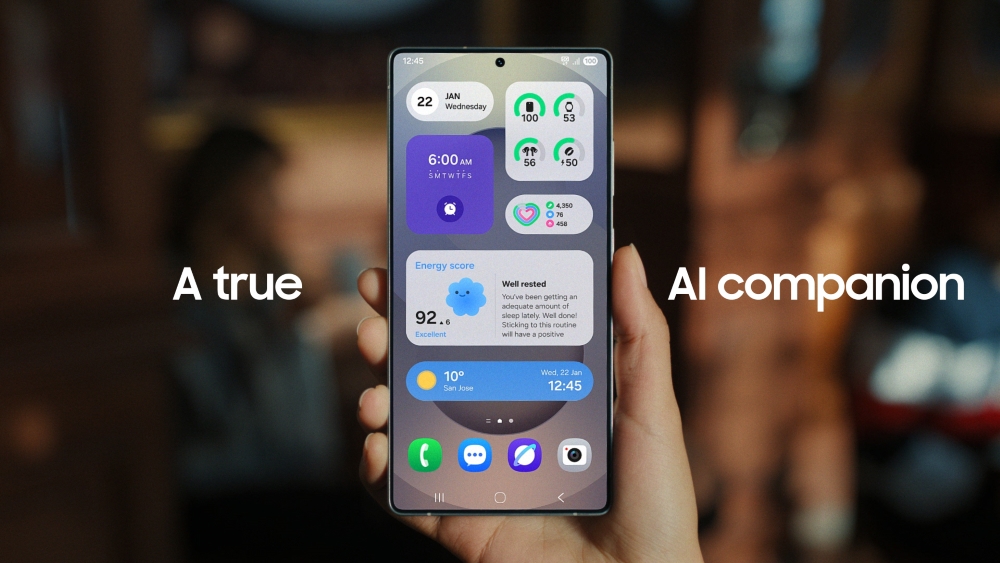
One UI 7 also brings several new features and enhancements to existing ones for seamless integration and better productivity. The new AI Select feature allows users to convert portions of videos into GIFs in just a few taps. Then there is Writing Assist for fixing grammatical mistakes or improvising your texts. It’s there in One UI 6.1 as well, but in One UI 7, it works with every app, no matter which keyboard you’re using (previously restricted to Samsung Keyboard).
Drawing Assist is a cool AI feature that helps bring ideas to life. This feature now accepts more than a single input, including combinations of text prompts and images or sketches. One UI 7 also introduces Audio Eraser, an AI tool to remove unwanted noise in videos. It’s a useful feature, but not many Galaxy devices will have access to it. The Audio Eraser works only on the Galaxy S25 series, S24 series (S24 FE included), Galaxy Z Fold 6, Flip 6, and Galaxy Tab S10 series.
Samsung says One UI 7 has deeper Google Gemini integration for a more intelligent voice assistant. Long-pressing the side button opens Google Gemini assistant, which can answer your queries and show recommendations in seamless interaction. The natural language search is now coming to Settings. That means you no longer need to remember the settings name; simply type what you want, and the Settings app will present relevant options on the screen. For example, if you ask “my eyes are feeling tired,” the Settings app will recommend options such as adjusting brightness or turning on Eye comfort shield.
There’s more to One UI 7 to explore. You can read this article to find out the biggest reasons why you should upgrade to the newest software.
Don’t forget to visit our One UI 7 section for the latest news and updates. Also, follow our Telegram channel and subscribe to our free newsletter for your daily tech updates! ⚡
Also read:
1. One UI 7 might not bring this useful Galaxy AI feature on older devices
2. Delayed One UI 7 update rollout may have led to One UI 7.1 cancellation
(via)




Comments