
Add GIZMOCHINA on Google:
Samsung’s latest One UI 7 update is packed with new features, but for some Galaxy Z Flip owners, it’s also brought along an annoying visual glitch. Several users have noticed a black line appear on the main screen after using Smart View. Now, Samsung has acknowledged the issue (via Sammy Fans) and is working on a fix.
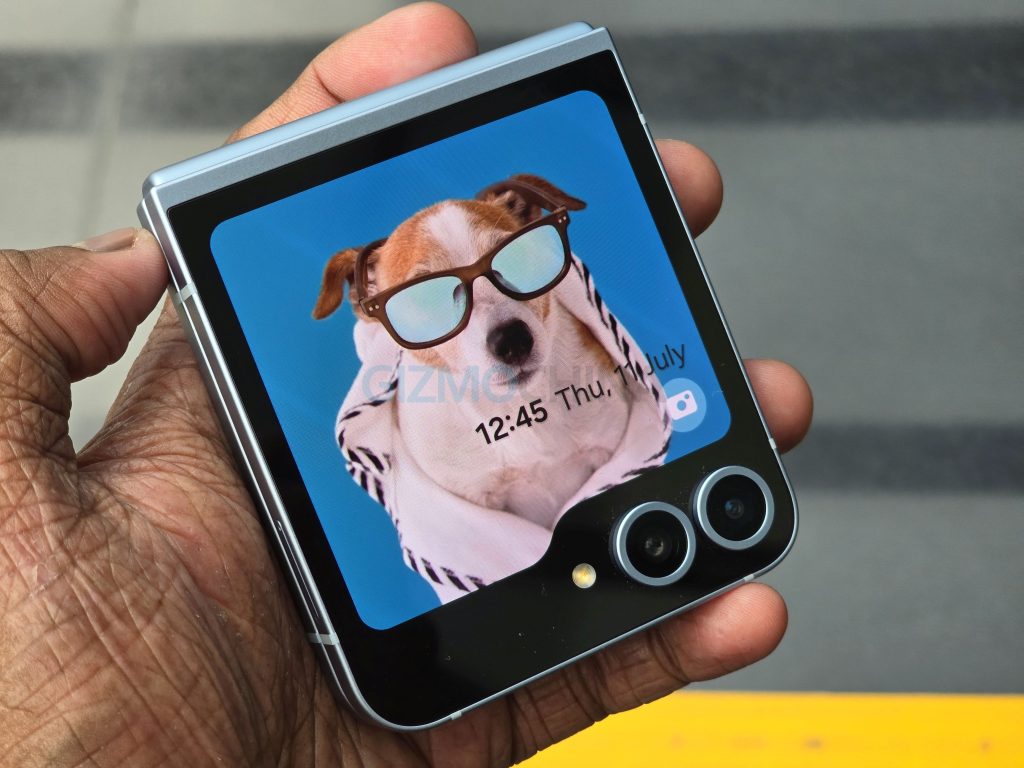
The glitch seems to appear when users fold their phone and disconnect from Smart View while the screen ratio is set to “Full screen on connected device.” The black line that shows up is temporary, but it can be distracting. According to a Samsung community moderator, the issue mostly affects Z Flip models. There haven’t been similar reports from users of the Galaxy Z Fold7 or the Galaxy S25 series so far.
Samsung has shared a simple workaround in the meantime. To avoid triggering the bug, change the Smart View settings by swiping down to open Quick Settings, tapping the Smart View icon, connecting to your device, then selecting the floating Smart View button. From there, go to More Options > Settings, and choose Full screen on phone. This should stop the black line from appearing when you fold the device.
While the bug doesn’t affect overall performance, it can take away from the otherwise smooth experience of the 6.7-inch AMOLED display on the Flip series. Samsung says it’s preparing a software update to permanently fix the issue. Once available, users will be able to install it by heading to Settings > Software update > Download and install.
Samsung confirmed the problem on July 24 and is expected to roll out a fix soon. If you’re still seeing the issue after trying the workaround, you can reach out to Samsung support.
Don’t miss a thing! Join our Telegram community for instant updates and grab our free daily newsletter for the best tech stories!
For more daily updates, please visit our News Section.


Comments