
Add GIZMOCHINA on Google:
Introduction
Gizmochina Review has been looking for systems suitable for building an all-flash SSD NAS. My needs were clear: at least 4 U.2 NVMe slots with expandable self-contained 10GbE and above network ports. However, if anyone like us searches in the market so hard, he/she knows that this is not easy. Many manufacturers are still producing all-flash systems with 2.5GbE ports. Therefore, we expect a lot from the LincPlus LincStation N2, which will be reviewed soon. It features 4 quick-release M.2 ports, 2 2.5″ SATA disks, and, crucially, a 10GbE RJ45 port. The article will be a detailed story of reviewing the LincStation N2.
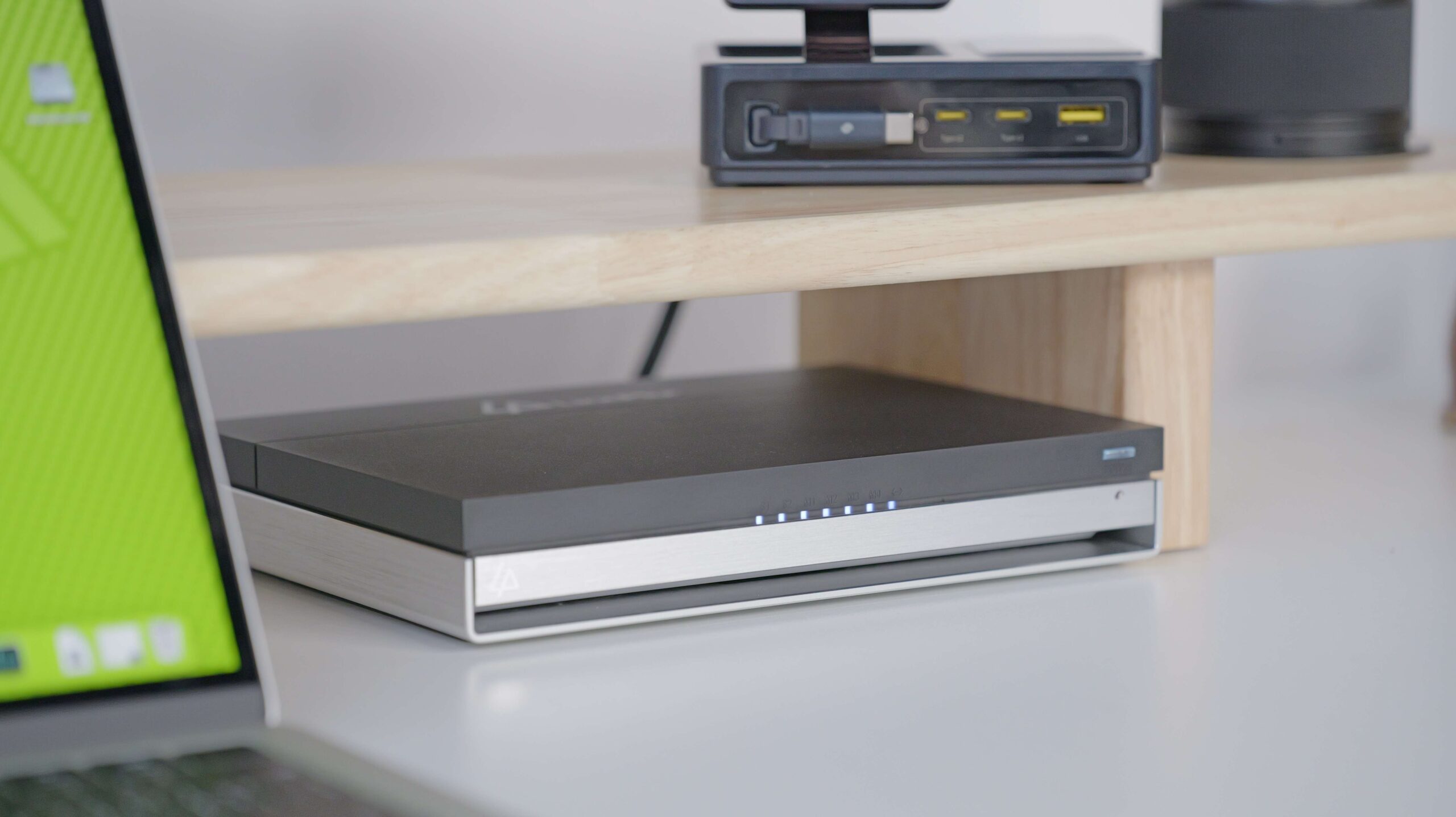
Hardware Configuration
- CPU: Intel N100 (Alder Lake-N), 4-core, 4-thread, up to 3.4 GHz, 6W TDP, integrated Intel UHD Graphics, 24 EU, 750 MHz.
- Memory: 16GB, 4800MT/s LPDDR5, single-channel.
- Internal Storage: 128GB Samsung 5.0 eMMC.
- Storage Interfaces: 2x SATA 3.0 (supports 2.5″ HDD), 4x M.2 2280 NVMe (PCIe 3.0 X1).
- Network port: 1x Aquantia AQC113C 10GbE RJ45 network port.
- USB ports: 1 USB 3.2 Gen 1 Type-C (5Gbps) on the front, 1 USB 3.2 Gen 2 Type-A (10Gbps) on the rear, 2 USB 2.0 Type-A (480Mbps).
- Audio/video ports: 3.5mm audio port, 1x HDMI 2.0b (supports 4K 60Hz).
- Dimensions: 3.98 x 21.0 x 15.1cm.
- Power supply: DC5.5 x 2.1 12V 5A 60W external power supply.
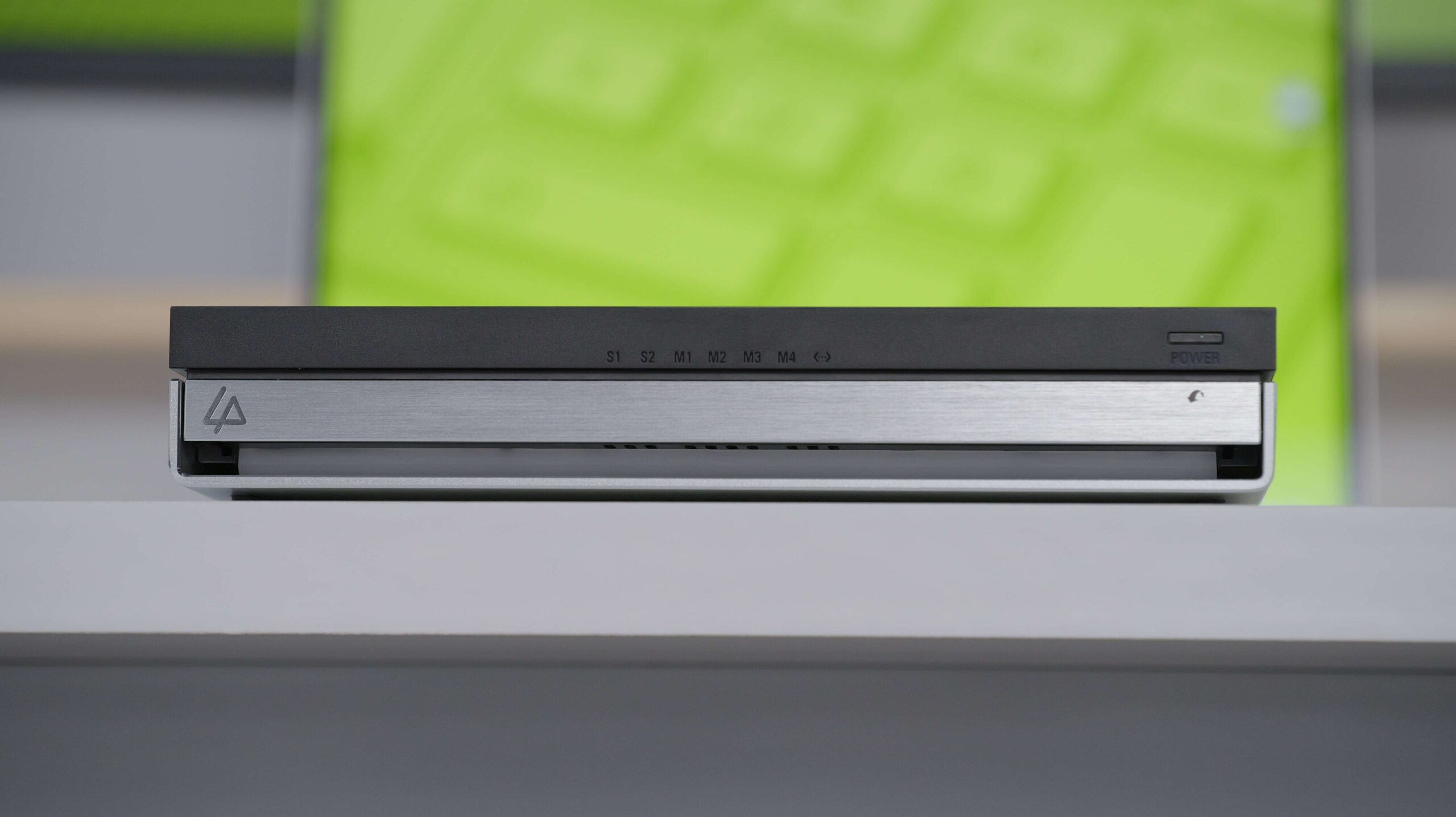
The Intel N100 was released in 2023, and while it may seem a bit old, its successors, the N150, N200, and N250, have only increased their operating frequency, with the architecture and number of threads remaining unchanged. With UNRAID, you can enable core SR-IOV virtualization to take full advantage of the performance. Memory is limited by the CPU, up to 16GB LPDDR5 4800MT/s, which is larger and faster than traditional manufacturers and can easily run a large number of Docker containers with a lower crash probability than the ZimaBoard 2.

Intel N100 Soc has only 9 Pci-e peripherals, and the LincStation N2 offers 4 NVMe slots, 2 SATA slots, and Aquantech N150, N200, and N250 offer 4 NVMe slots, 2 SATA slots, and 4 NVMe slots, and 2 SATA slots. The LincStation N2 offers 4 NVMe slots, 2 SATA slots, 2 for the Aquantia AQC113C, and 1 for the built-in eMMC. Theoretically, it supports WLAN and Bluetooth but only supports Intel WLAN cards with CNVio channels.
Design
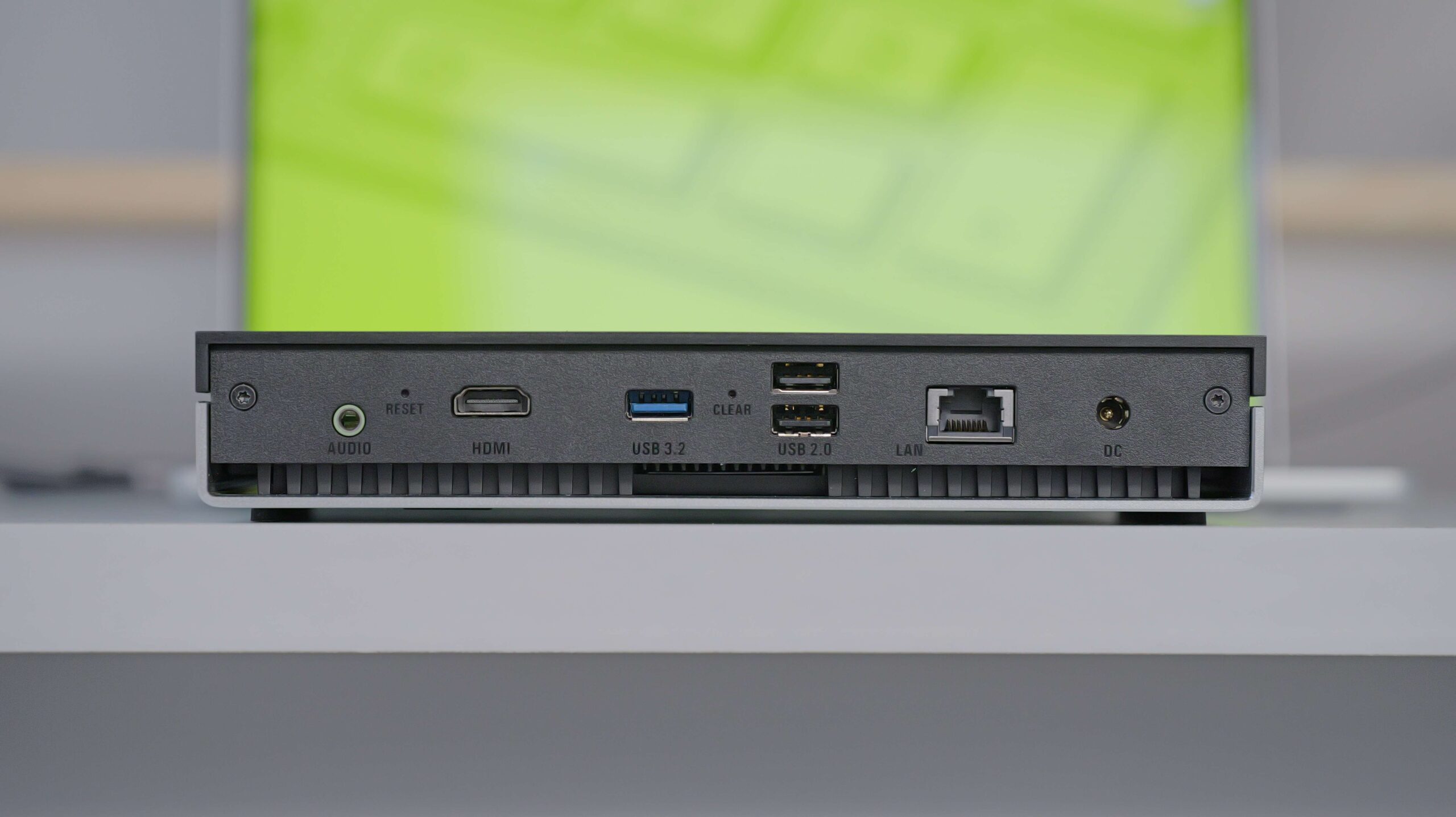
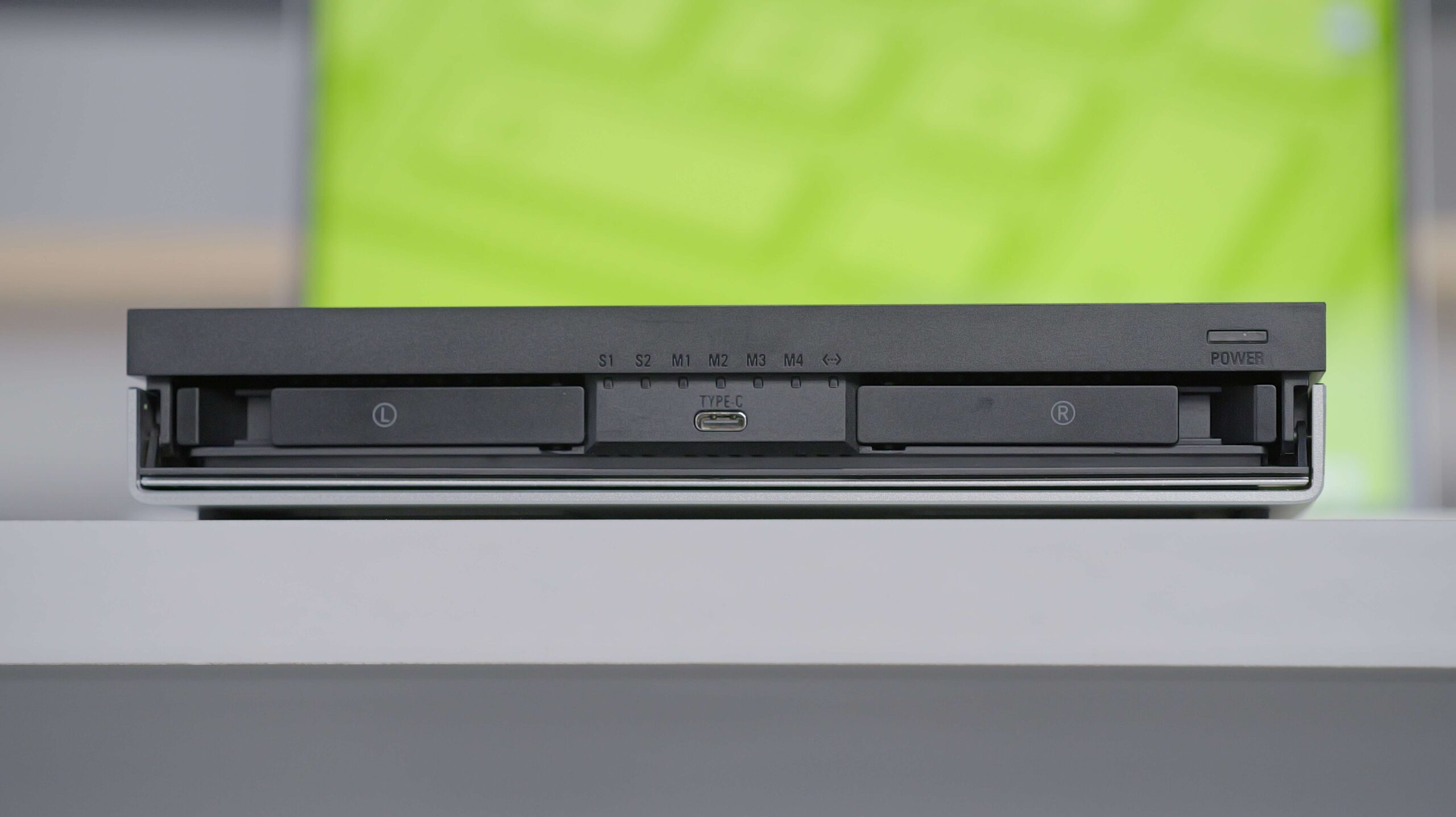
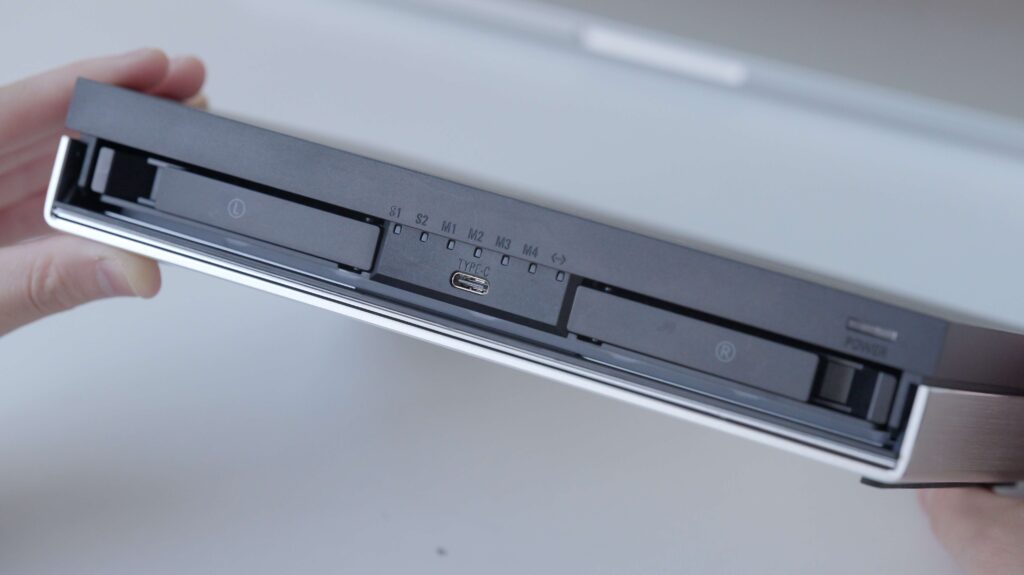
There are 7 LEDs in the center of the front that correspond to the 6 hard drives and network statuses, and all 7 will blink at the same time if they are not driven correctly.
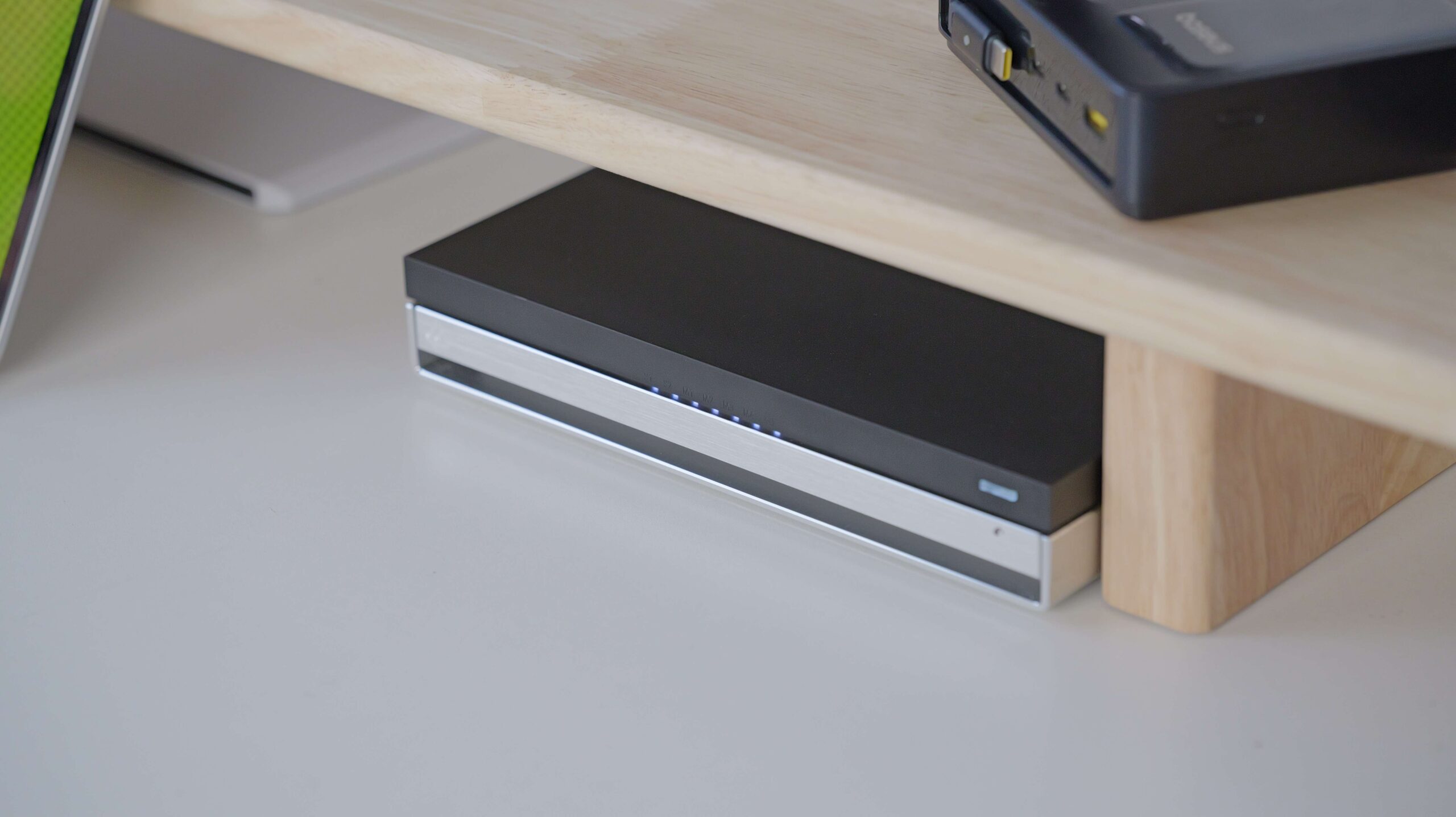
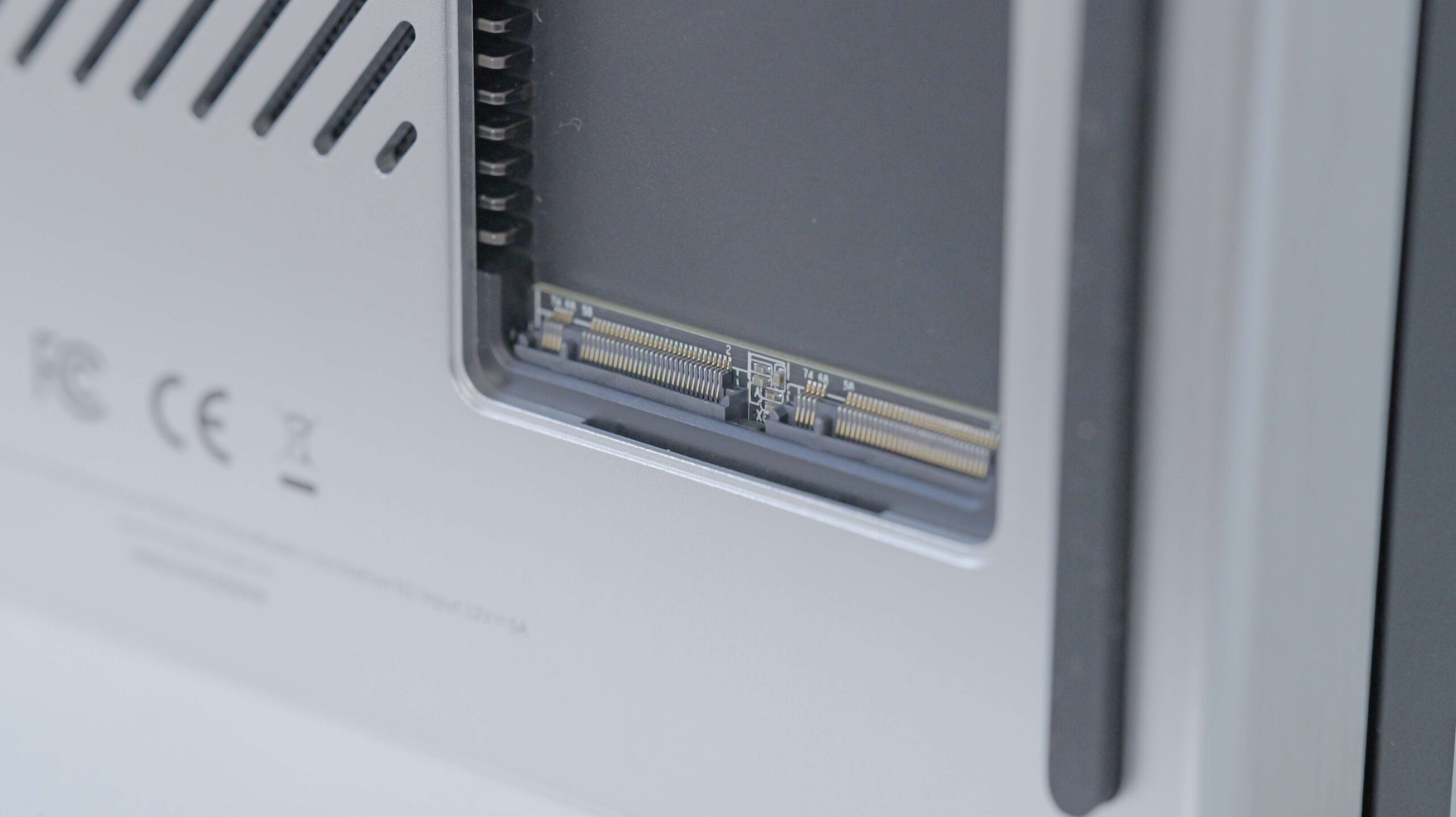
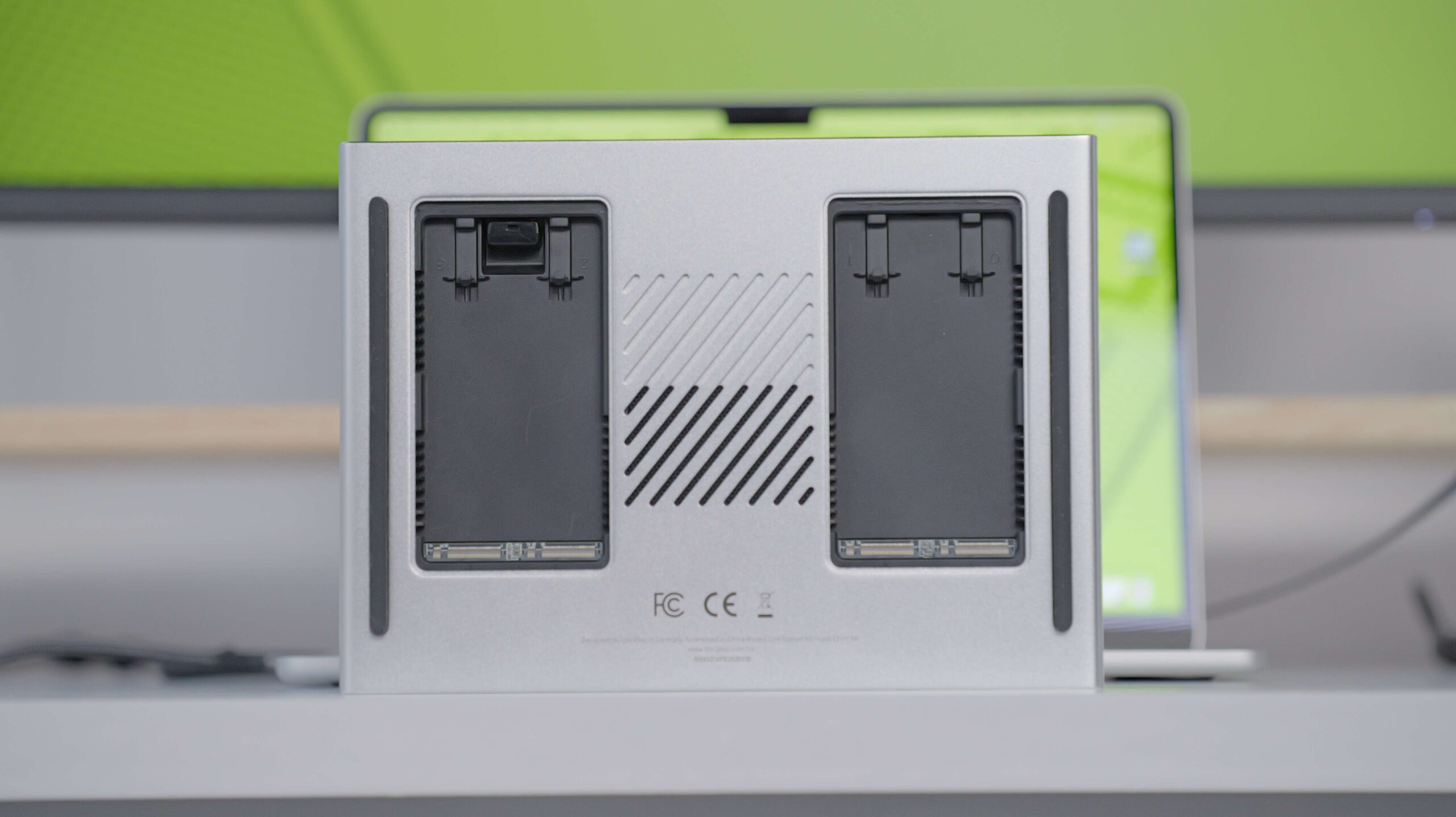
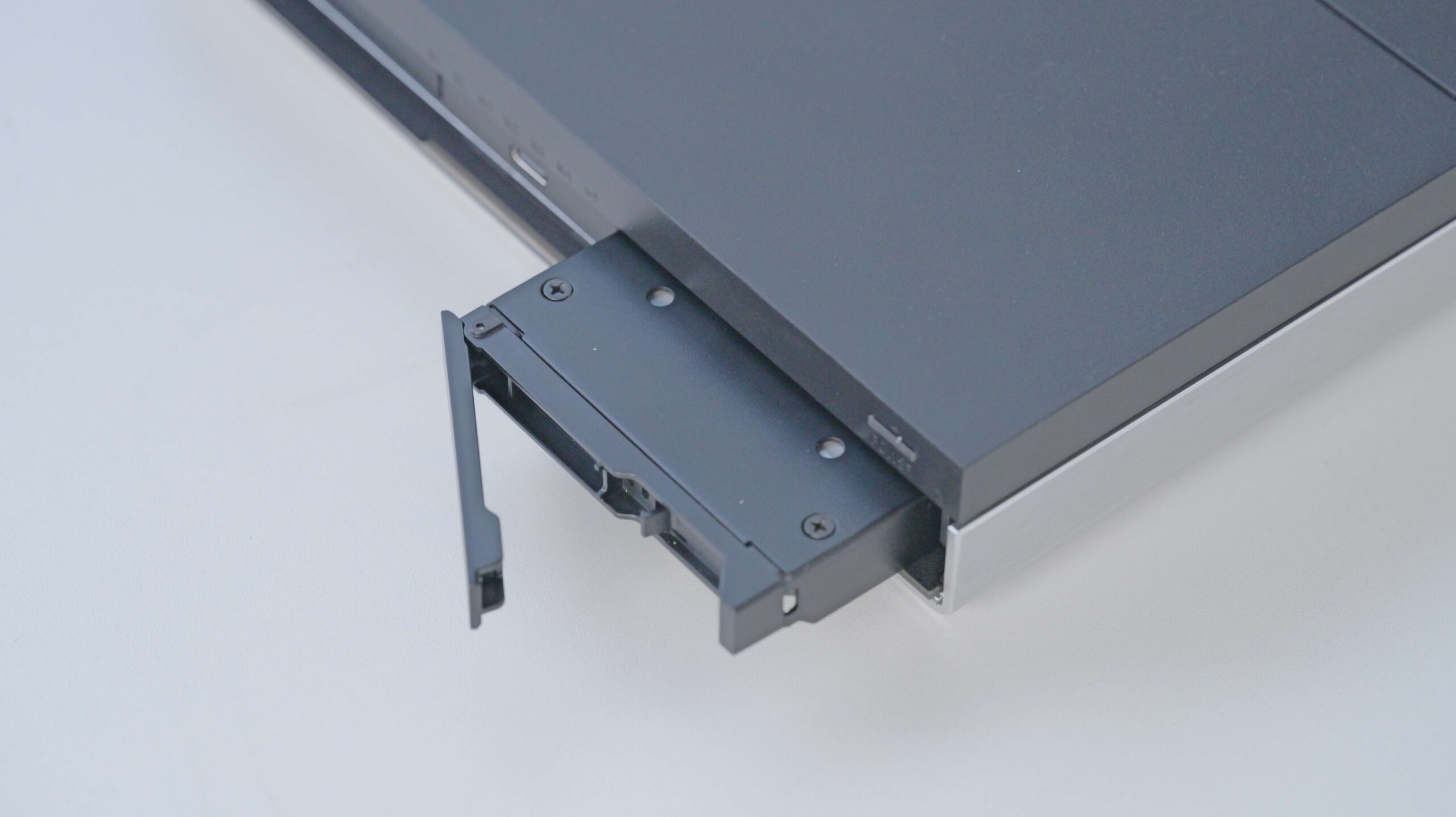
The top cover is frosted plastic, which feels good to the touch but is prone to fingerprints. The bottom half is an aluminum alloy panel with 4 M2 slots with thermal spacers to help dissipate heat. Open the front cover, there is one SATA slot on each side, no quick-release design, and installation requires the included screws and screwdriver. These two 2.5″ SATA slots support 15 mm-thick disks such as high-capacity HDDs.
System experience
Comes with a one-year UNRAID subscription. UNRAID offers flexibility in array formation, allowing you to form data-protected arrays like HDDs with different capacities.

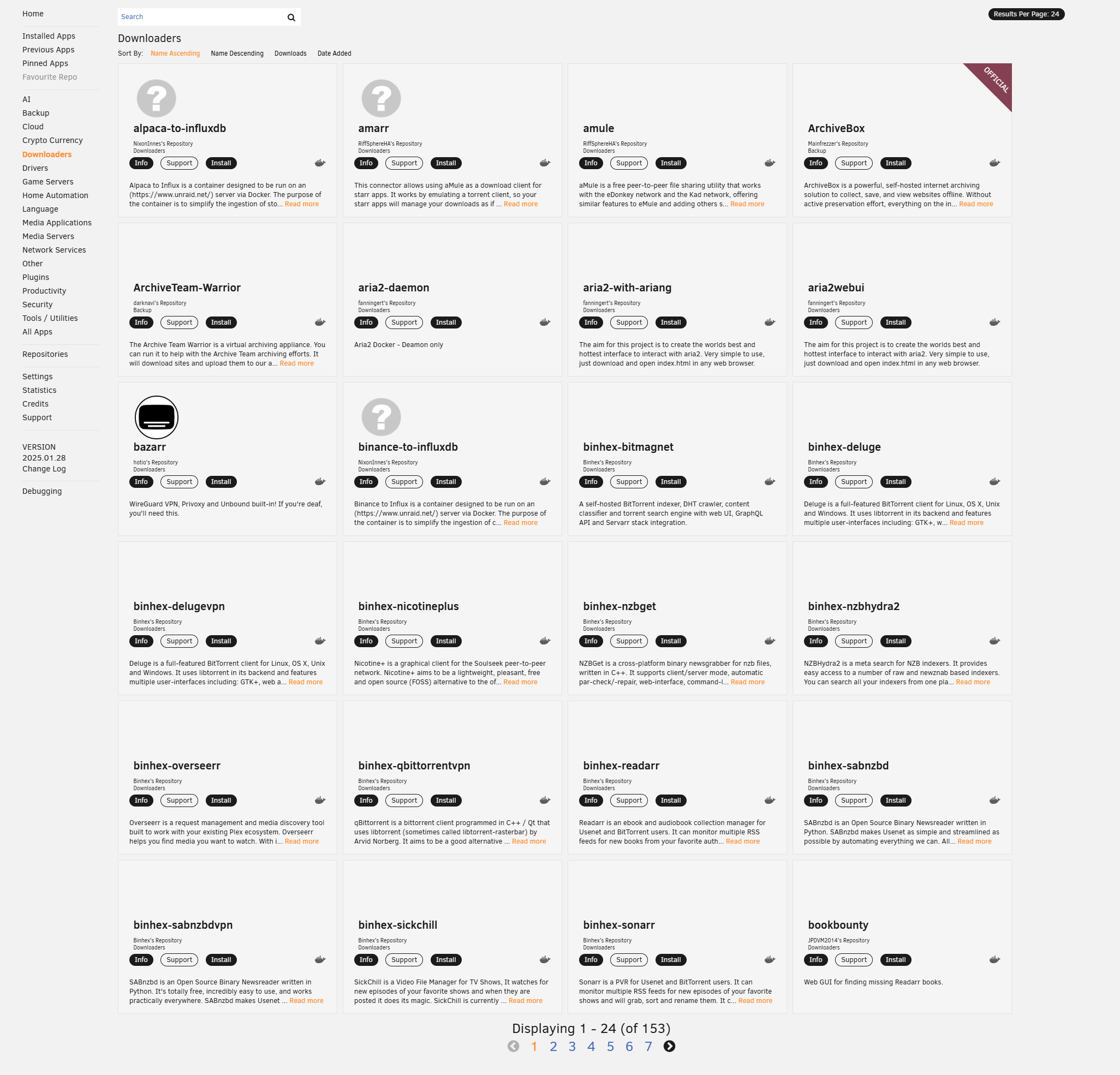
It’s easy to configure Docker. For example, to deploy Docker for LAN speed testing, you just need to search for it in the APPS search results and install it with the default template to test it. It’s also easy to create a DACINVI collaborative database with PostgreSQL. The store is rich in application data, with 3600 APPs in the Downloaders category.
Performance
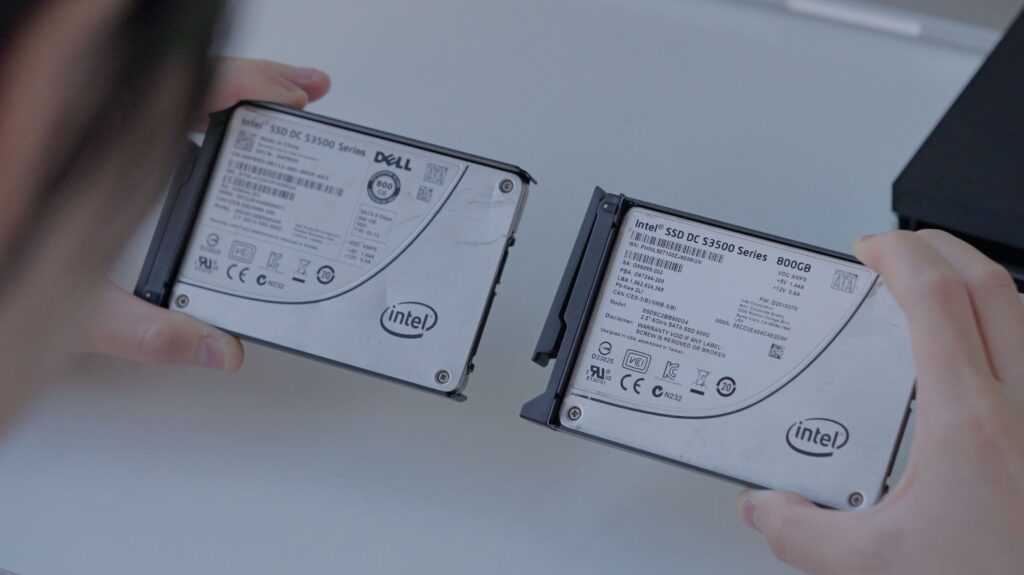
Two Intel® Solid-State Drive DC S3500 Series 800 GB are installed in 2.5-inch disk space, with one set as a checksum disk and the other as a data disk, allowing the unRAID to synchronize checksums to simulate 784 GB writes.
At the end of the test, the SATA SSD temperature peaked at 68° and stabilized at 44° after standby, which is an average temperature performance.


Toshiba GX7 NVME SSD was installed in the M2 slot, and the maximum temperature was 48° after writing 2TB of data continuously, with an operating power of 8.35W, which is a better temperature performance than the SATA disk.
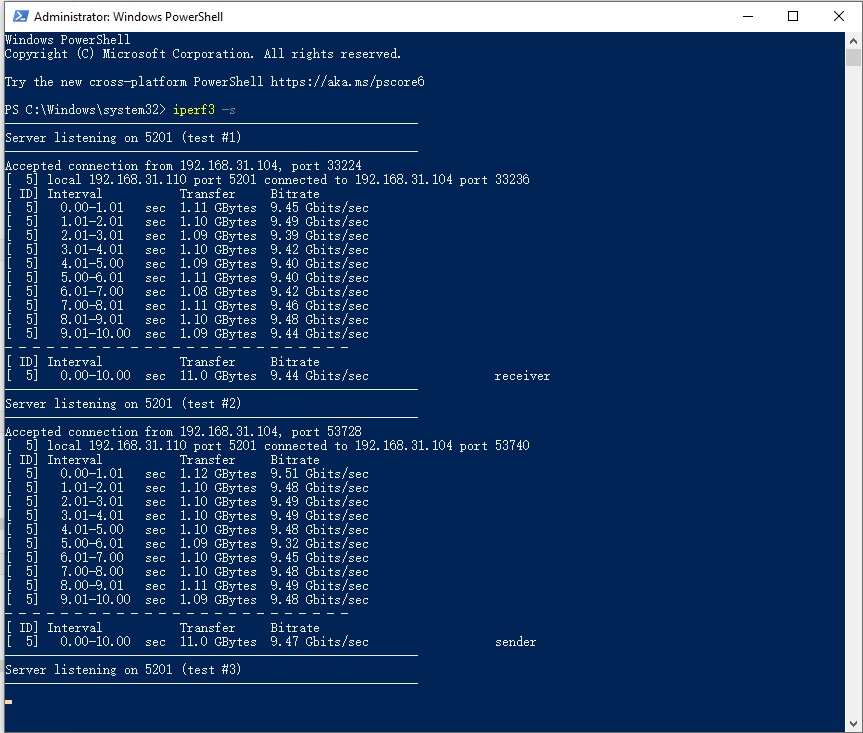
Using IPerf3 to test the performance of the NIC, the uplink and downlink speed can reach 9.5Gbps, and it is ready to run at 10000Mbps.
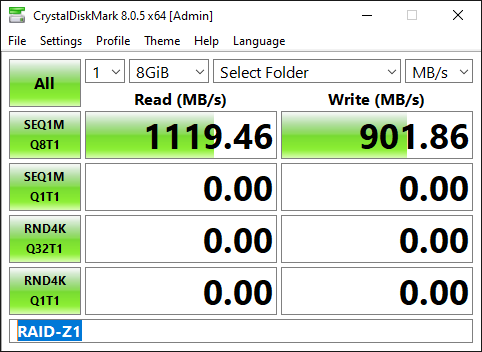
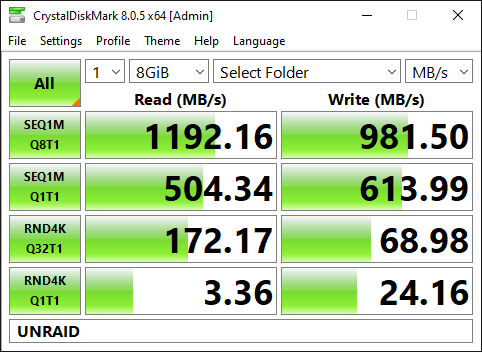
Enable SMB sharing, and change the MTU of the PC and N2 NIC to 9000. The read speed is full of 10Gbps due to cache, and the write speed is only 1000MB/s due to Gen3 X1 bandwidth limitation. Set up 3 SSD RAID-Z1 arrays to test, and found that the performance of ZFS arrays is weaker than that of direct read/write, but it is still close to the limit of 10Gbps transmission, which is probably due to the internal bus bandwidth of the Alder Lake-N series processors. This may be due to the small internal bus bandwidth of the Alder Lake-N series processors.
Summarize
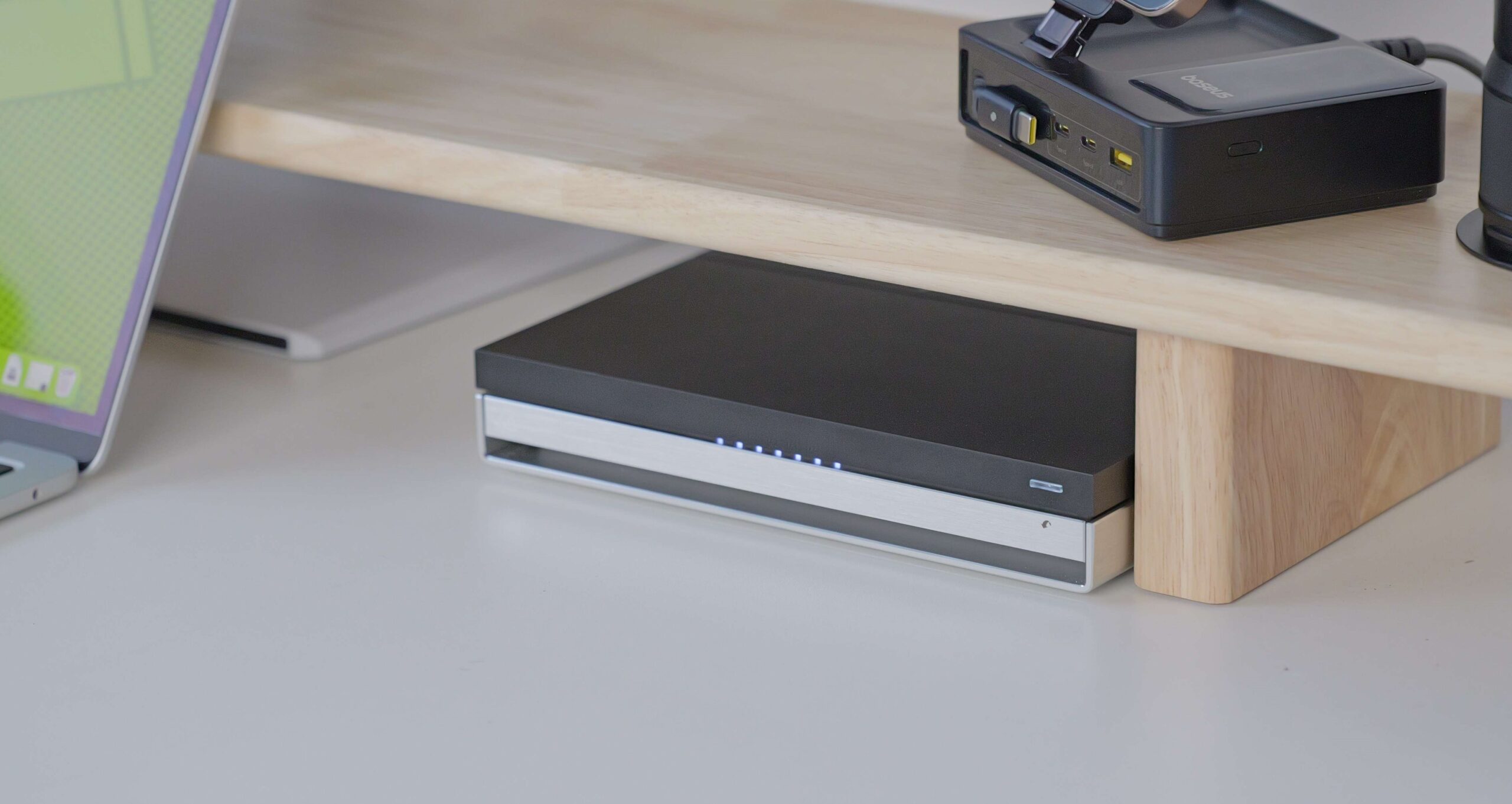
The actual performance of the LincPlus LincStation N2 is a good match for my ideal 10Gb all-flash NAS. As one of the few entry-level NAS products with 10Gb RJ45 ports, the NIC has an excellent power consumption ratio, and the N100 processor is powerful enough to support 10Gb network transfers. The device is quiet, with the fan barely audible except during the boot-up detection phase, and the NVMe NAS have excellent heat dissipation, so it’s ideal for noise-sensitive scenarios such as desktops or bedrooms.
However, there is some controversy over the SATA slot. If an SSD is inserted, it may overheat during long-term reading and writing; if an HDD is inserted, there is no obvious advantage in terms of speed and capacity compared to an SSD. If LincPlus comes out with a next-generation LincStation, it would be a nice innovation to replace the SATA drive with a U.2 drive.
We’ll be using this product for a long time to come, and I’ll be on the lookout for similar products that are even better.

Comments