In these two years, smartphones have started to come without earphone jack, and wireless earphones have sprang up. There are too many wireless earphones to choose in the market. Some of you may just want to have a taste for a budget pair of TWS earphones to replace the wired earphones. I got Redmi AirDots and QCY T1 several days ago, both are TWS earphones. Let’s check out the comparison of Redmi AirDots and QCY T1.
Design:
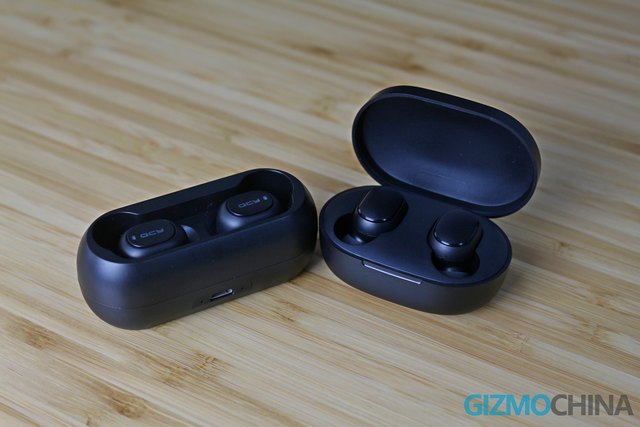
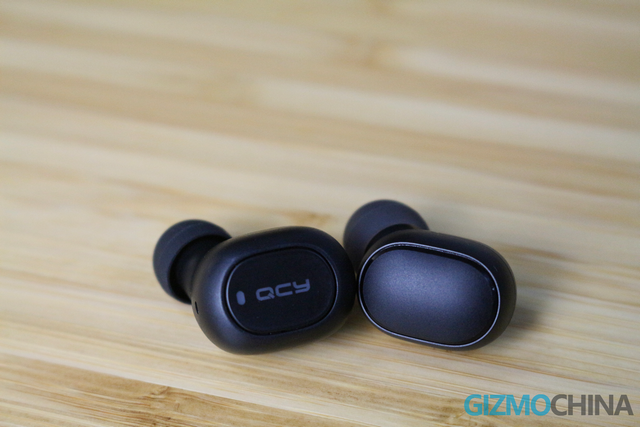
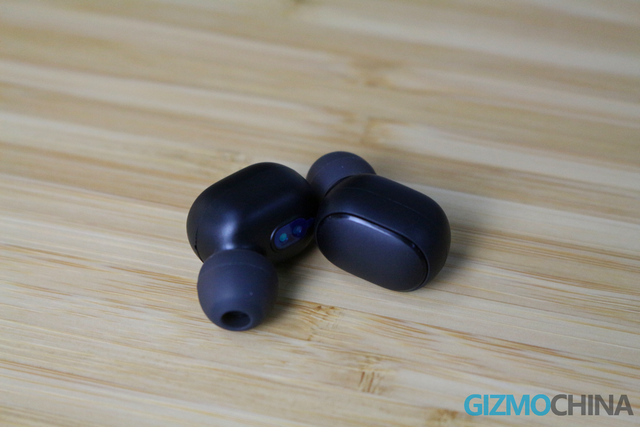
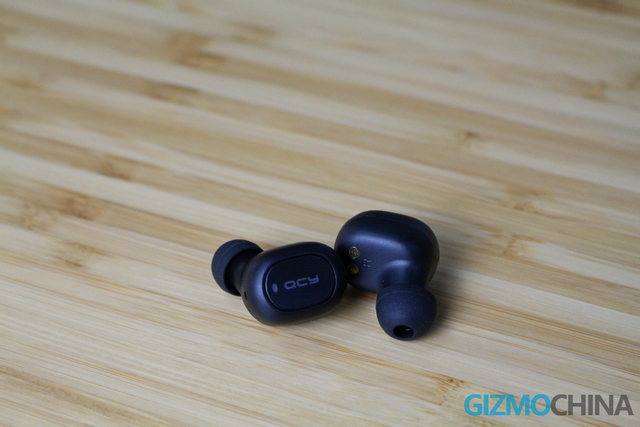
Two earphones adopt round design which look similar, and the canalphones are shipped with soft rubber which don’t make your ears uncomfortable. They have a physical button controlling the earphones and an indicating light on the solid support. The physical button of QCY T1 is flat, while the Redmi AirDots’s button is slightly raised. I wear them and press the button at the same time, the AirDots’s button is easier to touch. You can use the QCY T1 physical button to do operation. When you play music, single tap the T1’s button means play/pause. Double tap MFB on left/right for previous/next track. Hold the button for 1s to activate phone’s smart assistant. The operation of Redmi AirDots’s button have some differences. You can answer or hang up the phone, pause or start music. When you have a phone call, you can reject it by pressing for 1s. Double tap for waking the phone’s smart assistant up.
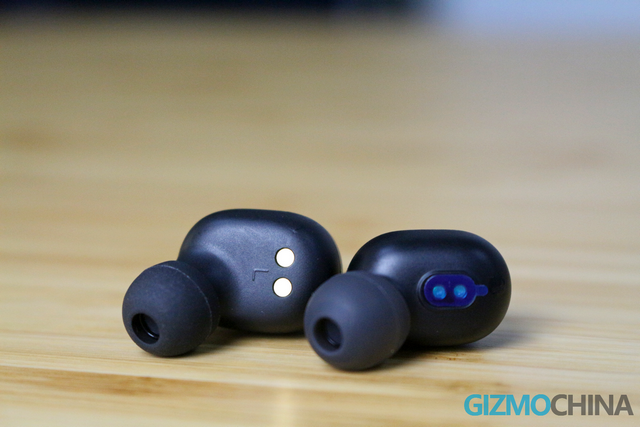
The solid support of Redmi AirDots earphones is smaller than the QCY T1, and the big solid support of QCY T1 makes my ears feel pressure. As a result of the size, personally, I think the Redmi AirDots is more comfortable than QCY T1 to wear.
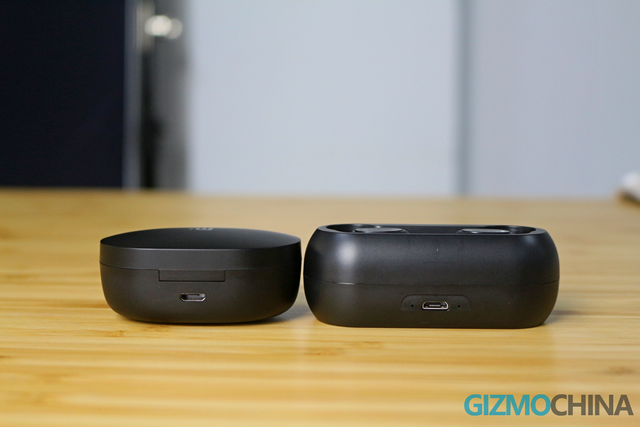
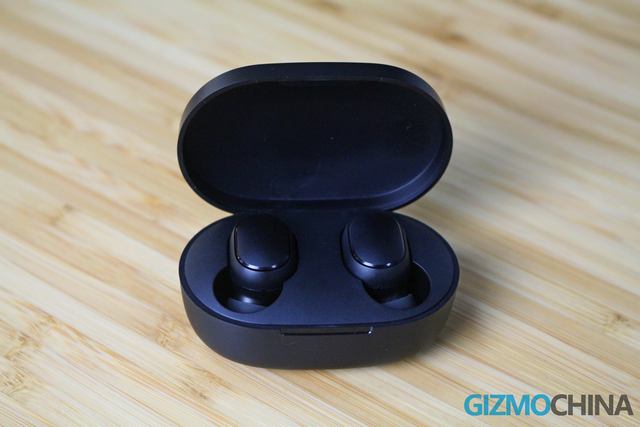
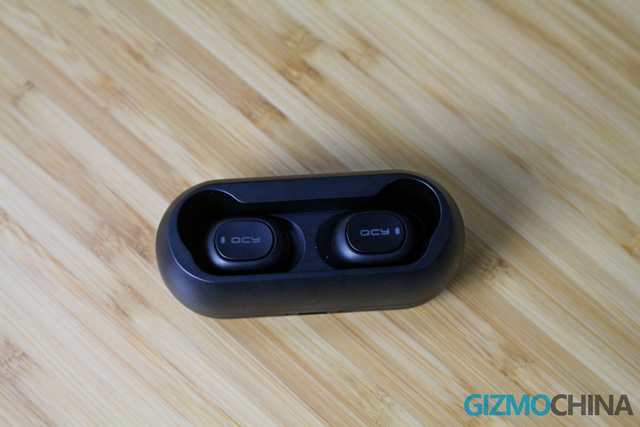
The Redmi AirDots earphones come with a charging box with a lid, and the earphones are sheathed in the box by magnet. The QCY T1 earphones are also sheathed in the box by magnet, but the charging box has no cover! I tested it specifically, please be assured that the earphones will not be fallen out. Both charging boxes are charged by microUSB port. The AirDots and the T1 are small and portable that you can put one of them into the pocket to take it out.
Performance:
I played a lot of songs with lyrics as well as complex music to check its performance. First, I tested for the normal mode which is set by smartphone, you cannot expect the earphones have several modes. In the normal mode, the performance of Redmi AirDots and QCY T1 are ordinary. It sounds like it’s coming from a box. But make a comparison that QCY T1 is a little better than Redmi AirDots.
In the surround stereo mode, both earphones perform well, and particularly, the Redmi AirDots can give you stereo surround sound experience that gets you immersed in music. While the QCY T1 lacks a bit of surround feeling.
In the bass mode, I prefer the QCY T1 earphones, because the thumping sound shows balanced on the left and right earphone, and it is not so powerful to frighten my ears. The thumping sound will mainly show on the right earphone of Redmi AirDots, and the left earphone almost has no thumping sound. I deem that it’s not balanced and it makes me feel uncomfortable.
On the whole, I’m surprised that the sound quality of these budget earphones is quite good.
Battery:
The Redmi AirDots is fueled by 40mAh battery and 300mAh charging box, and you can use it to listen to music for 12 hours with the charging box. It needs to charge 1.5 hours from empty to full. The QCY T1 comes with 43mAh battery and 380mAh charging box, and they can be used at most 16 hours with the charging box. It needs to charge 2 hours from empty to full. These two TWS earphones are enough for daily use.
Conclusion:
The two TWS earphones can meet the needs of most people who want to have a taste for a budget pair of TWS earphones. If you are not a big fan of sound quality, these earphones are suitable for you. Actually, at the affordable price, the sound quality of these earphones is quite good.
Overall, I prefer Redmi AirDots because of the small solid support and good surround stereo performance. Which one you would choose?
Buy Links: Redmi AirDots, QCY T1


 Cramped with top-end electronic items, the promotion page has been split into multiple categories. Not only can GeekBuying users take advantage of the noteworthy discounts, but they can also use specific coupons that have been assigned to each category and save a considerable amount of extra money.
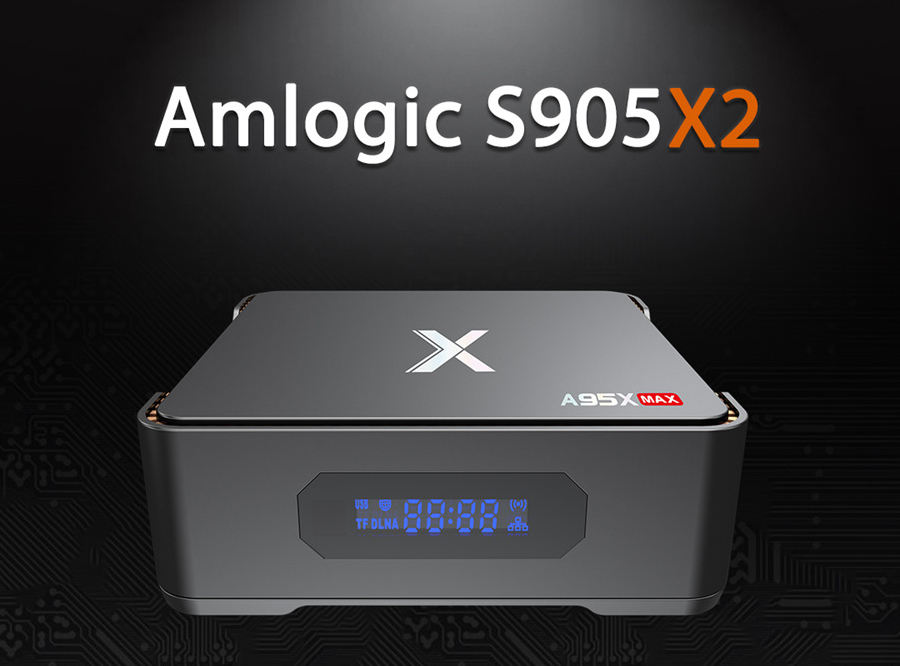
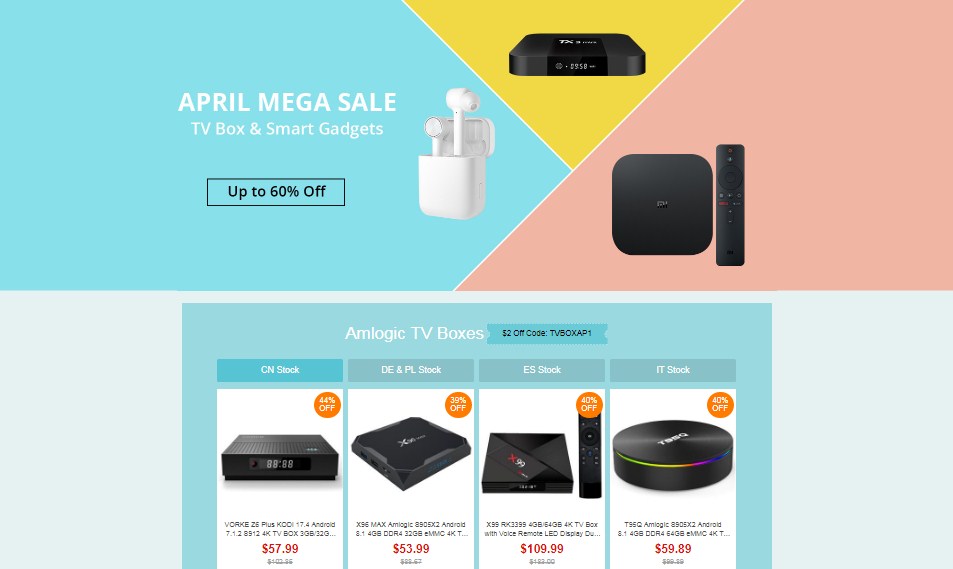 It is also worth mentioning here that coupons can be applied for specific items included even in the sub-categories. Aside from offering a slew of well-received TV boxes at lowered prices, GeekBuying is giving its users a chance to buy the A95X Max at an unbeatable price.
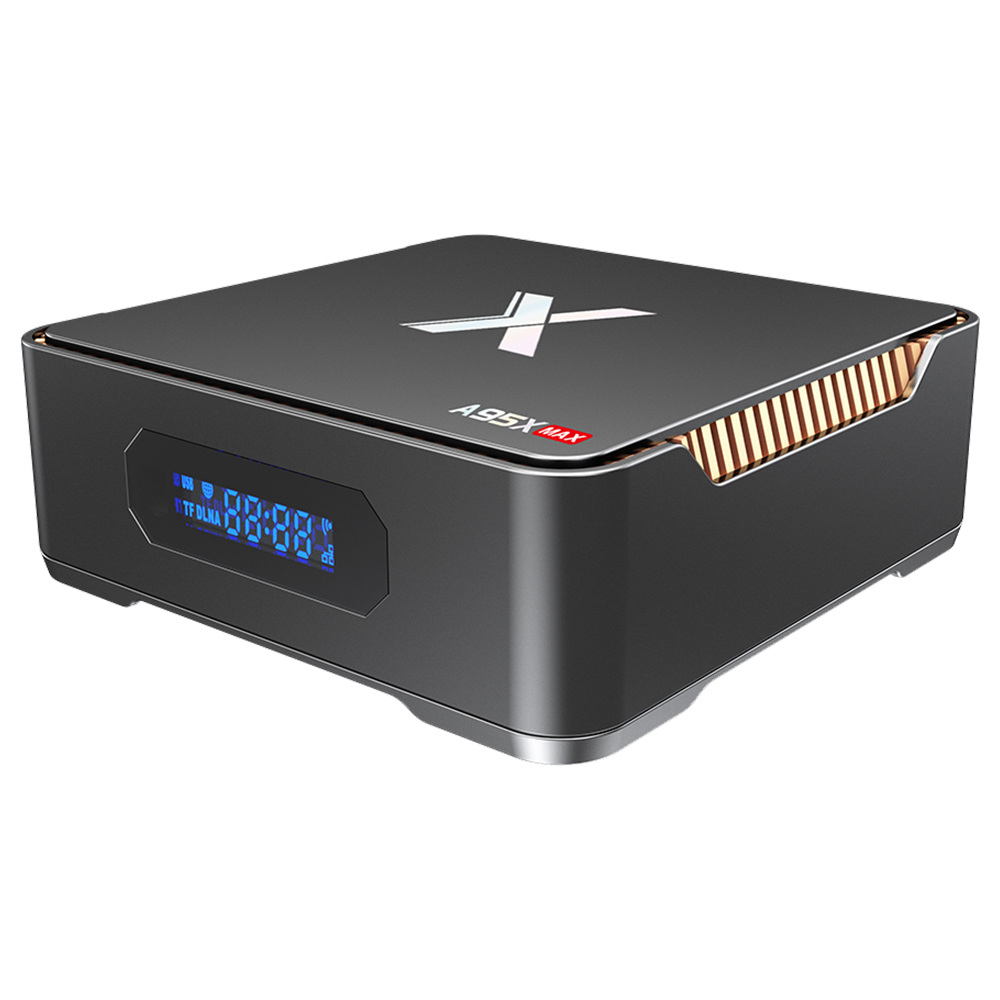 In a bid to enable cost-conscious cinephiles to watch their favorite series on a big-screen without leaving their room, GeekBuying is offering the A95X Max Android 8.1 TV box for a lowered price of only $69.99. This is a 36 percent reduction in the device’s original asking price of $110.05.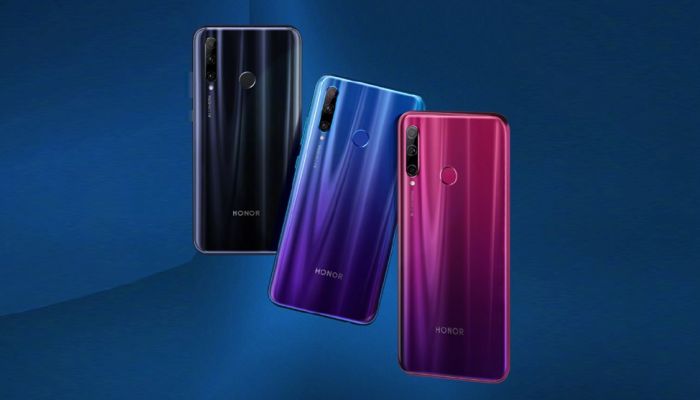
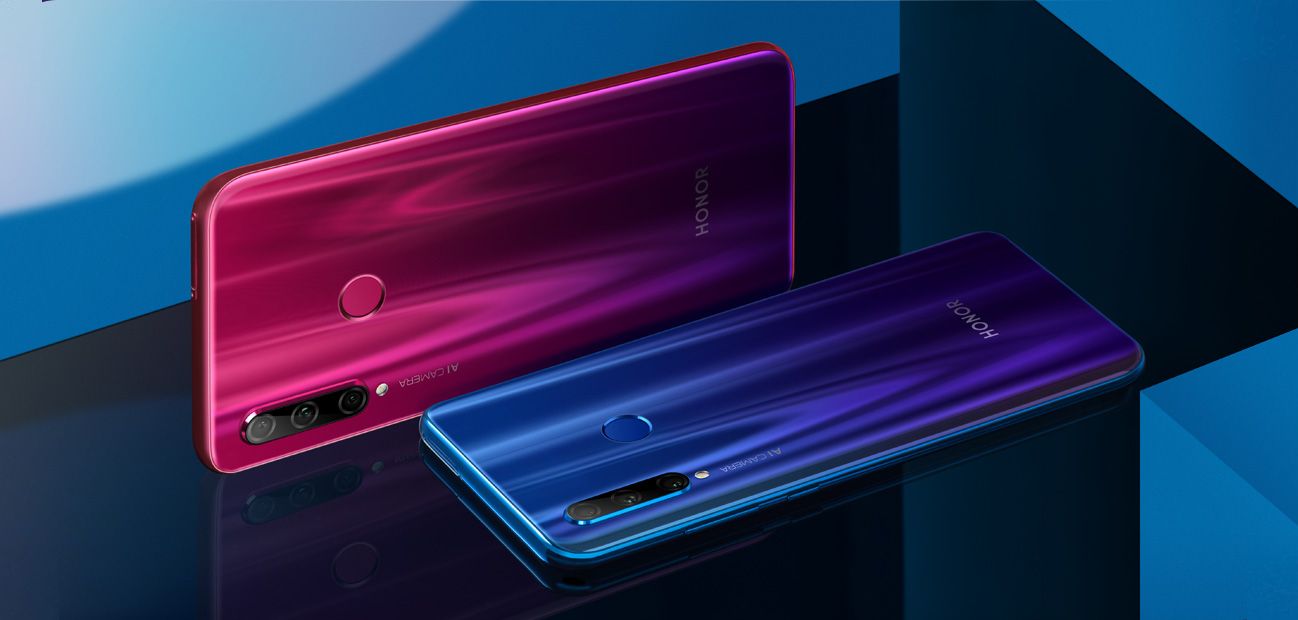
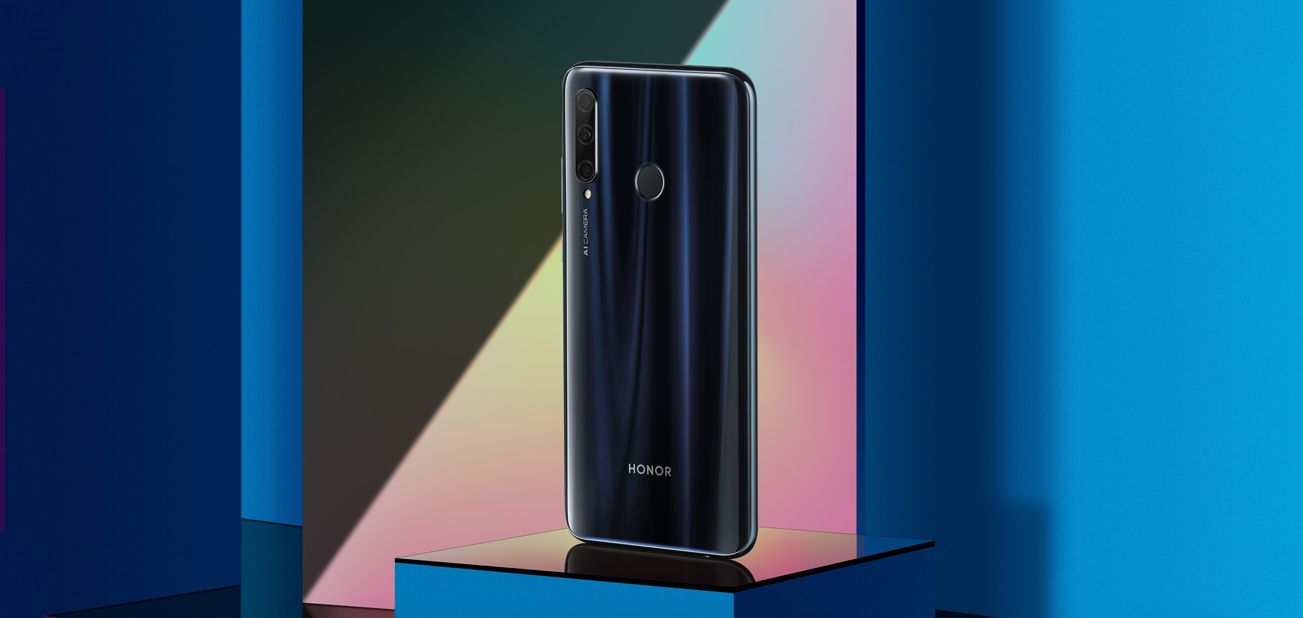
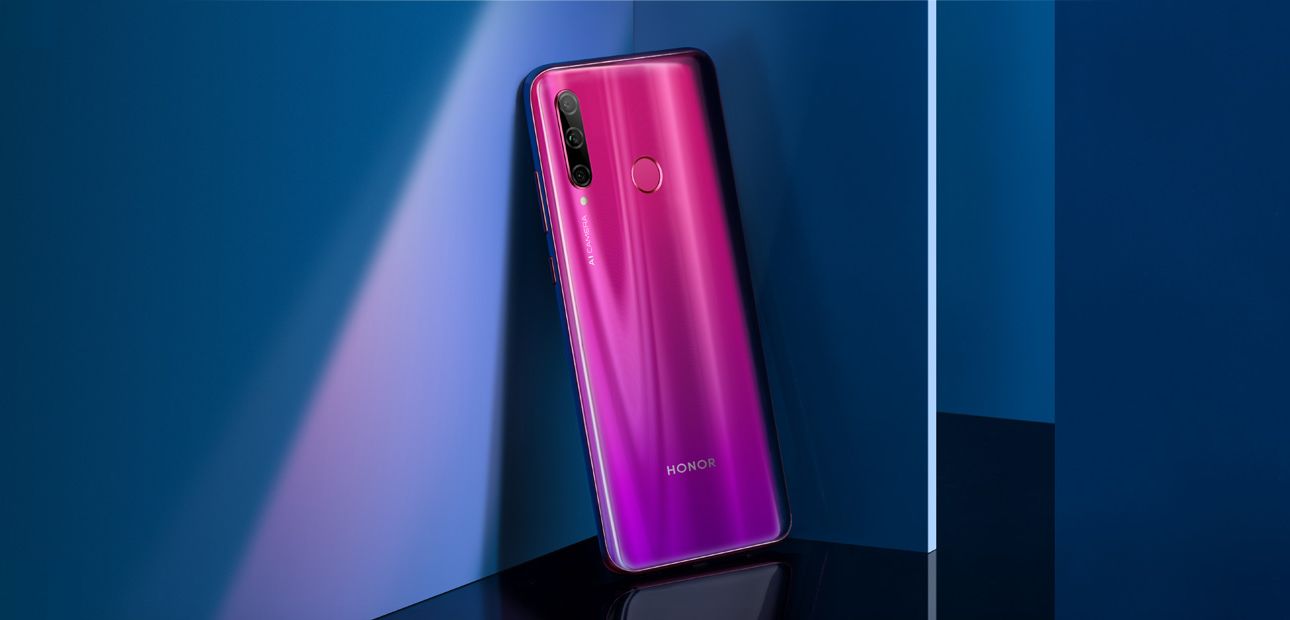
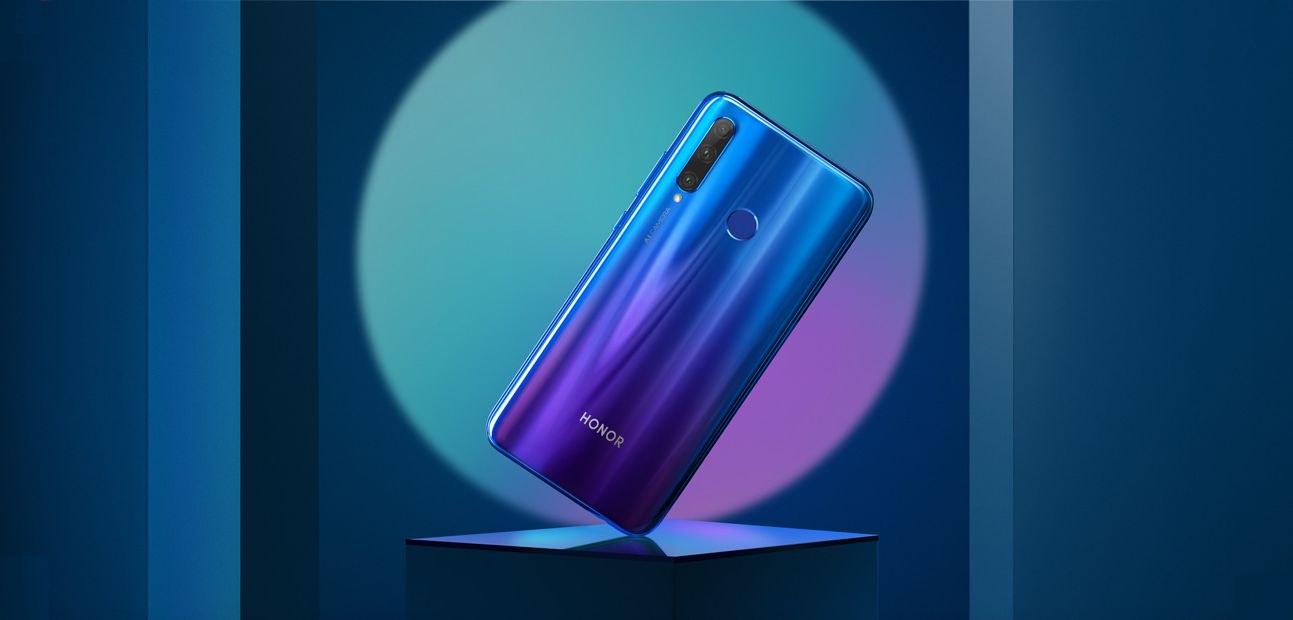

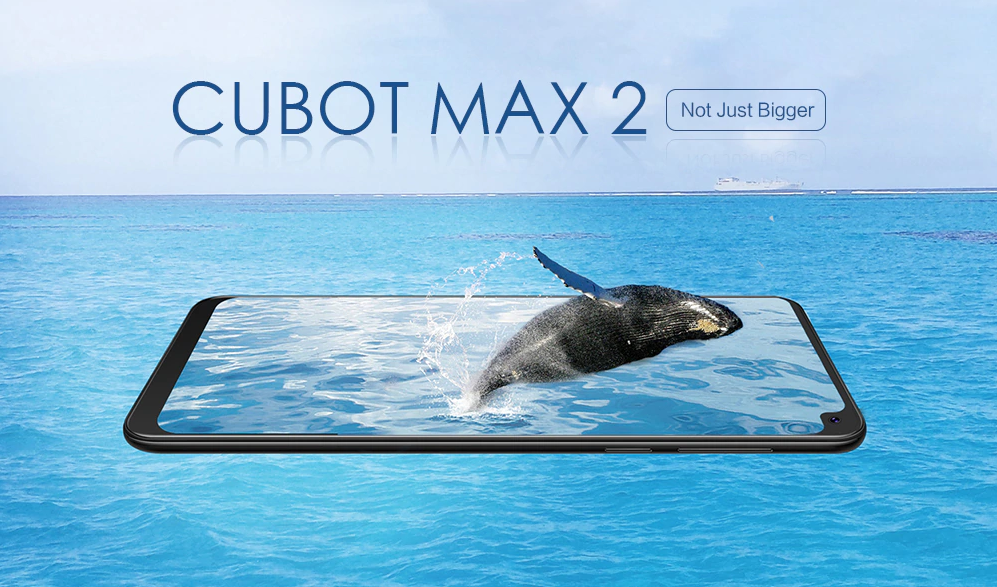 Regrettably, there were only 90 pieces of the twilight and 98 pieces of the black color versions of the phablet remaining at the time of writing. You can follow
 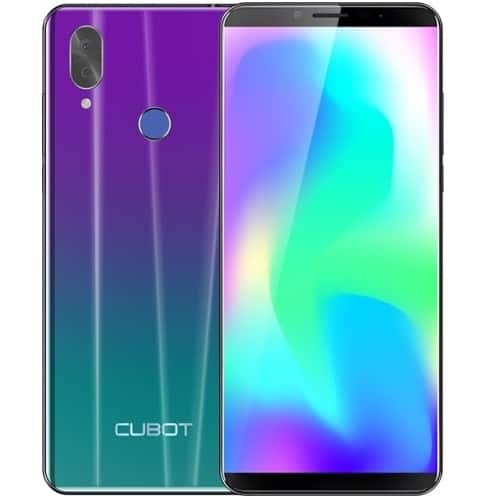 While the aforesaid discount will be valid for the remaining 181 pieces of the phone’s twilight color version, you can grab a 27 percent discount on the 165 pieces of the twilight color version of the phablet.
 This significant 37 percent discount will be available for the remaining 89 pieces of the black and 85 pieces of the earth blue color versions of the Cubot Power phablet. Note that the promo will come to an end in six days. You can to avail the discount.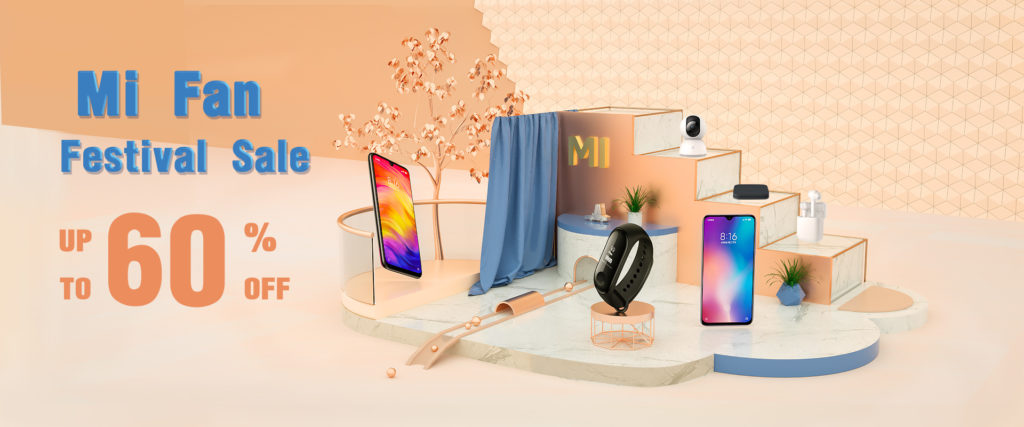
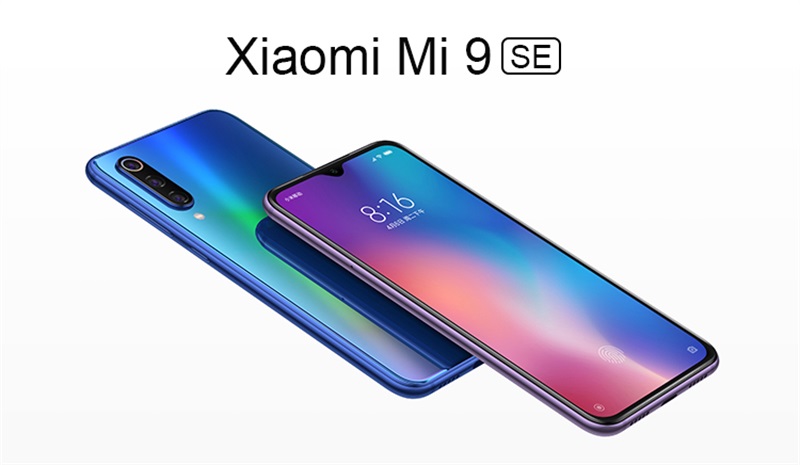 This 13 percent discount will be valid specifically for the black color version of the phone. You can use coupon code GVM9SE64B. The coupon helps you save $38 more in addition to the aforesaid 13 percent discount.
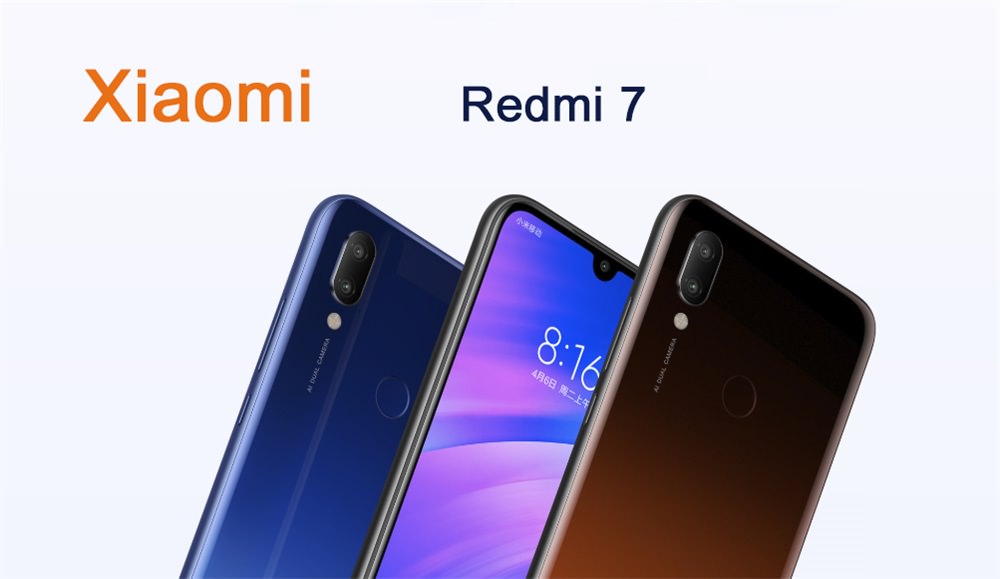 As a result, you can now buy the Redmi 7 for a lowered price of just $151.99 on GearVita. This discount is specifically valid for the black color version of the phone. Alternatively, you can go for the blue and red color options if you are willing to shell out $219.99.