
Add GIZMOCHINA as Preferred Source on Google

OxygenOS, based on Android 15, brings some great new features and essential improvements. From user experience to privacy, improvements have been made to almost every corner. If you’re wondering whether to upgrade to OxygenOS 15, dive into these 7 reasons to understand why it’s a far better choice than OxygenOS 14.
1. Faster, smoother, and more lightweight
OxygenOS 15 introduces parallel processing, which addresses the laggy app switching problem on smartphones. This industry-first solution dramatically improves animation interactions, though it’s only noticeable when you open and close multiple apps in quick succession.

In OxygenOS 14 or earlier, an app has to execute a series of tasks to open, causing a little lag if another app is opened quickly. The latest version handles those tasks parallely, thus reducing that lag, even under heavy workloads.
OnePlus claims a significant reduction in system storage for OxygenOS 15. The OnePlus 12 running OxygenOS 15 saves nearly 20% of system storage by identifying and removing redundant features.
2. Circle to Search
Circle to Search, introduced initially on the Samsung Galaxy S24 series, is also coming to OnePlus phones with the OxygenOS 15 feature. It’s a quick way to search anything on your screen just by drawing a circle around it.

It’s an exciting feature that you’ll likely use a lot or not at all. It works well for me, though. I often use it to search tech products showing up in reels.
3. AI upgrades
Image cleanup is now a lot easier, thanks to new AI tools in OxygenOS 15. First is the AI Detail Boost, which upscales images to 4K resolution so you can crop them without losing quality. There’s also AI Unblur (to improve blurred images) and AI Reflection Eraser (to remove all glares from your shots).
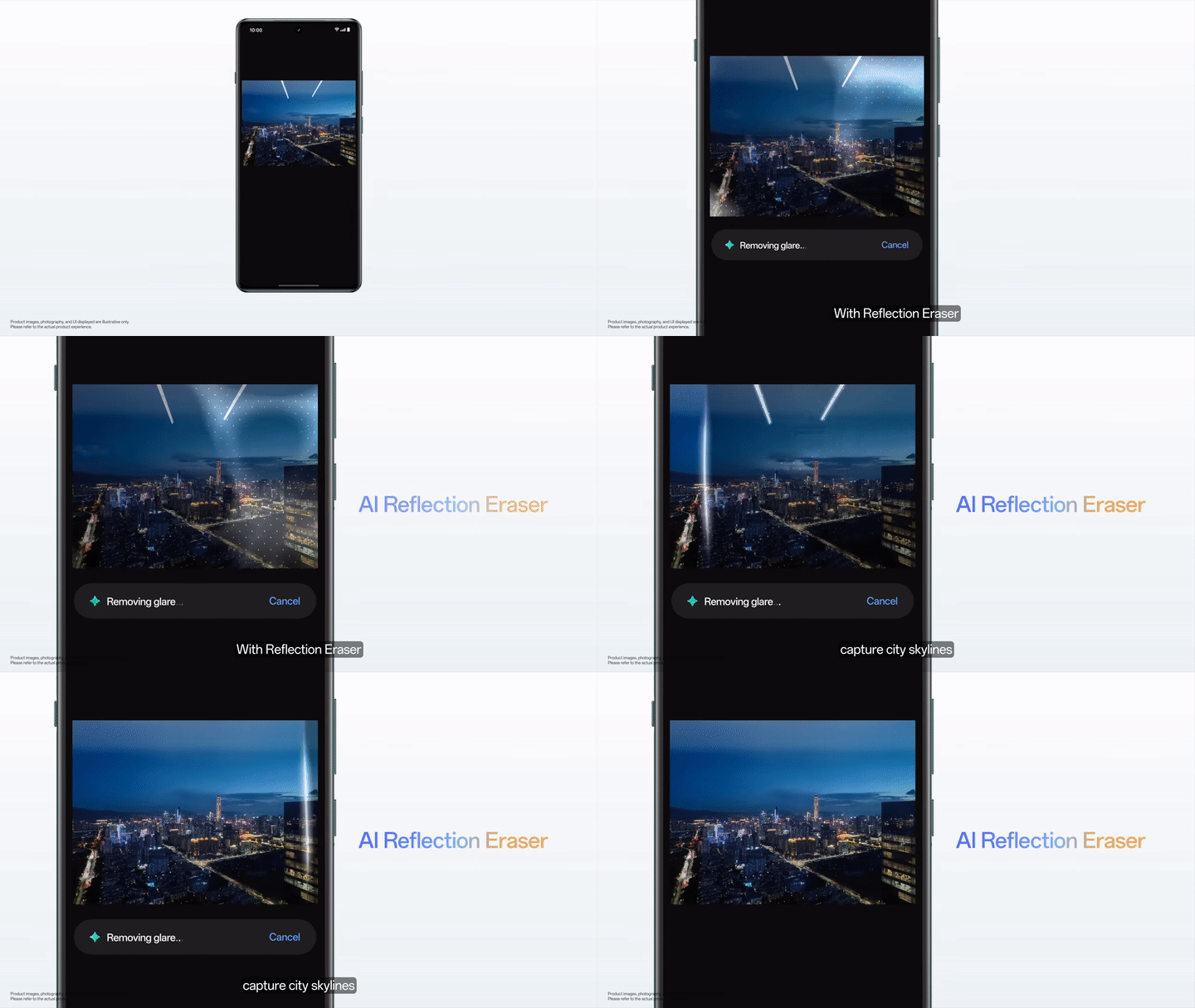
These AI features are not perfect, though. However, it’s far better than not having them.
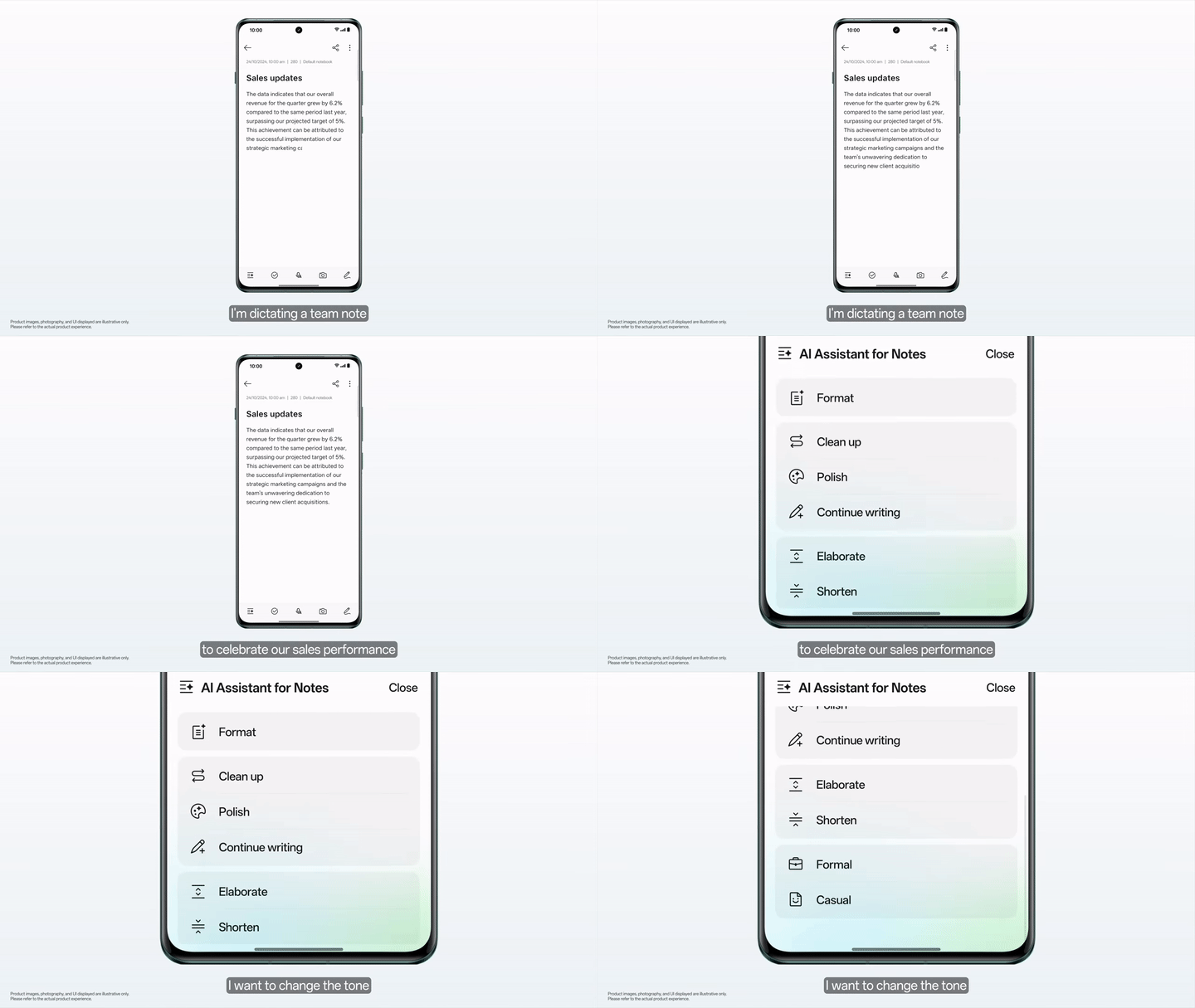
The Notes app is also getting smarter with AI upgrades. Among those include a Cleanup tool to remove pauses from a transcript, a Format for creating clean summaries, and a Tone Adjustment to change the writing tone. Using the Continue Writing feature, you can generate new content with the help of AI.
4. Intelligent search
Unlike traditional keyword-based searches, the intelligent search feature in OxygenOS 15 leverages natural language processing, allowing users to search across system apps using everyday language. It uses both the cloud and on-device AI capabilities.

This AI-enabled search feature reduces the need to open apps to find relevant answers. For example, you can ask, “how much is the electricity bill?” or “what’s the due date for credit card bill payment?” to get the required information on the screen without even opening the Message app. The Photos app currently supports in-app keyword searches, though.
5. OnePlus OneTake
The OnePlus OneTake feature in OxygenOS 15 delivers a seamless visual experience. It ensures a seamless transition from Always-On Display to the lock screen and then to the main screen.
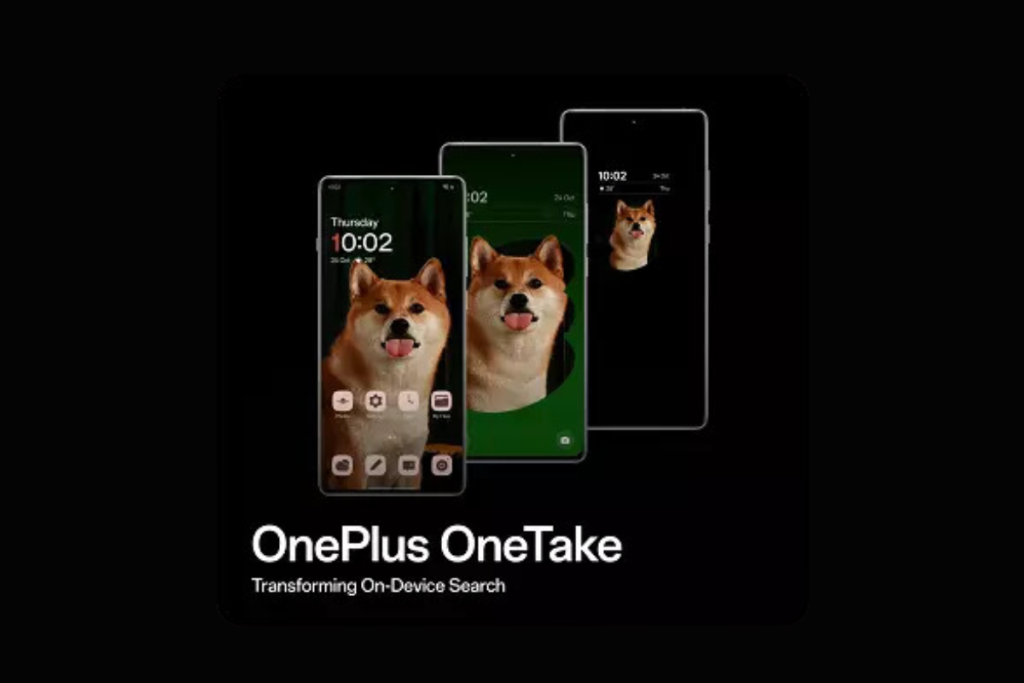
You can choose images from the camera or album to create a multilayered effect using the “Depth” feature. You can showcase the main focus throughout multiple screens, adding a personal touch to the device.
6. Live alerts
OxygenOS 14’s Smart suggestion now has a new name: Live Alerts. Previously, you had to tap and hold the icon in the notification panel to see them in the form of a card. Now, that’s just a tap away, similar to how it works on iPhones. It has also been improved to work with more system functions like hotspots, screen recording, music playback, and more.
7. Theft protection
If privacy is a priority for you, OxygenOS 15 has another reason to grab your attention. It incorporates theft protection measures to safeguard your data in the event of theft. If someone snatches your device and runs away with it, the lock gets activated automatically to prevent unauthorized access.
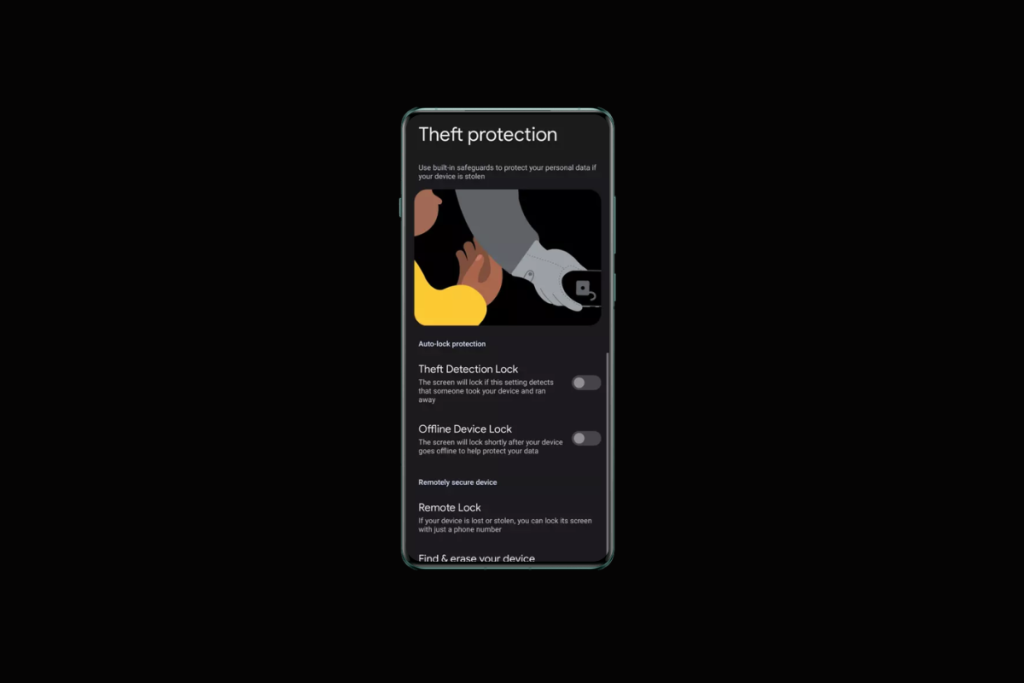
If your device goes offline or the SIM card is removed, an offline lock is activated. You can also remotely lock the device using the FindMyDevice portal, even without logging into your Google account.
#Bonus
The OnePlus Easter Egg is back in the Calculator app. You’ll see the OnePlus’s Never Settle animation after tapping “1” and “+” followed by “=”. It’s a nice aesthetic element to OxygenOS 15 that old OnePlus fans would appreciate.
Which OxygenOS 15 feature(s) you like the most? Share your thoughts in the comments below.
More on Android 15:
1. OxygenOS 15 beta: How to install, eligible devices
2. 5 Reasons why Android 15 is better than Android 14
3. These OnePlus phones will get OxygenOS 15 update



Comments