
Add GIZMOCHINA on Google:
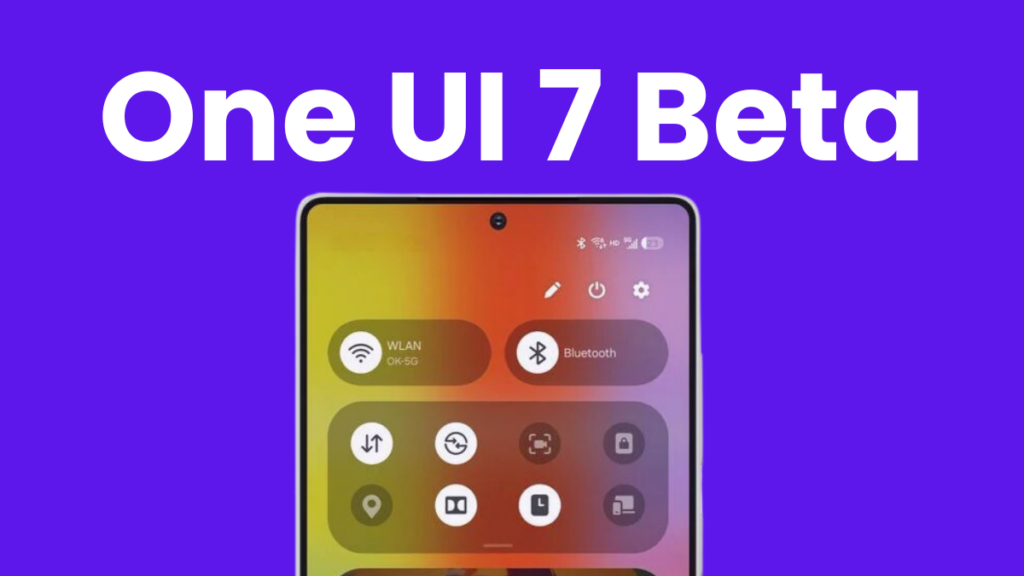
Samsung’s One UI 7 beta program has remained exclusive to Galaxy S24 for months, but now things are improving. The brand has announced its plans to expand the beta program to more Galaxy phones and tablets.
In a press release, Samsung announced that the One UI 7 beta program will expand beyond the Galaxy S24 series. This includes the Galaxy Z Fold 6, Galaxy Z Flip 6, Galaxy S23 series, Galaxy Tab S9 series, and Galaxy A55.
- Galaxy Z Fold 6
- Galaxy Z Flip 6
- Galaxy S23
- Galaxy S23+
- Galaxy S23 Ultra
- Galaxy Tab S10+
- Galaxy Tab S10 Ultra
- Galaxy A55
Samsung has also announced that the One UI 7 beta program for the Galaxy Z Fold 6 and Galaxy Z Flip 6 will begin from March 6 in India, Korea, the US, and the UK. The rest of Galaxy devices on the list will get the beta update sometime later this month.
The brand has also revealed details about the stable release. It has said that the stable rollout will begin in April. The Galaxy S24 series will likely be the first to receive the stable version of One UI 7, and then it will expand to more devices.
If you have an eligible Samsung device that’s eligible for the One UI 7 upgrade, make sure to follow these steps to ensure a smooth upgrade to the next major release.
Related:
1. Samsung reveals the reason behind One UI 7 delay
2. 5 One UI 7 features that are making me impatient for this major upgrade
How to sign up for the One UI 7 beta program?
The One UI 7 beta program gives you an early taste of the major release, but there are also some risks associated with it. The beta builds generally have bugs and broken features. So, it’s better if you install such builds on your non-primary device. And make sure you have backed up all your data because there’s always a risk of update failure.
The first step is to ensure that the One UI 7 beta program is available for your Galaxy device in your region (eligible countries include India, Korea, the UK, and the US). How would you know this? Open the Samsung Members app and look for the One UI 7 beta program banner. If you can’t find this, check back again later.
Once you see the One UI 7 beta program banner, click the Enroll button and fill in the required details to complete the process. Then, open the Settings app, tap Software update, and hit the Download and install button.
Before you install the beta update, make sure the remaining battery is above 40%, and you have backed up all your important files. For backup, you can use Samsung’s temporary cloud to store unlimited data for 30 days. You can find the steps here.
Also read:
1. One UI 7 will be the last major upgrade for these Galaxy devices
2. One UI 7 might not bring this awesome Galaxy AI feature on older devices
3. Massive One UI 7 delay making me lose trust in Samsung’s software update policy

Comments