
Add GIZMOCHINA as Preferred Source on Google
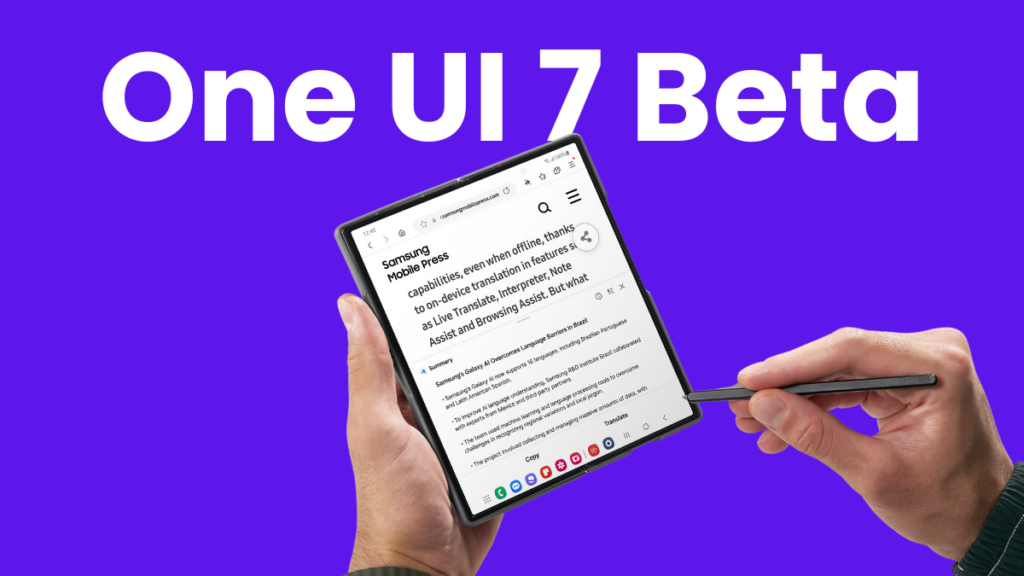
A bit later than usual, Samsung announced the One UI 7 beta program in early December 2024. To no one’s surprise, the Galaxy S24 series was the first in line to receive the early treat, followed by a few betas in the same month. Months went by, but Samsung didn’t bring it to any other device until today — until now. The One UI 7 beta is finally reaching more Galaxy devices.
The Samsung devices in question are the Galaxy Z fold 6 and Galaxy Z Flip 6. The beta program for these foldables has been spotted in India, Korea, and the US. However, it will also be available for the users in the UK any time now.
The One UI 7 beta update for the Galaxy Z Fold 6 users in the US comes with firmware version F956U1UEU2ZYBJ. In India, the beta update carries the firmware version F956BXXU2ZYBJ. For the Galaxy Z Flip 6 users in South Korea, the update is tagged with firmware version F741NKSU2ZYBJ. It’s a major upgrade, so the update package is also bulky, weighing around 5GB in size. In addition to One UI 7 features and enhancements, the update includes the March 2025 security patch. You can read the full changelog here.
If you haven’t signed up for the One UI 7 beta program yet but are willing to, follow the instructions in the next section to explore the One UI 7 goodies ahead of the public release.
Related:
1. One UI 7 beta program coming to more Galaxy devices this month
2. Samsung finally reveals when the official One UI 7 rollout will begin
How to sign up for the One UI 7 beta program?
The One UI 7 beta program gives you an early taste of the major release, but there are also some risks associated with it. The beta builds generally have bugs and broken features. So, it’s better if you install such builds on your non-primary device. And make sure you have backed up all your data because there’s always a risk of update failure.
The first step is to ensure that the One UI 7 beta program is available for your Galaxy device in your region (eligible countries include India, Korea, the UK, and the US). How would you know this? Open the Samsung Members app and look for the One UI 7 beta program banner. If you can’t find this, check back again later.
Once you see the One UI 7 beta program banner, click the Enroll button and fill in the required details to complete the process. Then, open the Settings app, tap Software update, and hit the Download and install button.
Before you install the beta update, make sure the remaining battery is above 40%, and you have backed up all your important files. For backup, you can use Samsung’s temporary cloud to store unlimited data for 30 days. You can find the steps here.
Don’t forget to visit our One UI 7 section for the latest news and rollout plans. Also, follow our Telegram channel and subscribe to our free newsletter for your daily tech updates! ⚡
More One UI stories:
1. One UI 7 will be the last major upgrade for these Galaxy devices
2. 5 One UI 7 features that are making me impatient for this major upgrade


Comments