Google Pixel 4 was launched last fall with some exciting new features including inspirational motion gestures. The smartphone inbuilt radar chip helps to efficiently detect your presence under Motion Sense. The whole technology is based on Project Soli which was initially showcased in 2015.
After the mouse, keyboard and touch screen display, the motion gestures are set to become a new medium of interaction between smartphones and humans. However, the feature on Pixel 4 is limited to just a few motion gestures, but its applicability is much diverse. In the coming times, we will see its applicability across different functions on smartphones. Pixel 4 comes with a hand wave gesture to change tracks, pause and play the music and more more.
Must See: How to delete download history on Android?
Other smartphones do not feature any radar chip, but with the help of other sensors and Tasker app, we can attain the Motion Gestures. Tasker is a popular automation app available on the Android ecosystem. It can perform complex functions using multiple triggers. We have crafted a guide to enable Pixel 4 motion gestures on any Android smartphone using Tasker.
Enable Pixel 4 Motion Gestures
It is a bit complex process, as the user has to create multiple triggers to attain Pixel 4 like functionality. We recommend following the process carefully.
Things to Attain
Our procedure will enable motion gestures for Next, Previous, Play and Pause music tracks.
Sending WhatsApp Messages without touching the smartphone.
Prerequisites:
Below are some plugins and permissions you need to accomplish the procedure.
Note: Both the below plugins will require Accessibility Service request. The user can enable it by heading over to Settings > Accessibility.
- Download and Install Tasker App on your Android smartphone.
- Download the AutoInput and AutoNotification Tasker Plugin.
Points to Ponder
After downloading the above apps, the user needs to grant some access to both of these apps.
- Both the AutoInput and AutoNotification apps need Accessibility access. You can grant access to both the apps by heading to Settings > Accessibility.
- After installing the Tasker app, grant the user access and display over other apps access by heading to Usage Access.
- Grant storage, microphone, and body sensors access permission.
Steps to enable Pixel 4 Motion Gestures
Follow the steps carefully to control music and send a WhatsApp message without touching the smartphone.
- Download or Import the Tasker project over the device.
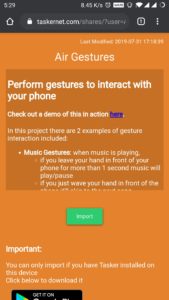
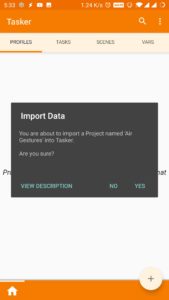
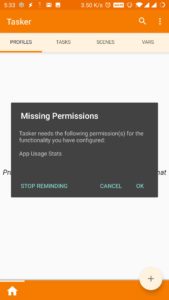
- It will prompt to get certain permissions, tap Yes. Follow, the on-screen instructions.
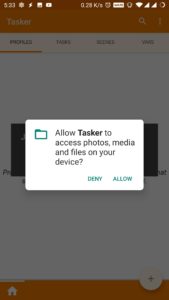
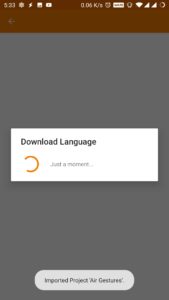
- After successful import to the profile, head over to the profile section to make sure that profiles are free of any exclamation mark. (Note: If any exclamation mark occurs, then recheck the permissions as some might be missing.)
Steps to access Pixel 4 Motion Gestures
Now you can watch the video to learn to operate both of the features.
Controlling Music:
- Users can easily control the music from Google Play Music, Spotify, and Pocket Cast app.
- Open any of these apps and hold your hand against the front sensors to pause music, wave from the right or left to play the next or previous song.
Send WhatsApp Message:
- Open WhatsApp and head over to the chat screen.
- Now, perform a swipe to initiate a voice chat popup and then automatically send the message.
It is quite an amazing feature to try on Android devices. It can make your device look superficial with the Tasker app. The process is a bit complicated, but we hope our guide would have helped you to enable the Motion Gestures on Android smartphones.

 Aside from that, the Enco Free uses AI uplink noise cancellation and offers supports wear detection support. In short, the earbuds will automatically pause and resume playback every time you take them out or place them inside your ear. Its unique open-fit design is ideal for touch controls.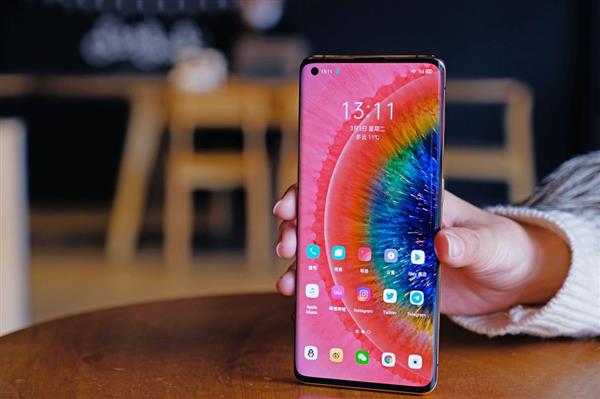
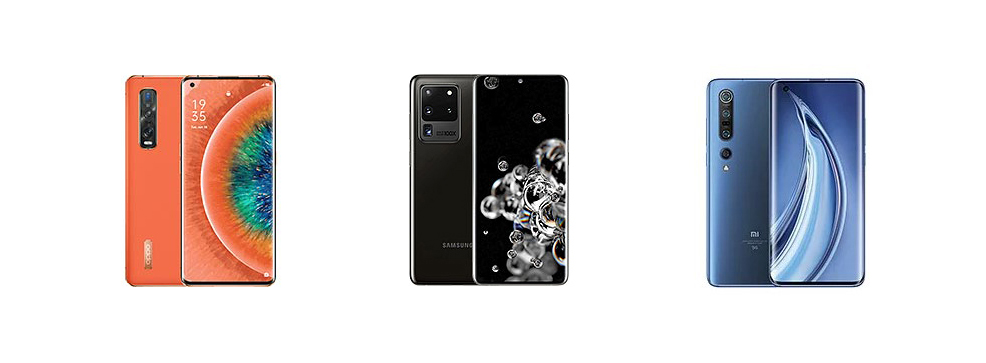
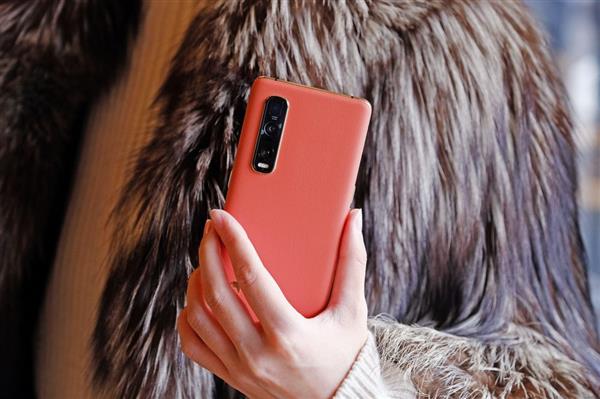
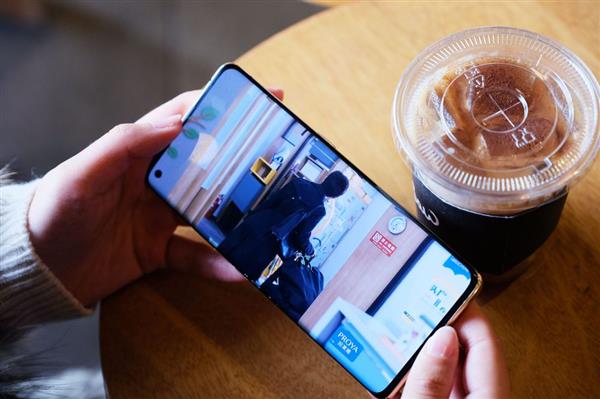
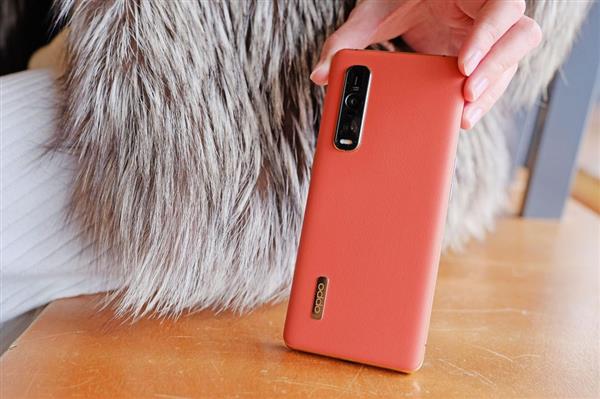
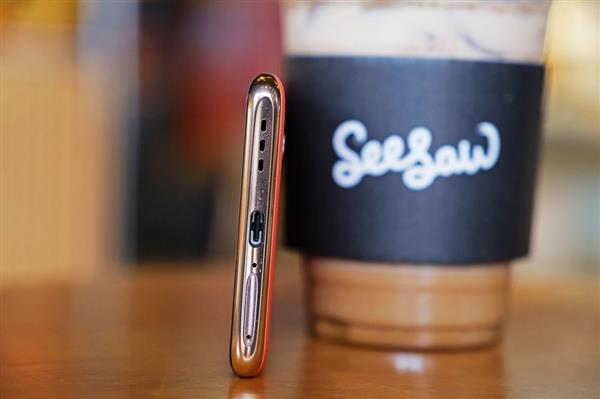
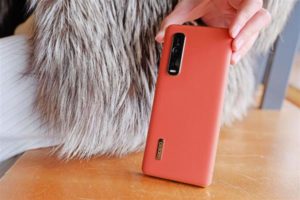
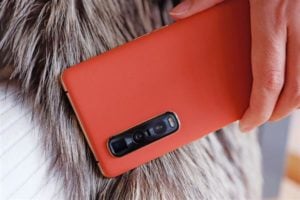
 The Oppo the Find X2 Pro houses a triple camera setup comprising a 48MP primary shooter, a 48MP ultra-wide-angle lens and a 13MP telephoto sensor at the back. The main shooter is Sony IMX689 sensor, while the IMX586 sensor serves as the wide-angle lens.
 It packs a powerful Qualcomm Snapdragon 865 Octa-Core processor and an Adreno 650 GPU under the hood. The dual-SIM phone runs ColorOS 7.1 based on Android 10 OS and is backed by a robust 4260mAh battery that supports 65W SuperVOOC 2.0 Flash Charge.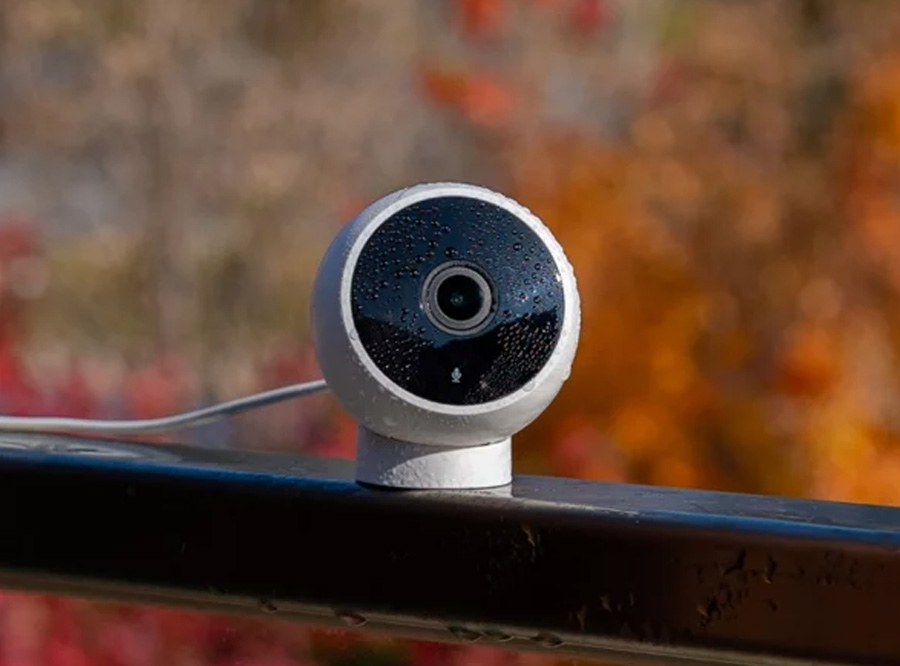
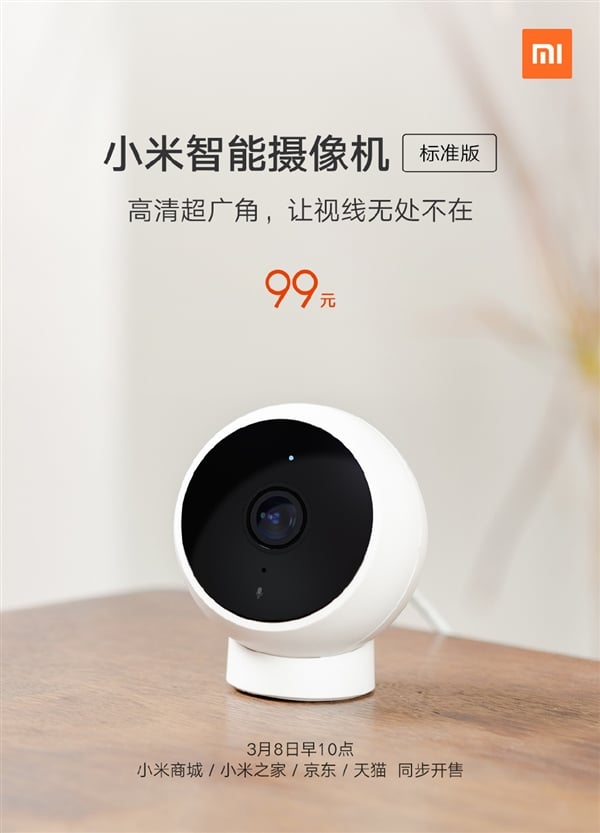
 You can use the smart camera for remote viewing using your smartphone. When connected to a mainstream Android device, it supports PiP (picture-in-picture) function as well. Pinned on the screen like a tiny window, the screen can be viewed from anywhere without hampering other functions.
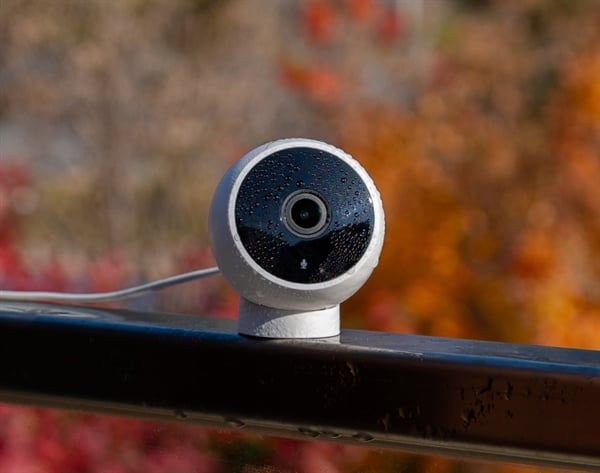
 The MIJIA Smart Camera Standard Edition offers IP65 dustproof and waterproof protection, making it a great choice for sports enthusiasts who engage in adventurous outdoor activities such as trekking, dirt biking, etc. You can visit




 Available in three highly-appealing color options including white, black and pink, the SOOCAS X3U makes relatively lesser operating noise. It is powered by a true magnetic levitation acoustic wave motor that produces vibrations 39600 times per minute, which is higher than 38600 times vibration per minute generated by the previous generation model.
 The aforesaid brush heads comprise a copper-free whitening brush head, a deep polishing brush head, and a soft-bristle brush head. It features a Type-C charging port for faster charging.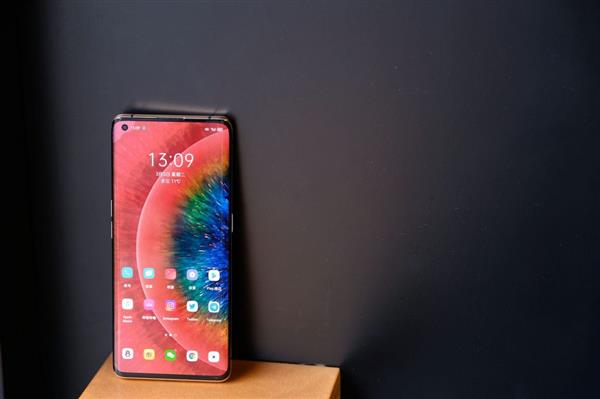




























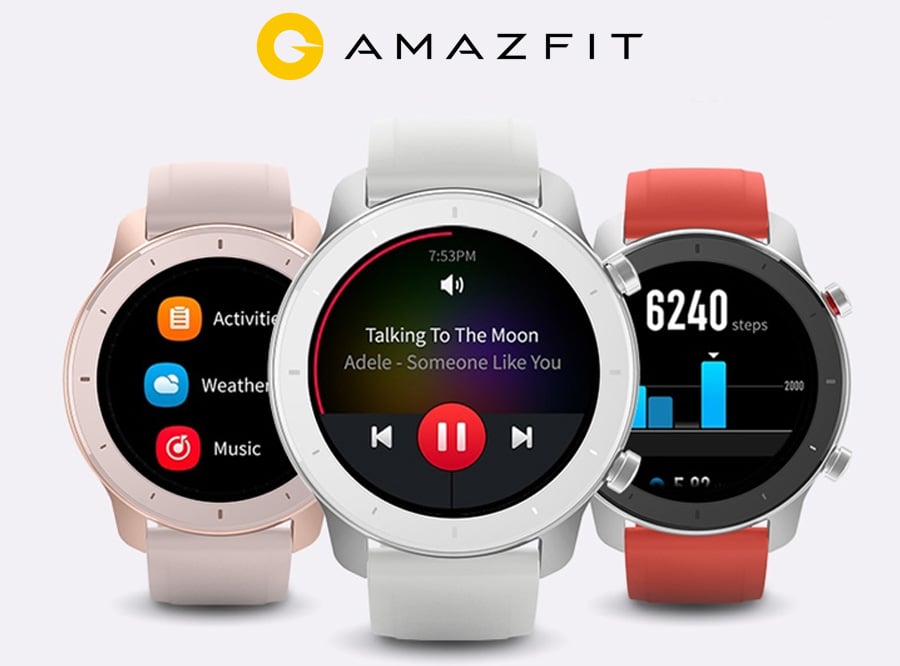


 During the activity period, consumers will be able to take advantage of really amazing discounts. In other words, this is your best chance to pick up new laptops and tablets without spending tens of thousands of dollars. XIDU is offering the lowest prices for the products mentioned below:
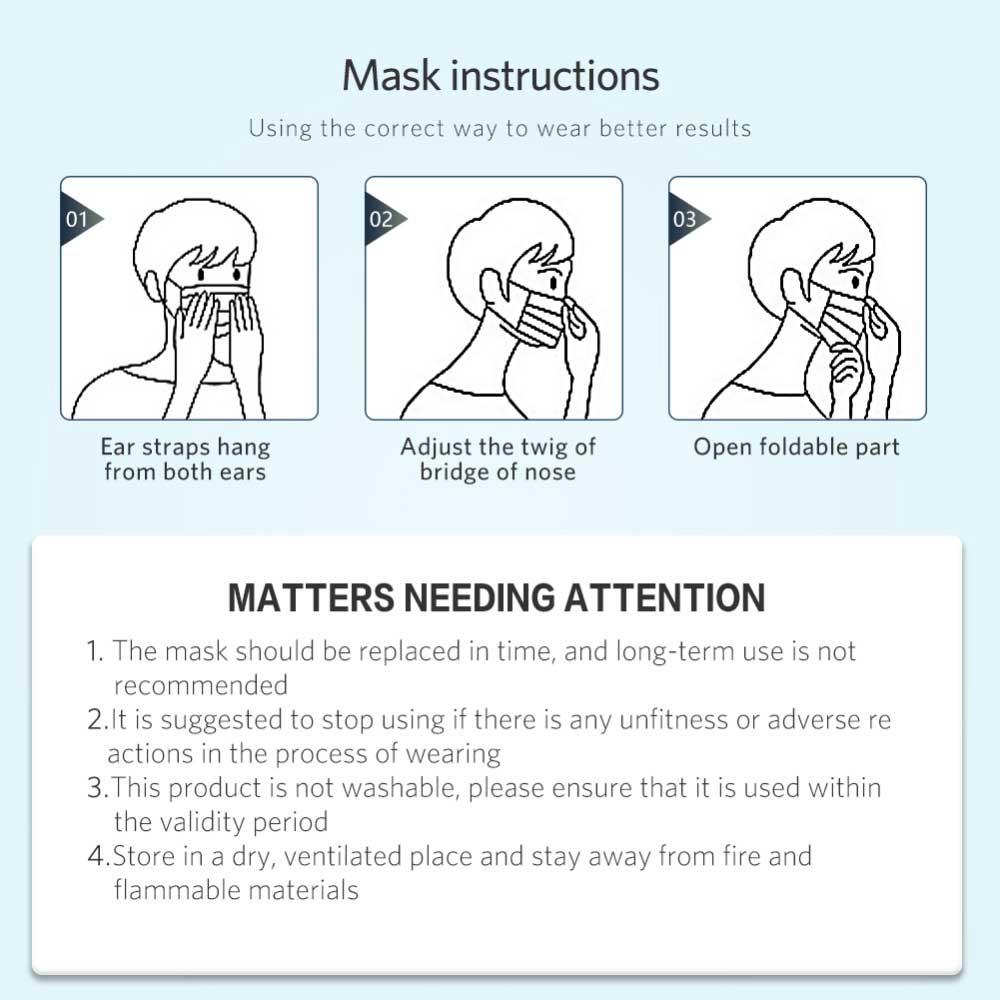
 The Disposable Face Mask is designed to seamlessly fit into your face. Its perfect design comprises an elastic ear loop that allows you to wear it for a longer duration without experiencing any sort of pressure on the ears. The size of this non-woven dust mak is 175x95mm. Check out the mask instructions below: