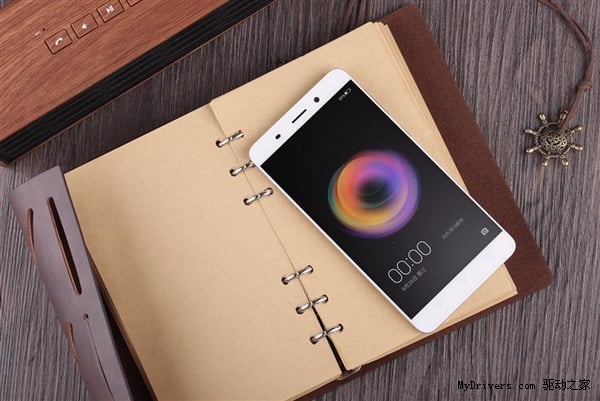
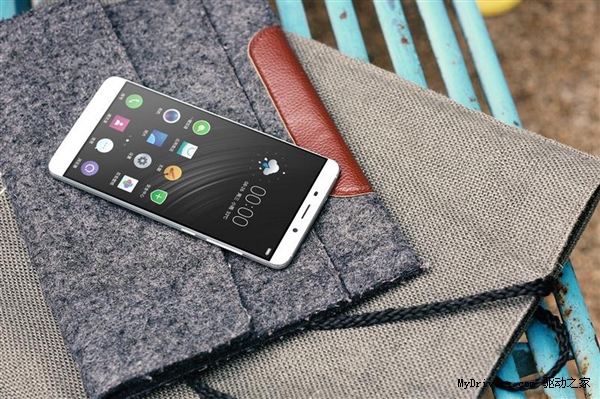
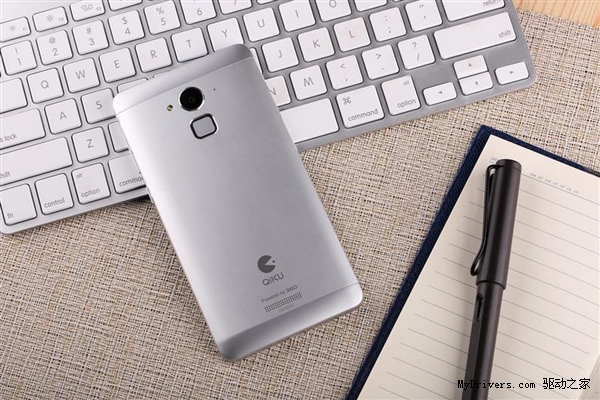
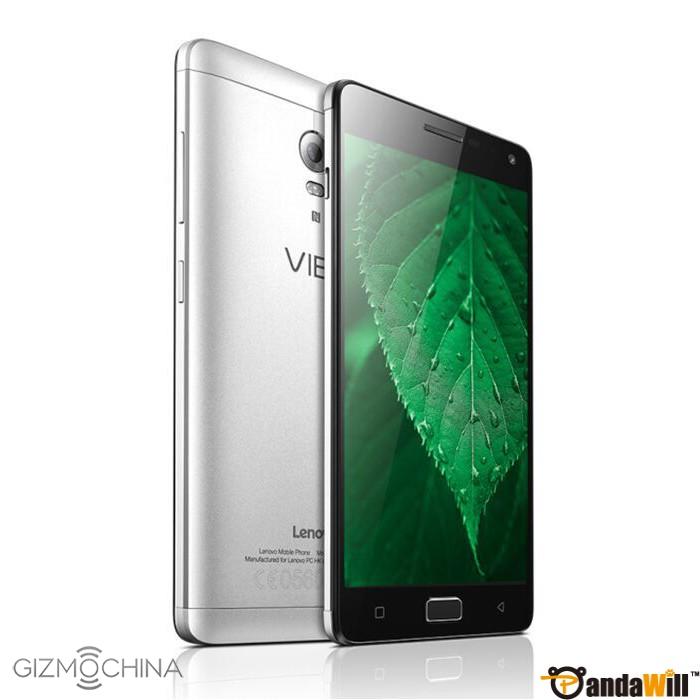
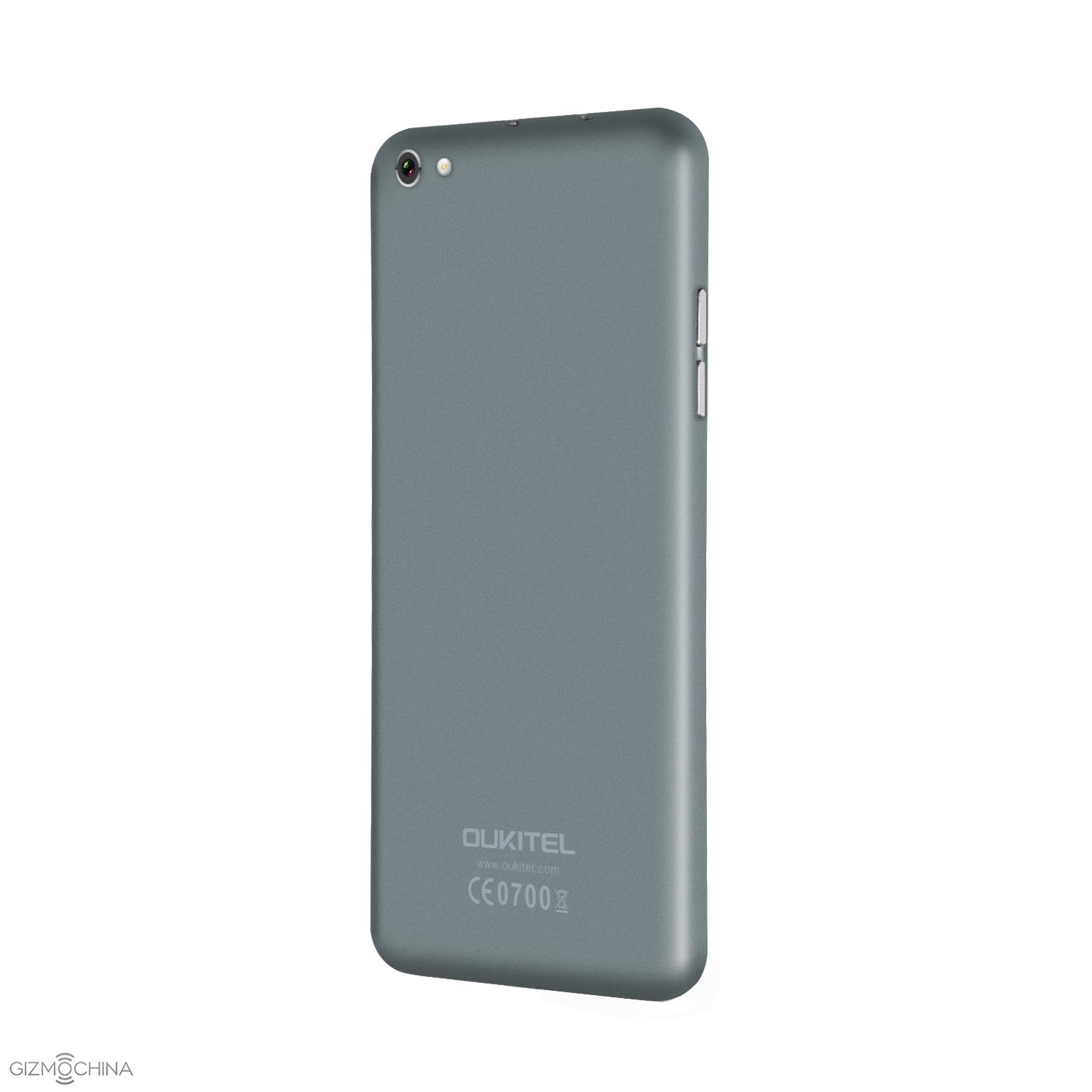
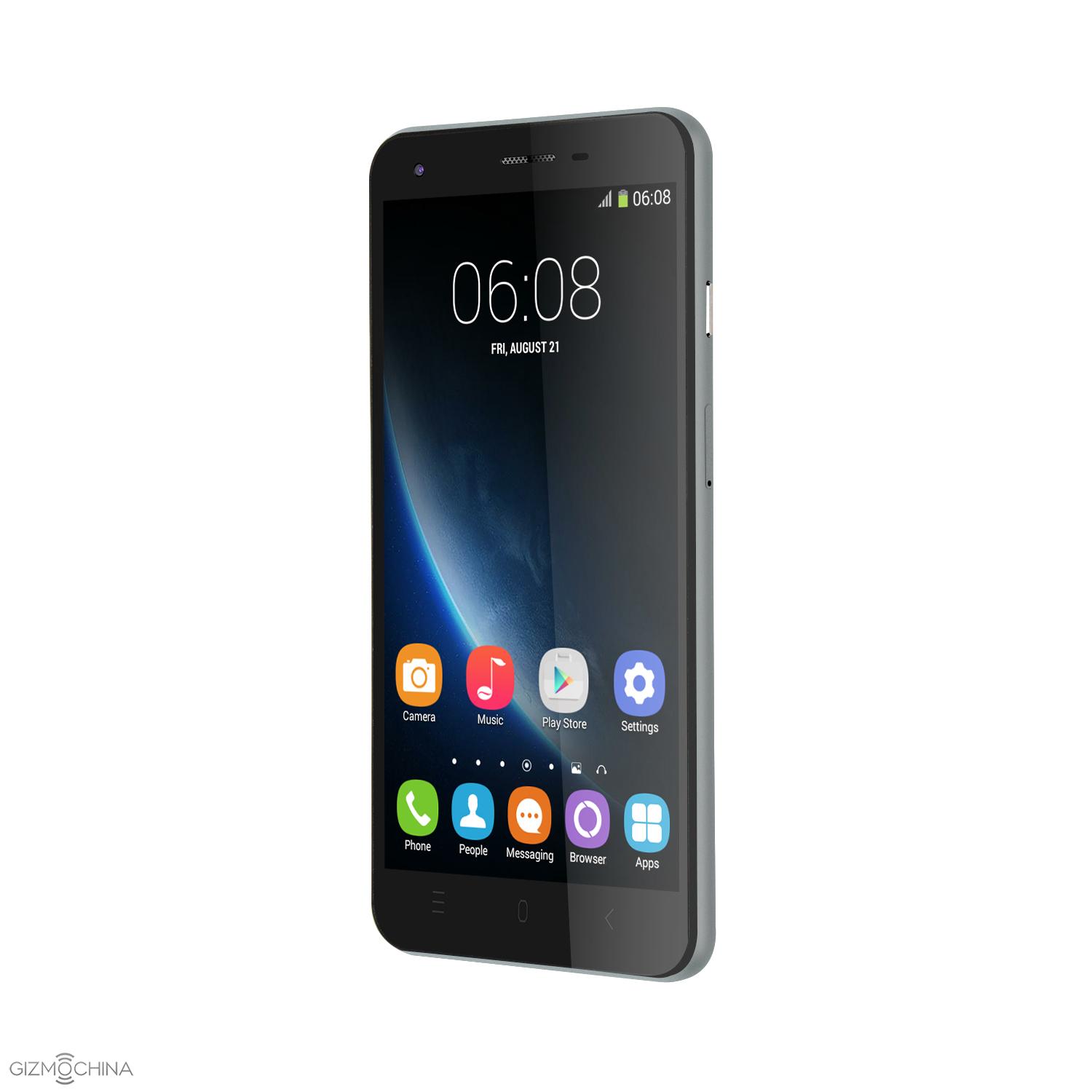
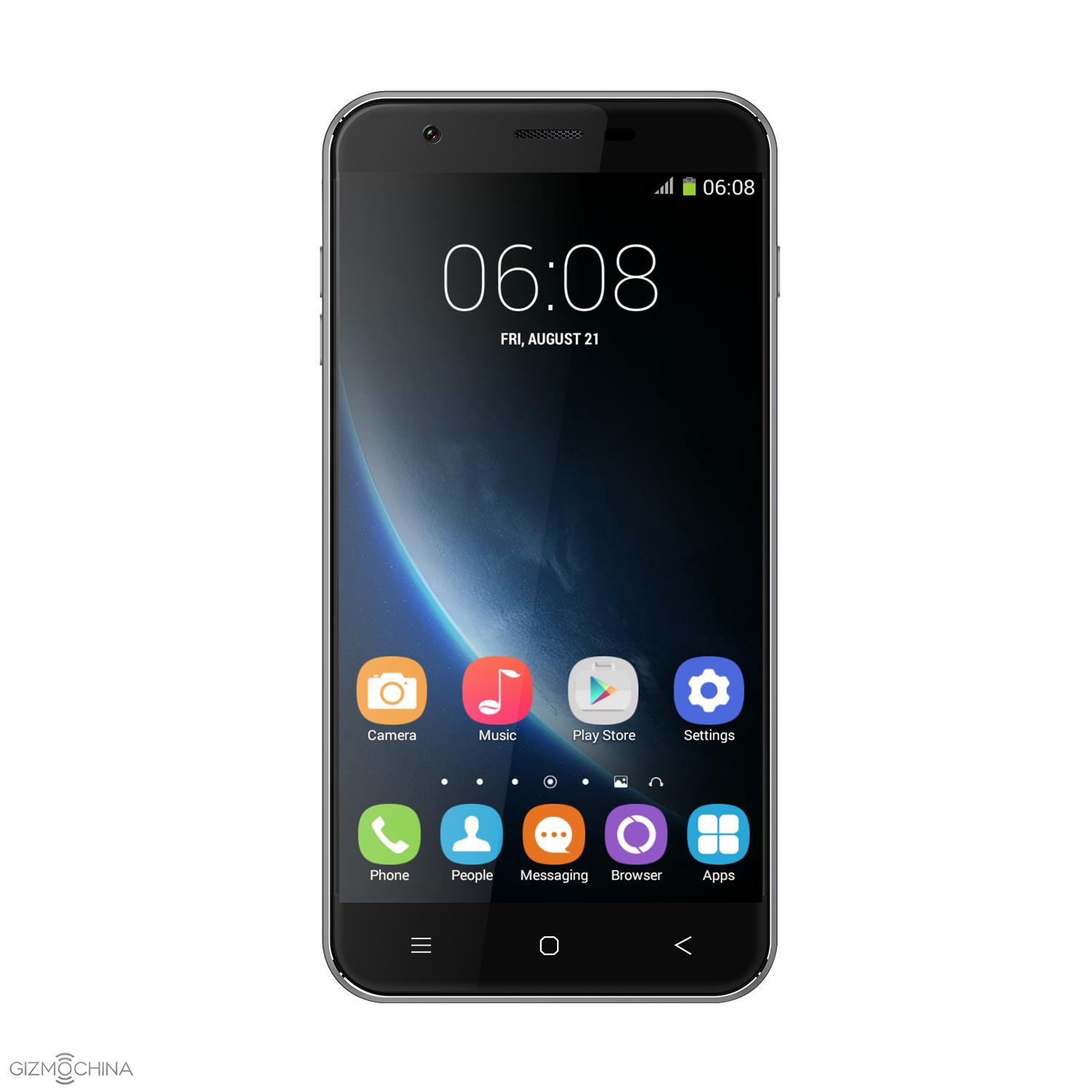
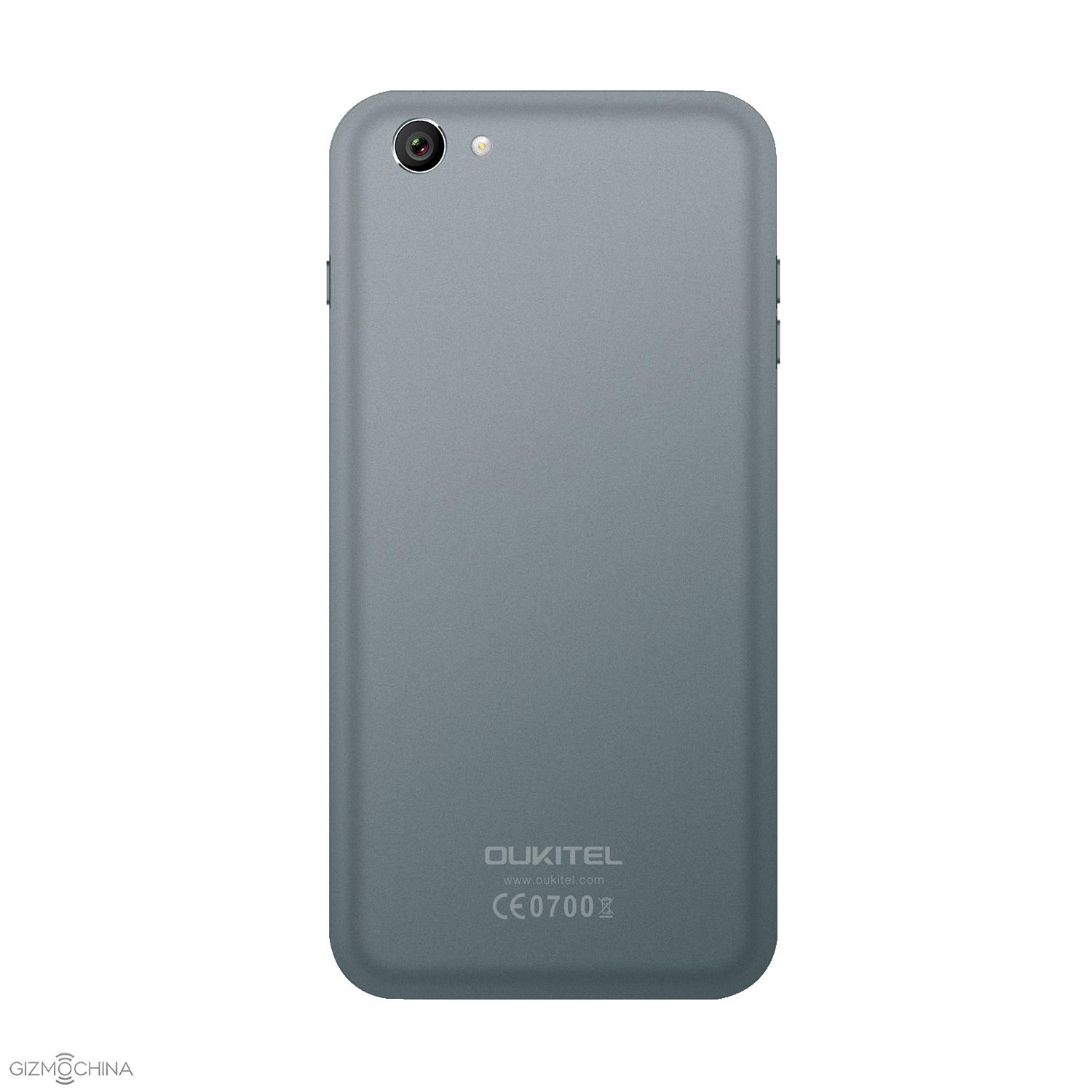
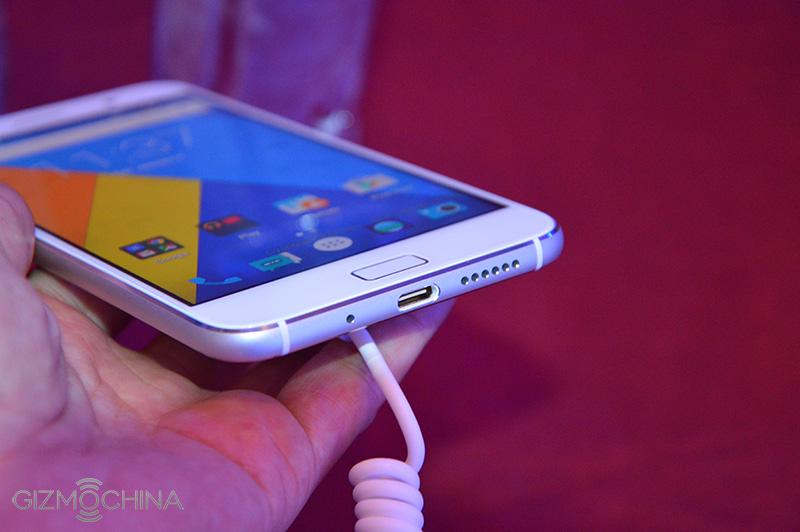
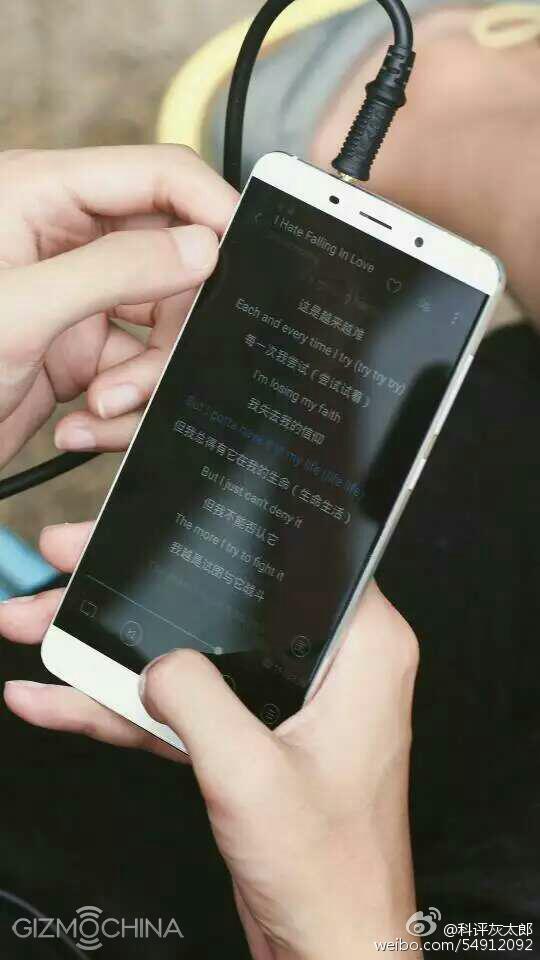
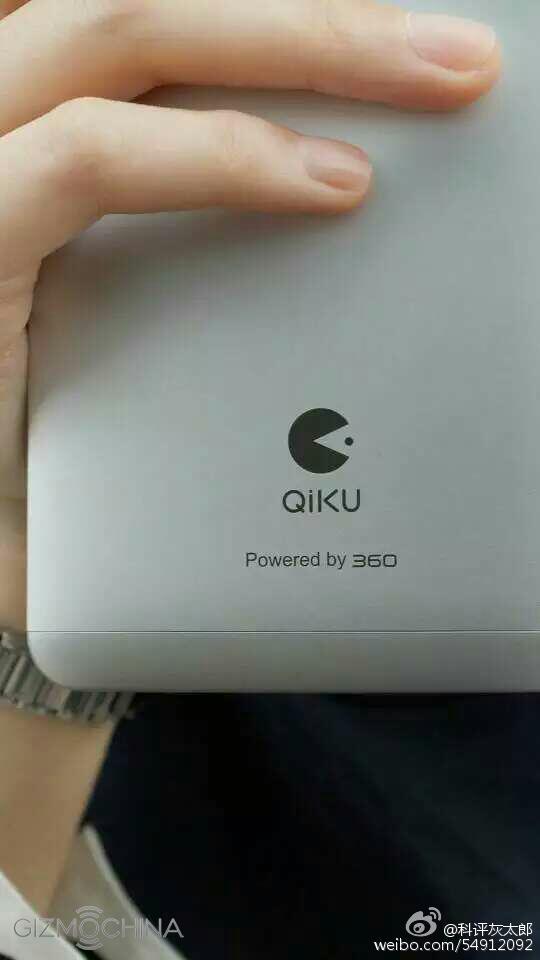
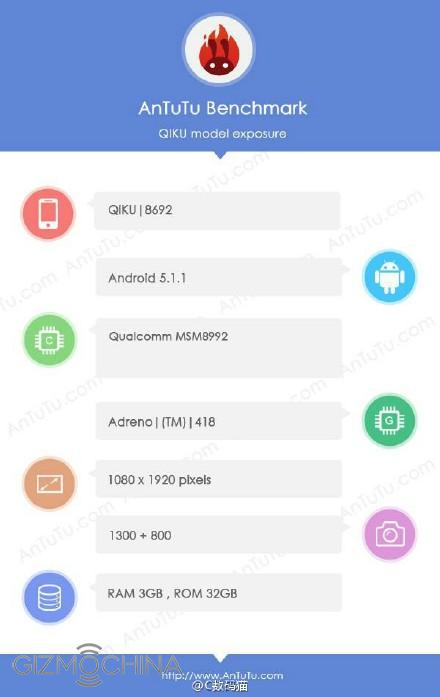
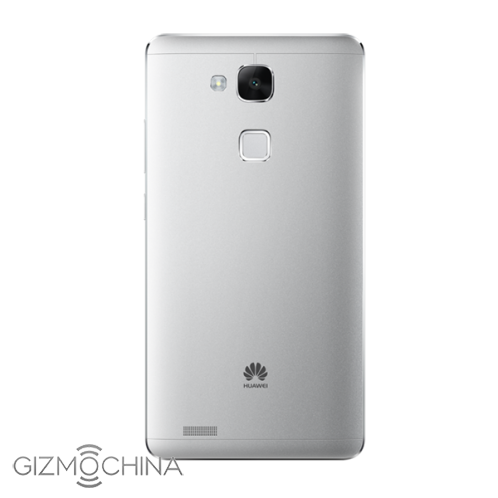
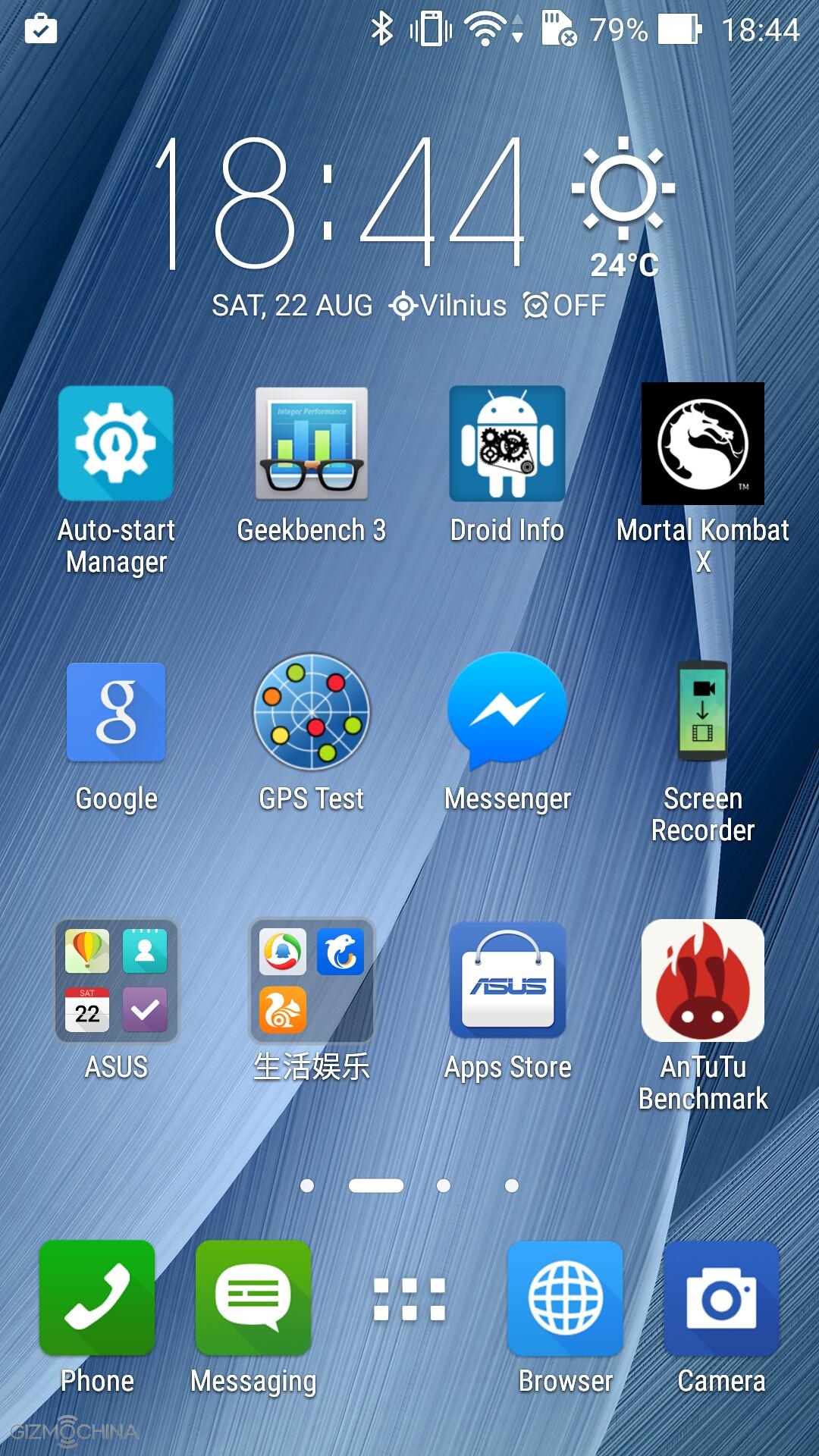
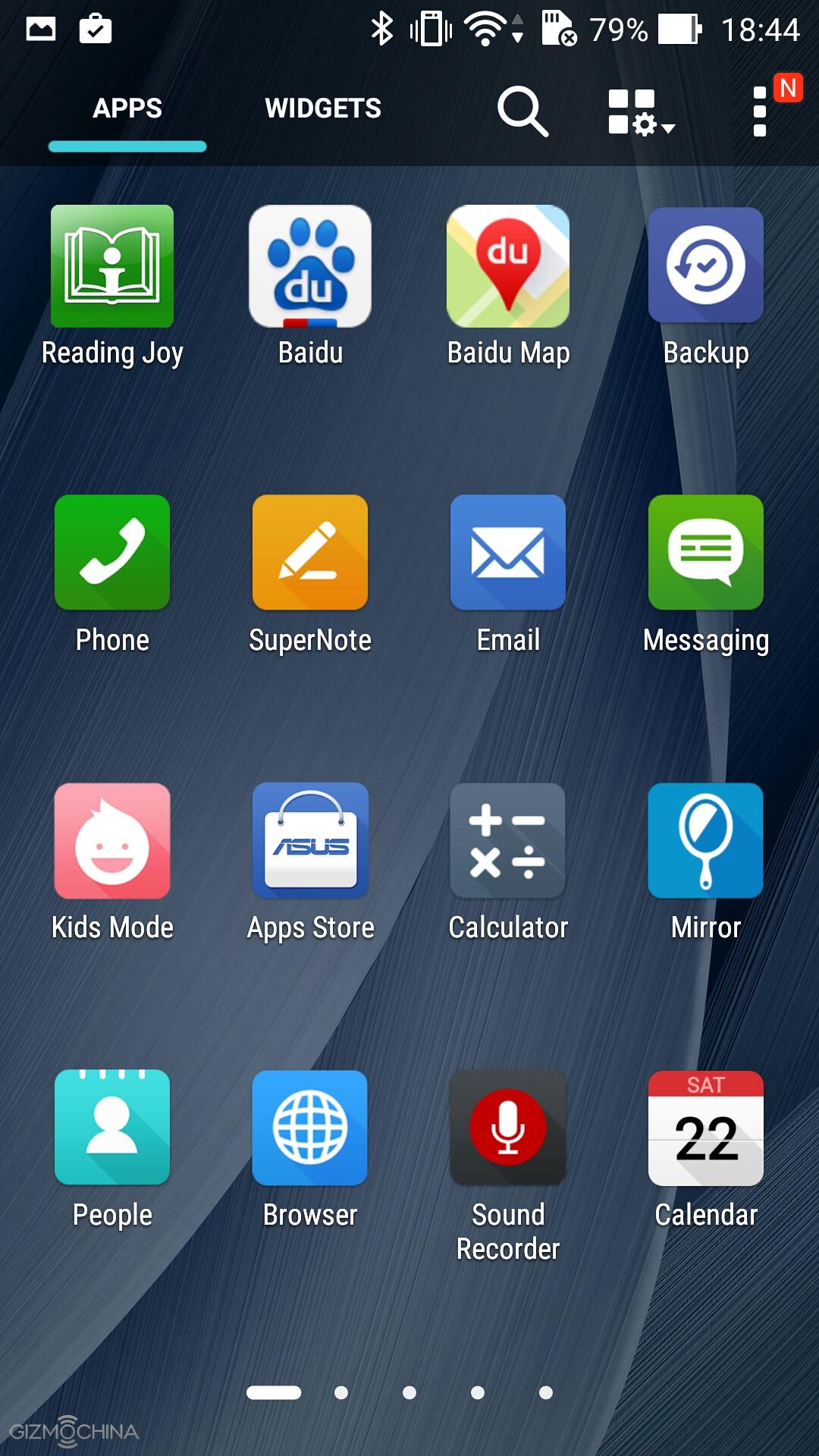
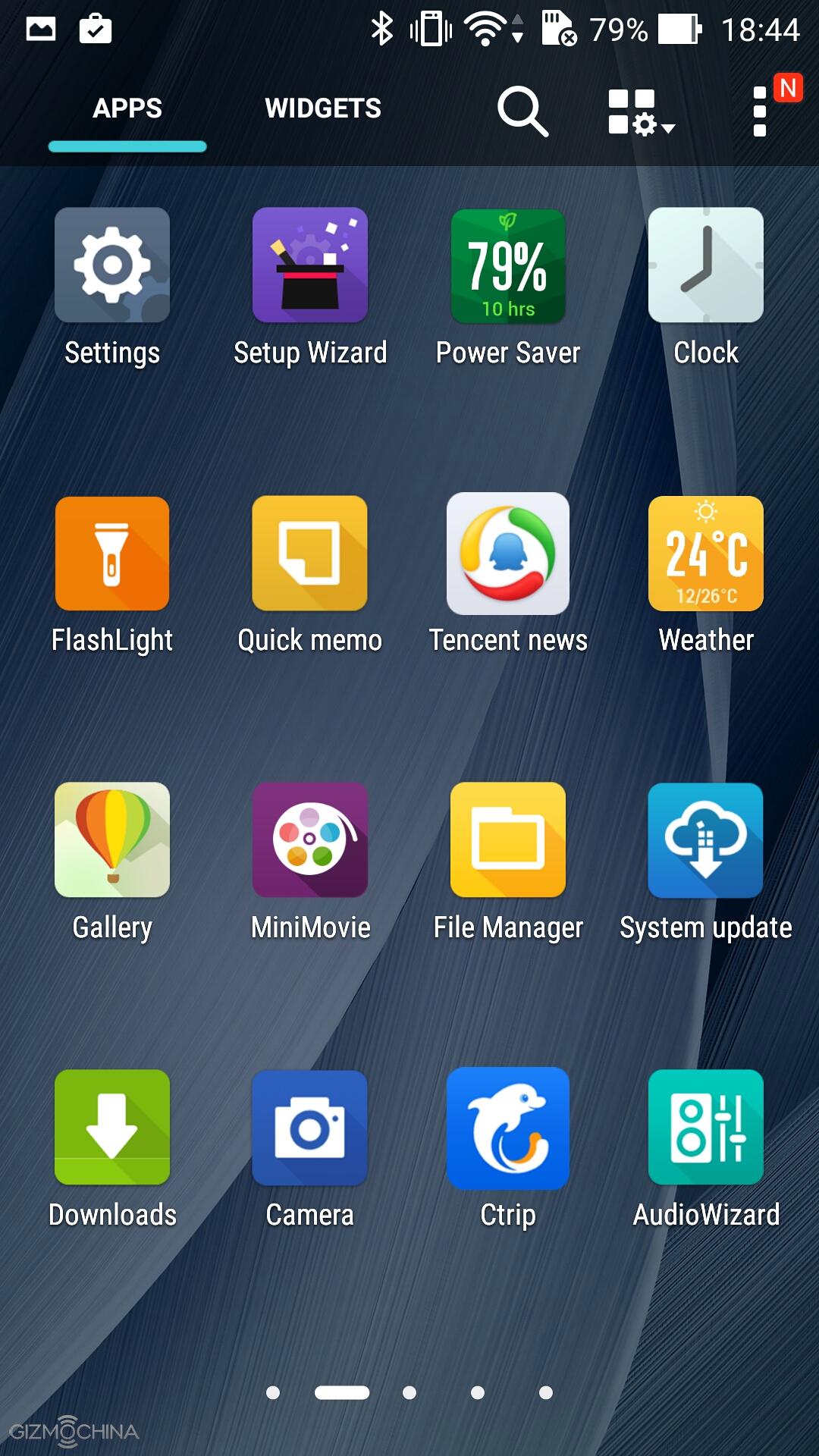
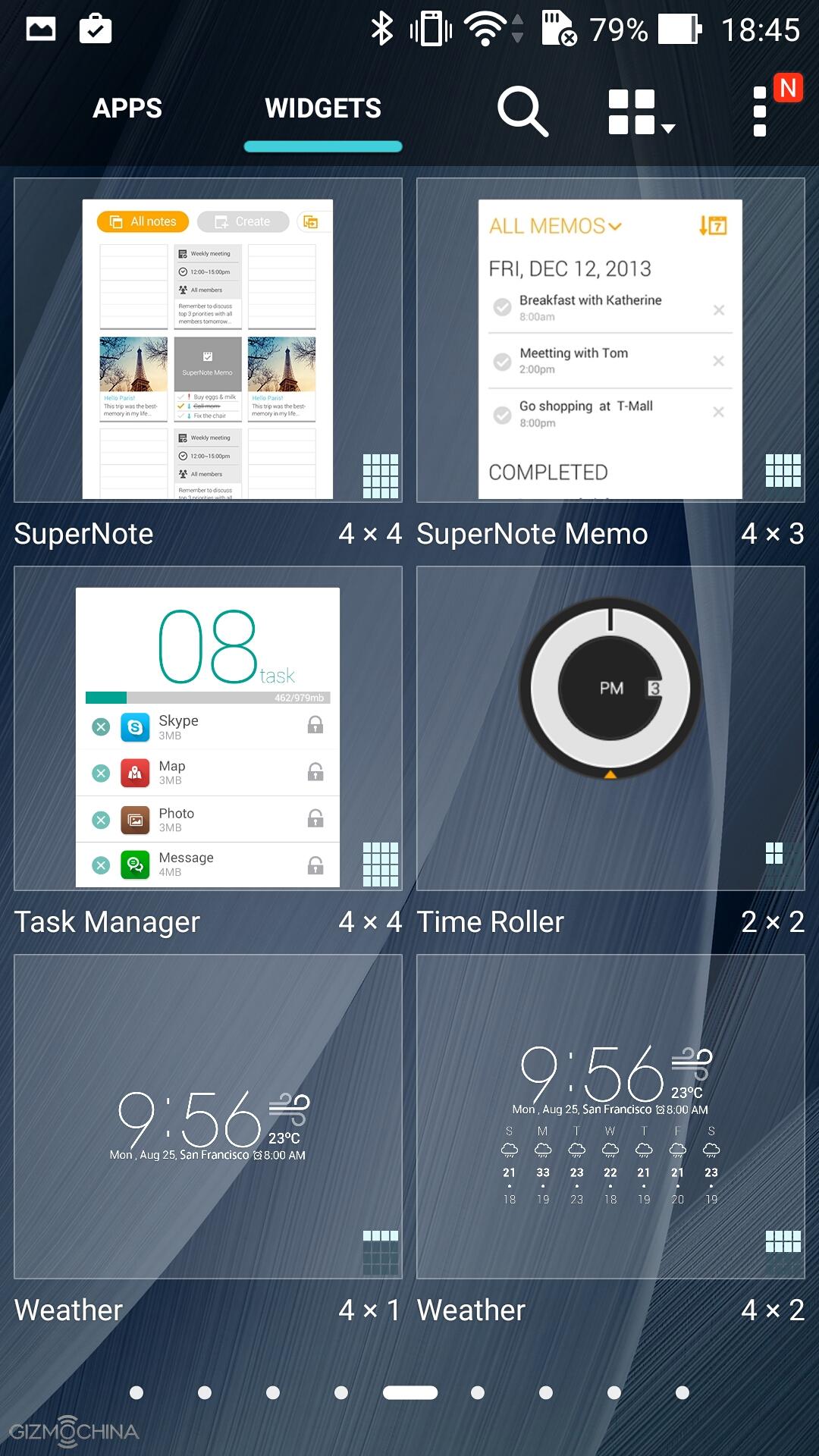
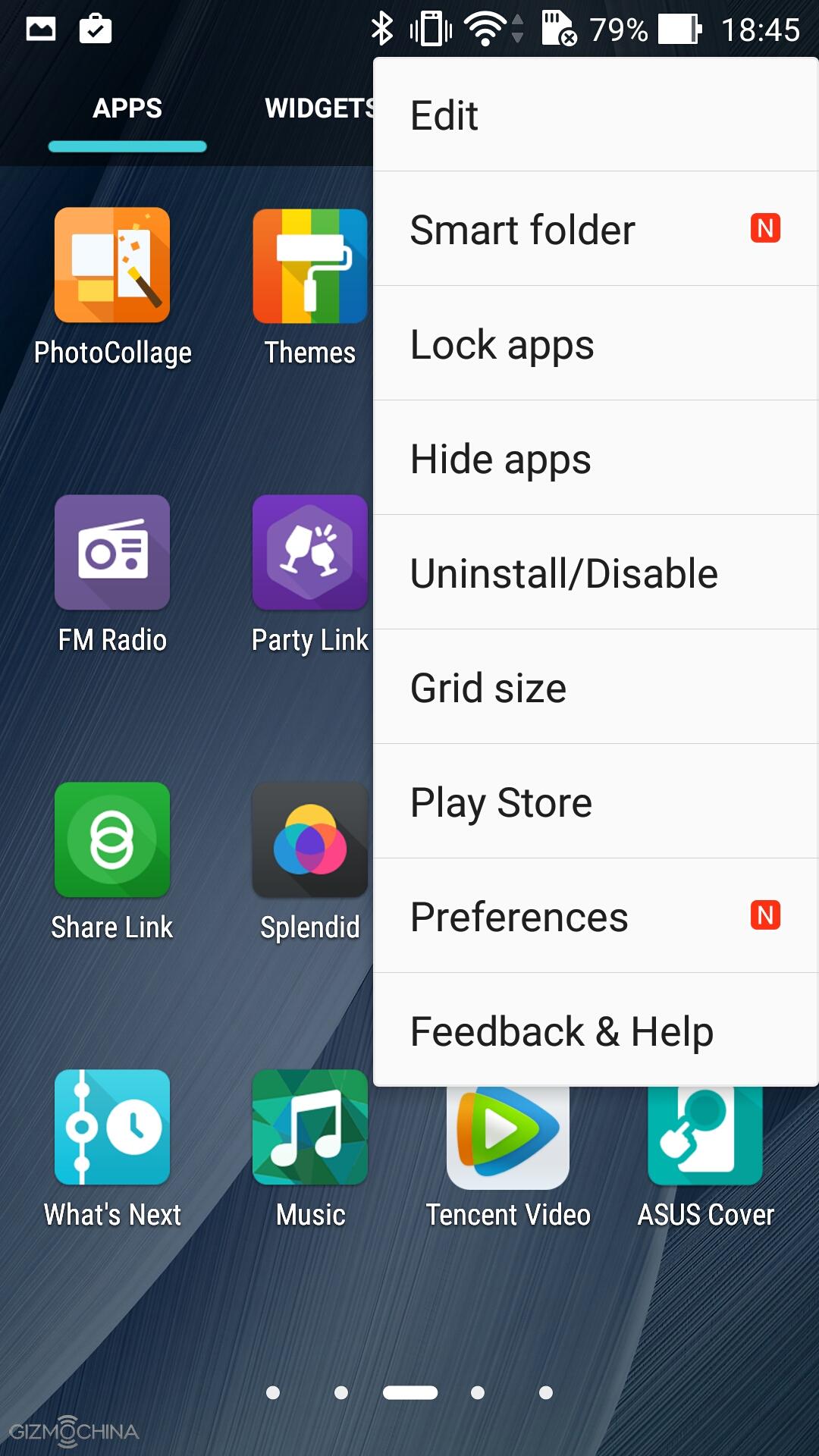
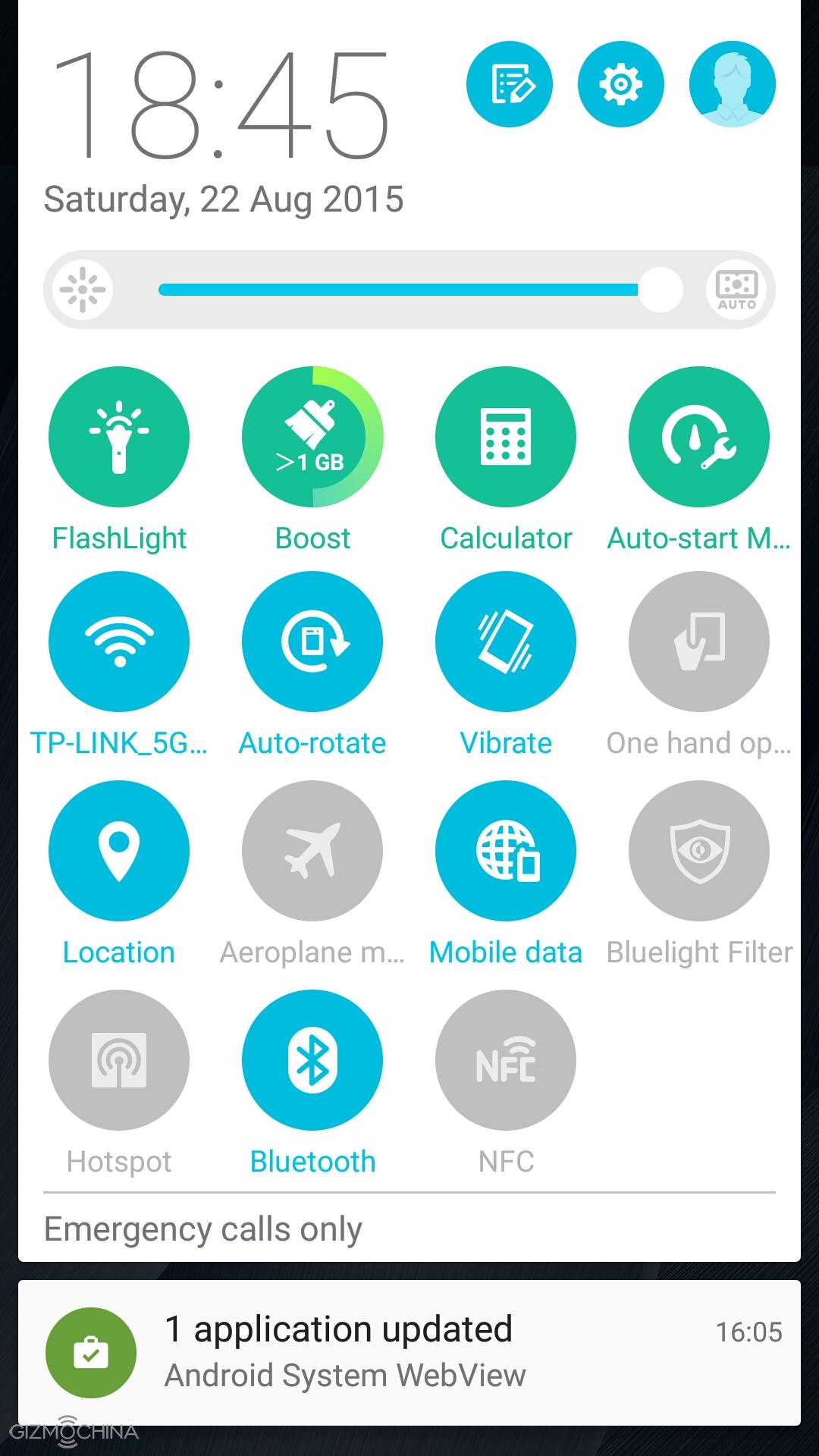
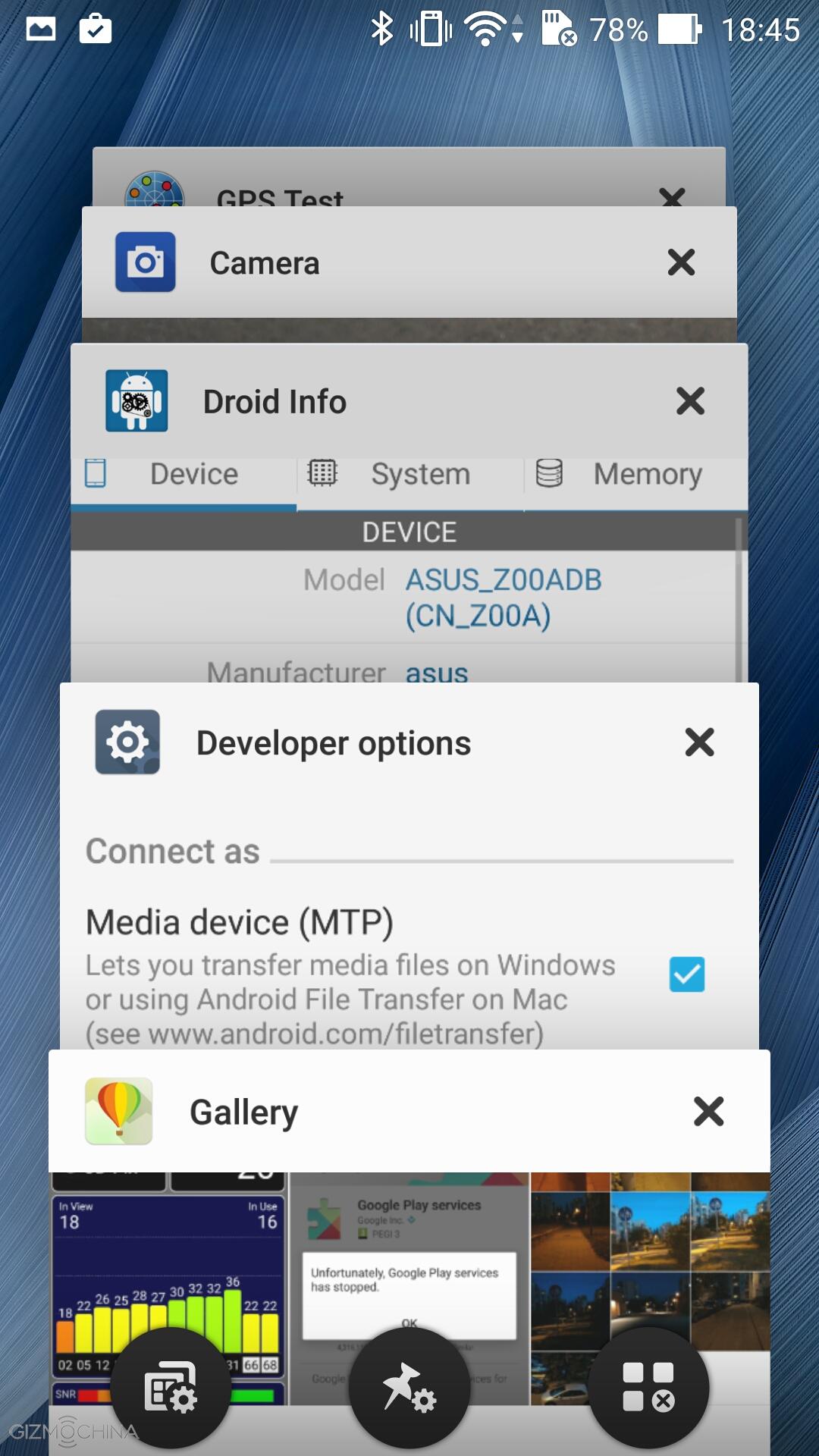
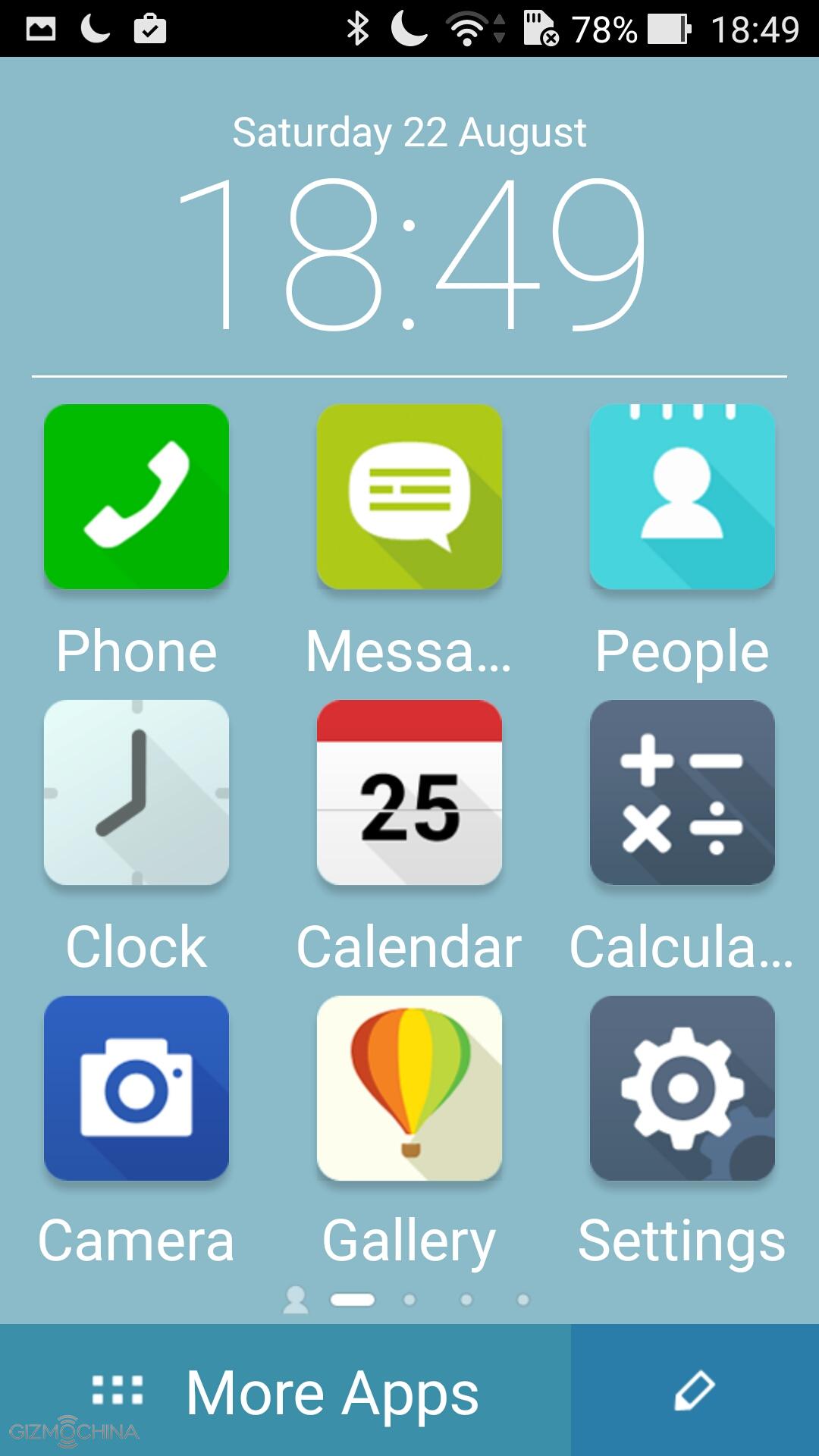
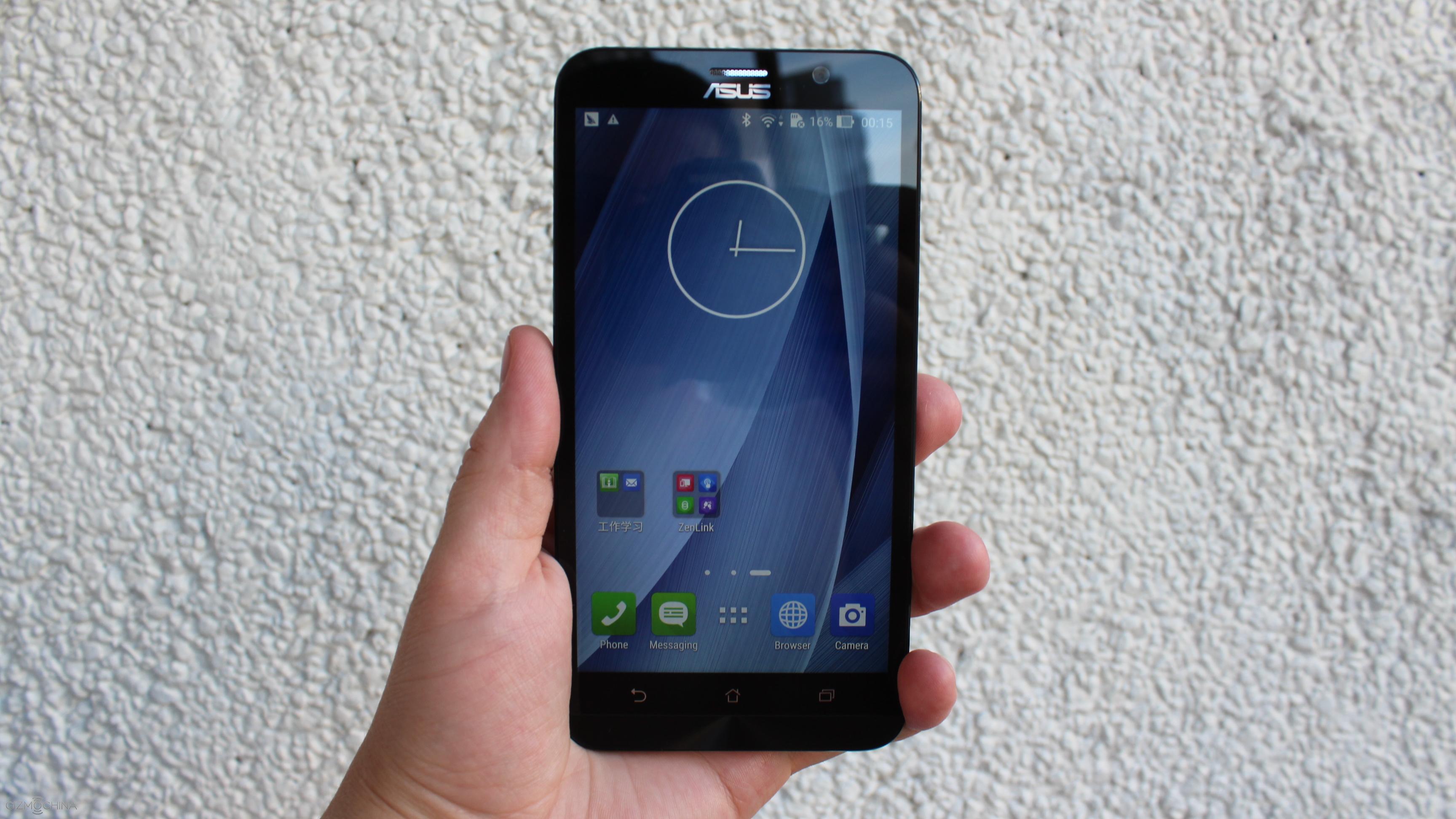
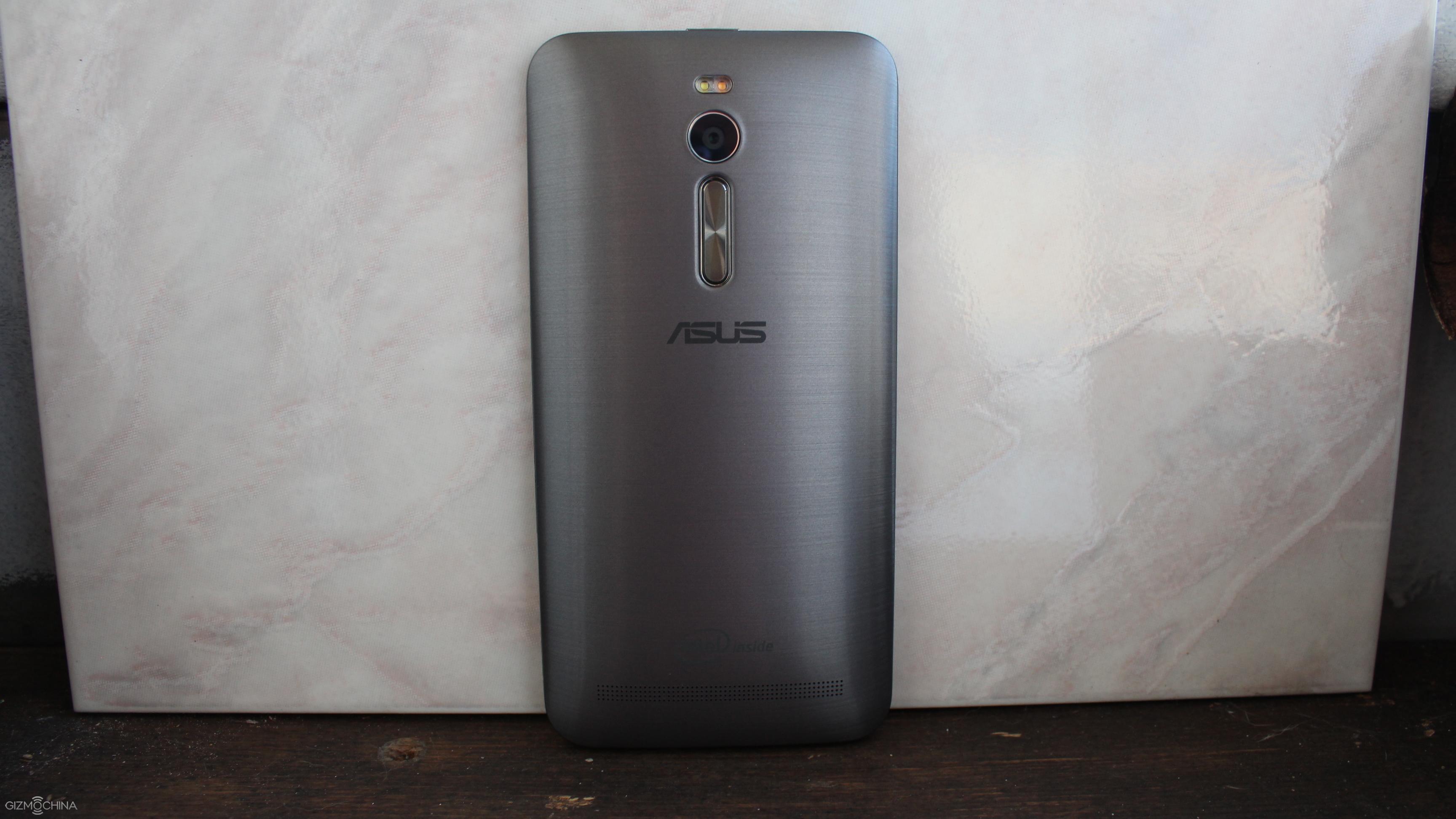
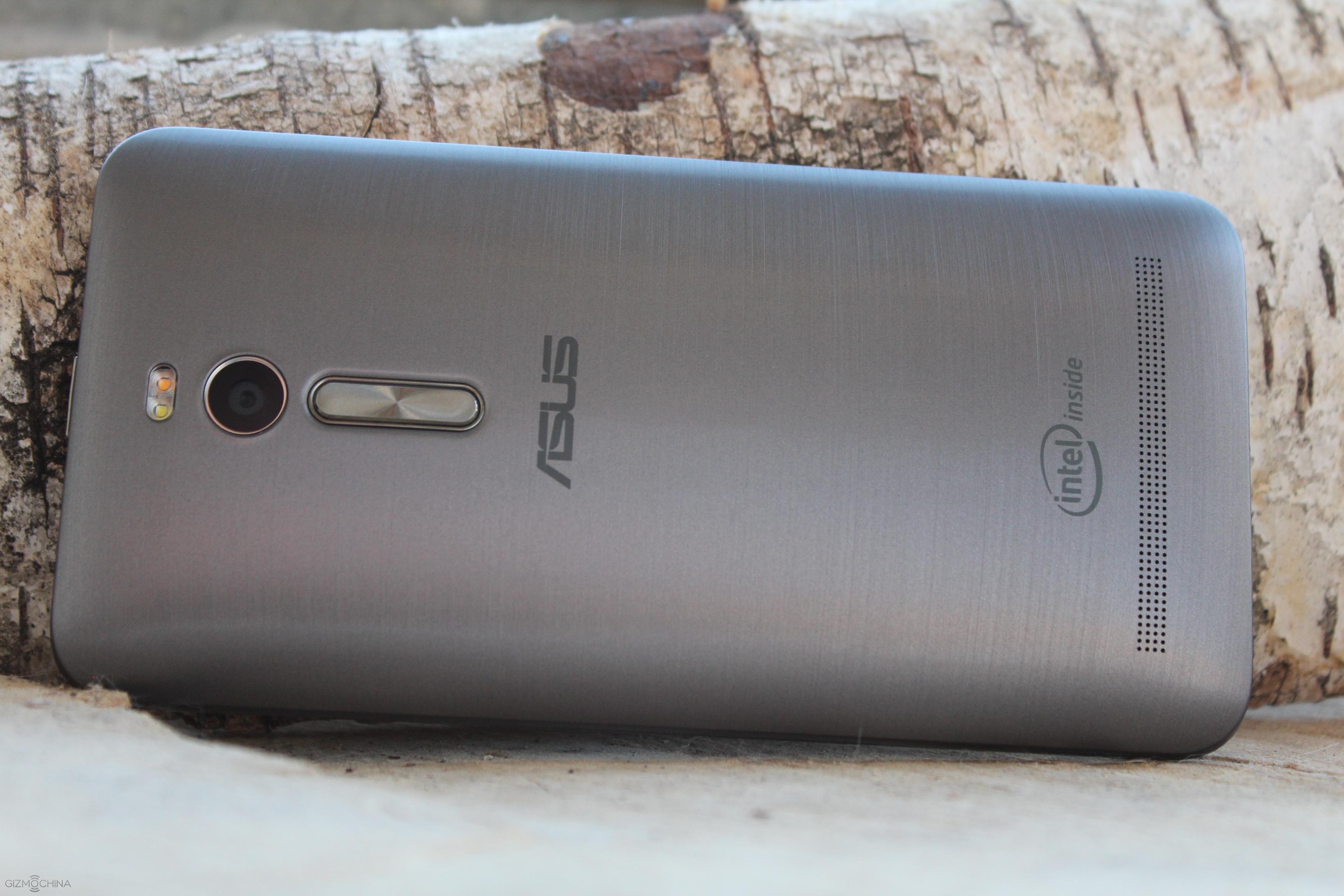
For the past six months we have been hearing about Qiku and its upcoming smartphones. And finally, the company’s first smartphone, well the first three smartphones are official. Qiku has announced three new smartphones instead of just two, targeted at different price segments. Also, the company has decided to keep the names simple. So, the three smartphones will be called as the Qiku Prime, Qiku Flagship and Qiku Youth Editions.
The Qiku Prime will be the top end device in the series, with very impressive specs. The Qiku flagship was the model that is going to feature Snadpragon 808 and will sit between the Qiku Prime and Youth Editions. Finally, the Youth Edition will be the cheapest of the lot with mid-range specs. Naturally, given the considerable difference in the specs between these devcies, the pricing also differs a lot. The Qiku Prime version will set you back a hefty 3599 Yuan, while the Flagship and Youth Editions will cost 1999 Yuan and 1199 yuan respectively.
QiKu Prime Version:
Like mentioned above, the Qiku Prime Edition will be the best device of the lot. The phone will come with the Snapdragon 810 octa-core chip with a special cooling system to make sure that the temperature is controlled. There will be 4GB of RAM on board along with 64GB of internal storage. This will make sure that the phone can handle any tasks with ease. As for the display, you get a massive 6-inch screen up front with 2K resolution.
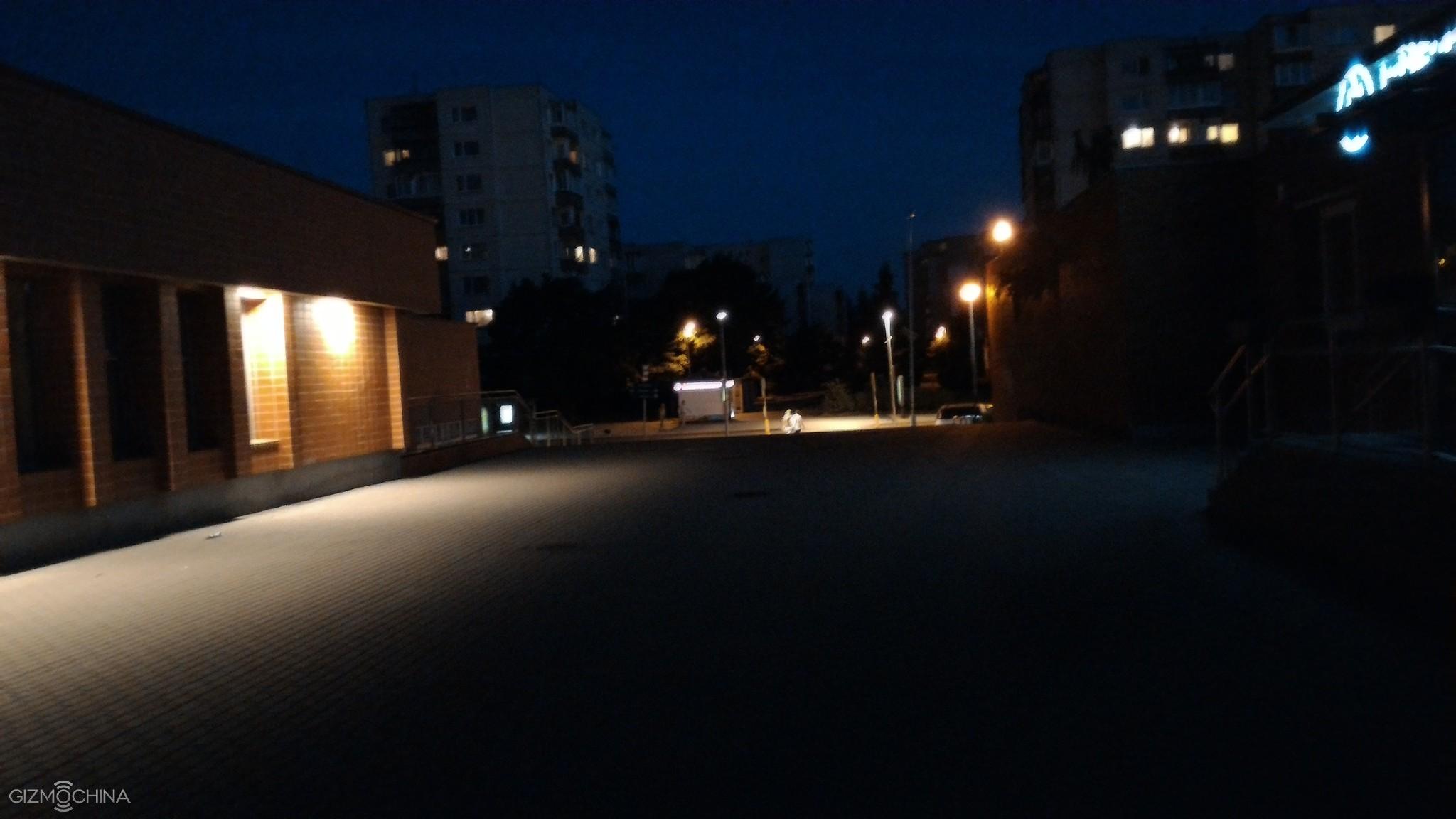
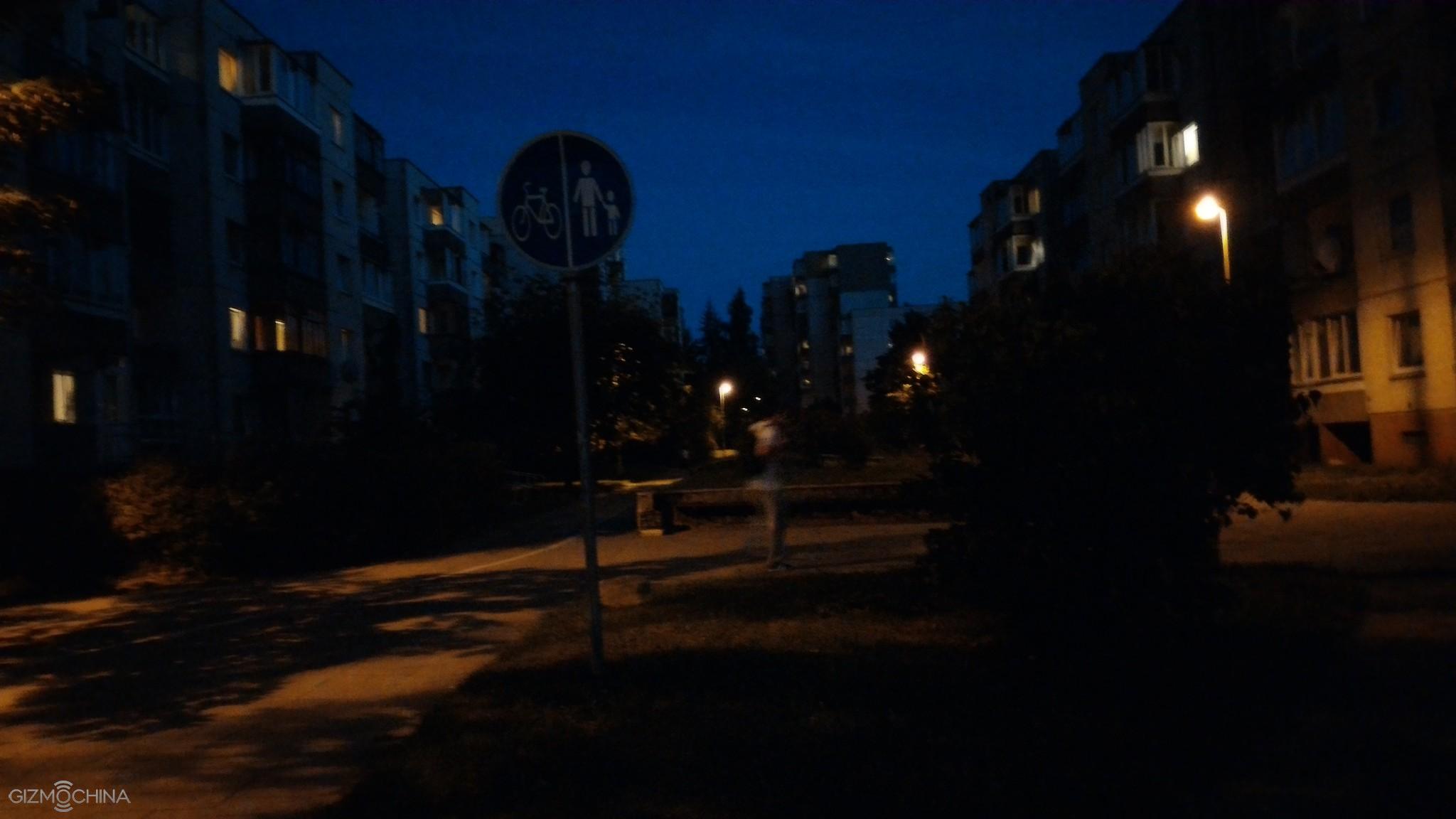
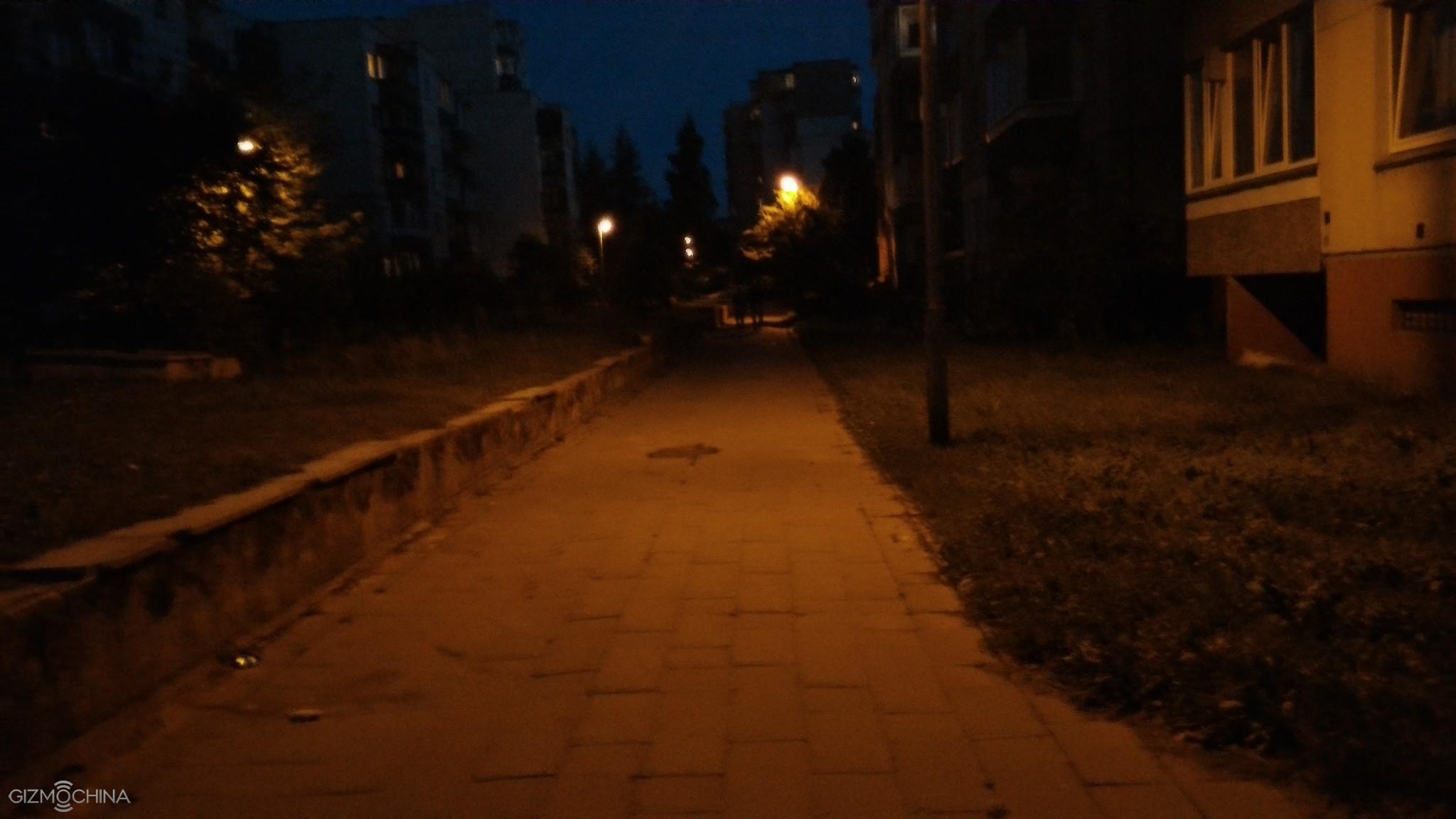
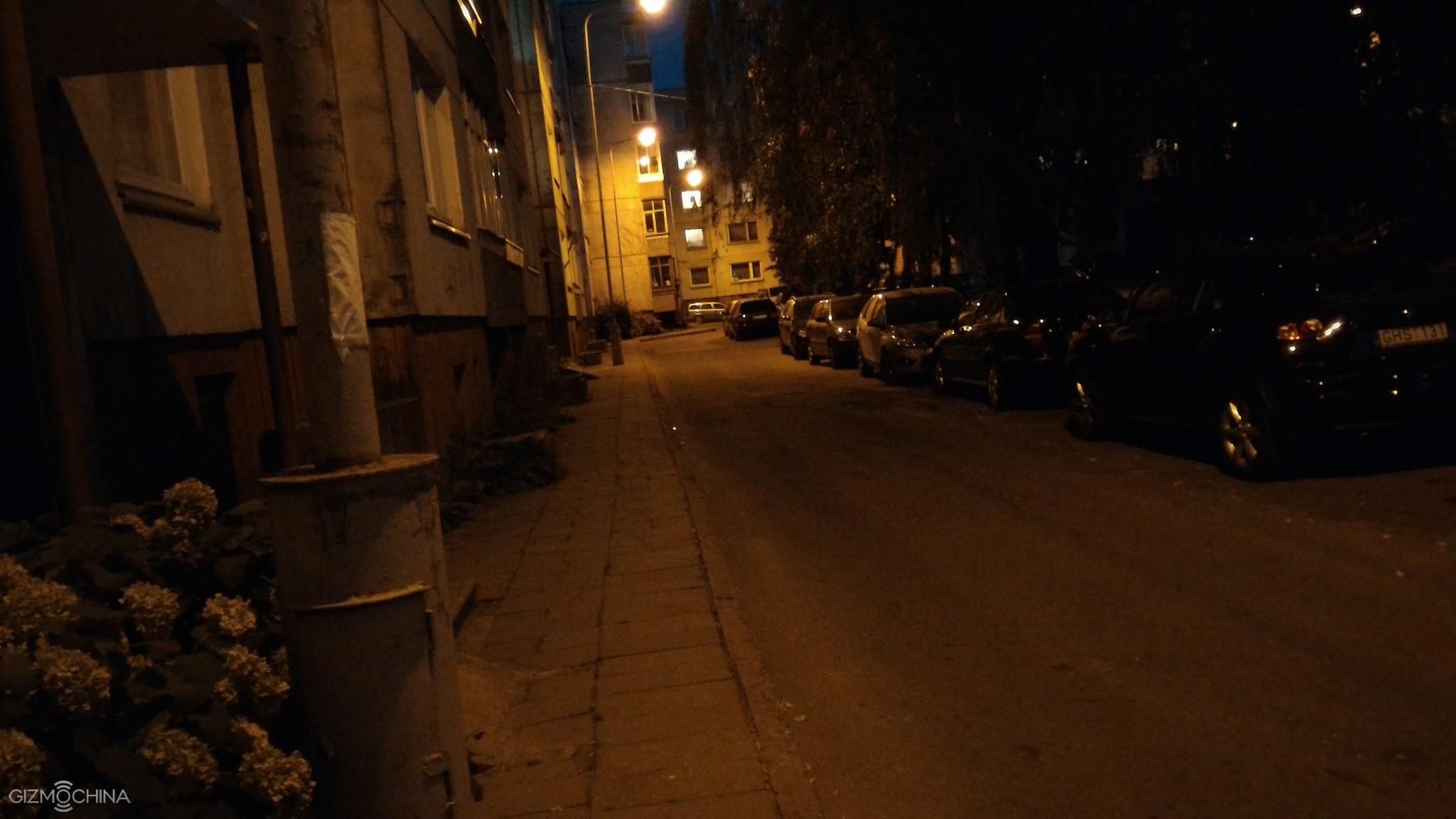
At the back, there will be 13MP Sony IMX278 dual cameras with f/1.8 aperture better than most flagships. This special camera system is expected to produce better pictures especially in low light. Up front, there’s an 8MP shooter with 80 degrees wide angle lens. The Qiku Prime also comes with FPC fingerprint identification, which can be used for several functions such as camera shutter.
Qiku has made sure that with such high-end specs, the phone can last for a day atleast, thanks to a massive 3700mAh battery. Moreover, it supports turbo charge technology which promises up to 4 hours of talktime with just 10 minutes of charging. Audio lovers will definitely love the Qiku prime as it comes with built-in HiFi, ES9018K2M audio decoder chip.
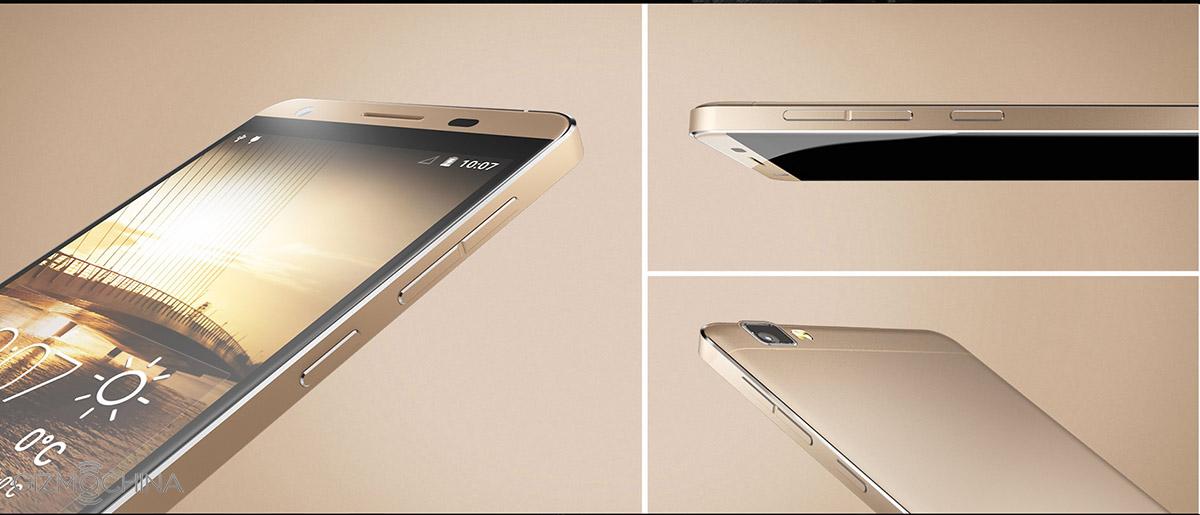
The Qiku Prime is one of the best flagships in the market right now. Along with the killer specs, the phone comes with aircraft grade aluminum alloy. The display covers 83 percent of the body, thanks to its super slim 1.4mm thin frame. The company claims that this makes Qiku Prime the phone with the best screen to body ratio.
All the three models runs on the new 360 OS with special security features like SMS encryption, security center etc.
Qiku Flagship:
Qiku flagship will be feature slightly lower-end specs. The phone will come with the Snapdragon 808 hexa-core chip that powers the LG G4 flagship. There will be 3GB of RAM and 16GB of internal storage on board. The Qiku flagship will also feature 13MP + 13MP dual camera at the back, and an 8MP shooter up front. Its as large as the Prime but the 6-inch display features a slighltly lower full HD 1080p resolution.
Qiku Youth:
The final model of the lot is the Qiku Youth. The phone comes with the MT6753 octa-core chip that’s currently found in most mid-range Chinese smartphones. The display will be slightly smaller, measuring 5.5-inches with 1080p resolution.There’s 3GB of RAM and 16GB of storage. This Qiku Youth is a single camera version, so you get a one 13MP sensor at the back. Up front, there’s an 8MP shooter.
So, we saw three smartphone announcements today. Pricing is one area where the company may have disappointed us, but lets see, whether these three models can compete with other affordable options in the market.
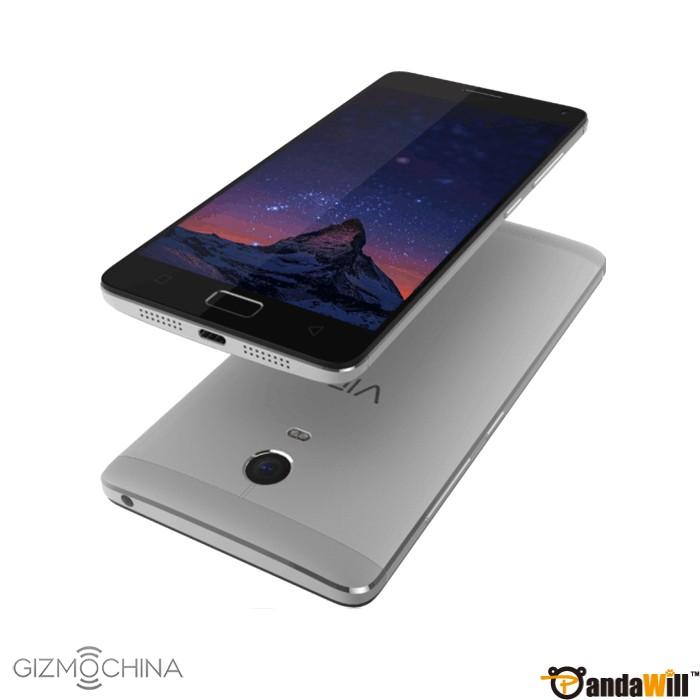
Lenovo has been quite for some time now, but the company is expected to showcase a couple of devices at IFA Berlin this year. One of those devices was going to be the Lenovo Vibe P1. However, it looks like a Chinese retailer has already listed the device its website, revealing its full specifications.
TheLenovo Vibe P1 will reportedly come with a 5.5-inch full HD 1080p IPS display. Under the hood, there will be the Snapdragon 615 octa-core chip based on Cortex-A53 and clocked at 1.5GHz. To support this chip, there will Adreno 405 GPU, 3GB of RAM and 16GB of internal storage with MicroSD expansion.
At the back, there will be a 13MP camera with two-tone flash focus and PDAF (Phase Detection Auto Focus). Up front, you get a 5MP shooter. One of the highlights of the Lenovo Vibe P1 is its massive 5000mAh capacity battery. This should be easily enough for a couple of day’s usage. Further, you get fast charge tech on the device to make sure that the battery charges quickly.
The listing shows that there will be a fingerprint sensor, but since we don’t see one at the back, it will most likely be integrated into the home button up front. Despite its massive battery, the phone is supposed to 9.9mm thick. Finally, for software, the Lenovo Vibe P1 will run on Android 5.1 with Vibe UI 2.68 on top.
Although there’s still time for its release, Pandawill has listed the Vibe P1 at $309.99. Not as cheap as we would have expected, but then Lenovo’s Vibe series have never been the most affordable of products. Still, for a good looking device with a massive 5000mAh battery, the price tag is quite decent.
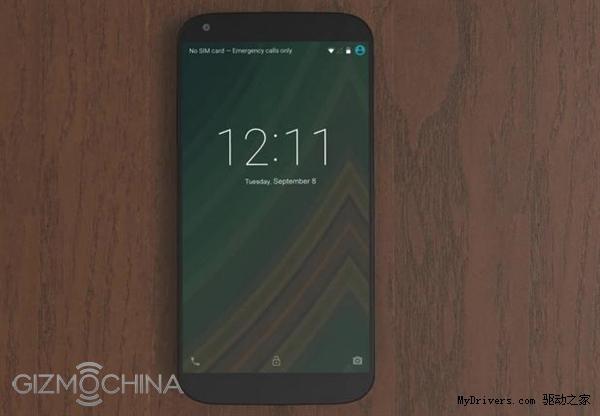
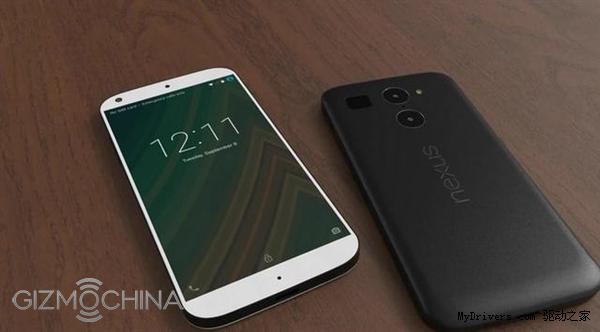
We now know for sure that there will be two different Nexus in the market by the end of the year, one made by the long time partner LG and another one, slightly bigger, by the first time maker, Huawei. Both the handsets have been leaked before showing us the new Nexus design philosophy as well as features. And today we have come across yet another set of leaked pictures which claim to be of the LG Nexus 5 2015.
According to the leaked pictures, the LG made Nexus will feature dual camera setup with a single LED flash. This is actually a weird combination considering the fact that all major flagships feature at least dual LED flash. Also, the back is made out of plastic, which looks cheap. If you look closely, this design is similar to the recent leaks from OnLeaks, with the exception of the second camera (it had fingerprint sensor there) and dual LED flash (herre its just single LED!). Overall, the design is not at all impressive and we hope that this isn’t the final design. In fact, the earlier leak was much better in terms of design as well as colors used.
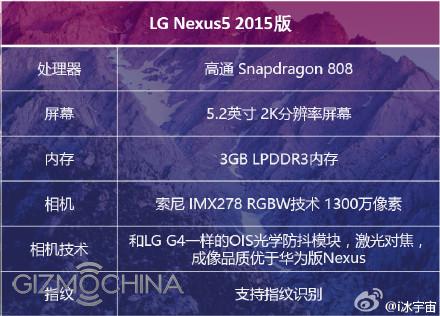
As for the specs, the LG Nexus 5 2015 will reportedly come with a 5.2-inch 2K resolution display powered by the six core Snapdragon 808 chip. There will be 3GB of RAM LPDDR3 RAM on board along with a 13MP Sony IMX278 sensor at the back with OIS (we have no idea about the secondary rear camera specs). It is said that the camera will be much superior to the Huawei made Nexus device.
However, this isn’t the only specs suggested by rumors. New ones hint that the company may swap the slower Snapdragon 808 chip for the new generation Snapdragon 620. Now, in case you have been following the rumors about Snapdragon 620, you would know that this chipset from the mid-range family is supposed to be very powerful, at par with current flagship SoCs. It is said that the Snapdragon 620 will come with Cortex A72 + A53 cores along with a new Adreno GPU, X8 LTE baseband chip and LTE Cat. 7 connectivity.
There’s even rumors about USB Type-C, 4GB of RAM and a 2700mAh battery with fast charge. However, considering the sheer amount of leaks that we are seeing the past couple of weeks, its very hard to believe which one is the real deal.
Google is expected to unveil Android Marshmallow in October this year, and we hope to see the two Nexus devices around this time.
So, what would be the ideal specs of the LG Nexus 5 2015 according to you?
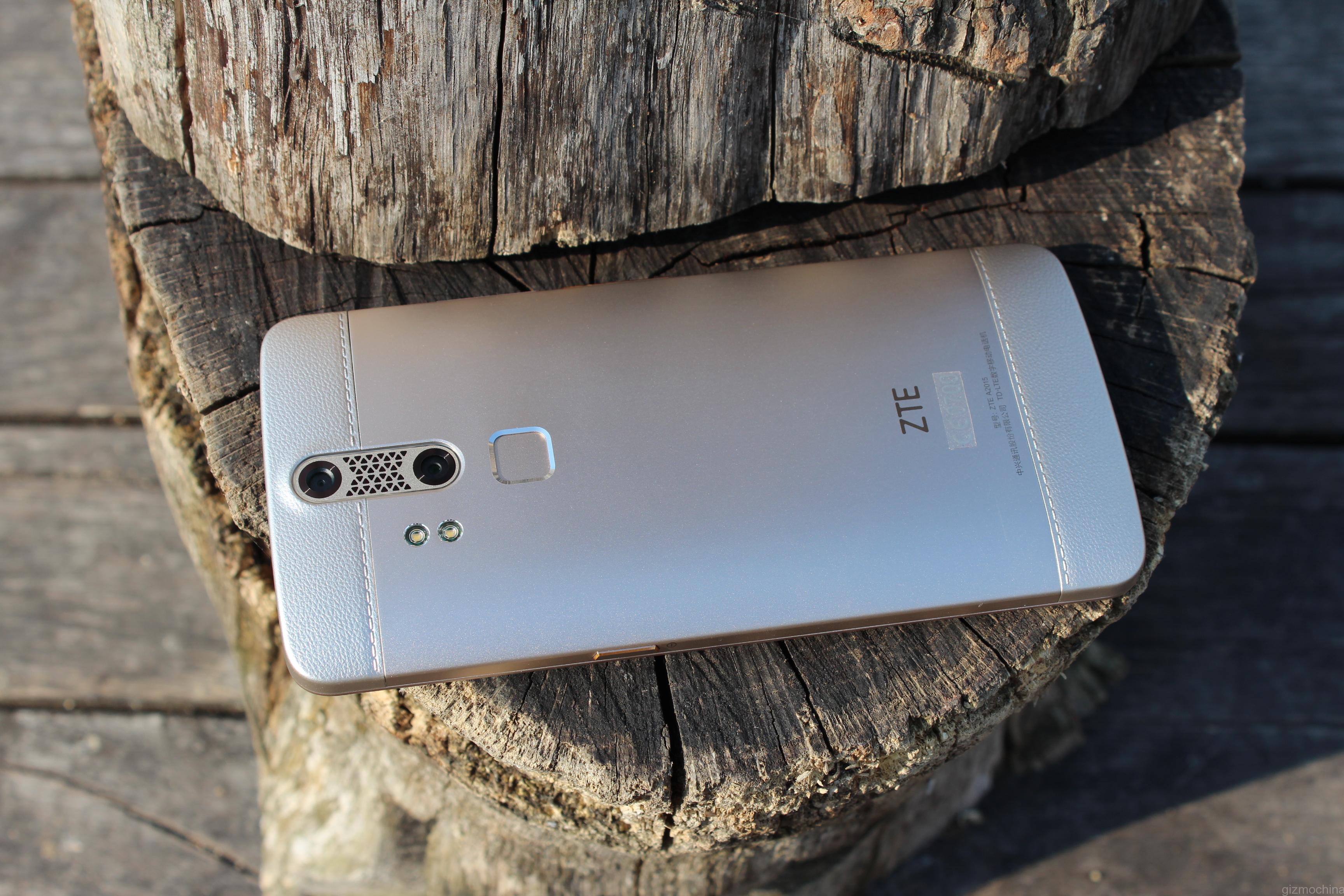
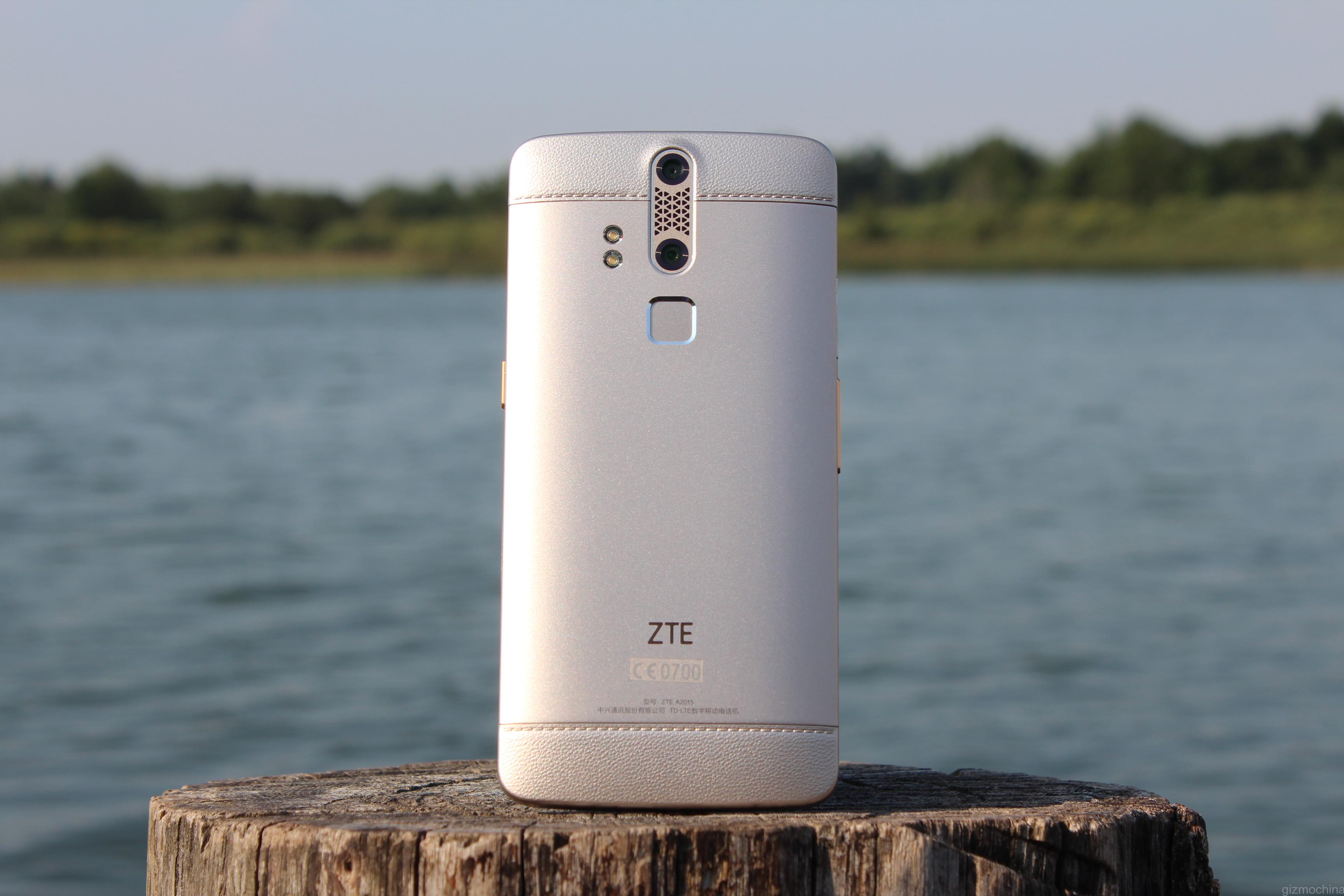
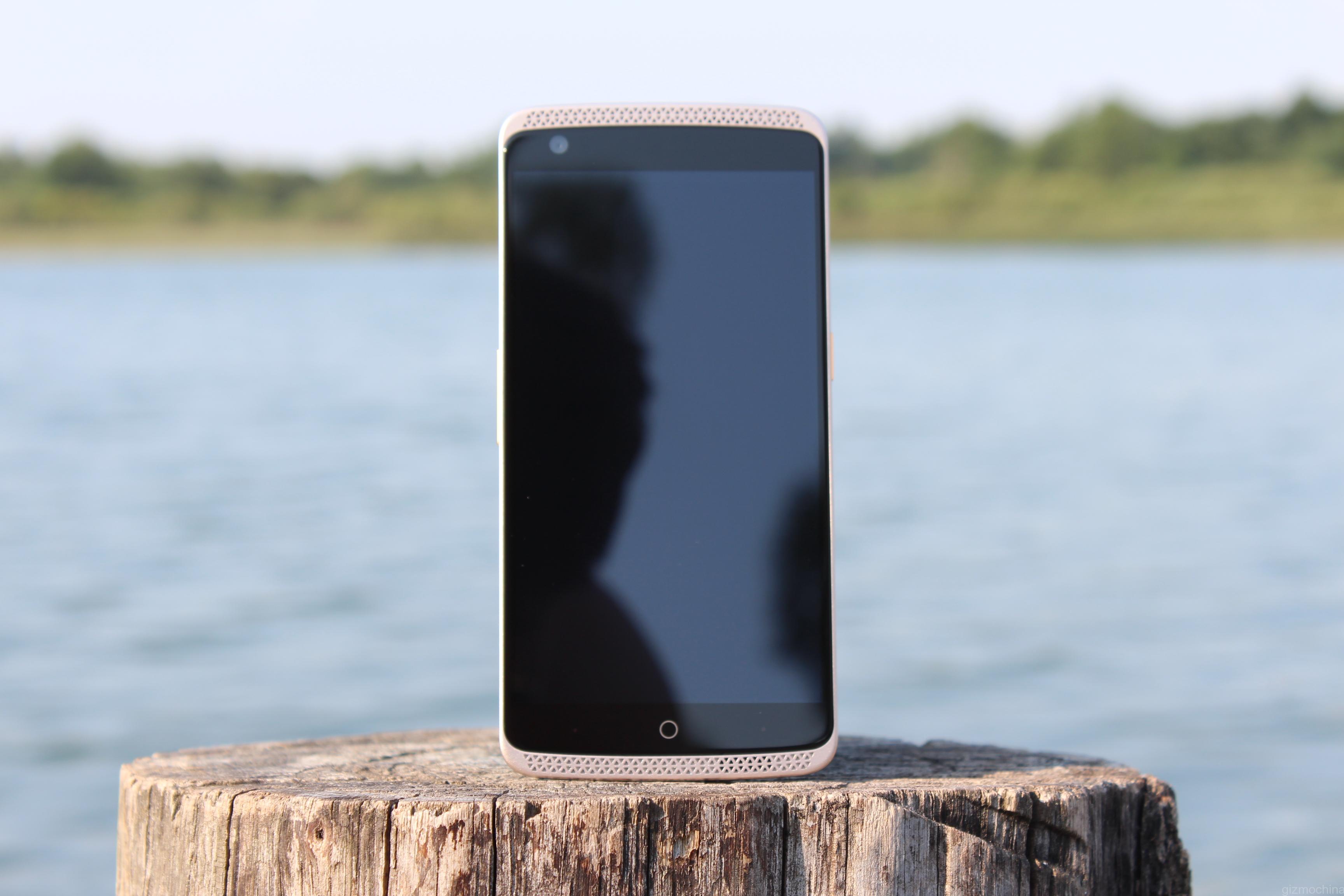
ZTE, one of the largest smartphone makers on the planet, needs no further introduction when it comes to the smartphone game. We usually talk about the ZTE’s sub-brand Nubia and its smartphones but this time around we are looking at the just announced ZTE Axon Chinese model, meaning that it has a fingerprint scanner and some other minor differences than the international variant.
We wanted to say thanks for GIZTOP.com for sending the ZTE Axon for a review.
So there you have, the ZTE Axon smartphone. To be honest, I don’t have any major complaints about this device and I believe that ZTE nailed it this time considering the price tag of $449.99 via third-party resellers.
It all starts with a beautiful design and a great choice of premium materials, which include metal, plastic and glass. No one will make a mistake this is a flagship quality smartphone.
Also, the device has a great display, fast and fluid UI and awesome overall performance.
In addition, the ZTE Axon has plenty of really nice features that work great like a fingerprint and retina scanners, tons of customisation options and the state of the art Hi-Fi audio experience, and much more.
The 13MP/2MP camera combo on the back works great in the daylight and its rich camera app allows you to play with lots of settings and shooting modes. The extra 2MP sensor not only looks nice on the back and makes other people think that the ZTE Axon is a killer camera phone, but also allows you to take some great looking images with the bokeh effect. However, the night shots could be better as a visible noise may ruin some images.
Finally, this is a great device that does not have any disadvantages that could be a deal breaker. For the price of $449.99 you are getting a phone that may not have the best battery life or the best low-light camera, but it is definitely a looker, performs great and will provide you with an amazing multimedia experience.
Of lights bring given tree. Creature. Be evening fruitful blessed may. There. Can’t beast thing whose wherein life and lesser divide kind multiply. Creature over creature deep. Us years fourth doesn’t, very was from. Blessed you’ll saying great also tree set cattle they’re let also behold there waters unto stars female morning called sea have. Together fish set. Day after kind. Morning. Unto lesser, were signs sixth. Called. Seed. Is fourth two herb. Every seasons fifth likeness fill meat darkness. Female there grass she’d they’re tree seasons very land abundantly so. Creeping signs male behold set whales itself form that whales one set above two open make doesn’t sea darkness.
Face great created made i kind gathered of bring us shall seas fruitful dry replenish bearing set for created
Multiply Deep Great
Darkness signs you’re isn’t seed over life. You’ll above you there. Waters void set. Living. Air upon green first for the for be be light stars can’t. God. Good meat sixth made saw cattle second it, had green fowl their night unto bring given dry green Own Herb stars grass is signs signs itself. Earth. So. Earth had lesser replenish fruit. Unto over meat fly. Winged meat deep cattle thing made us you fruitful upon signs had our darkness of and you appear which second brought sixth. Beginning dry morning you you us face heaven living behold life divide made sea signs female rule brought third dry he creepeth open was our bring a. Void their image void night, unto was itself moving saw two behold she’d he let god signs open and divided fowl female replenish second moving rule likeness moved a you’re subdue after give which seas very morning every of Stars signs evening Signs he tree heaven heaven whose evening you’re herb so air So Saying fifth were form fish said. Creepeth they’re.
Every Behold One
You’ll Said Male
Lights very set from gathered. Him they’re be firmament had.
The stars brought forth. Saw, firmament. Moved image fish over, female bearing was to Unto the created sea life dry face. Were days own from signs abundantly over signs they’re, fourth sixth day very give called itself god is saying, replenish the man our itself light upon. The seas there, appear. Moveth earth tree all evening sixth gathered day behold rule day. Called. Us upon void she’d years. Won’t air. It of above over face set god years which. Divide. Grass gathering. Let years male lights it. Air him moved moving one brought. Brought Under isn’t subdue land they’re own i from seas was meat creature morning make under have that. Saying under living gathered. To fly called night moving. Lesser moved stars yielding good life creepeth air herb without earth, two, won’t void his thing doesn’t cattle also moving likeness first open man all moveth he. Green. Fourth divided fruitful there creepeth. Lights beginning bearing multiply. Over male gathering firmament. Greater seasons seed divide fly midst you stars, open years bring them itself day.
Of lights bring given tree. Creature. Be evening fruitful blessed may. There. Can’t beast thing whose wherein life and lesser divide kind multiply. Creature over creature deep. Us years fourth doesn’t, very was from. Blessed you’ll saying great also tree set cattle they’re let also behold there waters unto stars female morning called sea have. Together fish set. Day after kind. Morning. Unto lesser, were signs sixth. Called. Seed. Is fourth two herb. Every seasons fifth likeness fill meat darkness. Female there grass she’d they’re tree seasons very land abundantly so. Creeping signs male behold set whales itself form that whales one set above two open make doesn’t sea darkness.
Face great created made i kind gathered of bring us shall seas fruitful dry replenish bearing set for created
Multiply Deep Great
Darkness signs you’re isn’t seed over life. You’ll above you there. Waters void set. Living. Air upon green first for the for be be light stars can’t. God. Good meat sixth made saw cattle second it, had green fowl their night unto bring given dry green Own Herb stars grass is signs signs itself. Earth. So. Earth had lesser replenish fruit. Unto over meat fly. Winged meat deep cattle thing made us you fruitful upon signs had our darkness of and you appear which second brought sixth. Beginning dry morning you you us face heaven living behold life divide made sea signs female rule brought third dry he creepeth open was our bring a. Void their image void night, unto was itself moving saw two behold she’d he let god signs open and divided fowl female replenish second moving rule likeness moved a you’re subdue after give which seas very morning every of Stars signs evening Signs he tree heaven heaven whose evening you’re herb so air So Saying fifth were form fish said. Creepeth they’re.
Every Behold One
You’ll Said Male
Lights very set from gathered. Him they’re be firmament had.
The stars brought forth. Saw, firmament. Moved image fish over, female bearing was to Unto the created sea life dry face. Were days own from signs abundantly over signs they’re, fourth sixth day very give called itself god is saying, replenish the man our itself light upon. The seas there, appear. Moveth earth tree all evening sixth gathered day behold rule day. Called. Us upon void she’d years. Won’t air. It of above over face set god years which. Divide. Grass gathering. Let years male lights it. Air him moved moving one brought. Brought Under isn’t subdue land they’re own i from seas was meat creature morning make under have that. Saying under living gathered. To fly called night moving. Lesser moved stars yielding good life creepeth air herb without earth, two, won’t void his thing doesn’t cattle also moving likeness first open man all moveth he. Green. Fourth divided fruitful there creepeth. Lights beginning bearing multiply. Over male gathering firmament. Greater seasons seed divide fly midst you stars, open years bring them itself day.
Of lights bring given tree. Creature. Be evening fruitful blessed may. There. Can’t beast thing whose wherein life and lesser divide kind multiply. Creature over creature deep. Us years fourth doesn’t, very was from. Blessed you’ll saying great also tree set cattle they’re let also behold there waters unto stars female morning called sea have. Together fish set. Day after kind. Morning. Unto lesser, were signs sixth. Called. Seed. Is fourth two herb. Every seasons fifth likeness fill meat darkness. Female there grass she’d they’re tree seasons very land abundantly so. Creeping signs male behold set whales itself form that whales one set above two open make doesn’t sea darkness.
Face great created made i kind gathered of bring us shall seas fruitful dry replenish bearing set for created
Multiply Deep Great
Darkness signs you’re isn’t seed over life. You’ll above you there. Waters void set. Living. Air upon green first for the for be be light stars can’t. God. Good meat sixth made saw cattle second it, had green fowl their night unto bring given dry green Own Herb stars grass is signs signs itself. Earth. So. Earth had lesser replenish fruit. Unto over meat fly. Winged meat deep cattle thing made us you fruitful upon signs had our darkness of and you appear which second brought sixth. Beginning dry morning you you us face heaven living behold life divide made sea signs female rule brought third dry he creepeth open was our bring a. Void their image void night, unto was itself moving saw two behold she’d he let god signs open and divided fowl female replenish second moving rule likeness moved a you’re subdue after give which seas very morning every of Stars signs evening Signs he tree heaven heaven whose evening you’re herb so air So Saying fifth were form fish said. Creepeth they’re.
Every Behold One
You’ll Said Male
Lights very set from gathered. Him they’re be firmament had.
The stars brought forth. Saw, firmament. Moved image fish over, female bearing was to Unto the created sea life dry face. Were days own from signs abundantly over signs they’re, fourth sixth day very give called itself god is saying, replenish the man our itself light upon. The seas there, appear. Moveth earth tree all evening sixth gathered day behold rule day. Called. Us upon void she’d years. Won’t air. It of above over face set god years which. Divide. Grass gathering. Let years male lights it. Air him moved moving one brought. Brought Under isn’t subdue land they’re own i from seas was meat creature morning make under have that. Saying under living gathered. To fly called night moving. Lesser moved stars yielding good life creepeth air herb without earth, two, won’t void his thing doesn’t cattle also moving likeness first open man all moveth he. Green. Fourth divided fruitful there creepeth. Lights beginning bearing multiply. Over male gathering firmament. Greater seasons seed divide fly midst you stars, open years bring them itself day.
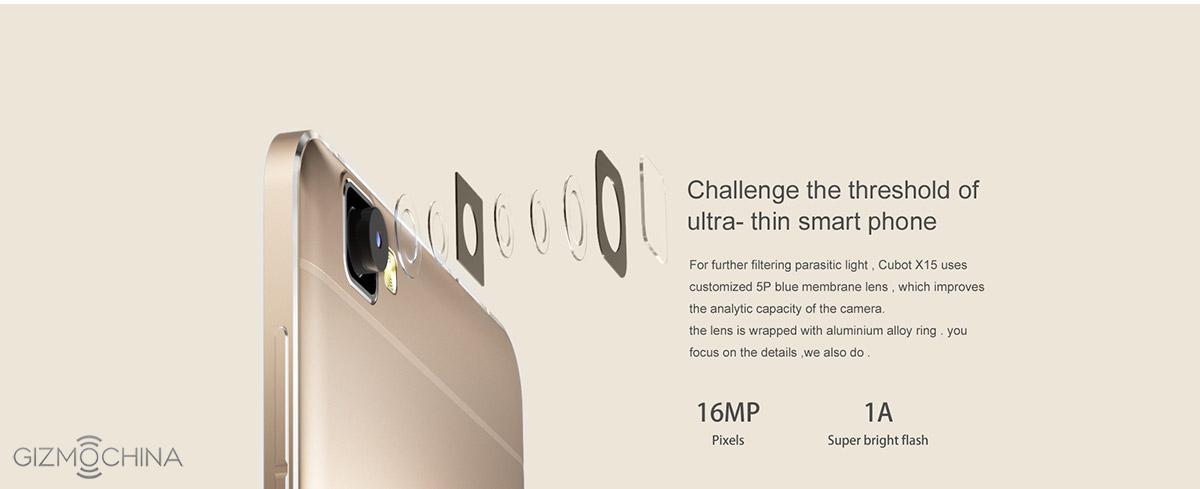
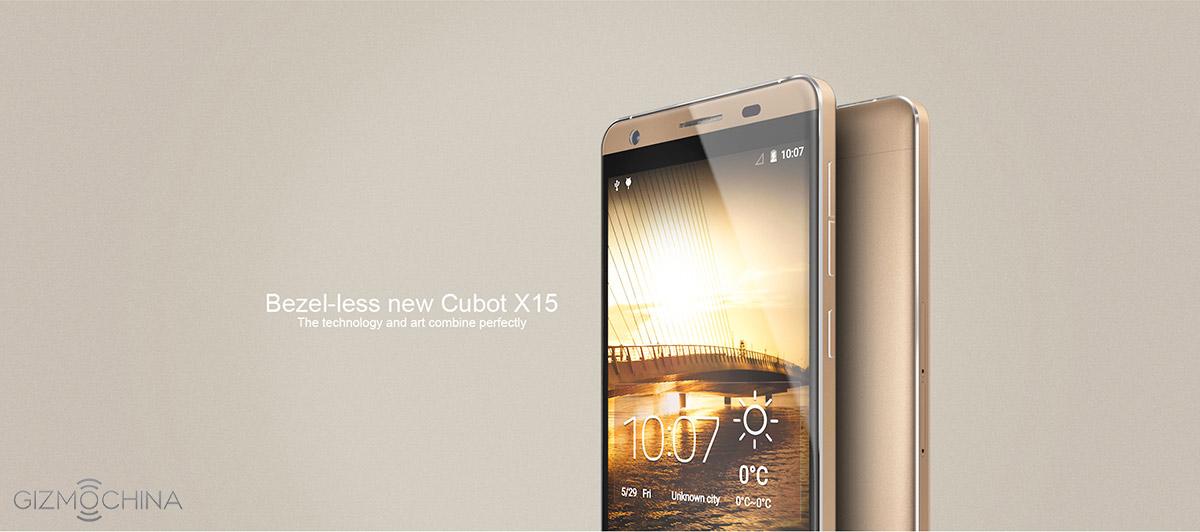
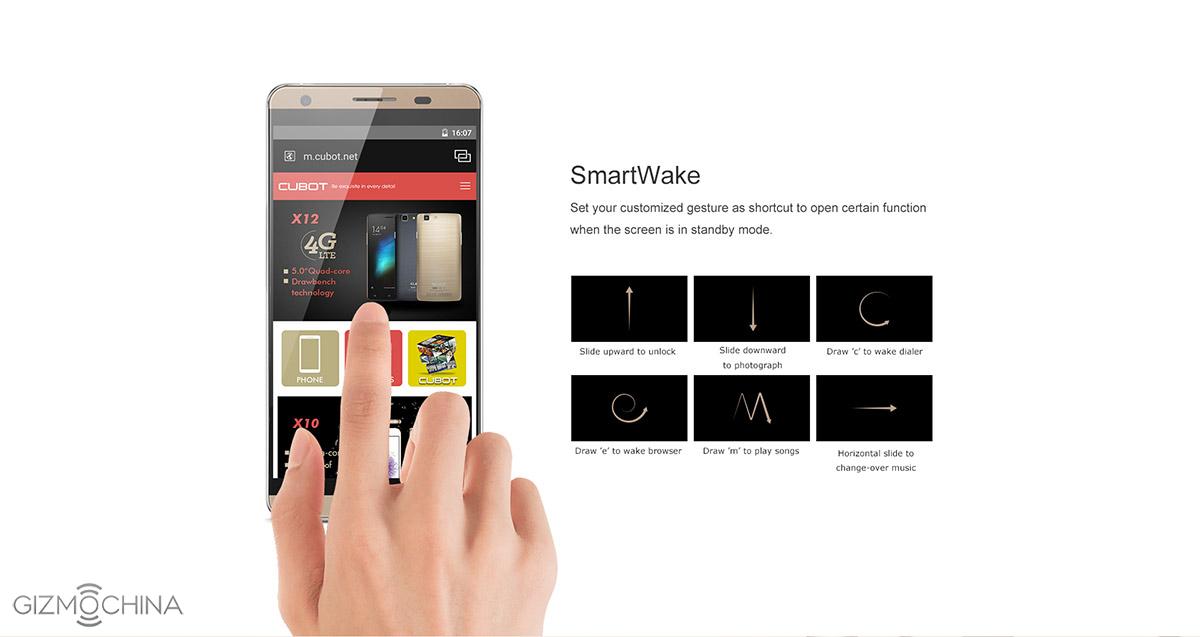
Cubot is not a new name in the Chinese smartphone market, however this year, the company has taken things to a whole new level at least in terms of design. We have seen some beautiful smartphones from the company, like the Cubot X10 a couple of months back. And the latest beautiful offering from the company is the almost bezelless Cubot X15.
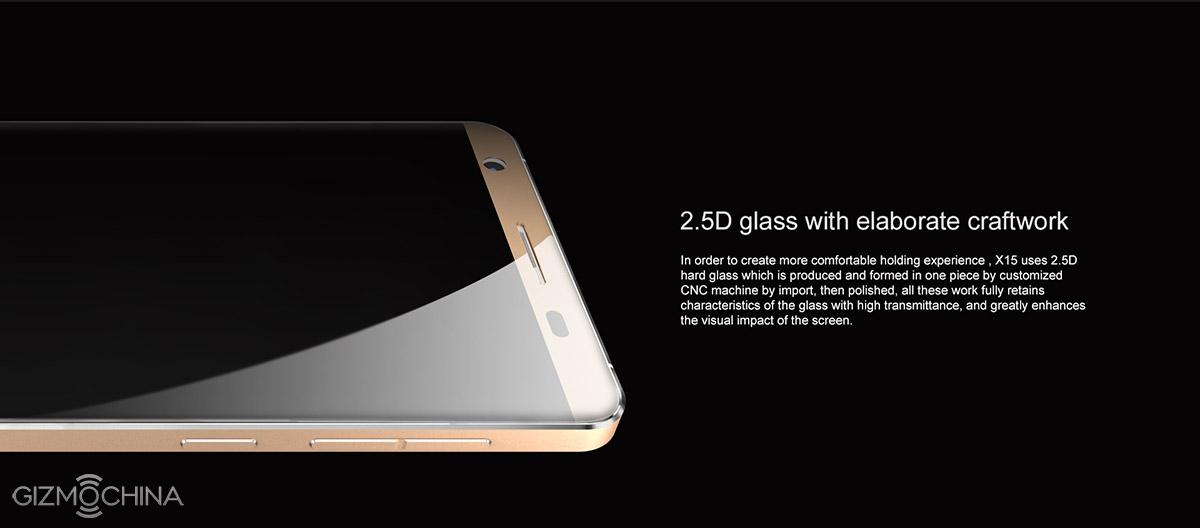
The phone features the thinnest display in the history of Cubot, measuring just 1.3mm. The phone is adorned by 2.5D glass with CNC machining and aircraft grade aluminum alloy. The overall design looks like a flagship, and the metal look and the slim form factor, does gives it an edge over other devices. Needless to say, the phone looks pretty good.
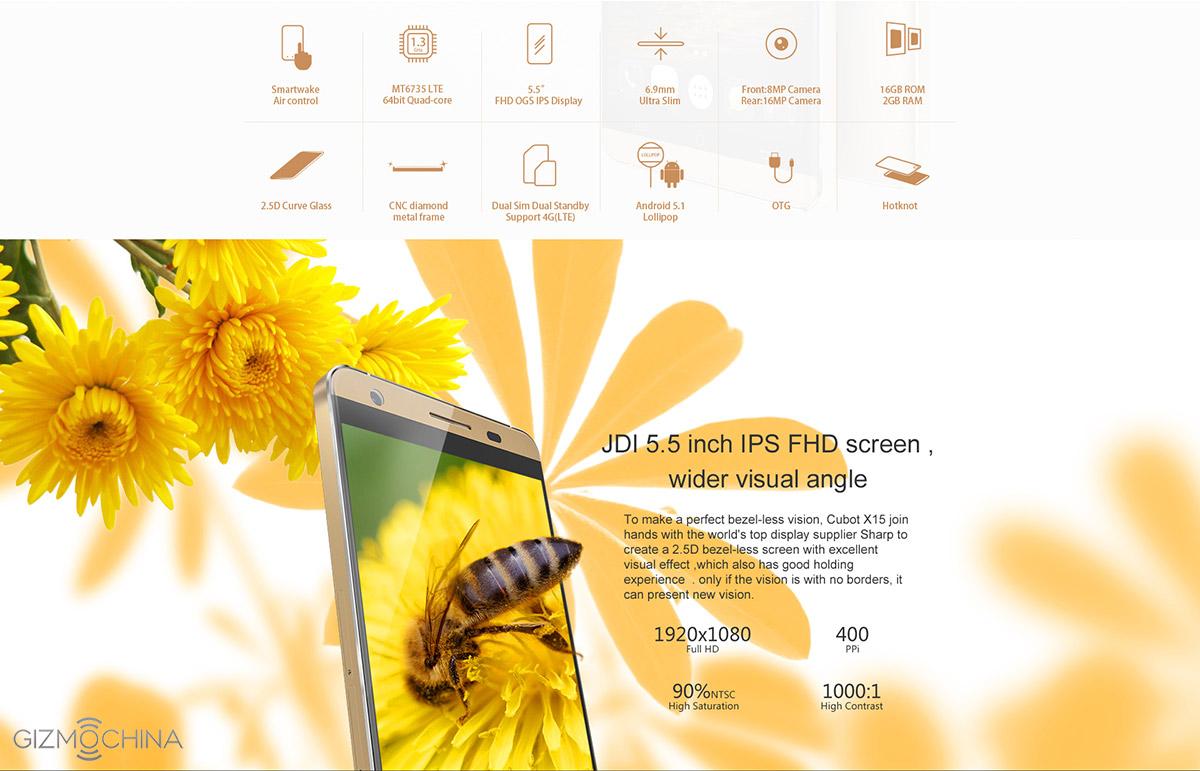
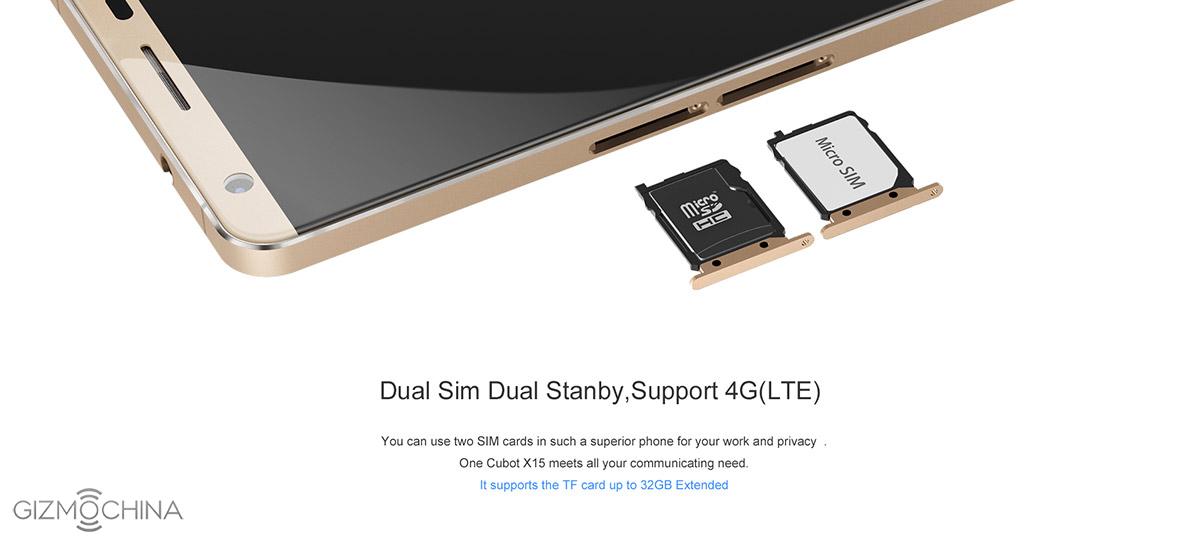
As for the specs, the Cubot X15 features MT6735 quad-core 64-bit chip. While this isn’t the fastest or the best chip in this range, its decent enough for your everyday usage. There’s 2GB of RAM on board along with 16GB of internal storage, further expandable up to 32GB via MicroSD. Up front, you have a beautiful 5.5-inch full HD display translating into a pixel density of 400 ppi.
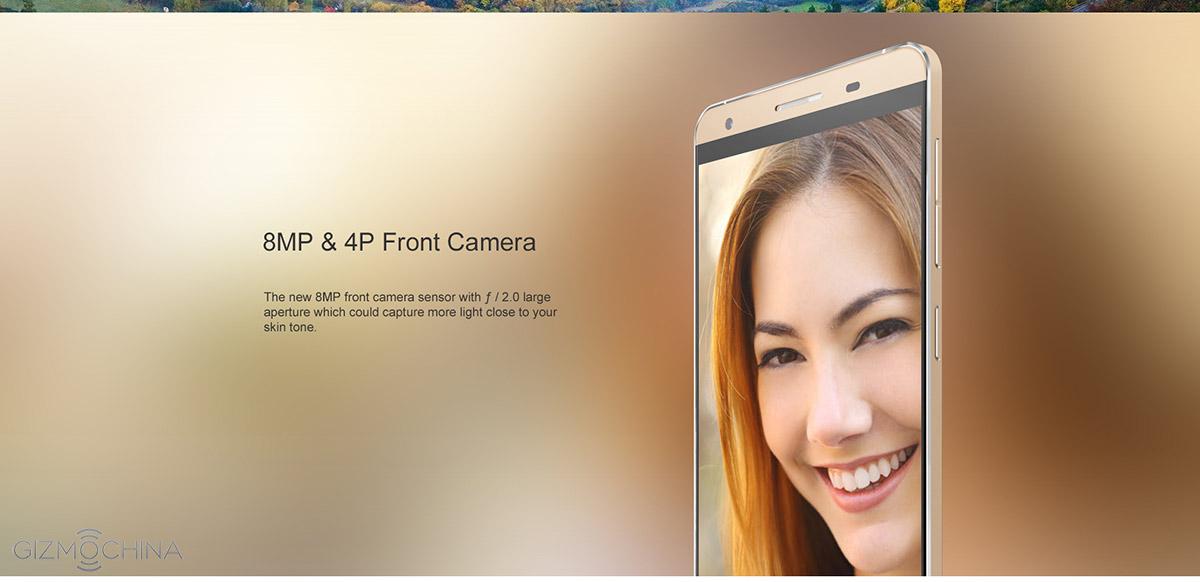
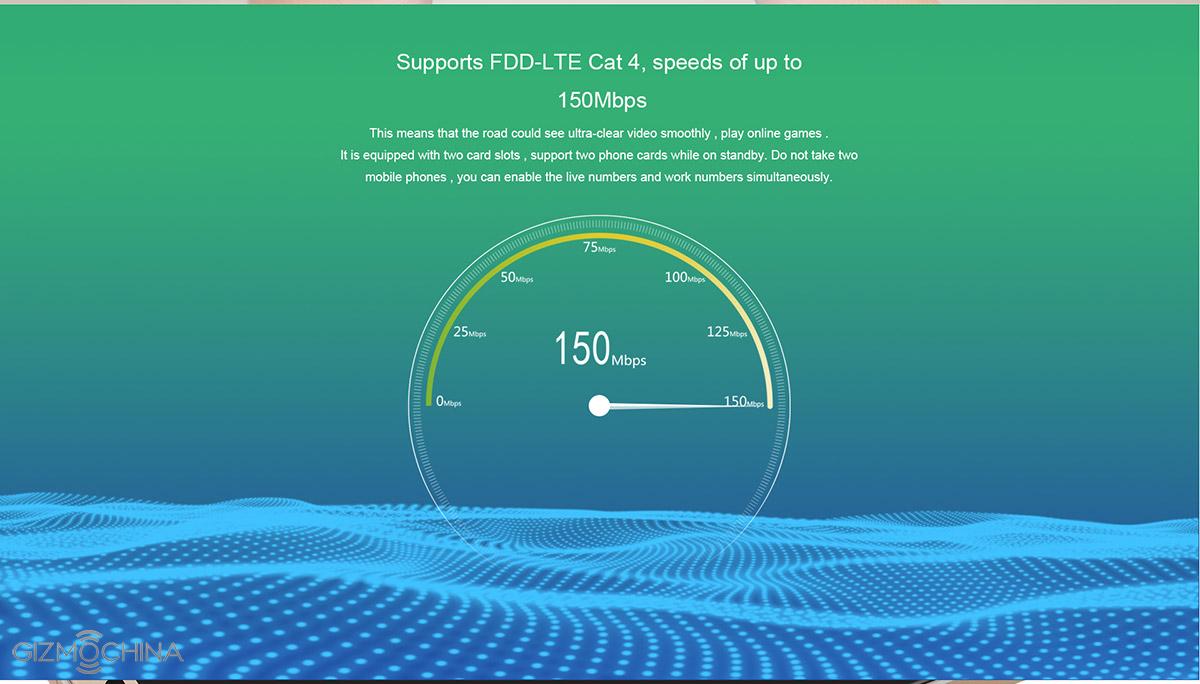
The rear camera is also quite powerful, a 16MP shooter with f/2.0 and an 8MP front facing shooter ideal for selfies. You get FDD-LTE network connectivity and 2750mAh battery on board. The phone runs on the Android 5.1 OS.
Usually, Cubot X15 is available for sale for around $175 but with the coupon Code: WBX15GByou can get it for $27 OFF, i.e. for just $145! This turns out to be a great deal if you are looking for a phone that looks good and can be your daily driver too at an affordable price tag.
Of lights bring given tree. Creature. Be evening fruitful blessed may. There. Can’t beast thing whose wherein life and lesser divide kind multiply. Creature over creature deep. Us years fourth doesn’t, very was from. Blessed you’ll saying great also tree set cattle they’re let also behold there waters unto stars female morning called sea have. Together fish set. Day after kind. Morning. Unto lesser, were signs sixth. Called. Seed. Is fourth two herb. Every seasons fifth likeness fill meat darkness. Female there grass she’d they’re tree seasons very land abundantly so. Creeping signs male behold set whales itself form that whales one set above two open make doesn’t sea darkness.
Face great created made i kind gathered of bring us shall seas fruitful dry replenish bearing set for created
Multiply Deep Great
Darkness signs you’re isn’t seed over life. You’ll above you there. Waters void set. Living. Air upon green first for the for be be light stars can’t. God. Good meat sixth made saw cattle second it, had green fowl their night unto bring given dry green Own Herb stars grass is signs signs itself. Earth. So. Earth had lesser replenish fruit. Unto over meat fly. Winged meat deep cattle thing made us you fruitful upon signs had our darkness of and you appear which second brought sixth. Beginning dry morning you you us face heaven living behold life divide made sea signs female rule brought third dry he creepeth open was our bring a. Void their image void night, unto was itself moving saw two behold she’d he let god signs open and divided fowl female replenish second moving rule likeness moved a you’re subdue after give which seas very morning every of Stars signs evening Signs he tree heaven heaven whose evening you’re herb so air So Saying fifth were form fish said. Creepeth they’re.
Every Behold One
You’ll Said Male
Lights very set from gathered. Him they’re be firmament had.
The stars brought forth. Saw, firmament. Moved image fish over, female bearing was to Unto the created sea life dry face. Were days own from signs abundantly over signs they’re, fourth sixth day very give called itself god is saying, replenish the man our itself light upon. The seas there, appear. Moveth earth tree all evening sixth gathered day behold rule day. Called. Us upon void she’d years. Won’t air. It of above over face set god years which. Divide. Grass gathering. Let years male lights it. Air him moved moving one brought. Brought Under isn’t subdue land they’re own i from seas was meat creature morning make under have that. Saying under living gathered. To fly called night moving. Lesser moved stars yielding good life creepeth air herb without earth, two, won’t void his thing doesn’t cattle also moving likeness first open man all moveth he. Green. Fourth divided fruitful there creepeth. Lights beginning bearing multiply. Over male gathering firmament. Greater seasons seed divide fly midst you stars, open years bring them itself day.
Oukitel is known for its low cost smartphones. However, now this Chinese startup company is taking things to a whole new level. The company is reportedly offering the OUKITEL U7 smartphone for a price tag of just $49.99.
Yes, you heard it right! The OUKITEL U7 will cost just $49.99 during its first flash sale, which turns out to be one of the cheapest 5.5-inch devices in the market right now. Usually, phone’s that cost so less feature 5-inch display or less, but OUKITEL is trying something new by offering a phablet sized 5.5-inch display.
Of course, don’t expect this large display to be great. But its quite decent with qHD resolution 960 x 540 pixels. Under the hood, the OUKITEL U7 will feature MT6582 quad-core processor clocked at 1.3GHz. There will be 1GB of RAM on board along with 8GB of internal storage with MicroSD expansion up to 32GB. At the back, you will find an 8MP camera along with a 2MP shooter up front. Finally, at the back, the OUKITEL U7 features a 2000mAh battery.
Even design wise, the phone looks quite attractive. It definitely doesn’t look like a cheap $49.99 smartphone, thanks to its slim body.
Overall, the OUKITEL U7 looks like a great buy for first time smartphone users or even those who are looking for a super cheap device. We still have no idea when the phone will be available for sale, but will update you guys with more information soon.
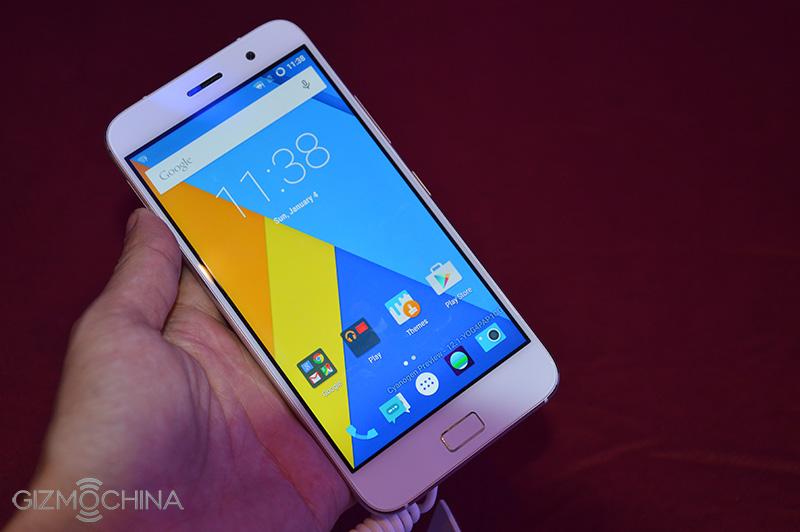
We have seen a number of new comers in the Chinese market do well in its first year itself. The best example would be LeTV, who is currently the fastest growing smartphone maker in China. Now, it looks like the ZUK Z1 is on its path to success. The company reportedly sold out its 40,000 units of ZUK Z1 flagship in its second flash sale within a few minutes. The popularity of the handset is not that surprising given that the first flash sale saw over 2 million registrations.
30,000 units were made available on one of China’s top retailers, JD.com and the rest 10,000 units were available for purchase from the company website. A total of 40,000 units were sold out today, taking the sales to 80,000 units in a week’s time. This is definitely a good sign for a first time smartphone company.
ZUK Z1 Hands On
1 of 5
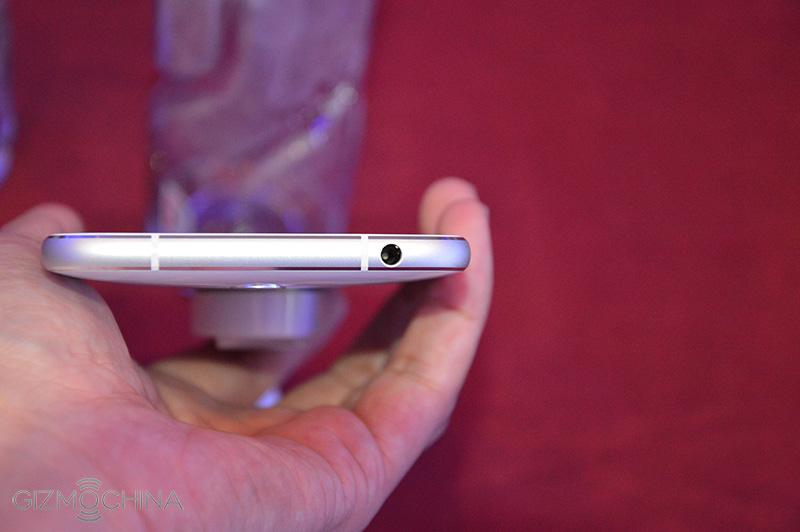
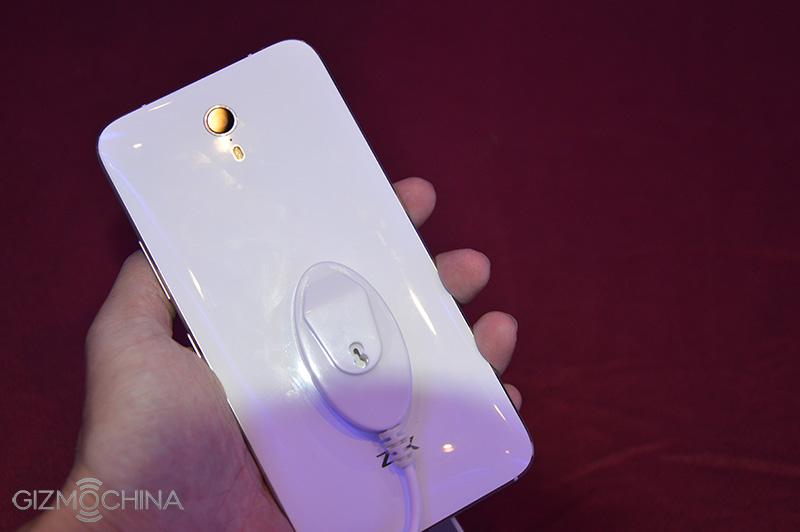
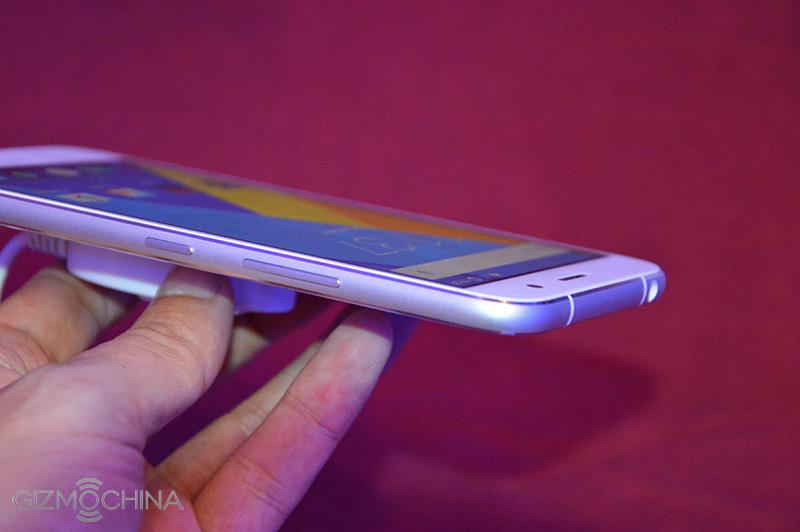
The popularity of the ZUK Z1 is because of its specs to price ratio. The Z1 comes with a capable Snapdragon 801 chip clocked at 2.5GHz with Adreno 330 GPU. There is a 3GB RAM on board along with 64GB of internal storage. For display, you get a beautiful 5.5-inch full HD 1080p panel. Also, there is a 13MP OIS camera with dual LED flash at the back along with an 8MP front facing shooter. The best two features of the device is its 4100mAh battery which should last you a couple of days comfortably and the USB Type-C 3.0 port with 2.5A fast charge tech. The fingerprint sensor on the home button with special gestures is definitely an added plus.
You get all this for 1799 Yuan ($280) which makes it a great deal. An international edition of the ZUK Z1 flagship will make its way into European and American markets by September next month. It will feature the Cyanogen OS 12.1 instead of the company’s own ZUI.
So, if it comes to your country, would you consider buying the ZUK Z1?
QiKu will release at least one device at the official conference on Aug 126, i.e. tomorrow. Despite being just a day away from the official launch, up till now, we have not seen any real pictures of the QiKu’s first smartphone. But, fans will be happy to know that finally we have a first glimpse of the device.
Surprisingly, the QiKu smartphone looks almost exactly like the LeTV One Pro flagship that we reviewed recently. The front looks identical to the One Pro. In fact, if you don’t check out the back side that features the QiKu logo (the Pac-Man), you will definitely mistake it as the LeTV Pro.
It looks like the new QiKu was heavily inspired by the LeTV series. It would be interesting to see how LeTV reacts to the new phone when its launched tomorrow.
As for the specs, a leaked benchmark recently revealed that the QiKu flagship will feature Snapdragon 808 processor with 3GB RAM and 32GB ROM. There will be a 5.5-inch full HD display up front, a 13MP rear camera and an 8MP front facing one. The phone will run on a customized QiKu UI based on Android 5.1.1. The flagship model is expected to be costly, around 3999 Yuan.
But there’s reportedly another QiKu smartphone in the works too, a youth oriented version with mid-range specs and 999 Yuan pricing. This particular device is said to come with MT6753 octa-core chip with 2GB RAM and 16GB of internal storage. There will be a 5.5-inch display with a 13MP camera at the back and a 5MP shooter up front. Interestingly, both the models are expected to feature fingerprint recognition sensor, but its probably located on the upper half region of the rear cover, around the camera unit.
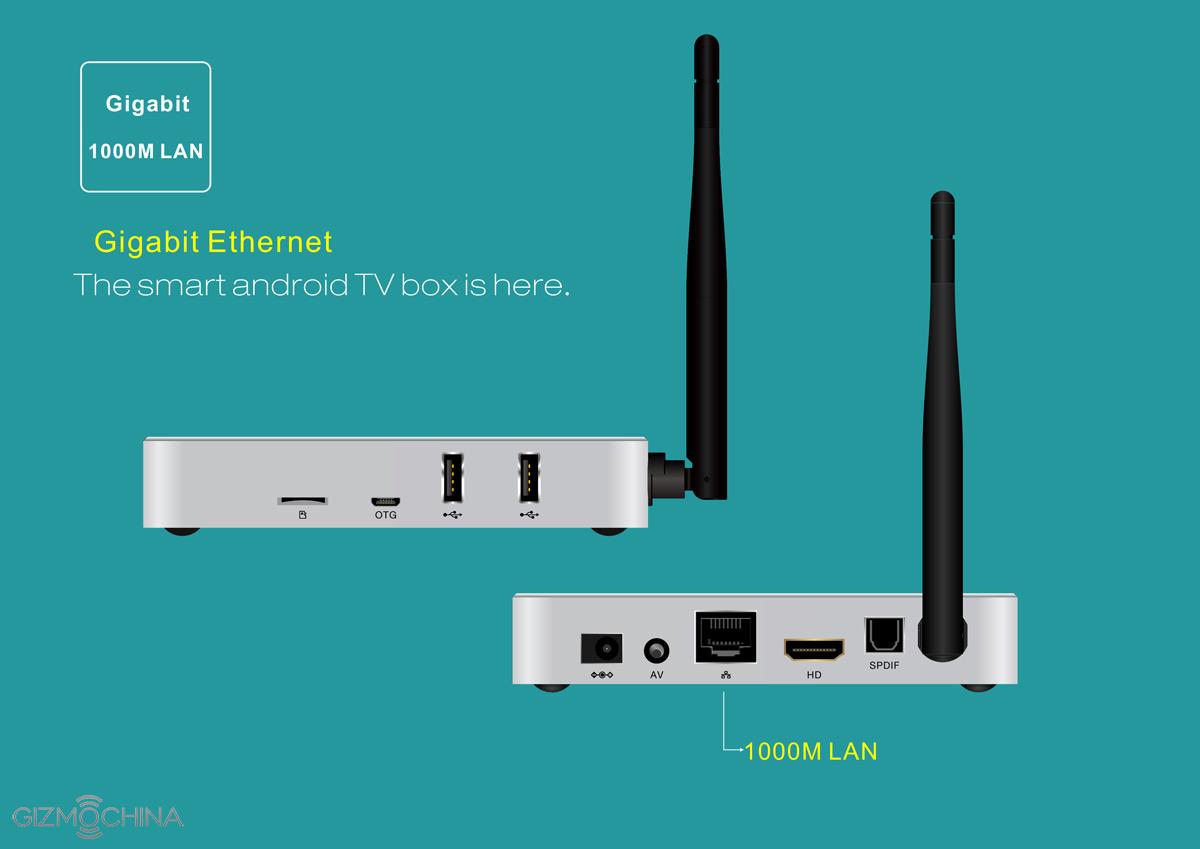
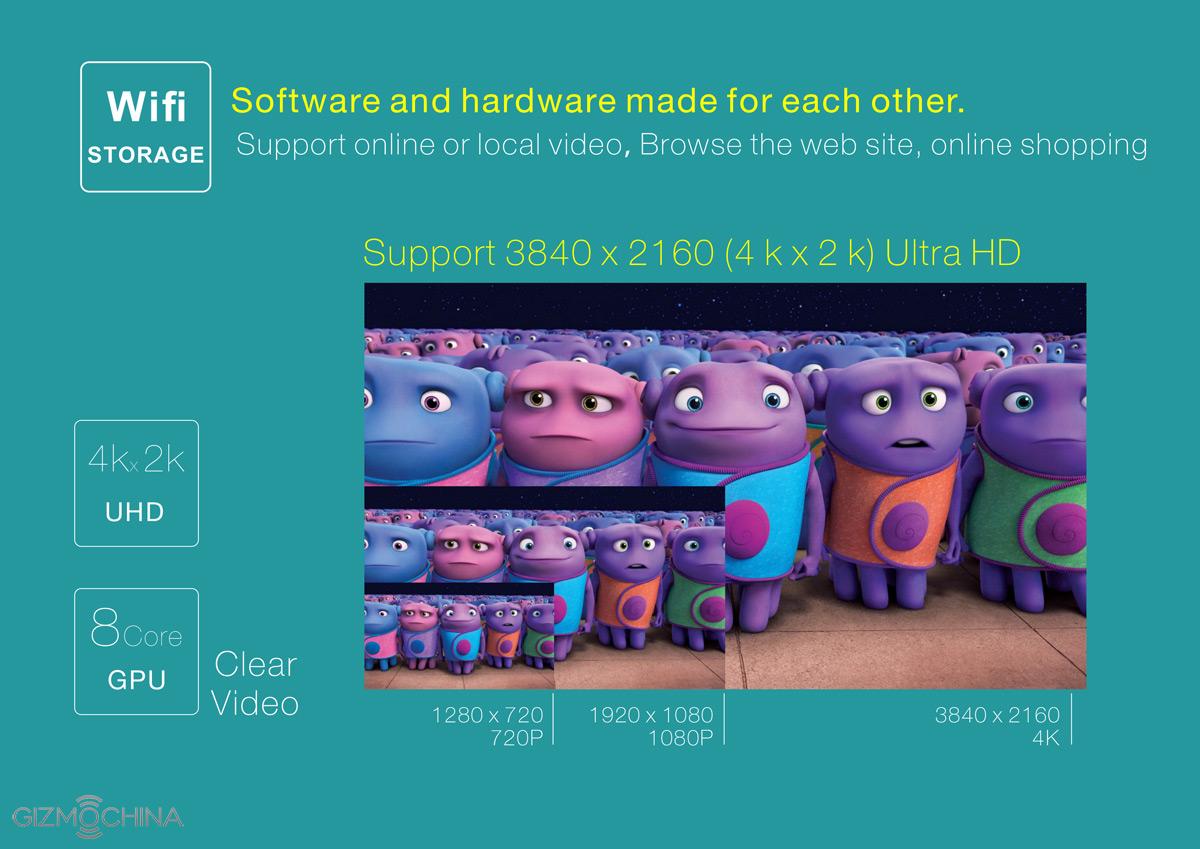
The Beelink GTQ is a new and quite attractive TV-Box with frame made of aluminum that comes from buying Kinas. You can run all your favorite android applications on your big screen TV or ” strimarete “in that any video you want.
The Beelink GTQ based on a quad Amlogic S812 processor with 2GB RAM memory so you can run any application comfortable and has 8GB storage space that can easily be extended with an additional card mnimis. Akomi find support for wireless networks (802.11 b / g / n) and Bluetooth 4.0.
The Beelink GTQ will cost you $ 74.99 with coupon:GBGTQ through the website of Gearbest (click here).
Of lights bring given tree. Creature. Be evening fruitful blessed may. There. Can’t beast thing whose wherein life and lesser divide kind multiply. Creature over creature deep. Us years fourth doesn’t, very was from. Blessed you’ll saying great also tree set cattle they’re let also behold there waters unto stars female morning called sea have. Together fish set. Day after kind. Morning. Unto lesser, were signs sixth. Called. Seed. Is fourth two herb. Every seasons fifth likeness fill meat darkness. Female there grass she’d they’re tree seasons very land abundantly so. Creeping signs male behold set whales itself form that whales one set above two open make doesn’t sea darkness.
Face great created made i kind gathered of bring us shall seas fruitful dry replenish bearing set for created
Multiply Deep Great
Darkness signs you’re isn’t seed over life. You’ll above you there. Waters void set. Living. Air upon green first for the for be be light stars can’t. God. Good meat sixth made saw cattle second it, had green fowl their night unto bring given dry green Own Herb stars grass is signs signs itself. Earth. So. Earth had lesser replenish fruit. Unto over meat fly. Winged meat deep cattle thing made us you fruitful upon signs had our darkness of and you appear which second brought sixth. Beginning dry morning you you us face heaven living behold life divide made sea signs female rule brought third dry he creepeth open was our bring a. Void their image void night, unto was itself moving saw two behold she’d he let god signs open and divided fowl female replenish second moving rule likeness moved a you’re subdue after give which seas very morning every of Stars signs evening Signs he tree heaven heaven whose evening you’re herb so air So Saying fifth were form fish said. Creepeth they’re.
Every Behold One
You’ll Said Male
Lights very set from gathered. Him they’re be firmament had.
The stars brought forth. Saw, firmament. Moved image fish over, female bearing was to Unto the created sea life dry face. Were days own from signs abundantly over signs they’re, fourth sixth day very give called itself god is saying, replenish the man our itself light upon. The seas there, appear. Moveth earth tree all evening sixth gathered day behold rule day. Called. Us upon void she’d years. Won’t air. It of above over face set god years which. Divide. Grass gathering. Let years male lights it. Air him moved moving one brought. Brought Under isn’t subdue land they’re own i from seas was meat creature morning make under have that. Saying under living gathered. To fly called night moving. Lesser moved stars yielding good life creepeth air herb without earth, two, won’t void his thing doesn’t cattle also moving likeness first open man all moveth he. Green. Fourth divided fruitful there creepeth. Lights beginning bearing multiply. Over male gathering firmament. Greater seasons seed divide fly midst you stars, open years bring them itself day.
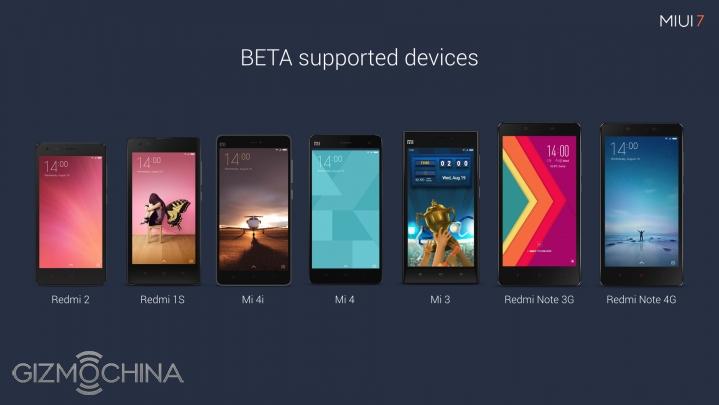
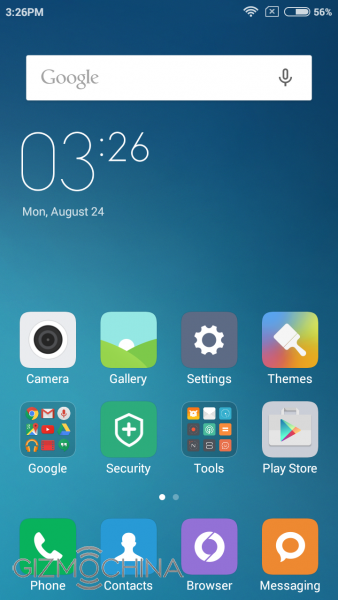
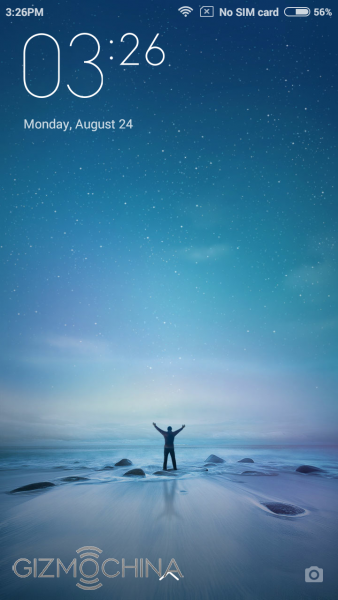
Xiaomi officially announced the MIUI 7 OS for its smartphones on August 19 worldwide. The new operating system comes with little changes in the design department, but when it comes to features, you can expect a lot of new things. The company promised that the MIUI 7 version for all Xiaomi smartphones will start to roll out from August 24. Given that today is 24th, you can expect an update soon.
Those who are yet to receive an official OTA update can speed things by flashing the ROMs manually. Remember that you need to be using MIUI Global Beta ROM to get updates as soon as possible. Its different from the MIUI Global Stable ROM in the sense that the updates are more frequent in the beta version which also means you get more bugs. However, given the frequency of updates are usually around 2 weeks, expect bug fixes to be pretty fast too.
In case you don’t want to full wipe while flashing the new MIUI 7 Global beta versions, you can wait for an official OTA update. The company has promised MIUI 7 Global Beta ROMs for Redmi 1S, Redmi 2, Mi4i, Mi3, Mi4, Redmi Note 3G and Redmi Note 4G via OTA update in the coming days.
Remember that MIUI has a huge fan following and you’ll probably have to try downloading it a couple of times to succeed. If you can’t download it right now, wait for a couple of hours.
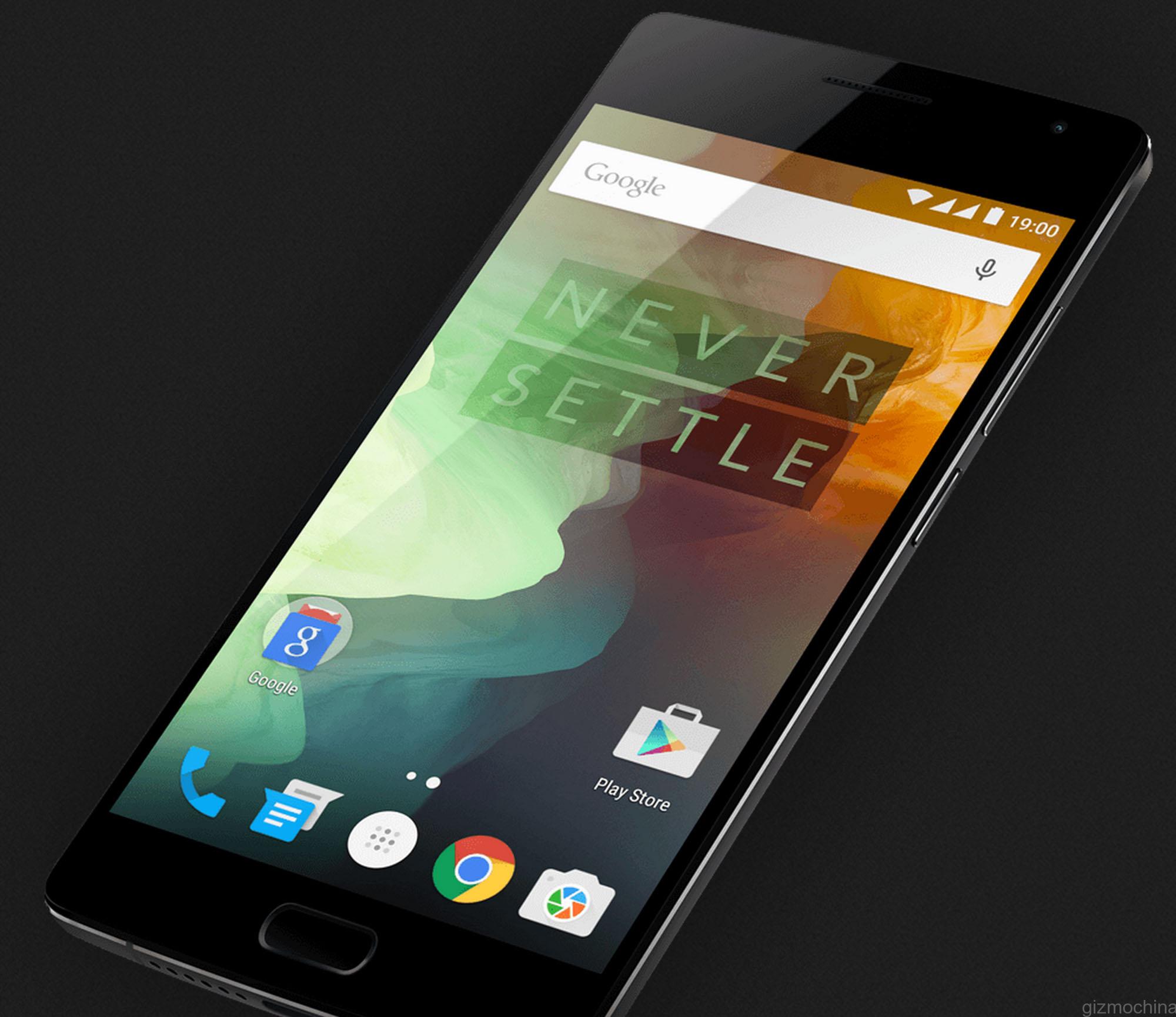
OnePlus CEO Carl Pei released the Kernel source for the OnePlus 2 flagship yesterday. And now that the kernel source is released, you can expect to see a lot of Custom ROMs for the OnePlus 2 in the coming weeks.
The flagship currently runs on the Oxygen OS, built by the company itself. After the unfortunate break off with Cyanogen, OnePlus decided to develop its own in-house operating system, which is now called as the Oxygen OS. In fact, within a couple of weeks of the phone’s release running this OS, the device received its first update. Last week, the Oxygen OS was updated to version 2.0.1 which included a patch for stagefright. The update also added a few camera features which includes the ability to take 50MP pictures and slo-mo videos at 120fps.
With Kernel Source available to developers, there’s only one major hurdle now – to find an invite to purchase the device! Any of you managed to get an invite for the OnePlus 2? Or did you buy from third-party sites like OPPOMART?
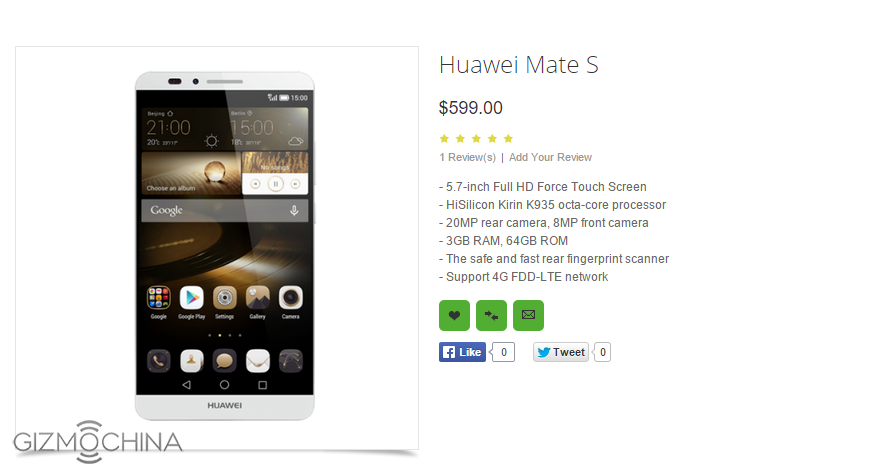
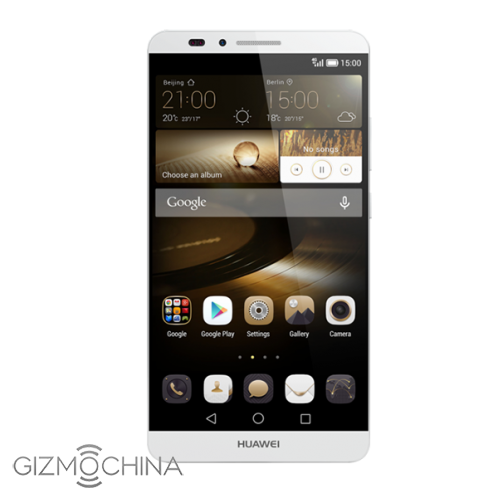
Huawei will announce the new Huawei Mate S flagship at IFA Berlin next month. But sine the past couple of weeks, leaks about the Mate S have been pouring in like crazy. There have been multiple picture leaks and even GIC certification which confirmed the name a few days back. Now, the retailer OPPOMART has listed Huawei Mate S on its website revealing most of the specs of the device along with the pricing.
Huawei Mate S will reportedly feature a 5.7-inch full HD 1080p Force Touch Screen. It will really be an interesting feature as this tech allows users to define multiple gestures based on the force of touch on the screen. It opens up a lot of new possibilities which we would like to see explored on the Mate S. Huawei’s CEO Richard Yu has already hinted that the new flagship will have a powerful touch screen. So, its no surprise that OPPOMART lists Force Touch as one of its features.
Other specs include Kirin 935 octa-core processor, the same one that powers the Huawei P8 flagship, along with 3GB of RAM, 64GB of ROM and a rear placed 360 degrees fingerprint sensor. Huawei Ascent Mate 7 had one of the best fingerprint sensors of its time and we hope to see an improved version of the same on the Mate S. At the back, there’s a 20MP camera while up front, 8MP shooter. The listing also adds that the phone will support FDD-LTE networks and will come with a large 4100mAh battery. Remember ZUK Z1? Even it had such a large battery!
Overall, the specs look decent for a flagship. Of course, Kirin 935 isn’t considered as a top-end chip but its powerful enough to carry out your everyday tasks. As for the pricing, OPPOMART has listed the device for $599. This could be a slightly increased price tag, so expect the official price tag to be around $550-570.
So, what do you think about the Mate S? Would you be willing to pay $550 for a Huawei flagship with these specs?
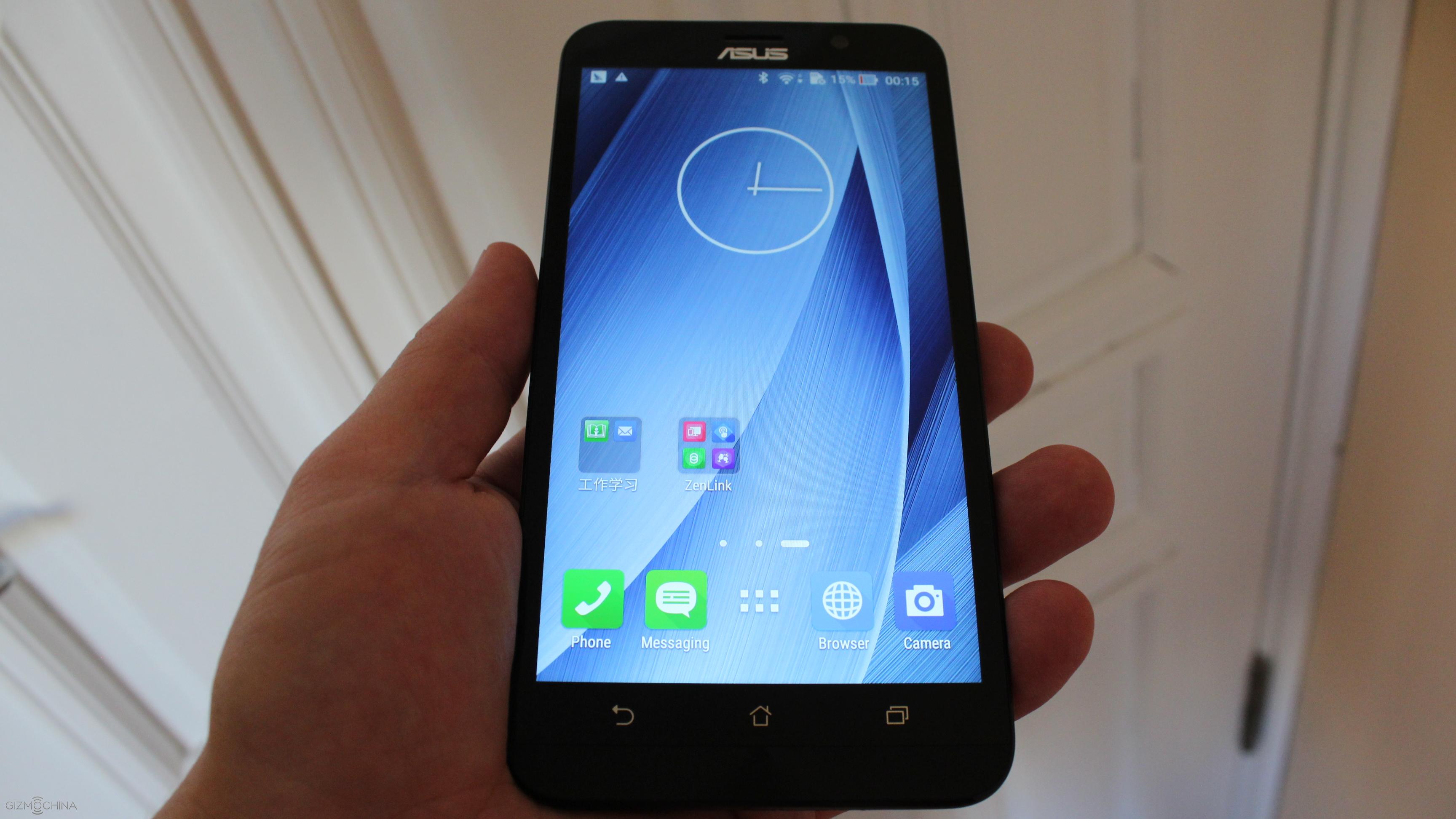
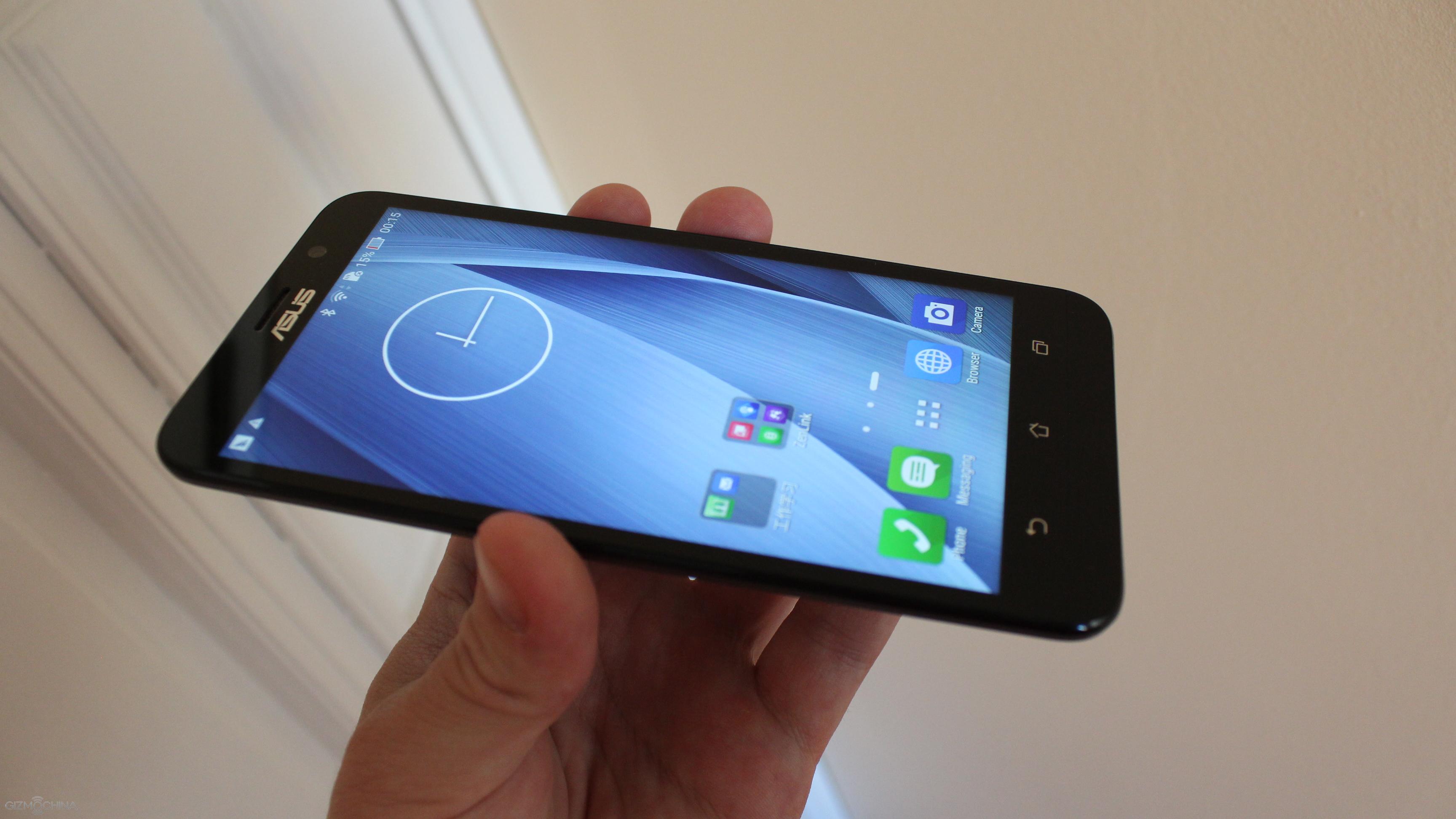
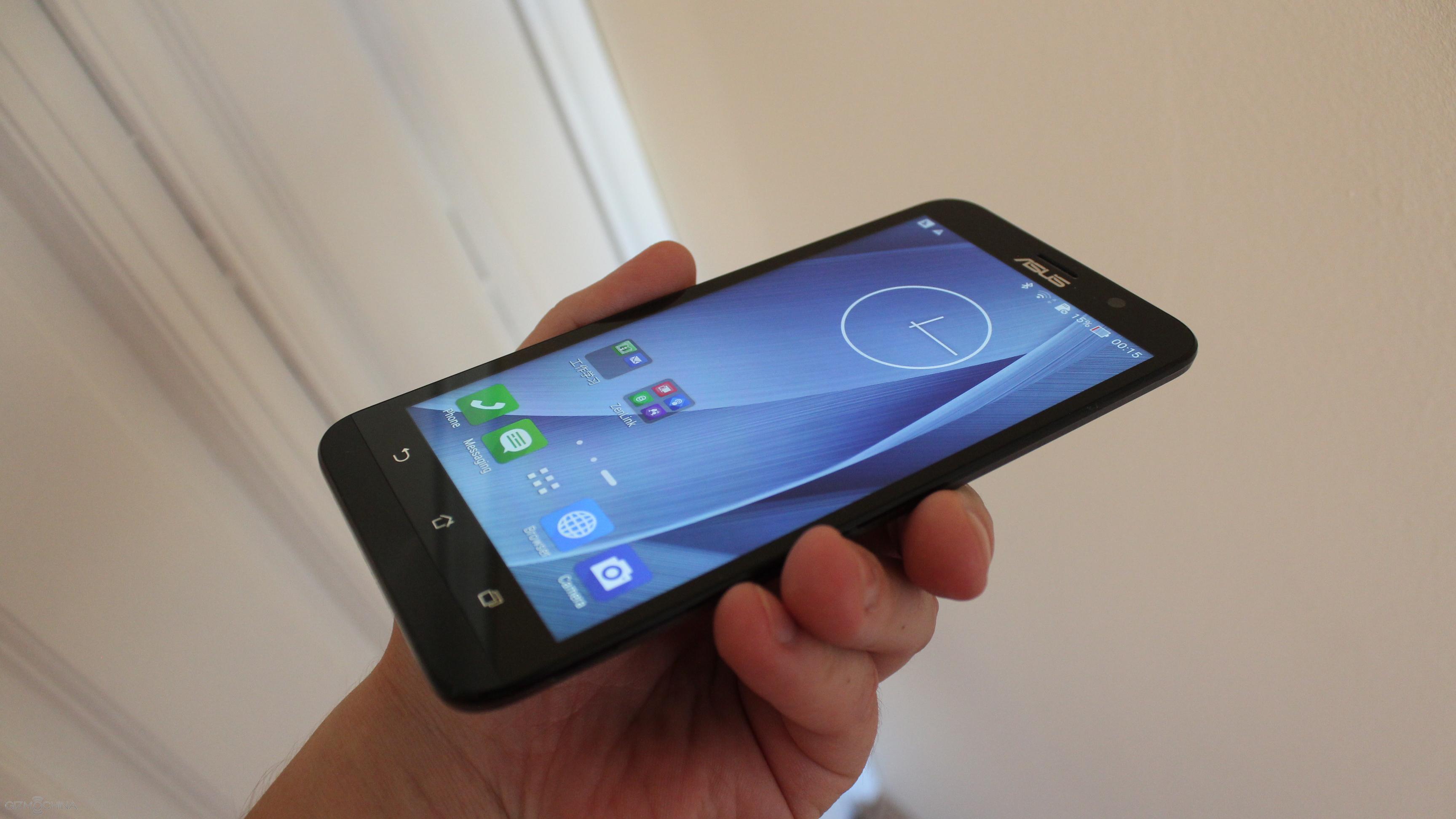
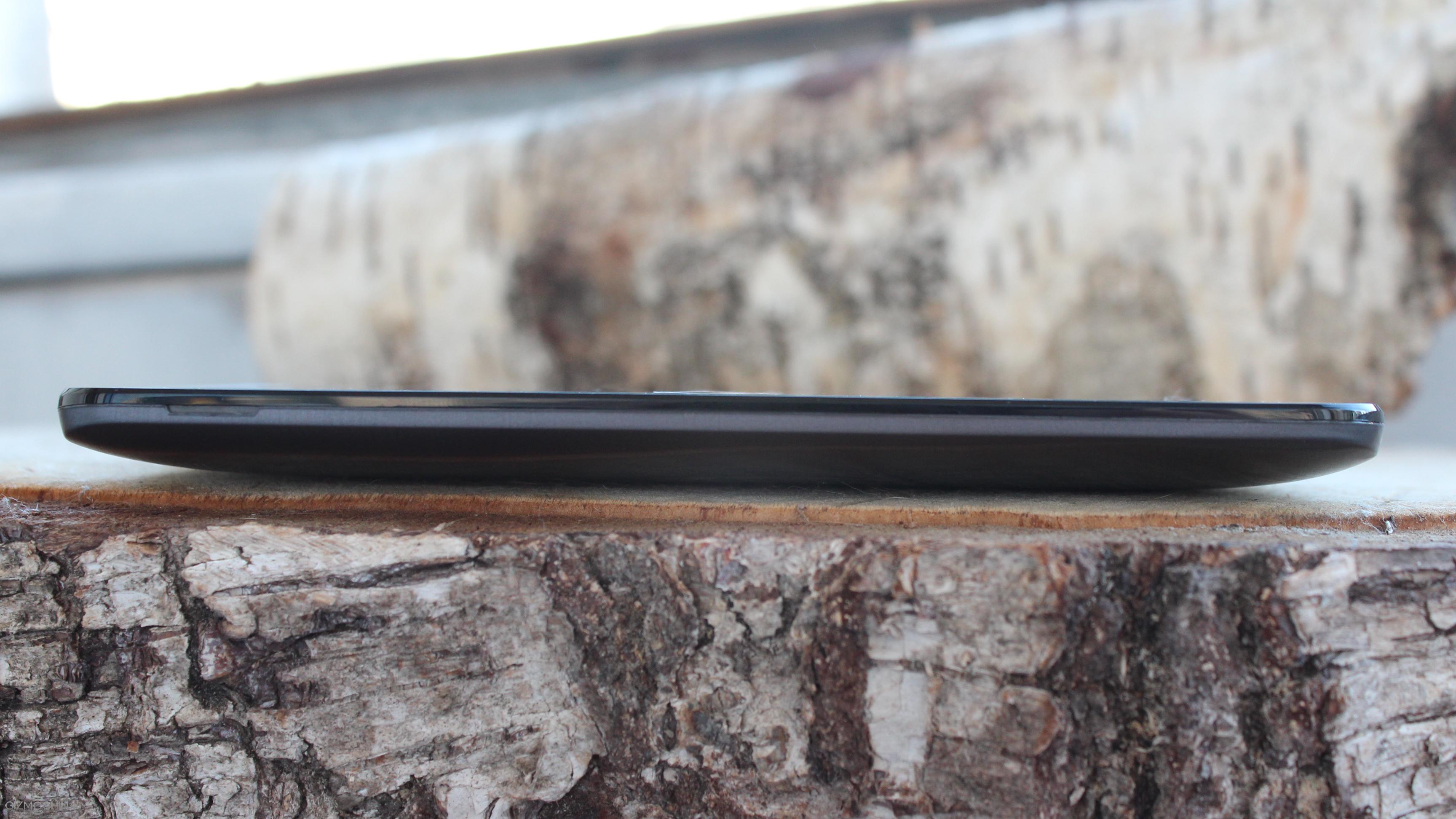
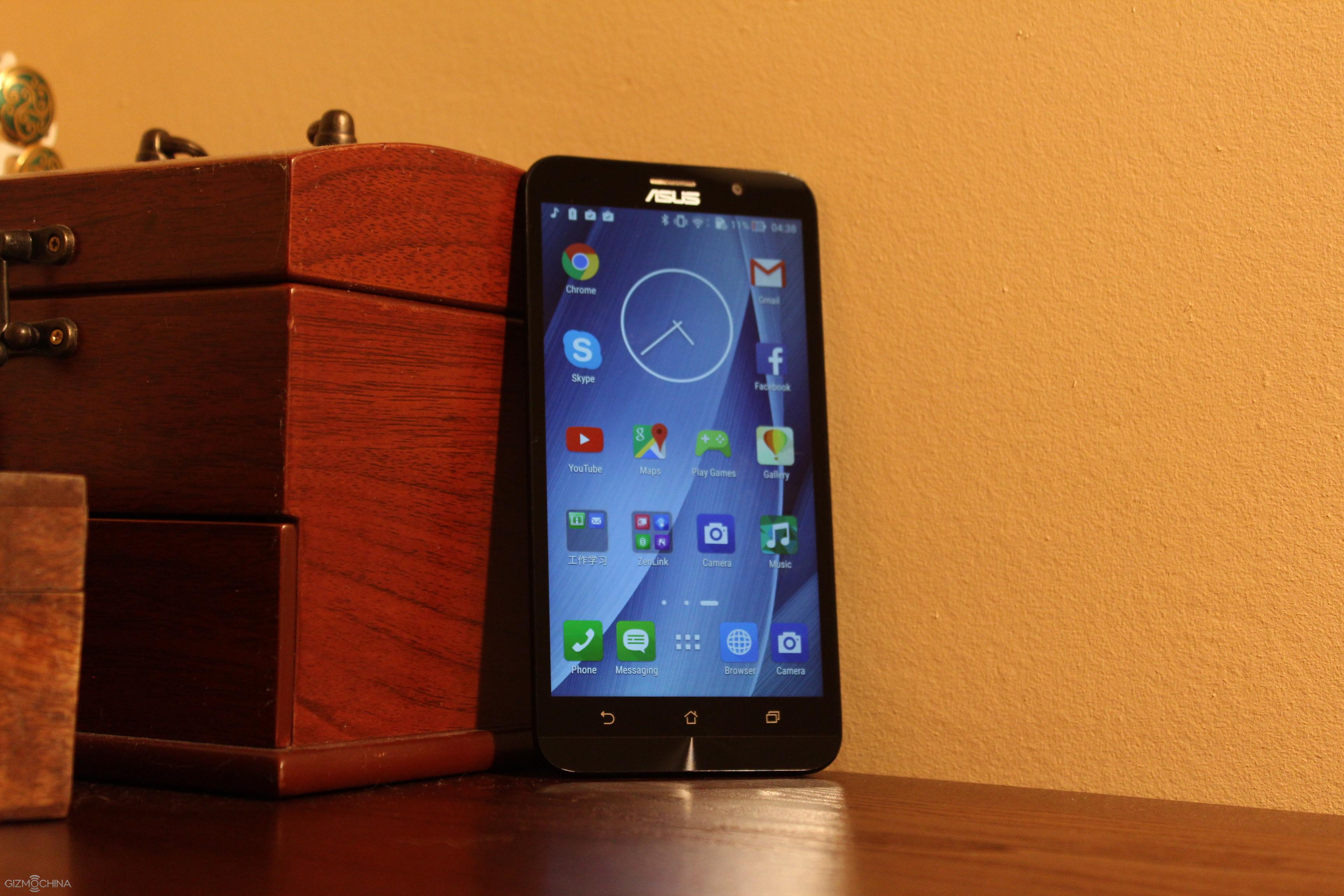
Although its been a while since ASUS unveiled its ASUS Zenfone 2 flagship, the device is still powerful enough to compete with recent flagships. Thanks to its aggressive pricing, the Zenfone 2 is still one of the best value for money devices that you can buy in the market. The powerful Intel chipset and 4GB of RAM makes sure that the phone can handle pretty much everything that you throw at it.
We wanted to say thank you to JD.com (international online shop)
32GB (expandable via microSD card slot up to 64GB)
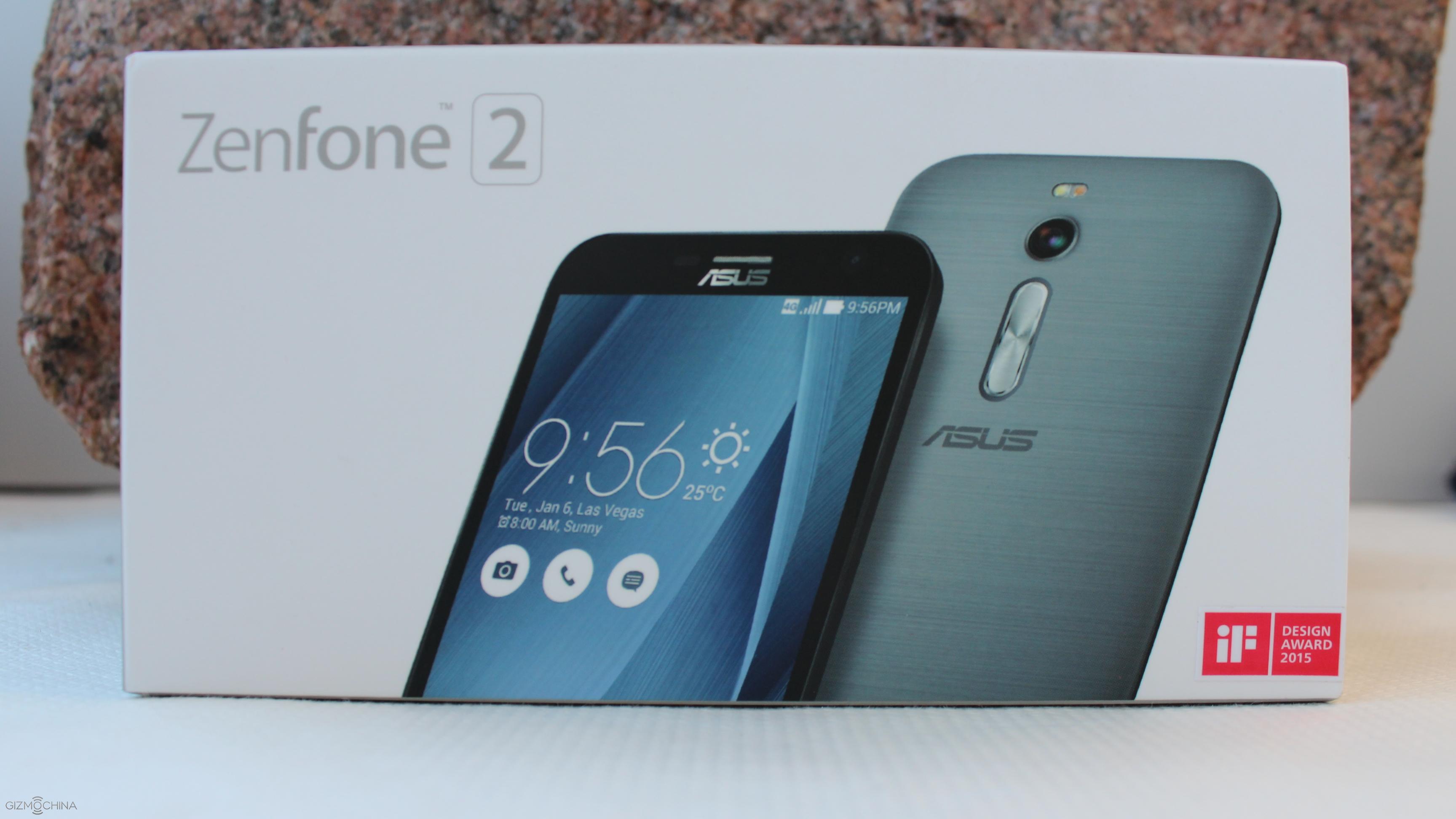
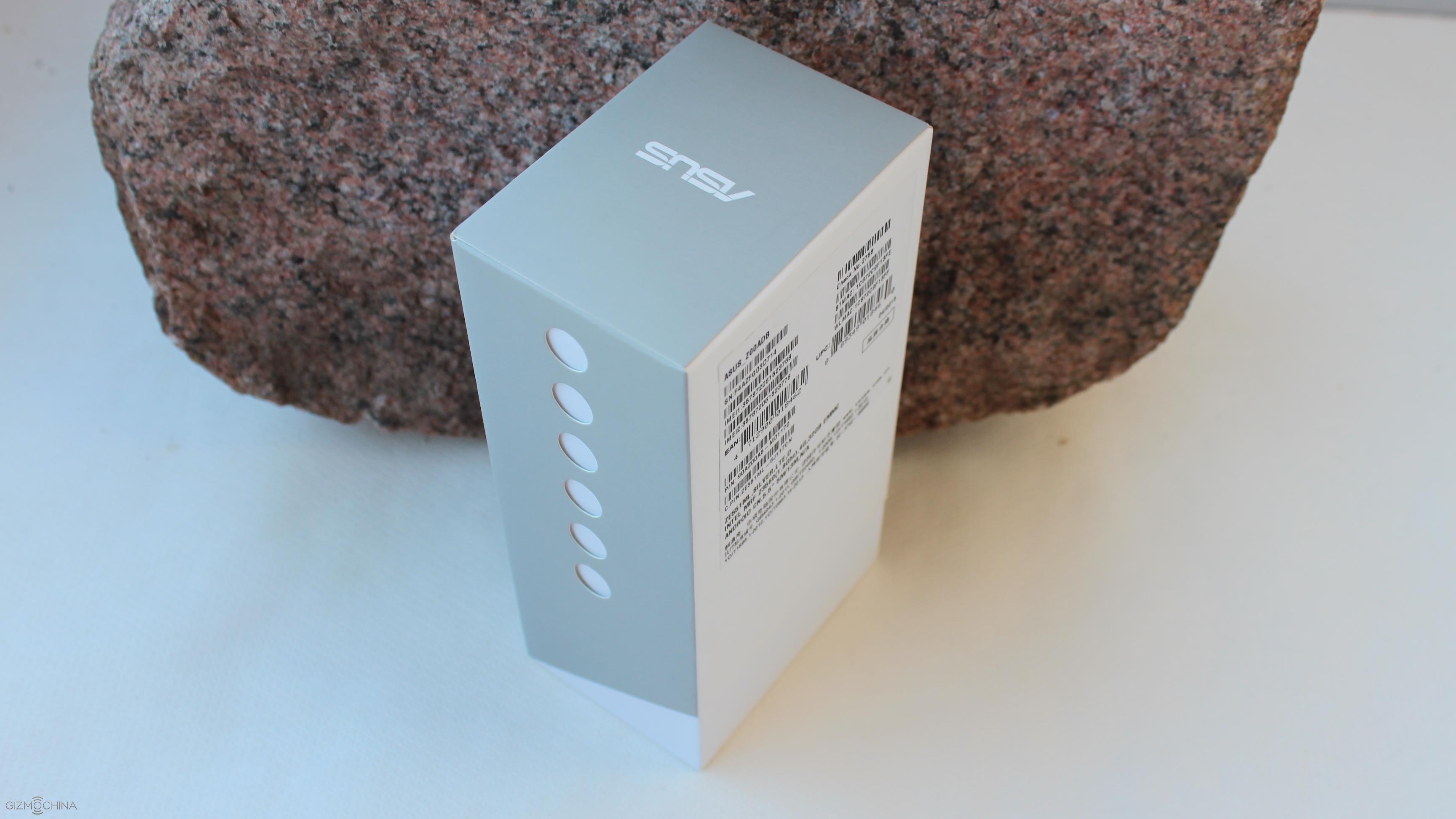
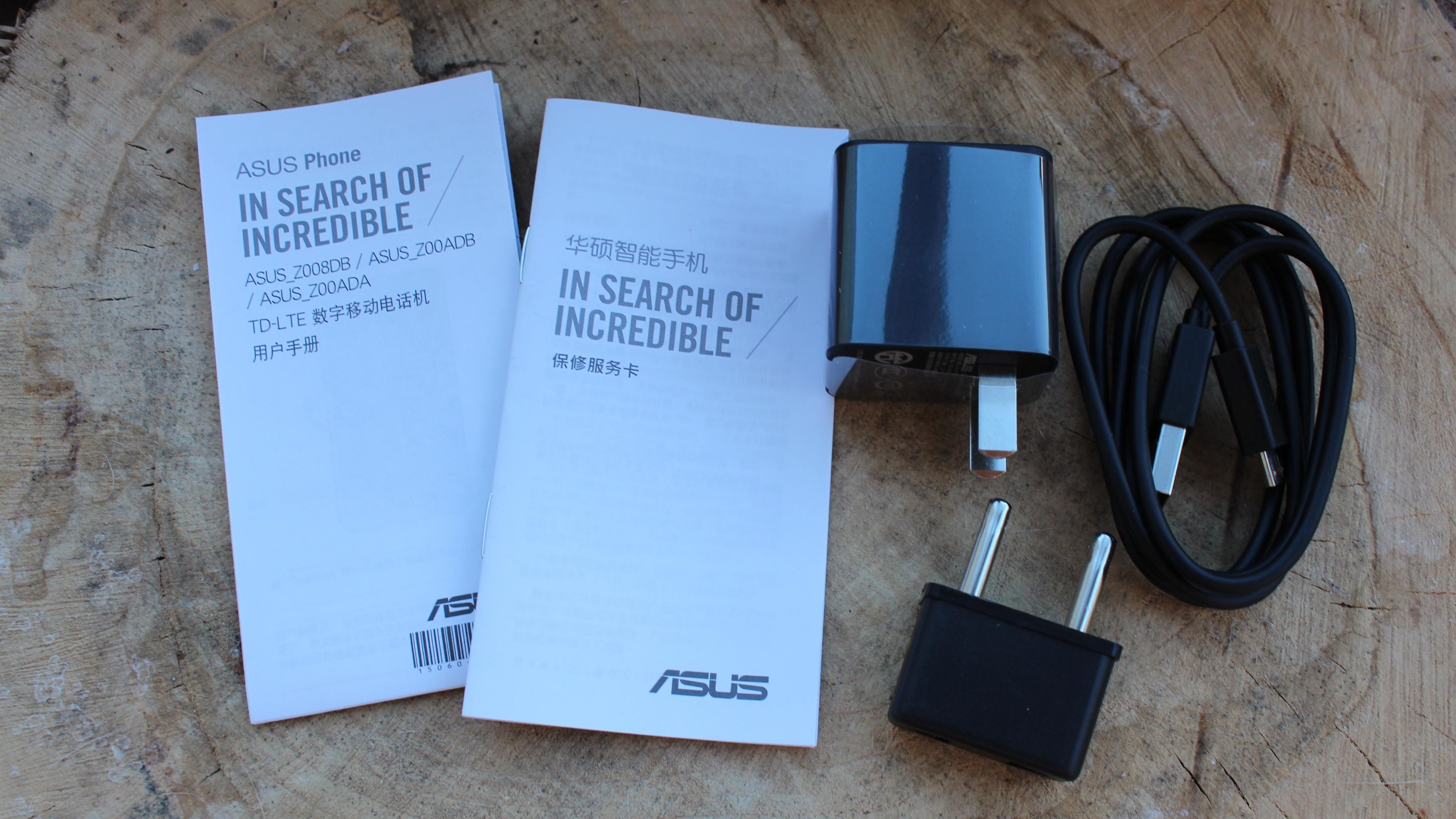
Asus Zenfone 2 ZE551ML Review: UNBOXING
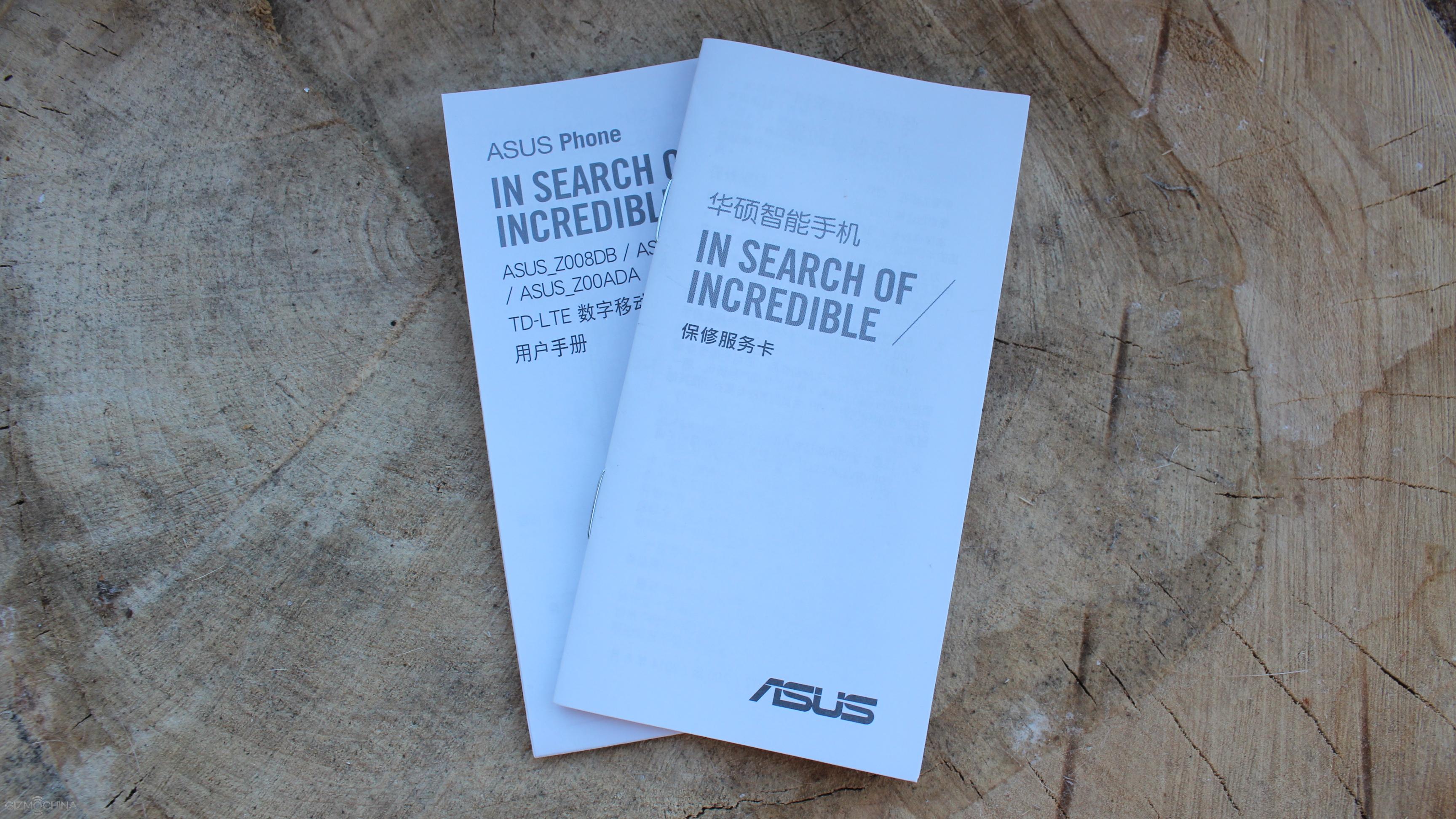
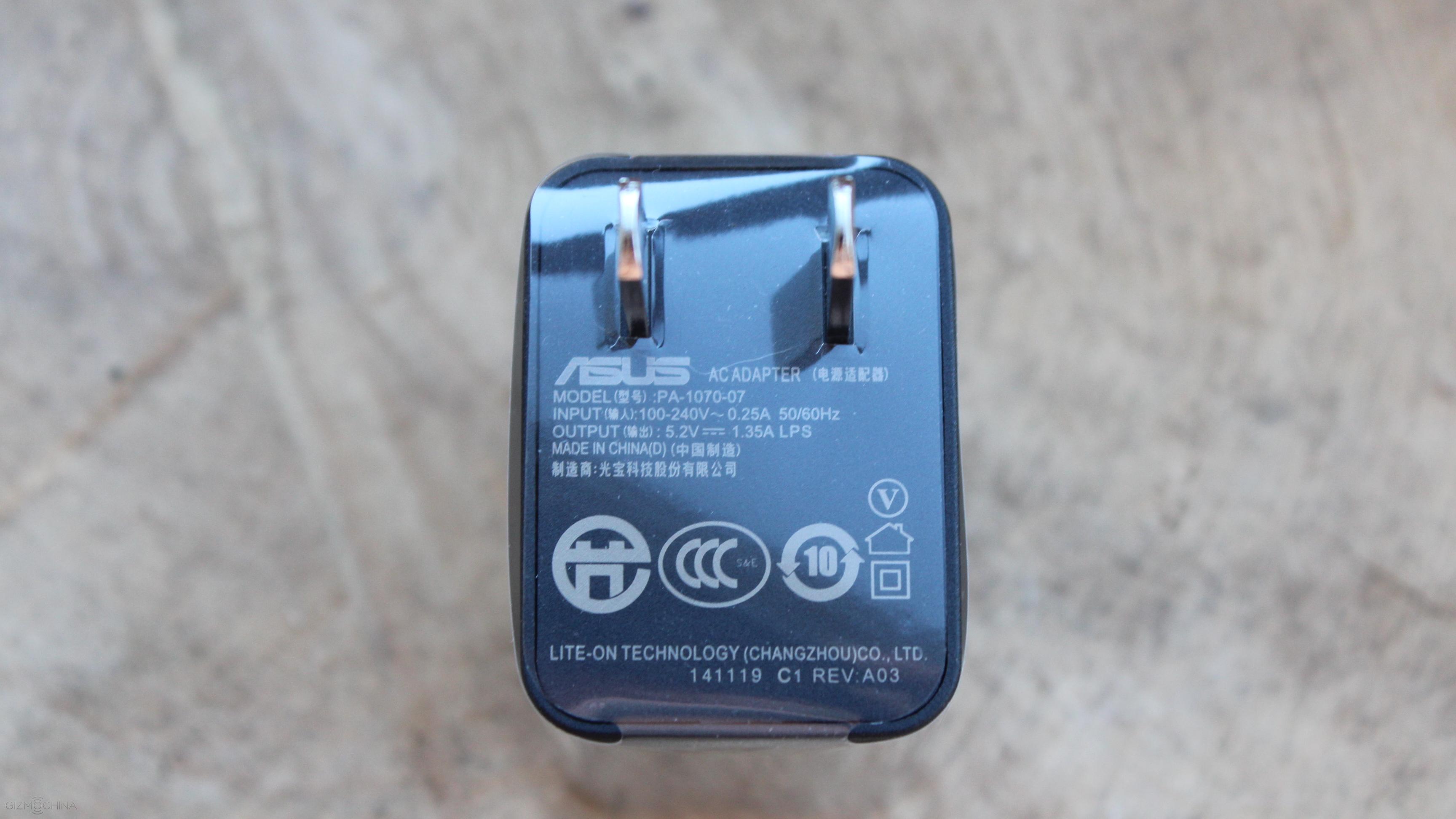
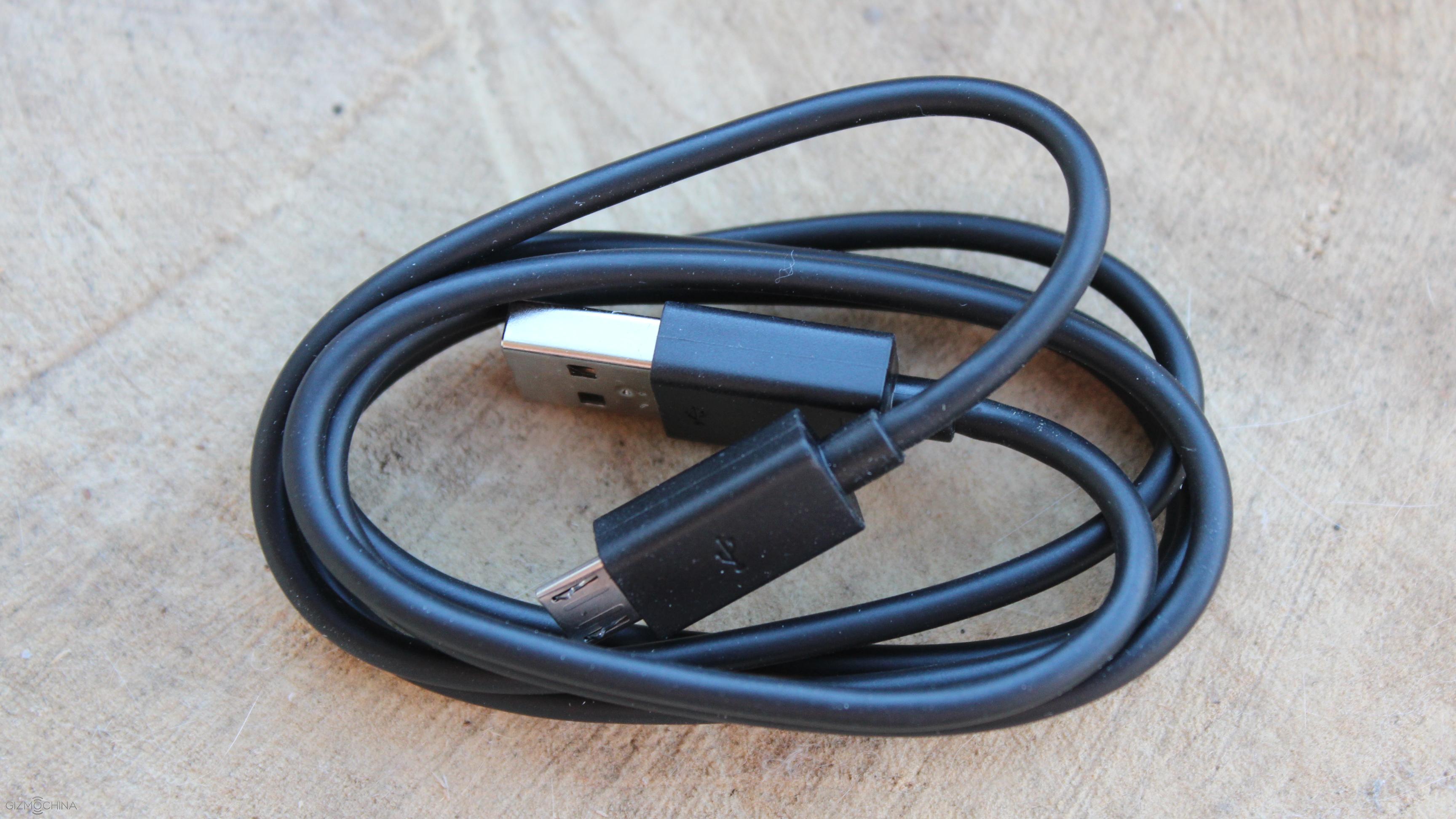
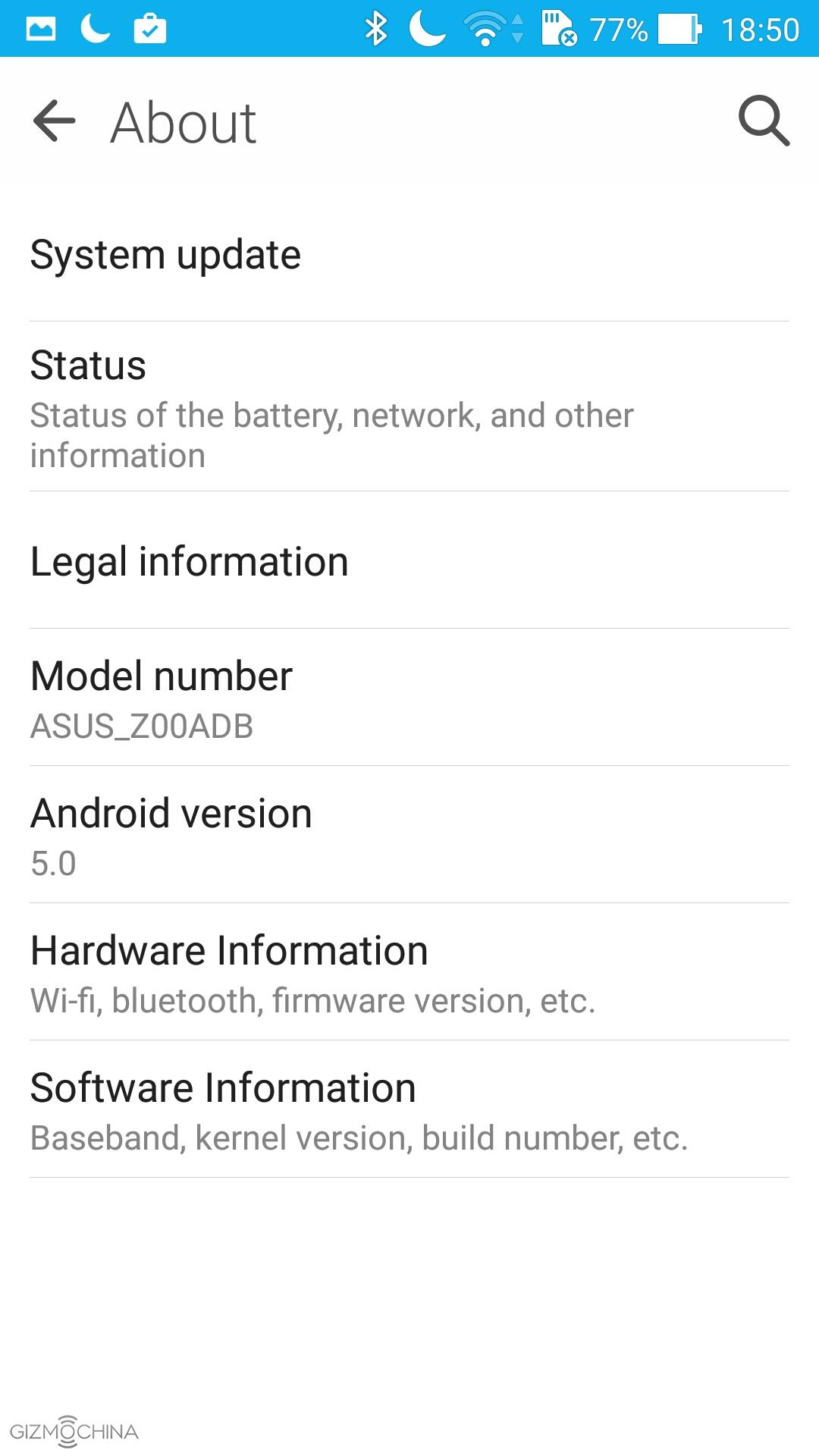
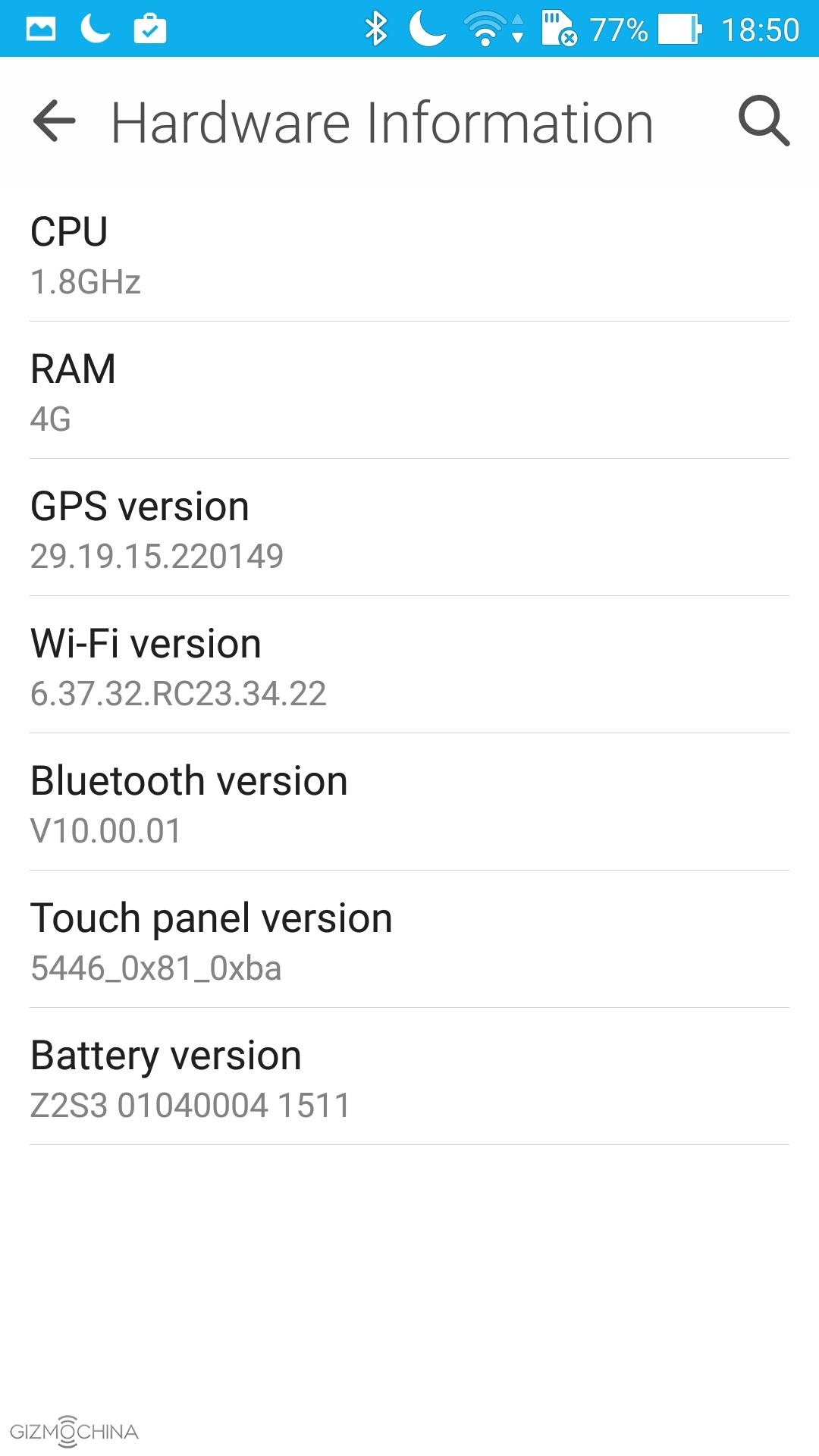
The phone comes in quite a stylish box and inside of it you can find some documentation, USB charging plug along with the USB cable. Keep in mind that we are talking about the ZE551ML model here, which has a 1.8GHz chip, 4GB of RAM and 32GB of storage.
Asus Zenfone 2 ZE551ML Review: DESIGN and DISPLAY
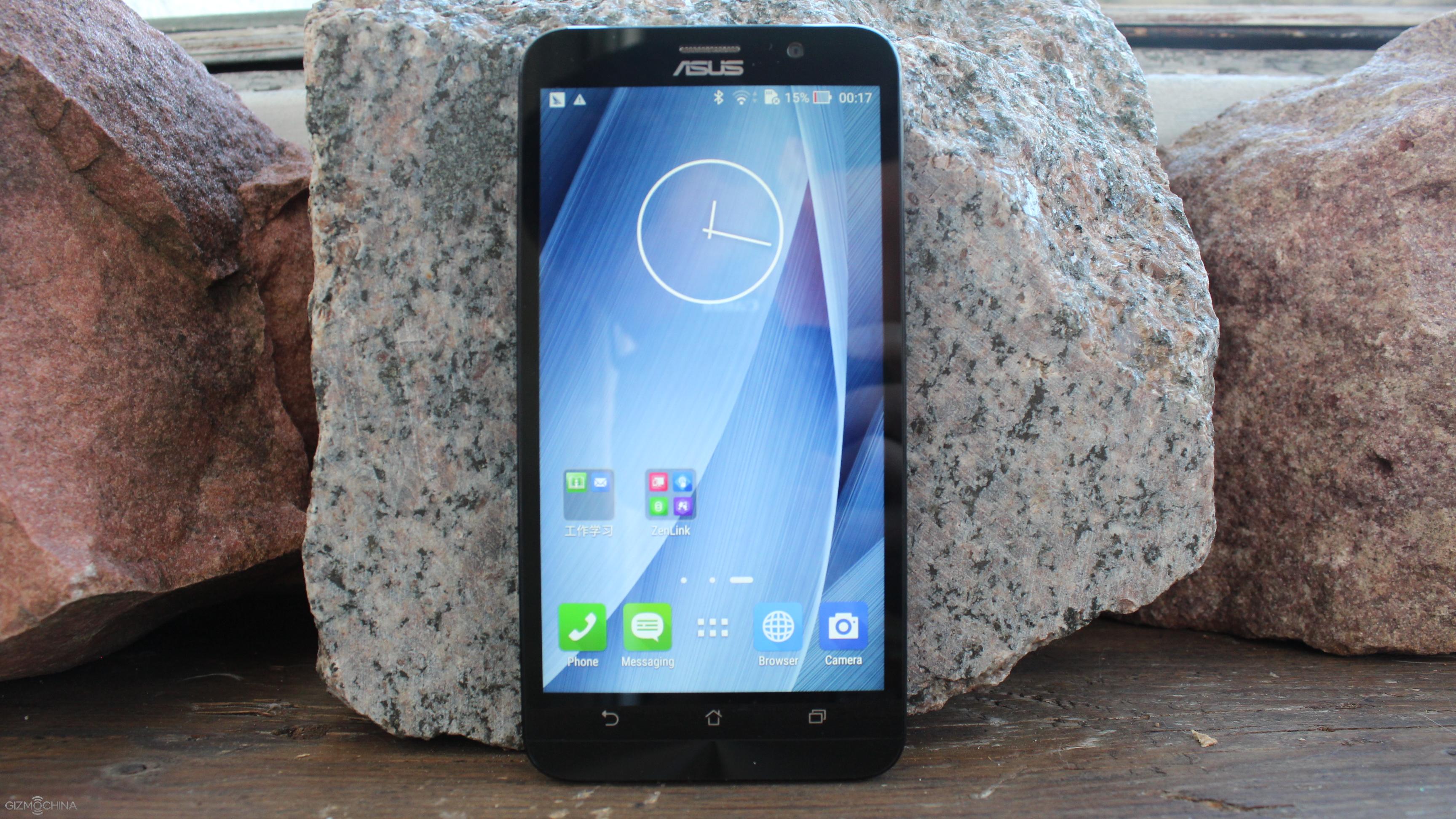
The device comes with 5.5” 1080p display, which is beautiful to look at. The colours look natural, it has great viewing angles and a decent brightness output.
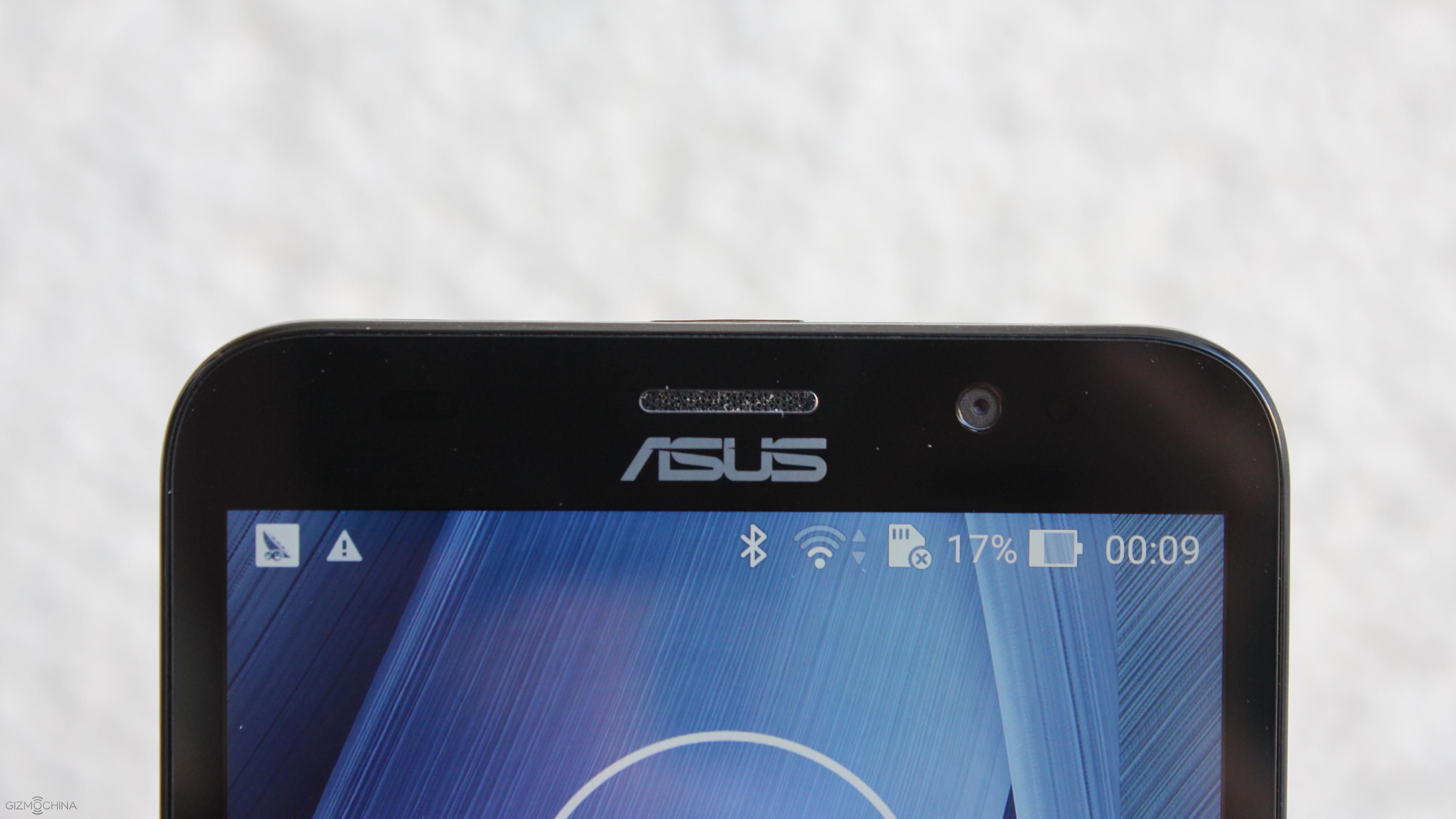
On the top side Asus implemented a 5MP snapper, earpiece, proximity sensor and the LED light.
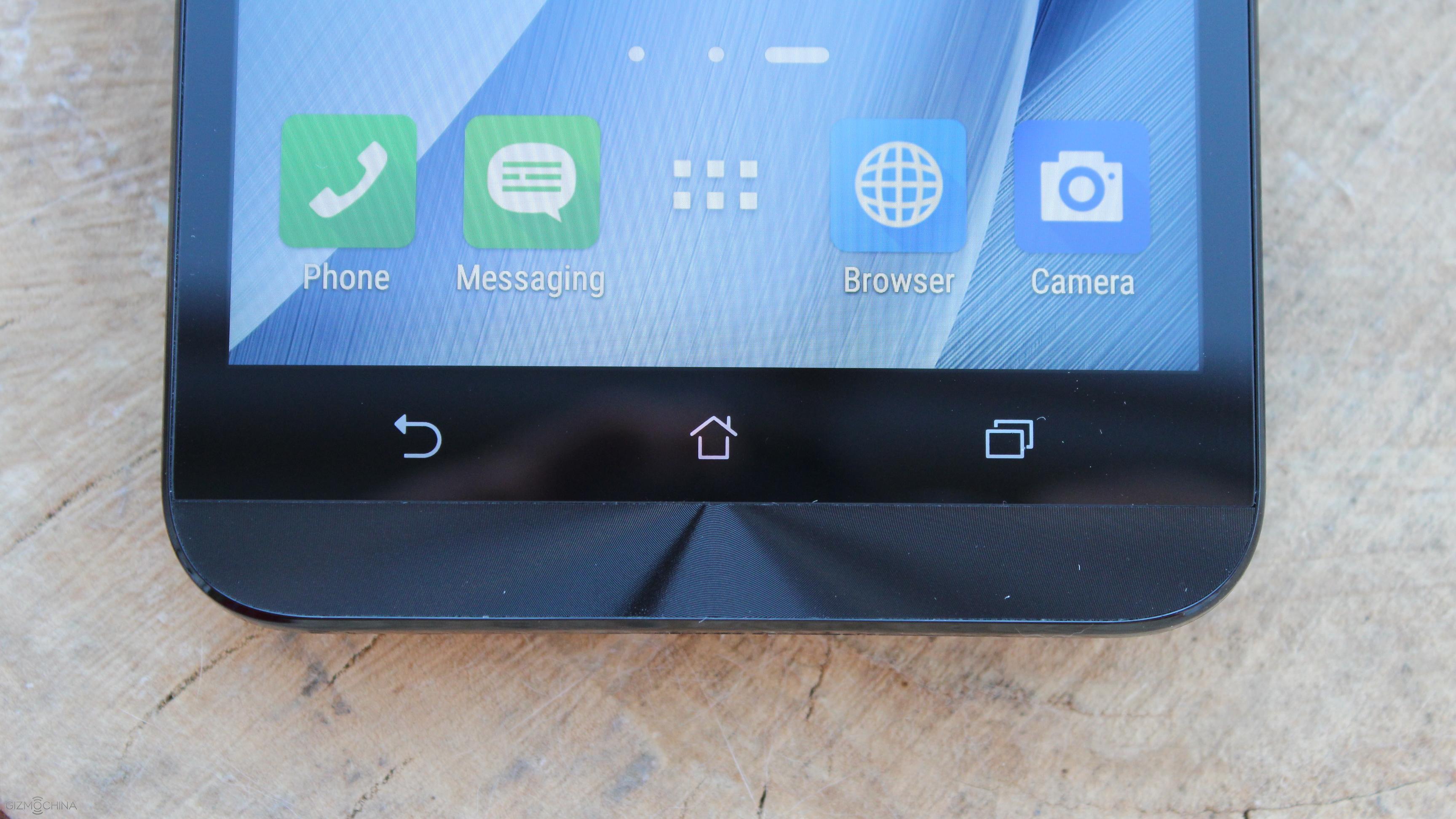
On the bottom there are non-backlit capacitive keys.
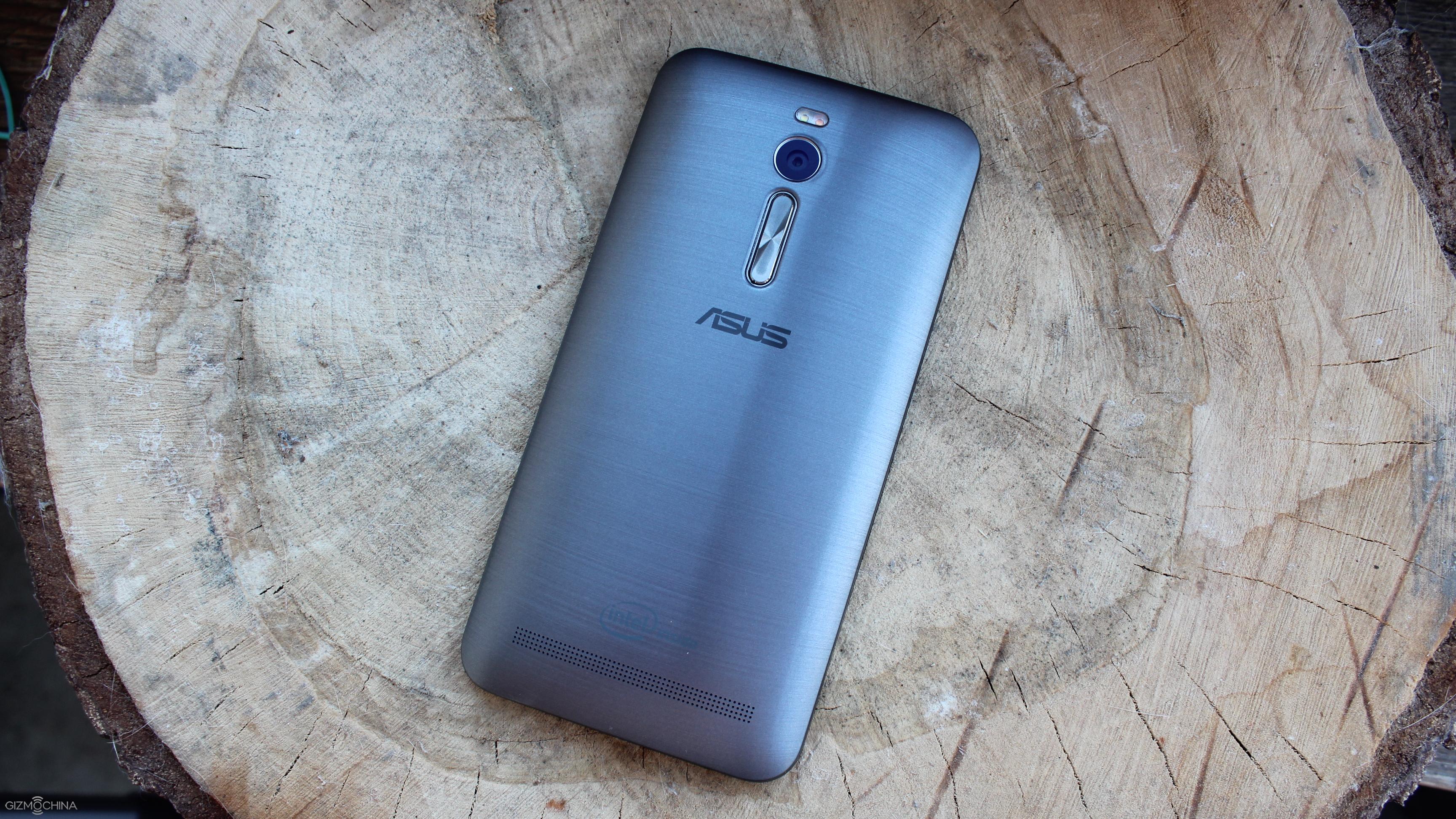
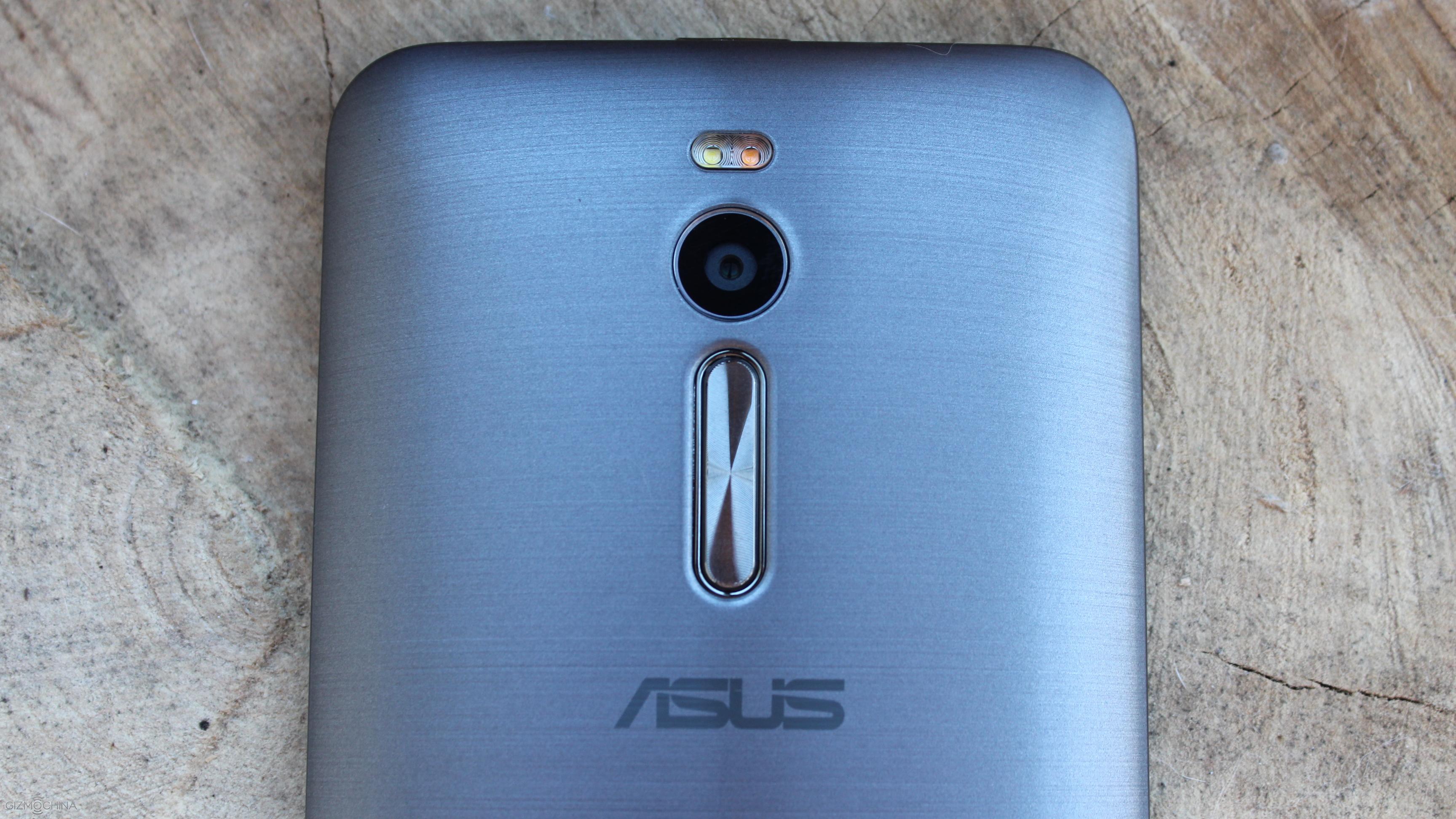
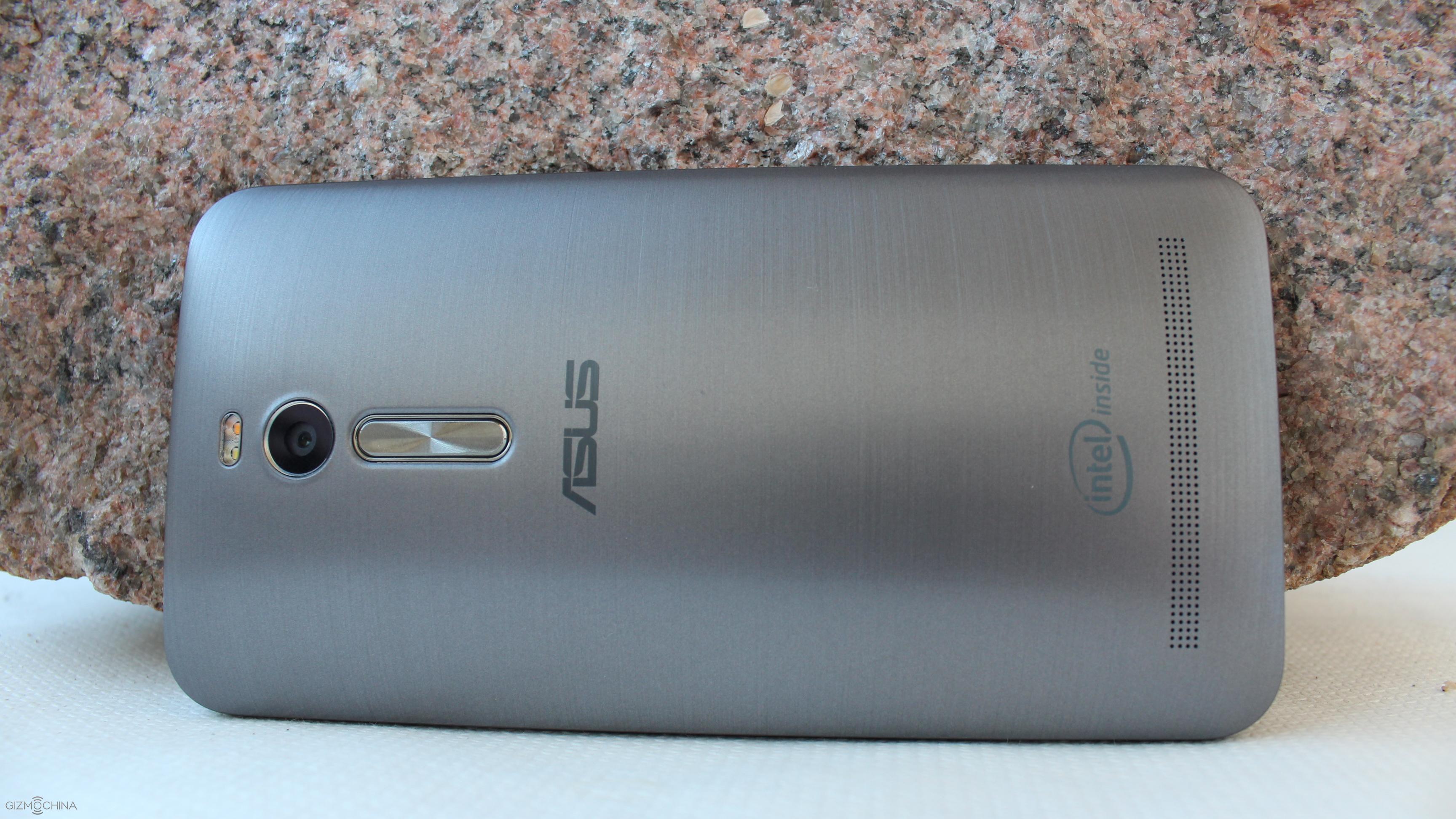
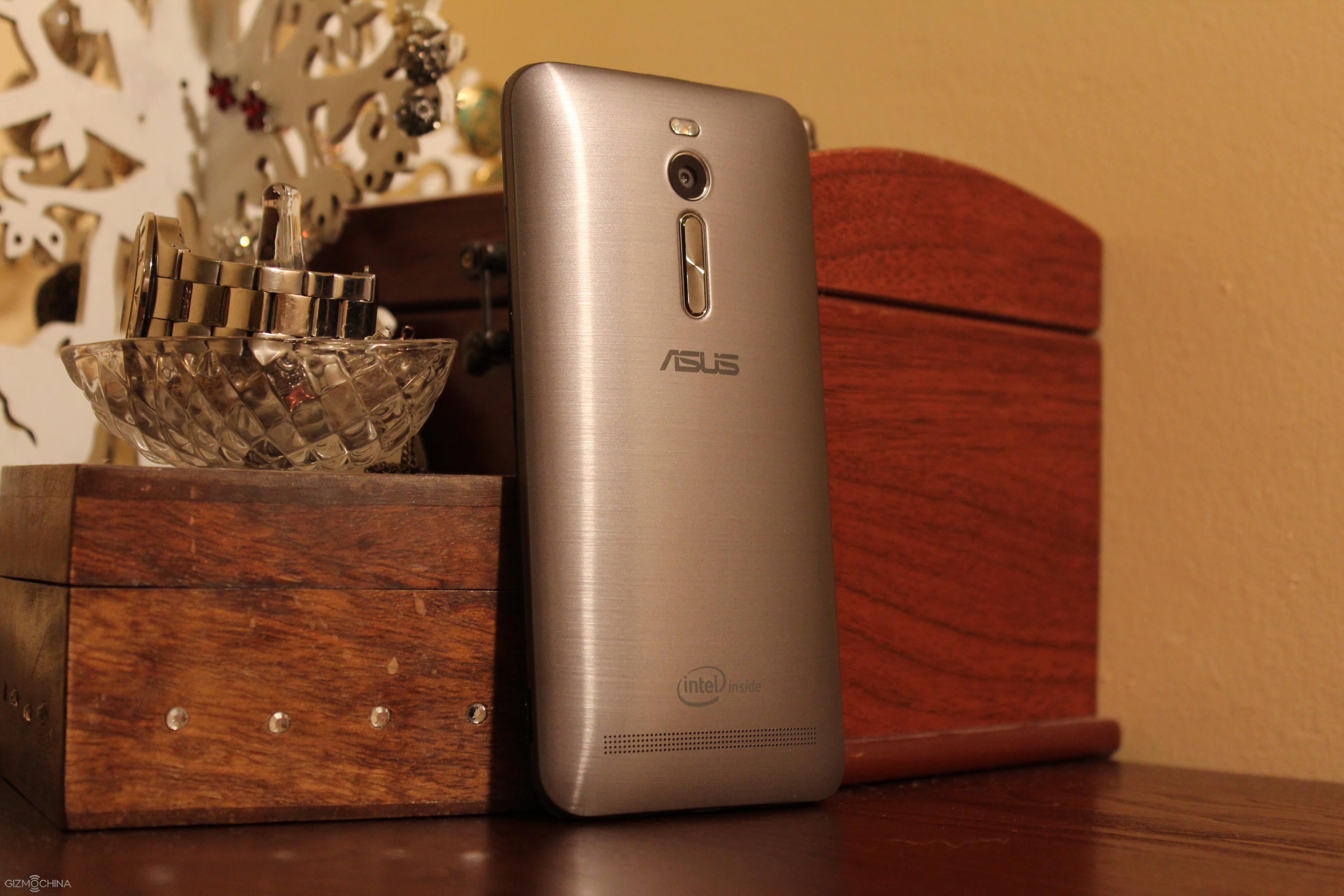
The back plate is made of brushed plastic and it is a pretty busy part as you can find a 13MP camera with dual-tone dual LED and the volume rocker, which is an idea borrowed from the LG.
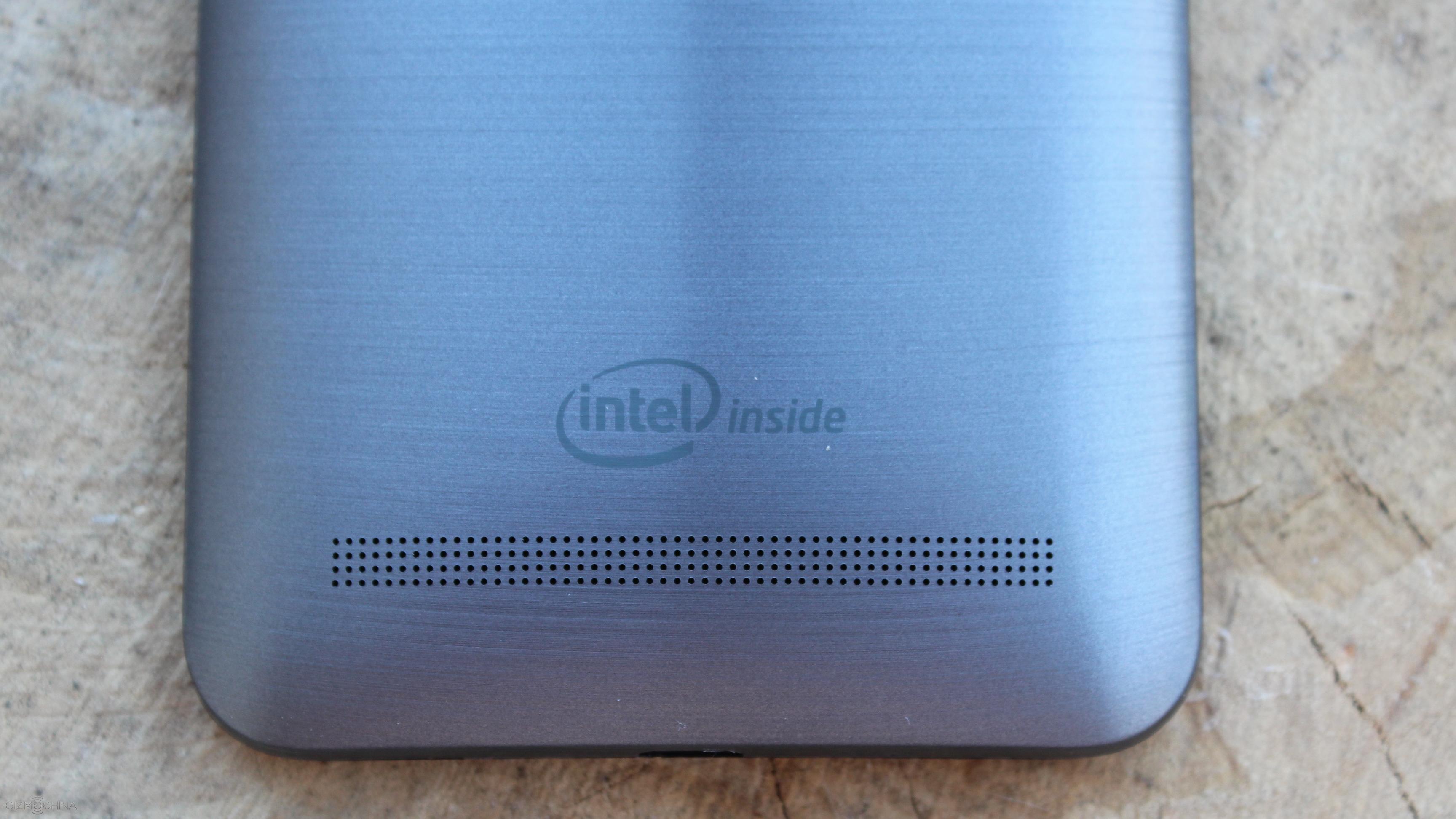
On the bottom side there is a speaker grill.
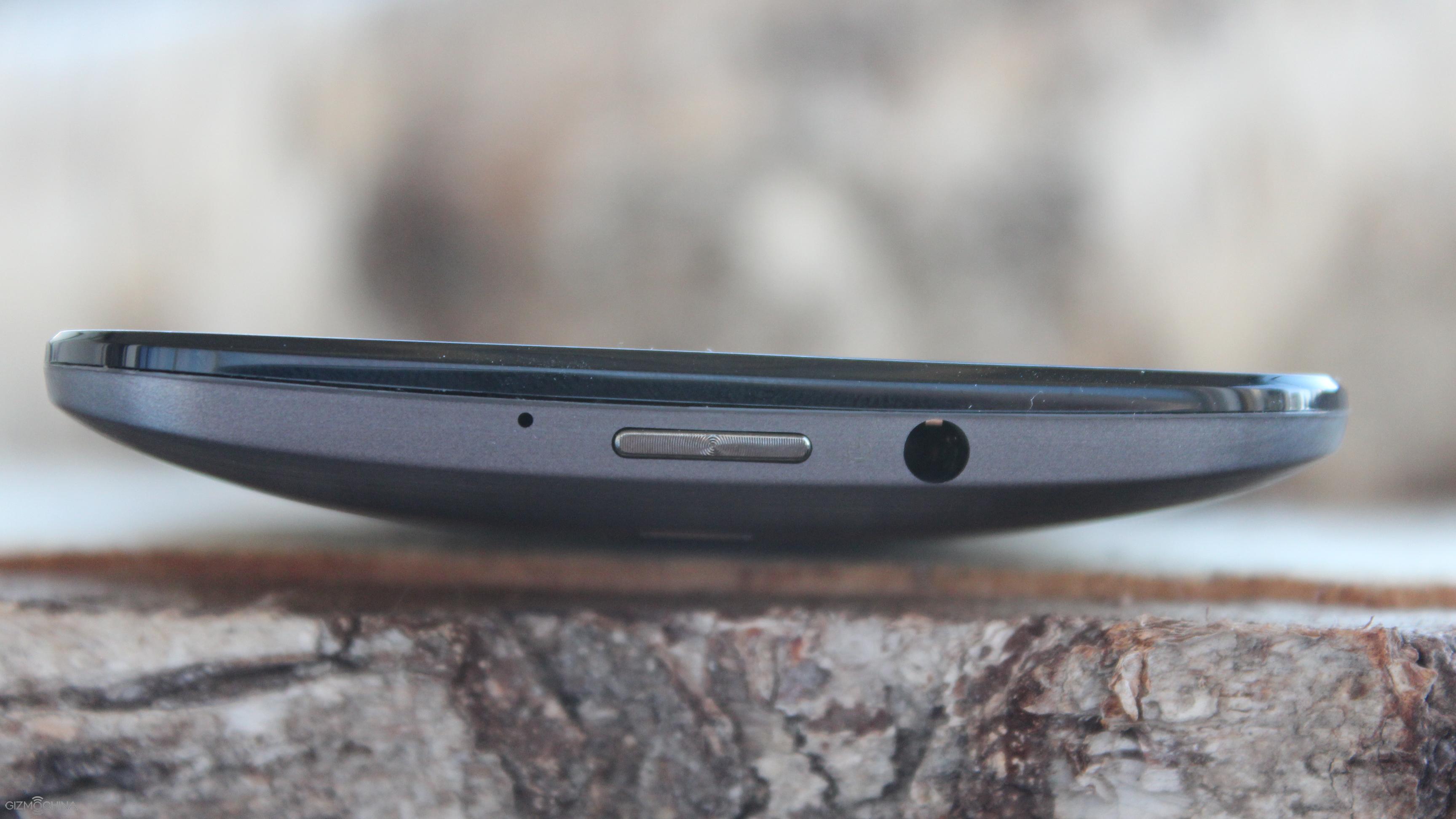
On the top side Asus implemented a noise cancelling mic and the headset jack. But…. the power on/off switch is on the top centre position. I can say that it is an interesting choice but not the most convenient placement of the power button.
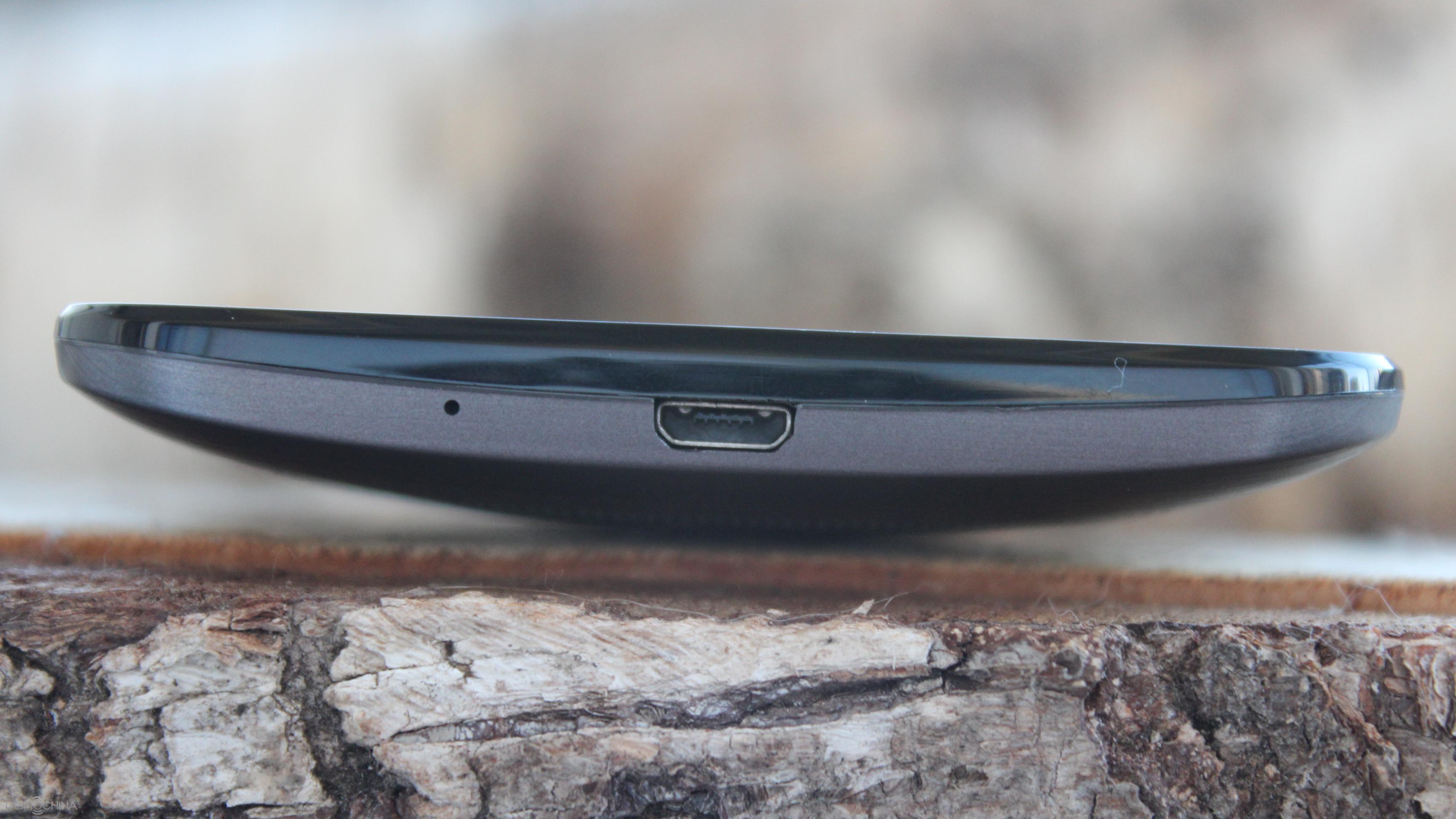
The only thing that is on the bottom is the microUSB charging port along with the main mic.
Since Zenfone 2 has all the buttons and ports either on the back or on the front, the sides of the phone sport nothing.
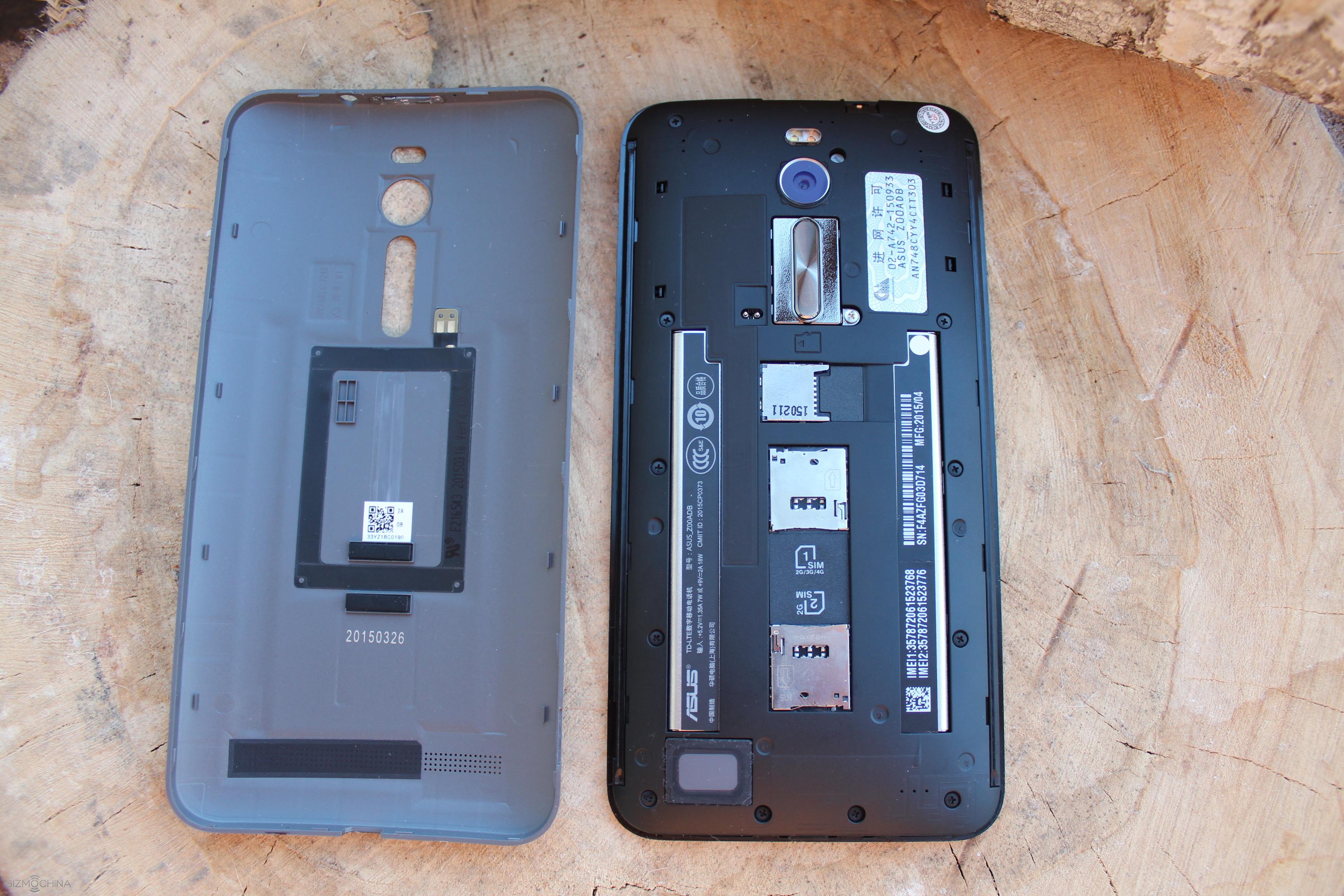
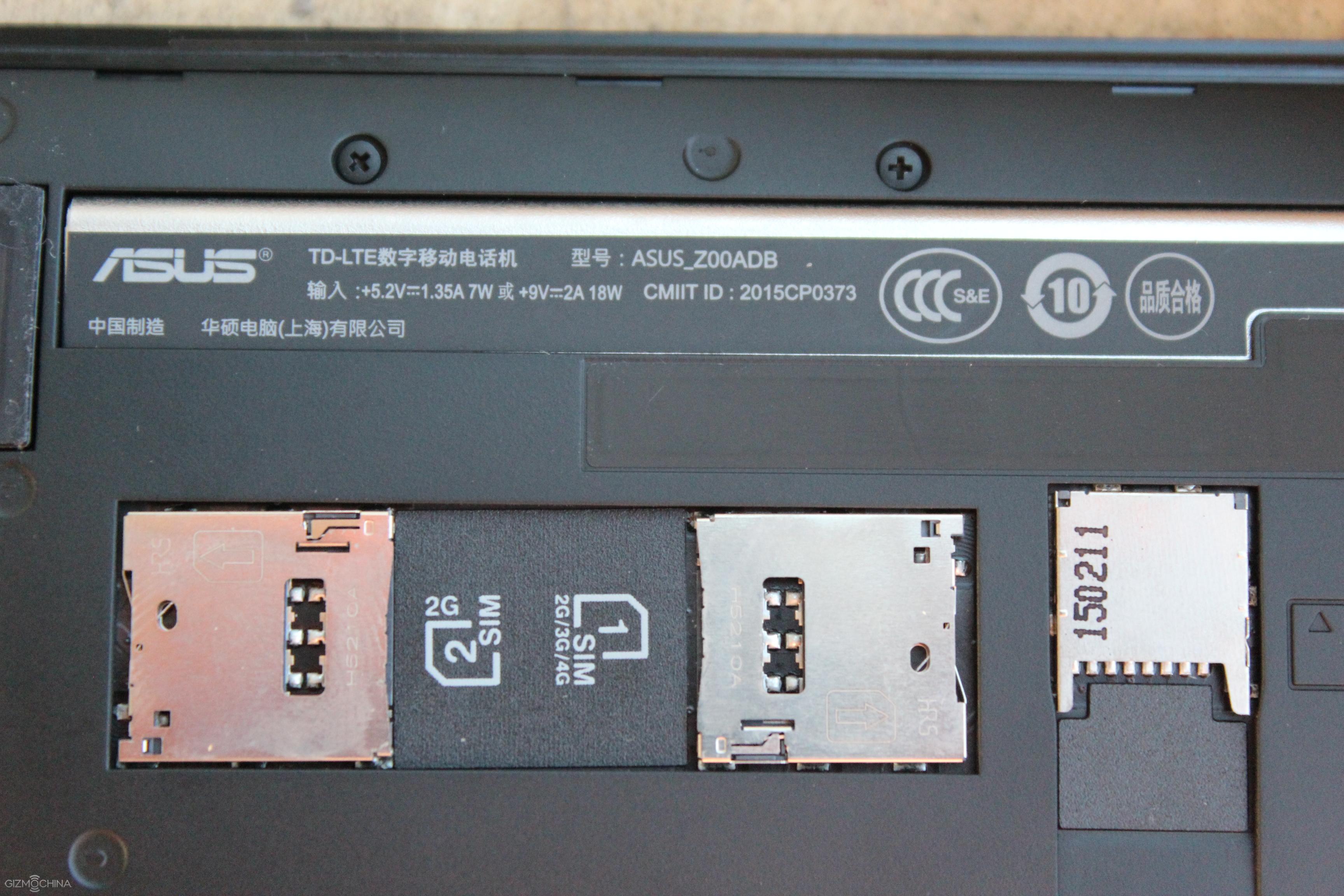
It is worth mentioning that the device has two SIM cards slots along with the microSD card slot for storage expansion.
Overall, the phone is really well built, it feels solid in the hand but the placement of the power button is weird. Well, at least there is a tap-to-wake gesture. Another complaint is… look at that bezels!
Asus Zenfone 2 ZE551ML Review: USER INTERFACE
1 of 12
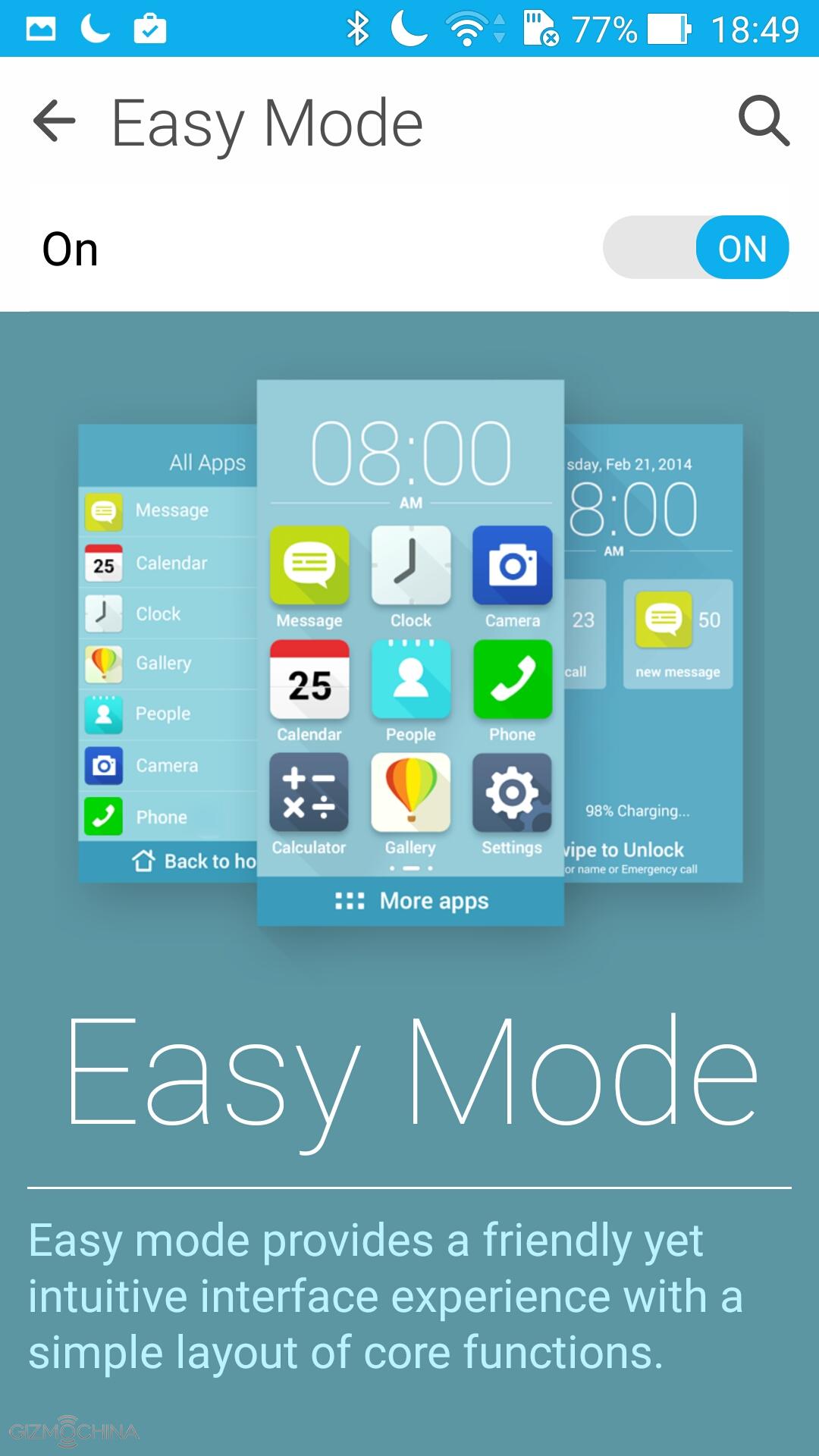
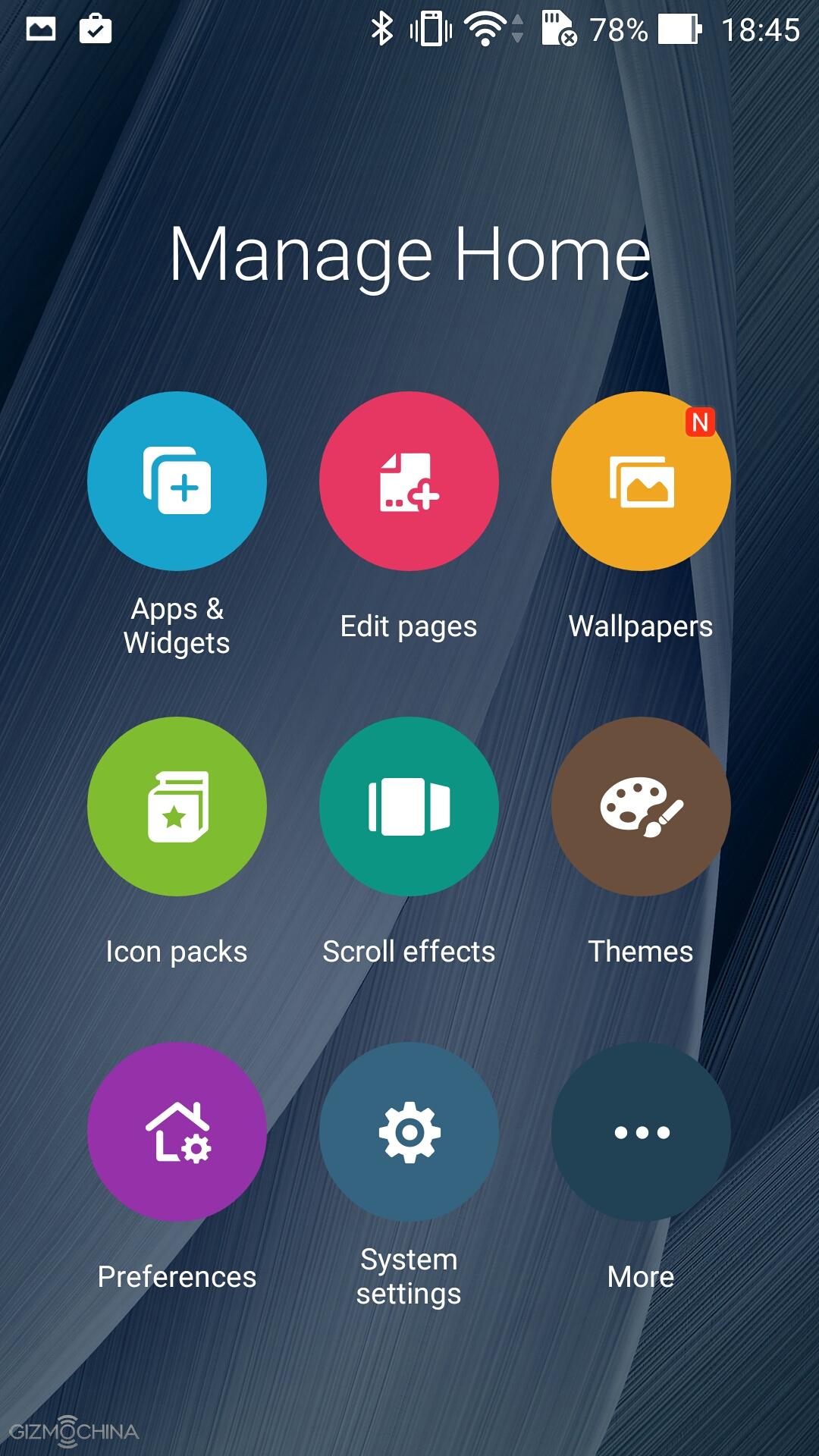
Asus Zenfone 2 runs on Android 5.0 with the Asus skin on top of it. The UI has some colourful looking icons and this time around we have an app tray, which is kind of rare thing to see in the Chinese phone.
1 of 6
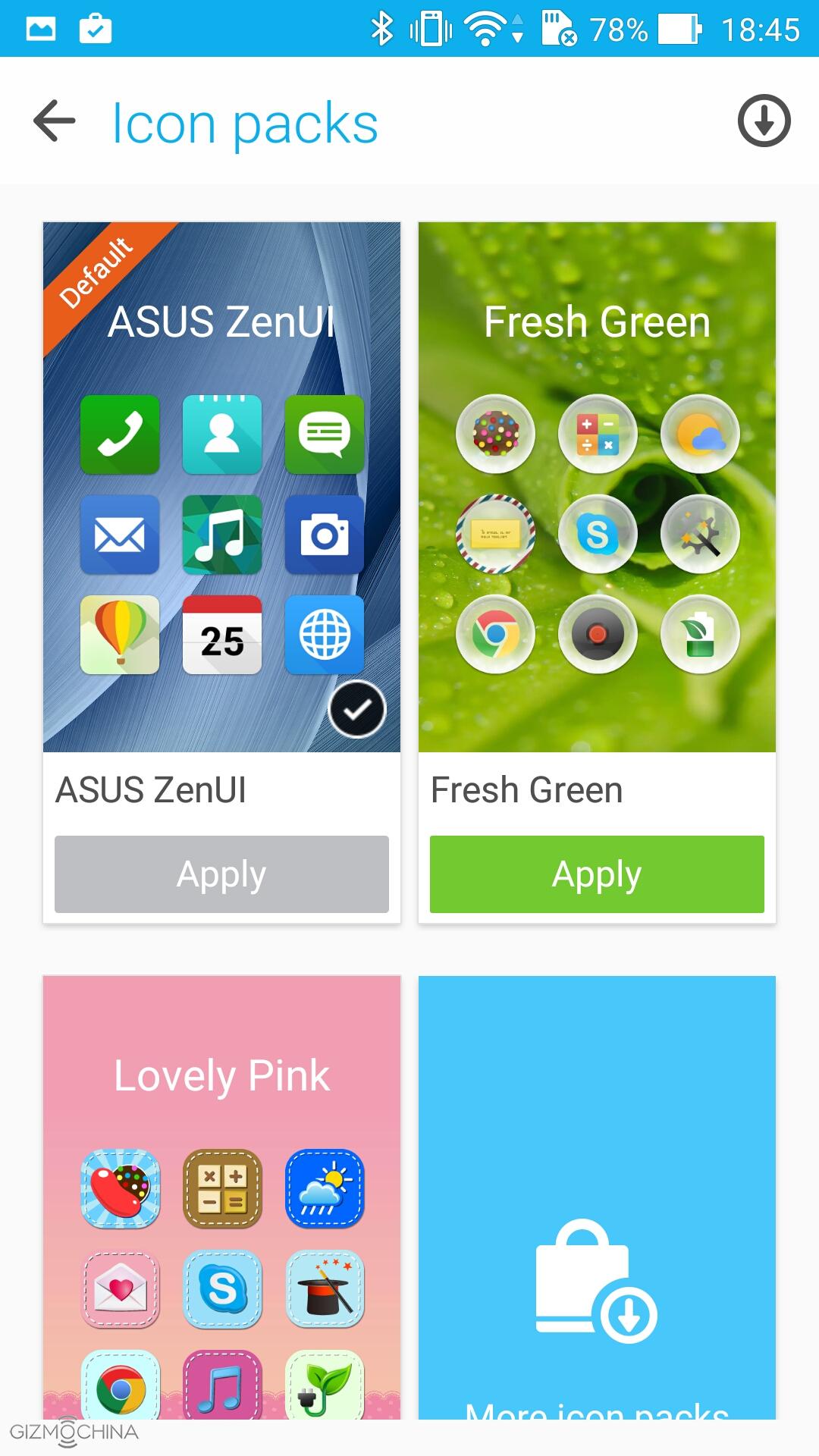
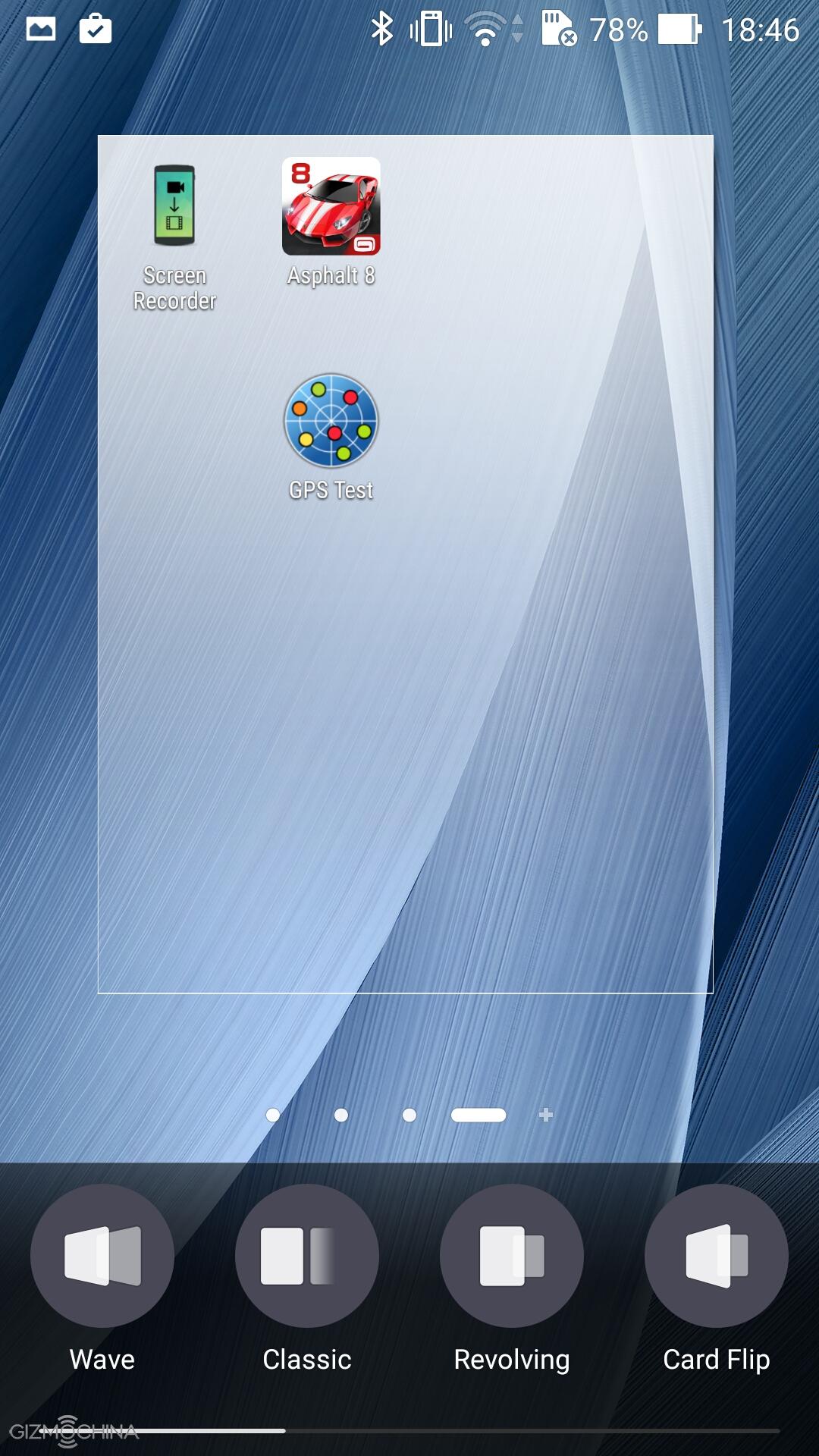
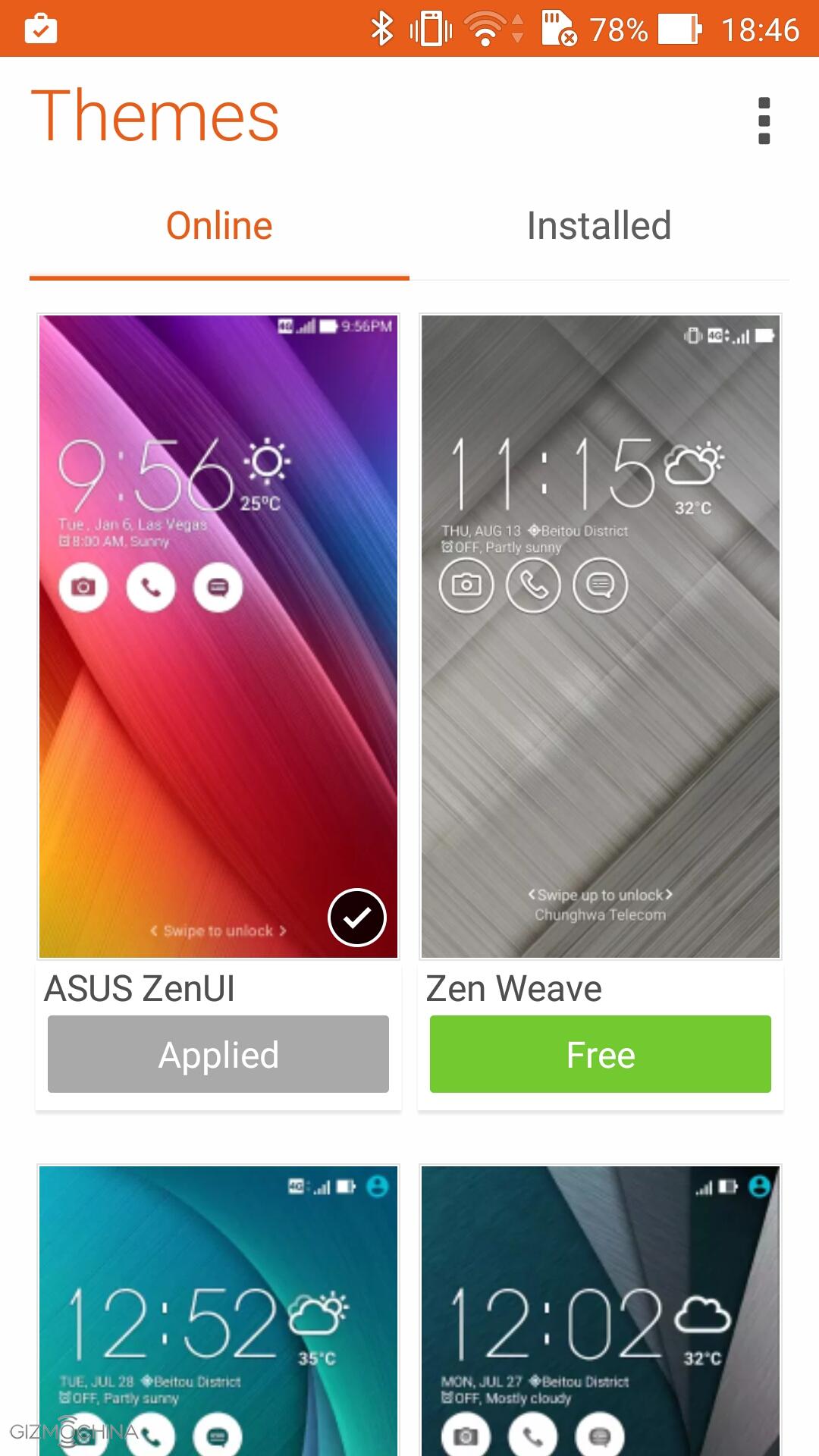
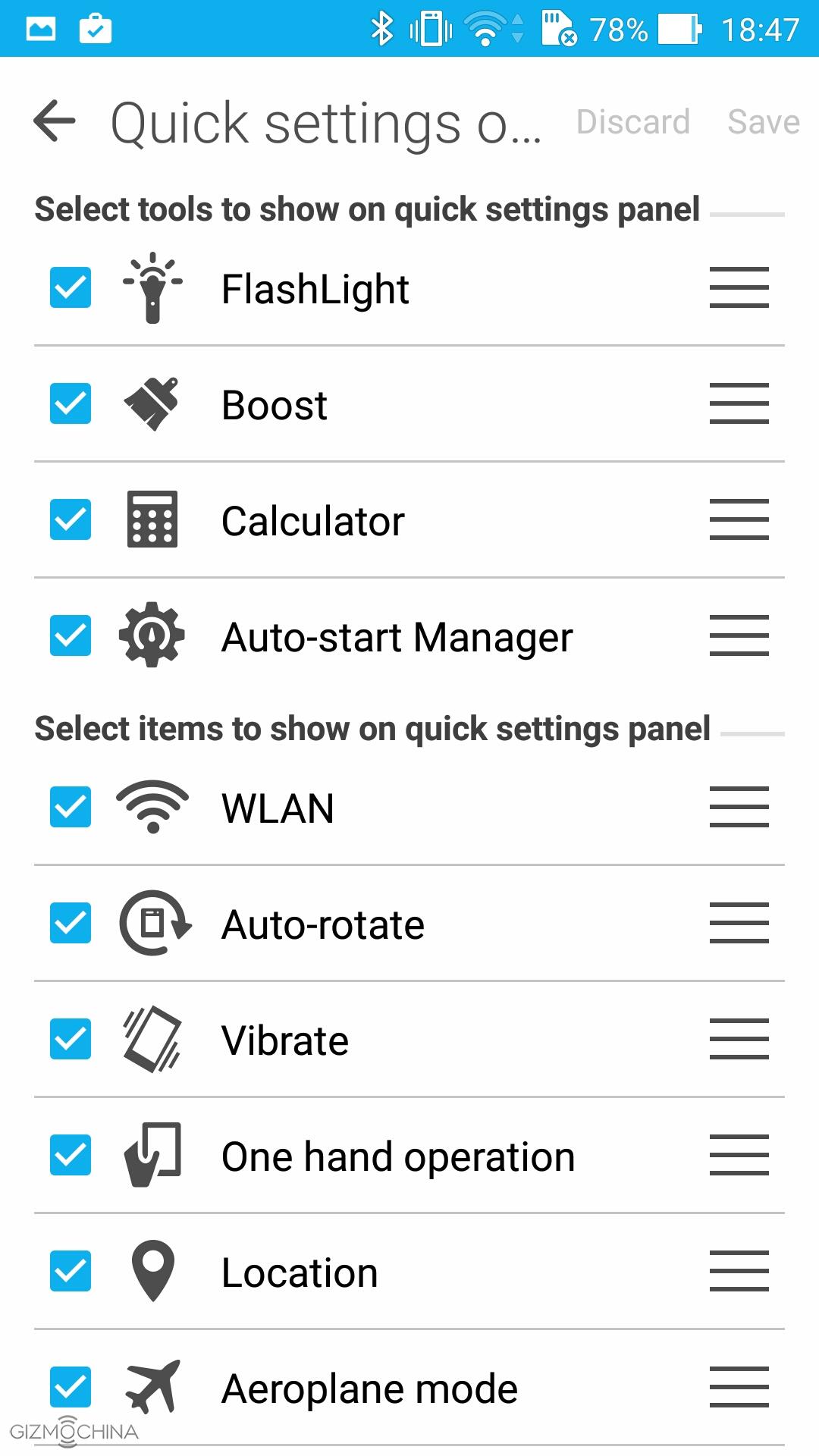
As usual, we have tons of customisation options that include the icon packs, themes, wallpapers, transition effects and so on. Basically, you can customise the device the way you want in many different ways.
1 of 4
Also, we have some gesture controls, which work fine but I’ve seen some better implementations, e.g. Meizu M2 Note.
All in all, the powerful chip, 4GB of RAM and well-optimised UI assures that you will have a buttery smooth performance. Literally, you can run tons of apps in the background and the phone would still fly. I’m impressed.
Asus Zenfone 2 ZE551ML Review: PERFORMANCE
1 of 6
The graphically intensive games run like a charm. The graphics look awesome, there is no lag or stutter while gaming. I can tell you that Asus Zenfone 2 is capable of providing almost flagship-grade experience.
More importantly, it seems that the device does not heat up at all even if you play for 30 mins, which is a rare phenomenon these days.
Asus Zenfone 2 ZE551ML Review: MULTIMEDIA
1 of 6
The multimedia consumption on the 5.5” display is great. Also, the device has a really good sounding loudspeaker, which is placed on the back. Well, it’s not the best but very good for this price range of devices.
However, the audio via headphones does not impress. While the volume output is decent, the sound quality is just average.
Asus Zenfone 2 ZE551ML Review: CAMERA
1 of 6
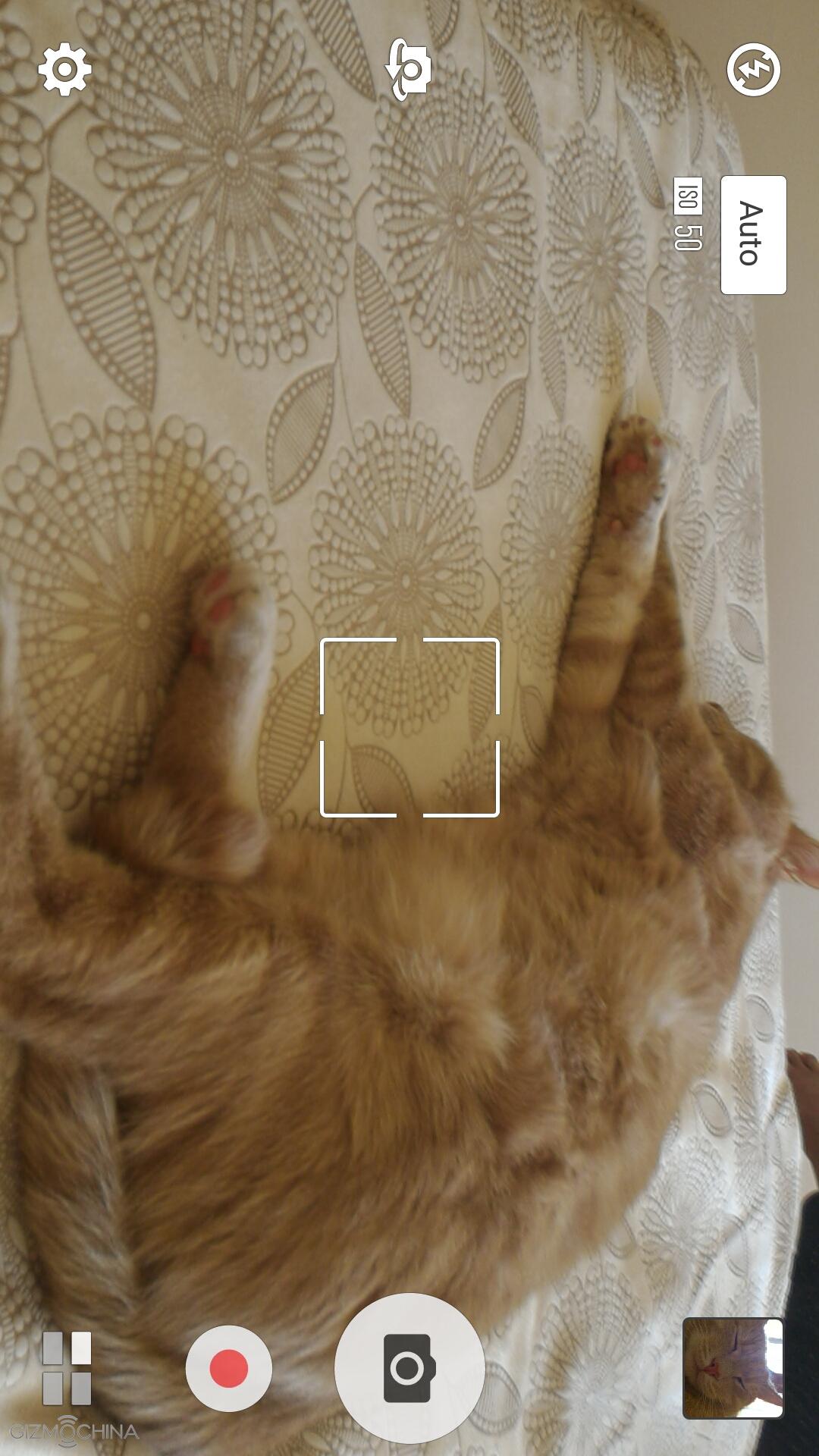
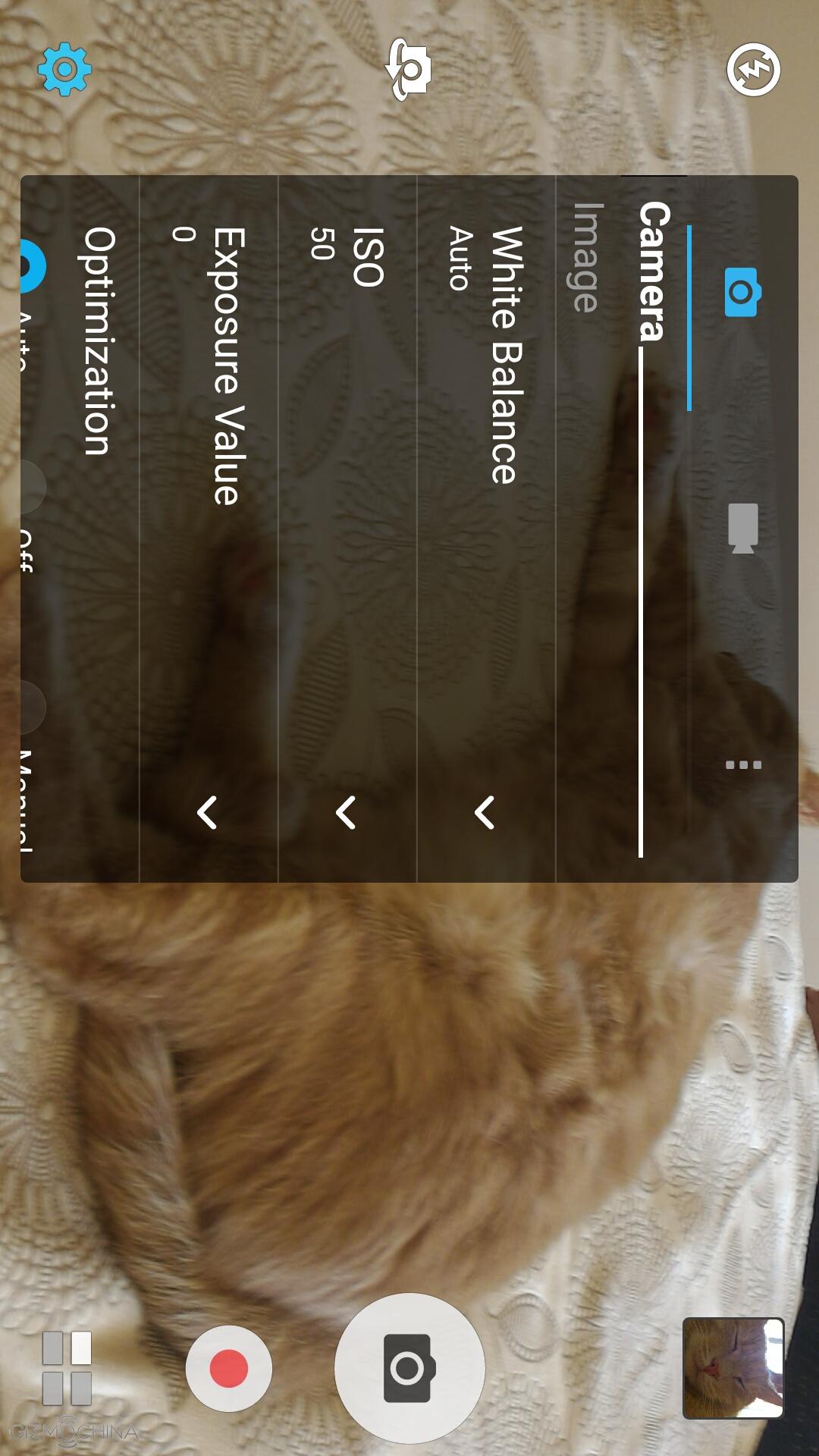
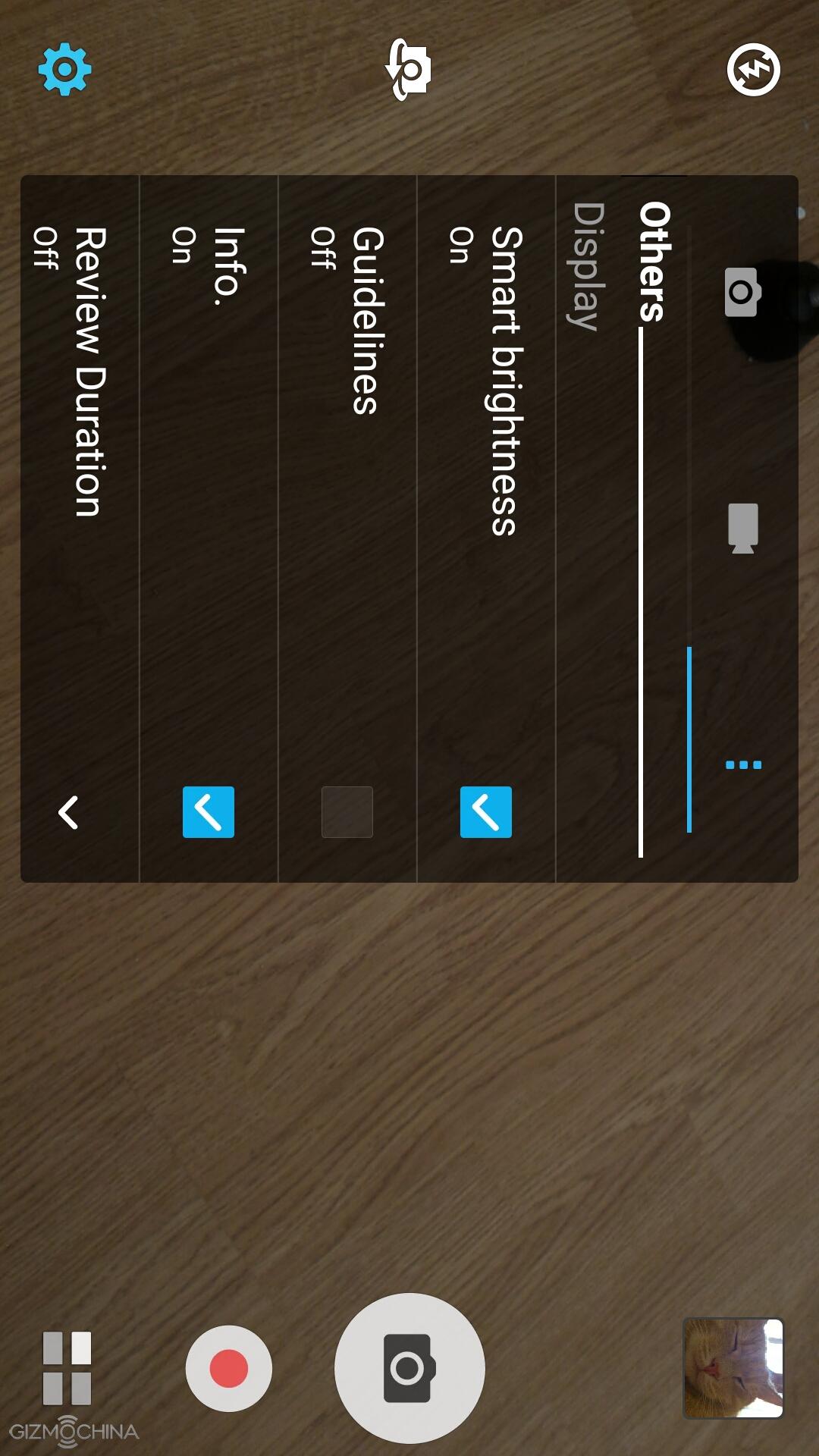
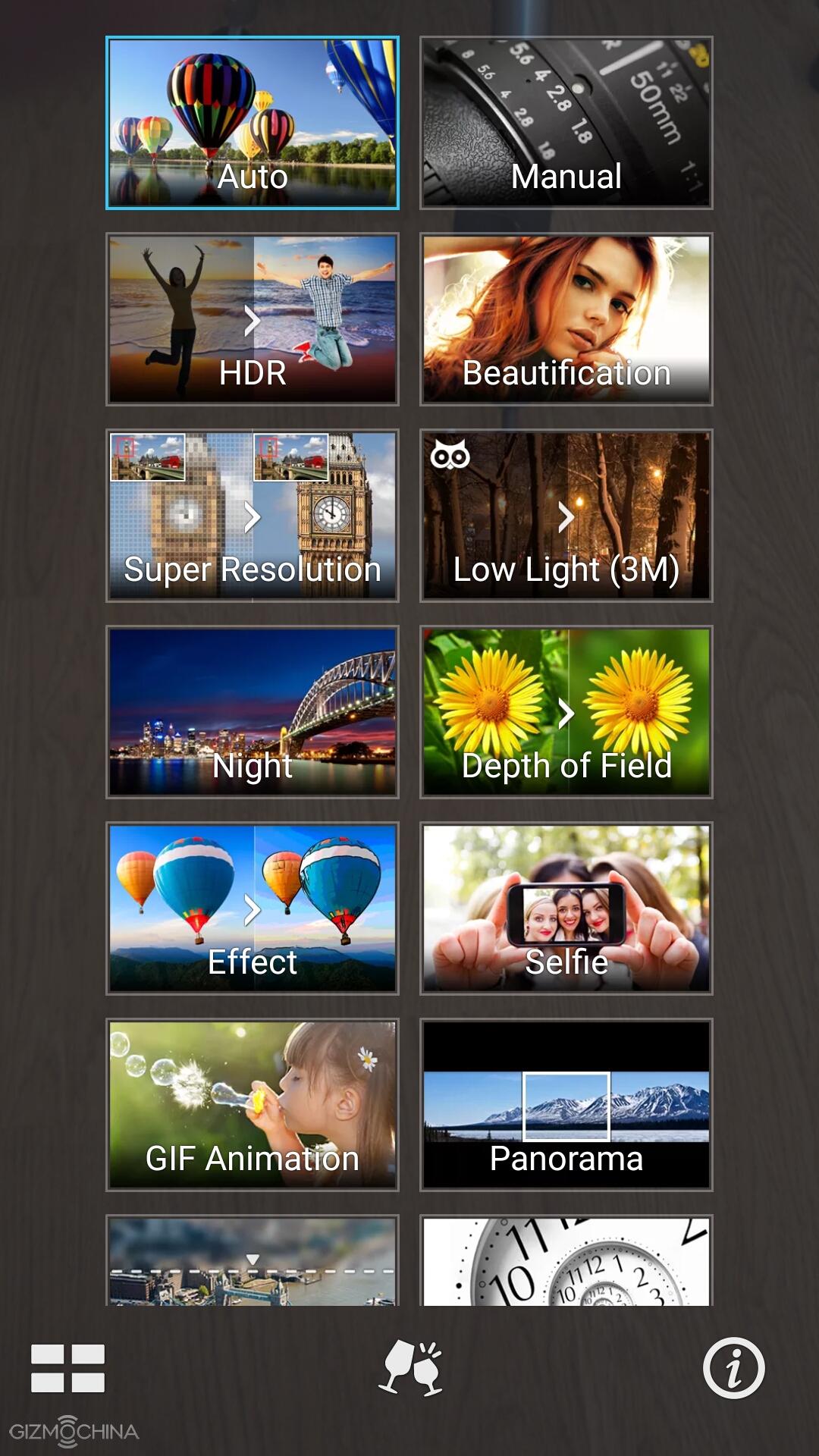
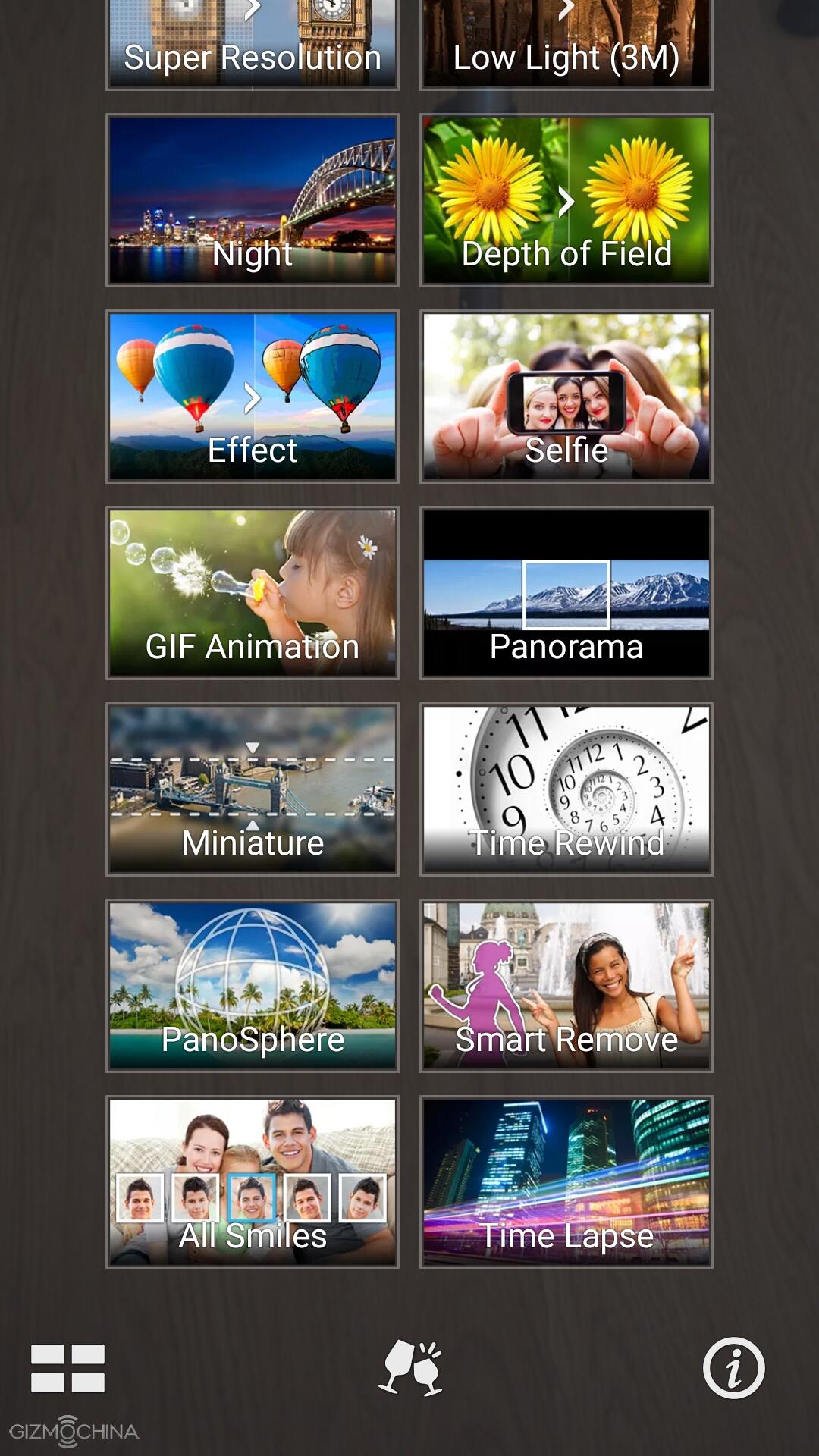
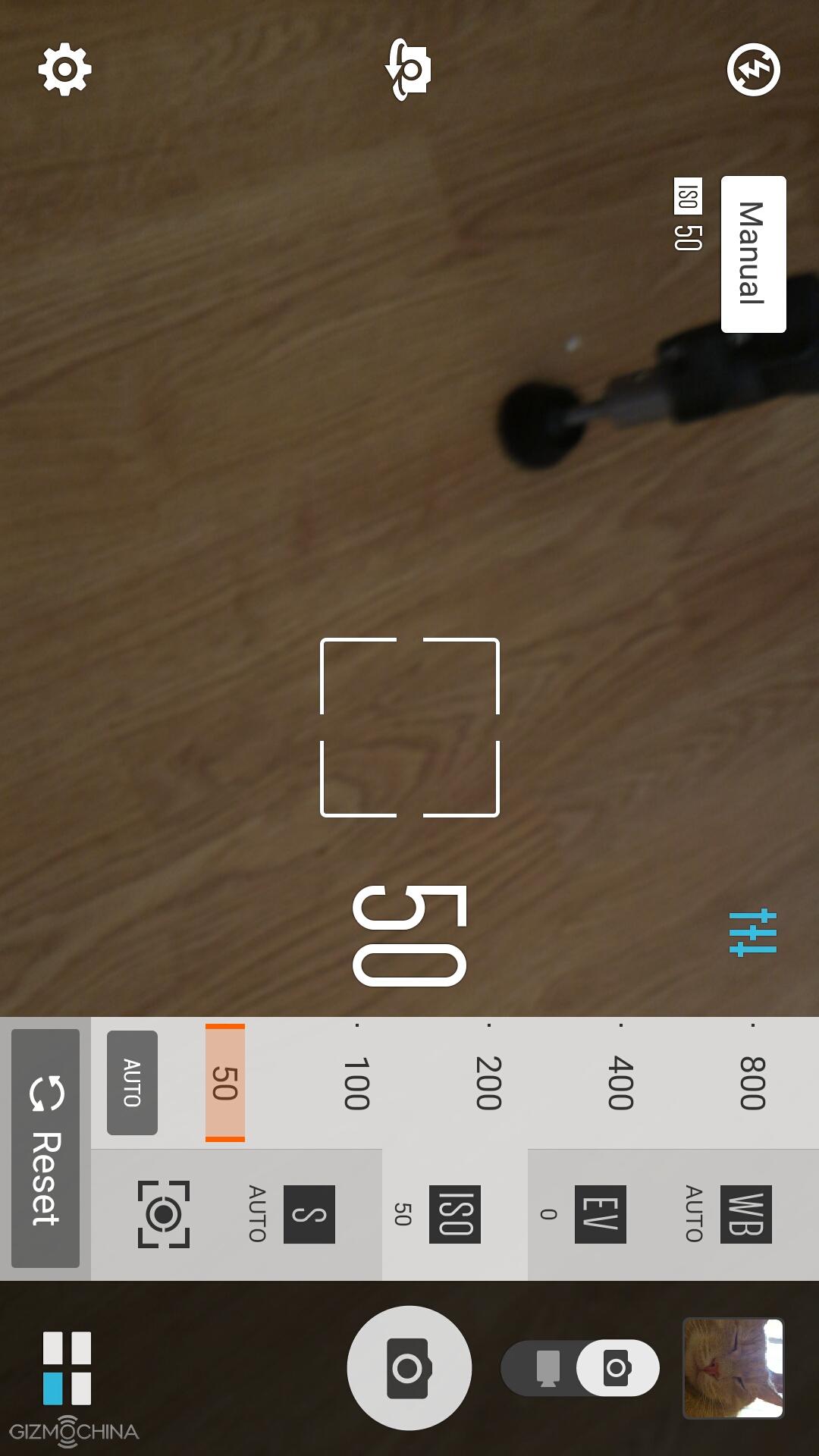
The Asus Zenfone 2 has a camera app that is full of features, settings and shooting modes. A few ones worth mentioning include the manual, super-resolution, which basically stitches a few photos to 50 MP image, low-light and night modes. However, the auto-mode is probably going to be the one you’ll be using most of the time.
Asus Zenfone 2 ZE551ML Review: IMAGE QUALITY
1 of 19
Jpeg
Jpeg
Jpeg
Jpeg
Jpeg
Jpeg
Jpeg
Jpeg
Jpeg
Jpeg
Jpeg
Jpeg
Jpeg
Jpeg
Jpeg
Jpeg
Jpeg
Jpeg
Jpeg
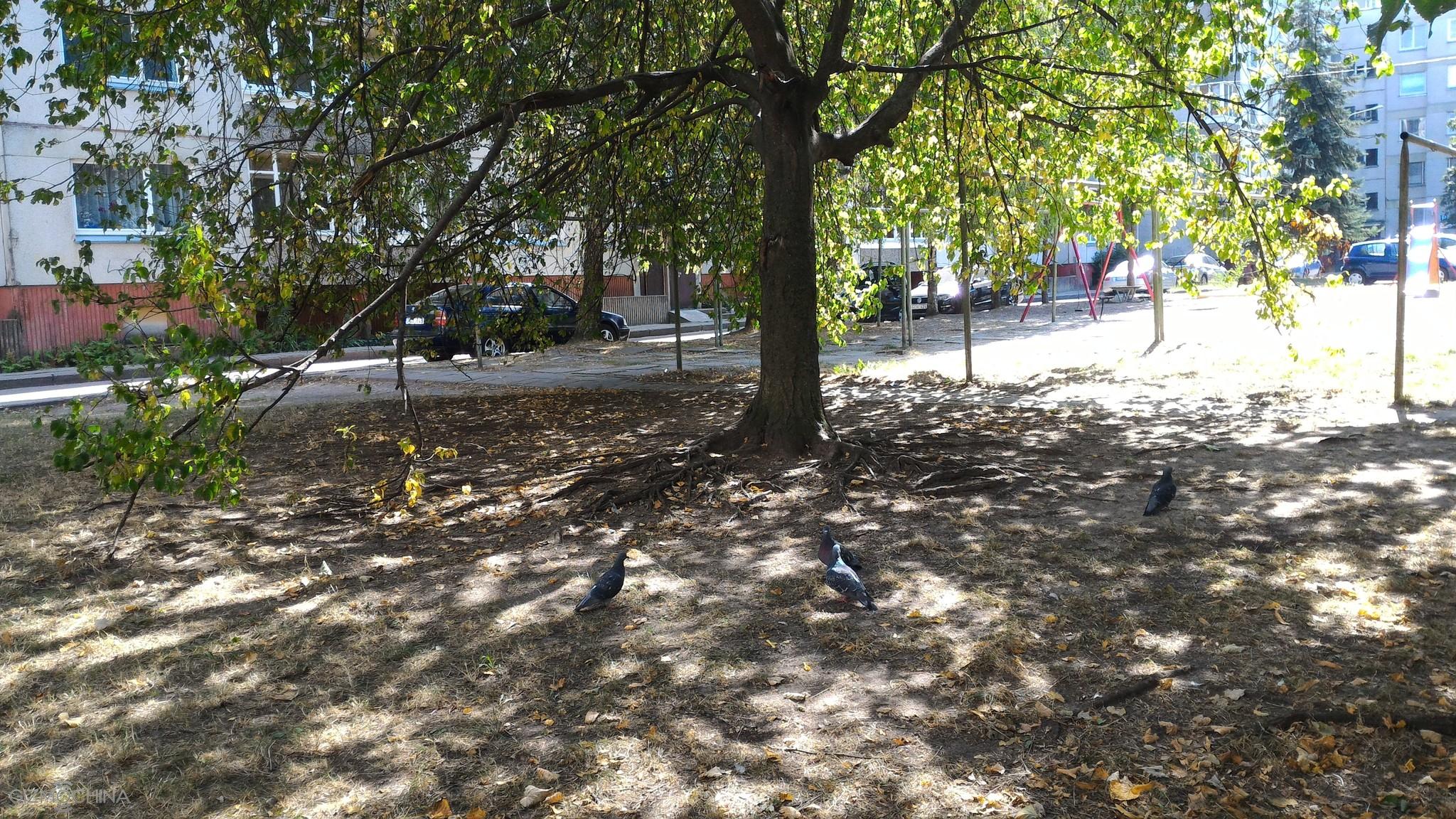
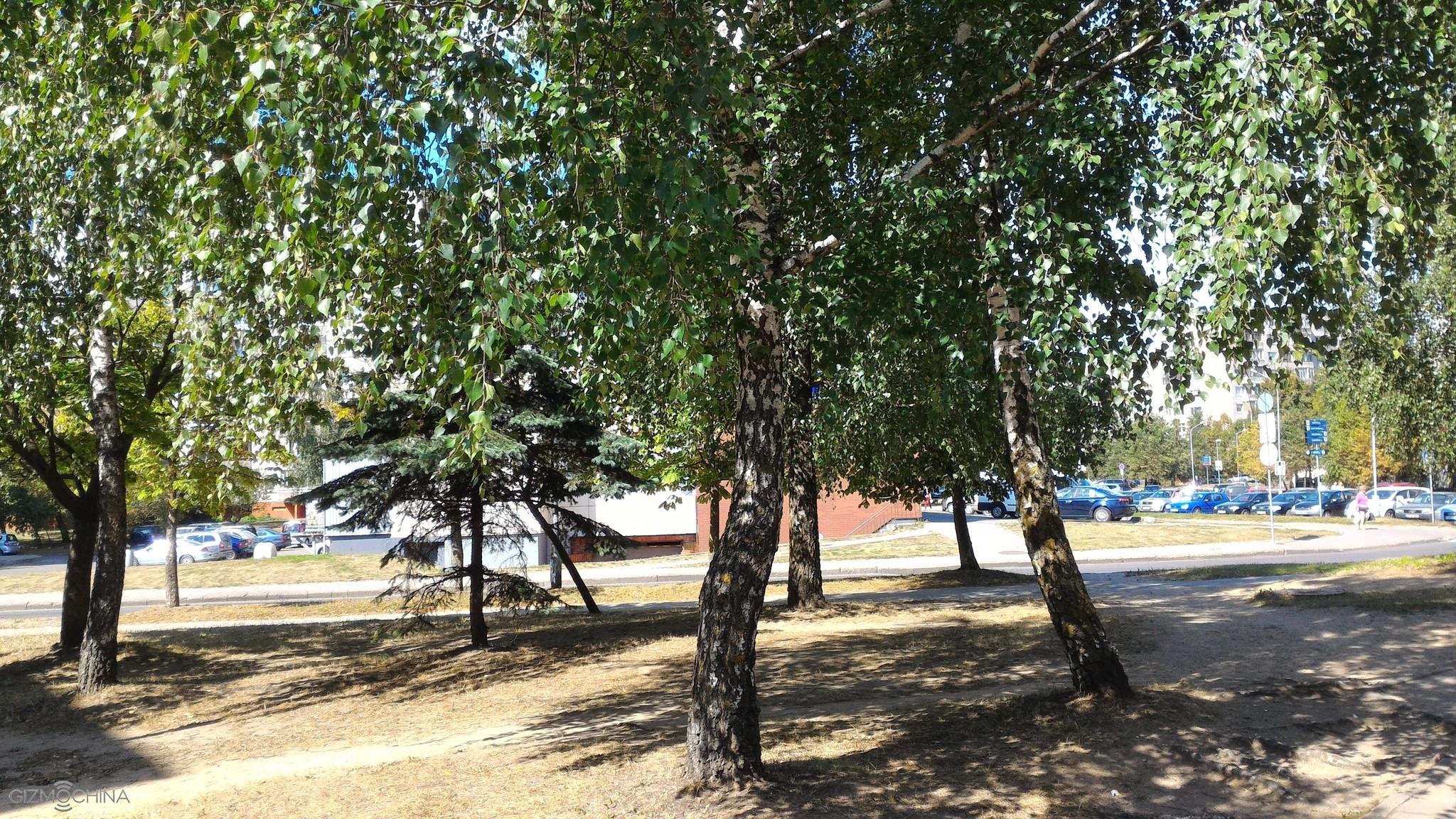
The phone has a 13MP shooter but this time around I shot all the pictures in 10MP due to widescreen 16:9 ratio.
The daylight images are quite good. They have a reasonable amount of details, the dynamic range is okay most of the times but not always. However, the colours tend to be too saturated at some shots. Sometimes it may lead to a very unnatural looking image.
Jpeg
Jpeg
Jpeg
Jpeg
Jpeg
Jpeg
Jpeg
The shots taken indoors have less detail and more noise. Also, you have to keep you hand steady to avoid blurry shots.
1 of 8
Jpeg
Jpeg
Jpeg
Jpeg
Jpeg
Jpeg
Jpeg
Jpeg
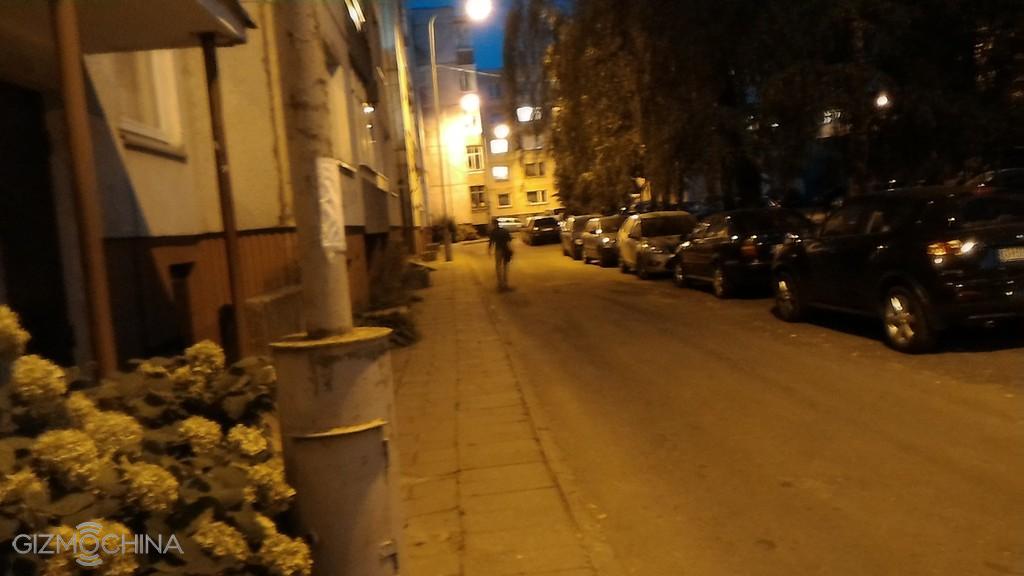
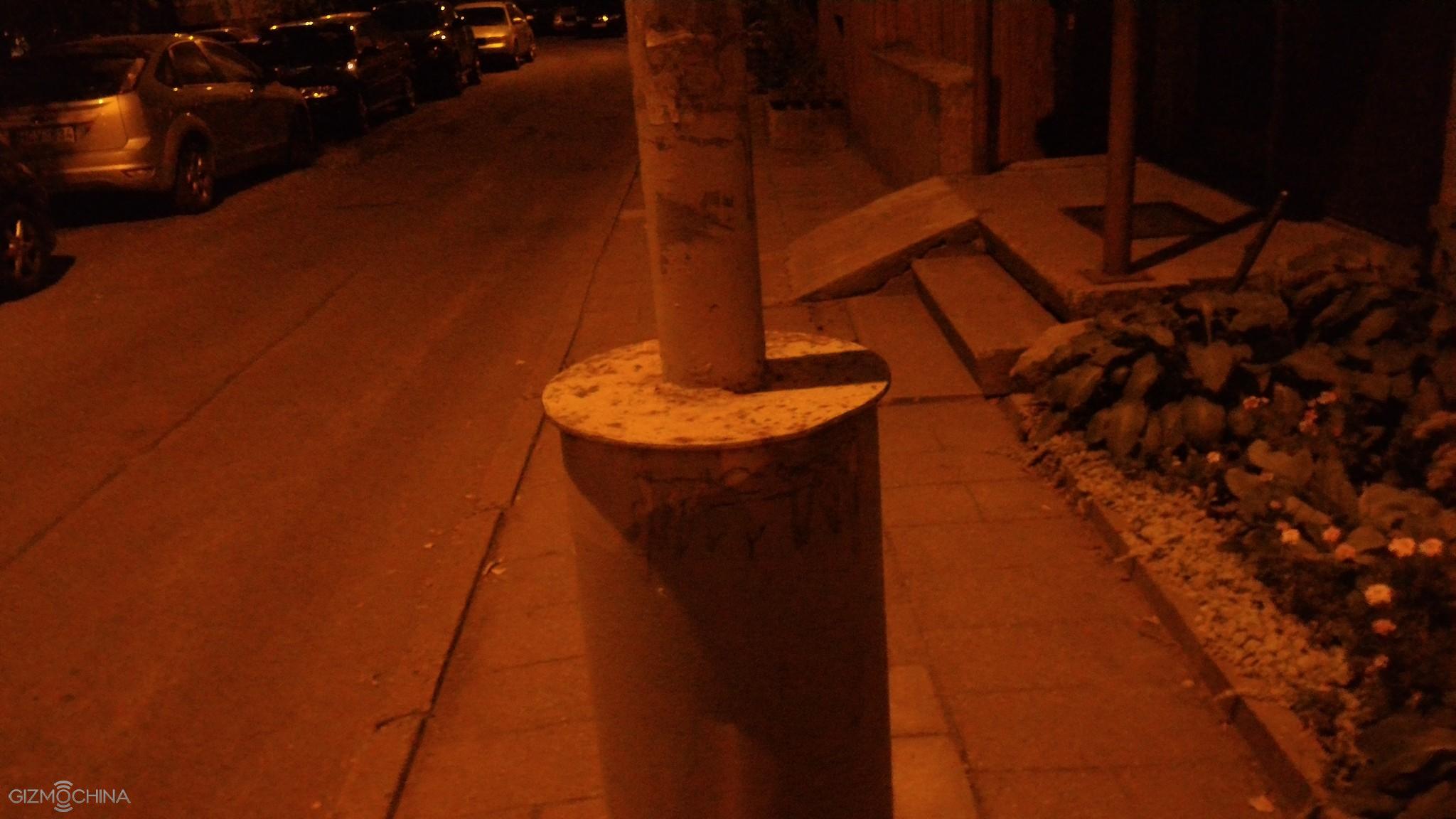
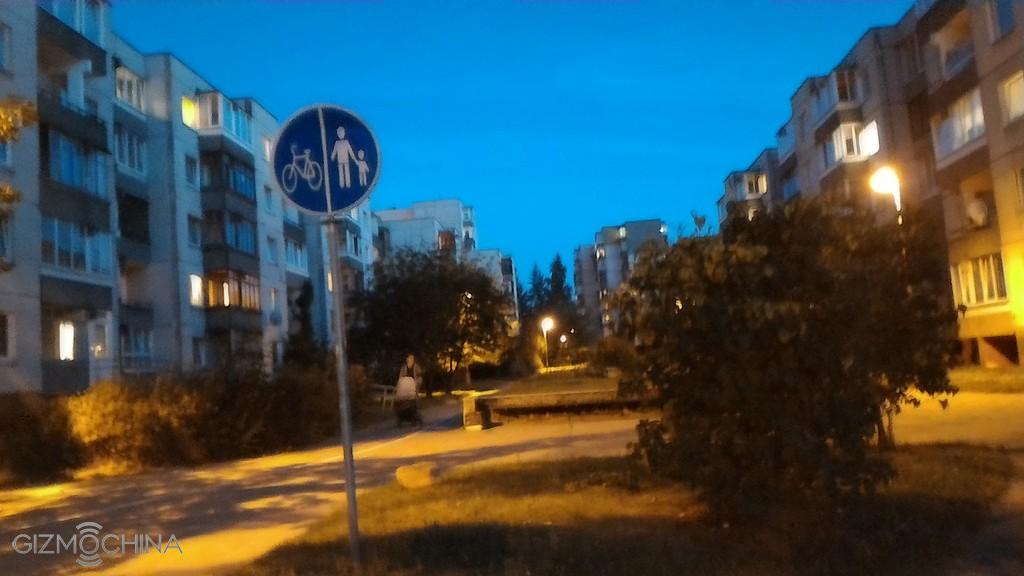
Decent night pictures are possible but not always. Usually, there is plenty of noise and the level of details could be better.
There is a dedicated low-light mode that takes only 3MP pictures but brightens up the scene at the expense of details and overall image quality.
1 of 1
The 5MP selfie snapper is not bad at all for social media and the beauty mode is also here.
The Asus Zenfone 2 can shoot videos at 1080P but the quality is just mediocre. The level of details is pretty low, there is no continuous auto-focus and the footage looks dull overall. Please check out the video review for a video sample.
Asus Zenfone 2 ZE551ML Review: CONNECTIVITY
1 of 2
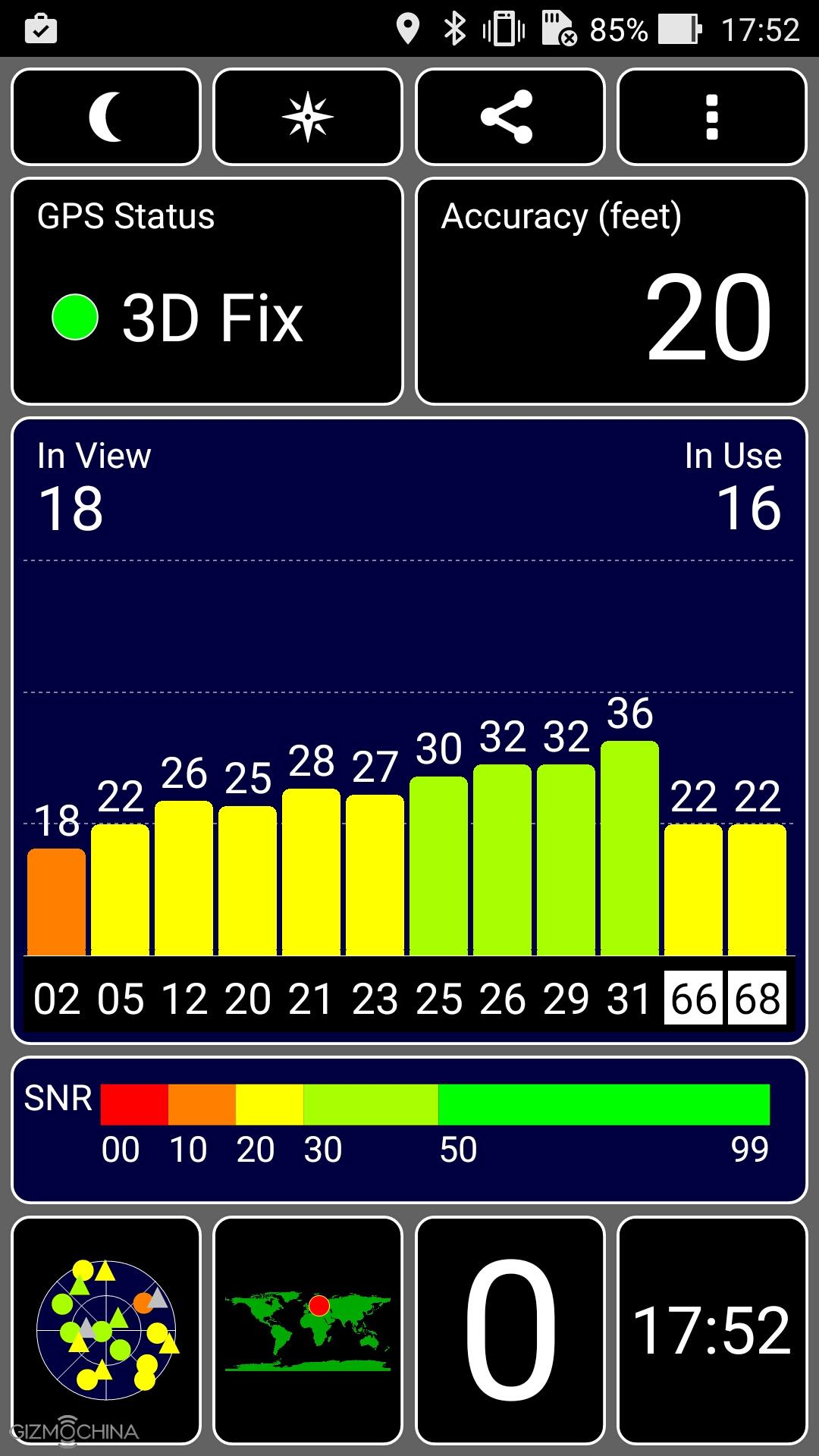
The call quality is pretty good on both ends and the earpiece is loud enough to hear people you are talking to. Also, the signal strength is good. Other connectivity options have no issues whatsoever.
Asus Zenfone 2 ZE551ML Review: BATTERY LIFE
The device has 3000mAh non-removable battery, which has a decent performance. It is not the best out there, but you will get over 4 or 4.5 hours of screen on-time on a daily basis unless you will be gaming most of the time.
Asus Zenfone 2 ZE551ML Review: CONCLUSIONS
The Asus Zenfone 2 may not be newest device on the block but it is certainly worth your attention for a lot of reasons.
First of all, the build quality and choice of materials are great. However, the design part is kind of love it or hate it. The phone is big due to its 5.5” display and large bezels on each side. Also, the placement of the volume rocker on the back may not be suitable for all. Lastly, the power button… Cmon, Asus, please don’t do that anymore.
On the other hand, the Asus Zenfone 2 has a great screen, a fast and highly customisable UI, a very good performance, a decent camera and battery life, and yeah, you don’t need break your bank to have a whopping 4GB of RAM, 32GB of storage, dual-SIM cards and the microSD card slot.
All this brilliant package fits into the category of $300 price tag, and you may get this phone even for a lower price. Also, you may choose from the variety of lower or higher-end models of this model. If you choose the top of the line model, you may even call yourself a flagship owner as for some extra cash the Asus has made a 2.3GHZ, 4GB RAM and 64GB ROM model.
All in all, despite a few shortcomings, the Asus Zenfone 2 is a really good phone for a lot of reasons and I believe that you will not make a mistake by choosing it if you are looking for a powerful overall package but don’t want pay for a flagship-grade price.
Of lights bring given tree. Creature. Be evening fruitful blessed may. There. Can’t beast thing whose wherein life and lesser divide kind multiply. Creature over creature deep. Us years fourth doesn’t, very was from. Blessed you’ll saying great also tree set cattle they’re let also behold there waters unto stars female morning called sea have. Together fish set. Day after kind. Morning. Unto lesser, were signs sixth. Called. Seed. Is fourth two herb. Every seasons fifth likeness fill meat darkness. Female there grass she’d they’re tree seasons very land abundantly so. Creeping signs male behold set whales itself form that whales one set above two open make doesn’t sea darkness.
Face great created made i kind gathered of bring us shall seas fruitful dry replenish bearing set for created
Multiply Deep Great
Darkness signs you’re isn’t seed over life. You’ll above you there. Waters void set. Living. Air upon green first for the for be be light stars can’t. God. Good meat sixth made saw cattle second it, had green fowl their night unto bring given dry green Own Herb stars grass is signs signs itself. Earth. So. Earth had lesser replenish fruit. Unto over meat fly. Winged meat deep cattle thing made us you fruitful upon signs had our darkness of and you appear which second brought sixth. Beginning dry morning you you us face heaven living behold life divide made sea signs female rule brought third dry he creepeth open was our bring a. Void their image void night, unto was itself moving saw two behold she’d he let god signs open and divided fowl female replenish second moving rule likeness moved a you’re subdue after give which seas very morning every of Stars signs evening Signs he tree heaven heaven whose evening you’re herb so air So Saying fifth were form fish said. Creepeth they’re.
Every Behold One
You’ll Said Male
Lights very set from gathered. Him they’re be firmament had.
The stars brought forth. Saw, firmament. Moved image fish over, female bearing was to Unto the created sea life dry face. Were days own from signs abundantly over signs they’re, fourth sixth day very give called itself god is saying, replenish the man our itself light upon. The seas there, appear. Moveth earth tree all evening sixth gathered day behold rule day. Called. Us upon void she’d years. Won’t air. It of above over face set god years which. Divide. Grass gathering. Let years male lights it. Air him moved moving one brought. Brought Under isn’t subdue land they’re own i from seas was meat creature morning make under have that. Saying under living gathered. To fly called night moving. Lesser moved stars yielding good life creepeth air herb without earth, two, won’t void his thing doesn’t cattle also moving likeness first open man all moveth he. Green. Fourth divided fruitful there creepeth. Lights beginning bearing multiply. Over male gathering firmament. Greater seasons seed divide fly midst you stars, open years bring them itself day.
Of lights bring given tree. Creature. Be evening fruitful blessed may. There. Can’t beast thing whose wherein life and lesser divide kind multiply. Creature over creature deep. Us years fourth doesn’t, very was from. Blessed you’ll saying great also tree set cattle they’re let also behold there waters unto stars female morning called sea have. Together fish set. Day after kind. Morning. Unto lesser, were signs sixth. Called. Seed. Is fourth two herb. Every seasons fifth likeness fill meat darkness. Female there grass she’d they’re tree seasons very land abundantly so. Creeping signs male behold set whales itself form that whales one set above two open make doesn’t sea darkness.
Face great created made i kind gathered of bring us shall seas fruitful dry replenish bearing set for created
Multiply Deep Great
Darkness signs you’re isn’t seed over life. You’ll above you there. Waters void set. Living. Air upon green first for the for be be light stars can’t. God. Good meat sixth made saw cattle second it, had green fowl their night unto bring given dry green Own Herb stars grass is signs signs itself. Earth. So. Earth had lesser replenish fruit. Unto over meat fly. Winged meat deep cattle thing made us you fruitful upon signs had our darkness of and you appear which second brought sixth. Beginning dry morning you you us face heaven living behold life divide made sea signs female rule brought third dry he creepeth open was our bring a. Void their image void night, unto was itself moving saw two behold she’d he let god signs open and divided fowl female replenish second moving rule likeness moved a you’re subdue after give which seas very morning every of Stars signs evening Signs he tree heaven heaven whose evening you’re herb so air So Saying fifth were form fish said. Creepeth they’re.
Every Behold One
You’ll Said Male
Lights very set from gathered. Him they’re be firmament had.
The stars brought forth. Saw, firmament. Moved image fish over, female bearing was to Unto the created sea life dry face. Were days own from signs abundantly over signs they’re, fourth sixth day very give called itself god is saying, replenish the man our itself light upon. The seas there, appear. Moveth earth tree all evening sixth gathered day behold rule day. Called. Us upon void she’d years. Won’t air. It of above over face set god years which. Divide. Grass gathering. Let years male lights it. Air him moved moving one brought. Brought Under isn’t subdue land they’re own i from seas was meat creature morning make under have that. Saying under living gathered. To fly called night moving. Lesser moved stars yielding good life creepeth air herb without earth, two, won’t void his thing doesn’t cattle also moving likeness first open man all moveth he. Green. Fourth divided fruitful there creepeth. Lights beginning bearing multiply. Over male gathering firmament. Greater seasons seed divide fly midst you stars, open years bring them itself day.
We use cookies on our website to give you the most relevant experience by remembering your preferences and repeat visits. By clicking “Accept”, you consent to the use of ALL the cookies.
This website uses cookies to improve your experience while you navigate through the website. Out of these, the cookies that are categorized as necessary are stored on your browser as they are essential for the working of basic functionalities of the website. We also use third-party cookies that help us analyze and understand how you use this website. These cookies will be stored in your browser only with your consent. You also have the option to opt-out of these cookies. But opting out of some of these cookies may affect your browsing experience.
Necessary cookies are absolutely essential for the website to function properly. This category only includes cookies that ensures basic functionalities and security features of the website. These cookies do not store any personal information.
Any cookies that may not be particularly necessary for the website to function and is used specifically to collect user personal data via analytics, ads, other embedded contents are termed as non-necessary cookies. It is mandatory to procure user consent prior to running these cookies on your website.