
HMD Global is yet another company that has been inspired by iPhone X’s design. Recent reports have revealed that the Nokia X (or Nokia X6) is an upcoming phone from HMD Global that will be arriving with a notched display. Fresh photos of what appears to be the real Nokia X phone has appeared on Weibo to reveal its design.
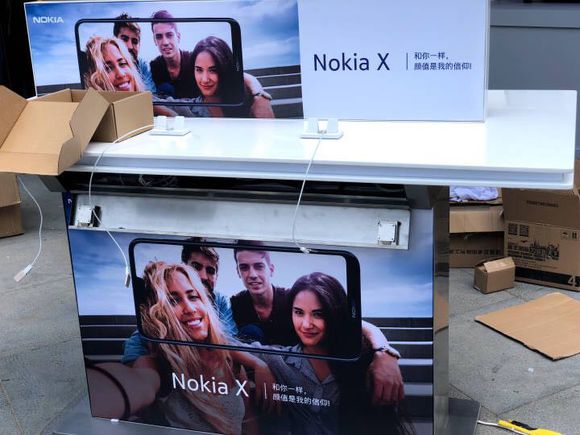
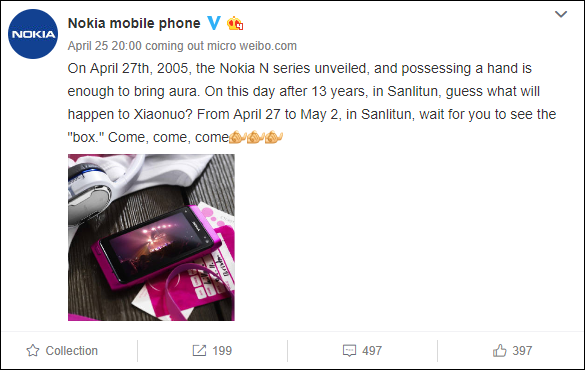
Fresh information states that HMD Global will be holding a week-long event at the Mercedes Me Square in Sanlitun, Beijing that will end on May 2. Even though some rumors have claimed that the handset will be called Nokia X6, marketing materials and images from the venue have revealed Nokia X moniker. There is a possibility that HMD Global could be resurrecting the Nokia X series from the yesteryear and the rumored Nokia X6 could be one of the phones from this lineup.
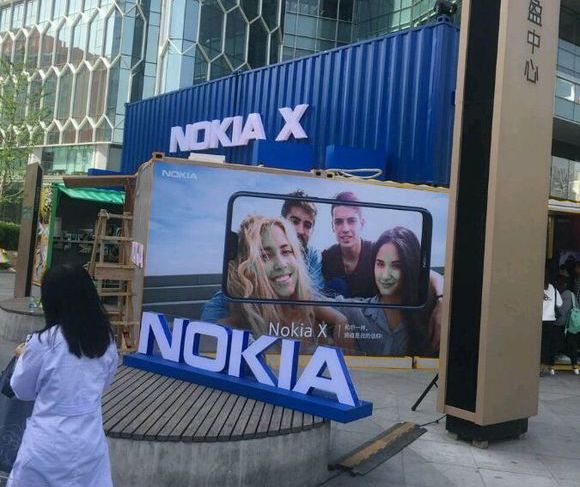 ‘
‘
Since the week-long event has started from today, multiple images of the Nokia X6 have surfaced. As it can be seen, the Nokia X6 has a notched screen. It is speculated that it could be featuring a 5.8-inch display that supports an aspect ratio of 19:9.
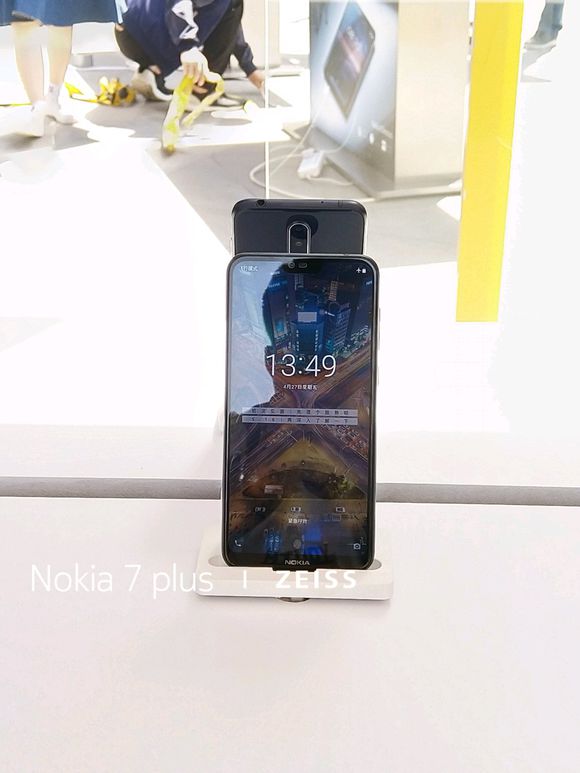
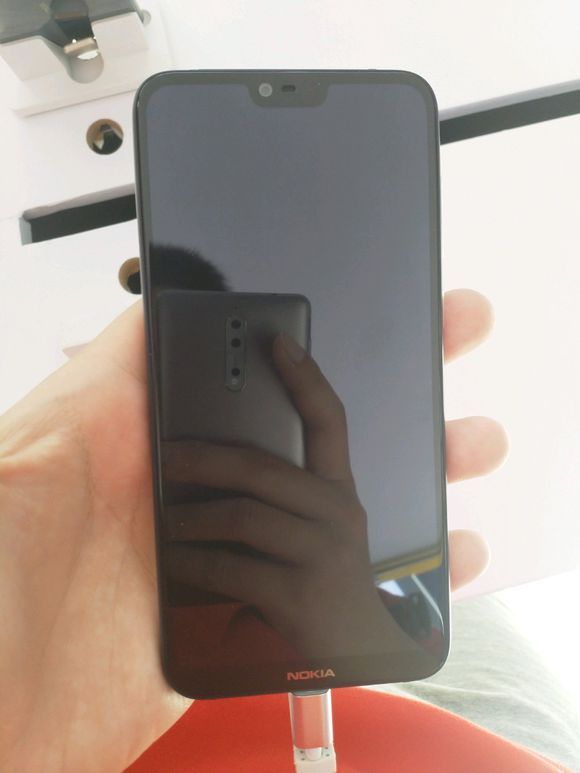
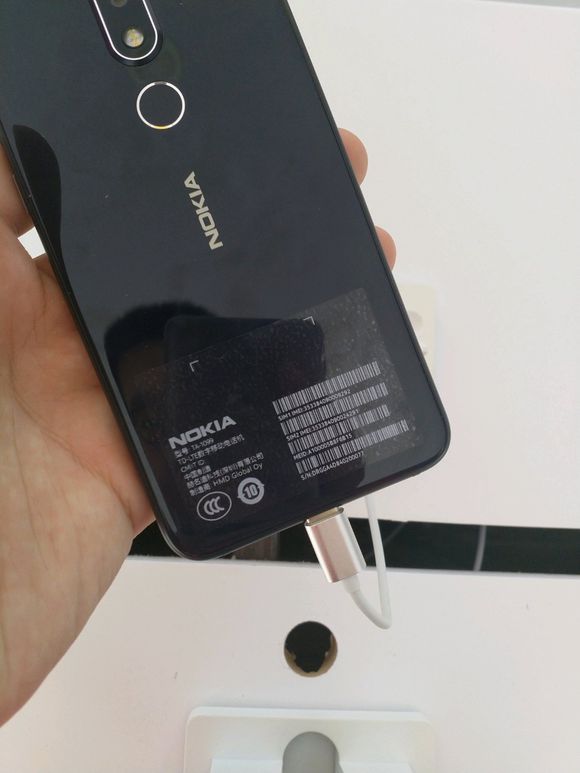
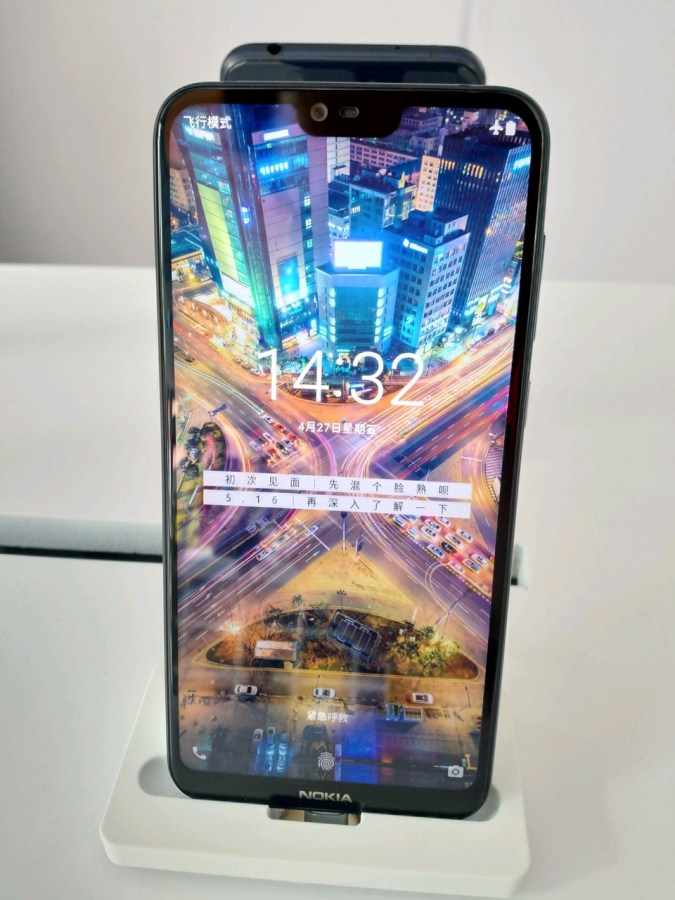
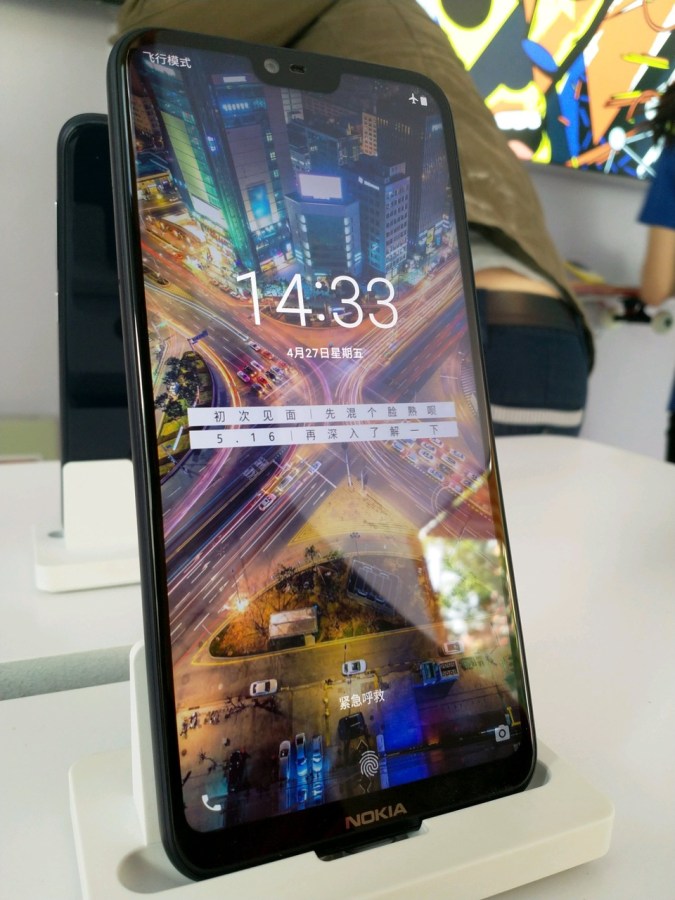
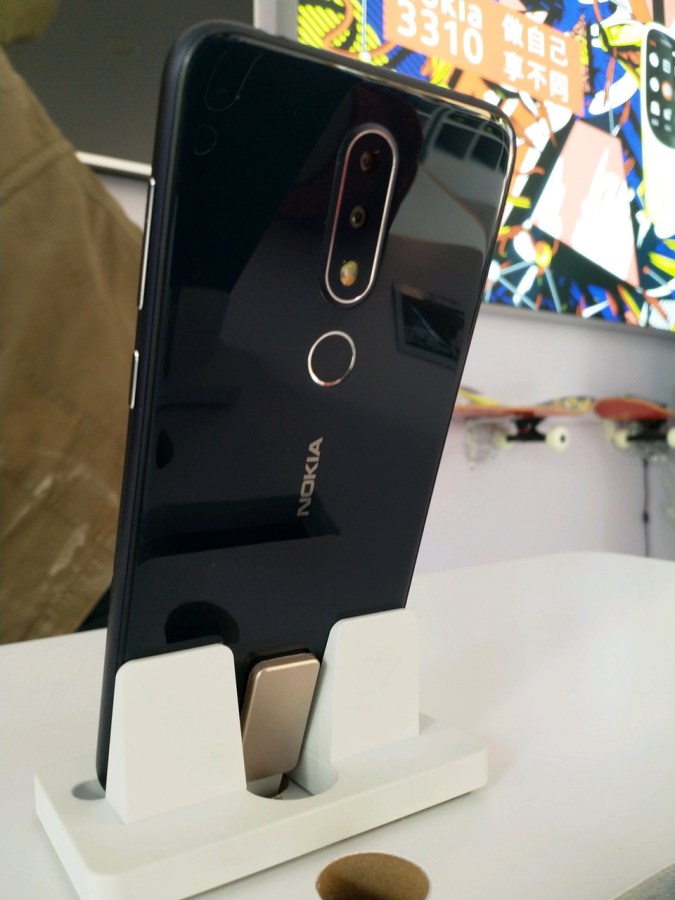
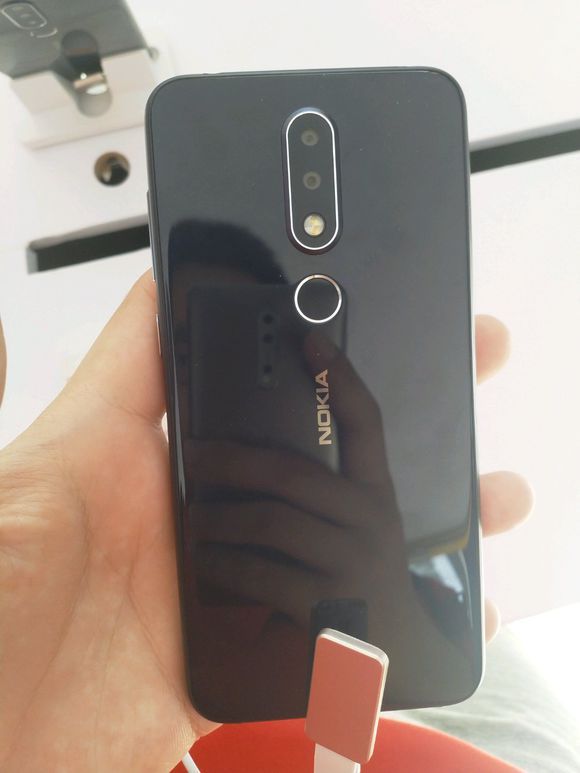
The chin of the Nokia X6 has the Nokia branding and it features rounded corners. The fingerprint scanner resides on the backside of the phone. The rear panel of the phone is made out of glass and it features a vertical dual camera module that includes the dual lenses followed by a dual-tone LED flash.
The rear design of the real handset is somewhat different from the leaked render of the phone (shown below) that has the dual-tone LED flash placed outside of the vertical dual camera module. Also, the chin of the device is slimmer in the below image.
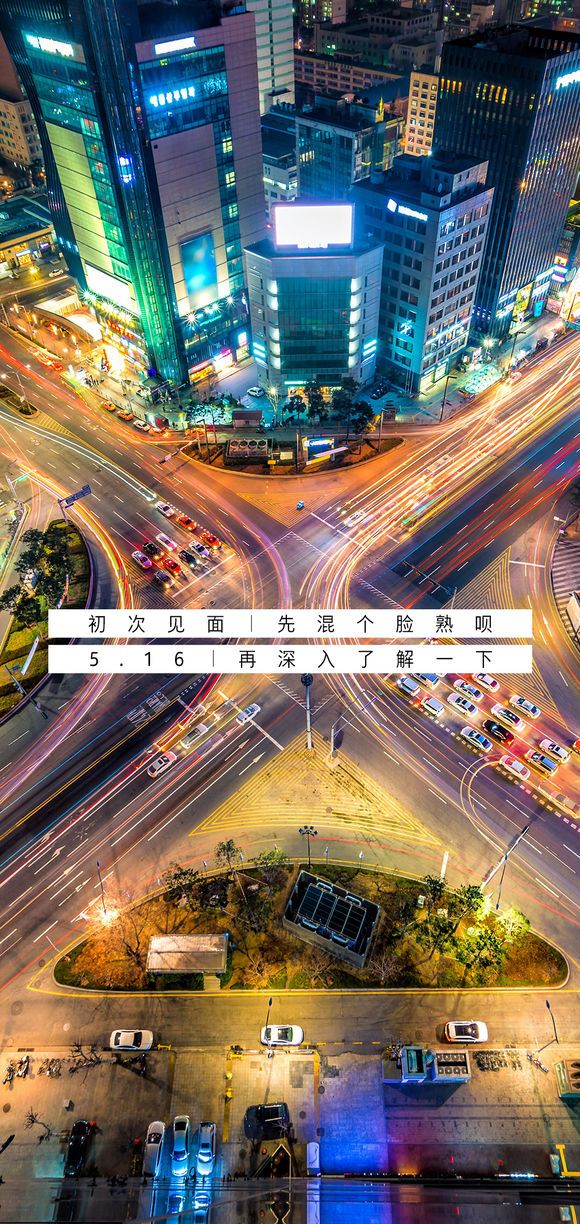
Rumors surrounding the Nokia X6 have revealed that it would be available in two models. The base model will include MediaTek Helio P60 chipset and 4 GB of RAM and it will be priced at 1,599 Yuan (~$253). The higher variant is speculated to be powered by Snapdragon 636 SoC and 6 GB of RAM and it will be costing 1,799 Yuan. Shown below is camera sample of the phone.
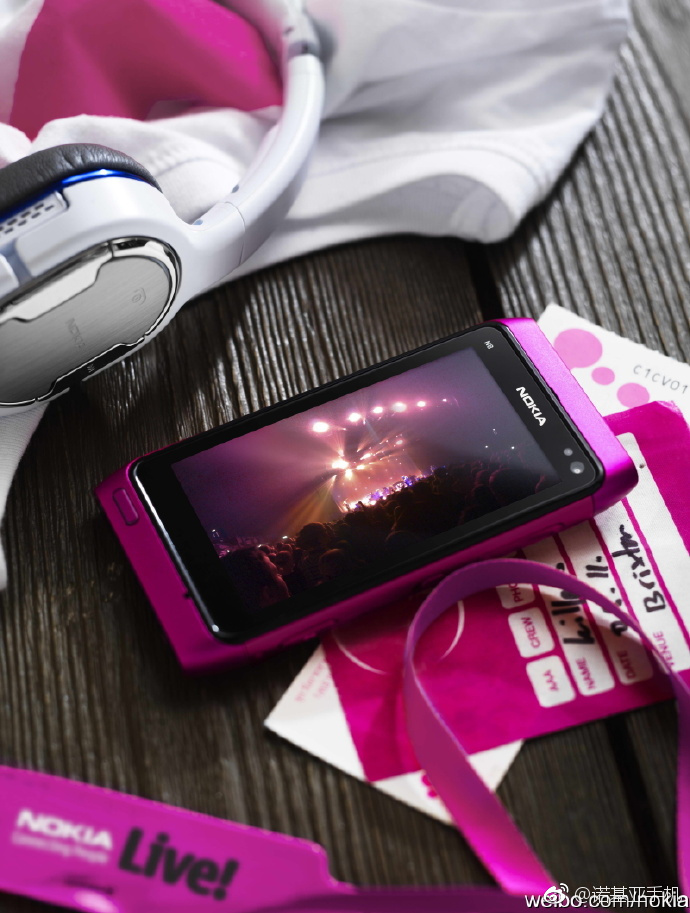
Read More: Nokia’s Latest Teaser Suggests an N-series Model Would Be Launched on May 2
In the above images, the May 16 date is shown on the display of the phone. It is likely that the company may release the phone on the said date.

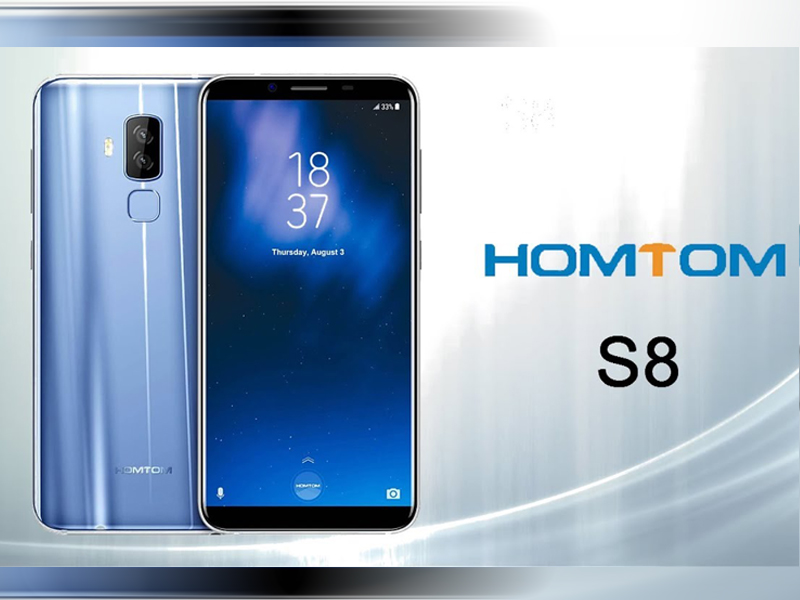
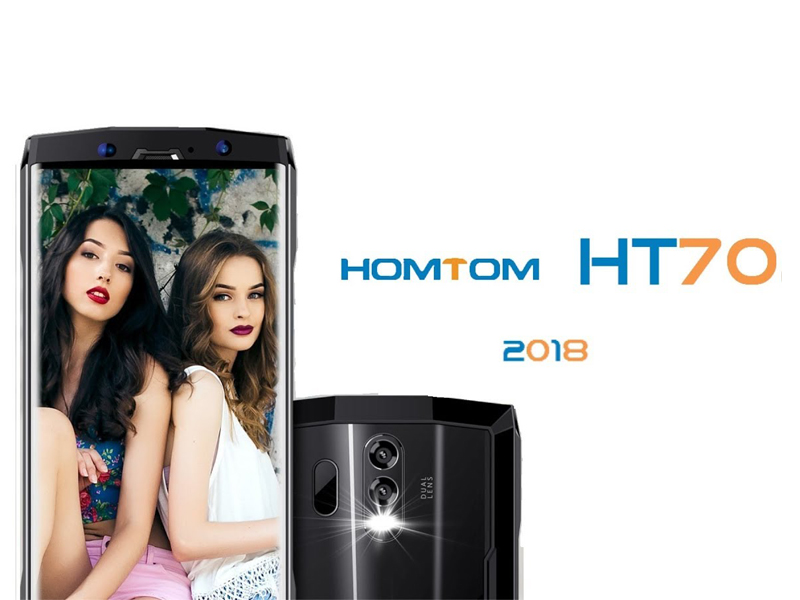
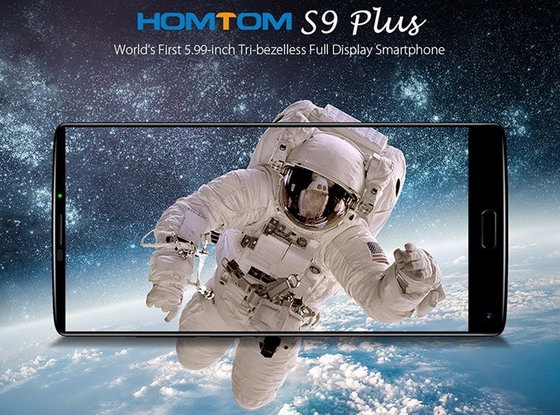
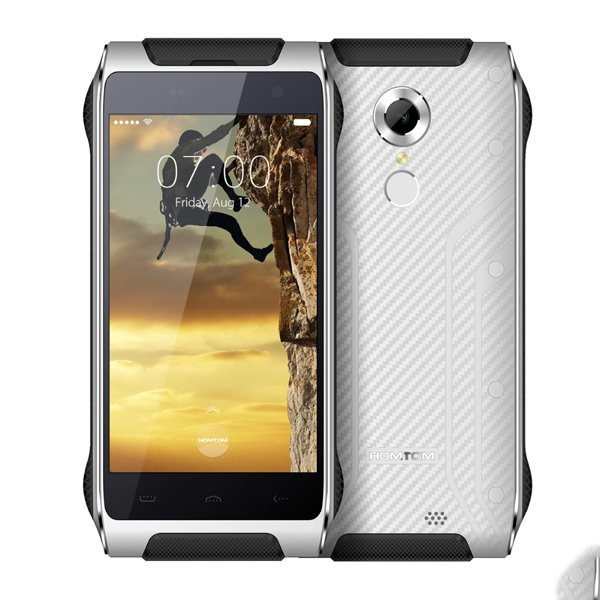 The HT20 Pro boasts a 4.7-inch HD display with a screen resolution of 1280 X 720 pixels. Moreover, it comes with Corning Gorilla protective glass for added protection. The phone is powered by ba MTK6753 1.3GHz Octa Core CPU and it offers 3GB of RAM and 32GB of onboard storage.
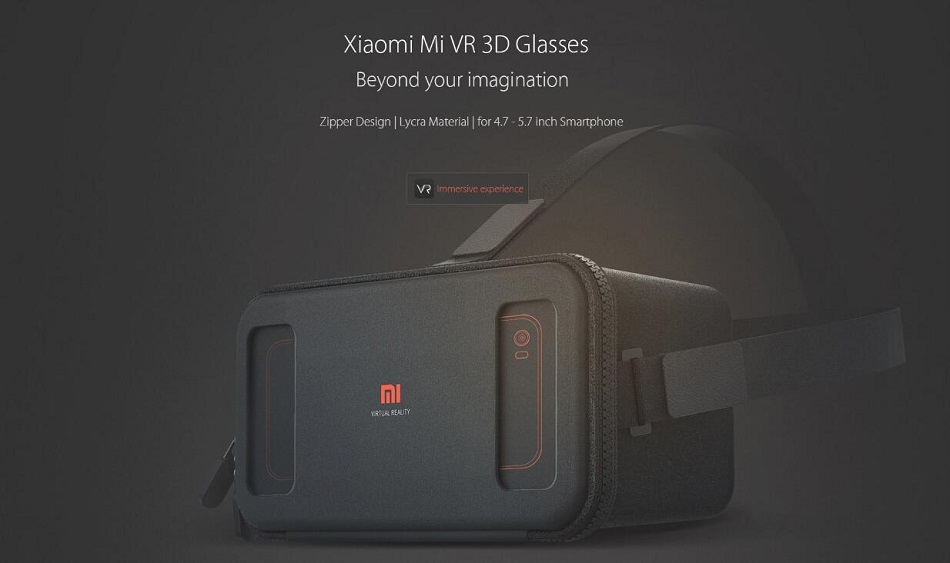
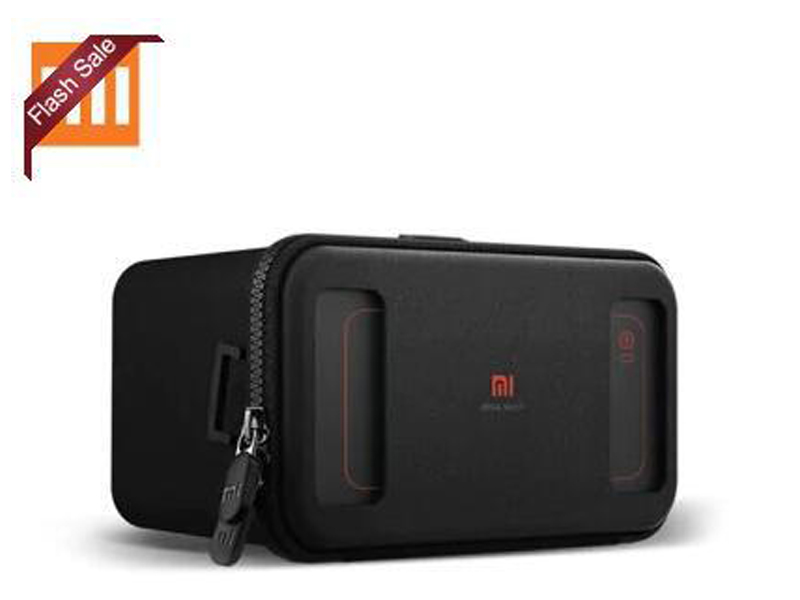 Moreover, it can serve as the private 3D theater that lets you delve into the vivid scenes in the comfort of your own home. The VR glasses supports panorama videos and images that paves the way for an unparalleled watching and playing experience.



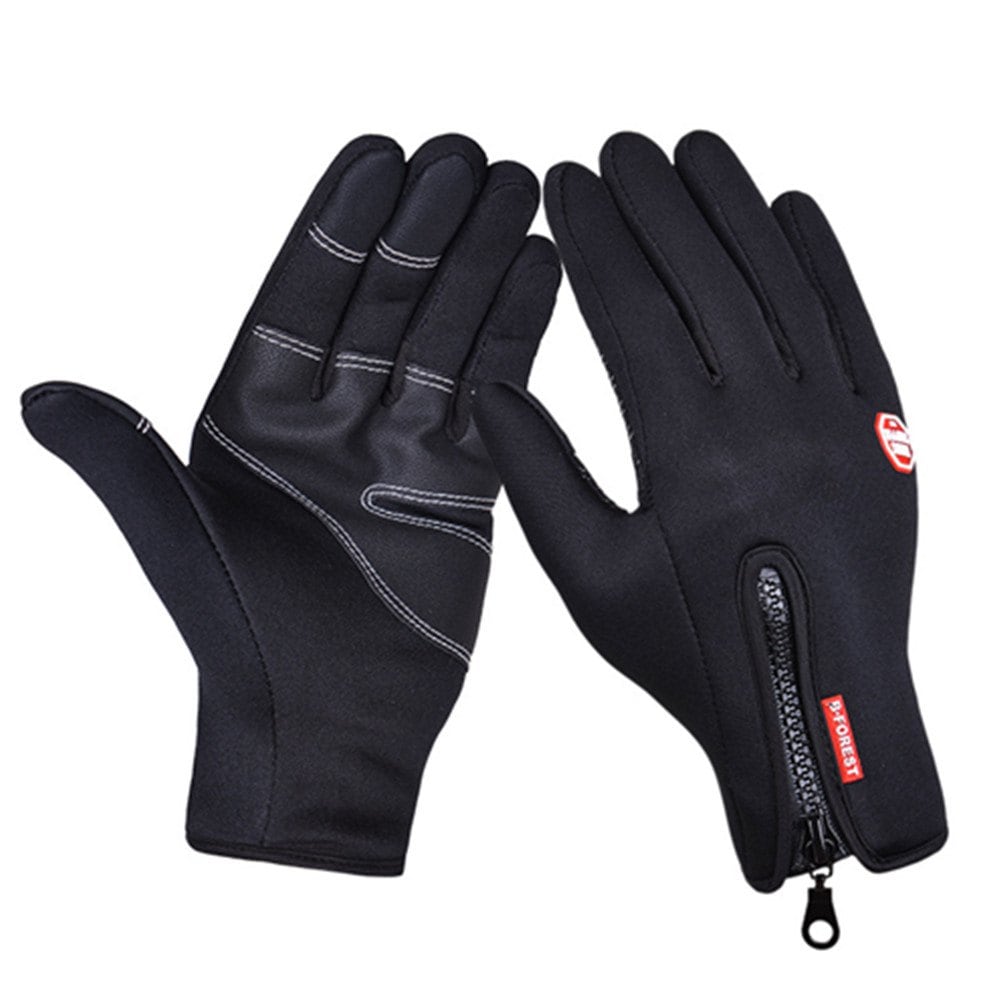 GearBest is offering a noteworthy 37% discount on the cycling gloves, which normally carries a price tag of $8.19 on the site. Moreover, you can choose from different sizes including small, medium, large and XL.

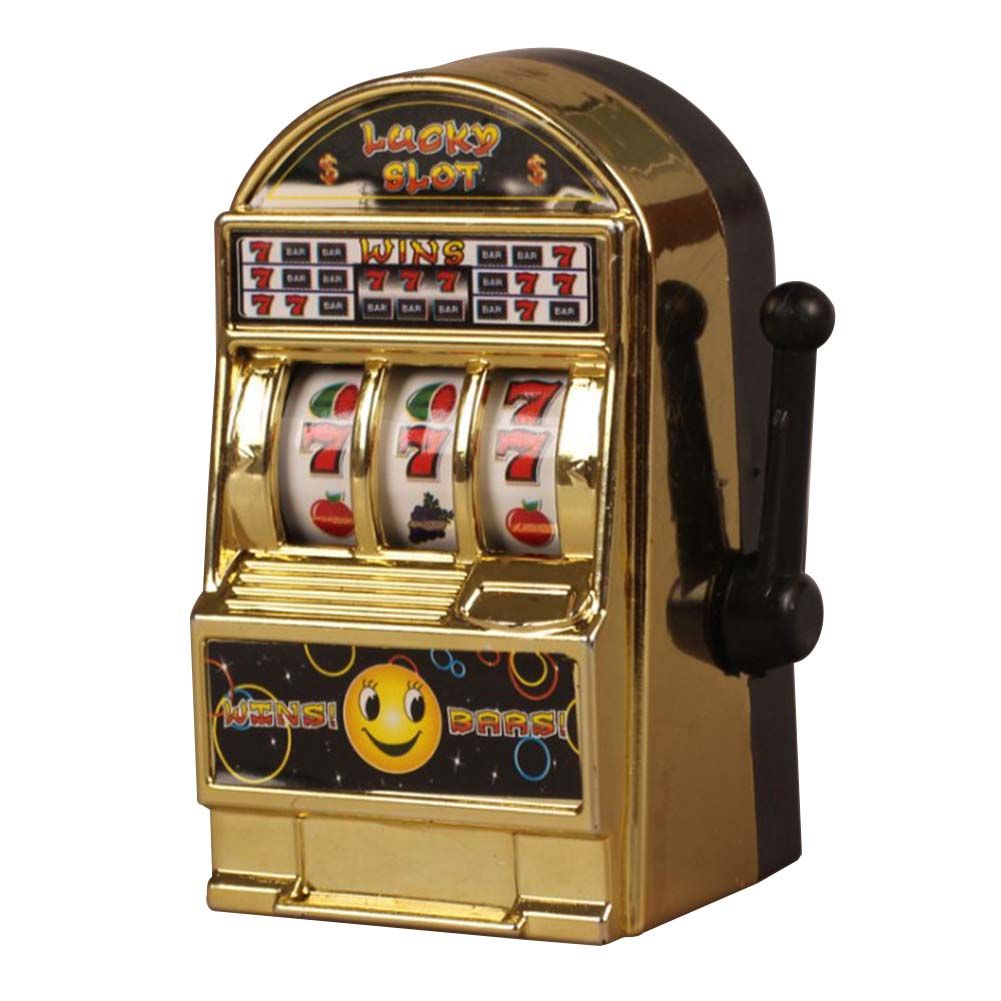 This Flash Sale price will be valid only for the remaining 80 pieces. It’s also worth noting that the promotion will come to an end in 6 days.