
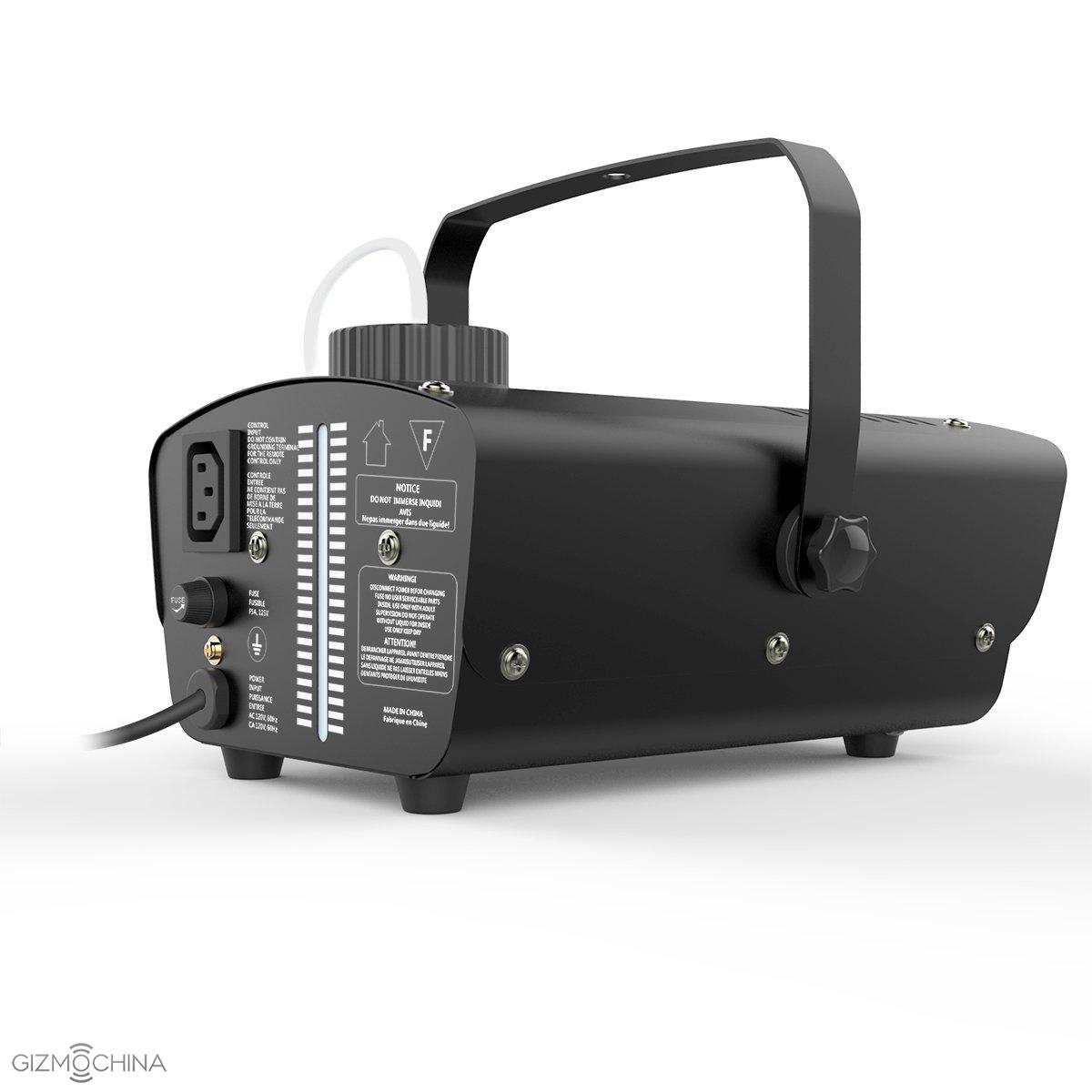
Check Out These Best Seller Halloween Deals of Fun Gadgets by 1byone!
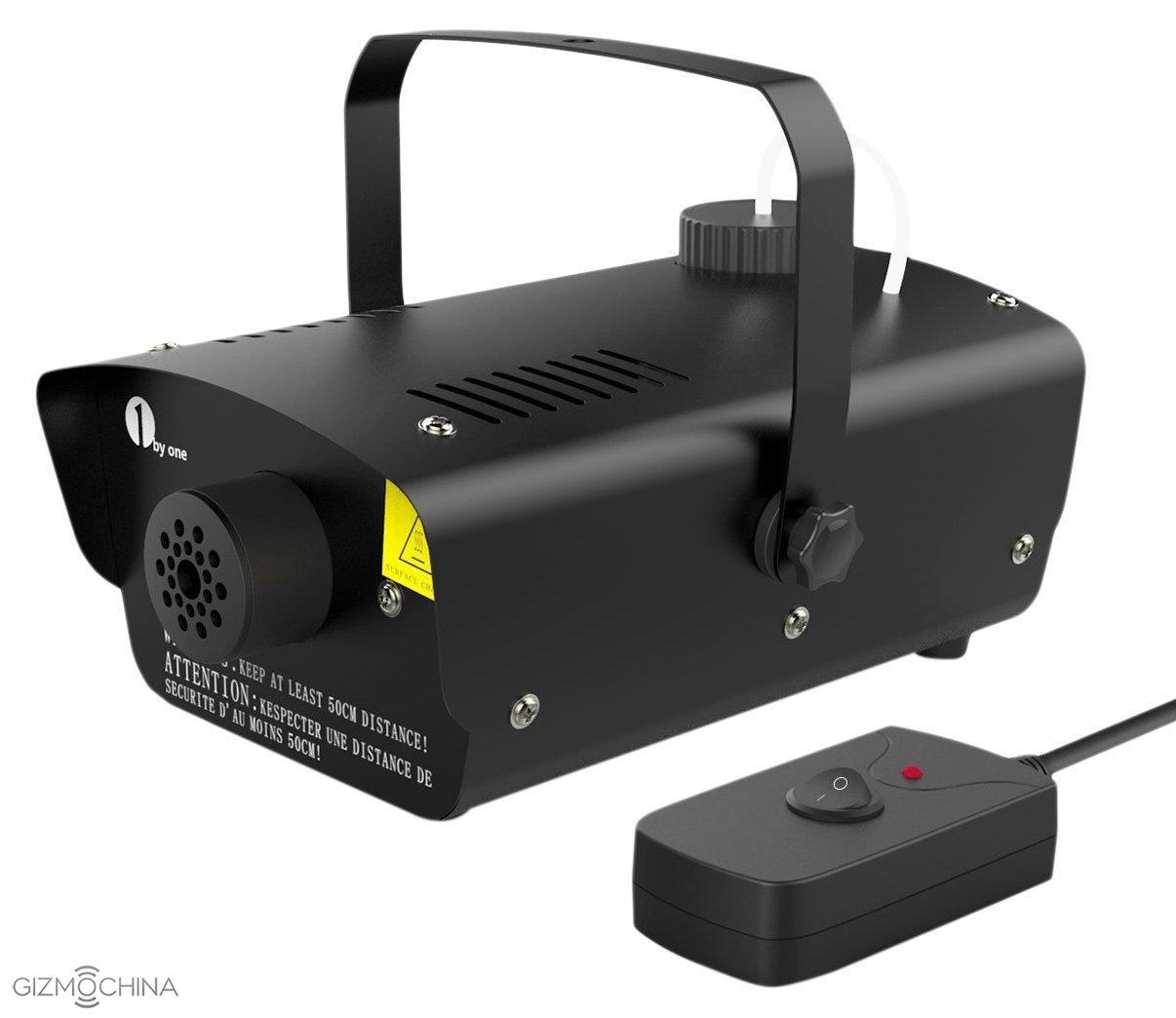
Start Date: 10/14/2015
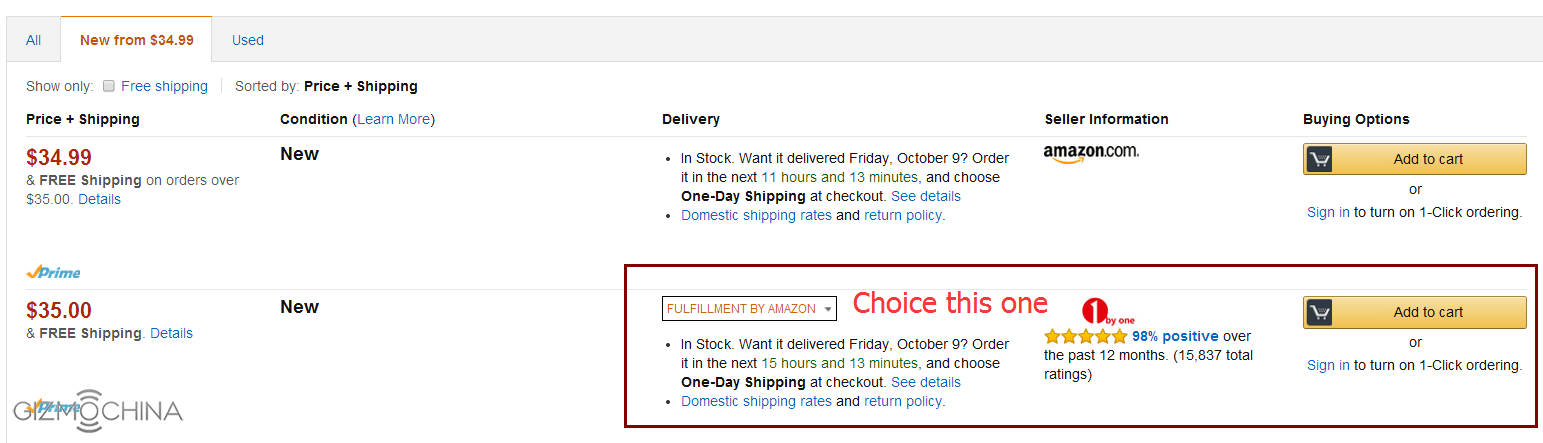
It is important that when you

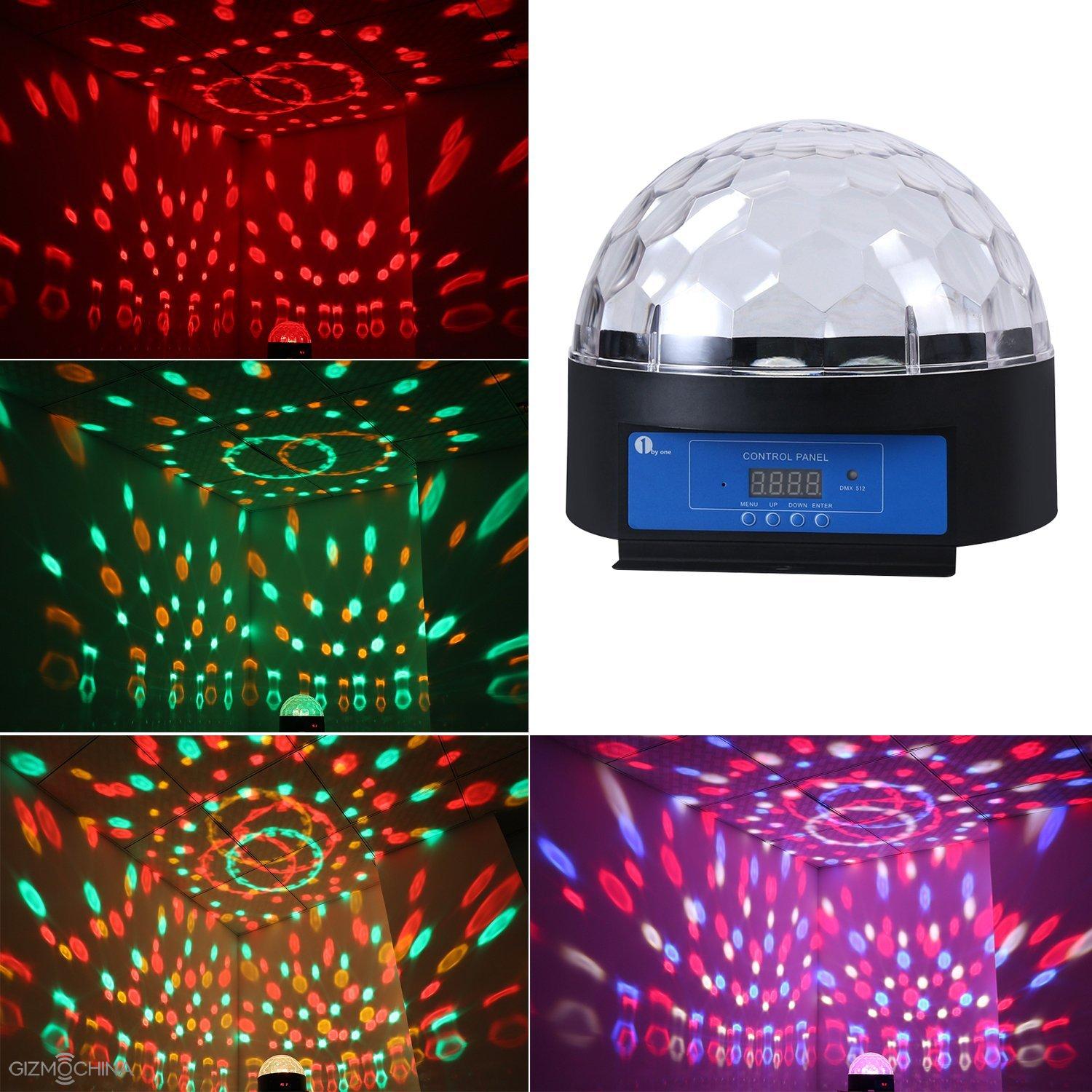

Original price: $42.99
Important Notice: When you
UMi eMax Mini GiveAway: Enter To Win This Snapdragon 615 Powered Flagship
After the success of the popular UMi eMax, the company went ahead and released a Mini version of the device, called as the UMi eMax Mini. Despite its name, the phone features quite impressive specs and also happens to be the first Snapdragon powered smartphone from the company. It comes with the mid-range Snapdragon 615 octa-core 64-bit chip under the hood, which should deliver smooth performance.
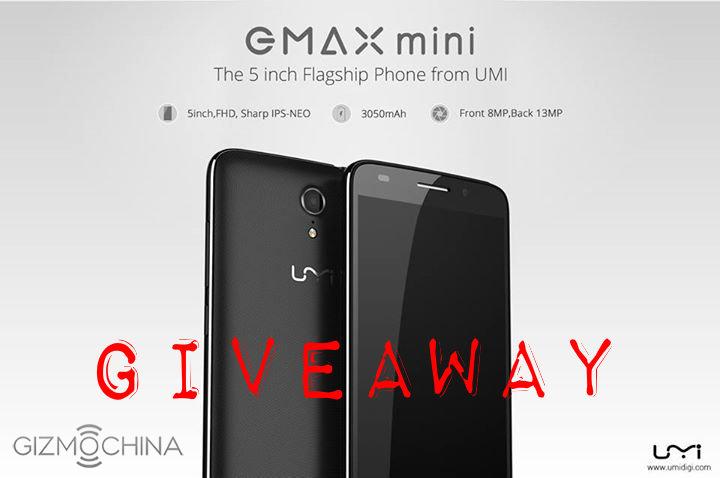
To celebrate the Halloween spirit, the guys over at UMi have decided to giveaway one unit of UMi eMax Mini this week. This is an international giveaway, so fans from all around the world can participate and get a chance to win this mid-range flagship. What’s more, this month, the company will give out a UMi device for free every week, starting with the eMax Mini.
So, those who are interested in having this mid-range flagship for free should definitely participate in this giveaway. You can do that directly from the widget given below.
UMI Halloween Giveaway_ eMAX mini
All the best.
You can check out more details about the giveaway from UMi Community.
Or hit the source link for the features of the device.
Bluboo XWatch Is a Round Sports Smartwatch Based On Android Wear
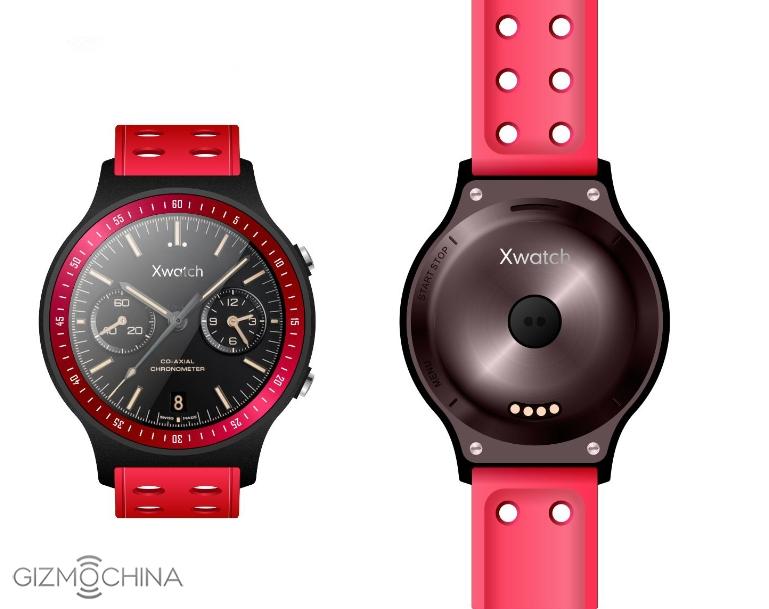
Bluboo has just announced a new smartwatch in the market, called as the Bluboo Xwatch. The company has continued with the same naming scheme as its previous smartphone releases this year like the Xfire and the X550. The watch looks pretty good, given its round face and will most likely come with interchangeable straps.
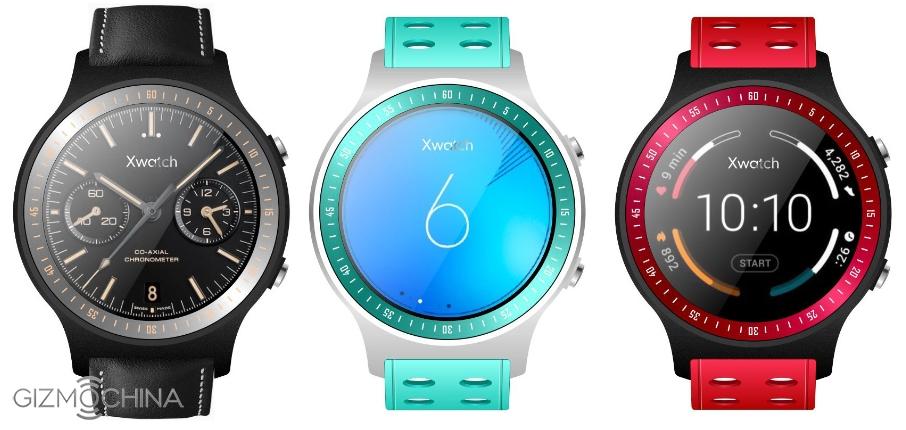
From the images provided to us, the Bluboo Xwatch seems to come in two body color options, white and black, with multiple strap color options. As for the design, it looks pretty basic with a round face and two buttons on the side. At the back, there’s the heart rate sensor and charging port. The company has incorporated a number of sensors on board this particular smartwatch in order to attract sports enthusiasts. So, apart from hear rate sensor, you will find other sensors like barometer, altimeter and GPS. What’s more, the manufacturer says that the phone will run on Android Wear. The entry of Android Wear on a local Chinese smartwatch would make things even more interesting in the smartwatch industry.
From the information provided to us so far, it looks like Bluboo Xwatch has great potential. However, we still don’t know the pricing, specs inside the device, so better wait for these details.
Zeblaze Rover Smartwatch Review: Thin but Powerful
After smartphones, smart watches started being thinner day by day, recently Zeblaze has launched a Bluetooth smartwatch with thinnest bezel that measure just 8.8 mm, however the design of the Zeblaze Rover Bluetooth Smart Watch looks pretty similar to the Apple’s iWatch but considering the price, the smart watch is really a worth to replace typical wrist watch with a smarter, feature filled smart watch.

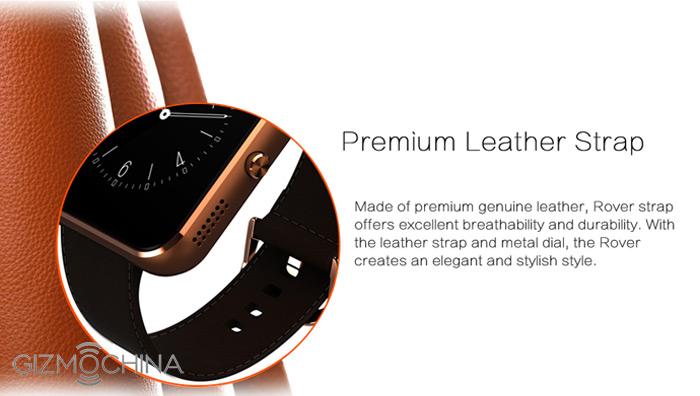
Not only with gorgeous appearance – Toughened OGS panel, 8.8mm ultra thin case and premium leather band, but also built-in high precision clip – MTK2501 (108MHz) which is able to compatible with both Android and iOS system, let you to experience powerful functions
The device is now available exclusively on Gearbest.com with a listing price of just $69.99 along with a nice deal for the readers of this post, at the end of this review post of Zeblaze Rover Bluetooth Smart Watch, I have listed a coupon code that let’s you grab the device at just $52.99.
Zeblaze Rover Bluetooth Smart Watch Review
Design and Display
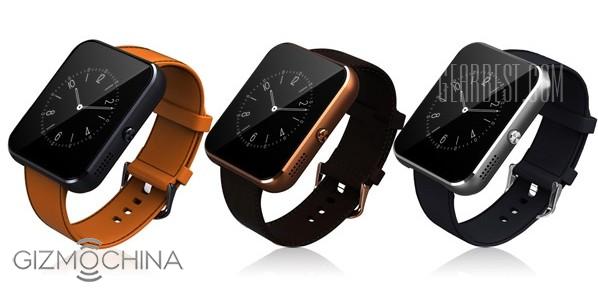
As I have already gave you a brief idea about the design, but still there is much more to explore when it comes to the design. The smart watch comes with attractive metal body along with soft leather strap available in wide range of sober colors that adds extra beauty to your wrist. And most importantly the watch is water resistant, means you no need to bother about water and sweat at all.
While talking about the design, display also plays an important role, and I think the manufacturer has took this very seriously and offered 1.24 inches TFT HD display with a resolution of 240×240 pixels which is enough for a smartphone.
Processor and Added Features
As the smartwatch is not running Android or other hi-fi software that requires upgraded hardware to run the smoothly but still the Zeblaze Rover Bluetooth Smart Watch packs MTK2501 processor with latest 4.0 Bluetooth for uninterrupted performance and better connectivity whole day long.
Zeblaze Rover Bluetooth Smart Watch also features health sensors to track your daily activities like, running, sleeping etc, also this device controls music play and call notifications if it is connected to your smartphone.
To use most of its features along with the Android or iOS smartphone, there is dedicated app that lists all the features and stats. Scan the specified QR code to download the app for Android or iOS. When you get the watch, install Smartwatch.apk program on the smart phone to realize SMS, LINE, Facebook, Weather forecasts and other instant messaging reminders. Whish are inspired from Android Wear, but work much smoothly as the watch’s OS is completely independent of the smartphone, unlike Android Wear, which depends heavily on the phone.

Features in brief: Sedentary reminder, Anti-lost alert, Barometer, Camera remote, Sleep monitoring, Altimeter, Find phone, SMS reminding, Pedometer, Phone book, Dialing, Music player.
Zeblaze Rover Bluetooth Smart Watch Specifications
Brand: Zeblaze Rover
Built-in chip type: MTK 2501
Bluetooth version: Bluetooth 4.0
People: Unisex watch
Waterproof: YES
Waterproof Rating: Life water resistance
Language: Spanish, Swedish, Persian, Russian, Polish, Turkish, Portuguese, Dutch, Indonesian, German, English, Persian, Thai, Italian, French, Finnish, Arabic
Screen: TFT
Screen size: 1.54 inch
Battery type: Li-ion battery
Battery capacity: 250mAh
Standby time: About 72 hours
Available color: Orange, Black, Brown
Measurement: 26 x 4.4 x 0.88 cm / 10.22 x 1.73 x 0.35 inches
Weight: 0.048 kg
As I had promised at the starting of the post, here comes the coupon code that gives a flat discount of $17 on listed price at Gearbest.com.
Gearbest Product Link: Exclusively Buy Here, use this coupon code GBZRT.
Note: Gearbest offers zero shipping charge on any purchase across the world.
Say goodbye to One-Day battery with these Large Battery Phones!
Despite the fact that smartphones have come a long way in terms of packing really impressive hardware and features ranging from killer octa-core processors, fingerprint scanners, fast wireless connectivity chips, and so much more, companies are hardly giving sufficient emphasis towards one of the core components of these mobile devices, the battery.
5 – Cubot H1 : 5,200mAh Battery
Buy Cubot H1 from gearbest.com Buy Cubot H1 from geekbuying.com
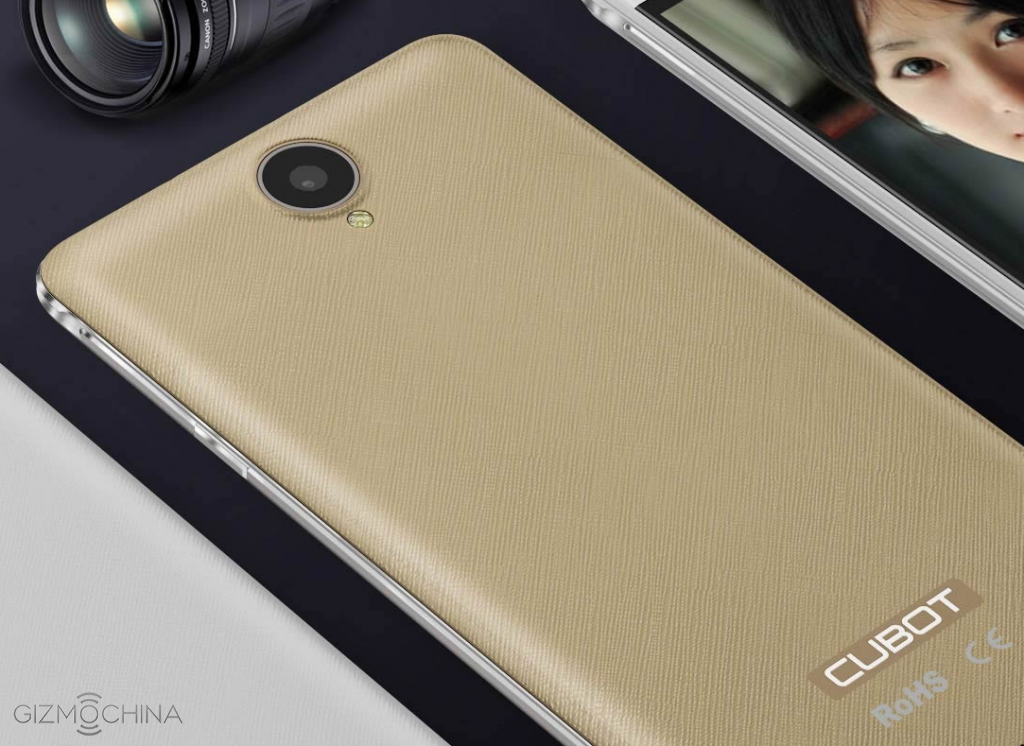
Cubot H1 is another device that we had reviewed earlier on, and it features the same chipset as Bluboo X550, and Mlais MX Base, MediaTek MT6735. However, for a $150 handset, Cubot H1 also has a very large capacity battery present inside it. It’s a 5,200mAh cell and according to the results we gathered after using, the device was able to last us for than 3 days. Not only this, but after we decided to get over-zealous with our review and see how much battery life we could take out while connected to the LTE network, we were able to take out approximately 2 days.
Keep in mind that while connected to the LTE network, we were engaged in light browsing tasks and occasional video streaming, because we wanted to give you a fair idea of how the smartphone would perform under the same conditions when you used it, so in the end, results might vary depending upon your usage. Again, just like Bluboo X550 and Mlais MX Base, the low price tag means that this handset will come up short in performance in comparison to Lenovo Vibe P1 and Innos D6000, but since it is running Android Lollipop 5.1, we did experience the same fluid Android experience as we did with other devices that were running an MT6735 and a quad-core Cortex-A53 processor.
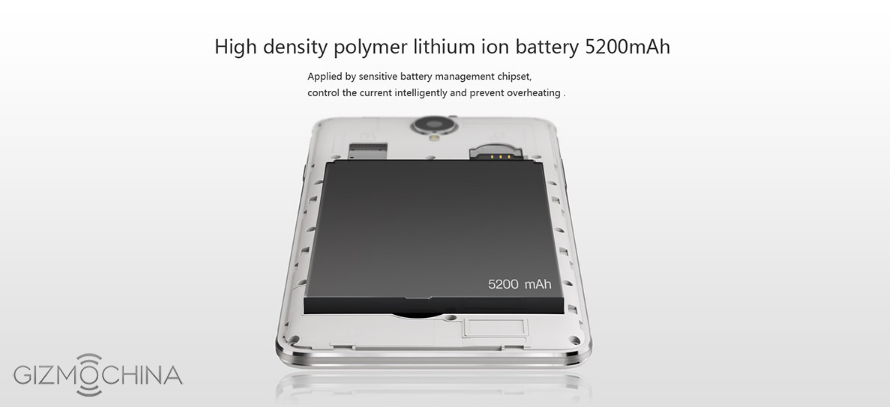
Now since there are three different affordable but large battery smartphones present in our list, we will be doing a separate comparison on which device is perfect according to its price tag, but for now, you will easily be able fulfill your dreams of experiencing large battery timings if you purchase any of the three smartphones. Given below are all of its hardware specifications.
- Chipset: MediaTek MT6735
- Processor: Quad-core 1.0 GHz Cortex-A53
- RAM: 2GB
- OS: Android Lollipop 5.1
- Internal storage: 16GB
- External storage: 32GB via microSD card slot (This will use the second SIM card slot)
- Dual SIM: Yes
- Rear camera: 8MP
- Front camera: 5MP
- Screen size: 5.5 inches
- Resolution: 1280 x 720
- Wireless connectivity: 802.11n Wi-Fi, Bluetooth 4.0, Cat 4 LTE modem
- Charging port: microUSB 2.0
- Battery capacity: 5,200mAh
- Buy Cubot H1 from gearbest.com Buy Cubot H1 from geekbuying.com
4 – Bluboo X550 : 5,300mAh Battery
Buy Bluboo X550 from gearbest.com Buy Bluboo X550 from geekbuying.com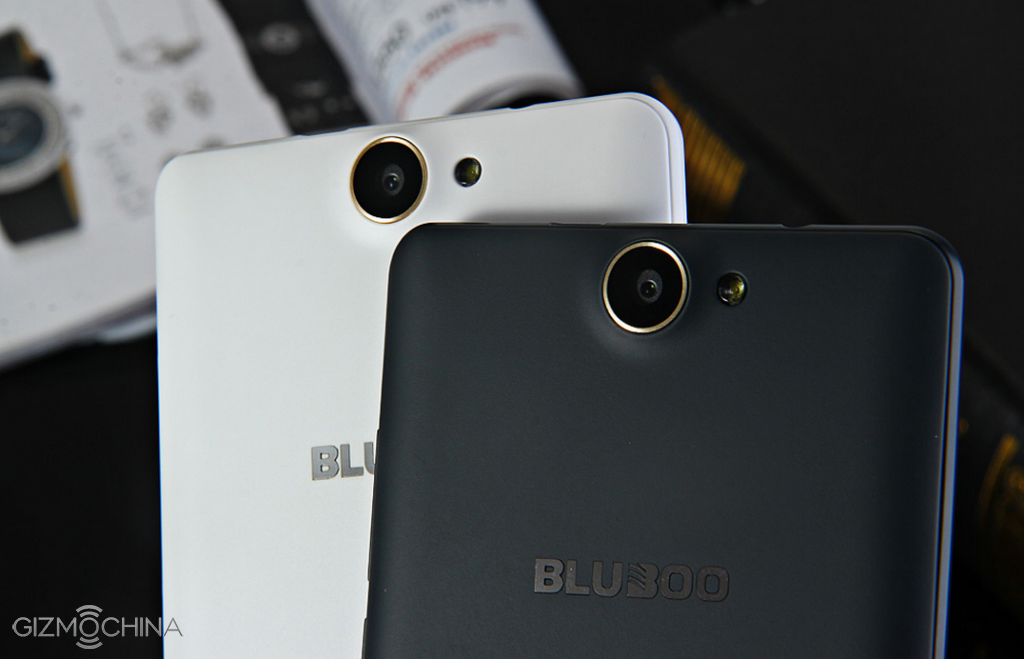
Another Chinese handset that fits in the category of affordable and large battery smartphones is Bluboo X550. With its massive 5,300mAh battery present inside its 5.5 inch frame, this gadget will be able to deliver 2 whole days of talk time while connected to the 3G network, and just so you know, this talk time is much higher than the amount Lenovo Vibe P1 is able to deliver. Carrying a sub-$150 price tag, Blueboo X550 also possesses majority of the features that you will find in high-end smartphones.
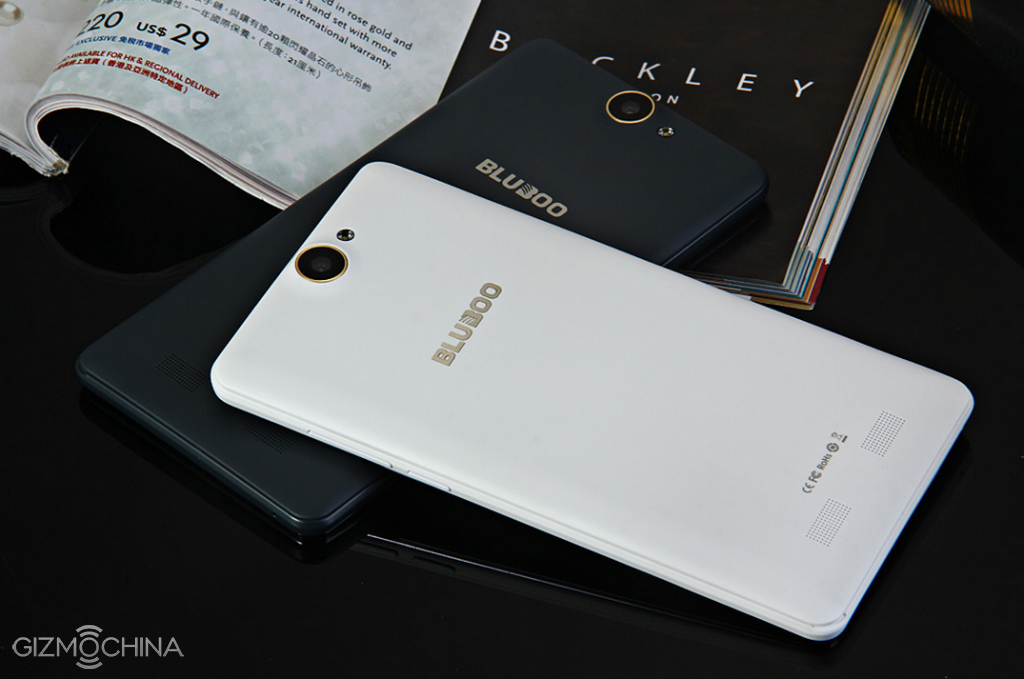
However, and this is only natural; due to its affordability, the company was forced to make sacrifices; a case similar to Mlais MX Base. Like the latter, you will not be able to experience the same level of performance as Lenovo Vibe P1, or Innos D6000, but your experience will still be positive, because we have reviewed quite a bit of handsets running MediaTek’s MT6735 chipsets (this will range from UMi Hammer S, and Elephone M1) and running quad-core processors and despite the fact that we thought these handsets would fail to deliver a smooth Android smartphone experience, we were appalled at how wrong we were with our assessment.
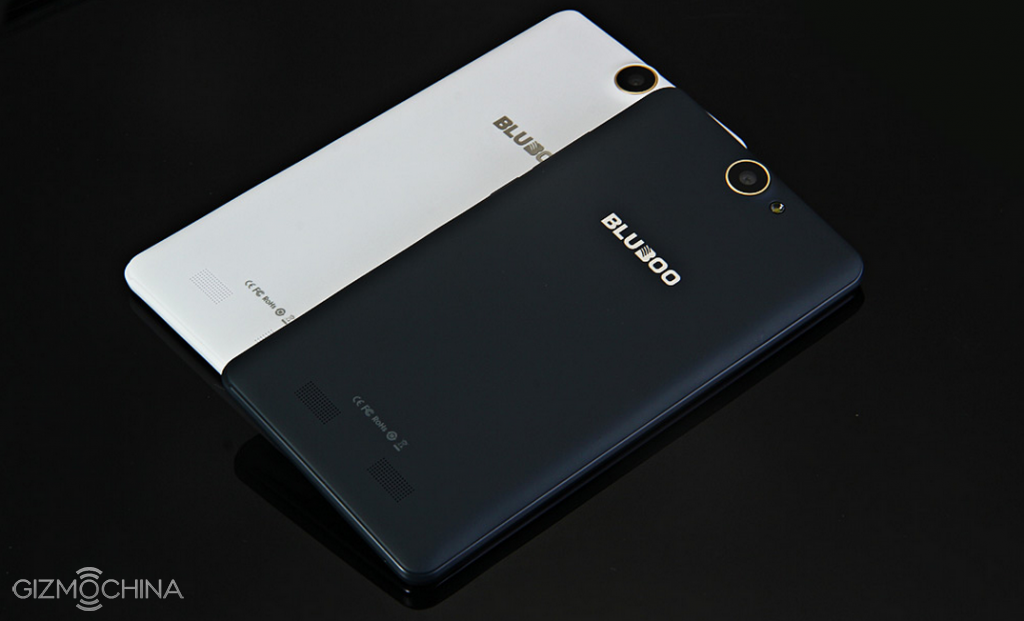
Majority of the reasons why this happens is because these large battery smartphones are running Android Lollipop 5.0 as soon as they enter the market, and thanks to some major improvements in the update, mobile products are able to function much more fluidly than ever. Now that we have another large battery smartphone added to the list, and that too featuring an affordable price, let us detail its hardware configurations so that you know what you will be purchasing with your hard earned money.
- Chipset: MediaTek MT6735
- Processor: Quad-core 1.0 GHz Cortex-A53
- RAM: 2GB
- OS: Android Lollipop 5.1
- Internal storage: 16GB
- External storage: 64GB via microSD card slot (This will use the second SIM card slot)
- Dual SIM: Yes
- Rear camera: 8MP
- Front camera: 5MP
- Screen size: 5.5 inches
- Resolution: 1280 x 720
- Wireless connectivity: 802.11n Wi-Fi, Bluetooth 4.0, Cat 4 LTE modem
- Charging port: microUSB 2.0
- Battery capacity: 5,300mAh
3 – Mlais MX Base : 4,300mAh Battery
Buy Mlais MX Base version from gearbest.com Buy Mlais MX Base from geekbuying.com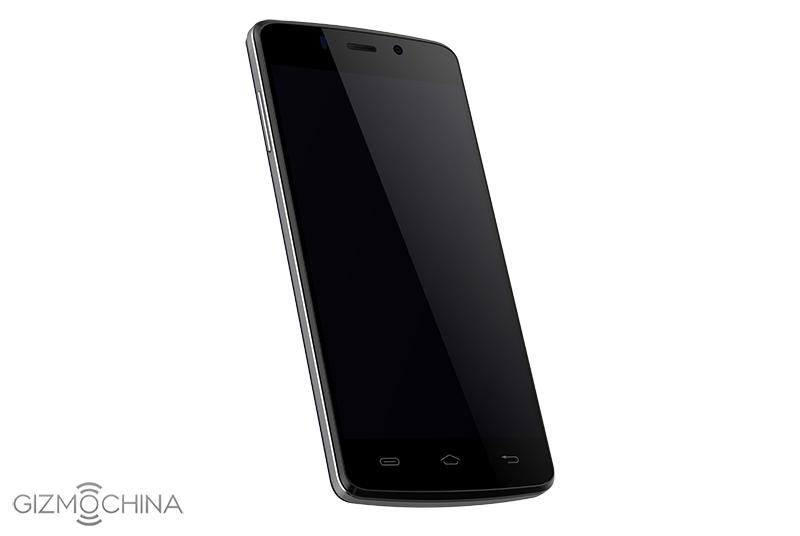
Now, you were expecting that large battery smartphones have to come with expensive price tags because they are packing such large cells inside them. However, Mlais MX Base is great example of how you can purchase a large battery smartphone without spending too much money on one. For a sub-$150 price tag, you will be getting a device that packs a 4,300mAh battery, and will be able to provide up to 40 hours of talk time while connected to the 3G network.
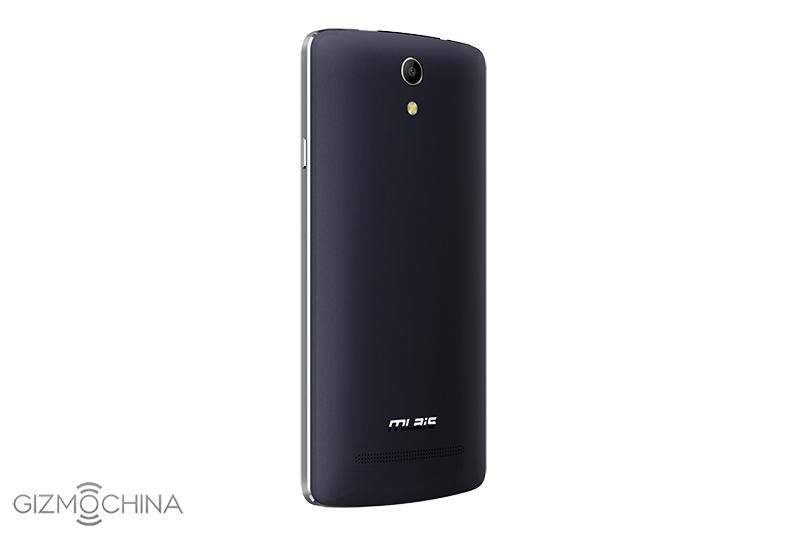
The best part about owning the smartphone is that you will also be able to access LTE networks (via a Cat 4 LTE modem), although the company did not care to provide details regarding the amount of talk time you would receive while connected to this particular network
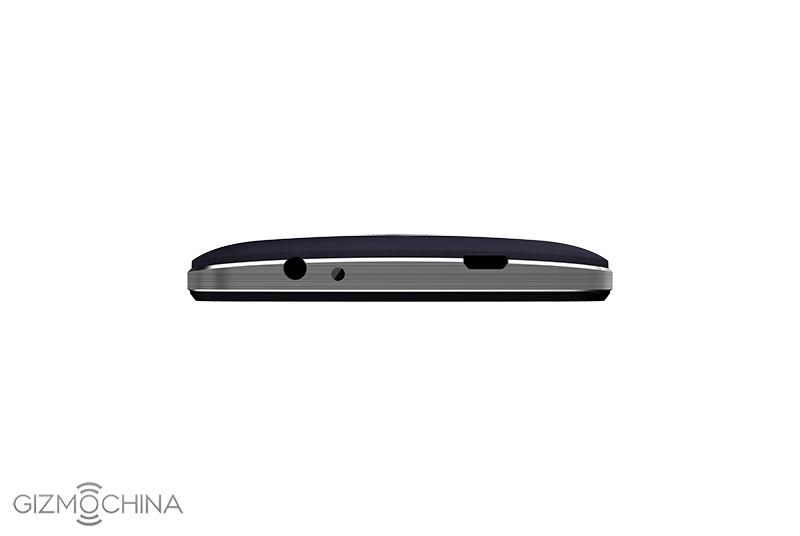
Keep in mind that since you will be able purchase Mlais MX Base for less than $150, there are some sacrifices that the company was forced to make while placing this device in the large battery smartphone category and that obviously comes from the hardware specifications department. While you will not be able to experience the same level of performance as Innos D6000 or Lenovo Vibe P1, you will still get all the necessary features that you would find in a high-end smartphone, and that happens to be an extremely good deal.
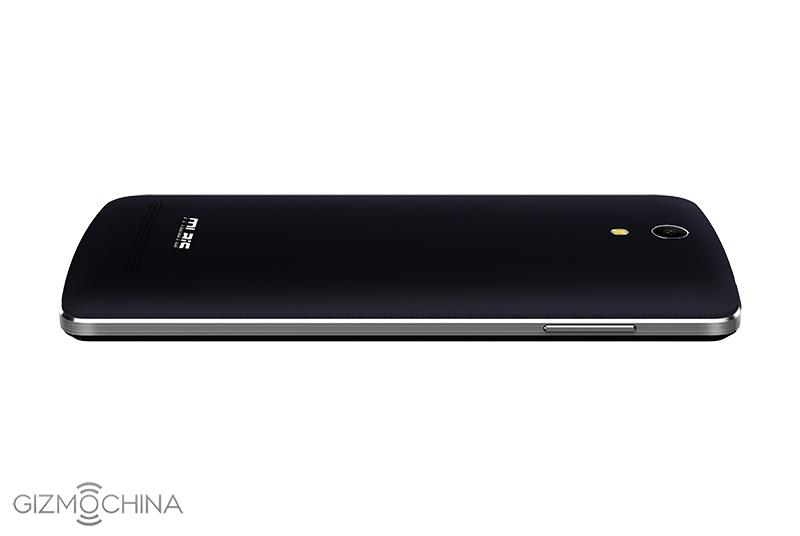
If you happen to be the kind of customer who wants to purchase a high battery capacity smartphone without spending too much money, then Mlais MX Base is the answer to all of your problems. Given below are all of its hardware specifications.
- Chipset: MediaTek MT6735
- Processor: Quad-core 1.3 GHz Cortex-A53
- RAM: 2GB
- OS: Android Lollipop 5.1
- Internal storage: 16GB
- External storage: 64GB via microSD card slot (This will use the second SIM card slot)
- Dual SIM: Yes
- Rear camera: 8MP
- Front camera: 5MP
- Screen size: 5.0 inches
- Resolution: 1280 x 720
- Wireless connectivity: 802.11n Wi-Fi, Bluetooth 4.0, Cat 4 LTE modem
- Charging port: microUSB 2.0
- Battery capacity: 4,300mAh
2 – Lenovo Vibe P1 : 5,000mAh
Buy Lenovo Vibe P1 from gearbest.com Buy Lenovo Vibe P1 from geekbuying.com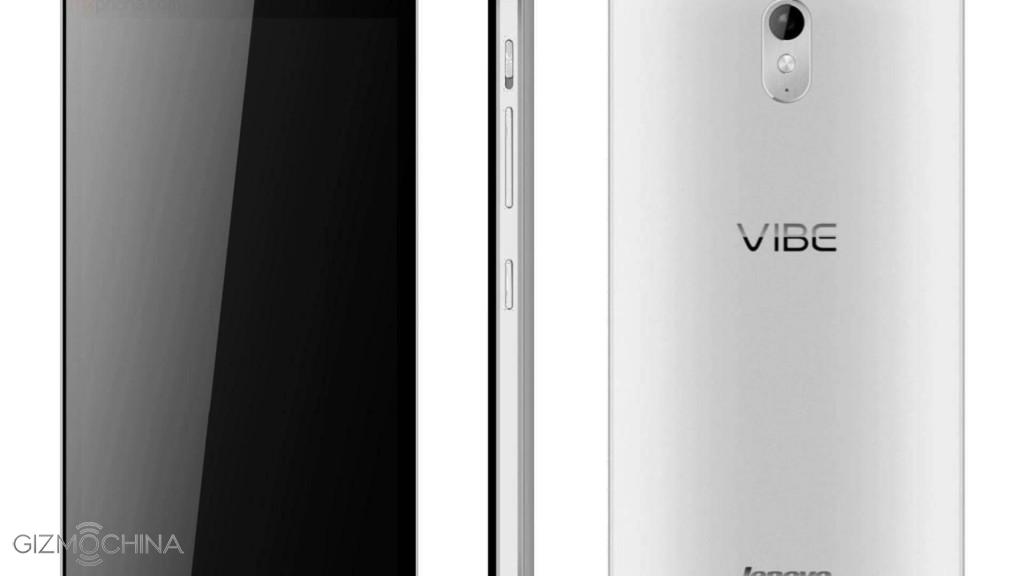
Lenovo is a very popular brand when it comes to desktop and laptop computers and the Chinese company has made quite a name for itself in the smartphone business as well. The firm’s Vibe P1 belongs to the large battery smartphones category because it has a single 5,000mAh cell present inside it. It might be less than the total capacity found in Innos D6000, but keep in mind that it is just a single battery.
Lenovo Vibe P1 will be able to deliver up to 44 hours of talk time while connected to the 3G network, which is really saying something by how far companies are pushing their products to provide the highest amount of battery life as possible. While it has not been mentioned how much battery life you will be able to experience while connected to the LTE network, the fact that you are getting 44 hours of talk time while connected to 3G networks shows that you will have ample battery life while connected to the most battery hungry network we know of.
Thanks to its large battery capacity, the company was forced to increase the screen size of Lenovo Vibe P1. The hardware specifications of this device are impressive, though we have to say that for this smartphone, we were expecting more than 2GB of RAM. Regardless; belonging to the large battery smartphones category, Lenovo Vibe P1 has displayed that it delivers more than your fair share of battery life. Given below are all of its hardware specifications.
- Chipset: Snapdragon 615
- Processor: Quad-core 1.5 GHz Cortex-A53 & quad-core 1.0 GHz Cortex-A53
- RAM: 2GB
- OS: Android Lollipop 5.1
- Internal storage: 32GB
- External storage: 128GB via microSD card slot (This will use the second SIM card slot)
- Dual SIM: Yes
- Rear camera: 13MP
- Front camera: 5MP
- Screen size: 5.5 inches
- Resolution: 1920 x 1080
- Wireless connectivity: 802.11ac Wi-Fi, Bluetooth 4.1, Cat 4 LTE modem
- Charging port: microUSB 2.0
- Battery capacity: 5,000mAh
1 – Innos D6000 : 6,000mAh
Buy Innos D6000 from gearbest.com Buy Innos D6000 from geekbuying.com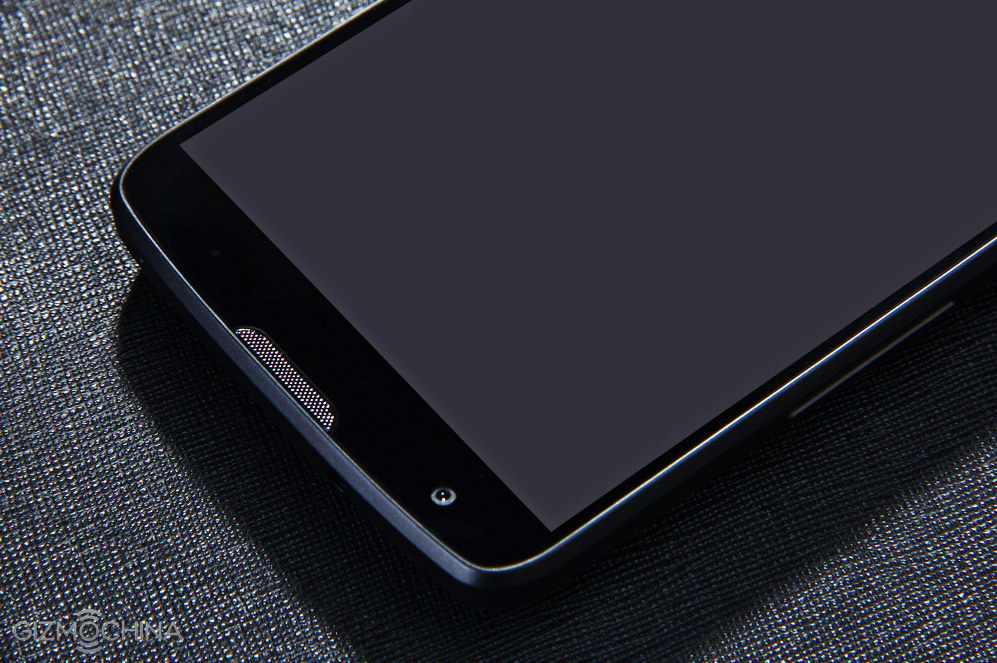
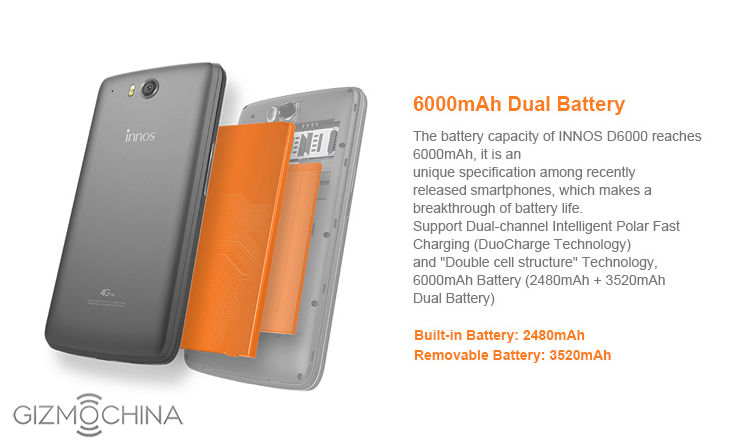
Very little was known about Innos D6000 until it was marketed as being the first ever smartphone to have two batteries present underneath its housing. That is correct; there is one built-in battery and one removable battery present inside Innos D6000, along with a bunch of other impressive features. While having two battery cells inside a compact space of a smartphone might cause overheating issues, the company states that the device uses a dual-channel intelligent polar, referring to it as DuoCharge technology.
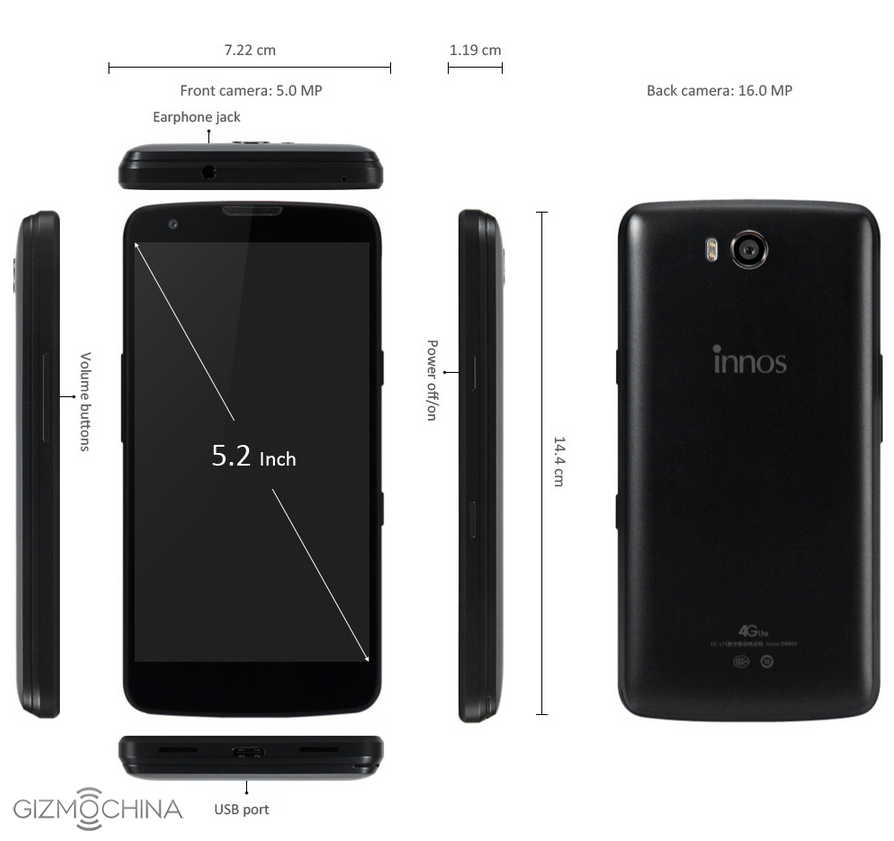
It means that it uses the built-in chip with current allocation algorithms, which allow parallel charging of two batteries. Also, both batteries are not going to be utilized at the same time. When the built-in battery has been completely depleted, the backup battery comes to the playing field and starts to power on the smartphone.
According to the company, Innos D6000 will be able to deliver up to 3 whole days of continuous battery life while being on standby mode, and 24 hours while browsing the web continuously while being connected to an LTE network. We all know how battery hungry LTE modems are so it is really impressive to see that this smartphone is able to deliver such a high amount of battery life.
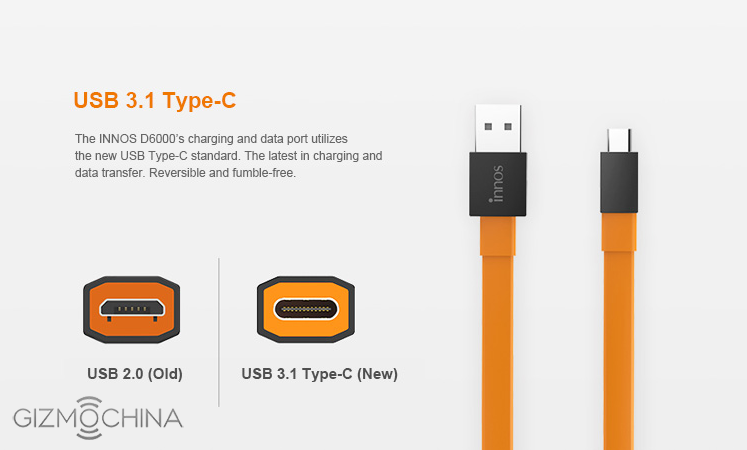
This is a very interesting approach introduced in smartphones and we sincerely hope that more products like these are introduced in the near future. In terms of hardware specifications, Innos D6000 does pack impressive components inside it, though we were not too excited to see a Snapdragon 615 present. Given below are all of its hardware specifications.
- Chipset: Snapdragon 615
- Processor: Quad-core 1.7 GHz Cortex-A53 & quad-core 1.0 GHz Cortex-A53
- RAM: 3GB
- OS: Android Lollipop 5.0
- Internal storage: 32GB
- External storage: 128GB via microSD card slot
- Dual SIM: Yes
- Rear camera: 16MP OmniVision
- Front camera: 5MP
- Screen size: 5.2 inches
- Resolution: 1920 x 1080
- Wireless connectivity: 802.11n Wi-Fi, Bluetooth 4.0, Cat 4 LTE modem
- Charging port: USB-C
- Battery capacity: 2,480mAh internal + 3,520mAh external = 6,000mAh
After looking at a huge number of smartphones, we were finally able to give you a list of 5 large battery smartphones that will easily be able to deliver the most amount of battery life, while connected to both the 3G and LTE networks. If you are asking us which device we would end up purchasing if we had a choice between all five, then we would easily settle for Innos D6000. This is because the smartphone has the highest battery capacity and to top it all, it trumps all smartphones if you decided to compare them altogether.
While some consumers do not like to spend too much money while purchasing a smartphone, if they want to experience performance and high battery life at the same time, along with all the core features from high-end devices present in these ones, it will require you to spend slightly more than your projected budget in order to make this happen.
Give us your opinion on which smartphone you would like to purchase and why.
OnePlus X Leaked: An iPhone 4 Copy?
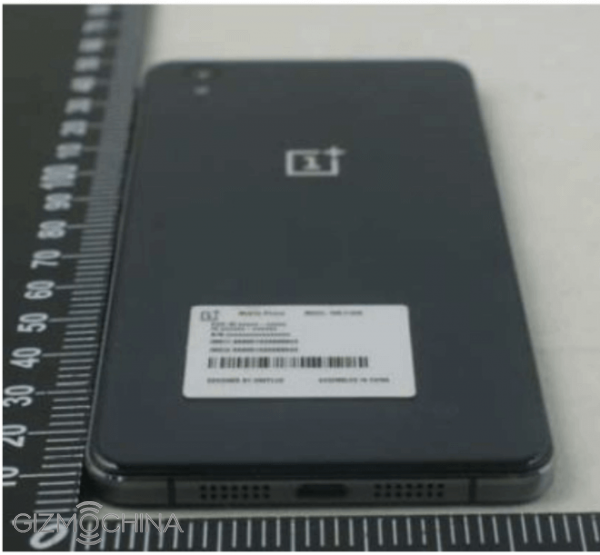
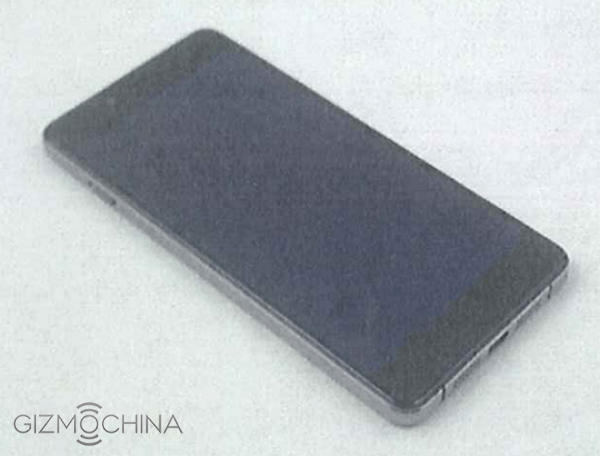
As former reported, the new Oneplus X will be released in October, and the CEO also confirmed the third smartphone a day ago. And now, another real picture leaked by FCC (The Federal Communications Commission). The new 5-inch mini smartphone looks like an iPhone 4.
The Oneplus X covered glass on the both side, both are 2.5D curve touch screens, and a logo on the back. Oneplus X rumored built-in Qualcomm Snapdragon 801 processor, along with 3GB RAM, 16GB/64GB storage, 13-megapixel Sony IMX258 rear camera. Of course, pre-installed Oxygen OS base on Android 5.1 OS.
Xiaomi Mi4C Review – A Flagship Smartphone for the Frugal
Xiaomi is a manufacturer from China that needs no further introduction. They have released a lot of phones which are selling like hot cakes in China and also internationally. The Mi4C is one of their latest devices and in this review we are going to find out if it is worth your attention.
We wanted to say thanks to Giztop for providing us with a Xiaomi Mi4C review unit.
Xiaomi Mi4C Review: VIDEO
https://www.youtube.com/watch?v=4Bz5gZsS-4c
Xiaomi Mi4C Review: UNBOXING
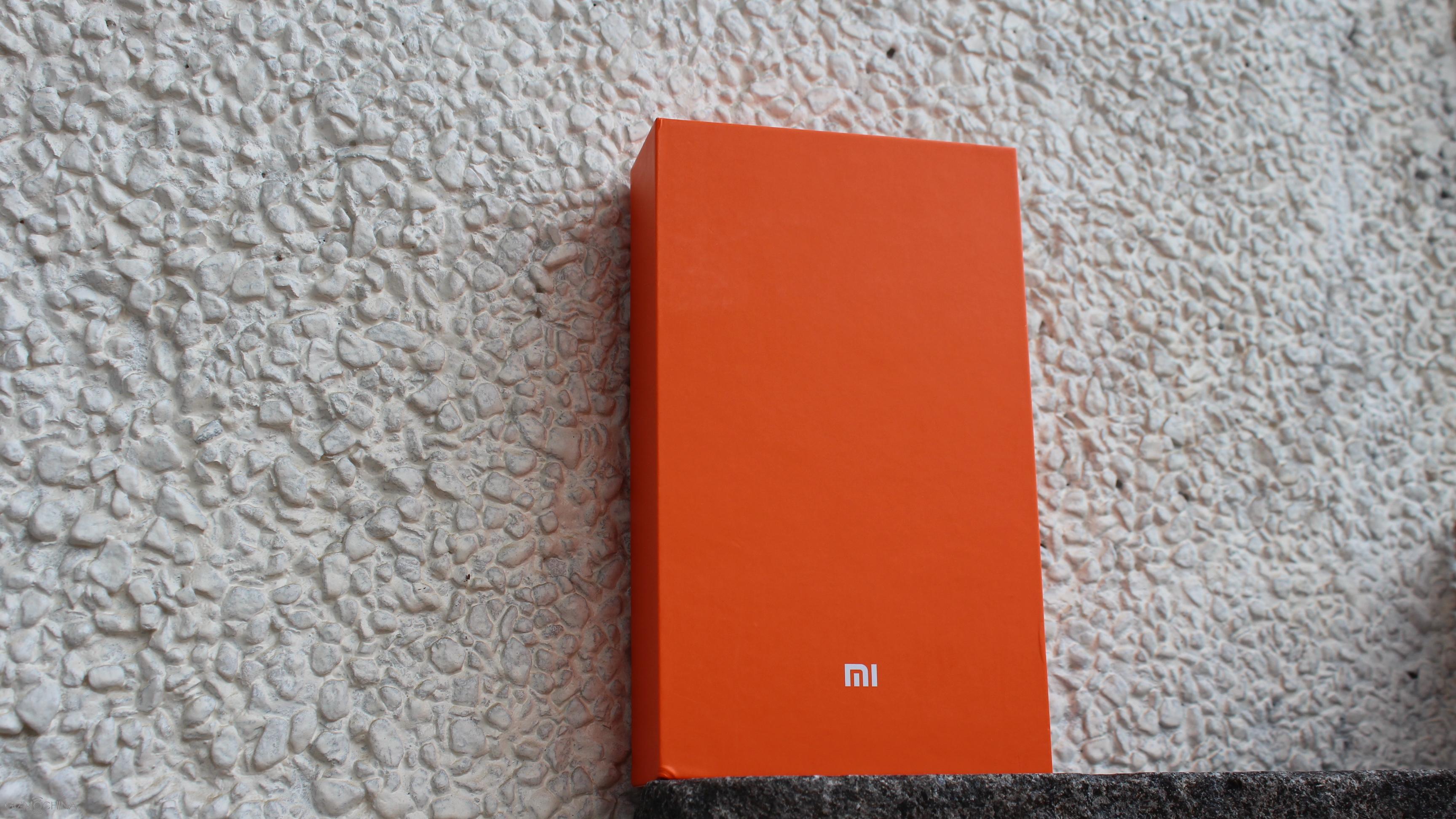
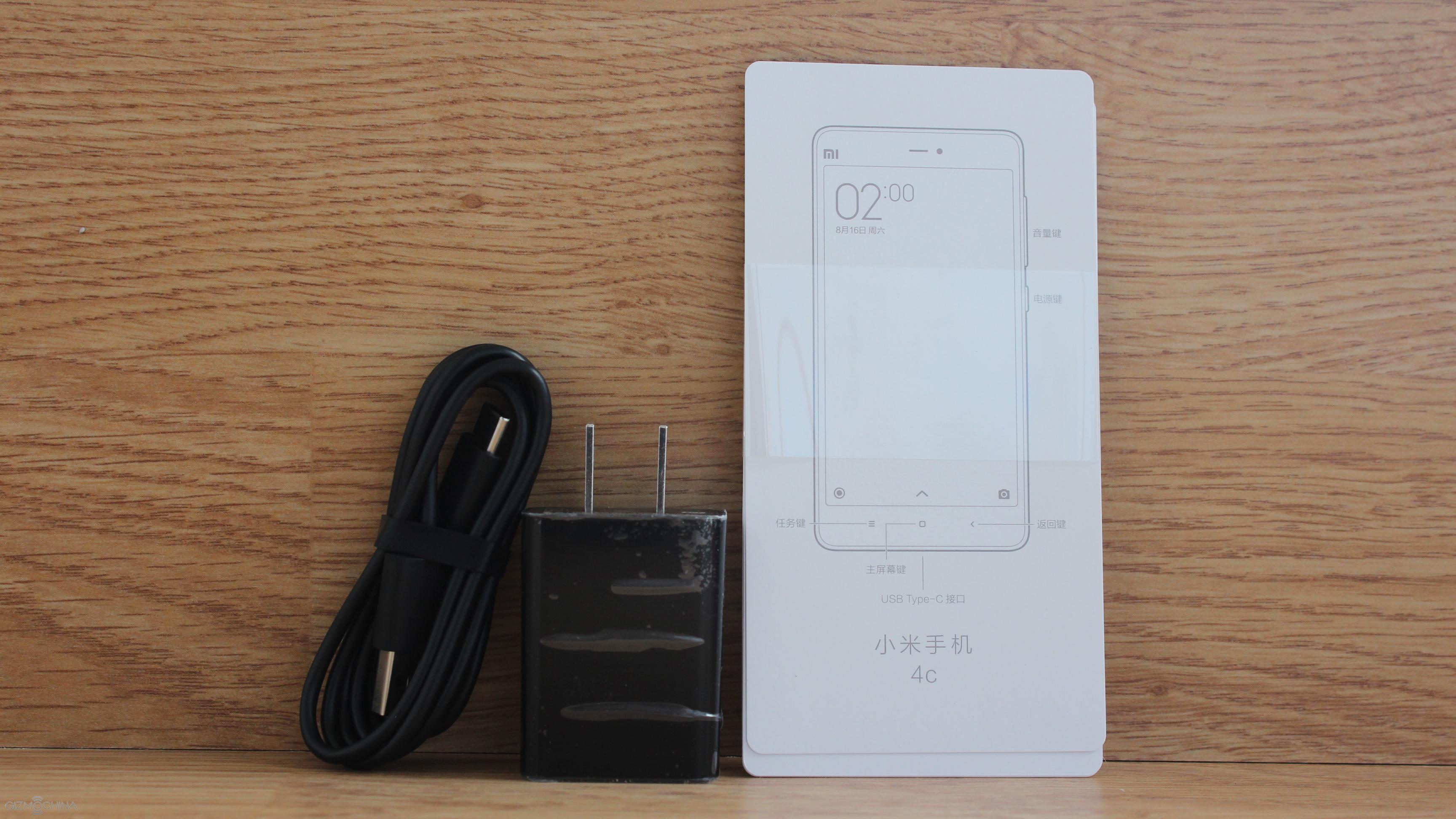
The phone comes in a typical for Xiaomi plain and simple box and the contents include USB brick, instruction manuals and the USB Type-C cable.
Xiaomi Mi4C Review: DESIGN
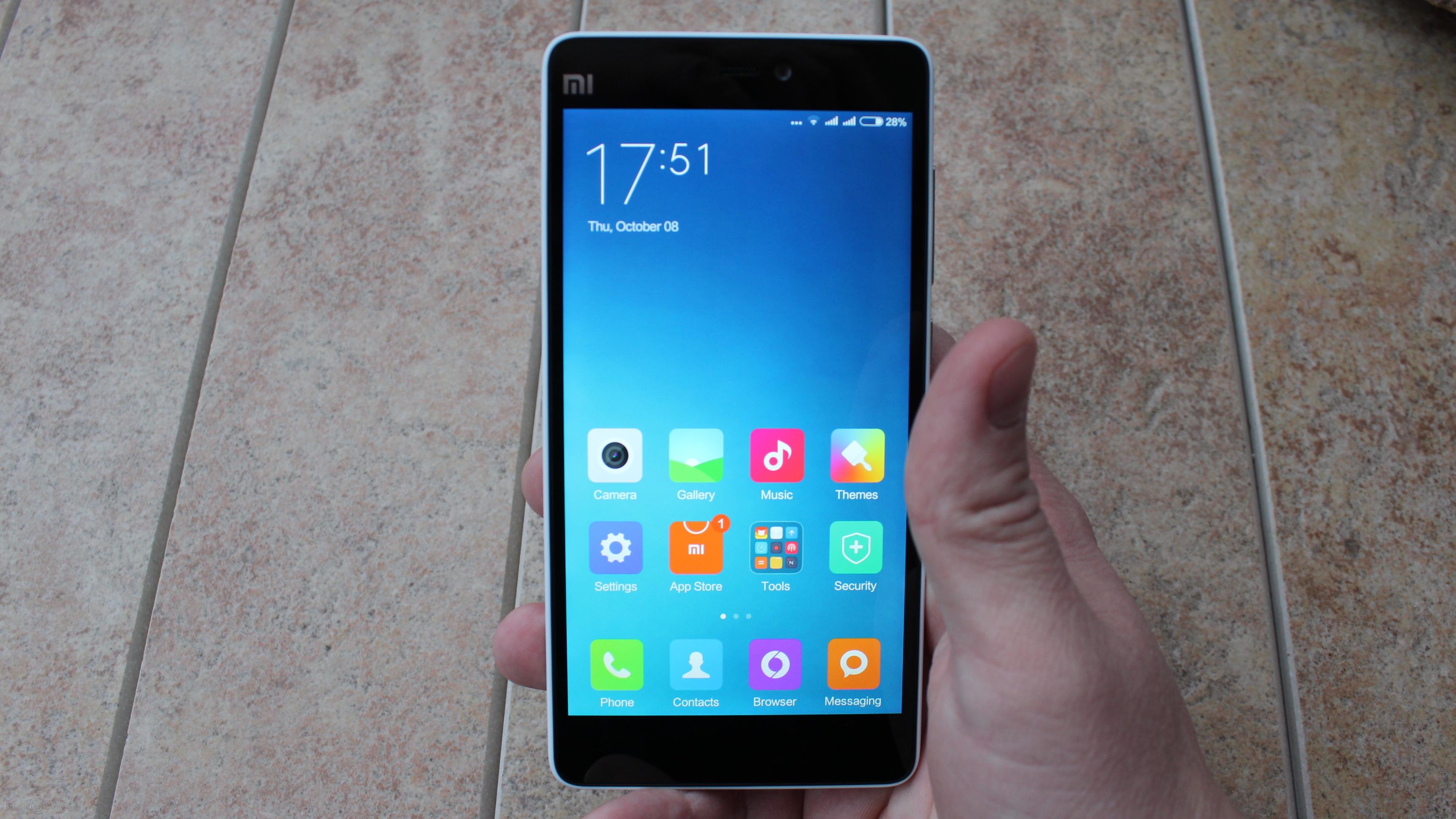
When it comes to the design of the Xiaomi Mi4C, we are looking at a very compact and lightweight device. In fact, it looks identical to the previously released Mi4i model and I will leave a link in the description below this video for a full review.
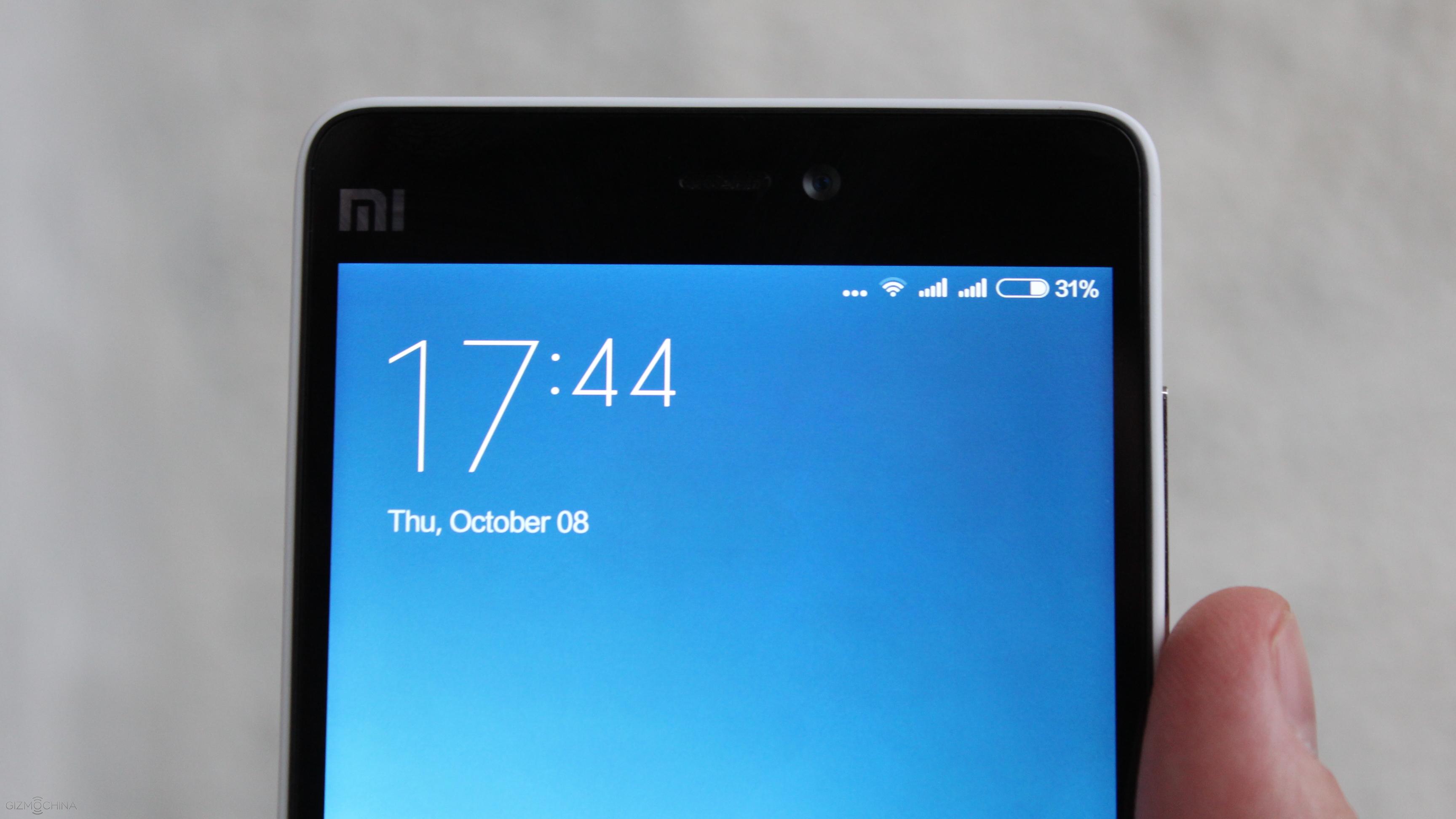
On the top we have a 5MP camera, usual set of sensors, earpiece and a highly customisable LED light.
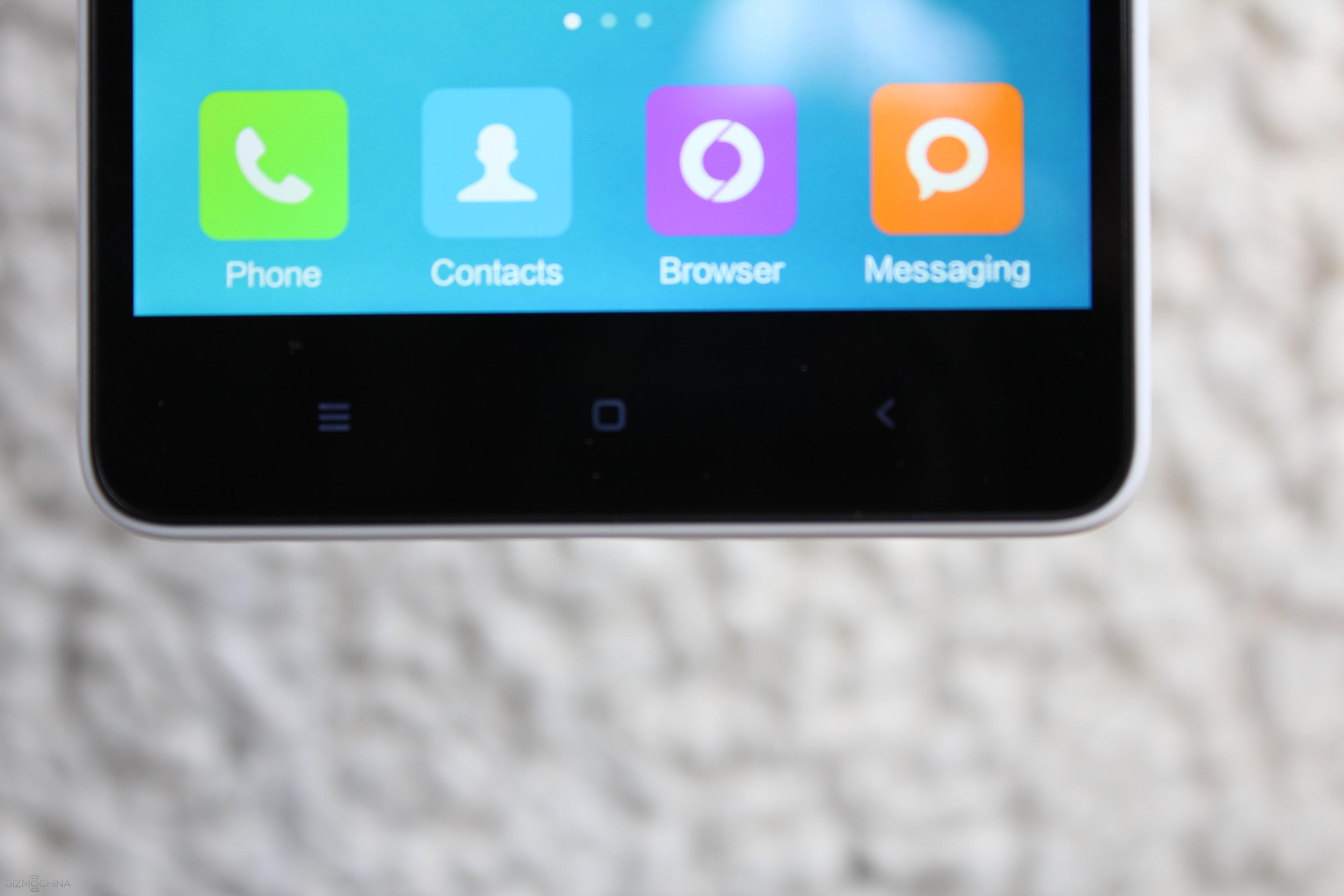
On the bottom there are 3 capacitive keys with a nice backlight.
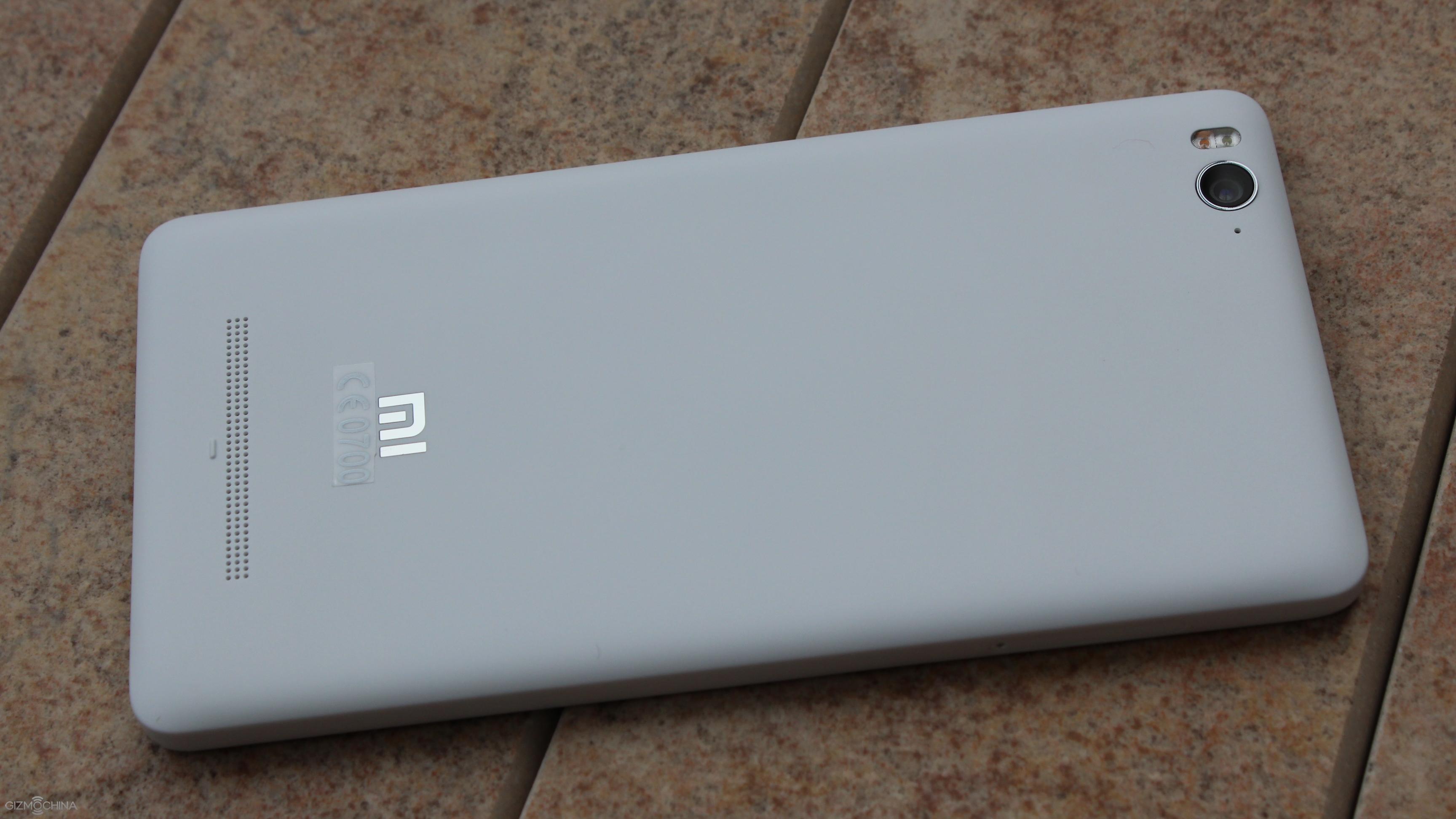
The back is made of plastic, which is soft to the touch and doesn’t feel cheap by any means.
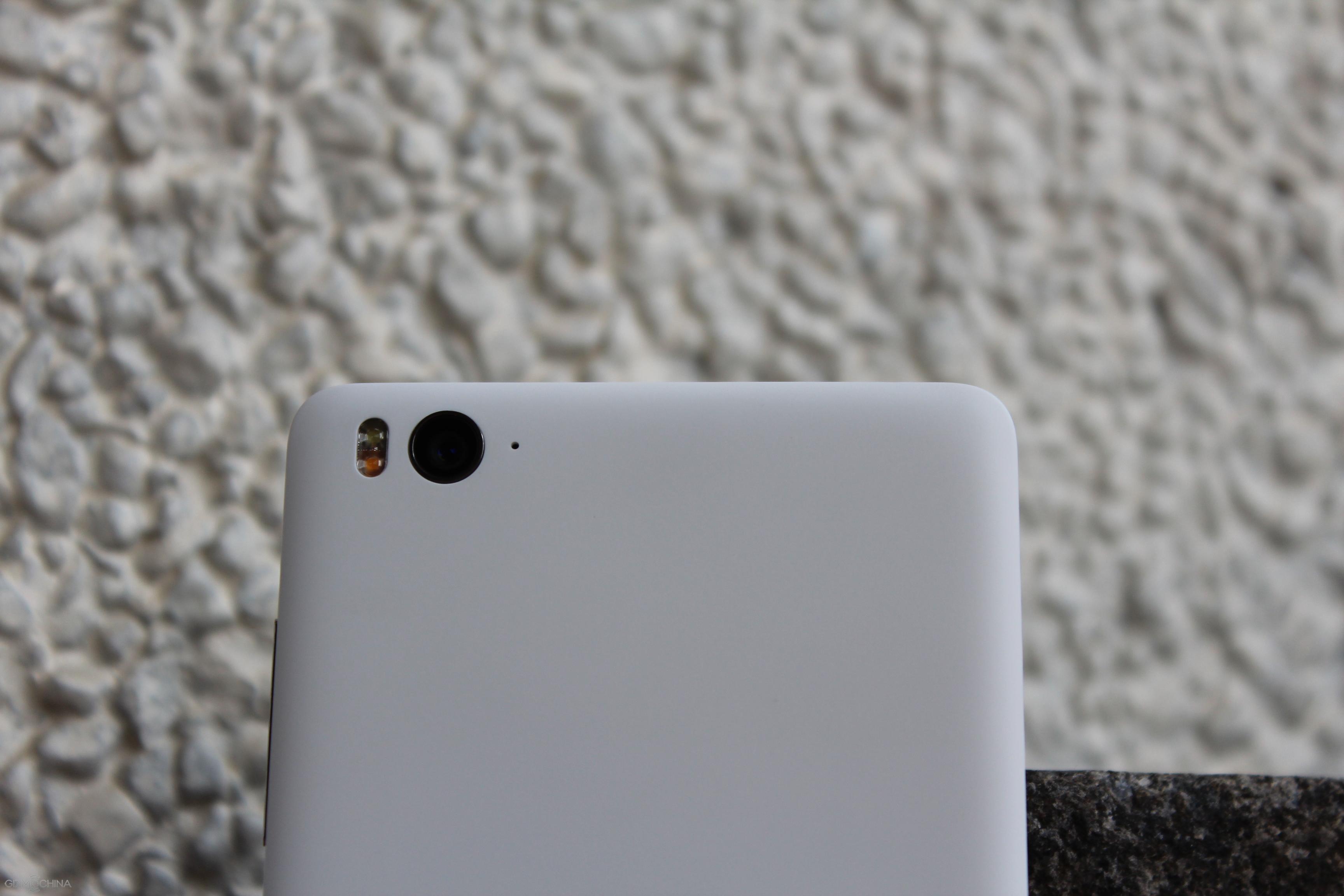
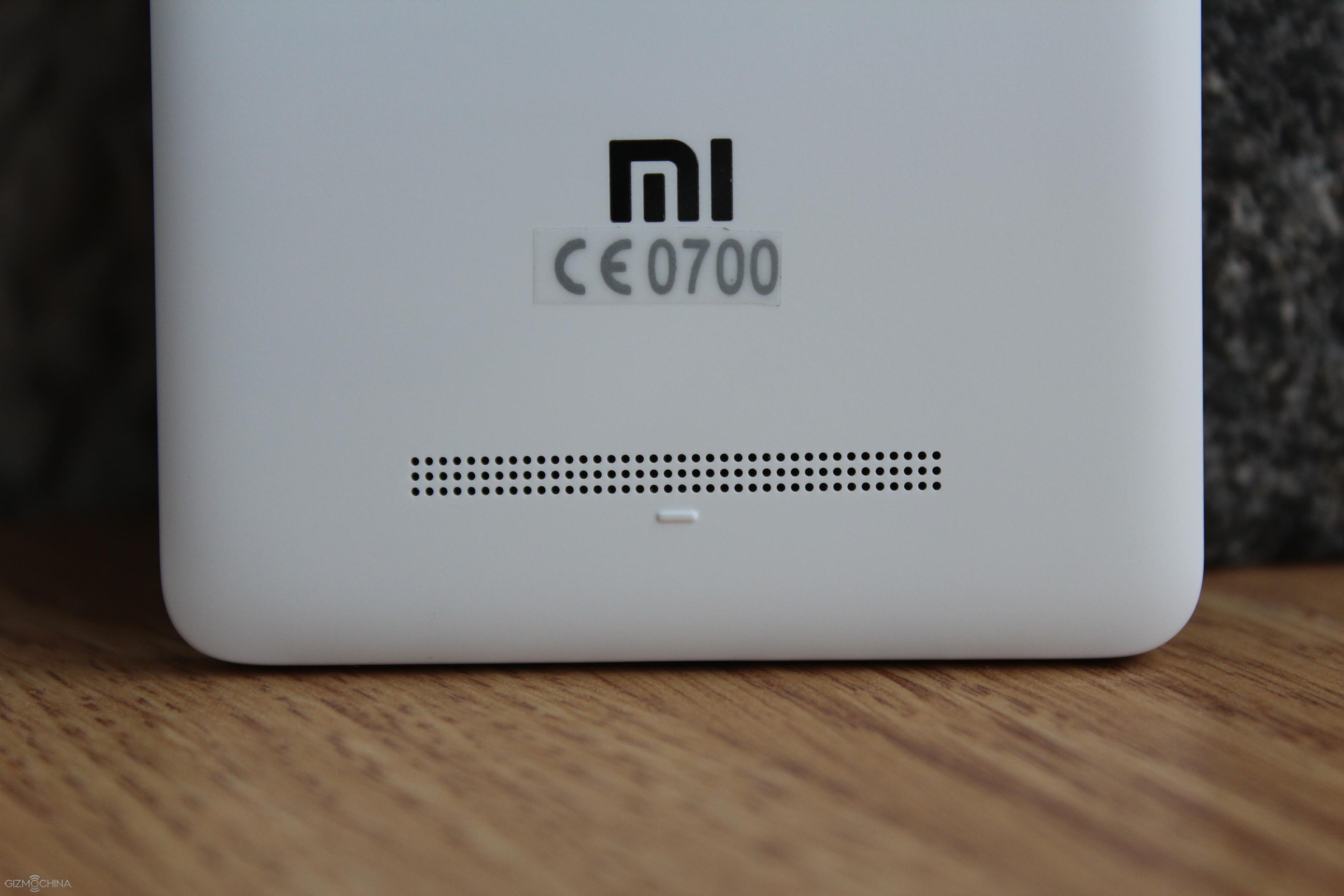
On the top there is a 13MP camera along with the dual tone LED flash and a secondary mic. On the bottom there is a speaker grill.
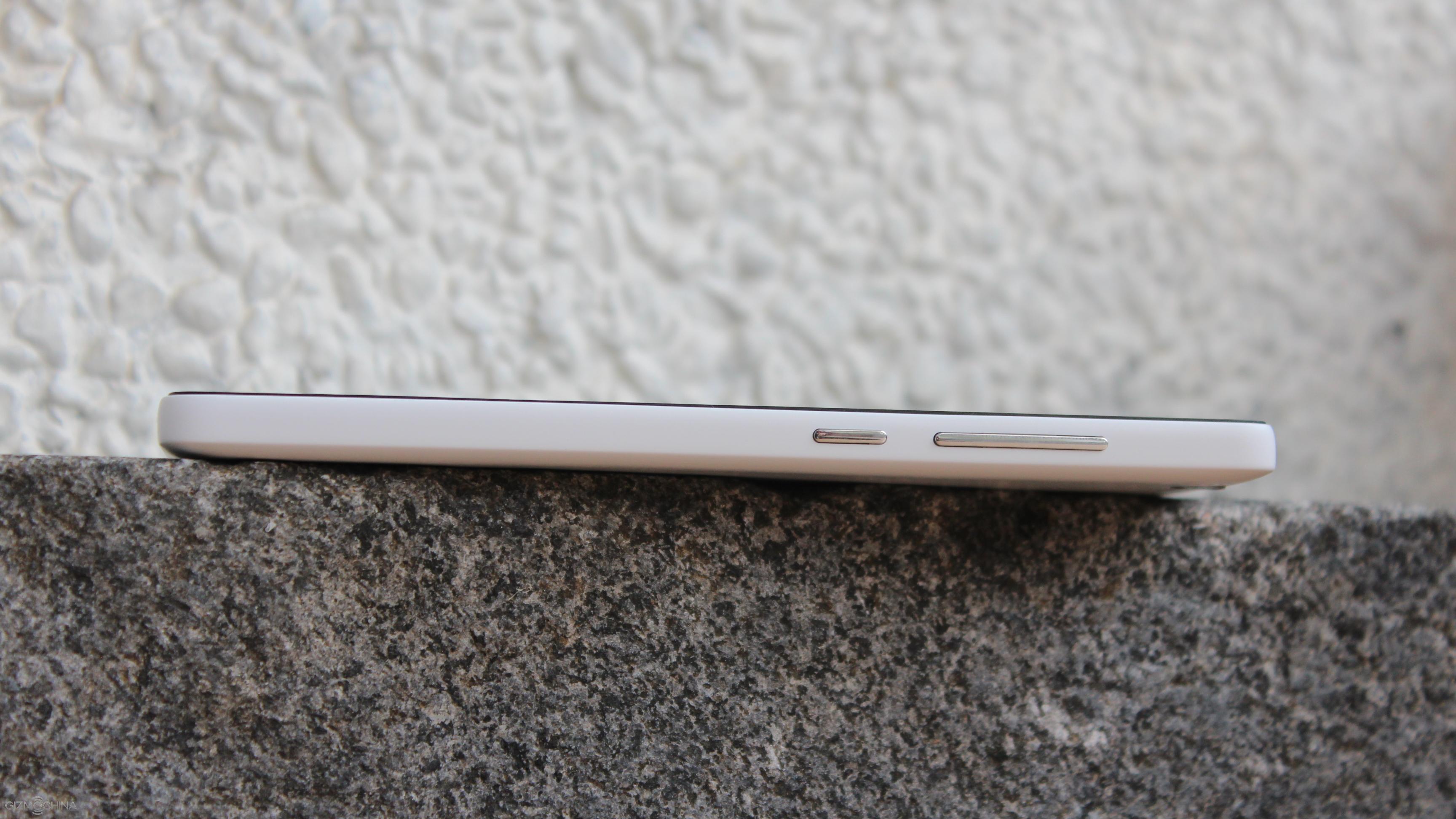
On the right there is a volume rocker and power key. They have a great tactile response but they are made of plastic and thus feel cheap.
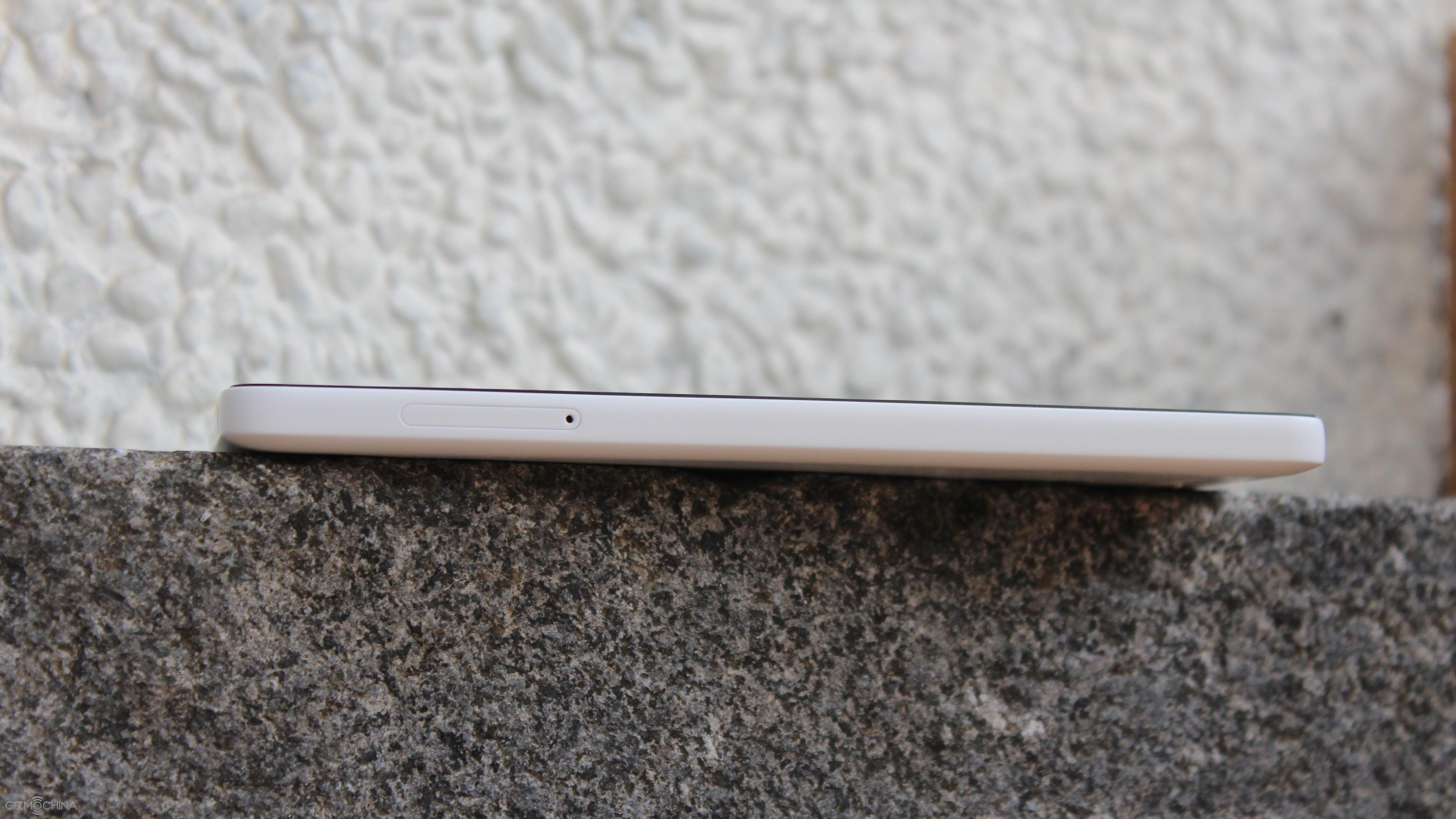
On the left we have a dual micro SIM card slots and both of them have the 4G support.
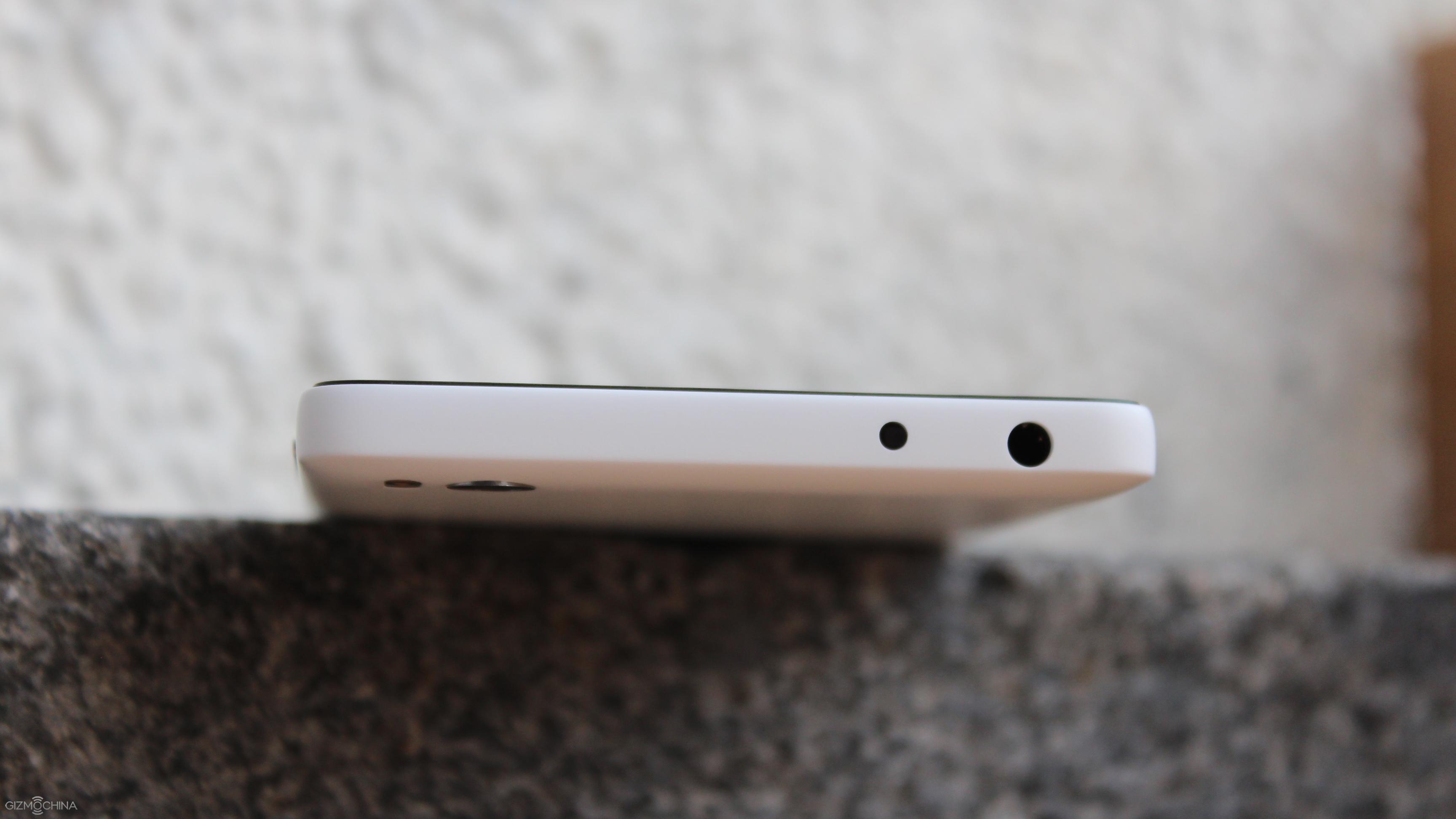
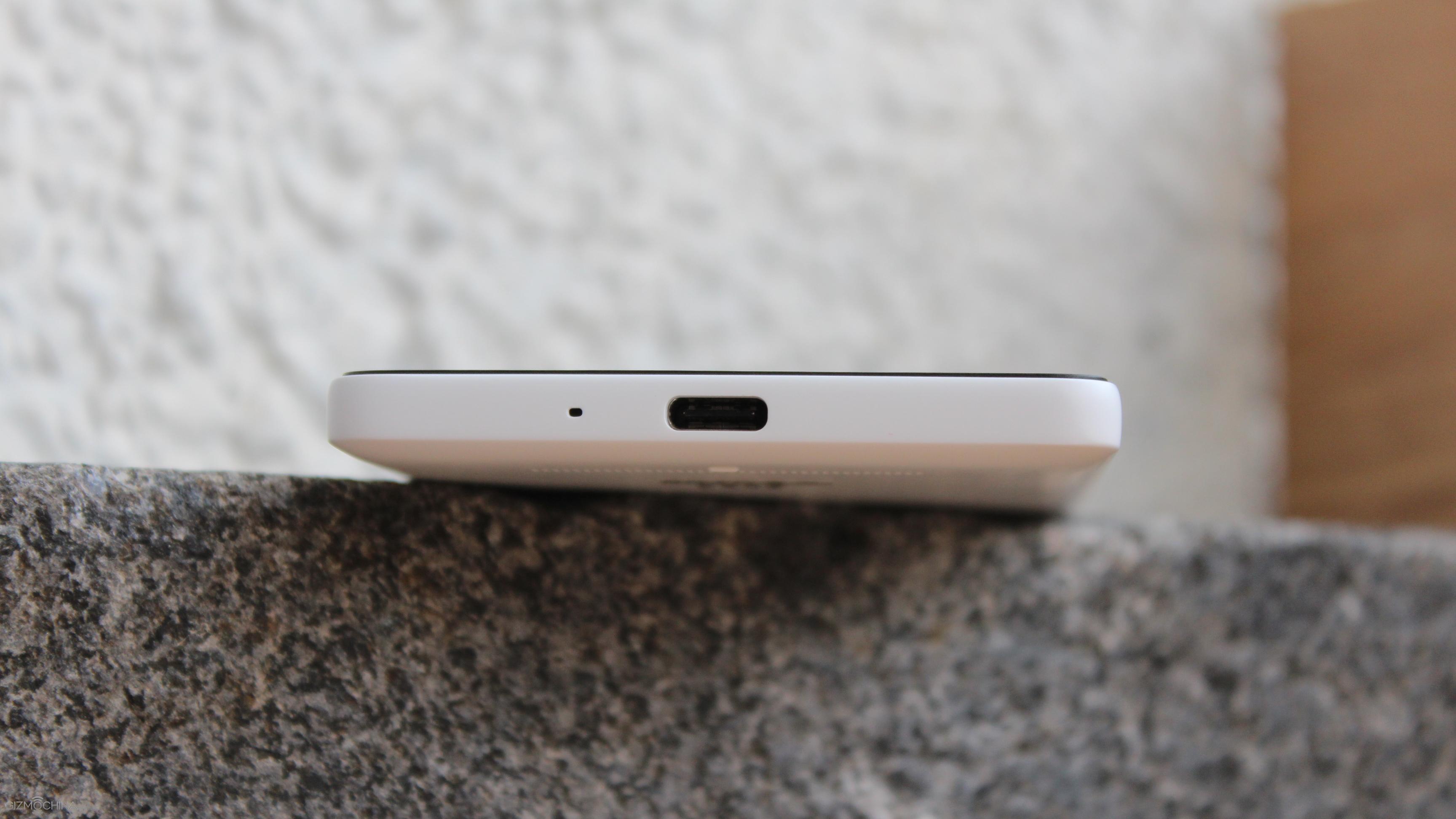
On the top there is a headset jack and the IR blaster to control various devices and on the bottom there is the USB Type-C port and the main mic.
Overall, I am very pleased with the build quality of the Xiaomi Mi4c. Yes, it’s made of plastic and these plasticky buttons don’t add any premium look to the phone but the device doesn’t feel cheap at all.
Xiaomi Mi4C Review: DISPLAY
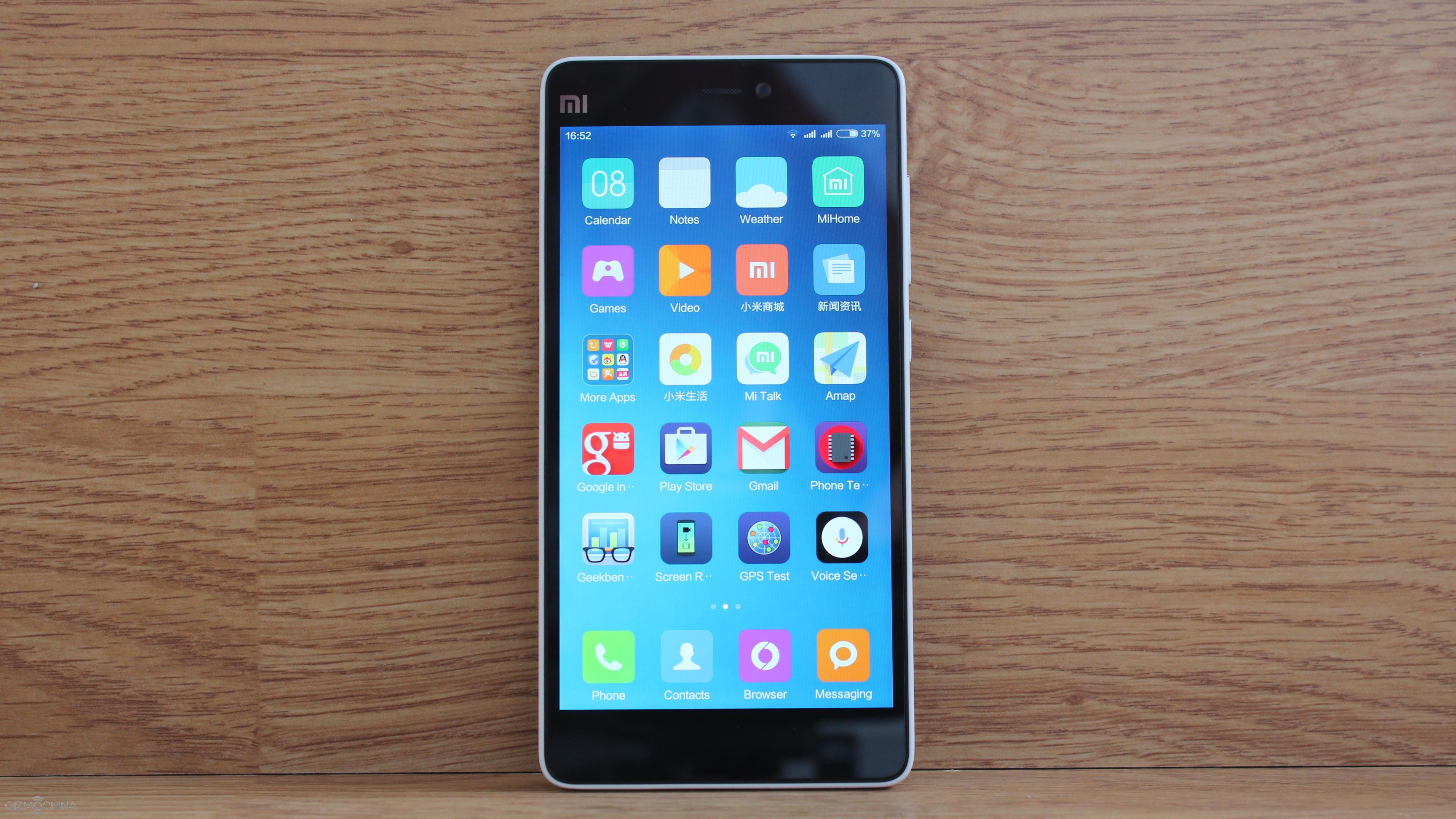
The phone comes with a 5” display, which is a pleasure to look at despite a bit oversaturated colours. It is sharp and vivid, it has great viewing angles and contrast.
Xiaomi Mi4C Review: UI
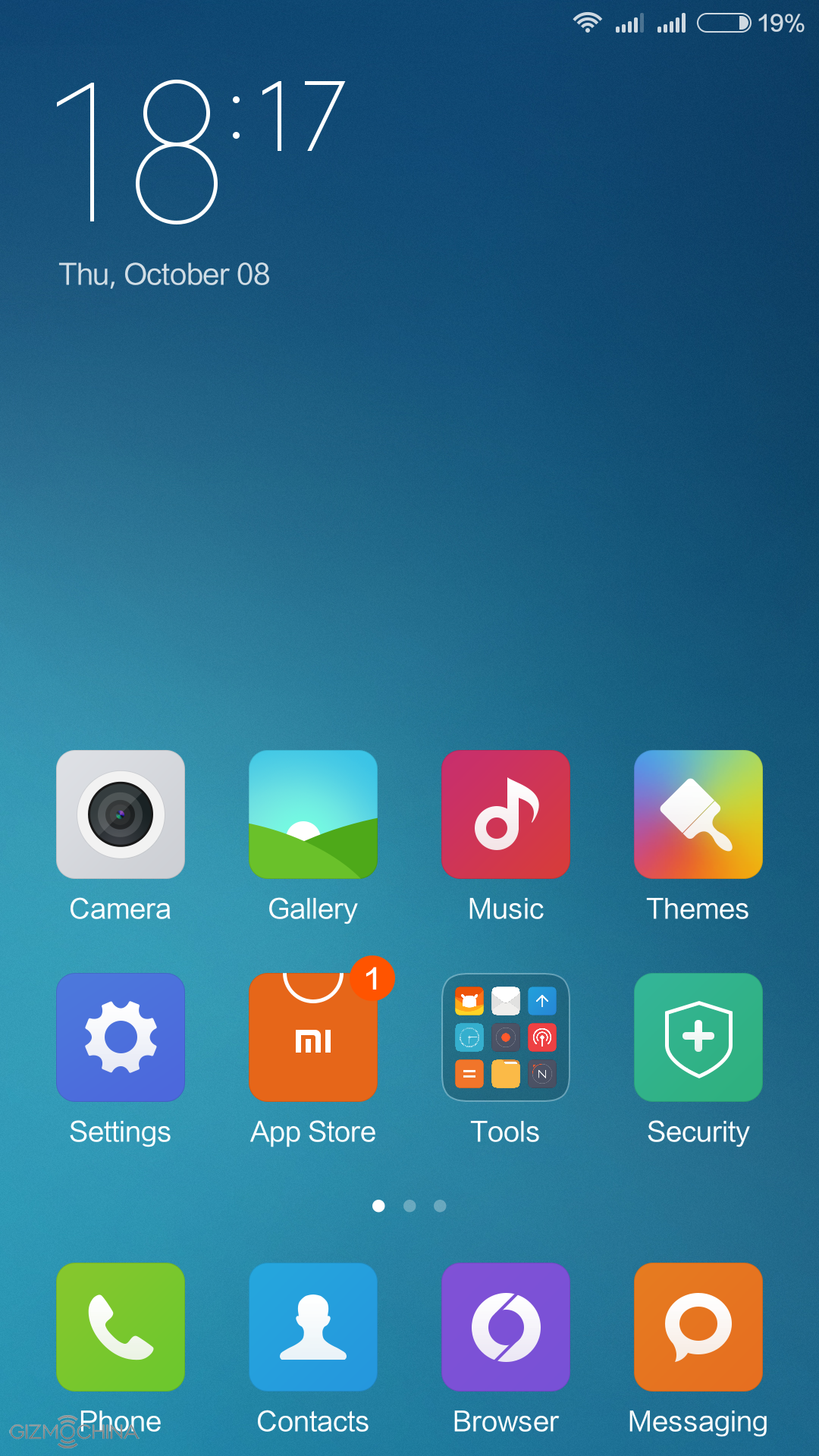
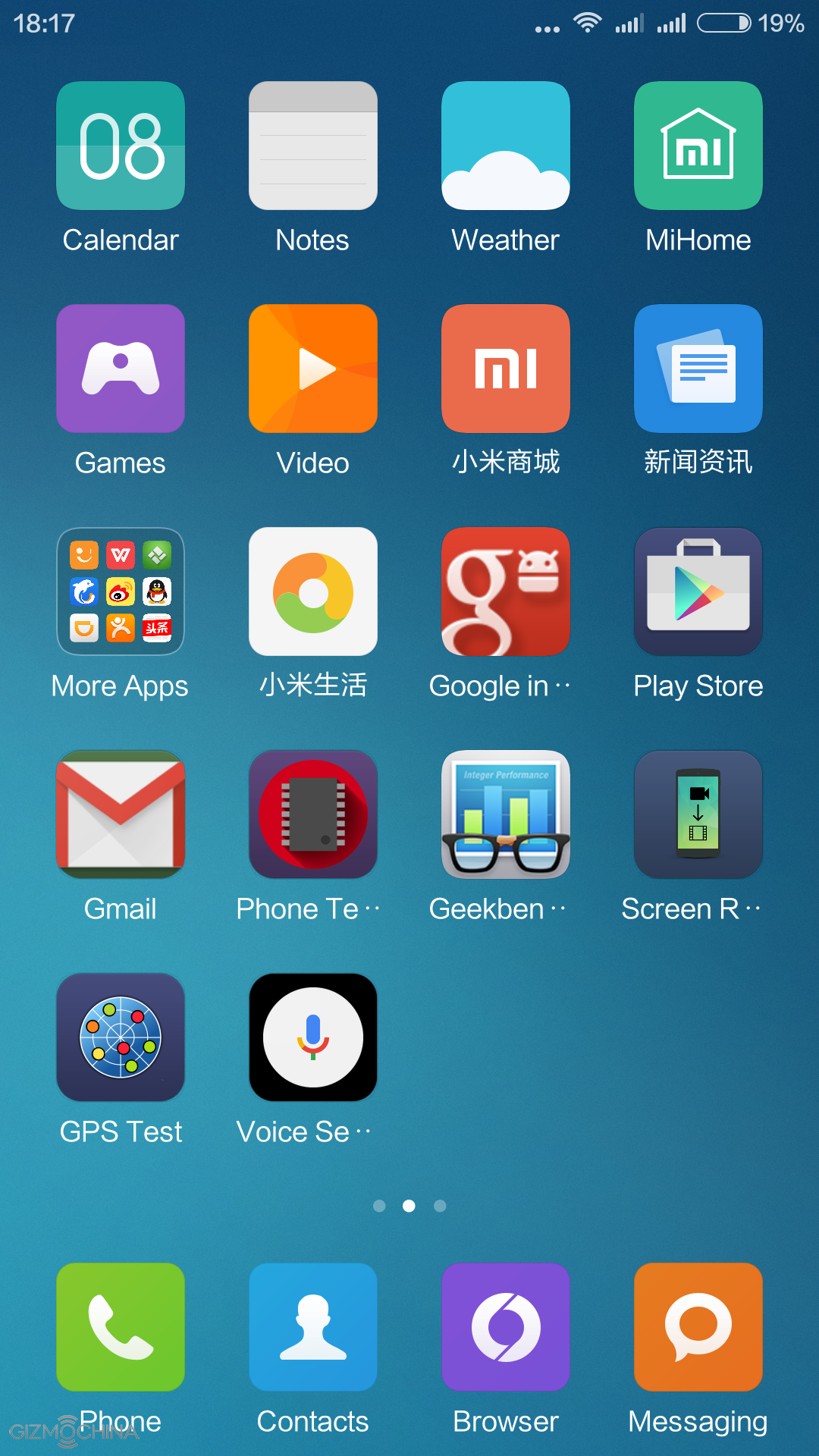
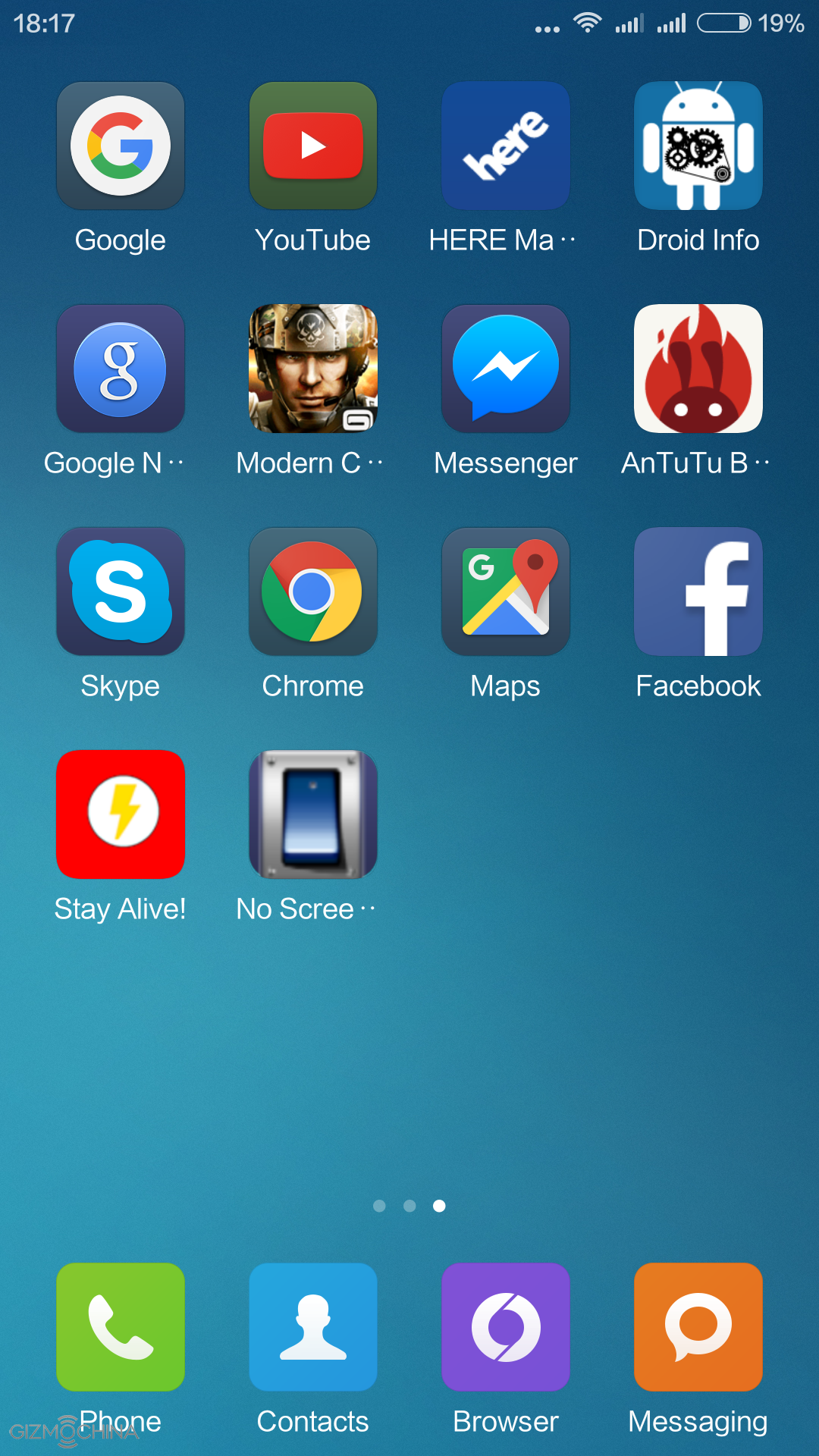
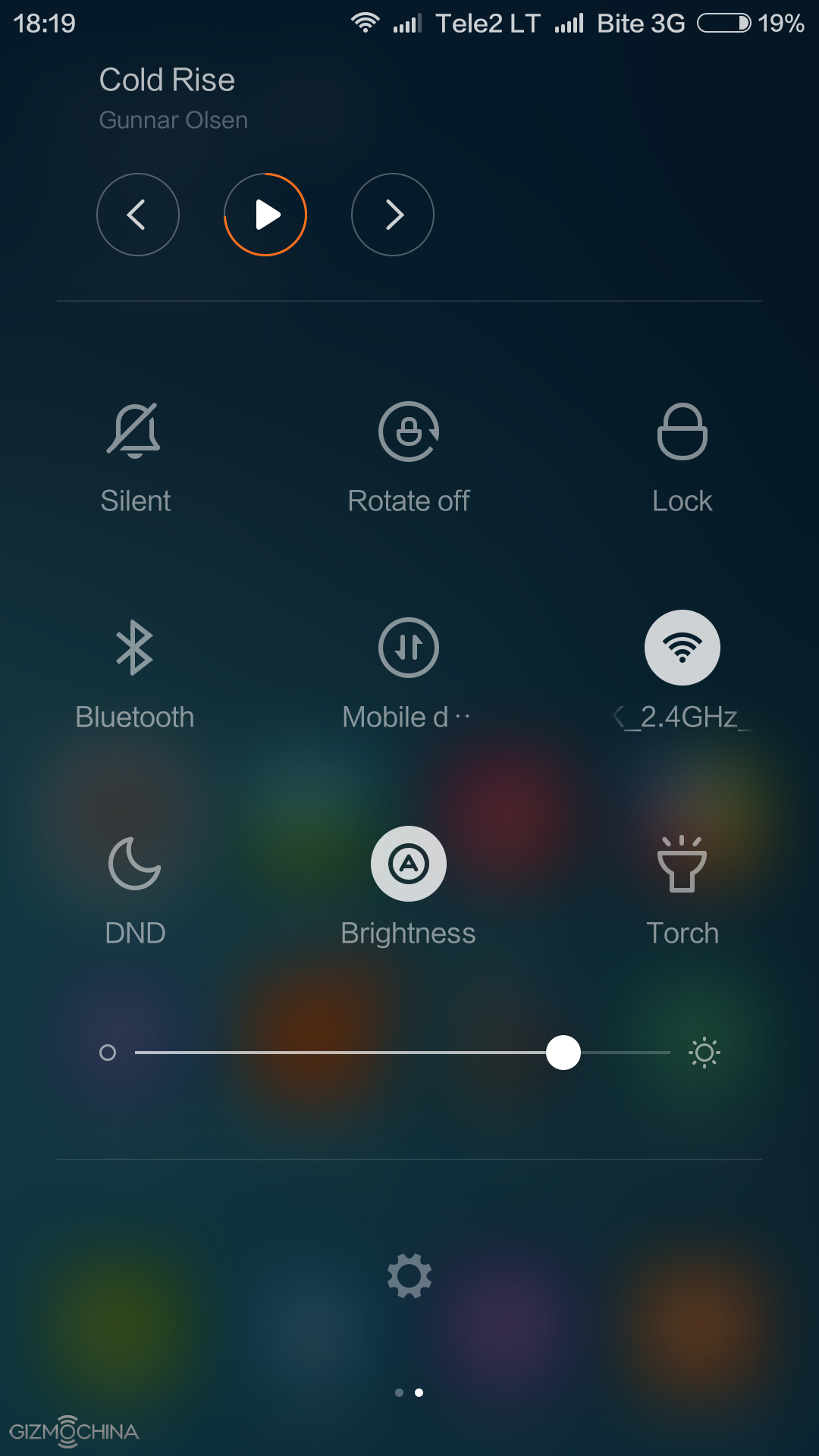
The Xiaomi Mi4C runs on MIUI 7, which is based on Android 5.1. For those who are familiar with this implementation of Android, this phone comes with no surprise.
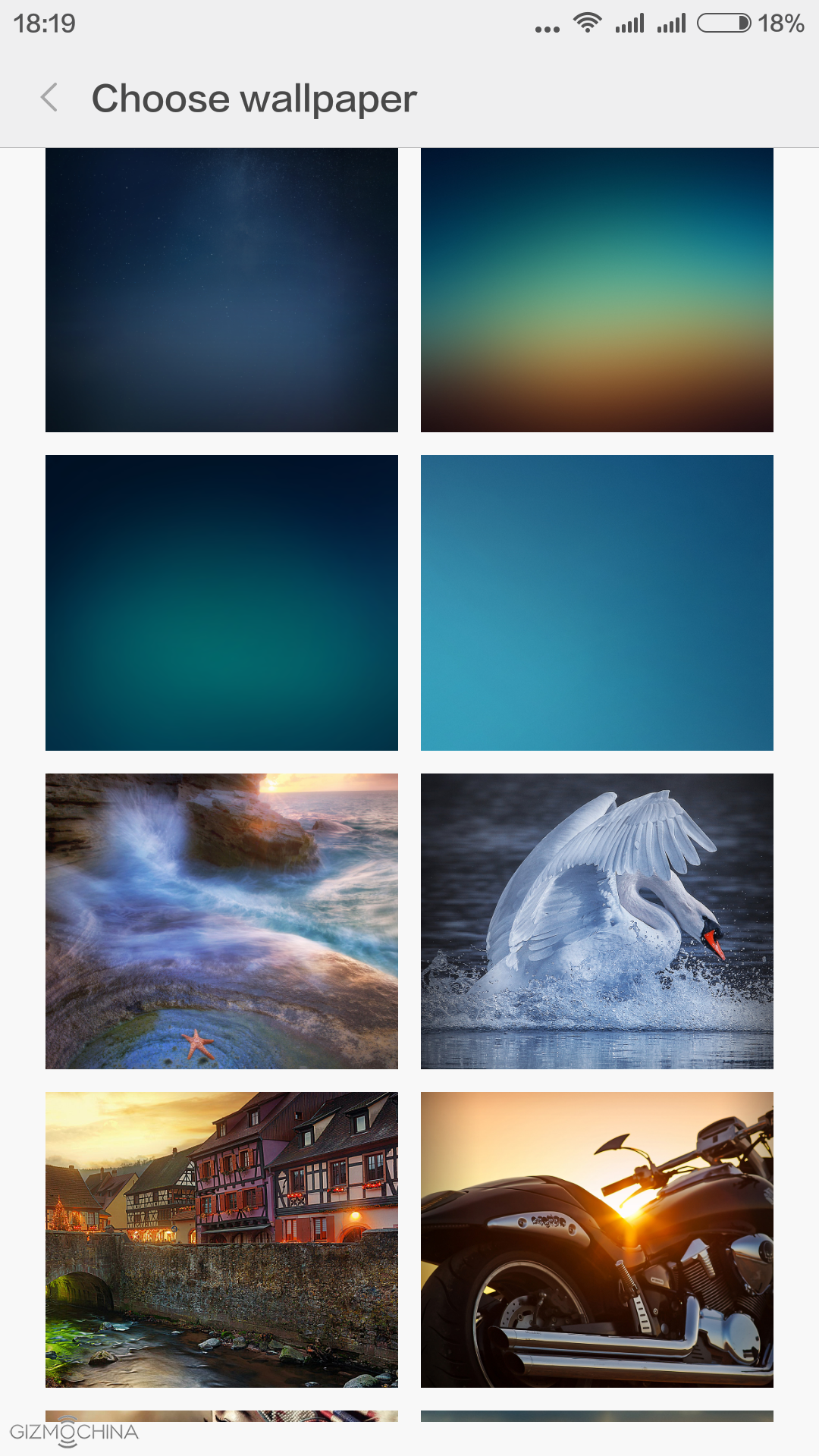
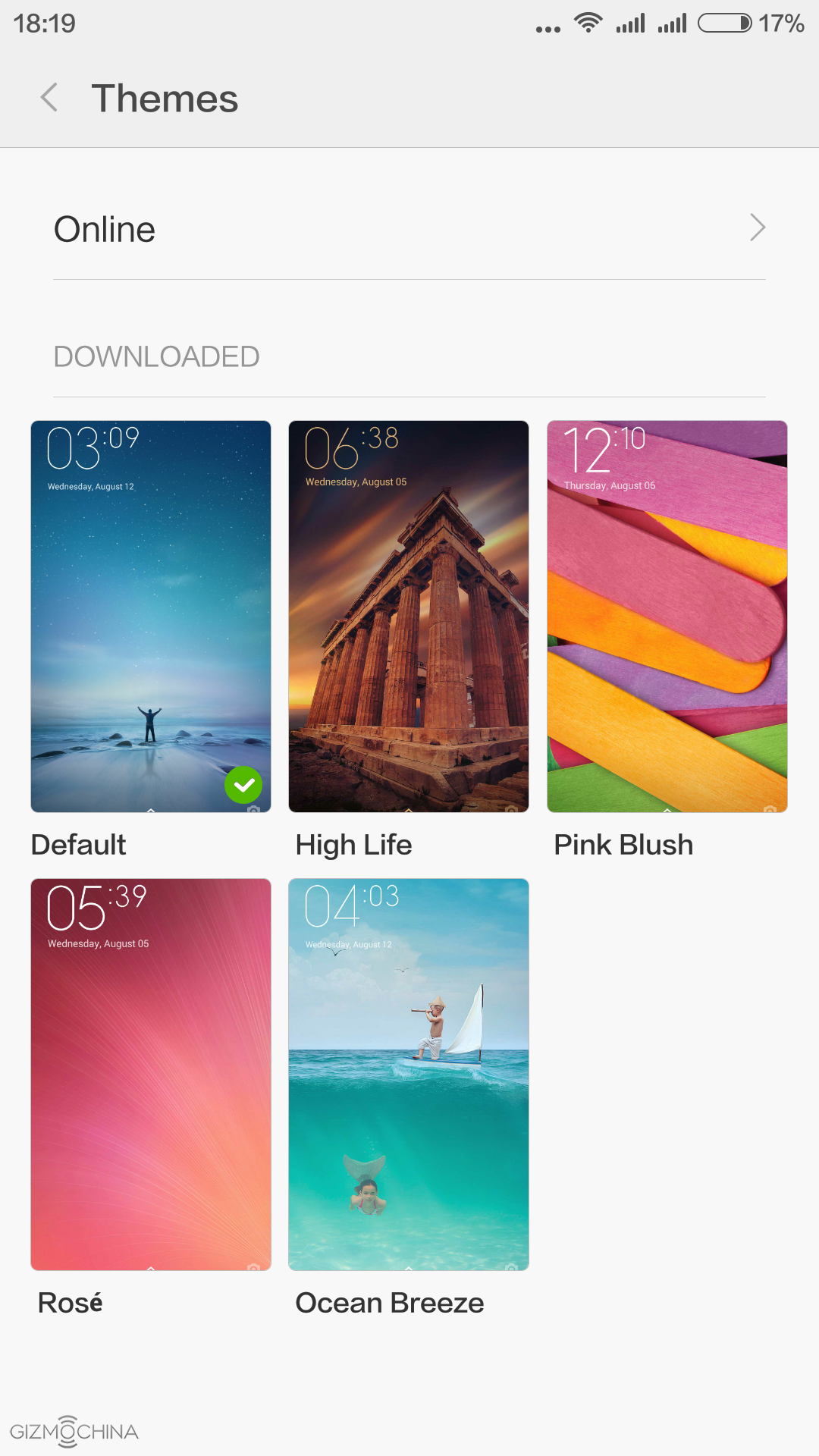
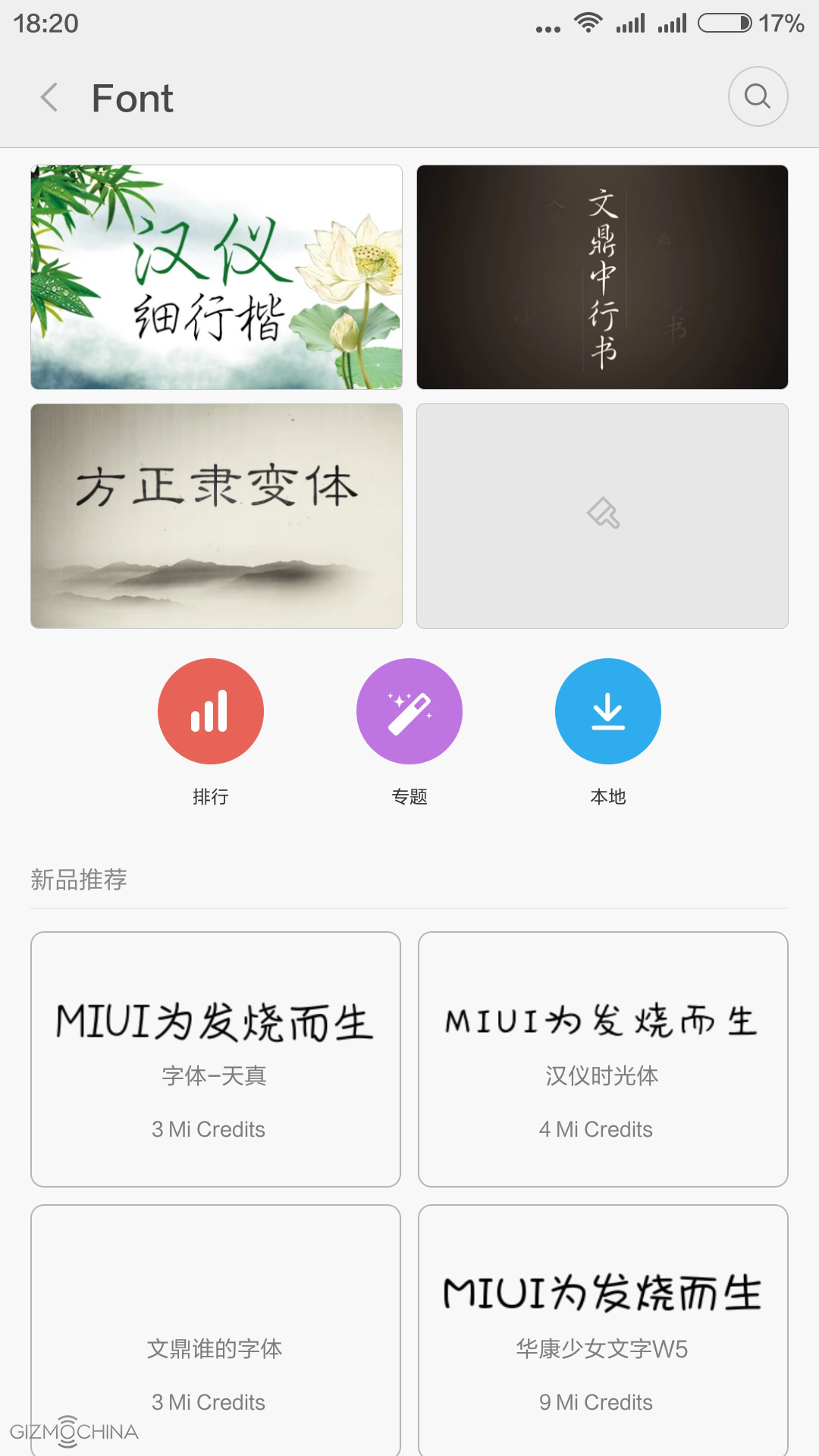
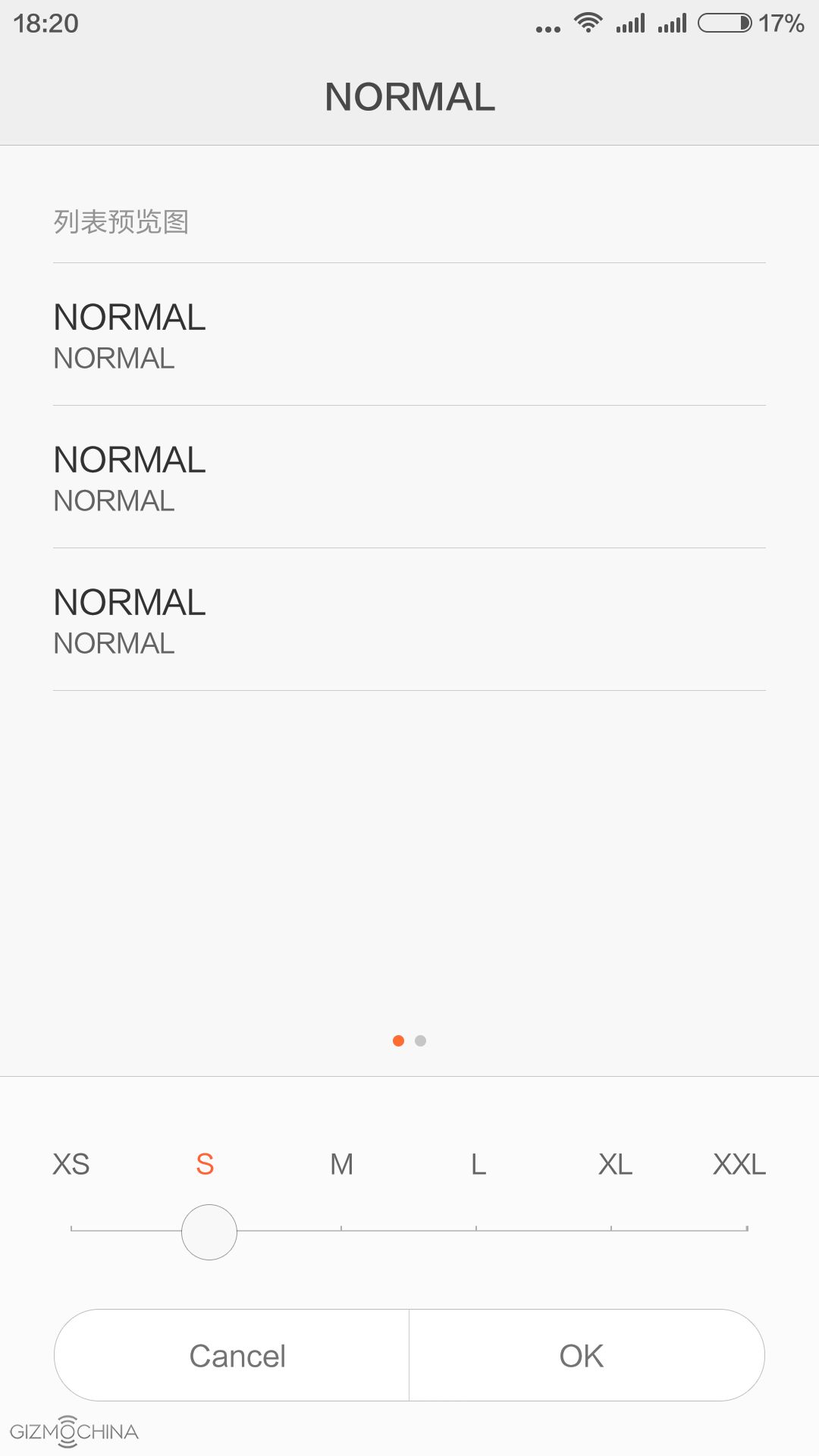
All the apps sit on the home screens and the MIUI has one of the most customisable UI you can find on Android. There are tons of themes, wallpapers and other things to choose from.
Also, you can customise the notification LED, capacitive buttons and so on.
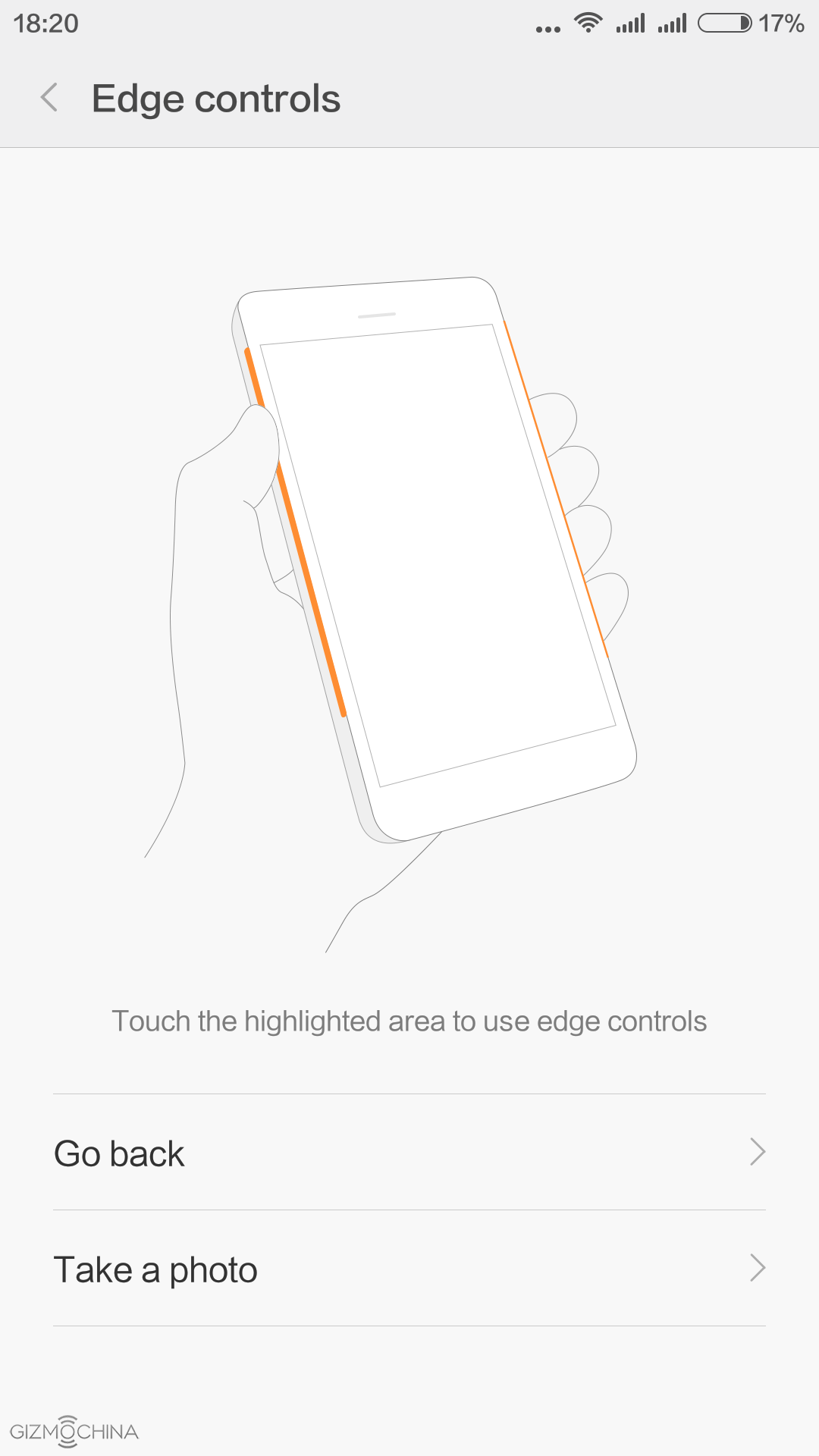
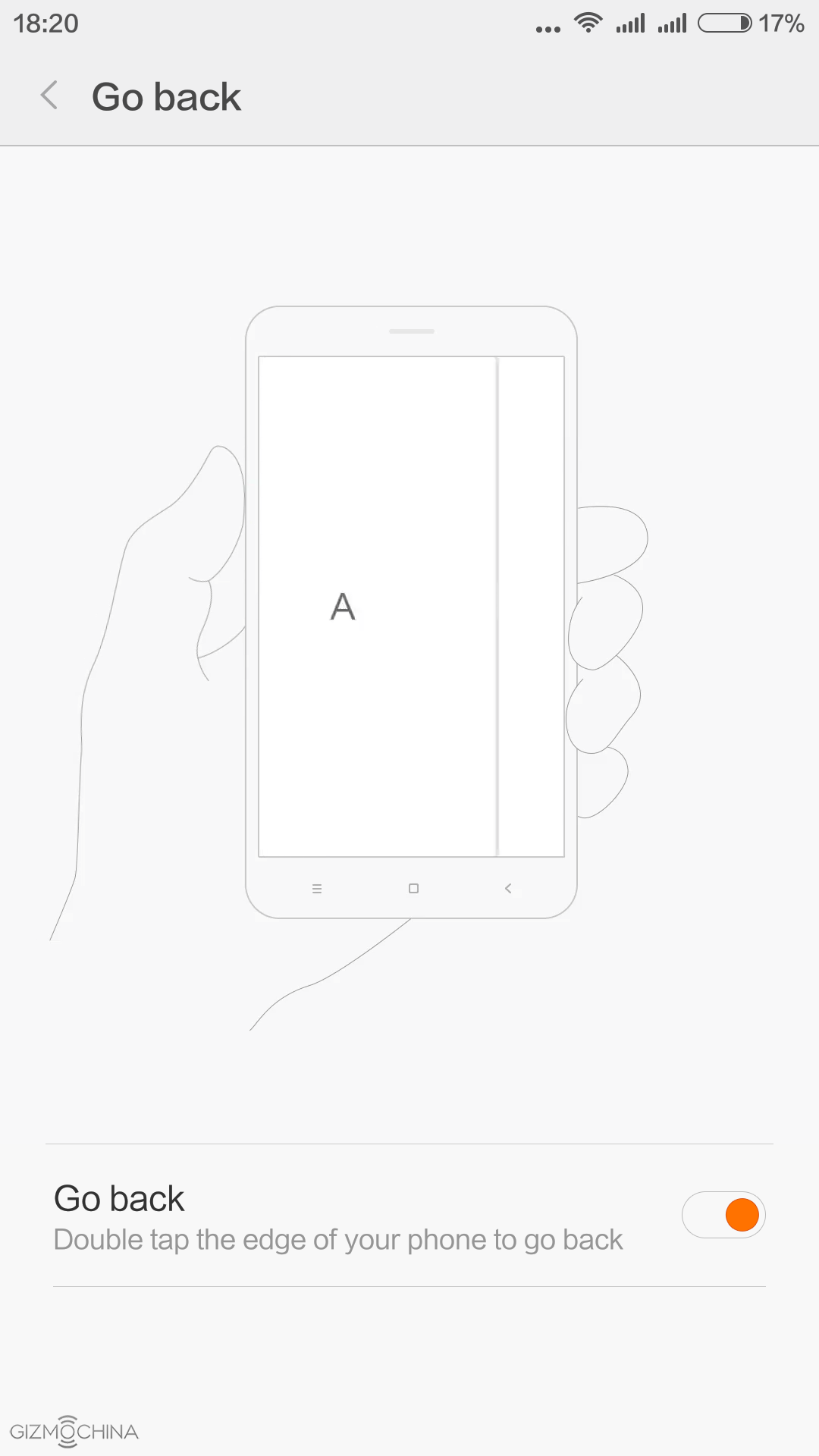
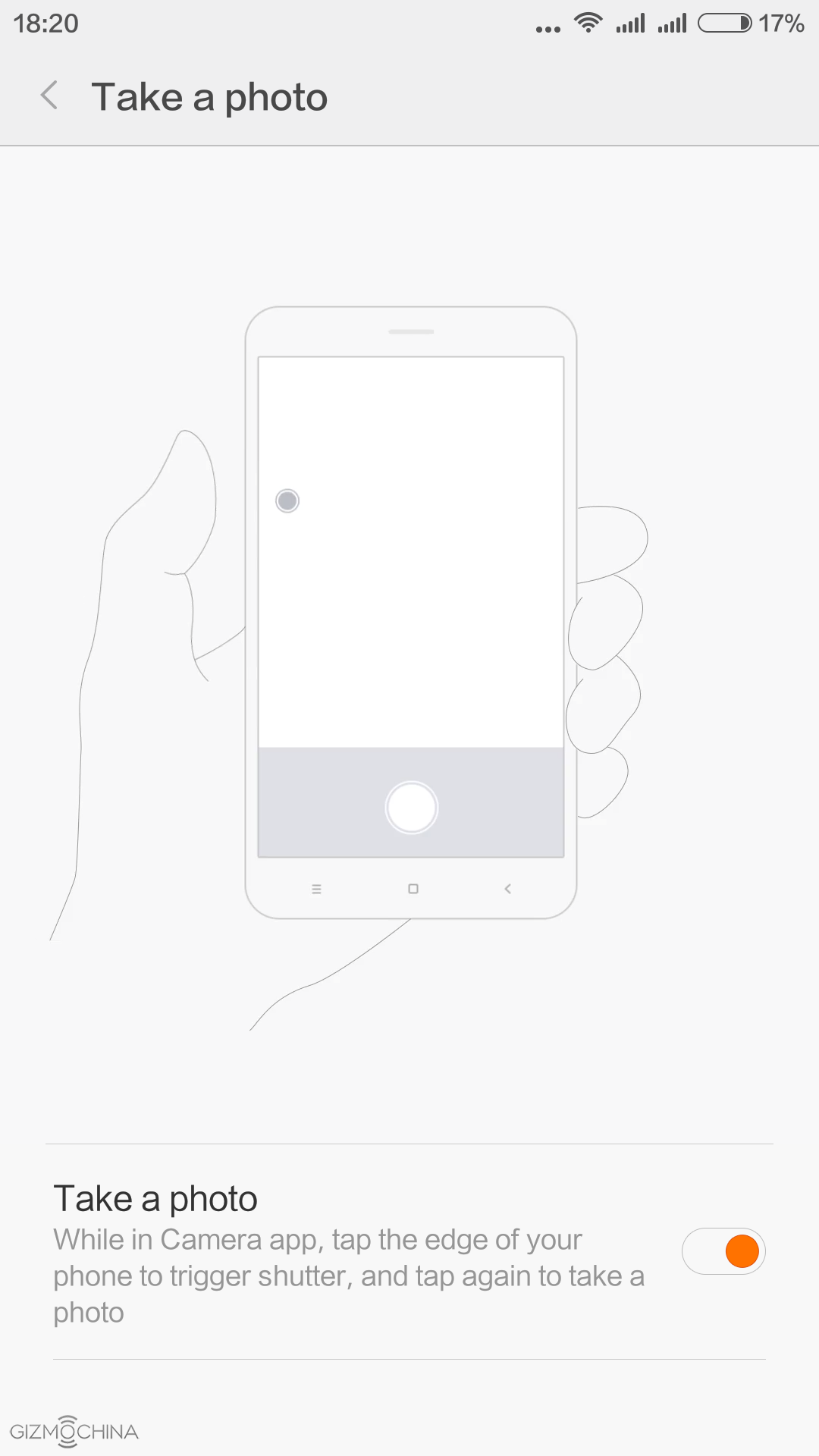
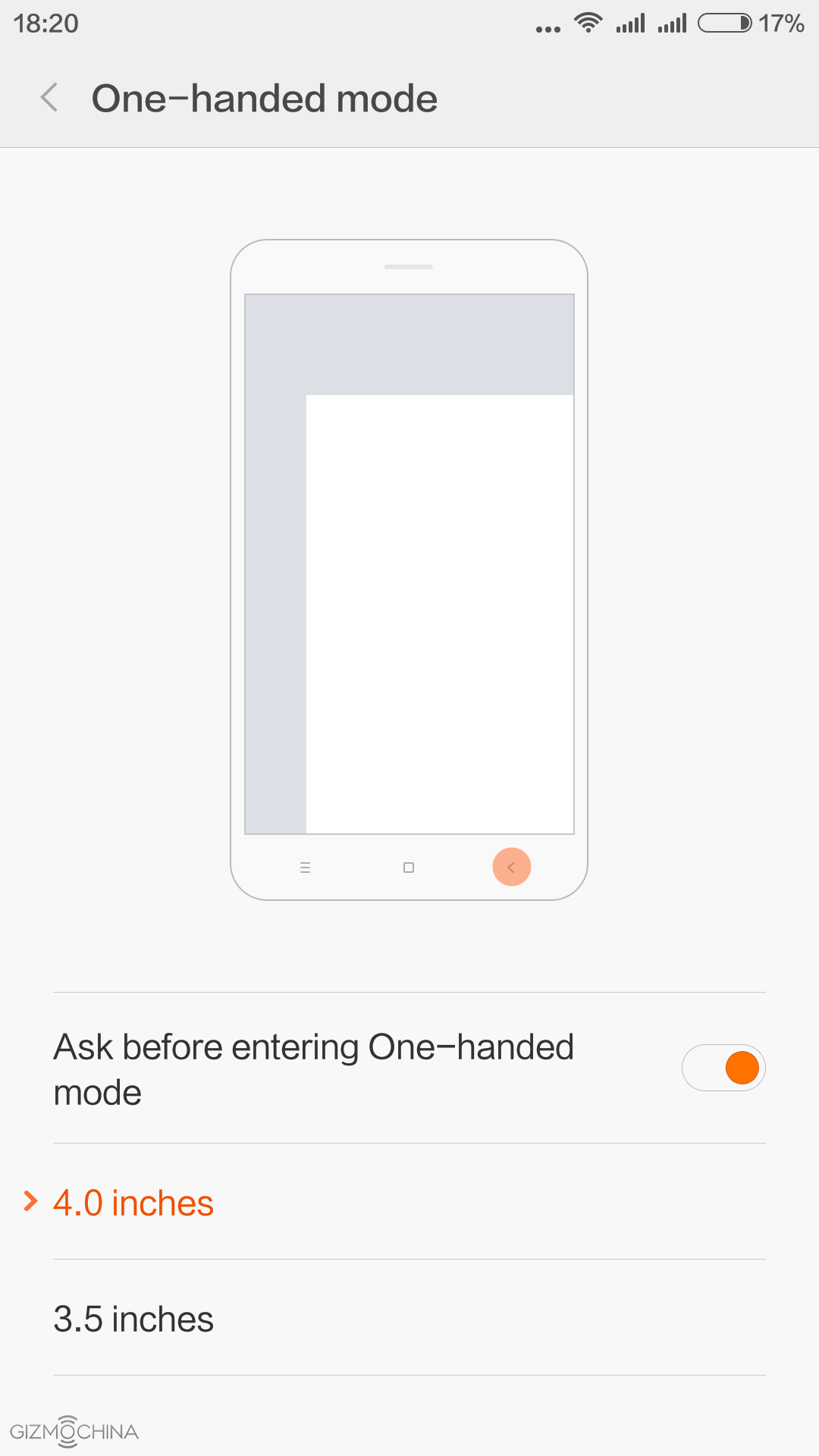
One of the new features is the Edge Control, which basically allows you to tap the side of the phone and it works either as a back button or a shutter button in the camera app. I believe this is just an early stage of this feature and we may see the expanded functionality. Still, the current features work absolutely fine and it is really useful once you get used to it.
Overall, the MIUI is fast and smooth despite having plenty of features. It is not the fastest UI I’ve seen as there is a bit of stutter from time to time but I see a visible upgrade in terms of performance over the MIUI 6.
Xiaomi Mi4C Review: HARDWARE and PERFORMANCE
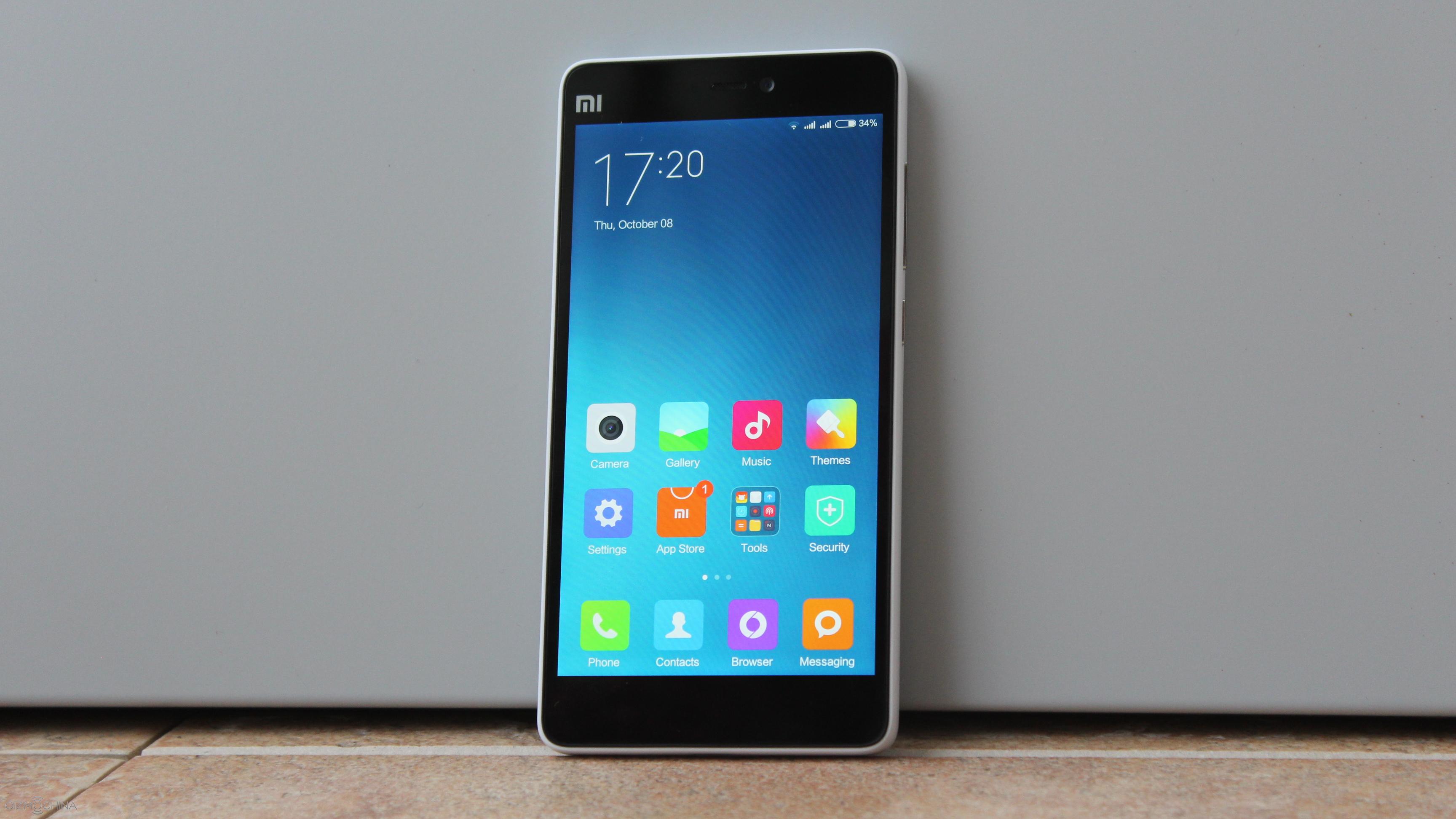
The Xiaomi Mi4C is quite a powerful phone. It has a Snapdragon 808 chip and the lower-end review unit I have has 2GB of RAM and 16GB of non-expandable storage.
The gaming performance is like on a high-end phone. The graphics look stunning, there is no lag and overall I am more than happy about it.
Also, I didn’t feel any overheating. Yes, the phone gets just a bit warm but there is nothing to be worried about.
Xiaomi Mi4C Review: MULTIMEDIA
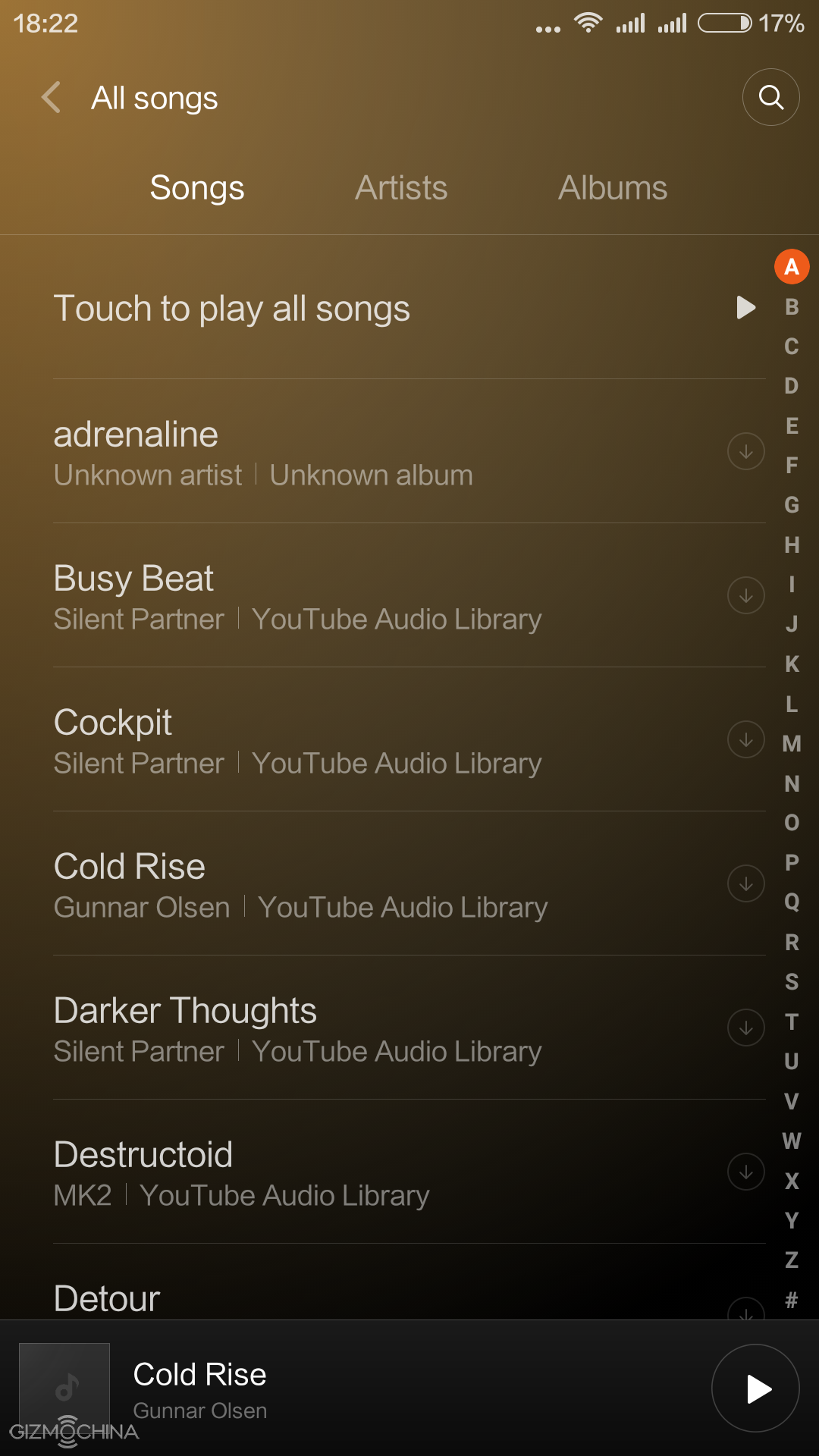
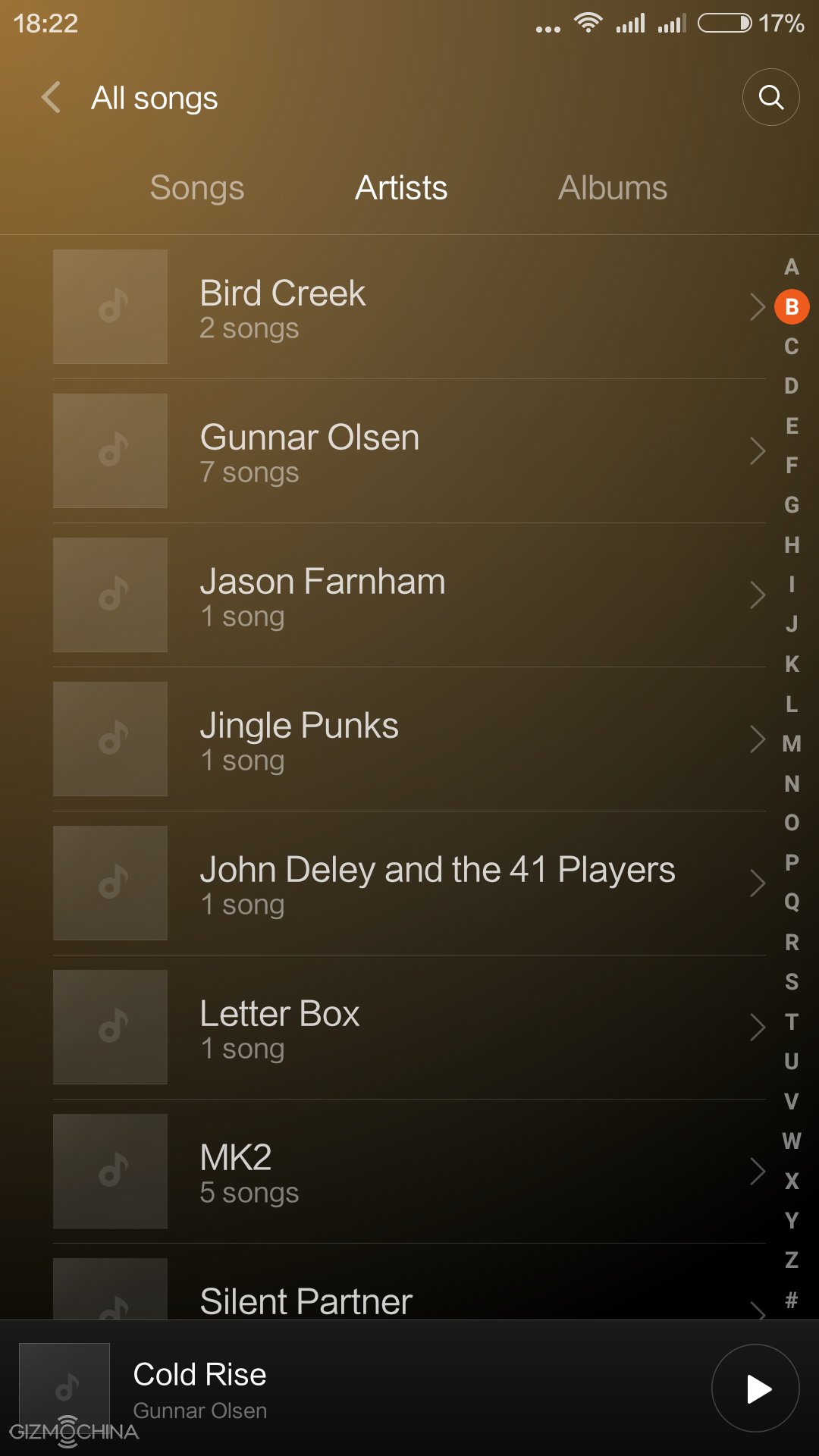

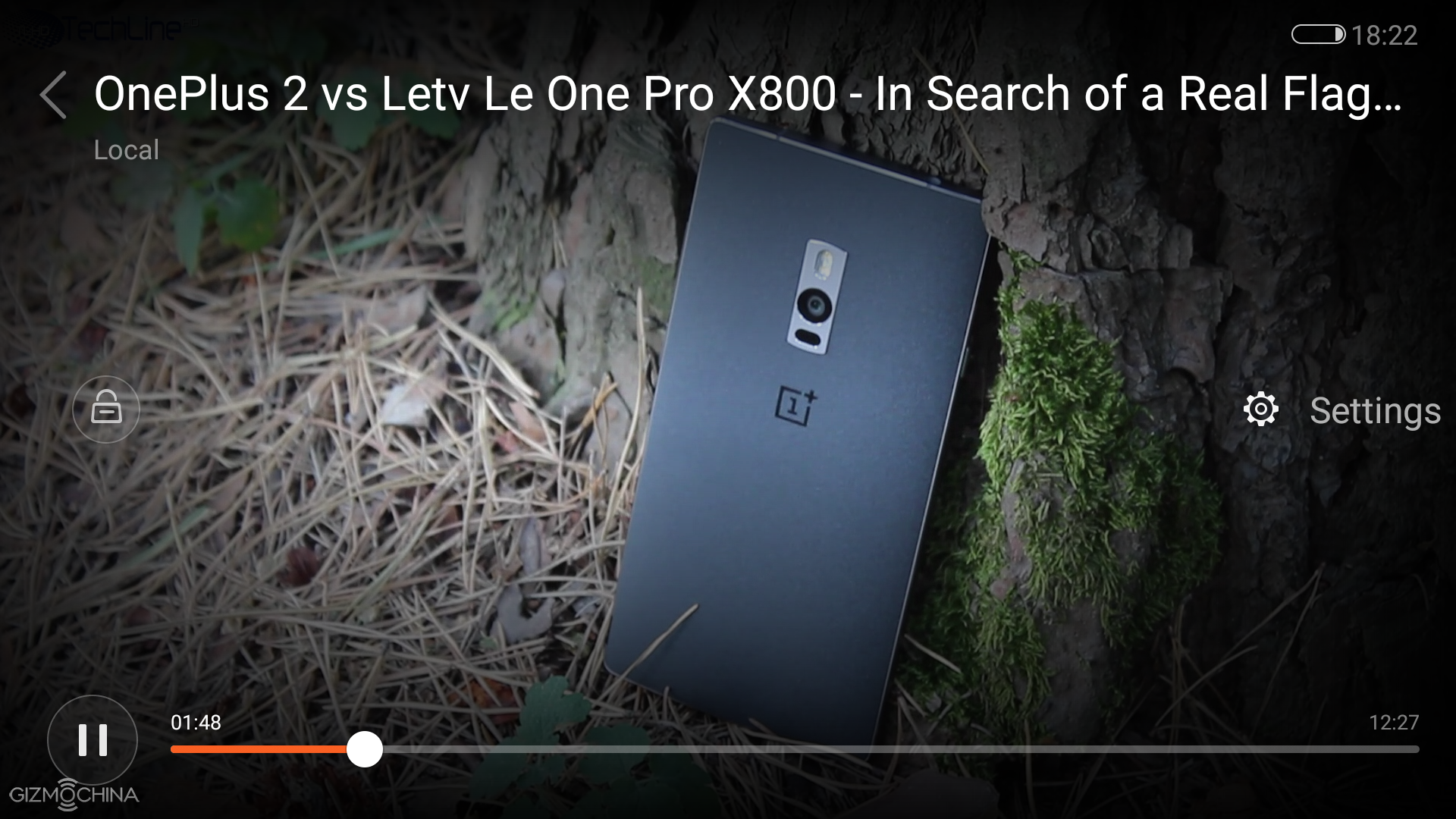
Enjoying multimedia is just a blast. Movies look great on a good looking screen and the loudspeaker quality is also good for both videos and music.
The sound via earphones may not be the class-leading but it is more than enough to please your ears.
Xiaomi Mi4C Review: CAMERA
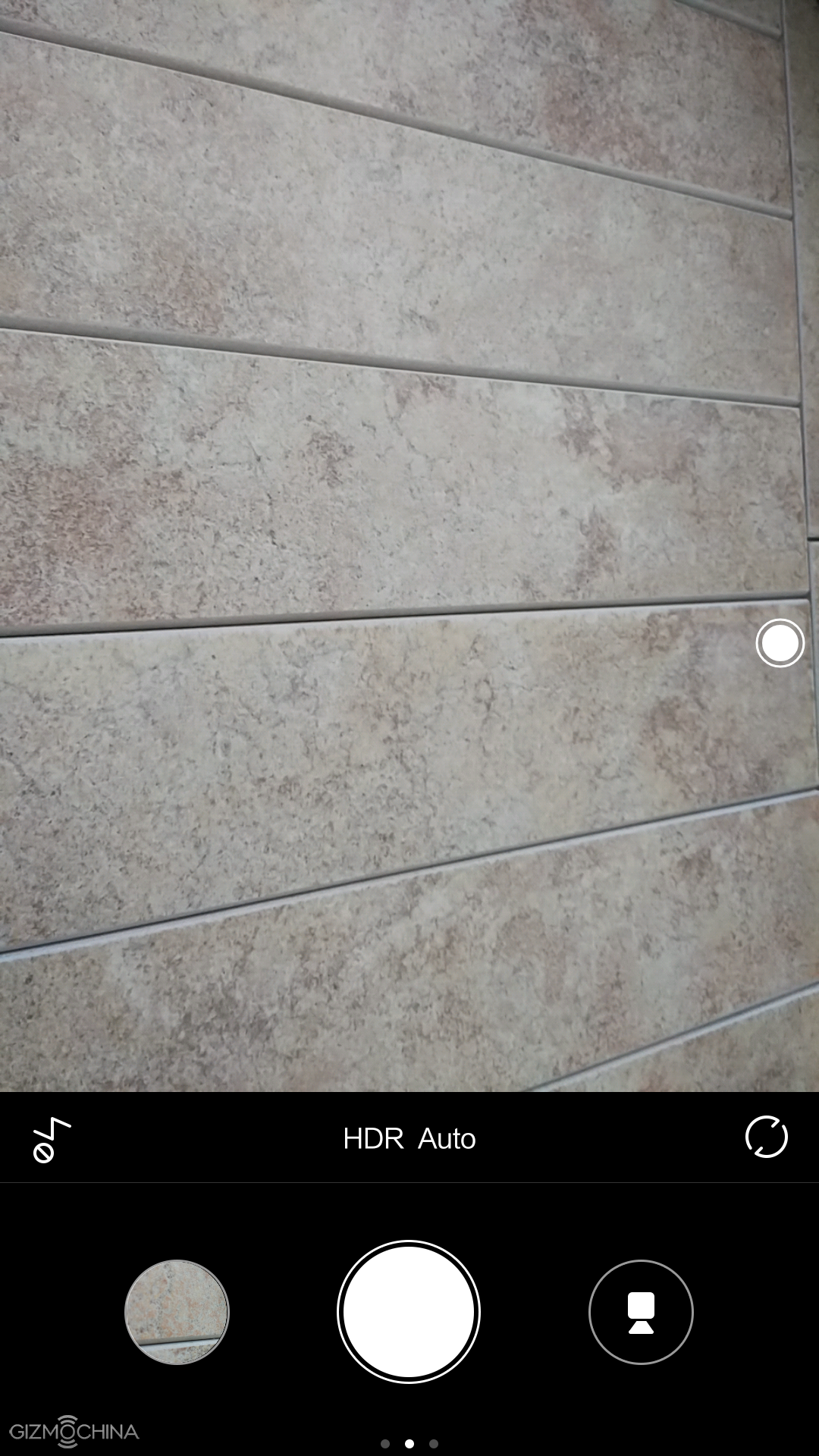
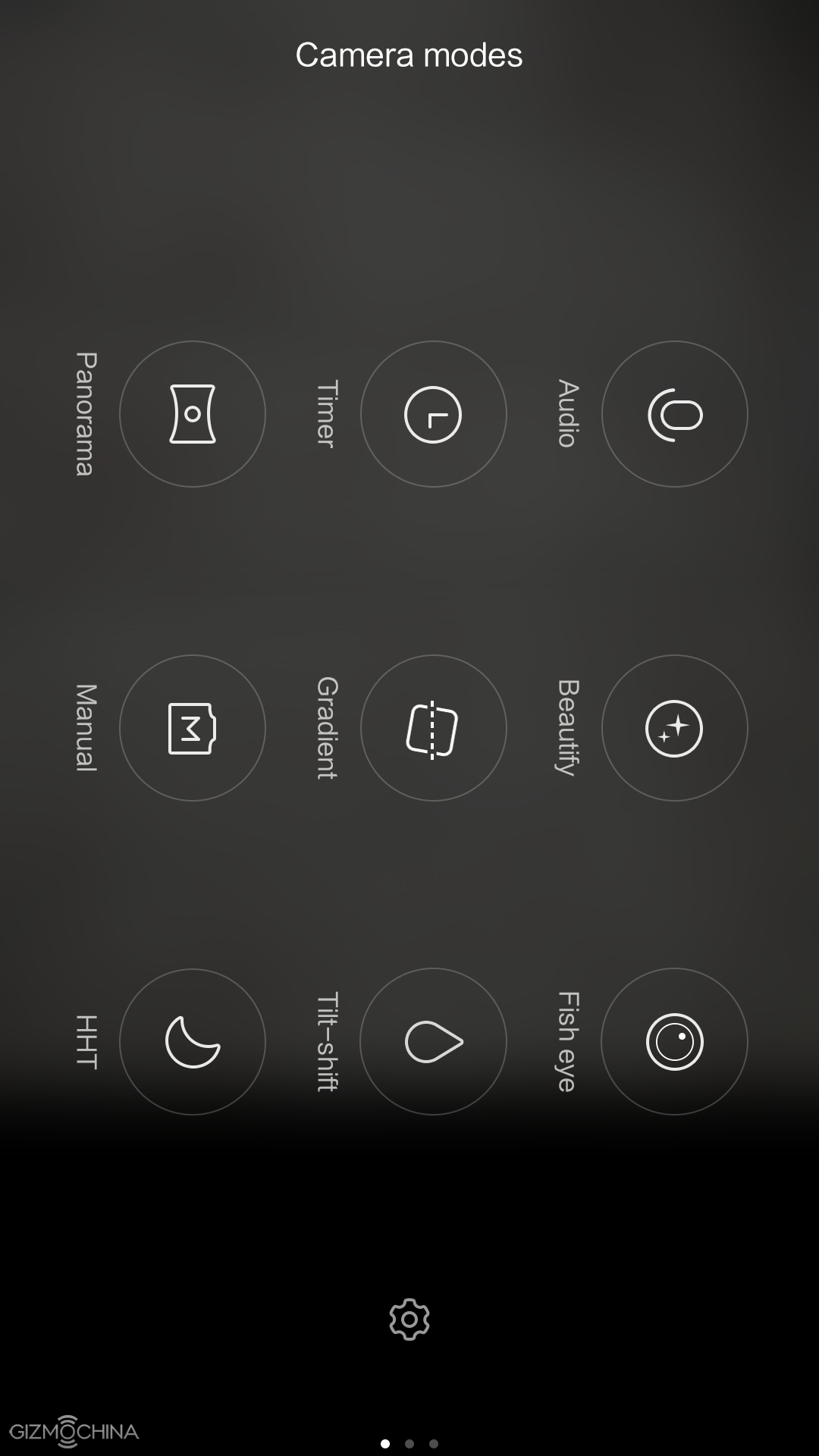
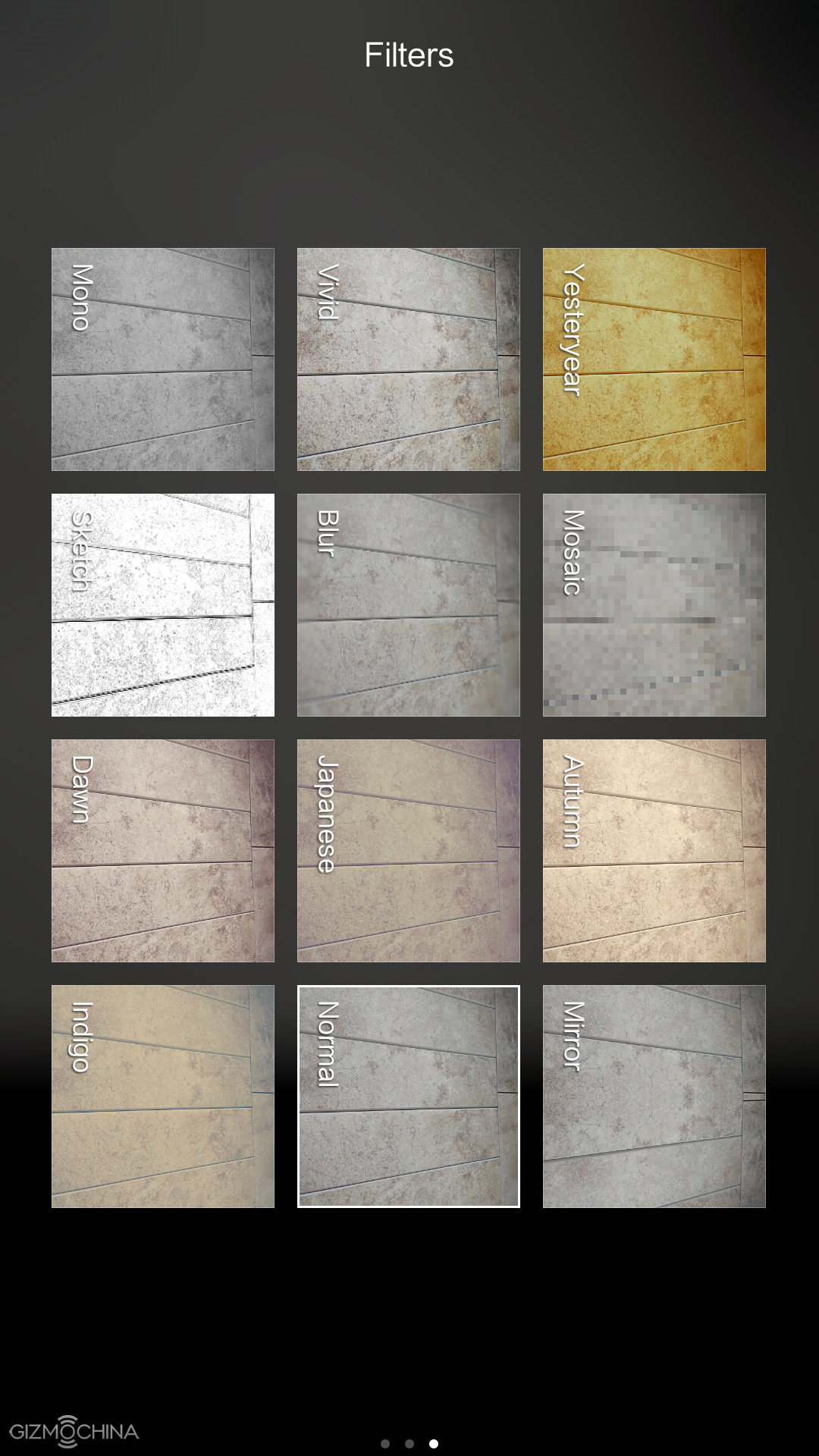
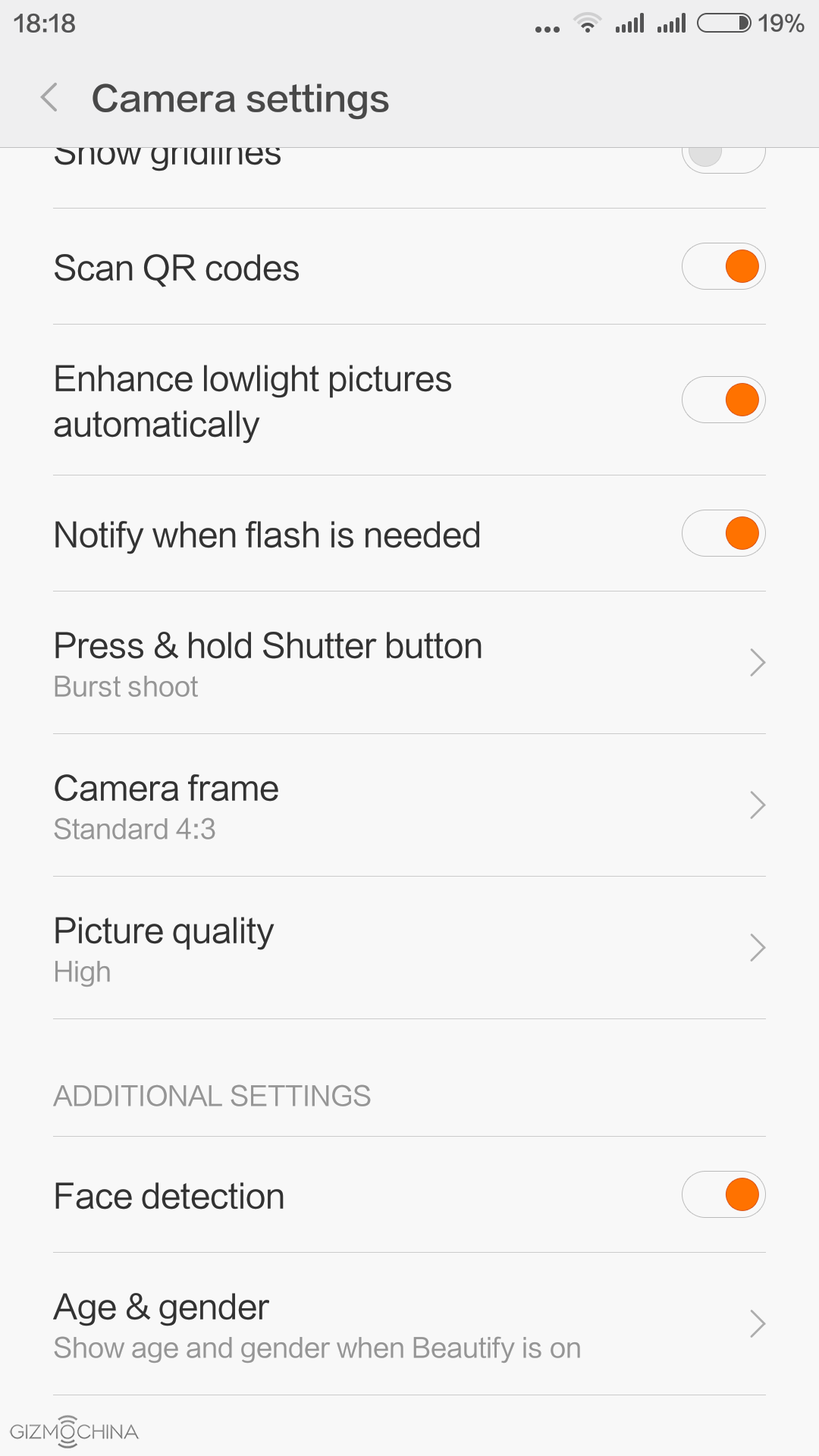
The phone comes with a MIUI camera app, which has quite a few shooting modes and some settings to play with. The shutter speed is really fast and it may be even on par with most of the flagships.
Xiaomi Mi4C Review: IMAGE QUALITY








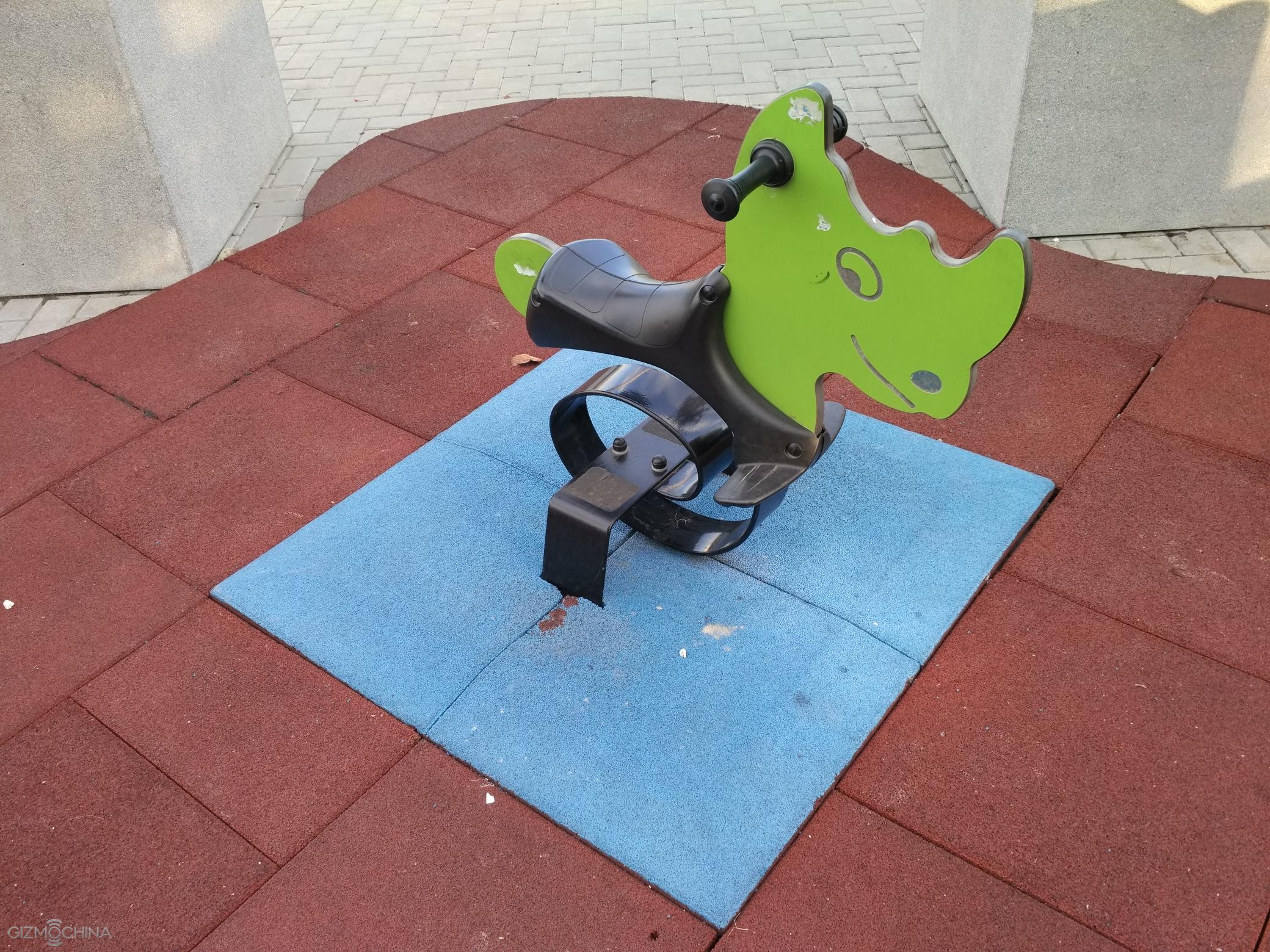












The 13MP camera on the back can produce some really good looking daylight images as they look sharp, have plenty of details, contrast, colours and even dynamic range are usually handled well.

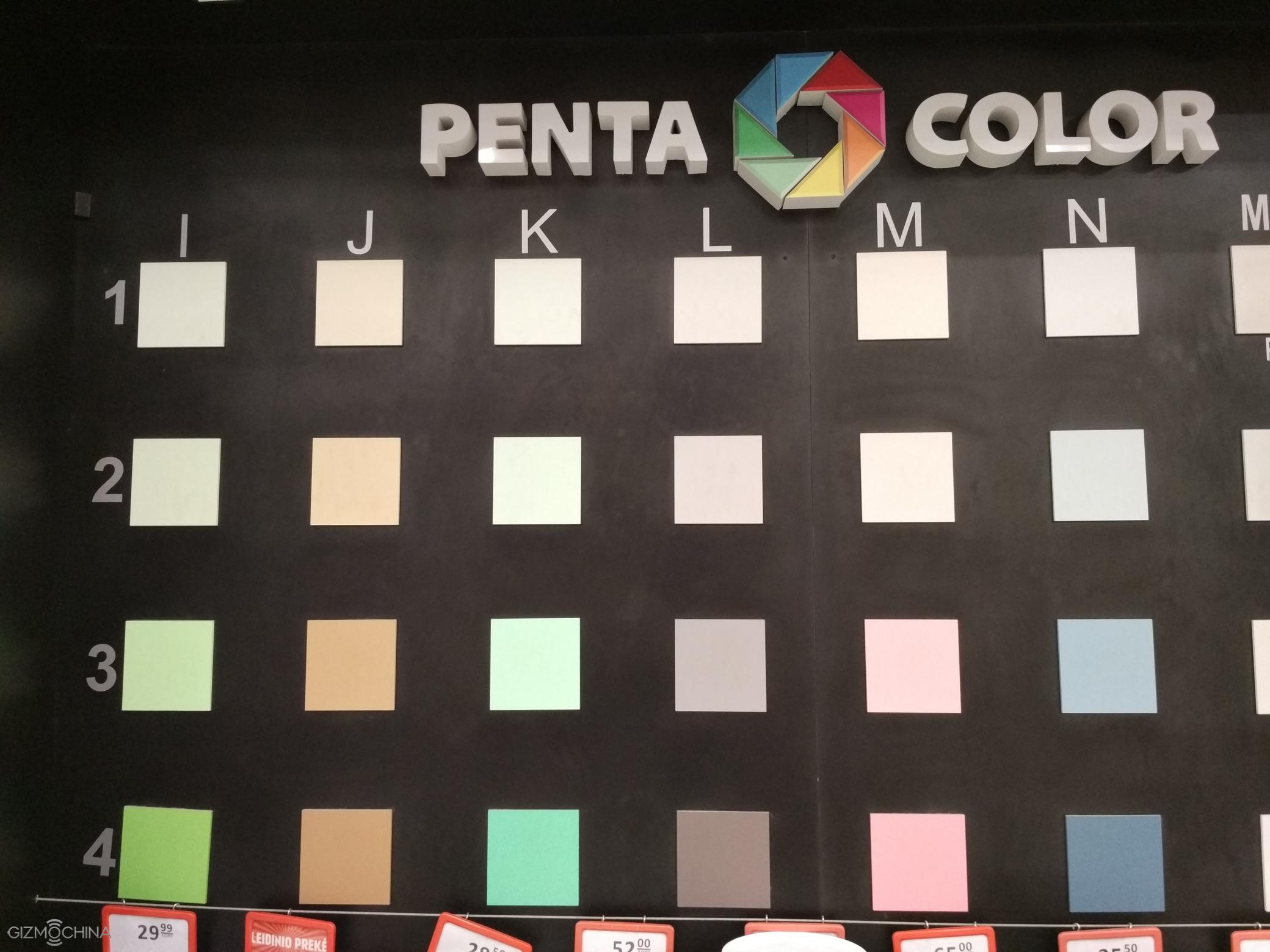
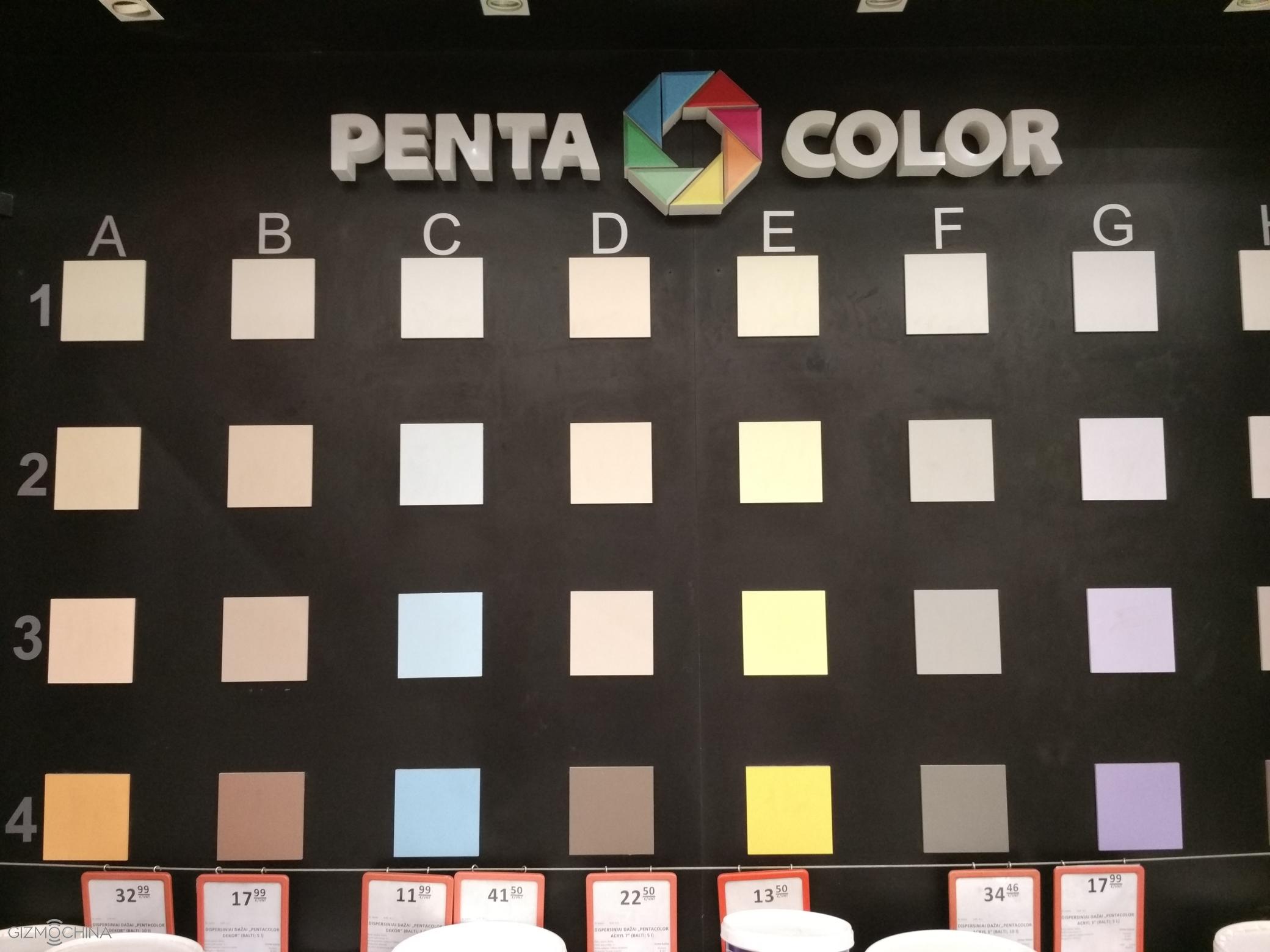


Good Indoor shots are still possible but in the lower lit situations we can see a soft focus on the corners, less details and more noise.









The night shots are a bit disappointing. Yes, the camera illuminates the scene quite well but it struggles with focusing and the amount of details is disappointing. Also, noise levels are quite high. Honestly, I expected a little bit more as the night images looked decent on the phone’s screen.
A 5MP selfie snapper does a great job for social media needs but you have to have good lighting conditions.
Xiaomi Mi4C Review: VIDEO
See a video review for a sample.
The 1080P is a maximum resolution this phone can shoot despite near flagship grade specs.
The quality of footage is kind of disappointing. It’s not the worst I’ve seen but it could definitely look sharper and have more details. A good thing is that the camcorder has CAF (continuous auto-focus) feature, which is still missing on a lot of Chinese phones. A bad thing that it is very slow.
Xiaomi Mi4C Review: CONNECTIVITY
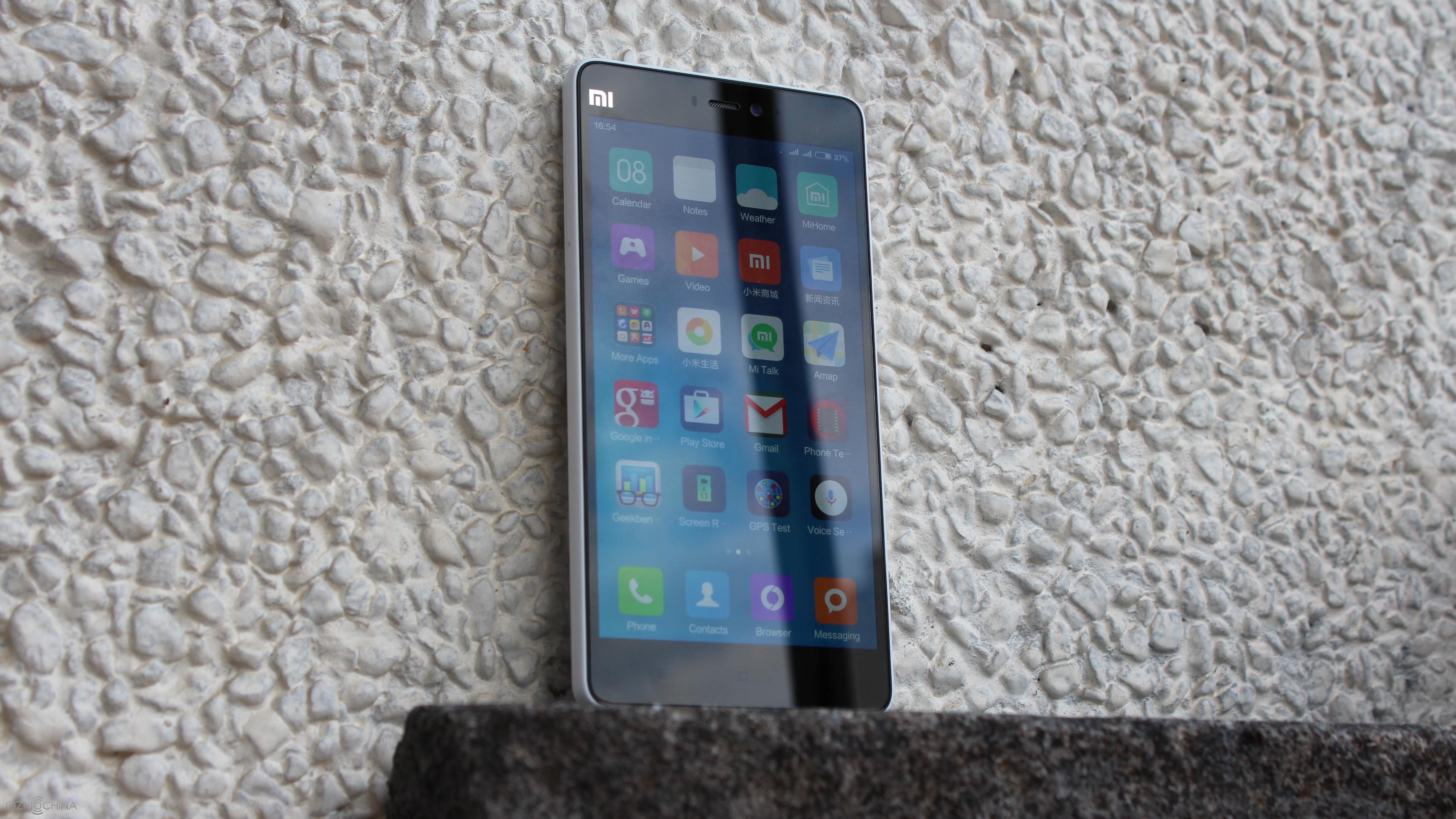
The call quality is good and other connectivity options work absolutely fine.
Xiaomi Mi4C Review: BATTERY LIFE
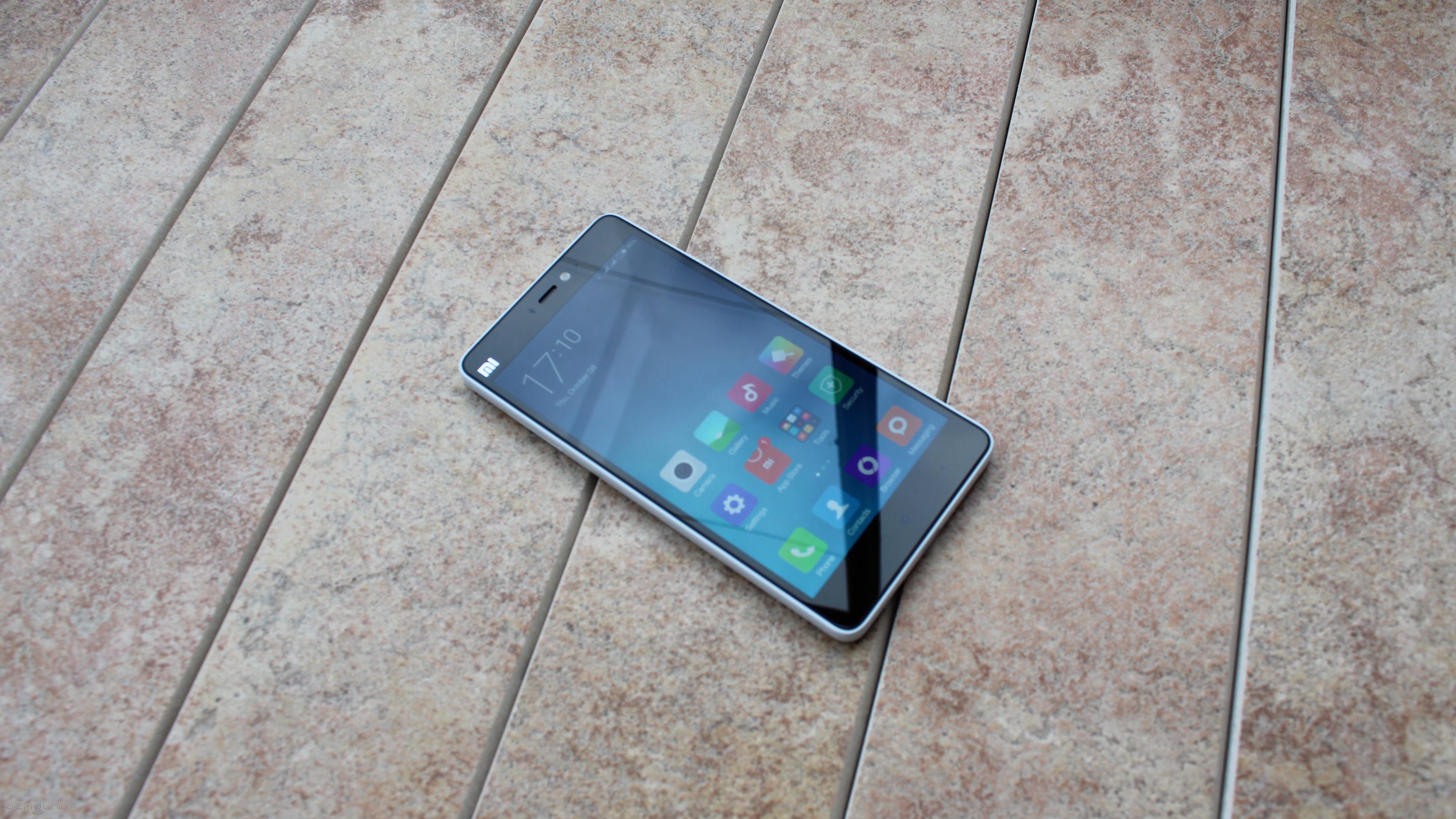
The 3080mAh non-removable battery is okay but there is nothing to be impressed about but I presume this is due to an early software build of this device. I could get just up to 4 of screen-on time and the phone could easily get me through the day when using 2 SIM card slots at once, having a Wifi and 4G always on, checking social media and so on. Still, I believe there is a room for improvement and we may see that in the future software upgrades.
Xiaomi Mi4C Review: CONCLUSIONS
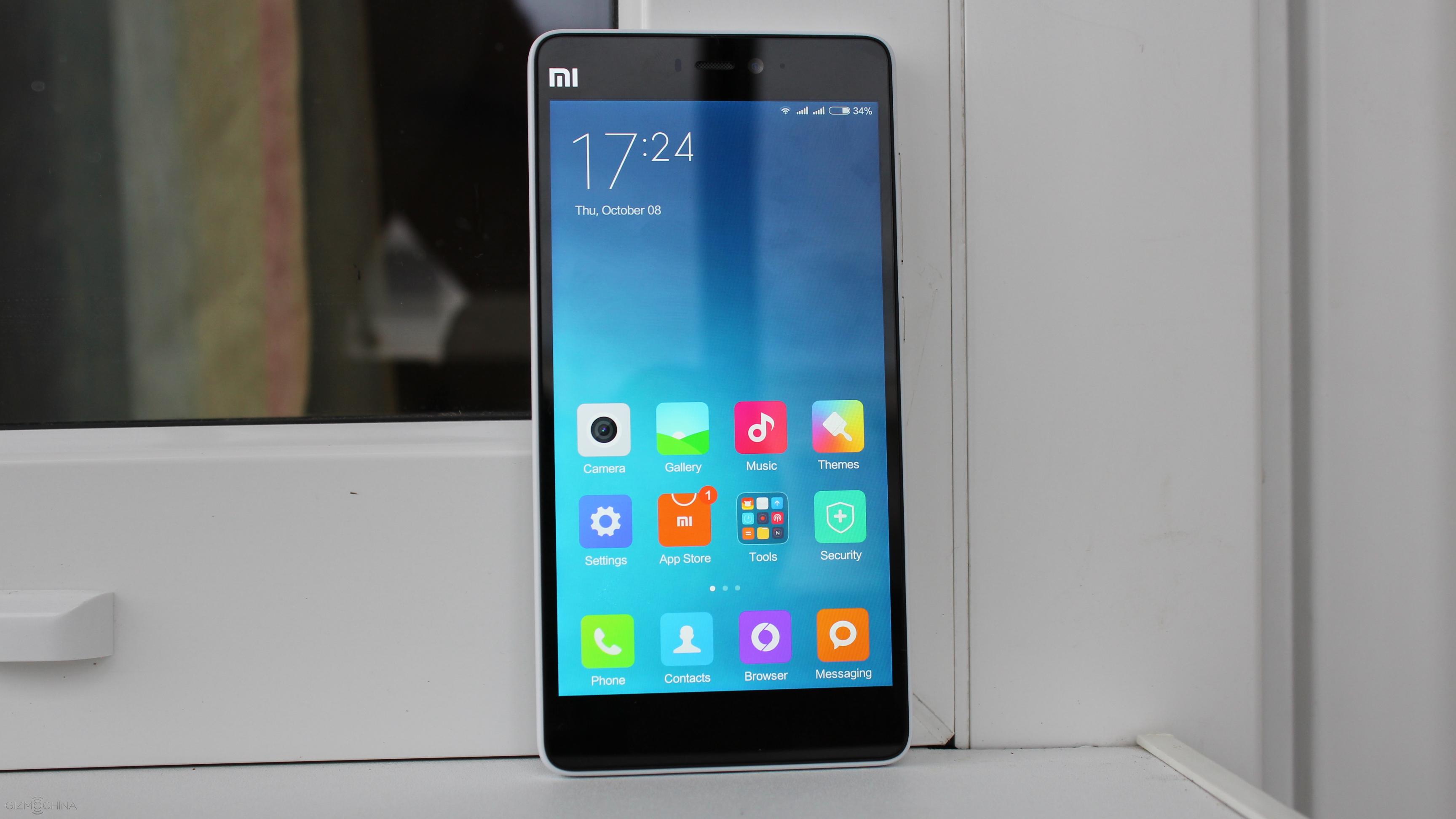
So there you have it, Xiaomi Mi4C, the device that has a midrange phone’s price but near flagship grade specs.
I like the design and the form factor, and the fact that the device is very compact due to its 5” display, which is brilliant to look at, by the way.
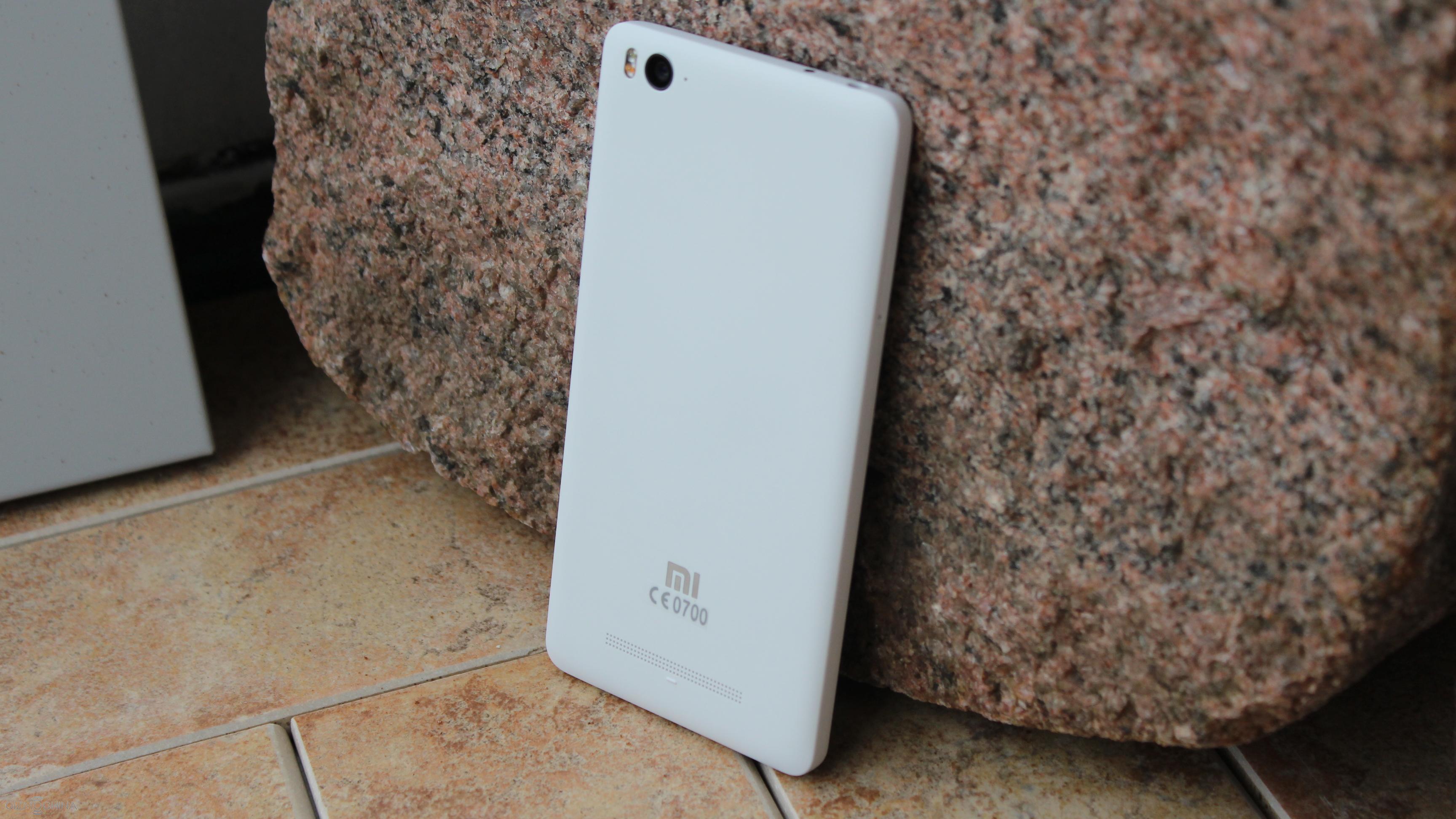
The phone is usually fast and fluid and the stutter kicked in just a few times. However, one annoying feature is that some notifications from Gmail or Facebook came in later than they were supposed to come.
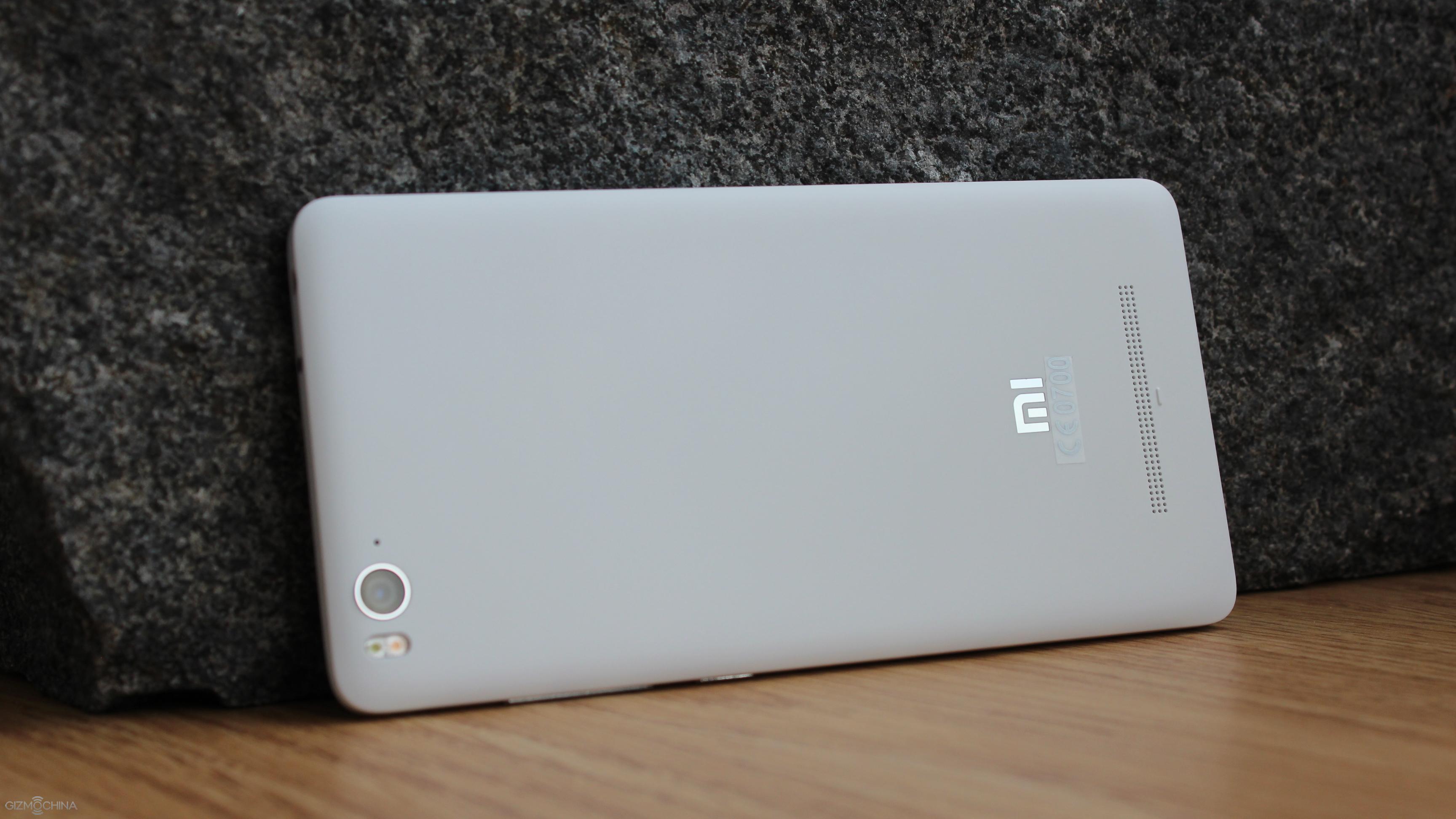
I was happy with a graphically demanding performance, multimedia experience and daylight picture quality but I believe there is a room for improvement in a low-light camera performance, a battery life and while the UI experience is usually good, it still needs just little bit of polishing to make it great.
All in all, this phone, the same as other phones, is not perfect but it is definitely good. For the price of under $250 you are getting a really powerful package that it is packed in a nicely designed and compact body, and the Xiaomi Mi4C is definitely worth checking out if you are looking for a great bang for your buck.
We wanted to say thanks to Giztop for providing us with a Xiaomi Mi4C review unit.
Ulefone to Spread U-Launcher from Ulefone Paris to Most Models
Ulefone says today on its blog that they will build U-launcher in all the 3 to 4 models coming later this year in an effort to improve user experiences. And the custom android launcher will also be pushed to Ulefone Be Touch 2 via wireless updates which are expected to be released in a couple of days.
U-launcher is first installed on Ulefone Paris and the company’s video presentation shows it mainly provides a themes store, an extra screen with camera window and photo timeline, as well as an app icon organizer.
The theme store contains plenty of free themes which can change the appearance of app icons and wallpapers. The camera window allows users to take photos with both front and back cameras without having to opening the camera app. And after that the photo can be simply shared to social media right on the timeline. What’s special in the app organizer is that it enables you choose more than one to-be-moved apps first and then choose the target screen.
Ulefone says they will provide more user-friendly functions via U-launcher and also beautify its appearance in the future.
Buy Ulefone Paris from gearbest.com Buy Ulefone Paris from geekbuying.com
Deal: Best Chance To Save $180 For The Powerful LeTV One Pro!
There’s no denying that LeTV One Pro, nearly six months after its release is still one of the most value of money device in the market right now. The all metal built and powerful specs, makes it the OnePlus 2 killer. However, since the phone was essentially released for the Chinese market, many were disappointed with price that they had to pay via third party retailers.
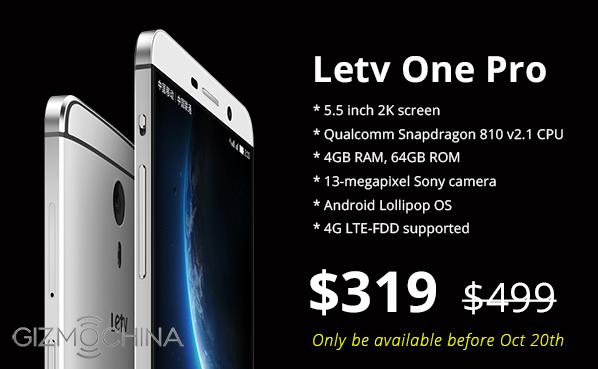
However, now would be a good chance to get the smartphone as OPPOMART is offering this powerful flagship for just $319. That’s a great price for a phone with such powerful specs.
To recap, the LeTV One Pro comes with the octa-core Snapdragon 810 chip with 4GB of RAM on board and 32GB of storage. You get a 5.5-inch 2K display from Sharp, which should be vibrant even under sunlight. There’s a 13MP OIS camera at the back, and support for FDD-LTE networks. OPPOMART informs us that the model will work in Asia, Europe and Australian continents. Dual SIM support, USB Type-C port and 3000mAh makes sure that the phone outperforms its competitors.
We think for $319, the LeTV One Pro is a great buy! Let us know if you feel the same.
Also, remember that this deal is only till October 20, so make sure to avail this offer as soon as you can if you are interested.
Cubot X16 Is A Super Slim Smartphone With A Scratch-Proof Back
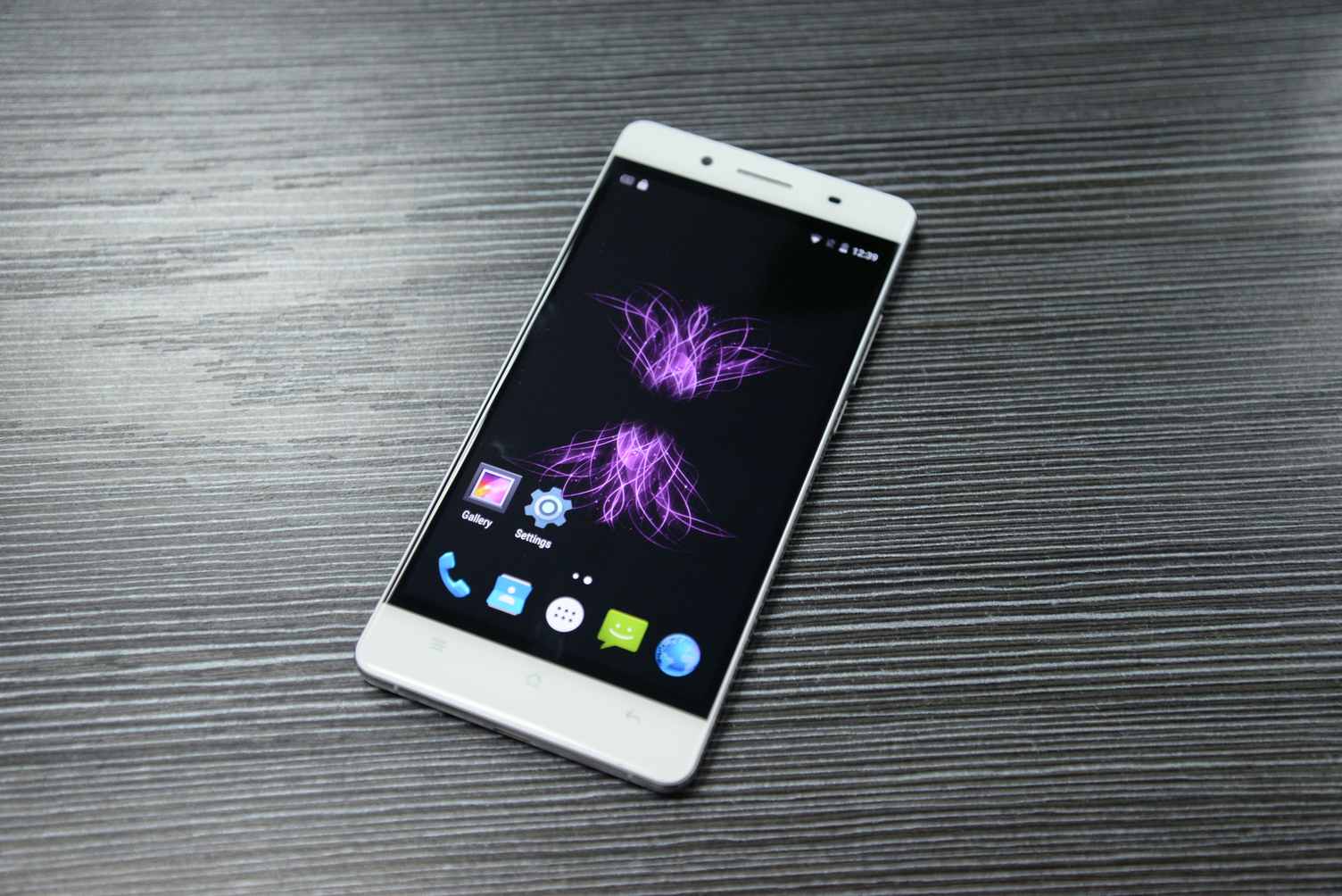
Many of us have already seen the Cubot X11, which was one of the best looking phones from the company till date. Now, Cubot is back with its next generation version, called as the Cubot X16. This particular device will carry the beautiful looks of the X11, with a few updates, making it look all the more premium.
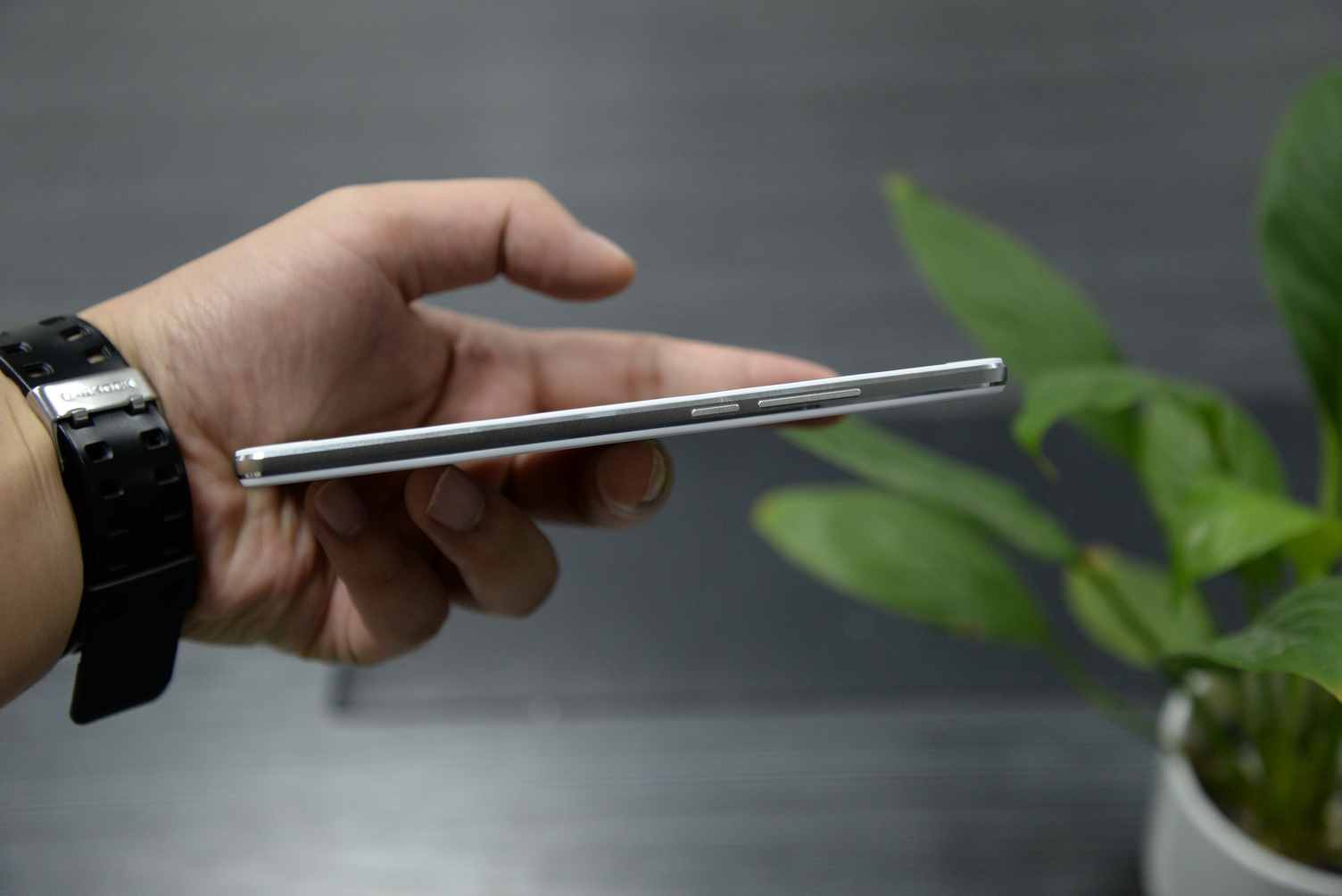
According to the latest information, the Cubot X16 is going to be a super slim device, measuring just 6.2mm in thickness. So, people who love slim phones should definitely take a look at the upcoming device. You get a 2.5D curved glass front on a zinc alloy body, which is reportedly is strong and comes with a pearl like texture. The phone weighs just 145 grams which is also pretty good.
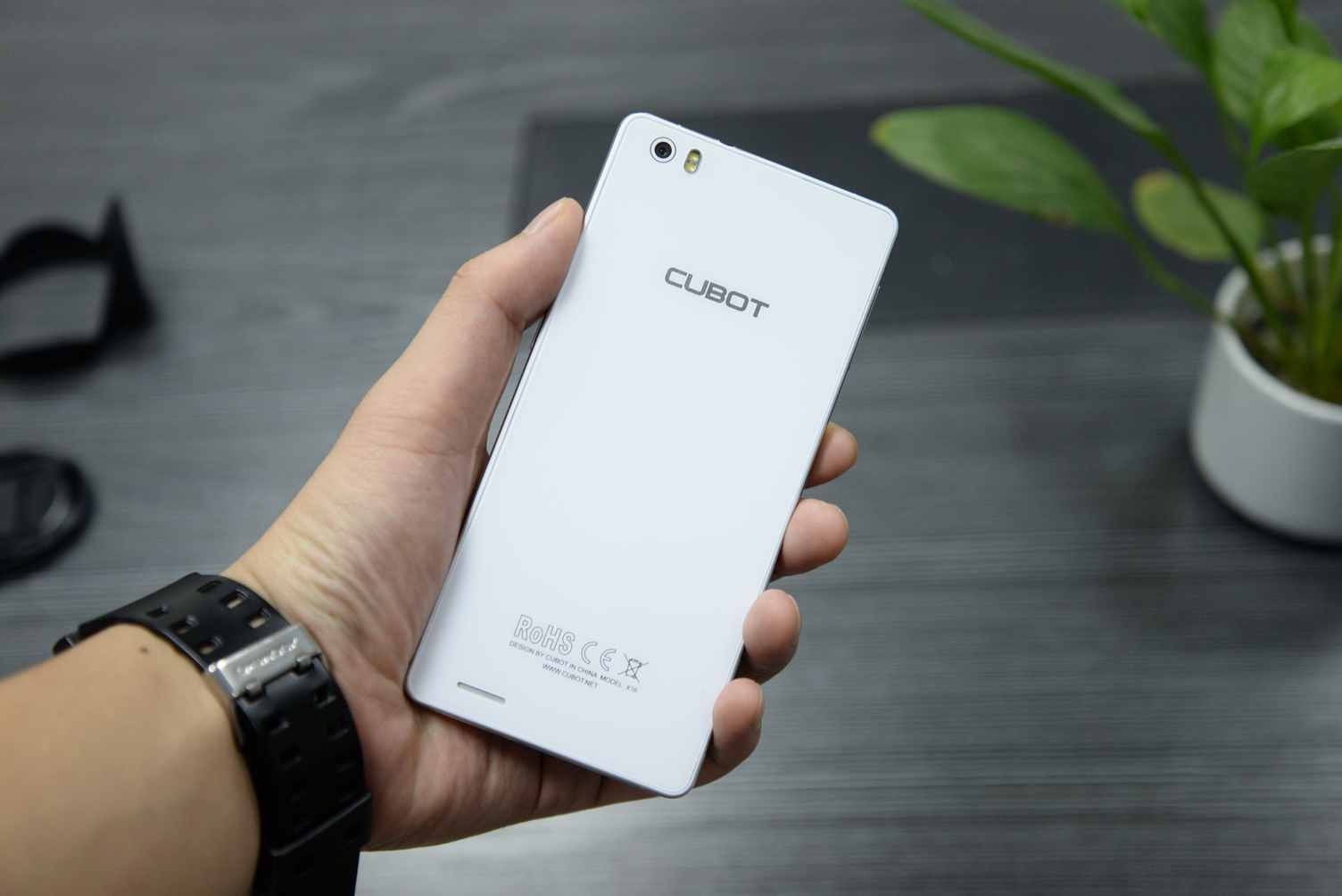
One of the highlights of the device is the glass back which is reportedly scratch proof. So, you don’t have to worry about damaging the back in your day to day usage. Further, you get two color options, White and Gold. The premium colors, pearl like texture and round corners makes the phone looks premium.
As for the specs, it is said that you can expect a decent mid-range chip like quad-core MT6735. So, the price is likely to be quite affordable as well.
We will update you guys with more details pretty soon. Stay tuned to the website for more details.
Next Gen LeTV model renders are out, features dual curved display + rotating camera!
LeTV is slowly transforming itself into a major smartphone maker in the past few months. Since the launch of its first smartphone back in April, the company has been busy with new launches, the latest one being the Sapphire glass protected premium LeTV Le Max model. Now, renders of the next generation LeTV model has just leaked out, revealing some interesting aspects about the device.
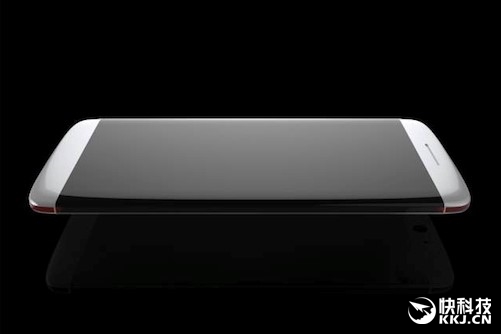
First of all, from the images, it looks like the phone will have a dual curved display. The display extends to the sides, adding more real estate to the device. The phone is practically like a pebble, curved from all sides for a seamless design experience.
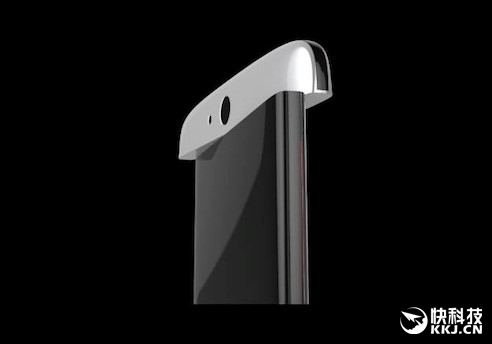
While this make the device quite unique and interesting, there’s more. The renders show that the new LeTV model will feature a rotating camera. But it won’t be rotating upwards like the OPPO N3, rather it will move laterally. And it is said that the camera unit can take a crazy 360 degree turn.
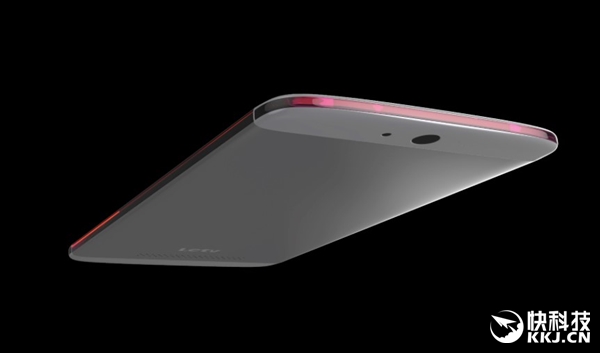
Everything looks crazy about this phone! To make the camera experience interesting, the phone will reportedly feature Sony IMX300 23MP sensor with support for RAW output. It looks like LeTV is going to market this device as a camera powerhouse.
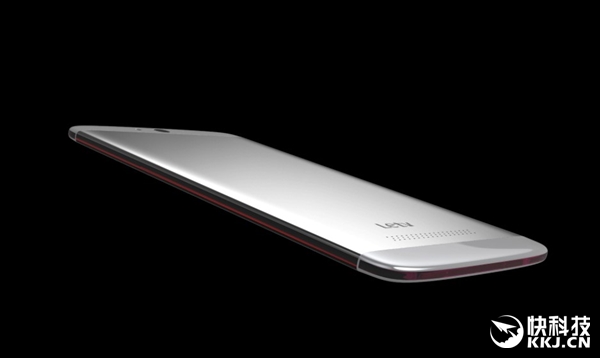
The phone will be extremely thin, which is evident from the renders above. So, I wonder how the company will practically incorporate a 360 degree rotating camera inside such a thin body.
As for the specs, the new LeTV model will reportedly come with Snapdragon 820, with 4GB RAM, 32GB memory, 5.7-inch 2K display and Qualcomm’s QC Quick Charge 3.0 tech.
As for the time of release, it is said that the phone will launch sometime early 2016. While I would personally love to see such a device in real life, its quite possible that these concepts remain as renders for a foreseeable future.
What do you think? Can such a device launch in 2016?
Xiaomi Reportedly Hired An Ex-Senior Official From Lenovo’s Laptop Business
Thanks to the numerous leaks in the past couple of months, we know for sure that Xiaomi is working on a new product, the Xiaomi laptop which will reportedly launch sometime early next year. Now, Lao Yao, the secretary general of the China Smartphone Alliance has just revealed a key development.

A few hours ago, he revealed via his Weibo page that Xiaomi has hired an ex-senior official from Lenovo’s Laptop business. This comes at a time when Xiaomi is preparing for the launch of its first laptop. Given the immense experience of this senior official, Mr. Lao says that he could play a crucial role in the development and release of the product.
Further, Lao adds that Xiaomi could also offer MIUI on this new laptop, which will mark the UI’s entry into the computer software industry. However, we still don’t know whether we can expect a Windows 10 powered variant of the laptop as well.
According to a previous report, Xiaomi’s Laptop will be quite different than the existing laptops available in the market. Unfortunately, we don’t know what the CEO of Inventec, Mr. Lee meant by this statement. It could be customization in the software or even the design, but we will have to wait for more information to get some idea about the company’s plans.
Well, with the new official on board the team, we can expect some great stuff from the company in the coming months. Stay tuned for more details.
Did OnePlus X just pass through China’s 3C Certification website?
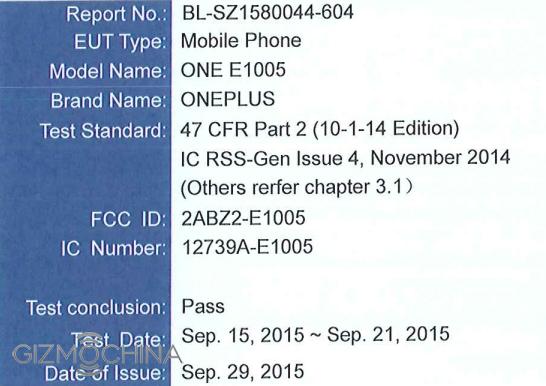
A few hours back, OnePlus CEO Liu Zuohu kind of confirmed the existence of the OnePlus X. Now, a new model model has just passed China’s 3C certification website, and it could very well be the OnePlus X.
The model OnePlus E1001 was spotted on the Chinese Quality Certification website. While the certification doesn’t reveal the name or the specs of the device, considering its timing, we expect this to be the OnePlus X model.

Things are really getting interesting this month. After the CEO’s teaser about a device named X, Oneplus also started sending out invites to the media in India for an event called “the Next Big Step”. This particular event will be hosted by the company’s GM in India, Vikas Agarwall as well as co-founder Pete Lau. So, it could be for the launch of the OnePlus X.
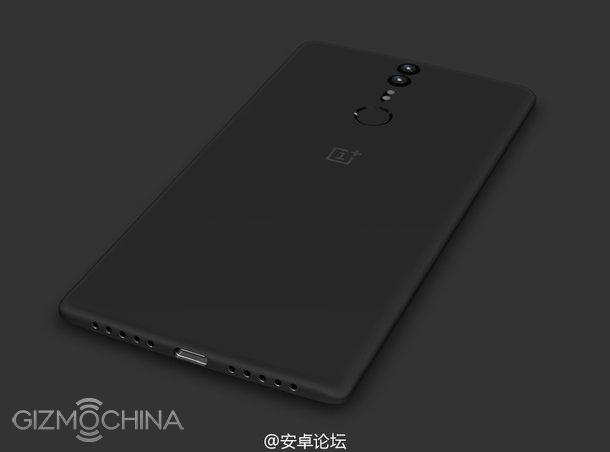
Considering these hints, we could very well see the OnePlus X in the next few days, most likely at the event on October 12.
As for the specs, we can expect the phone to feature a 5-inch display and Snapdragon 801 / Helio X10 chipset on board. The pricing is expected to be around $249. We will keep you guys updated with more information in the coming days. So stay tuned.
OnePlus CEO Confirms The Name OnePlus X, Sends Out Invites For ‘The Next Big Step’ event
Late September, our factory sources had revealed that OnePlus was going to release its second smartphone with the name OnePlus X. They also said that the company will release the phone as soon as October. Now, it looks like, our sources were bang on target as OnePlus is slowly revealing more details about a launch event this month.
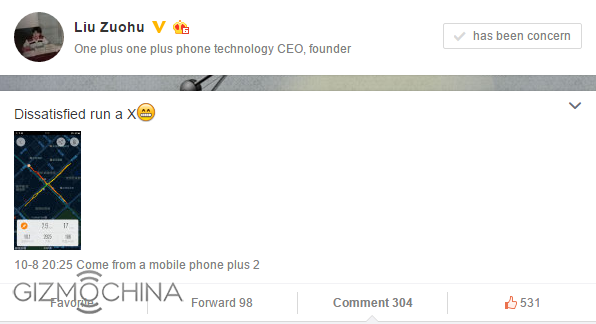
First of all, OnePlus CEO Liu Zuohu posted a new teaser on his Weibo page late last night. And guess what, it shows the letter X. So, we have very good reason to believe that the name OnePlus X is almost confirmed.
Secondly, OnePlus has started sending out invites for a new launch event in India next week on October 12. According to the invite, the event will be hosted by the co-founder Pete Lau and Vikas Agarwall (GM of OnePlus India). The event is titled, “The Next Big Step” and is most likely for the launch of the OnePlus X handset.
Although the company is yet to directly confirm the launch of OnePlus X at the event, given the timing of these teaser and the event, there is a very good chance that we will see the OnePlus X pretty soon.
As for the specs, our sources had revealed that the OnePlus X will come with 5-inch display and Snapdragon 801 chipset. While recent rumors have also said that the display will be of 5-inches, they claim that the chipset inside will be the new Helio X10 MT6795. We will have to wait and see which one turns out to be true. As for the pricing, you can expect the phone to retail somewhere around $249.
Anyways, since the event is only about a week away, we expect more information about the handset (hopefully pictures too) pretty soon. So, stay tuned.
The Best Cheap Earphones for under $20 – Xiaomi Pistons 3 Review
We have all heard of Xiaomi’s Pistons series earphones. Also, the 3rd Gen of Pistons has been released quite a while now but I haven’t had a chance to get my hands-on with them. Well, better than never, here is my review.
Thanks to Pandawill for supplying us with the Xiaomi Pistons 3 earphones for a review.
Xiaomi Pistons 3 Review: VIDEO
[embedyt] http://www.youtube.com/watch?v=Yi6ZqZhUSKk[/embedyt]
Xiaomi Pistons 3 Review: UNBOXING
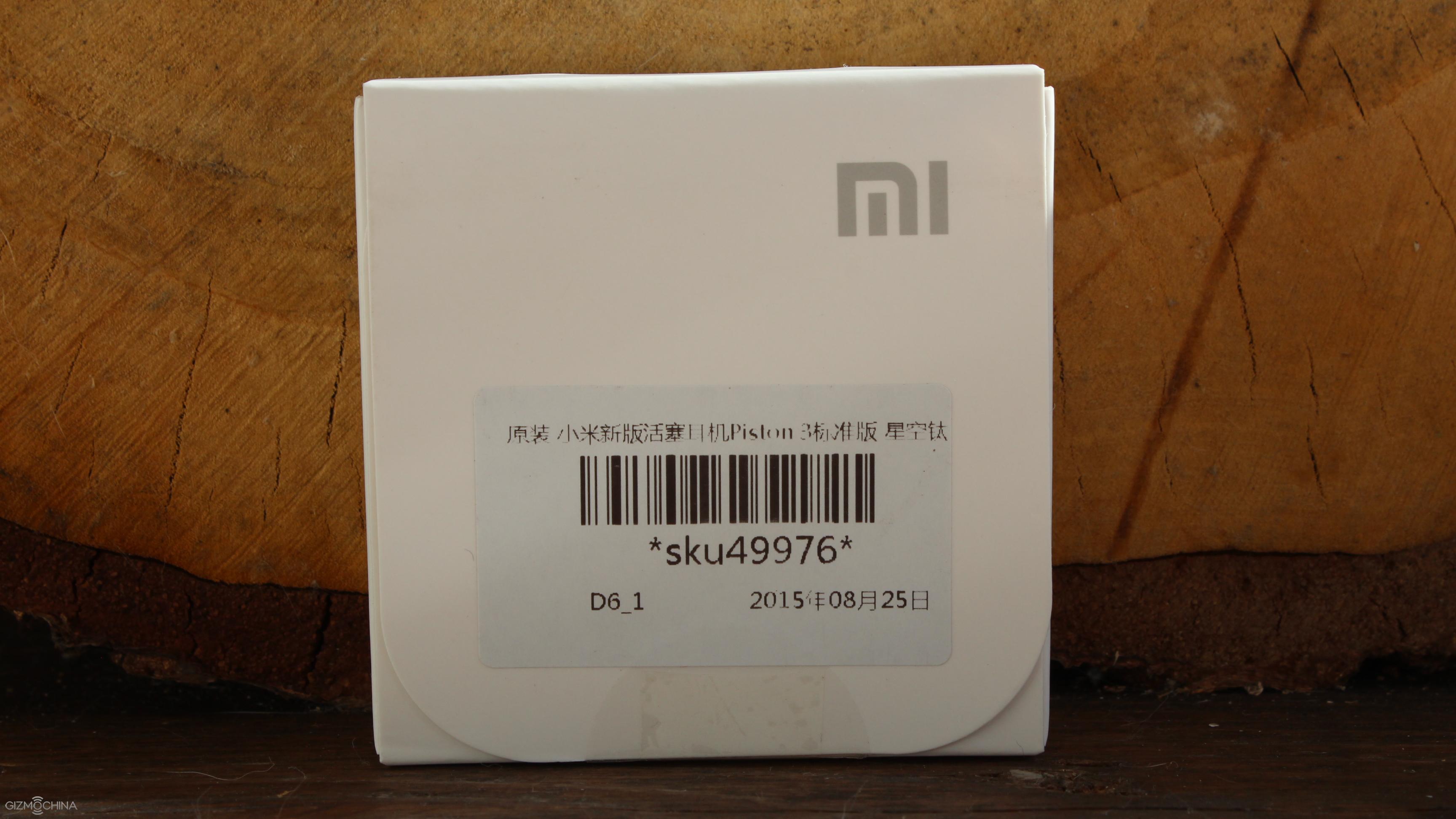
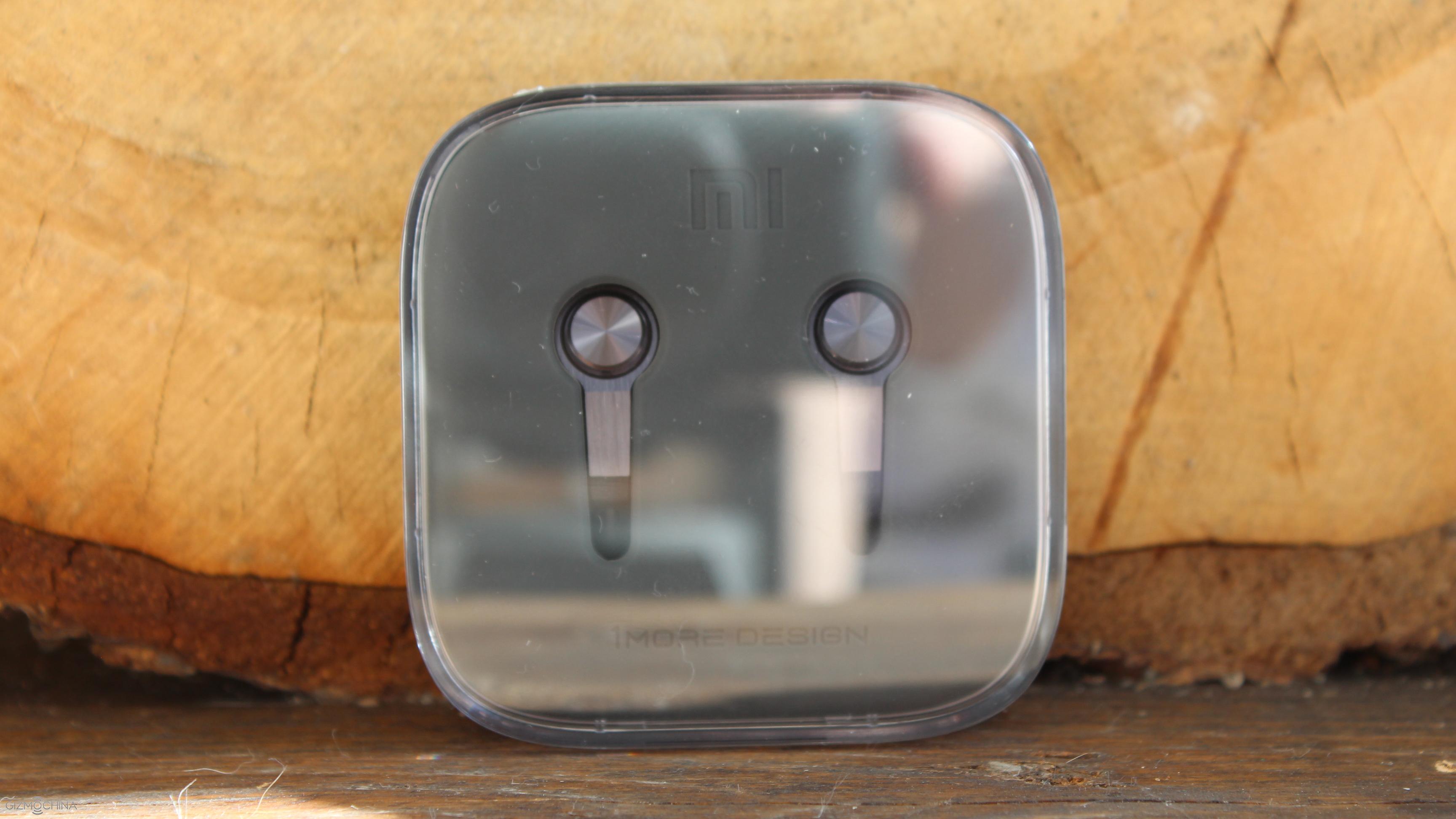
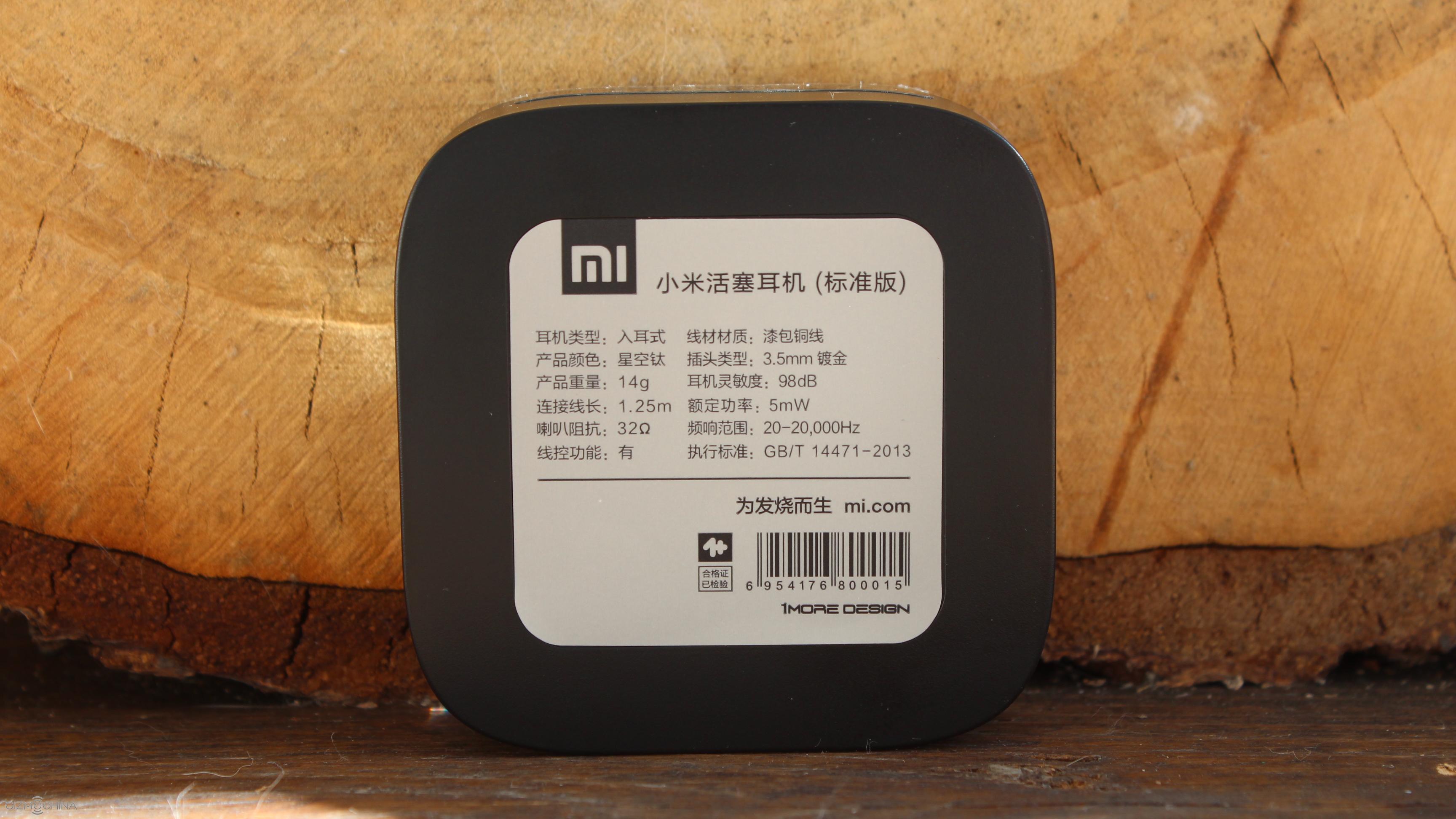
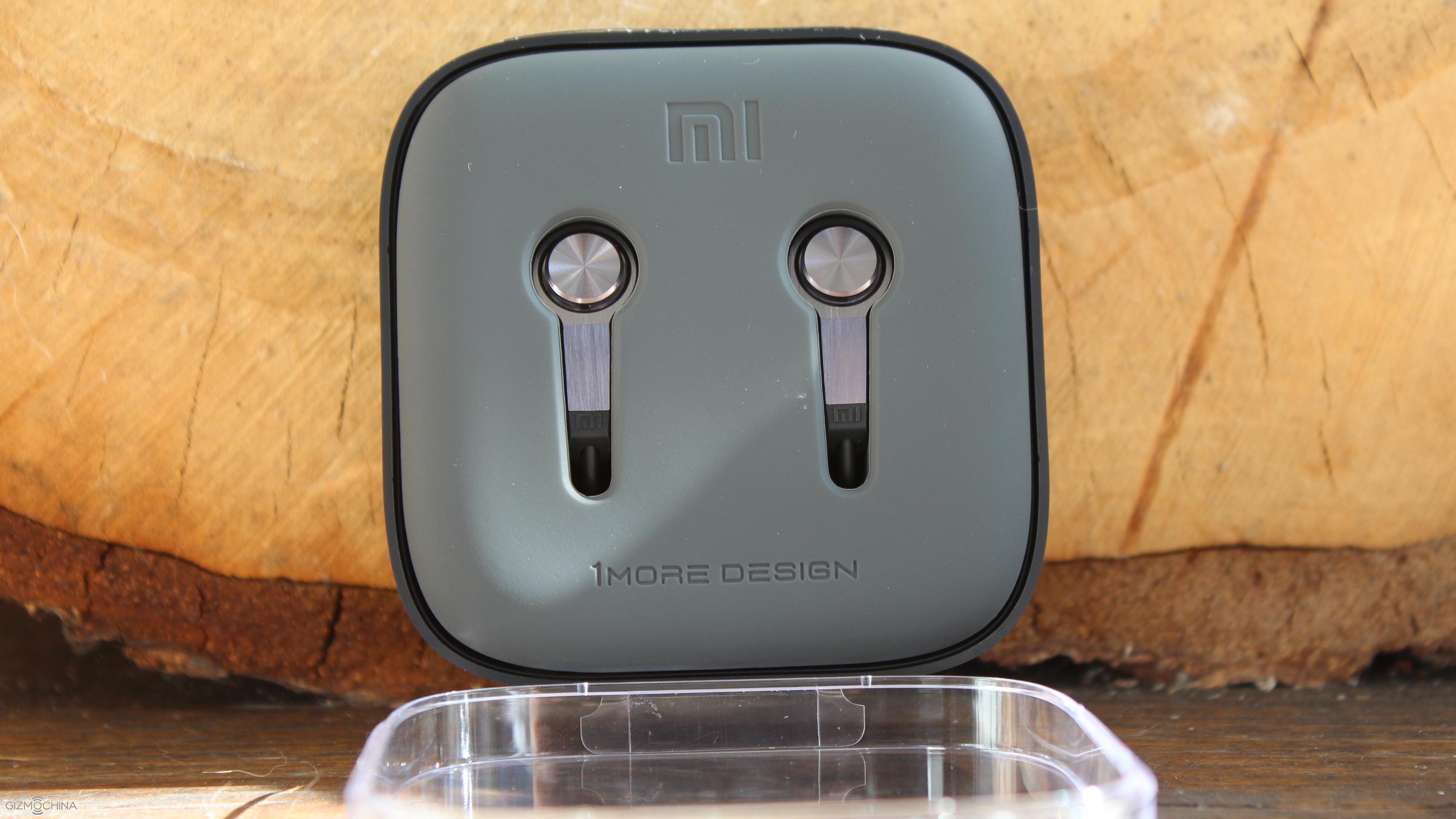
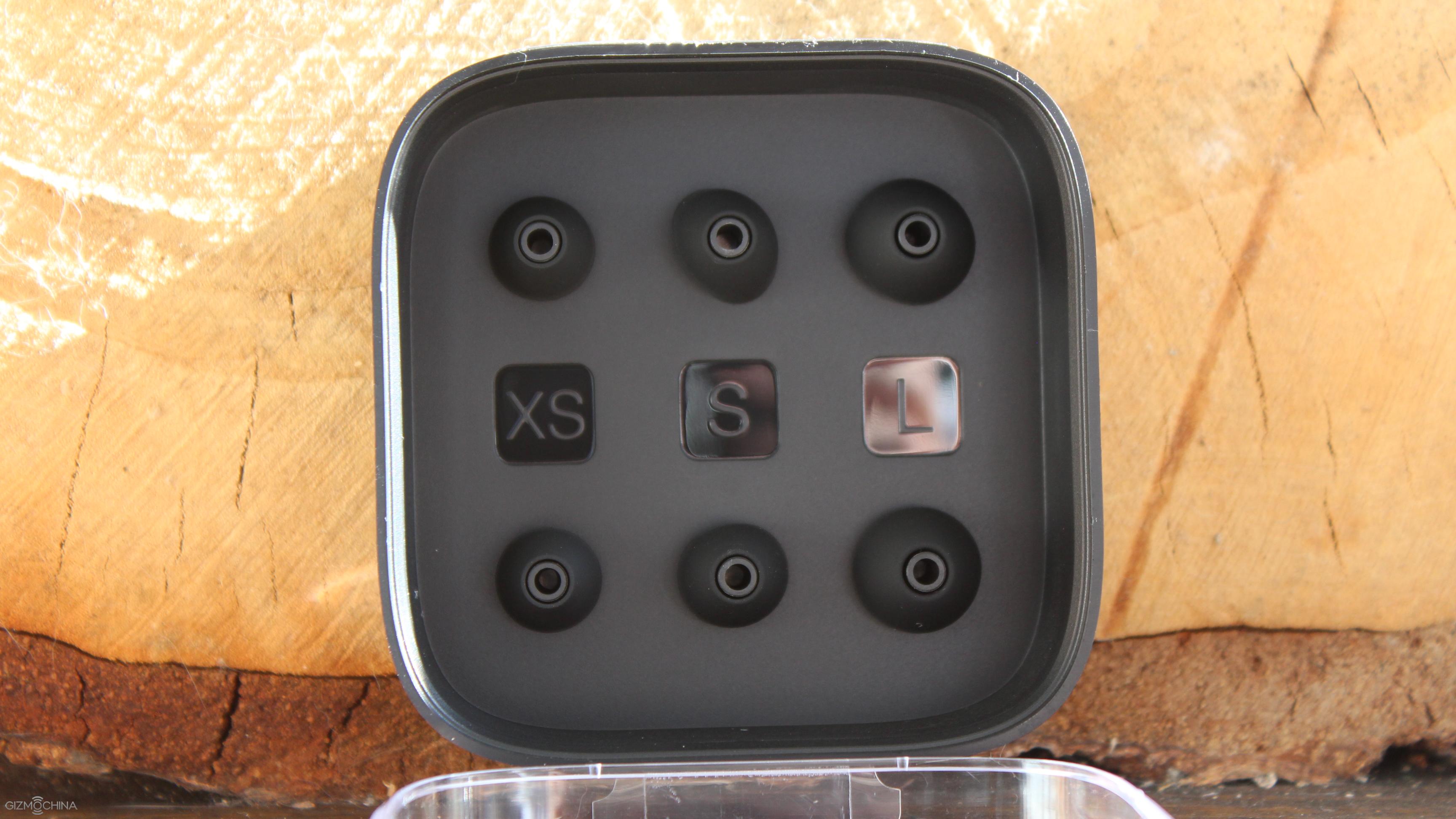
You will be pleasantly surprised that the earphones come in a really premium packaging. It comes in a plastic box and the earphones are wrapped very neatly around a high quality rubber base. Also, you are getting 3 different sizes of earbuds, which is a really nice touch given a low price tag.
Xiaomi Pistons 3 Review: DESIGN
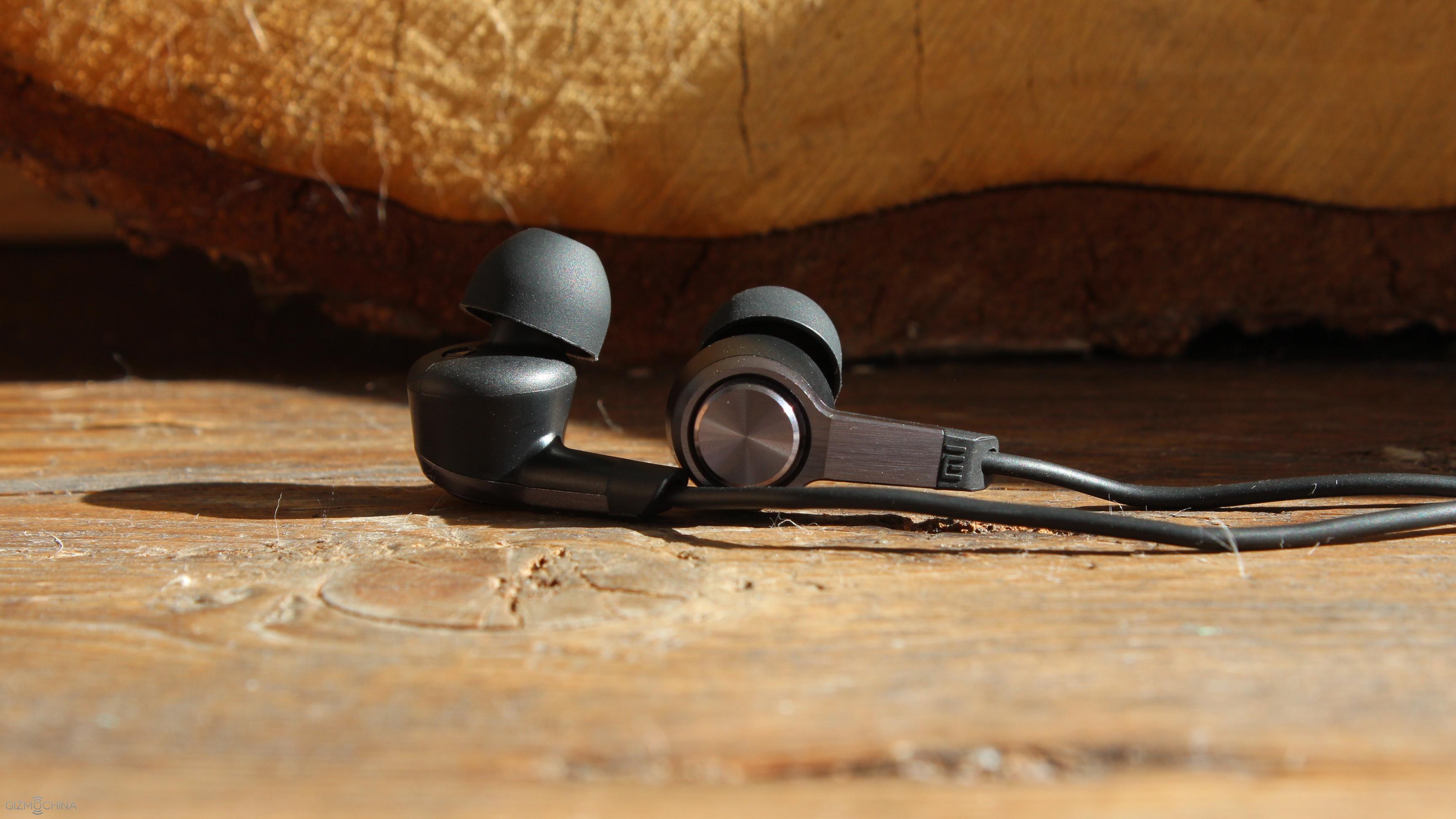
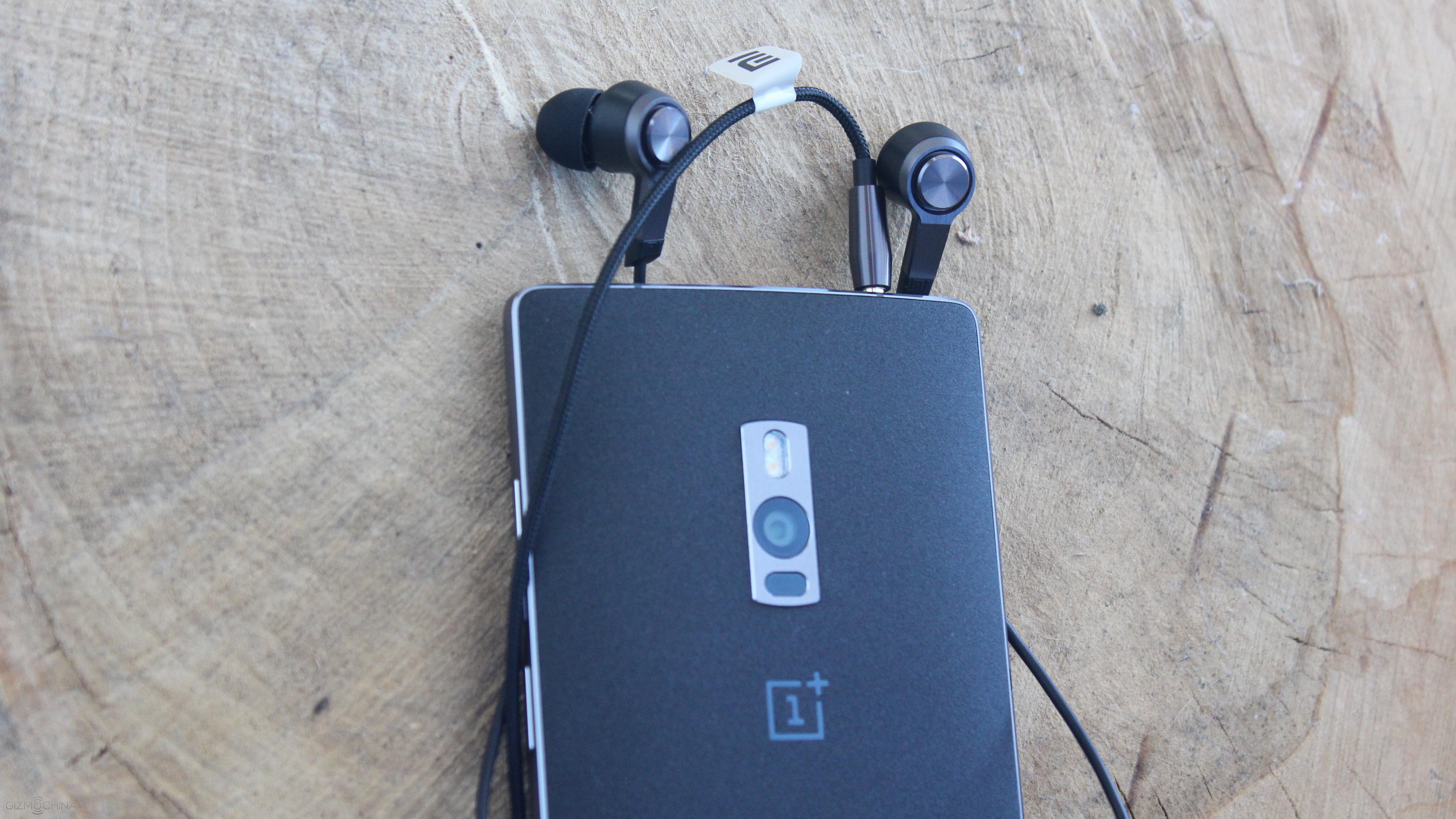
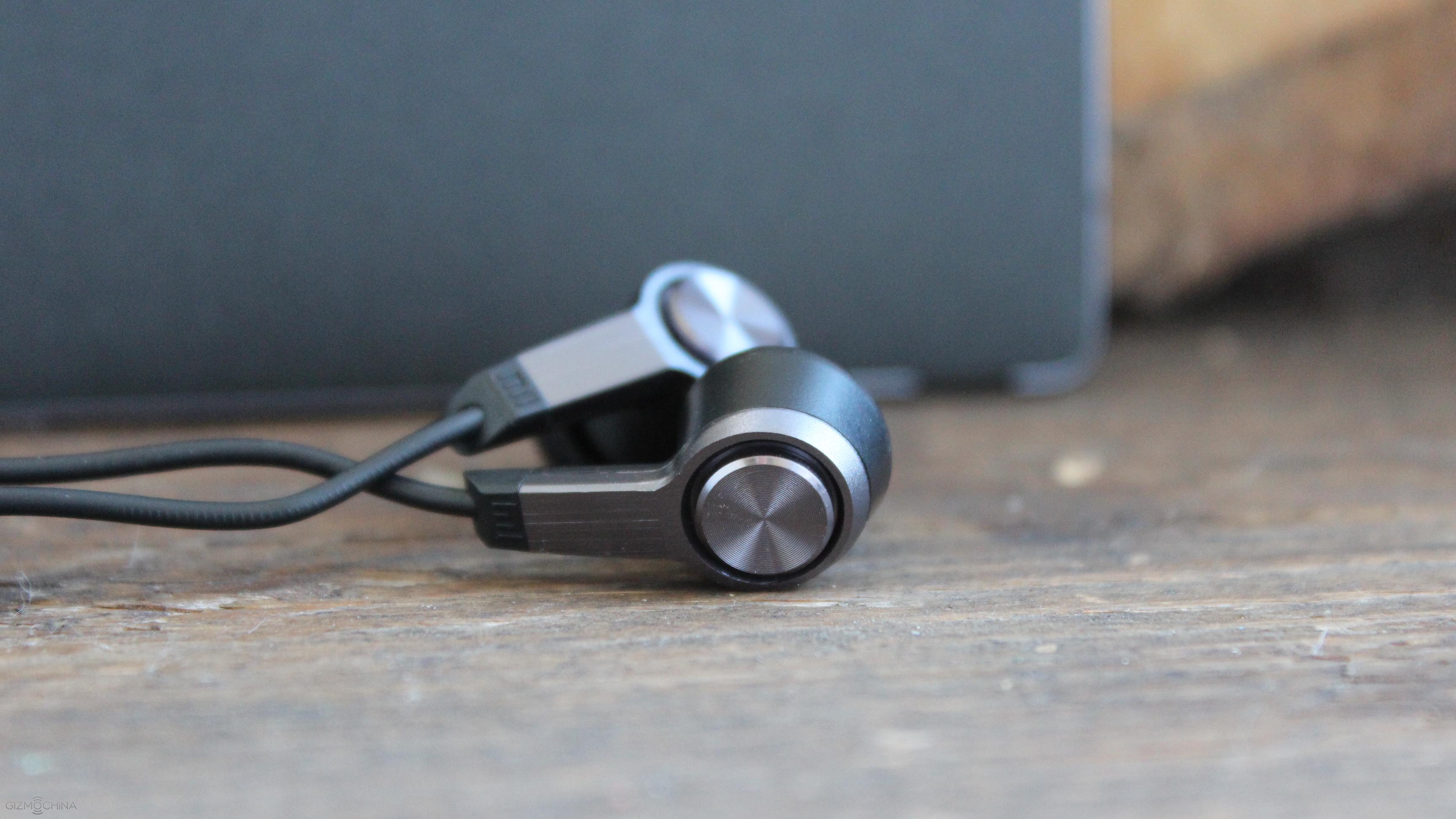
As far as the design goes, the Xiaomi Pistons 3 combine plastic and metal materials and they have a great build quality.
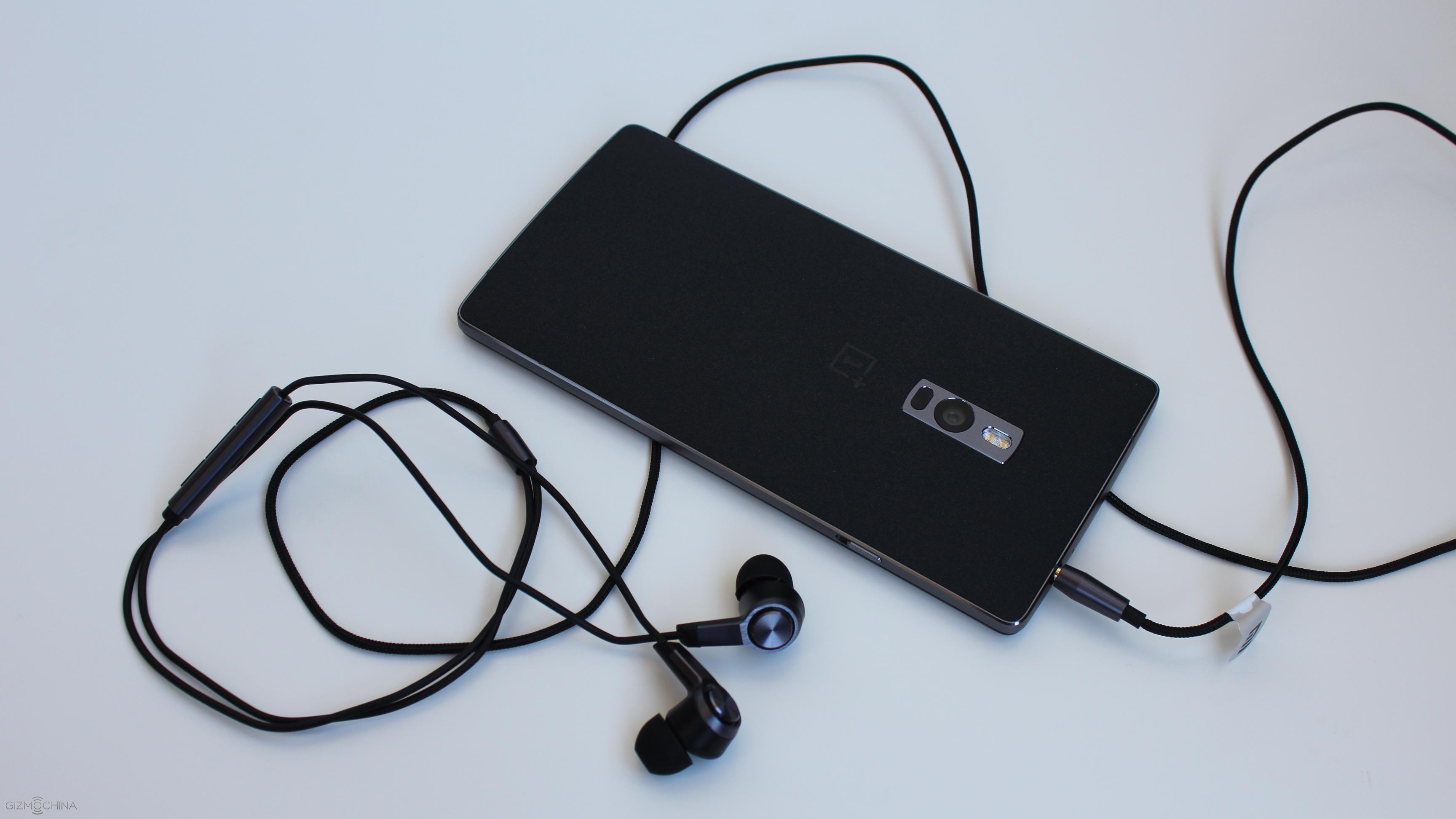
Also, there are controls like volume up/down, play/pause and the microphone for a hands-free calling. I have to say that the quality of mic and its noise canceling ability is probably the best in this price range.
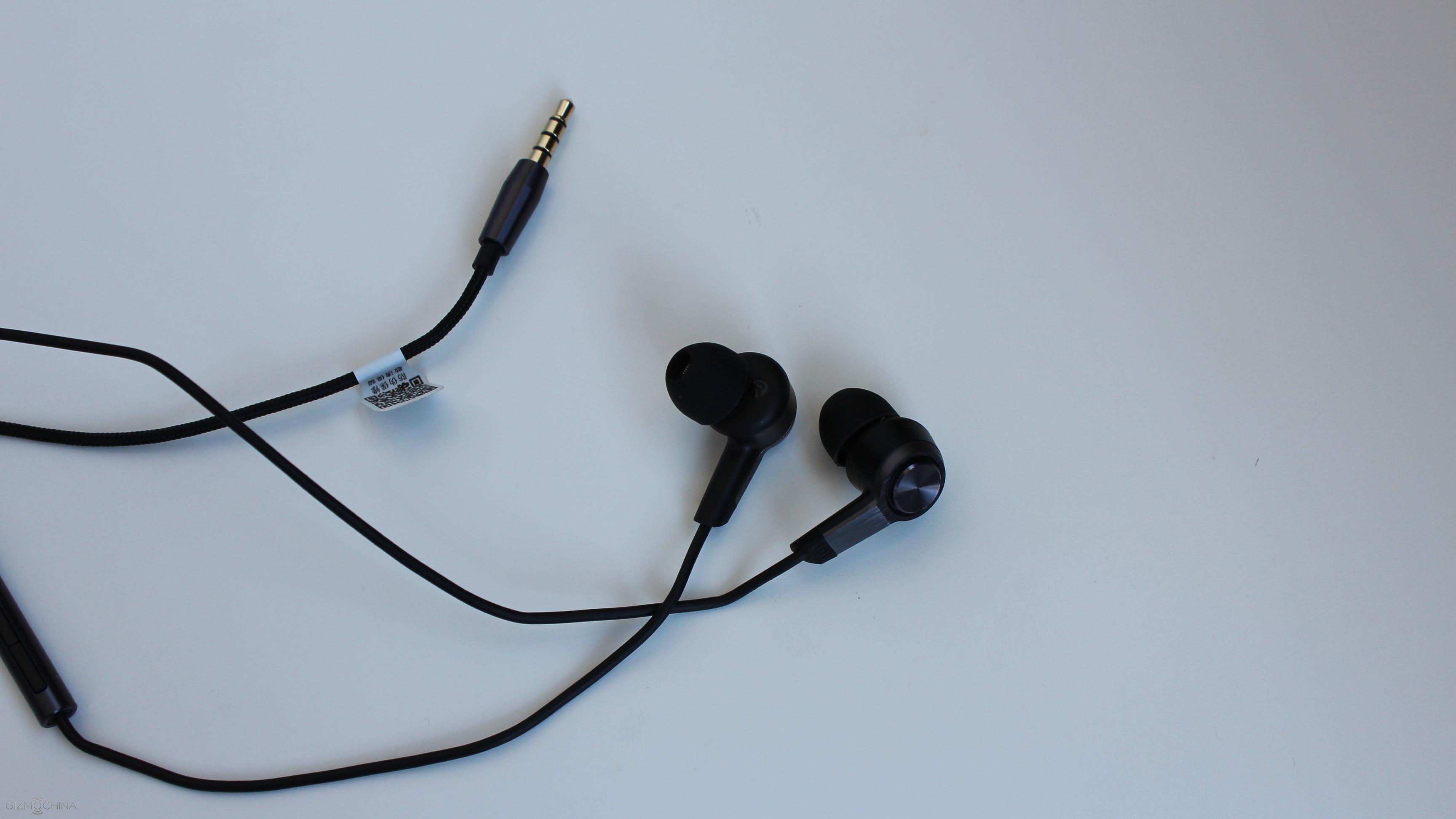
Most of the cable is made of tangle free material and at the end of it you can find a 3.5mm headset connector.
Xiaomi Pistons 3 Review: SOUND QUALITY
As far as the sound quality, I’m pretty sure you will be blown away by it. To be honest, I’ve tested at least 5 different $20 earphones made by Sony, Phillips, JVC and so on and i can say that the Xiaomi Pistons are on the next level.
The sound is crispier, it has a lot more rich tones and depth in it. Also, I’m impressed with the amount of bass and the volume output they can produce.
Honestly, if these were made by Sony, they would cost at least $50.
Xiaomi Pistons 3 Review: CONCLUSIONS
So here it is, the Xiaomi Pistons 3 and I believe these could be the best earphones for under $20. They come in a premium packaging with a nice travel case and different sizes of earbuds.
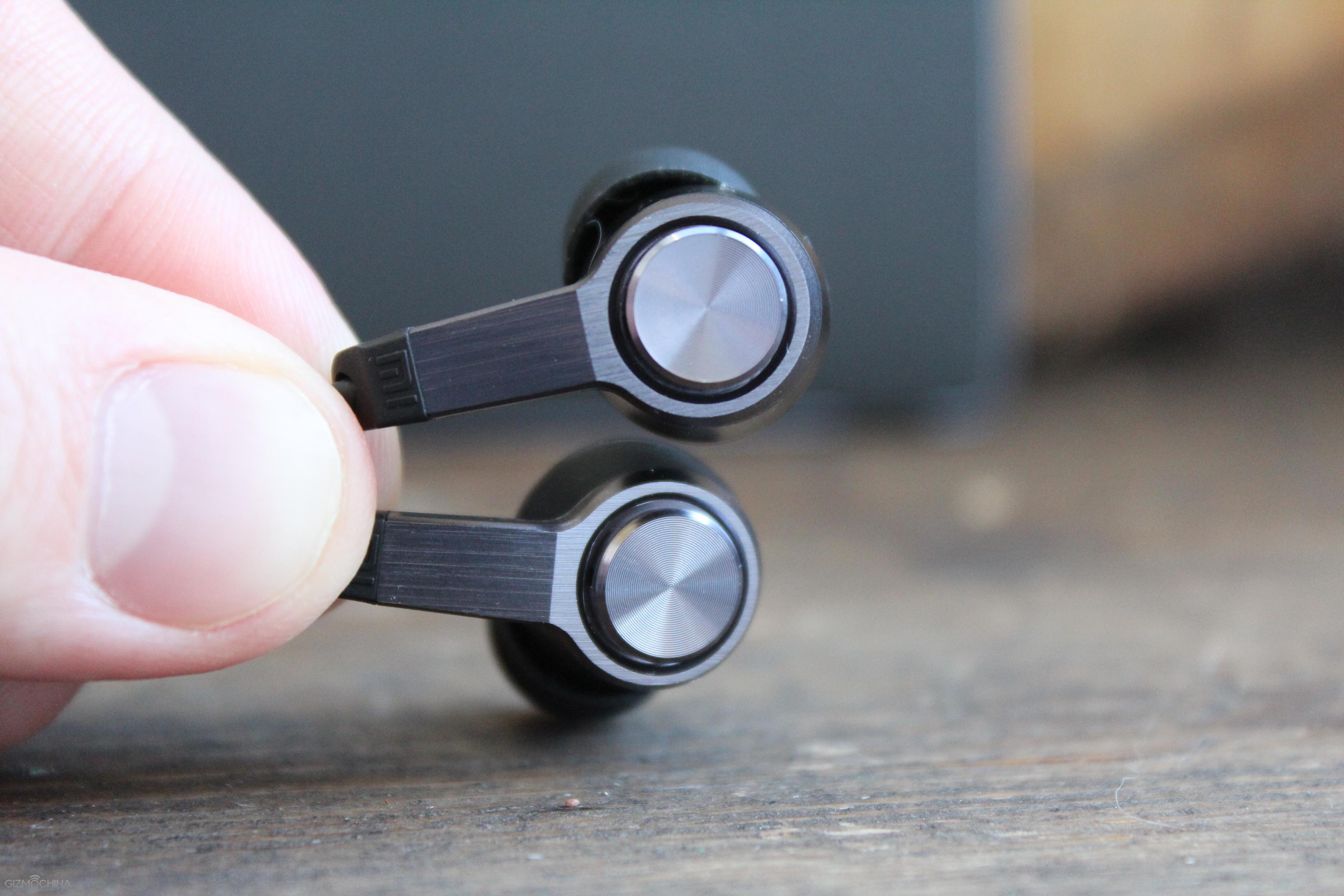
What is more important is that they have a great build quality, remote control with a mic, which works on 6 different smartphones I’ve tested.
The sound quality is just amazing and as I told you, these are probably the best sounding earphones under $20.
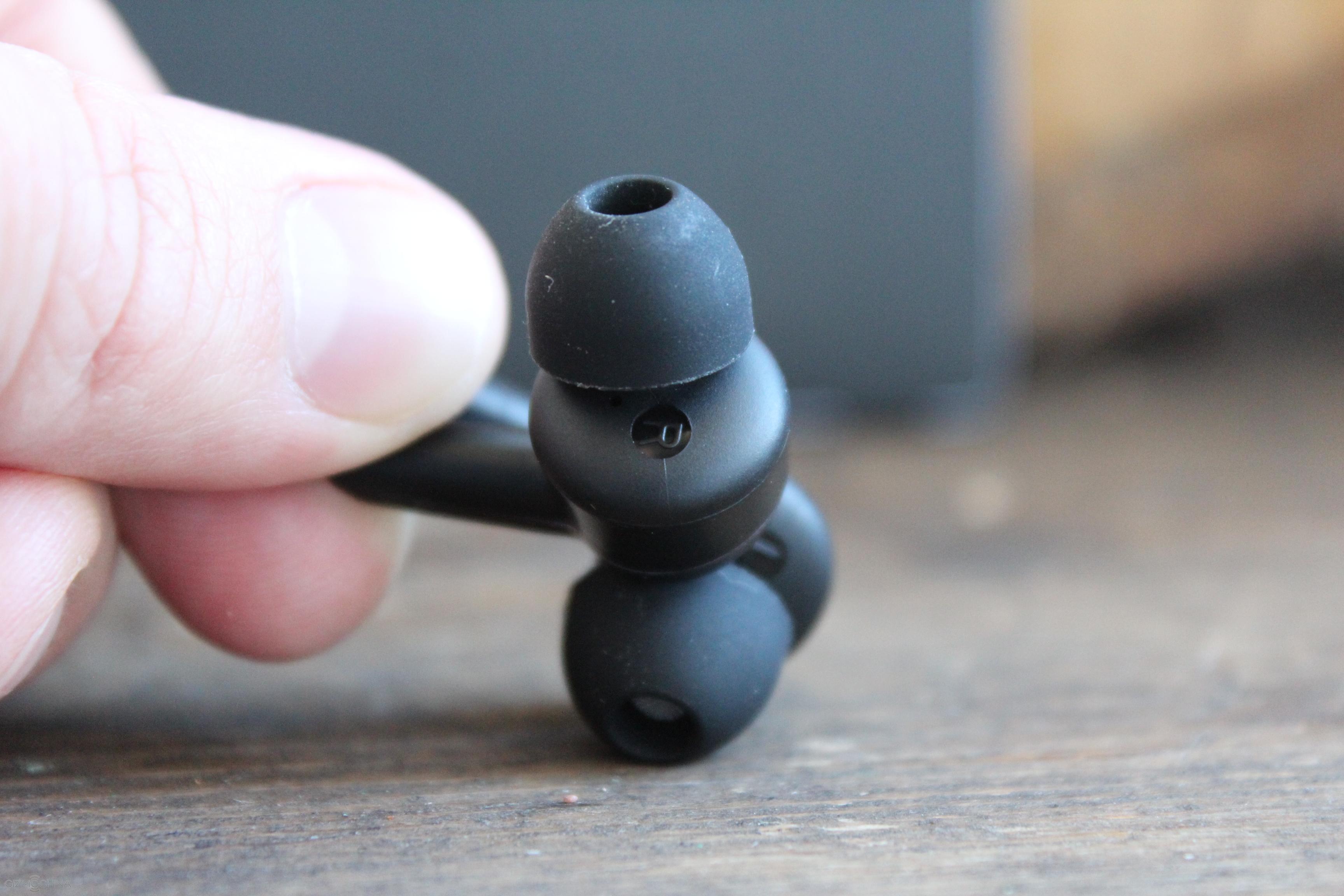
A few shortcomings would be that the entire cable should have been made of tangle-free material and the shell of the earphones could have been made of metal. However, these are minor disadvantages, which are far from the deal breaker considering the overall package you are getting for this price.
Rumor: Xiaomi Mi 5 to be priced at just $320
As we near the end of the year, more and more information about Xiaomi’s upcoming flagship, the Xiaomi Mi 5 have started circulating on the internet. From the recent rumors, it looks like the Mi 5 will come with Qualcomm’s Snapdragon 820 chipset on board along with some high-end specs. Given that this is going to be a powerful smartphone, we expect the pricing to be quite high as well.
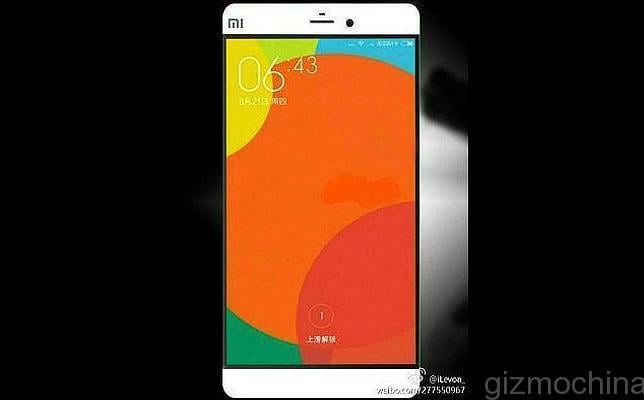
However, according to the leakster, Leaksfly, Xiaomi might price the device at the same figure as the Xiaomi Mi4 at launch. That’s like 1999 Yuan which roughly comes to around $320. While we would advise you to take this leak with a pinch of salt, anything close to this figure will be quite impressive.
The rumored specs of the Xiaomi Mi 5 have been quite high-end. You can expect the flagship to feature a 5.2-inch full HD 1080p display with a powerful chip like Snapdragon 820 on board. Recent rumors have said that the release might be as soon as November or December 2015. If this is the case, then we may see some other chip like the deca-core Helio X20 MT6797 on board the Mi 5. Qualcomm Exec had earlier said that the first phones with Snapdragon 820 will only be available by Q1 2016, which is why we think there’s quite slim chance that the phone will feature this chip at launch.
As for the other specs, the Xiaomi Mi 5 is rumored to come with 4GB of RAM with multiple storage versions. There should be a 16MP at the back and an 8MP up front. Also, you should get the latest MIUI 7 OS based on Android 5.1.1 Lollipop at launch. As for the body, the phone is expected to feature a metal design.
As you can see, the specs are expected to be pretty high-end. So, its unlikely that the Mi 5 will be priced at just $320. But then, Xiaomi has managed to surprise us all in the past (like the Redmi Note 2), so its best to wait for some more concrete information in the coming days.
Stay tuned.
GearBest Super Sales with Huge Discounts! (Last Day today, Hurry Up!)
Most popular Chinese E-Commerce online store, Gearbest announced a Super Flash Sale from October 6 to October 8. All the products selling at flash sale event discounted at a huge margin. Highlight in this Flash sale event is the vast category of products.

They didn’t stop with the famous flash sale products like Smartphone, Tablets etc. Gearbest expanded it to Remote Control Toys and Gadgets, Watches, Cameras, Computer and Network Accessories, Smart Home Equipment and Accessories, LED lights and Flashlights, Smartphones, Tablet PCs and Mobile Accessories. Along with this, Electronic Accessories for Car, Bike, and other automobiles are also added in the epic deals section.
How Gearbest Super Flash Sale Event working?
Totally 10 category of products added in this Flash sale.
- Cellphones – Mostly Smartphones
- Radio Control – Remote Control Toys and Equipment
- Tablet PC – Phablets and Tablets
- Watches – Smartwatches and Traditional and Modern Watches
- Audio and Video – Action Cameras and Sports Cameras
- Computer and Networking – Computer Accessories and Spare parts
- SmartHome – Includes WiFi CCTV, Bluetooth Bulb, Robot Vacuum Cleaner, Security Alarm etc.
- Mobile Accessories – Bluetooth, Earphones, Lens etc.
- LED Light and Flashlight – Rechargeable Flashlights and LED lights
- Epic Deals – Includes Bike, Car and Automobile accessories and Ethernet & Development boards.
From the first 9 categories, 2 products will be available for sale per day. For 3 days, totally 6 products will be available with a huge discount in this flash sale. Along with this, one special product will be announced in each of this categories with huge discount. From the 10th category Epic Deals, 3 Products will be available for sale per day.
Other than the 10 categories Gearbest added Super Flash Sale Special, which will announce one special product per day for flash sale at discounted price. The Two Flash sale per day aforementioned will be announced at 10.00 UTC and at 16.00 UTC every day.
But, the Flash sale is not over with this, All the 10 Categories having a “Bestselling Products at Hot Price” tab. It shows the best selling products with heavy discounts. To know the full details, you must take a look at Gearbest.com website.
Here is a short list of Products from Smartphone and Tablets Category.
OnePlus 2
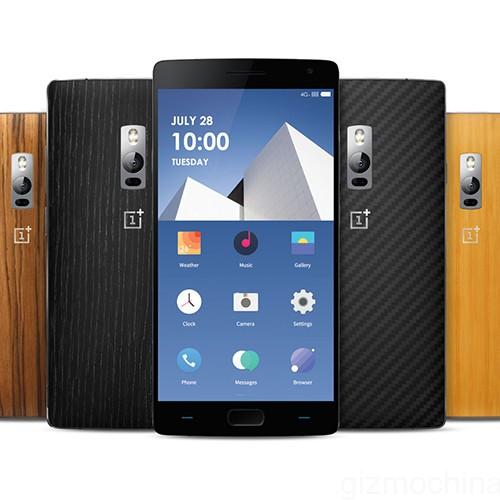
The OnePlus One is a flagship killer in the year 2014. The design is top notch, it has a Sandstone back cover. The company also reduced the weight of the device using the aluminum alloy in the body. The OnePlus 2 is a good mix of things from OnePlus One. The top end variant of OnePlus 2 features a 4GB RAM and is powered by Quad-core 2 GHz Cortex-A57. There is also 3GB RAM model available and features a Quad-core 1.5 GHz Cortex-A53. For graphics, the company packed an Adreno 430 GPU. The phone comes with 16/64GB storage and there’s no microSD card slot. All things considered, I would personally pick this one up for myself and for friends as well.
Infocus M810T
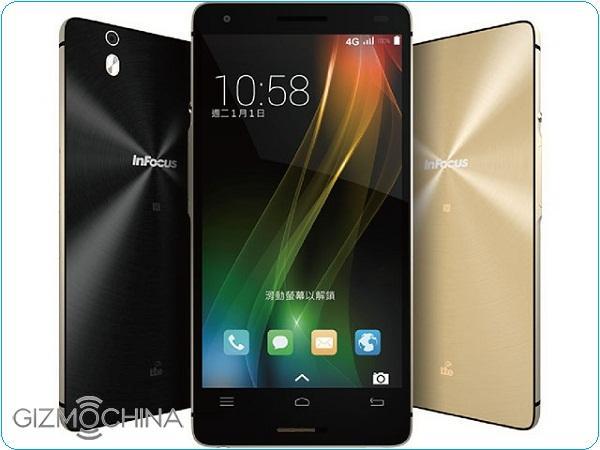
Sparking, Shining, Slimy and Awesome. This is how anyone can describe the Appearance of Infocus M810T. The Phablet comes with Aluminium Metal alloy frame with 6.99mm thick and protected by Corning Gorilla Glass 3. In the hands, the Phablet is very light and compact. On the left, we see Power button and Volume buttons while the right keeps 2 slots for SIM and micro SD Card.
- Dooggee Y100 Pro 4G Phablet
- Mlais M7 Plus 4G Phablet
- Cubot X15 4G Phablet
- Oukitel U8 Universe Tap 4G Phablet
- Takee 1 Holographic 3G Phablet
- Chuwi Hi8 Android + Windows 10 Tablet PC
- Cube i7 Stylus Windows 10 Tablet
- Chuwi Vi7 – 7inch Phablet
- Chuwi Vi8 Android + Windows 8.1 Tablet PC
- Teclast X98 Air Windows 10 + Android 5.0 Phablet
- Cube I10 Windows 10 + Android 4.4 Tablet PC
- Cube T8 Android 5.1 8inch 4G Phablet
Check the complete list of products and their discounted prices at Gearbest. Don’t forget the Flash sale is for 3 days only. And only limited products are available at Flash sale. So, Rush to the store and grab your product soon.
MXQ S85 Android TV Box (Amlogic S805) Review: Android TV on Steroids
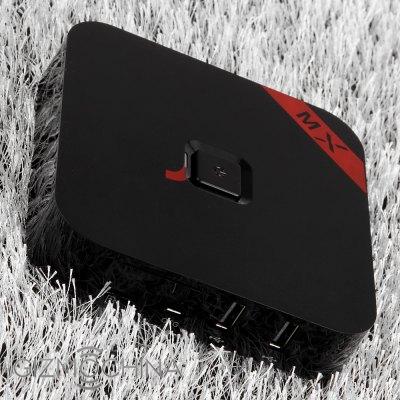
MXQ S85 and EM6Q-MXQ are two main Full HD H.265 Android media players based on Amlogic S805 currently selling on Chinese online stores. I’m lucky enough to have received both, and I’ve already completed the review for EM6Q-MXQ, so today I’ll complete MXQ S85 review and compare both devices. I’ve already taken picture of the device, accessories, and checked out the board’s components in my unboxing post, so in this post, I’ll focus on the user interface, evaluate performance, and test most hardware features of this media player.
First Boot, Settings and First Impressions
I’ve started by a quick test of the IR remote control, and it works as expected after inserting two AAA batteries, before switching to Mele F10 Deluxe air mouse for convenience. I’ve connected all ports of the device except the S/PDIF output: Ethernet cable, HDMI and AV cables, micro SD card, USB hard drive, USB webcam, and a USB hub with two RF dongles for my air mouse and gamepad. I’ve connected the power, pressed the power button opn the top of the box, a Blue LED turns off, “Google TV” icon appears on TV and in a little more than 40 seconds the boot completes. It’s not quite as fast as higher RK3288 TV boxes (20s), but it’s much better than the boot time on EM6Q-MXQ (1m 50s), so the flash must be faster.
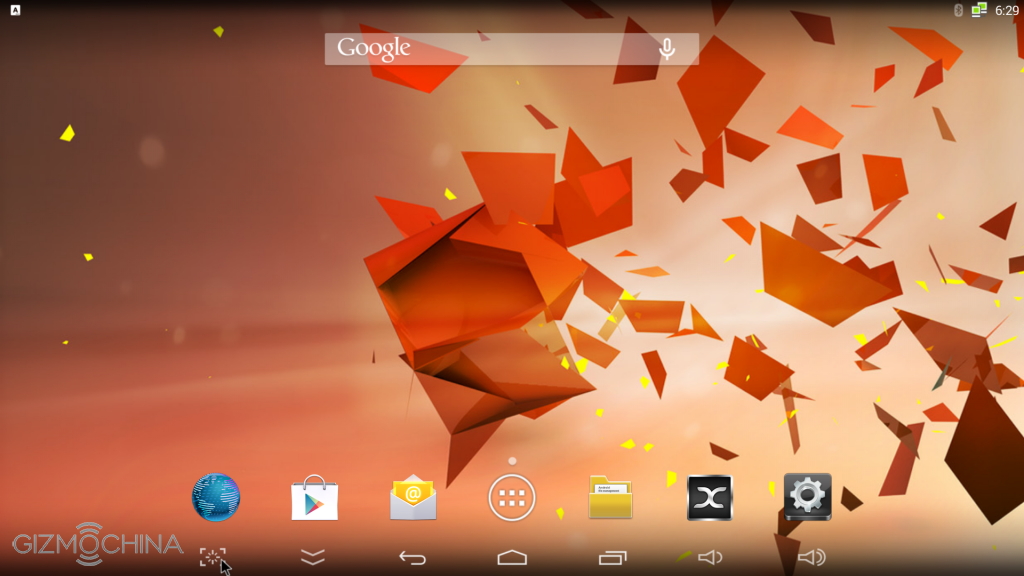
The user interface is the Android Home screen, but you can also switch the MediaBox launcher with a Metro-style user interface found in many Amlogic S80X TV boxes, by going to the “Home” section in Android settings. The box automatically selected 1080p60 Hz video output, and the user interface resolution is 1920×1080 as you can infer from the screenshot above. I’ve noticed that switching to 720p still keep the user interface to 1920×1080 resolution, so there’s no performance gain doing so.
The “Setting” menu is based on the same Metro-style interface as EM6Q-MXQ with four sub menus: Network, Display, Advanced and Other. I’ve highlighted difference in bold.
- Network – Enable and configure Wi-Fi or Ethernet
- Display:
- Automatic or manual HDMI resolution: 480p/i @ 60 Hz, 576p/i @ 50 Hz, 720p @ 50/60 Hz, 1080i @ 50/60 Hz, or 1080p @ 24/50/60 Hz
- CVBS Mode Setting: 480 CVBS or 576 CVBS (if Composite output selected on TV).
- Hide or Show status bar
- Display Position
- Screen Save (Never, 4, 8 or 12 minutes)
- Advanced:
- Miracast
- Remote Control (app)
- CEC Control
- Location for weather (Chinese cities only)
- Screen Orientation settings
- Digital Audio Output (Auto, PCM, S/PDIF pass-through, or HDMI pass-through)
- Other – System Update: Local file or OTA (not working), Backup, and “More Settings” for standard Android Settings.
So it’s exactly the same as EM6Q-MXQ, except the current firmware also supports 1080p @ 24 Hz.
I’ve also tested composite output, and both 480 CVBS and 576 CVBS settings worked fine. There’s no component (YPbPr) output in this box.
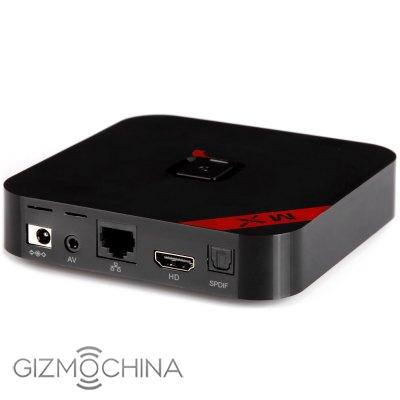
I have not made a video for MXQ S85, because it’s very similar to EM6Q-MXQ, except you have the option to switch between the Android home screen or MediaBox launcher, 1080p24 is supported, and S85 is a little more responsive. But you can watch the video I shot for EM6Q-MXQ if you haven’t already where I walk through the user interface and settings, XBMC user interface (1920×1080 UI rendered at 30 fps), and show H.265 video playback in MX Player.
MXQ-S85 comes with an 8GB NAND flash with a single partition (8.00 GB – black magic again…), and at the end of the review I still had 4.01 GB free. Looking into “About MediaBox” section, we can find out that the model number is “S85″, and the system runs Android 4.4.2 on top of Linux kernel 3.10.33. The firmware is rooted, and after I started the review I found firmware 106k4 (an updated to version 105k4 used for the review), which you can probably flash with Amlogic USB flash tool, but I have not tried.
All apps I needed for the review could be installed with Google Play Store including Antutu, 3D Mark, ES File Explorer, MX Player, Beach Buggy Blitz, A1SD benchmark, Sixaxis Controller, etc… However, as I scrolled through the list of apps installed on other Android devices, there were a few incompatible apps notably some messaging apps (Facebook Messenger, Whatsapp), Instagram, Google Translate, and a few others. But you can usually work around these issues by spoofing your device name with an app (paid), or changing build.prop. I’ve also downloaded and installed Amazon AppStore, in order to play Riptide GP2.
Albeit the box features a power button, power handling is not perfect, as a clean power off is not possible. You can either use the remote control power button to enter and exit standby, and the power button on the unit, can be used to achieve real power off, and to turn the device on, but it’s and hardware power off which powers off the device immediately, Android does not cleanly shuts down. The device temperature is pretty cool: 40°C and 46°C measured with an infrared thermometer respectively on the top and bottom of the box, right after running Android 5 benchmark. And after playing Riptide GP2 for about 10 minutes (at which stage the game froze), the maximum temperature on top and bottom reached 42°C and 46°C… which is pretty standard temperature for these type of devices.
The system very pretty stable, but just like with EM6Q-MXQ, attempting to play a 4K video in XBMC will freeze the system requiring a hard reboot. However, the flash is fast enough no to experience various slowdowns, or making apps randomly exit. Android did pop up the “app not responding” windows at load time for some games, so it’s not perfect, but answering “wait” will start the games normally. Nevertheless, although it’s clearly not as snappy as the latest Amlogic S802 or Rockchip RK3288 based mini PCs, I did not find MXQ S85 frustrating to use, unlike EM6Q-MXQ.
Video Playback
Videos were playing from SAMBA share in Ubuntu 14.04 over Ethernet using XBMC 13.1 pre-installed in the system, switching to MX Player for videos that failed to play. I had no problems connect to SAMBA with XBMC and ES File Explorer.
I started with videos from samplemedia.linaro.org, H.265/HEVC videos by Elecard, as well as a (low resolution) VP9 video:
- H.264 codec / MP4 container (Big Buck Bunny), 480p/720p/1080p – OK
- MPEG2 codec / MPG container, 480p/720p/1080p – OK
- MPEG4 codec, AVI container 480p/720p/1080p – OK
- VC1 codec (WMV), 480p/720p/1080p – OK
- Real Media (RMVB) – RV8, RV9, and RV10 – OK but not that smooth (S/W decode)
- WebM / VP8 – 480p OK, 720p some rare parts in slowmo, 1080p plays in slow motion all the time.
- H.265 codec / MPEG TS container
- XBMC – Audio only
- MX Player – OK (H/W decode), but seeking does not work properly. It will switch to S/W decode, and the video becomes unwatchable.
- WebM / VP9 (no audio in video)
- XBMC – Won’t even start
- MX Player – OK (H/W decode).
Then I played some higher bitrate videos:
- ED_HD.avi – XBMC: audio only; MX Player: black screen only, no audio.
- big_buck_bunny_1080p_surround.avi (1080p H.264 – 12 Mbps) – OK.
- h264_1080p_hp_4.1_40mbps_birds.mkv (40 Mbps) – OK
- hddvd_demo_17.5Mbps_1080p_VC1.mkv (17.5Mbps) – OK, but could be smoother, and XBMC reports skipped frames regularly.
- Jellyfish-120-Mbps.mkv (120 Mbps video without audio) – OK (Played from USB hard drive)
Videos with high definition audio codec could be played in XBMC (with performance issues), but not in MX Player (except AC3):
- AC3 – OK
- Dolby Digital 5.1 / 7.1 – OK
- TrueHD 5.1 & 7.1 – OK
- DTS-MA – OK
- DTS-HR – SAMBA: Audio completely cuts after a few seconds. USB: No problem with audio, but video feels slow.
A Blu-ray ISO video (Sintel-Bluray.iso) played perfectly in XBMC.
Although S805 does not support 4K video playback, I tried to play two 4K videos in XBMC, and each time the system will freeze. This should not happen.
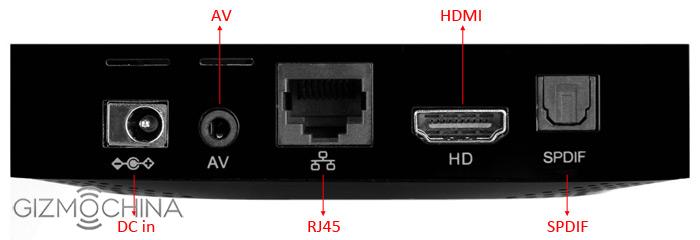
I tested over a dozen other videos from my library (AVI, MKV, FLV, VOB/IFO, and MP4 containers), and they could all play with any A/V sync issues. I also watched a complete 1080p video (1h50 / MKV / 3GB), so no problem with stability either.

Links to various video samples used in this review and be found in “Where to get video, audio and images samples” post and comments.
Network Performance (Wi-Fi and Ethernet)

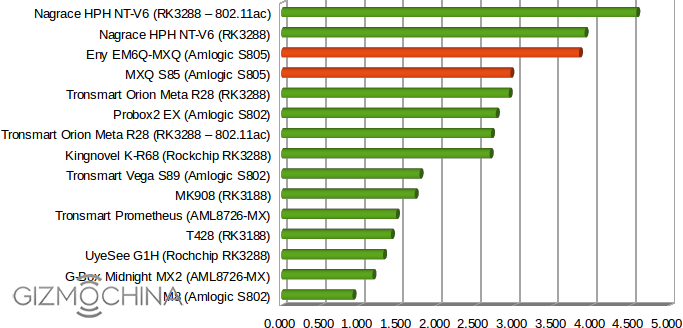
A 278 MB file between a SAMBA share (Ubuntu 14.04) and the internal flash, and vice versa, repeating the test three times with ES File Explorer. Wi-Fi transfer speed is still pretty good @ 2.95 MB/s on average, although not quite as fast as EM6Q-MXQ media player.
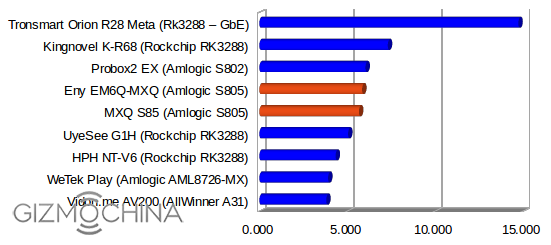
Ethernet worked at 100 Mbps connected to my Gigabit Ethernet switch, with performance similar its competitor. Tronsmart Orion R28 Meta is way ahead, simply because it’s the only box I have that actually supports Gigabit Ethernet.
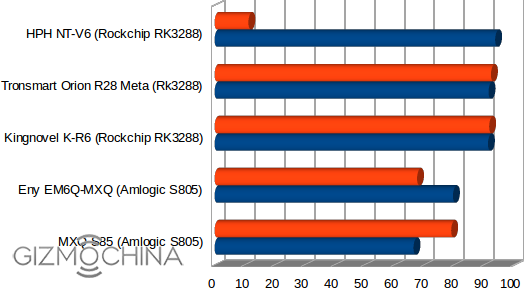
For a raw benchmark of Ethernet performance, I ran iPerf app using “iperf -t 60 -c 192.168.0.104 -d” command line. It does not quite maxes out Fast Ethernet bandwidth like Rockchip RK3288, but results are similar to EM6Q-MXQ just like with the test above.
TCP window size: 136 KByte (default)
————————————————————
[ 6] local 192.168.0.104 port 57781 connected with 192.168.0.106 port 5001
[ ID] Interval Transfer Bandwidth
[ 4] 0.0-60.0 sec 476 MBytes 66.5 Mbits/sec
[ 6] 0.0-60.0 sec 566 MBytes 79.1 Mbits/sec
Miscellaneous Tests
Bluetooth
Contrary to the version of EM6Q-MXQ I reviewed, MXQ S85 comes with Bluetooth.
I could transfer pictures from my Android phone to the box over Bluetooth, Sixaxis Compatibility Checker appeared to support PS3 wireless gamepads, but my controller was not recognized.
Bluetooth LE (Smart) was tested with Vidonn X5 activity tracker, but unfortunately the app could not locate the device over BLE.
Storage
FAT32 formatted micro SD card and USB flash drive could be recognized and properly mounted by the system
Only NTFS and FAT32 partition on my USB 3.0 hard drive could be mounted and accessed. That’s common to all Android mini PCs I tested, except A80 OptimusBoard which could mount the EXT-4 partition too (but in read-only mode).
| File System | Read | Write |
| NTFS | OK | OK |
| EXT-4 | Not mounted | Not mounted |
| FAT32 | OK | OK |
| BTRFS | Not mounted | Not mounted |
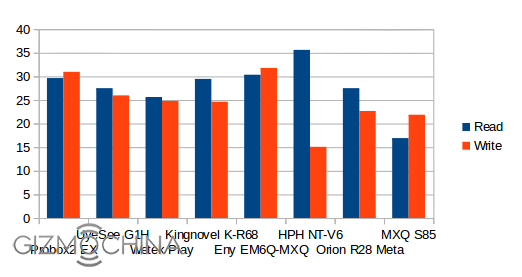
A1 SD Bench was used to benchmark USB hard drive and internal flash performance. The read speed was 16.92 MB/s, and the write speed of 21.87MB/s fore NTFS partition in /storage/external_storage/sda1, both results being weak.
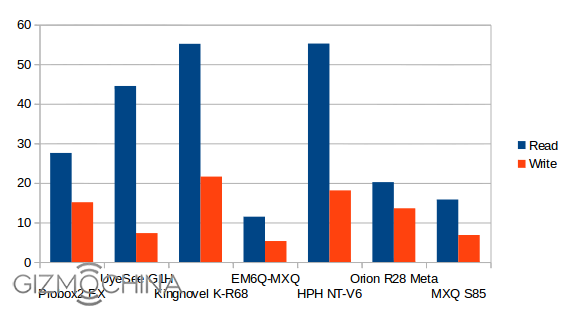
The NAND flash speed is clearly not outstanding at 15.8 MB/s (read) and 6.83 MB/s (write), but still better than EM6Q-MXQ, and apparently good enough for a smooth operation of the device most of the time.
USB Webcam
I had troubles with both Skype and Google Hangouts with my USB webcam. I did manage to see the image in Skype once, but never long enough to make a phone call. The camera is not detected at all in Hangouts.
Gaming
Candy Crush Saga, Beach Buggy Blitz, and Riptide GP2 could run on the box. I played Candy Crush Saga with my air mouse, and switched to Tronsmart Mars G01 wireless gamepad for Beach Buggy Blitz and Riptide GP2. For each game, the system showed up pop up with “App XXX is not responding. Do you want to close it?”, but selecting “Wait” could load the games just fine. Beach Buggy Blitz framerate felt good using the default settings (low res), but I did notice some very short freezes (<1s) from time to time. Riptide GP2 is not really enjoyable with default settings (high resolution), but lowering the resolution makes it relatively enjoyable to play. Riptide GP2 freezing I encountered on other Amlogic s802/S805 devices, and Allwinner A80 development board occurred yet again, after just around 10 minutes of play time. I’m not sure if the game itself is buggy, or the GPU drivers/libraries are. I checked the maximum temperature on the top and bottom of the device at that time, and I got 42°C and 46°C.

Even if games can run, the gaming experience is not great, and you should really consider spending more to get a Rockchip RK3288, or not as good, Amlogic S802 devices if you are really interested in playing games. Nvidia Tegra K1 devices should even be better but in a completely different price category.
MXQ S85 Benchmarks
CPU-Z shows the device is indeed powered a quad ARM Cortex A5 processor clocked between 24 MHz and 1.49 GHz, but instead of using a performance governor, MXQ S85 is using a hotplug (on-demand). The board is m201, which can be a useful thing to know in case you download firmware files. FYR, EM6Q-MXQ is based on hd18t board.
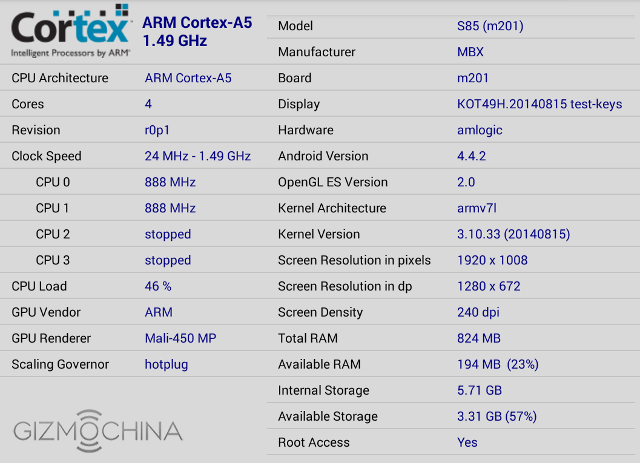
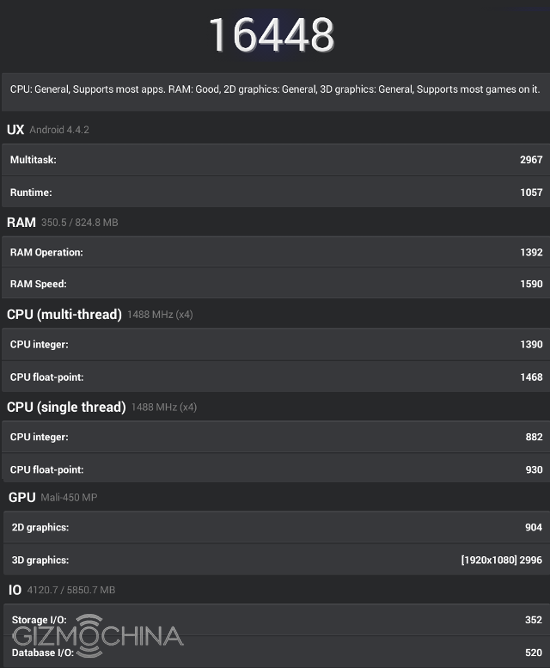
The devices gets 16,448 points in Antutu 5.1 which is consistent with the score I got with EM6Q-MXQ (16,647).
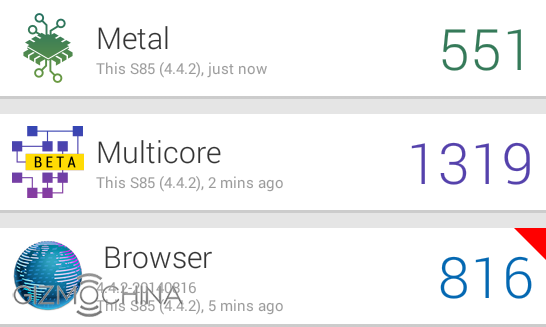
There are some differences in Vellamo 3 however, with a lower Browser score (812 vs 1061), a higher multicore score (1319 vs 1139). The metal score is about the same.
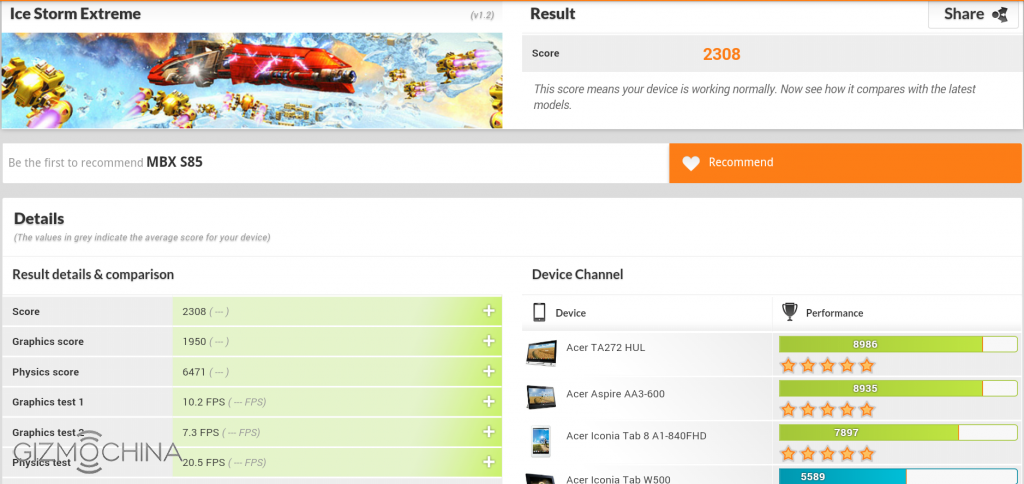
Ice Storm Extreme test in 3DMark is about the same with 2,308 points (vs 2,325 for EM6Q-MXQ), and clearly shows the relatively low performance of the quad core Mali-450MP GPU used in S805 compared to high-end SoC with better GPUs.
Conclusion
MXQ S85 is actually a pretty good device and performance considering the price (<$50). Wi-Fi and Ethernet are pretty decent, video codecs/containers is quite good in XBMC, and H.265 can be played in MX Player, but not yet in XBMC. The firmware is pretty stable, and I did not come across massive slowdowns like in EM6Q-MXQ.
PRO:
- The firmware is stable, relatively smooth to operate, and only hung when trying to play 4K videos
- Good XBMC support.
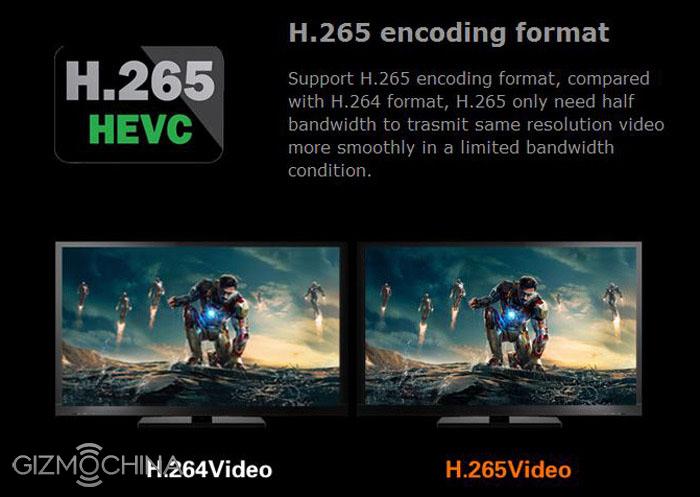
- HEVC/H.265 hardware video decoding support. Working in MX Player, but not with XBMC (yet)
- Very good price/performance ratio.
- Good Wi-Fi, and decent Ethernet performance
- Video Output – Supports 1080p24/50/60 (but no 25/30 Hz), and composite output (NTSC/PAL).
CONS:
- Despite having a power button, power off is not perfect (no clean power off)
- Bluetooth Low Energy (mostly used for wearables) is not currently supported.
- OTA firmware upgrade is not working
- USB / NTFS storage performance is disappointing.
- USB webcam did not work reliably for me in either Skype and Hangouts.
- “App xxx not responding” message may appear while loading large apps such as games.
UMi Zero 2 To Feature Liquid Metal Body?
We have been hearing a lot about the upcoming UMi Zero 2 flagship. The latest information on the handset says that the phone will feature 4GB of RAM, which will make it the first such device from the company till date. While the specs are turning out to be quite impressive so far, earlier today we came across some new information about this upcoming handset. And its quite interesting too.
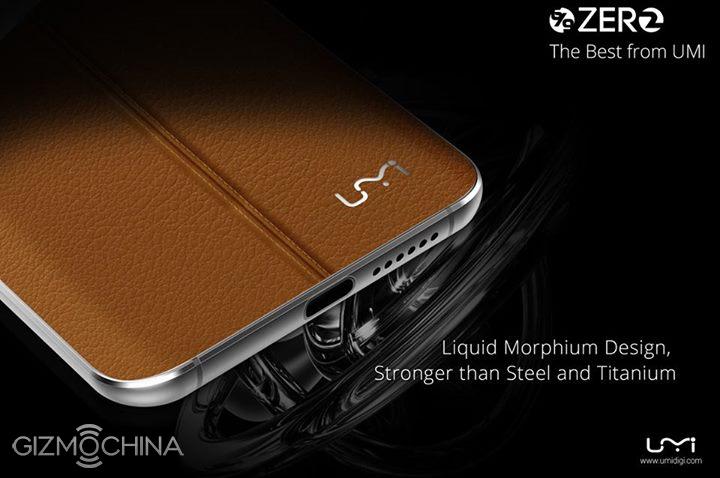
According to the latest rumors, the UMi Zero 2 will come with a premium Liquid Metal body. I am sure you would have heard of this alloy which is reportedly tougher than any other material used for a smartphone housing. Its extreme durability and strength has made this alloy quite popular. In fact, Apple has been using the same Liquid Metal for some of its small components. Even though its been years since we first heard about this alloy, smartphones have not yet used this material on a wide scale. In fact, only the Turning Phone can boast of featuring a Liquid Metal body till now. So, it would really be surprising to see a local Chinese manufacturer like UMi use this material for its own device.
Of course, nothing is confirmed so far, so its still very early to make conclusions about the phone’s body. Even if the phone doesn’t come with Liquid Metal body, other specifications are sure to impress the masses, especially when priced right. Lets wait for more information about the UMi Zero 2 which should hopefully debut sometime before the end of this year.
U BOX i one (i818) TV Box Review: Android 4.4.2 TV Box That Performs
Being one of the most popular Android TV Boxes in the US, the latest version U BOX i one (i828) has made its way into the marketplace. Since its arrival, it has been a big impact, and stands above the rest when it comes to specifications. In this review, we’ll take a look at whether the U BOX i one (i828) performs as well as it looks and says.
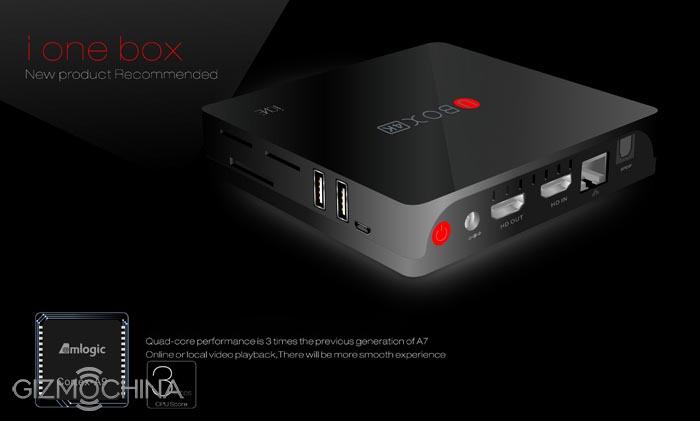
In A Nutshell
- Well-Constructed – Looks aren’t everything, but the U BOX i one (i828) will look like the perfect fit for a nice home with its sleek black appearance. It’s constructed of soft touch plastic (reminiscent of the Apple TV) but feels solid and slightly heavy, which indicates that it’s well made.
- Top of the Range Specifications – Packed with a 2.0 GHz Quad-Core Cortex A9, Octa Core Mali 400 GPU and 1GB or 2GB RAM, the U BOX i one (i828) is quicker and more powerful than nearly all other Android TV Boxes currently on the market.
- Fully Loaded – The U BOX i one (i828) is pre-loaded with the award winning XBMC media player and entertainment hub, along with everything plugin that’s remotely useful. Expect to access a huge range of music, videos and other digital media.
- Big Storage – You can store plenty of your movies, music, games and other files with the integrated 8GB ROM, twice as much as the next best Android TV Boxes.
- Good Connection to 3rd Party Devices – The U BOX i one (i828) works really well with third party devices such as , game controls, remote controls (which is included) and wireless keyboards and mouses.
Performance
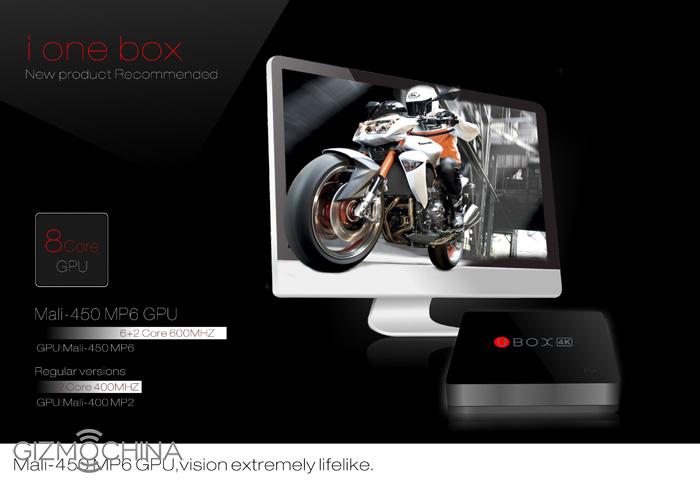
The functionality of the U BOX i one (i828) is much better than most other Android TV Boxes. The integrated 1.6 GHz Quad-Core Cortex A9 processor, Octa-Core Mali 400 GPU and 1GB or 2GB RAM ensures that you can have the most demanding applications and HD videos running without the actual device slowing down or lagging. That is very rare considering the amount of under-powered options out there at a similar price range.
A variety of different webcams work very well, which is used for various online communication apps such as Skype and Viber. As you flick through the different menus and apps, you’ll notice that it’s very quick and smooth.
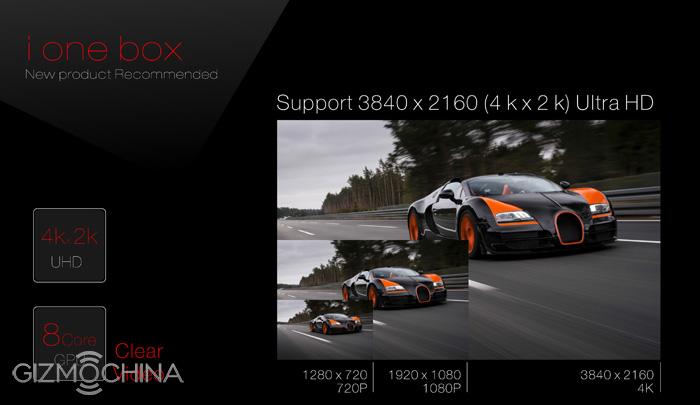
Also, the Wi-Fi signal is strong thanks to the antenna add-on. It’ll pick up on a wide range of wireless networks and also, is able to set up a Wi-Fi hotspot, something many other Android TV Boxes have difficulty doing.
Running the benchmarks on AnTuTu (which assesses the whole system’s specs) on the U BOX i one (i828) churns out a good solid score that beats the majority of other Android TV Boxes.
Interface

The home screen of the U BOX i one (i828) is pretty much just the Android 4.2.2 OS (Jelly Bean) interface. It’s very easy to navigate and if you’ve ever used an Android device, then you’ll be familiar with all the options. There’s also an option to change the default launcher into something a lot more basic.
Just like with all other Android TV boxes, you’ll find navigating and typing a lot easier using a wireless keyboard with a touchpad. Otherwise, you would be forced to use the remote to type out everything, which can be very time consuming not to mention frustrating.
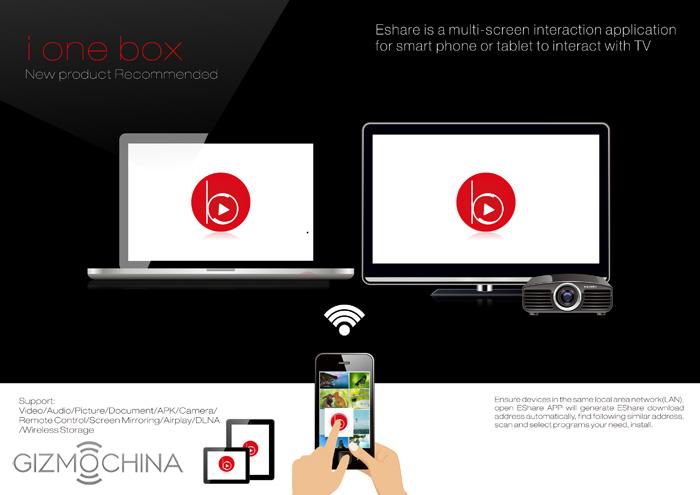
The great thing about the included remote control is that it has a working power button (which is lacking in most other Android TV Boxes) which sends the device to sleep like a mobile phone or TV. This uses only 1 watt or less of power.
XBMC Media Hub is already pre-installed with the best add-ons, so you can be sure that you’ll have your time occupied with the best movies, TV shows and music from around the world.
Our Conclusion
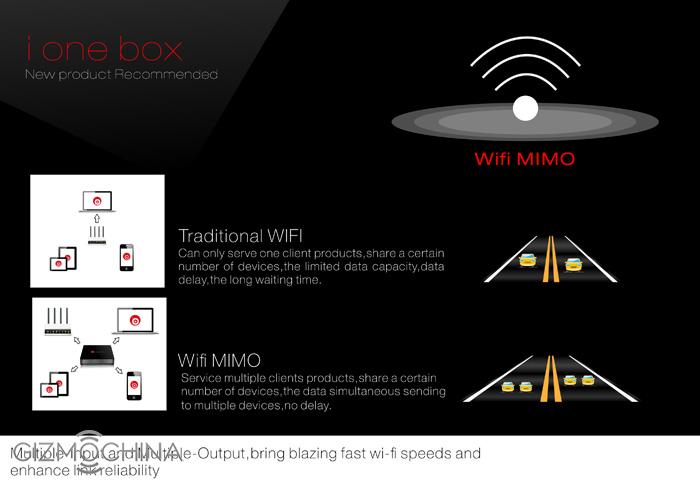
- Fast and powerful device that is capable of running the most demanding apps and HD videos, something that slows down most other Android TV Boxes.
- Excellent storage capabilities, having 8GB internal storage and the ability to read external storage devices such as 32GB SD Cards and 2TB HDDs with no problems.
- We love the fact that Wi-Fi signals are very strong and maintains a strong connection to far away networks.
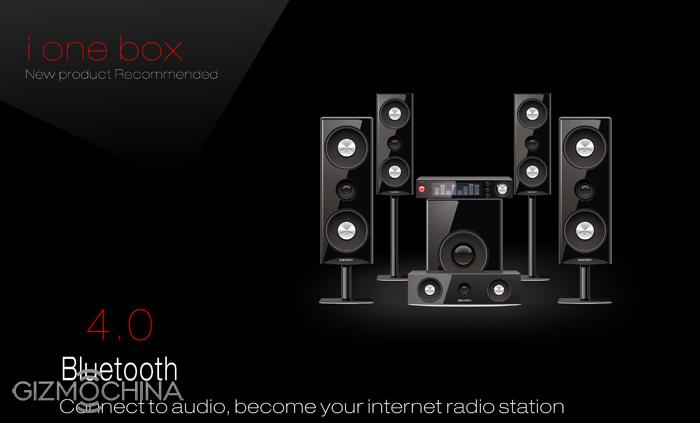
There’s a reason why the U BOX i one (i828) is our top pick. As a matter of fact, there are several reasons as mentioned above. Although the price point is above many other Android TV Boxes, it’s definitely worth it as it outperforms them easily.
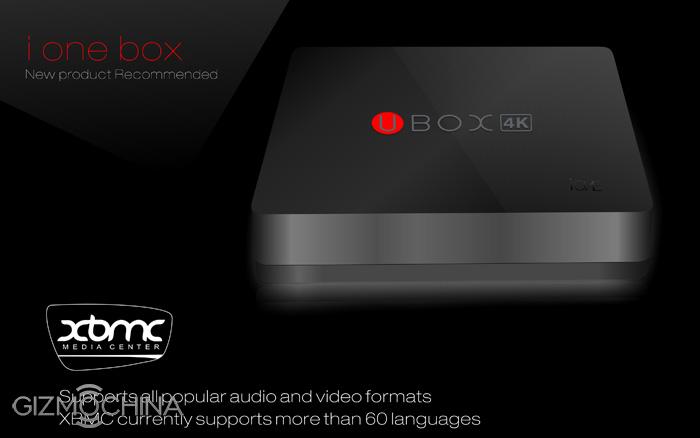
There are two variants of the U BOX i one (i828), the 1GB Ram model with 8GB EMMC Storage and the 2GB RAM model with 16GB EMMC Storage options. They are available form GearBest.com. Click one of the below buttons to go to GearBest.com to buy the model of your choice. However, we think that the 2GB RAM model with 16GB of storage option will be the better choice.