One of the devices that really caught my eye last year was Lenovo’s Yoga Book. The Yoga Book is quite an interesting device. The Yoga Book is a tablet that is designed like a 2-in-1 device. But unlike other 2-in-1s with a physical keyboard, the Yoga Book ditches the physical keys for a touch-sensitive surface that doubles as a writing pad and a Halo keyboard, giving you basically three input modes. The Lenovo A12 is not much different but skips some features.
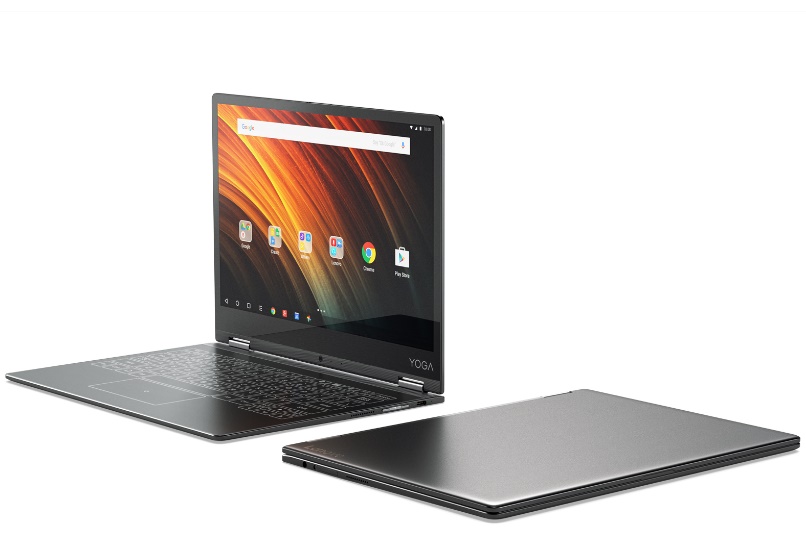
Lenovo A12 Design and Specs
The Lenovo A12 comes with a 12.2-inch anti-glare 720 x 1280 display. For some folks that might be a good thing size wise but compare it to the Yoga Book’s 10.1 inch 1920 x 1200 display and you’d wish Lenovo had made it a FHD screen.
You can use the Lenovo A12 in laptop mode, tent mode, lay it flat out like a mat or fold the halo keyboard completely backwards into tablet mode just like the Yoga Book, thanks to the hinge design. The hinge system is however different in both devices. Instead of the watchband style in the Yoga Book and more expensive Yoga laptops, it uses a double hinge system. It does the job but chances are it is not as rugged as the watchband style.
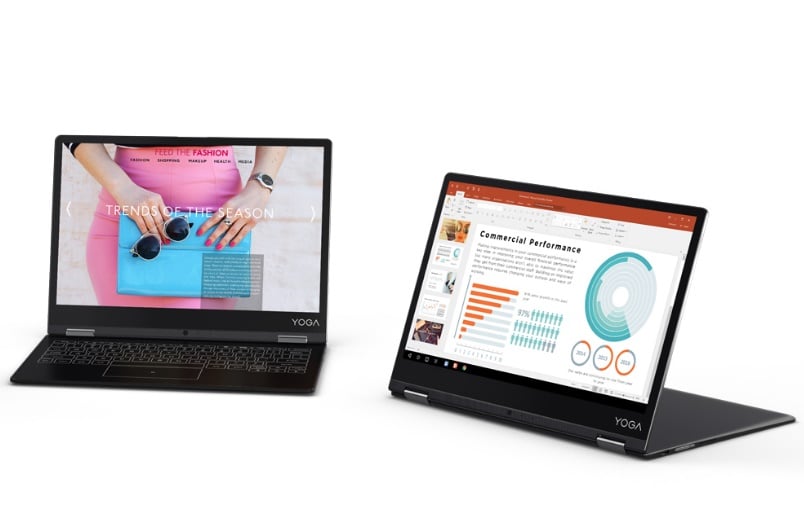
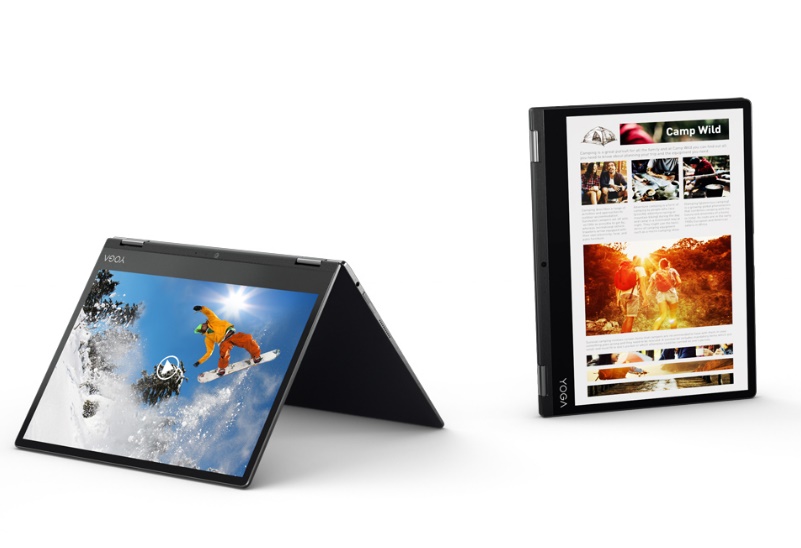
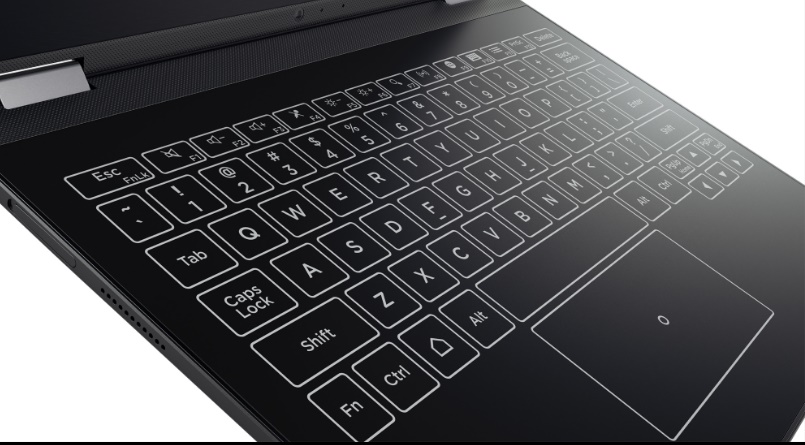
The Halo Keyboard works practically the same way as in the Yoga Book. There is haptic feedback, artificial-learning software, and built-in prediction. One thing it doesn’t have is the writing pad function of the Yoga Book. This lets you place a sheet of paper over the halo keyboard and when you write or draw on it, it shows up on the screen. The Yoga Book is also bundled with a pressure sensitive stylus for writing directly on the keyboard surface.
READ MORE: Chuwi HiBook Pro Vs Lenovo Yoga Book Comparison