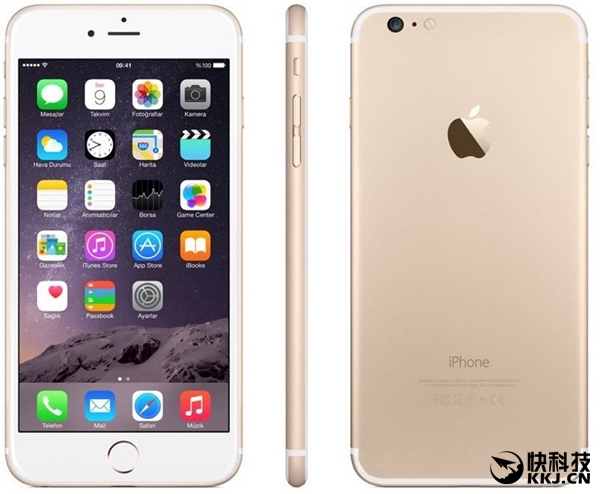
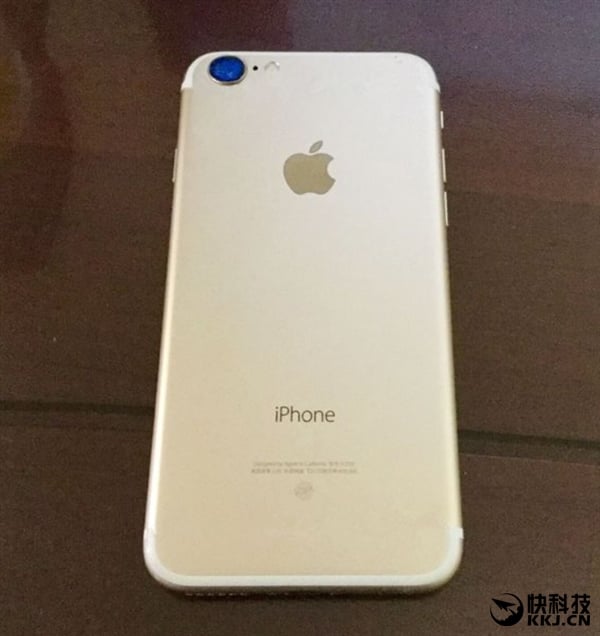
Apple’s iPhone 6s was made available in rose gold, silver, gold, and space gray color variants and it is most likely the iPhone 7 will follow suit, a leaked image of the next Apple flagship suggests.
A recent image leak of the iPhone 7 Gold color variant has been revealed suggesting an iPhone 6 and 6s look-alike, except for some few noticeable differences like the camera hump which the iPhone 7 is rumored to come with.
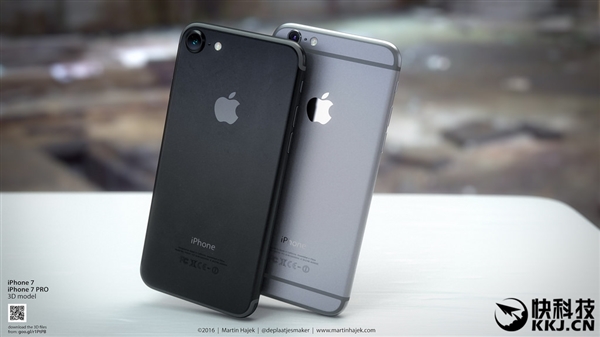
Images of the space gray / black color variant of the iPhone 7 (pictured below) had earlier on appeared online and this image seems to lend credence to the previous images which showed the rear camera with a slight outward protrusion of some few millimeters from the phone’s body.
In addition, the leaked image reveals another stunning detail about the headphone port. Sadly, the image reinforces earlier speculations that the iPhone 7 and 7 Pro will not feature the 3.5mm headphone jack but the renowned 3.5mm audio jack will be replaced by USB Type-C port.
Going further, there’s also a hole between the camera and the flash and it is said to be a laser-focus module. The space gray / black color variant leaked earlier also had the same design including the laser-focus module.
It is also worth mentioning that a report on the Wall Street Journal is quoted rendering further information that the iPhone 7 will ditch the 16GB storage option and will start at 32GB of onboard storage upward but the price does not seem to change from the 5288 Chinese yuan ($790) as speculated.
Gizmochina has been increasing its efforts providing you the latest smartphone news and reviews from China. But you probably want a lot more than just news. We understand that and hence, we are starting a new series on the website for our readers: Chinese Android ROOT/ ROM Flash/ UNBRICK / Tips & tricks tutorials. We hope that these step by step tutorials will come in handy for our readers from around the globe to flash new ROMs and unbrick their bricked smartphones safely. You can anytime comment below with questions, suggestions or requests and we (specifically OSMAN aka AndroidBrick who is our and your Pro Android tech guy) will try our best to answer these questions.
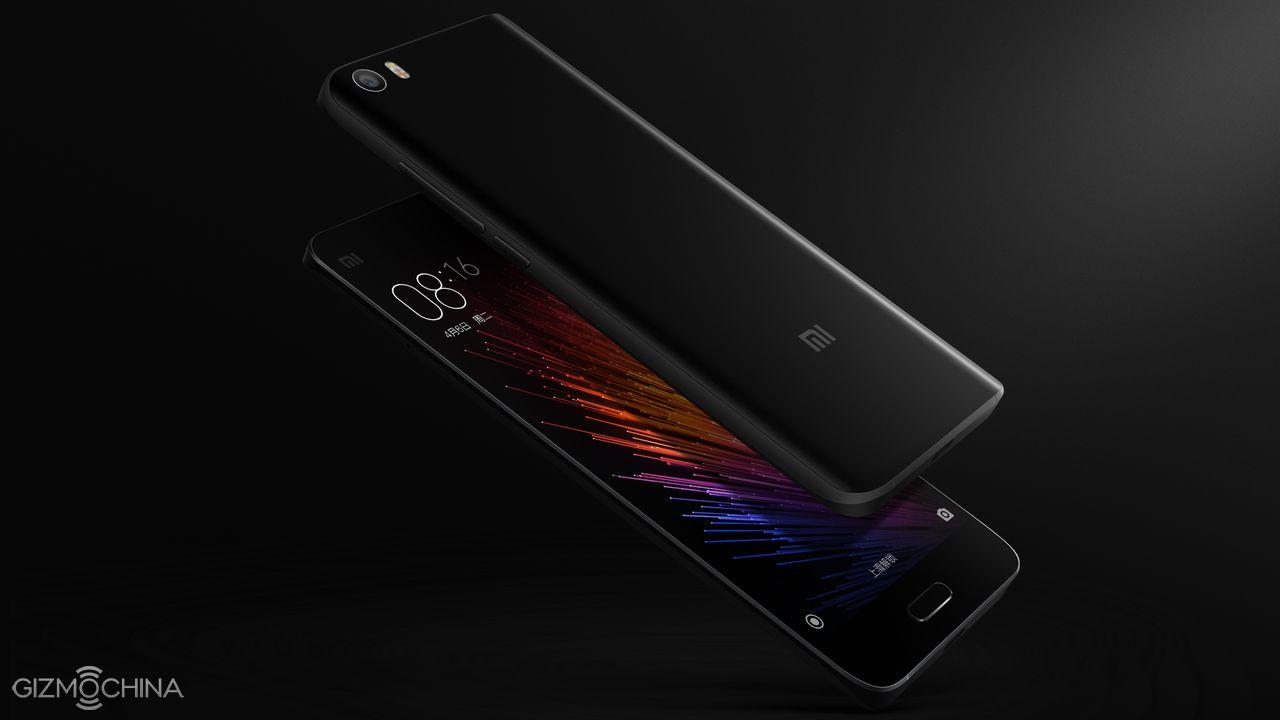
As you may guess from this article’s headline, our first guide will be to learn flashing global stable ROM to Xiaomi devices. Because of the nature of this method, this will be also an UNBRICK guide, and I will explain about this later in the article. The phone that we will working on in this guide is Xiaomi’s latest flagship Mi5.
STEP 1A:
Before we begin, for device drivers to install without a problem, and to install drivers that are not digitally signed, we are going to disable Windows driver enforcement. To do this :
Click the Start menu and select Settings.
Click Update and Security.
Click on Recovery.
Click Restart now under Advanced Startup.
Click Troubleshoot.
Click Advanced options.
Click Startup Settings.
Click on Restart.
On the Startup Settings screen press 7 or F7 to disable driver signature enforcement.
Your computer will restart and you will be able to install non-digitally signed drivers. Keep in mind that, if you restart your computer again the driver signature enforcement will be re-enabled.
STEP 1B:
Second, we need to install adb on our computers, and for that we will use a program called “adb setup“, thanks to Snoop05 from XDA-Developers, this will enable adb and fastboot commands to work on our systems. It will also install necessary adb drivers. There are many ways to do that but what is more important about Snoop05’s solution is that we can use adb and fastboot commands system-wide, this means our old “command prompt” will turn to accept this commands, and no need to work in the “adb” folder like we used to before.
STEP 1C:
Last step, before we begin our guide is to enable “USB debugging” on our phone. In this example, the Xiaomi Mi5. Talking about USB debugging, I strongly advice to all users out there, please do “enable” USB debugging as first thing and keep it that way, don’t turn it off. I am saying this so that you can avoid future problems. I mean in some bricks, this can be because of a wrong app setup, or it can be because of a false rooting way or even non-user related OTA update. Having USB debugging open is very crucial to rescue our phones from such disasters. Just keep this in mind, I will explain more in the future.
STEP 2:
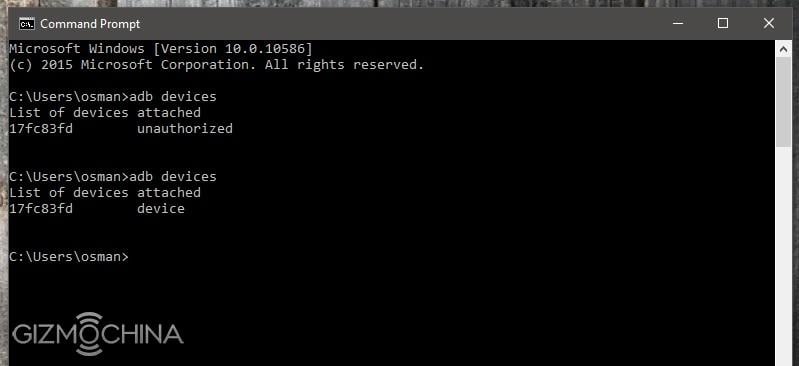
On Xiaomi phones to enable USB debugging, go to settings> about phone, and click “MIUI version” couple of times till you see “you are a developer” message. Then back to settings>Additional settings>Developer opitons>USB debugging, click it and allow. Now its time to connect our phones to computer, plug the USB cable. Your system will install “adb” drivers. Now open command prompt and type :
“adb devices“
Look at your phone for the “Allow USB debugging?” message, select “Always allow from this computer” and click OK. If you forget to allow from phone, the command will return “unauthorized“, if OK you will see your phone as “device” and we are ready to start our guide.
This guide is for locked bootloaders, so no need to wait for the unlocking procedure to flash this official ROM. For unlocked bootloaders the method is almost the same, I’ll explain it too.
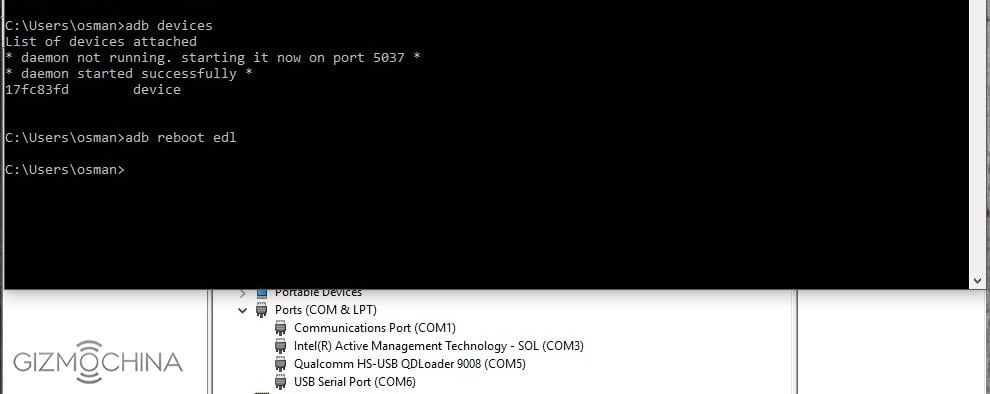
Let’s download those two. First link is our ROM, second is our Xiaomi’s Miflash FLASH tool. Before we install Miflash to our computer, open the command prompt and type this command :
“adb reboot edl”
This command will reboot our Mi5 to “Qualcomm HS-USB Qdloader” mode, this is Qualcomm’s service port on most Snapdragon based phones. Your phone will be completely dark, so nothing will be seen on the screen, and this is very normal. Here, we will use this port to flash our ROM, and you may see this port in some “bricked” situations too — for instance, if you have accidently corrupted some important partitions. So as you may guess now, this method can be used for unbricking our Qualcomm Snapdragon-based Xiaomi Mi5s too. If you face that kind of brick you can use this guide to rescue your phone, you will just have to change the ROM, rest will be the same. For Xiaomi, rescue ROMs are called “fastboot” ROMS and you can find them under this link :
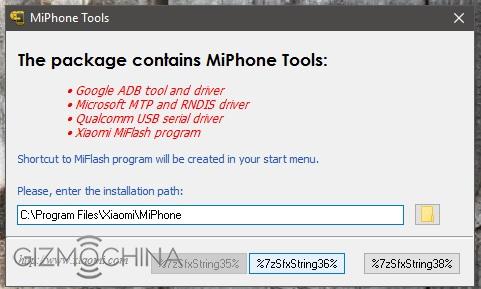
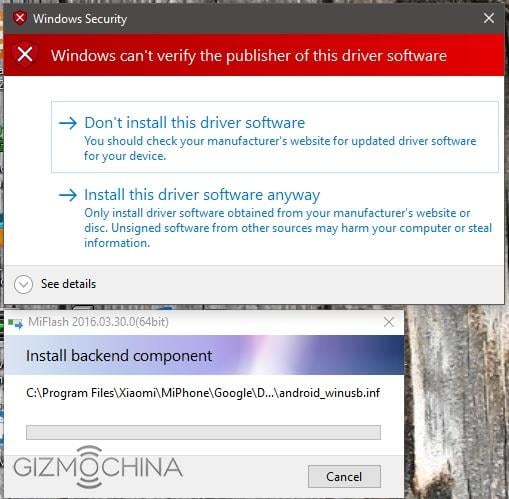
In my computer, all drivers are installed. Your PC will have a new unknown device under device manager after you reboot your phone to EDL (emergency download mode). Ignore it and start to setup Miflash that you downloaded, Miflash will install necessary drivers to your system , so don’t forget to choose “Install this driver software anyway” option when it asks, twice, and after it finishes you will see a new port named Qualcomm HS-USB Qdloader 9008 in your device manager too. The driver path will be “C:\Program Files (x86)\Xiaomi\MiPhone\Qualcomm\Driver”, in case you want/need to install your drivers again.
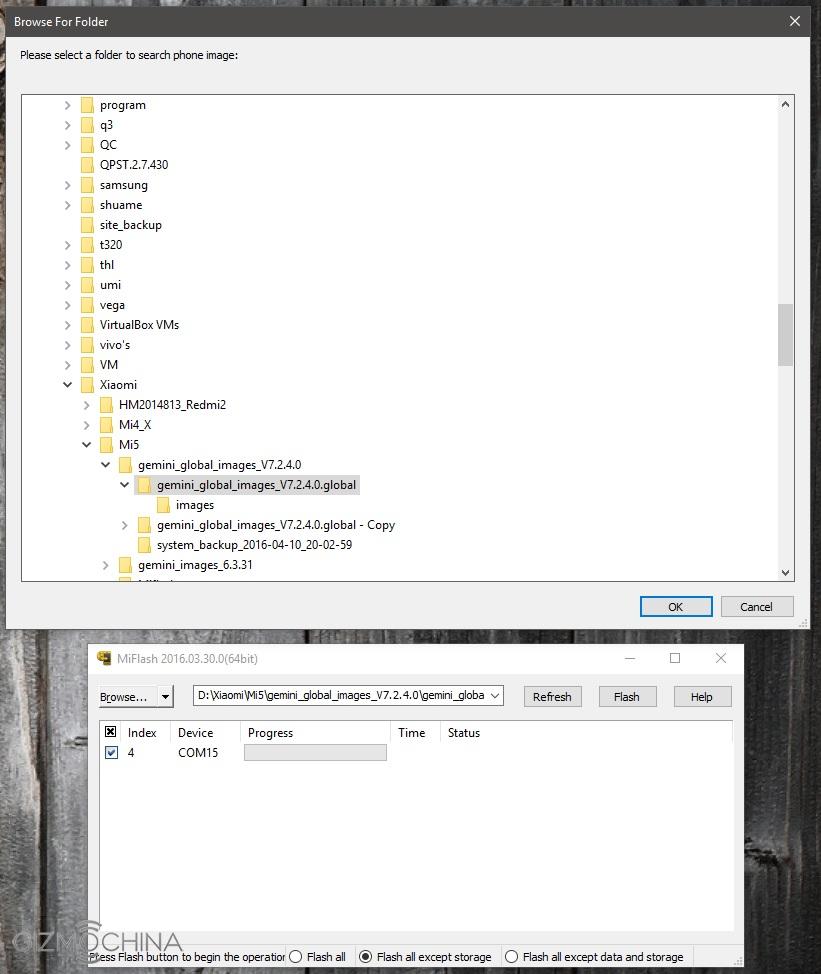
After you see your new EDL port, open the Miflash itself. Click “refresh” button and you’ll see your port there. Then click “Browse” and choose your downloaded ROM folder please (unzip it before you that). It will look like this :
As you can see in above picture, there are some options under the Miflash window. “Flash all“, “Flash all except storage” and “Flash all except data and storage“. If you want to wipe everything on your phone and do a clean flash choose first option, or if you want to keep your data in your storage (like pictures or What’s App folder etc), choose the second option. When you are ready click “flash” button.
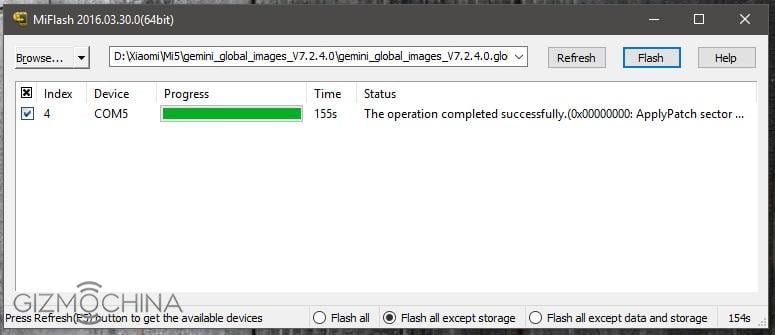
It took 155 seconds for me to flash our new rom, this is my computer of course, and I wonder how long it will take on your PCs. Let’s compare and leave a comment. You can ask anything you want in comments, I will try to answer them all. After you see “The operation completed successfully” under “Status” section press your phone’s power button and boot it up. If you unplug the USB cable before it finishes you will brick your phone !
But, remember what I told before, don’t panic, unbricking procedure is the same — just repeat all the above steps again.
NOTE:For unlocked bootloaders, every step is the same, except, you don’t need to boot your Xiaomi to EDL/Qualcomm HS-USB Qdloader 9008 mode, just reboot your phone in “fastboot” mode while pressing “volume down -“ button while you are powering it. Then repeat Miflash steps again.
If you are in a bricked situation and you can’t boot your Xiaomi Mi5 except for fastboot mode— In this case, we have another fastboot command that will help us to unbrick our phone, just type this command in command prompt :
“fastboot oem edl”
Your phone will boot in EDL mode again, rest is the same as mentioned above.
Remember that I have told you to leave “USB debugging” on, no matter what? Let me explain it now. In case you bricked your phone and it does not boot normally, or in case your phone is stuck at the Mi logo and you don’t have “fastboot mode” either. Check your device manager for “ADB Interface”. If it’s there, just use this guide, starting from “adb reboot edl” command step and rest is the same. Now you see why leaving USB debugging “on” is so important ? This little trick can save us our phone back in just 155 seconds !
You can use this method for every Qualcomm Snapdragon-based Xiaomi phone including your Redmi Note 3 Pro (SD) or Redmi 3 / Pro etc., except for the “fastboot oem edl” command, this command will only work on some new Xiaomi phones.
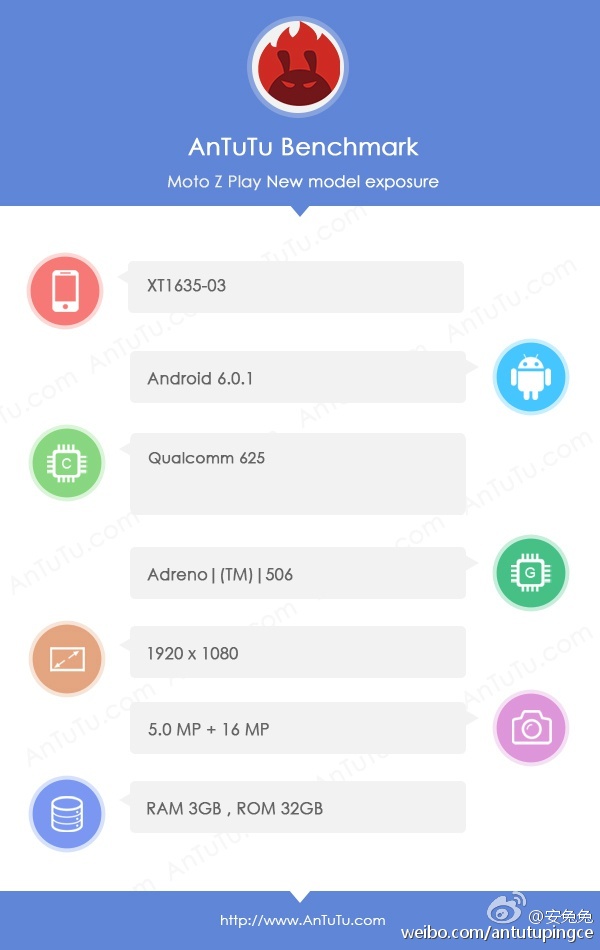
Motorola unveiled two new devices in its Moto Z series lineup a few weeks back. However, from the recent leaks and rumors, it looks like the company may have other devices in the lineup as well. The latest information we have is on the Chinese variant of Moto Z Play and it comes via a trusted source, namely the AnTuTu benchmarking app. The phone seems to have just run the benchmark app revealing most of its specs as well as its AnTuTu scores.
moto z play antutu
The Moto Z Play will be a toned down version in the flagship series. AnTuTu reveals that the phone will come with the Snapdragon 625 mid-range chipset along with 2GB / 3GB RAM and 16GB / 32GB ROM options. This clearly tells us that the phone is going to be a mid-range handset. Further, it will feature a 5.5-inch 1080p display up front and a 5MP shooter. There will be a 16MP camera at the back. It will run on Android 6.0.1. As for the score, AnTuTu reveals that it managed to get around 59K points, which is pretty good for a mid-ranger.
This is not the first time we are hearing that the Moto Z Play will feature Snapdragon 625. Earlier, a Geekbench listing had revealed that the phone will feature this mid-range chipset but that was the XT1635-01 model. This is the XT1635-03 model, which is probably why AnTuTu is referring to this as the Chinese variant. In case you remember, we had also seen the Moto Z Play on the Indian import export data website Zauba, a few days back. So, we could meet this handset soon.
Pricing is said to be around 1999 Yuan ($300), which if true, doesn’t really help the handset in the Chinese market considering you get Xiaomi Mi5 as well as ZUK Z2, both featuring Snapdragon 820 and better specs around this price.
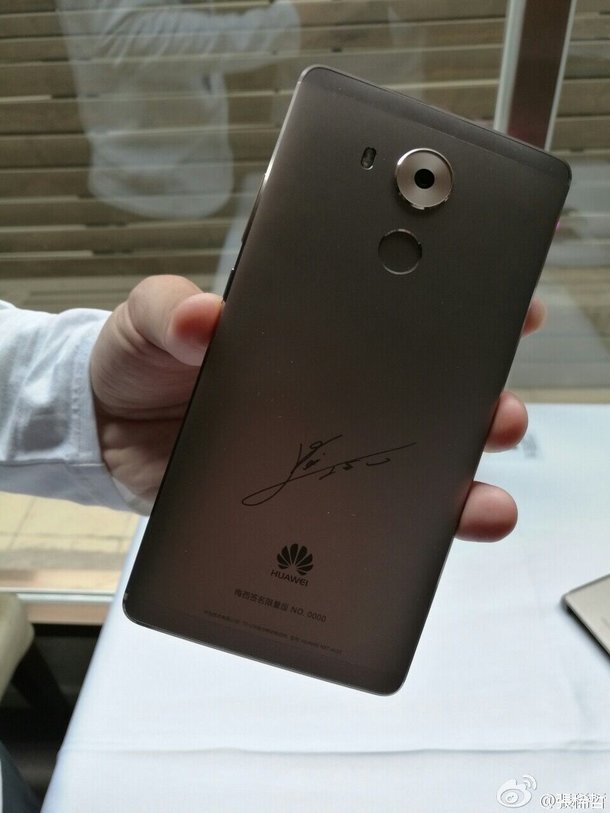
Although Huawei P9 is quite a powerful smartphone, the true flagship series of the company has always been the Huawei Mate series. This year, the company is all set to update the lineup and like in 2015, we might see two devices launched in the second half — first, the Huawei Mate S2 and later, the Huawei Mate 9. If the company continues the tradition as last year, then Mate S2 should be a gentle upgrade to the Mate 8 flagship, while we expect some powerful hardware on the Mate 9 which should be announced near the end of the year.
Mate 8 with Messi’s signature
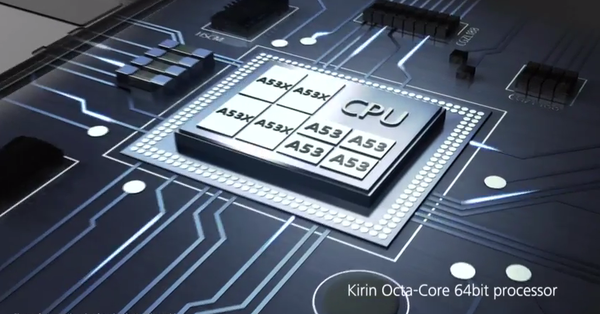
Now, an insider seems to have revealed some details about the upcoming Mate 9 handset on Weibo. He states that the Huawei Mate 9 should be using the Kirin 970 chipset. What’s more, he adds that the chip will be built on the highly efficient TSMC’s 10nm FinFET process. The source further states that Helio X30 is another chip that is going to use this ultra-efficient manufacturing node from this Taiwanese semiconductor foundry.
Now, we have been hearing rumors that the upcoming flagship was going to feature Kirin 960. In fact, we even have the possible specs of the 960 chip, unlike the Kirin 970 (about which we have hardly any info) mentioned by this insider. According to the previous information, the Kirin 960 chip is supposed to come with ARM Cortex A73 Artemis cores and Cortex A53 cores in big.LITTLE architecture with an upgraded GPU (possibly octa-core) and new LTE baseband including CDMA and Cat. 12 support. Moreover, this chip is said to be manufactured on TSMC’s 16nm process.
Considering the new information (rumor) we have at hand, it’s possible that Huawei decides to use the Kirin 960 for some of its upper mid-range smartphones like the upcoming Mate S2 and Kirin 970 for Mate 9 and next year’s top-end flagships.
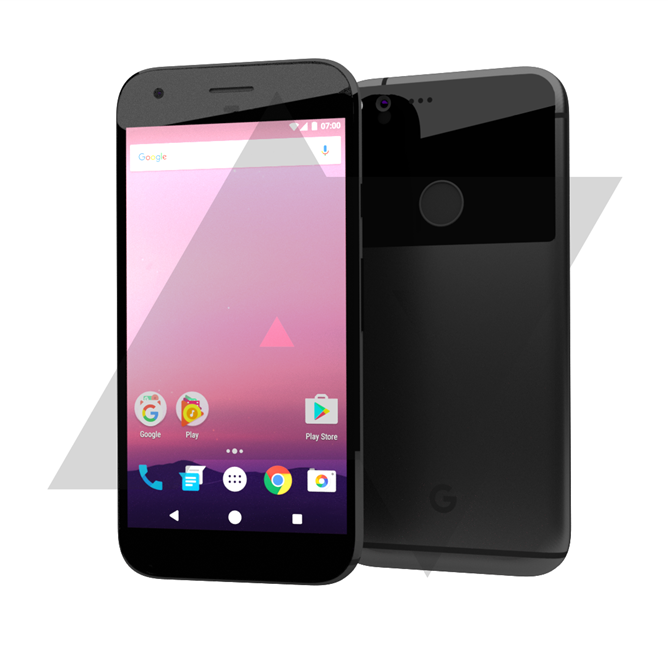
A new render image of what is said to be the 2016 Nexus Marlin and Sailfish smartphones has surfaced online. Don’t get it twisted, the image wasn’t released by Google or its manufacturing partner HTC but a recreation by the guys at Android police who were able to do that based on “information from a reliable source” about the devices codenamed Marlin and Sailfish.
The image, which shows both the front and back views, is said to represent both Nexus Marlin and Sailfish which they believe would only be different in sizes but sport the same design. The image also depicts the Nexus phones as taking on a cleaner design language for 2016, according to the information they’ve received from the source.
We could have thrown this one into the trash as a baseless rumor, if not for the fact that they were confident enough to give the rumor a confidence level of 8 out of 10. That’s an indication that either we are looking at an actual image leaked from Nexus or sure the source is very reliable. But then it’s just a sole source we talking about here.
Well then, we should add also that you shouldn’t expect the Nexus phones to look exactly like the ones in the image since they are someone’s recreation and not the real deal. Some details may not be accurate, like the “G” logo on the back of the device may not be part of the final design. Another thing is the recreation wasn’t done with the actual dimensions and measurements of the phones in sight so it may be mighty different when the devices pop up.
However, few details could be gathered from the image render and one of them is that there’ll be no camera hump on the devices. Also, both Nexus Marlin and Sailfish phones are coming with aluminum body and not polycarbonate. There’s a secondary glossy plastic layer, which might be made of glass though, on the back of the phones which gives the back a cool two-tone look. The rear edges are gently curved and there’s the fingerprint scanner sitting in its usual Nexus position.
Although the image is that of a dark gray / black colored device (which could be one of the color variants available), Android Police believes the “flagship” advertised color will be a standard aluminum finish with a white face. They also believe Google is considering what they called an “electric blue” version of the dual Nexus devices (white face, but blue glossy rear pane) but that’s not for sure.
From the image render also, the design of the phones bears basically no resemblance to the HTC 10, and also relatively little resemblance to the current Nexus phones.
Coming to the front view, a single earpiece speaker, front-facing selfie shooter, a small sensor cluster are all visible. While on the back, there are some antenna bands on the bottom running horizontally and on the top running vertically and off the center.
Three tiny holes can be spotted next to the camera whose purpose are not known but could relate to the camera (auto-focus and perhaps a secondary sensor of some kind) and perhaps one of them could be a secondary microphone.
That’s all we’ve got for now, except if you’re unaware of a previous rumor about the Nexus Marlin and Sailfish devices which are said to be getting a navbar do-over such that the software home button will be of solid white color with 4-color “flower” design. But it remains unclear at this time if that’s also true.
A few weeks back, we spotted 2GB RAM version of the Xiaomi Mi Max model in China. However, at that time we were not sure whether the variant would end up in the market since, at the time of the launch of the Mi Max, the company has made only the 3GB RAM and 4GB RAM versions of the phone official.
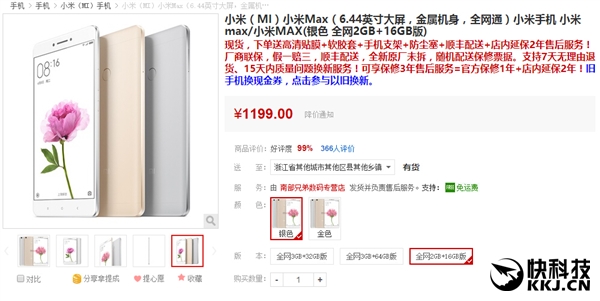
Last week, a few sellers started selling the 2GB RAM + 16GB ROM model of the Mi Max online for a price tag of 1224 Yuan, but now, this low-end version of the Mi Max is being sold at the lowest price we have seen till now. The 2GB RAM is currently sold by some retailers for as low as 1199 Yuan ($180), which makes this particular variant an attractive option for those who are on a budget and want a large phablet with an amazing battery life. To remind you, the 3GB + 32GB ROM model of the Mi Max retails for 1499 Yuan in China ($230). So, at this price, there is a considerable difference between the two variants.
So, what do you think? At $180, do you think 2GB RAM version of the Mi Max is an attractive option?
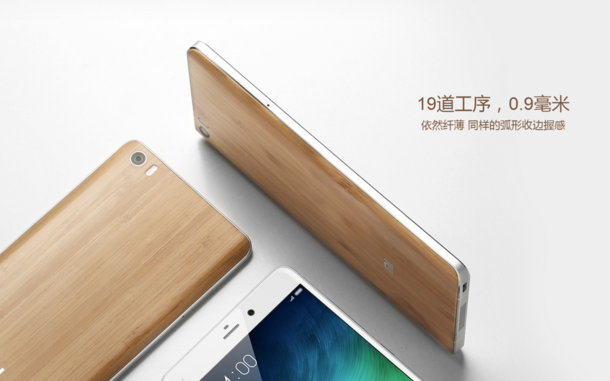
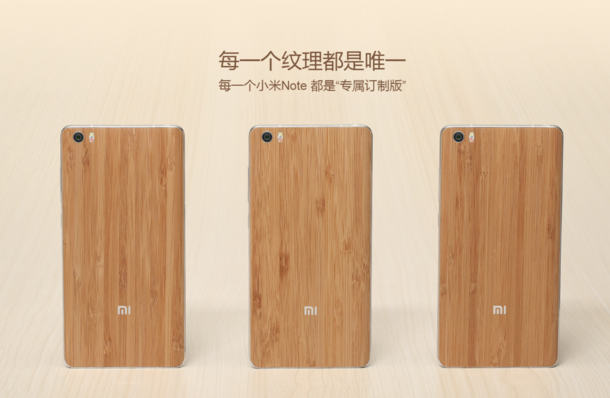
Xiaomi last year launched a unique service which enabled Mi Note users to get a free back panel replacement. This year, the company has launched a similar program wherein Mi Note users can get a free upgrade to Natural Bamboo Cover free of charge.
The offer started on 4th July and will be live until 31st July. Mi owners only need to take their Mi Note, to any authorised service shop and the glass cover on their phones can be replaced with the natural bamboo cover, free of charge.
However, there are a few conditions that must be met to get this free upgrade, and is available on a first come first serve basis. Each user will be entitled to 2 upgrades only and the offer is limited to in-store replacement only.
Xiaomi also seems to have an advice for the users who are looking to avail the offer. The company has mentioned that the bamboo covers looks amazing on the white version. But for the black and pink versions, users need to be careful as it might not be as good looking as it looks on the white ones.
As per Xiaomi, the replacement bamboo cover is made of best quality natural bamboo found in the southern part of China, which is known for its strength and delicate string texture. The thin arc-shaped structure is 0.9 mm thick and weighs 5grams less than the original glass version. The bamboo cover is waterproof and will not deform quickly. Each case carries a unique texture giving the Mi Note a lightweight, thin and delicate sense of natural bamboo texture.
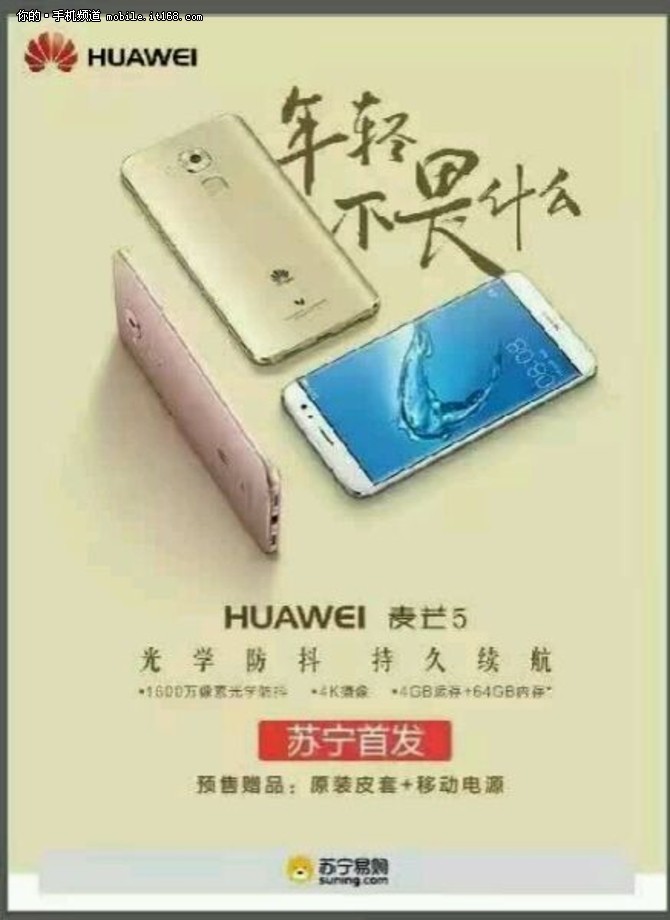
Huawei Plans to release a smaller version of what appears to look like the Huawei Mate 8 on July 14.
The poster for the phone bears a slogan which roughly translates into ”not afraid of what the young” or better put ”not afraid of being young” indicates that the phone is aimed at the younger generation.
The phone called ”Maimang 5” will have 2 versions with one of the versions featuring 4GB of RAM, 64GB of ROM, a 16MP camera with OIS and ability to shoot 4k videos; and Snapdragon 650 or 652 processor. The phone is set to compete with the likes of OPPO R9 and Vivo X7. However, unlike the Mate 8 or OPPO R9 which have metal bodies, the Maimang 5 could end up with a double glass design with a metal frame. The pricing for the phone is expected to start at 2000 Yuan ($299). We still haven’t got any confirmation, so let’s wait for more details.
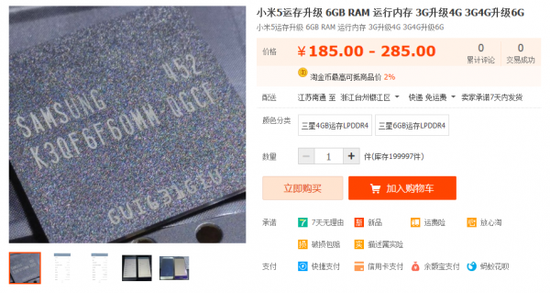
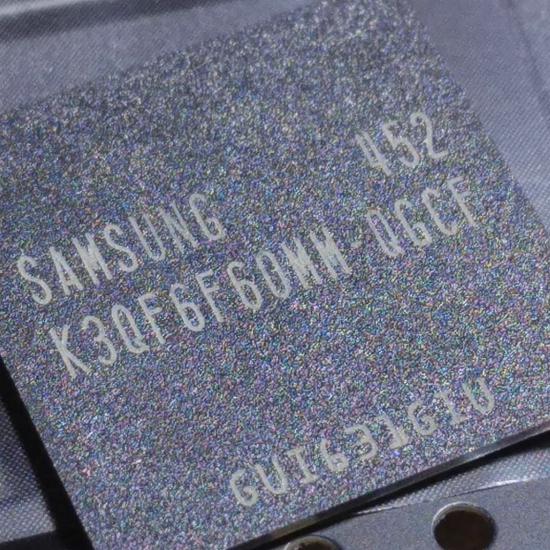
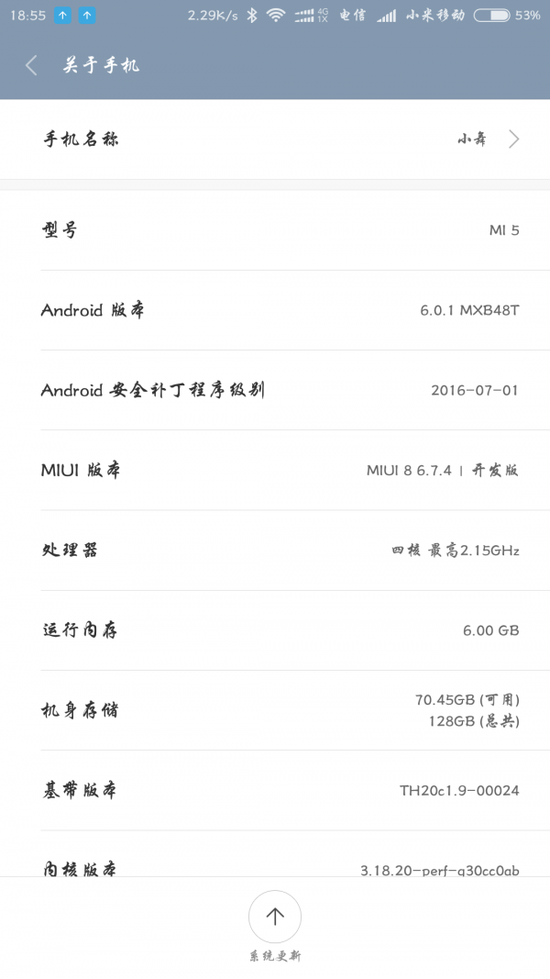
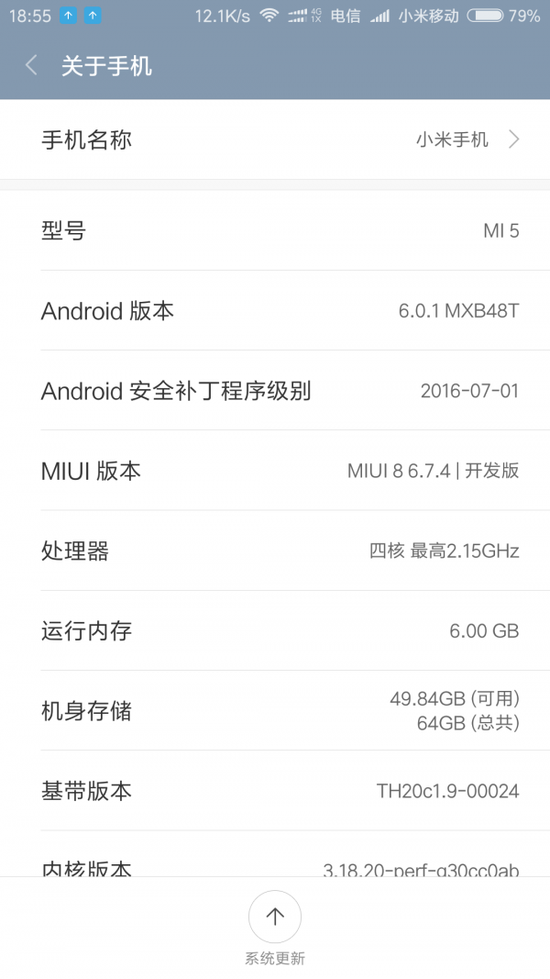
Since the release of the first 6GB RAM smartphone in the world, we have seen so many new flagships coming with such high memory inside. We have the Vivo XPlay 5 Elite, ZUK Z2 Pro, Le Max 2 and even the OnePlus 3 with 6GB RAM inside. But Xiaomi doesn’t have a 6GB RAM phone in the market right now, and the most powerful option from the company is the Xiaomi Mi5 which comes with the Snapdragon 820 and 4GB of RAM. But what if I told you, you could replace the 3GB /4GB RAM module inside the Mi5 with a 6GB RAM Samsung 1866MHz LPDDR4 dual channel memory, essentially converting the Mi5 into a beast? Well, at least someone in China managed to accomplish this upgrade!
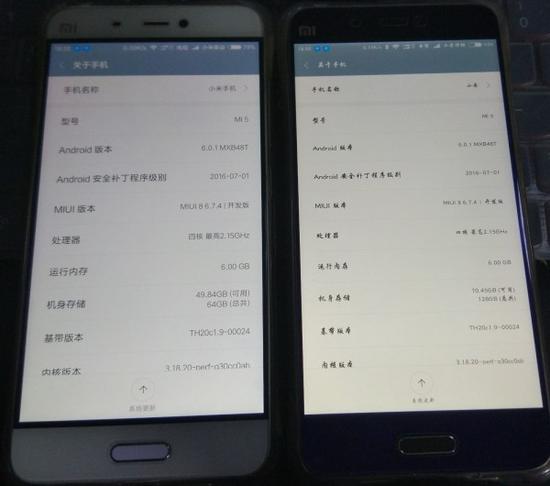
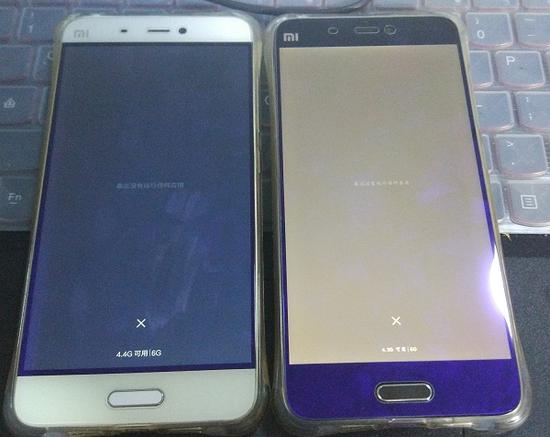
It looks like sellers in China are currently offering to upgrade the memory inside the Xiaomi Mi5 to 6GB for just 285 Yuan (~$43). Further, to show that upgrading the RAM works well on the new device, they even have released a few images (added below) wherein the phone detects 6GB RAM inside. And if you are worried about whether it will work in the long run, these guys are even offering 180 days chip warranty.
Of course, we would always caution you from doing such a thing, as it will void your warranty. Plus, we can’t be entirely sure whether such an upgrade works perfectly fine. So, we better wait for reviews of the phone after the upgrade.
But what do you think? Will you take the risk of upgrading the RAM inside the Mi5 to 6GB under $50?
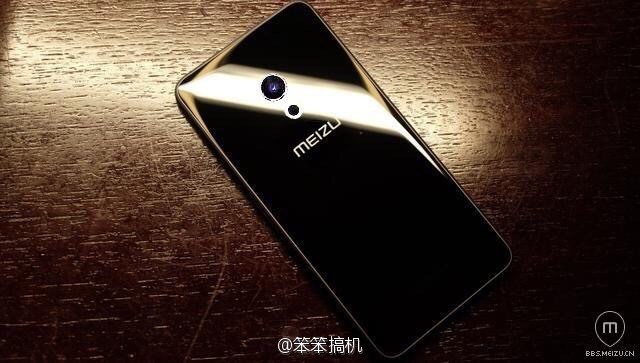
As per the schedule, Meizu is planning to launch its flagship Meizu MX6 on 19th July 2016. This already is a very powerful device, however, rumors are abuzz for the much hyped “Pro” device from Meizu.
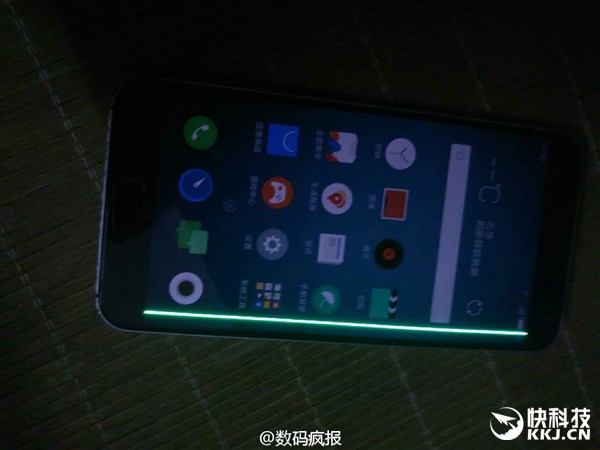
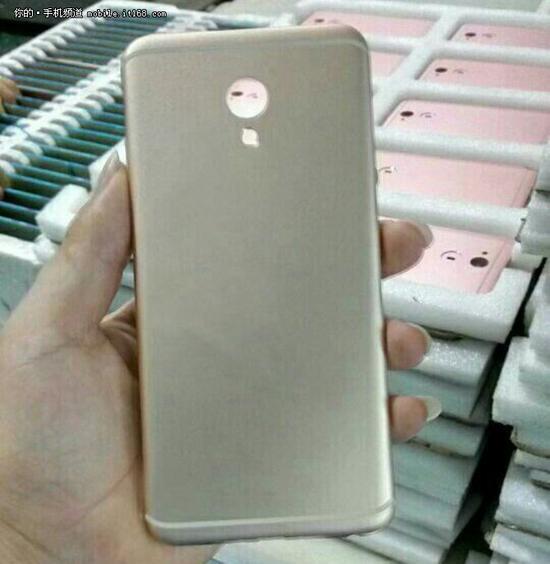
Recently, a device image surfaced on social media claiming to be the Pro 7. The leaked images only showed the back of the mobile, which bears a totally different design language than its predecessors. Until now Meizu devices have been heavily inspired by Apple , however, it seems, now they’ve shifted their inspiration source to Samsung.
This leaked image shows that Meizu Pro 7 features Samsung S 7 like rounded corners and glass body. This 3D technology has been successfully tested on S7 and it makes the device very comfortable to hold.
The back of Meizu Pro 7 is minimalist in design and just has a camera, flash, and Meizu branding. We haven’t got any official confirmation from any Meizu officials yet regarding the authenticity of this leak. In case this stands out to be true, then we are looking at an extremely premium looking flagship device.
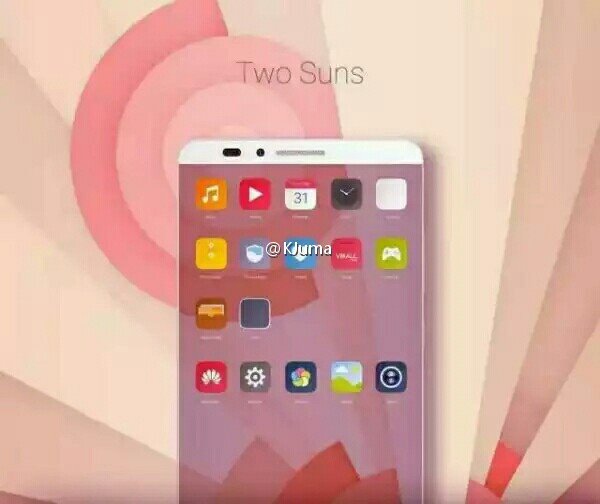
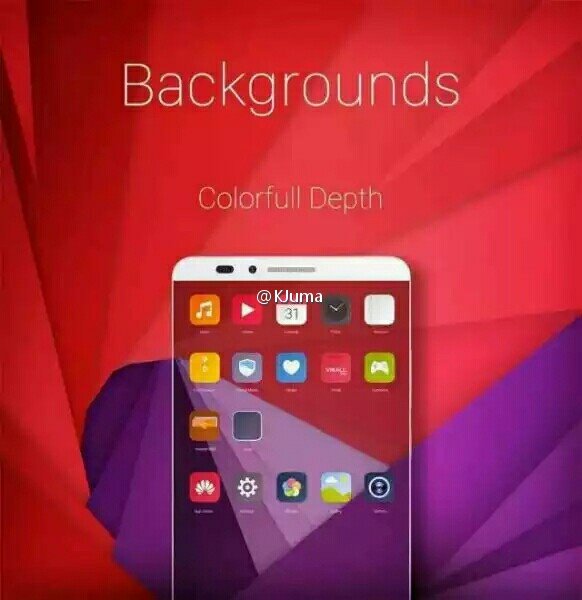
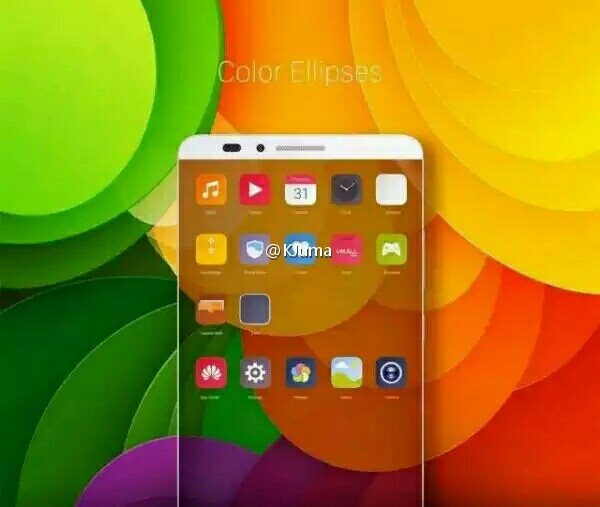
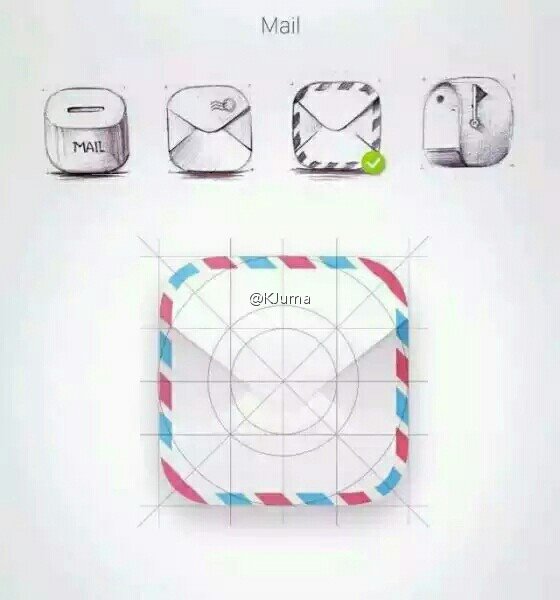
Huawei plans to release a new version of their Emotion UI this Fall. At the helms of the design team, is Abigail Brody who has worked for Apple and Ebay. The design team has focused on the use of more colors just like Xiaomi is doing with MIUI 8. The new UI will also be closer to stock android and allow more customizations.
The above designs were leaked on the Chinese social networking website, Weibo by KJuma, who is known to leak such information on a regular basis. The new interface should be welcomed by users outside Asia as one of the gripes about Asian brands is their UIs which are usually designed without a focus for customers in the West.
Apple has come a long way with the iPhone ever since the first one was released in 2007 and they’ve had their highs and lows with respect to the launch of a new model. But it seems Apple is planning a game changer for next year’s iPhone which coincides with the 10th year anniversary of the launch of the first generation iPhone.
Apple’s last 3 phones haven’t been much of a game changer as they either just featured minor changes such as a new processor like the iPhone 6S or just featured new guts in an old body as seen in the iPhone SE. But a rumour going round says Apple is deploying all resources towards next year’s release in time for the 10th year anniversary.The source says the 2017 iPhone will kick start a new generation of iPhones.
4th Generation iPhone
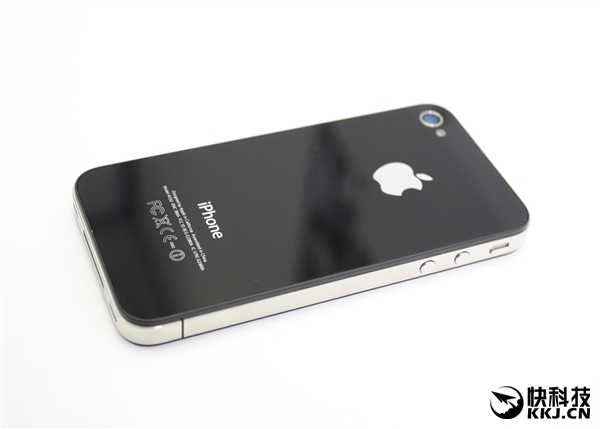
Apart from focusing on a new design, Apple will be bringing back the glass back that featured on the iPhone 4 and will also make use of an OLED display.
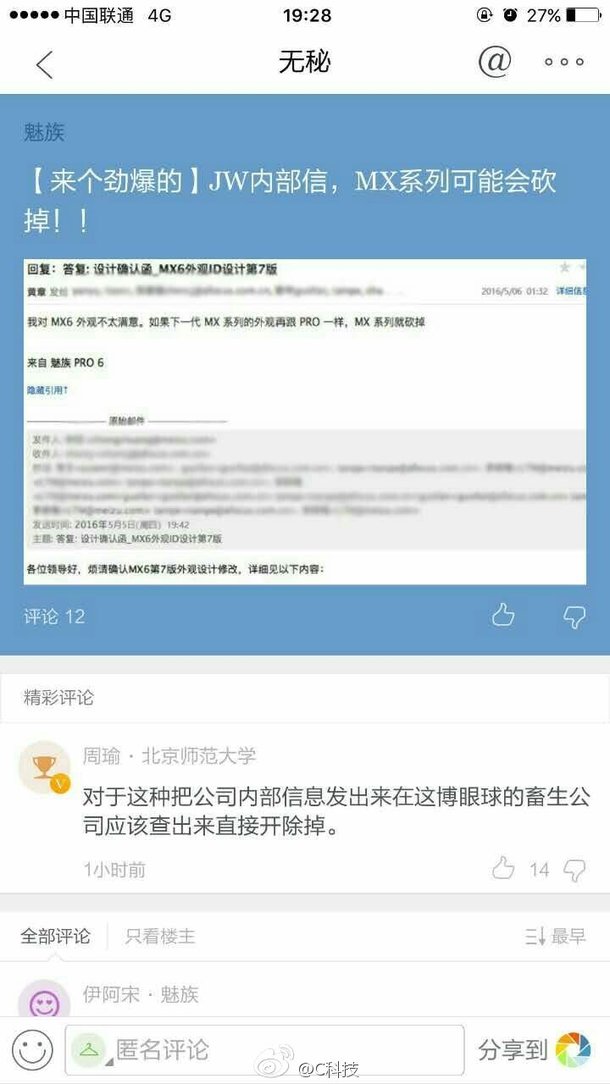
After a few months of silence, Meizu’s CEO Huang Zhang made a microblogging post on Weibo today “If not for using Pro 6’s appearance, I think MX6 would be the best MX series smartphone” (translated).
So looks like the leaked internal mail was true! The CEO doesn’t seem to be happy that MX6 is using a similar design as the Pro 6. However, specs wise, the phone should have capable hardware inside to take on other mid-range flagships.
Meizu’s smartphone business is bigger than ever before. Thanks to the healthy competition between Meizu and Xiaomi, the former smartphone company has managed to post very impressive growth in the past few quarters. The company has even introduced new smartphone lineup aimed at the young generation in the past couple of years, such as the Blue Charm M series. But it looks like, the company’s popular flagship MX series could be in trouble this year.
In an alleged leak of Meizu’s internal emails, Meizu’s CEO Huang Zhang seems to be unhappy with the design of the upcoming Meizu Pro 6 smartphone. He said that if the next generation version of the Meizu MX6 and Pro 6 are going to be this similar, then he may consider scrapping the lineup!
Well, this sounds like an exaggerated statement, but to his credit, Meizu has killed off a few smartphones in the past. For example, remember the Pro 5 Mini phone which was supposed to meet us sometime in the first half of 2016? Well, due to some supply problems faced by the company, Meizu scrapped the device. And then there’s the MX Pro lineup which the company killed last year, favoring the new Meizu Pro series.
Given that Meizu’s MX series is hardly in the limelight due to the numerous other powerful mid-rangers in the market, could the company consider killing the MX series for a new mid-range lineup? Well, we can’t be sure, because the leaked image of the internal mail cannot be verified at the moment.
Xiaomi announced the MIUI 8 in China back in May and later, last month, at the launch of the Mi Max phablet in India, the company hinted that the beta version will hit some select Xiaomi smartphones publicly by July.
The public beta which will be released on July 11, will be made available on the Xiaomi Mi 5, Mi Max, Mi Note, Mi 4i, Mi 4, Mi 3, Mi 2, Redmi Note 3, Redmi Note 2, Redmi Note Prime, Redmi Note, Redmi 2 Prime, Redmi 2, and Redmi 1s. But obviously, that is not the big news which many fans have been waiting to hear.
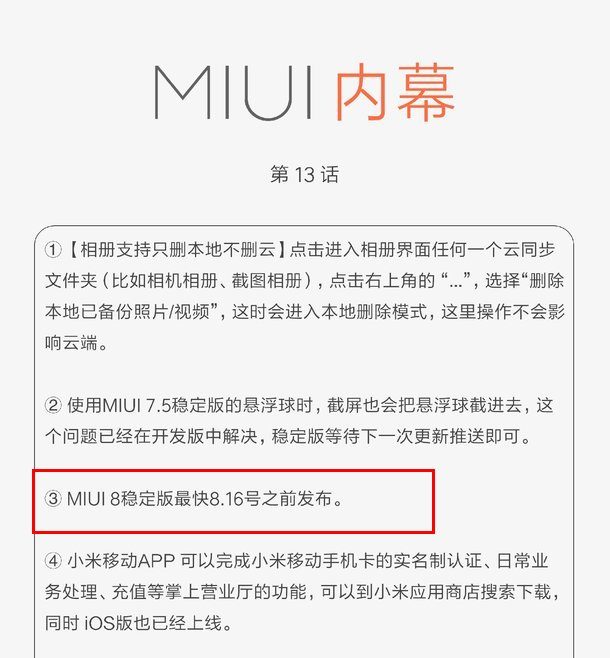
Anticipations have continued to heighten about the release date of the MIUI 8 stable ROM which promises an awesome array of all new features. The anticipation has been put to rest with the official statement from Xiaomi that the MIUI 8 stable ROM will be rolling out publicly by August 16, 2016.
Already, we have the MIUI 7.5 stable ROM which comes with some of the features the MIUI 8 will come with but then it isn’t MIUI 8 and at the end of the day, we all want to experience all the features the MIUI 8 offers as soon as possible.
A few days back, Huawei published a stunning photo on its Google+ page with a title which suggested the photo (the one you see below) was shot using the Huawei P9’s dual cameras, which by the way is doing marvelously well in the market.
The truth about the photo’s details would not have been known if the image had been posted on any other platform. But posting the photo on Google+ was their undoing, because Google+, just like some photo-sharing services such as Flickr, preserves the camera’s Exchangeable image file format (EXIF) metadata in any image you post.
Undoubtedly, the photo is a great one of a very attractive lady. The details exposed by the crisp and clear shot is downright impressive for a smartphone camera but turns out the shot wasn’t taken by a smartphone camera. Huawei has since taken down the photo from its Google+ account but here’s a screen shot.
Make no mistake, the post didn’t outrightly say the photo was taken by the P9 but it’s downright deceptive. Here’s the post, you be the judge:
We managed to catch a beautiful sunrise with Deliciously Ella. The #HuaweiP9’s dual Leica cameras makes taking photos in low light conditions like this a pleasure. Reinvent smartphone photography and share your sunrise pictures with us.
The EXIF data was able to unravel the fact that the shot was actually from the all powerful Canon EOS 5D Mark III shutter. The high-end camera currently carries a price tag of $2600 on Amazon while the EF70-200 f/2.8L IS II USM lens which comes separately, is priced at $1900. That makes it a whopping $4500 camera setup. The image’s EXIF details…..
Camera: Canon EOS 5D Mark III
Lens: EF70-200mm f/2.8L IS II USM
Focal Length: 135mm
Exposure: 1/800
F Number: f/4
ISO: 500
Camera make: Canon
Flash: Not used
Exposure Bias: -1 EV
Huawei has however issued the following statement in regard to the image (like I said earlier, they have since deleted the controversial image from their social networks):
It has recently been highlighted that an image posted to our social channels was not shot on the Huawei P9. The photo, which was professionally taken while filming a Huawei P9 advert, was shared to inspire our community. We recognise though that we should have been clearer with the captions for this image. It was never our intention to mislead. We apologise for this and we have removed the image.
So, Huawei’s saying this was just a mix up, if you believe that you’d believe anything I’d say.
We love giving away new products to our readers. Today, we have yet another hot product to give away to one of our lucky readers and its none other than the new Xiaomi Mi Band 2. The latest Mi Band 2 version comes with a lot of upgrades including a display up front, making it a hot product in the market. Further, there are a lot of new features as well, which makes the Mi Band 2 the perfect product to giveaway.
We are giving away this product in partnership with banggood and we would like to thank the retailer for giving us a unit for this giveaway. Do check out banggood for the latest Chinese smartphones and tablets. Even the Xiaomi Mi Band 2 is available on the website which you can check out from here.
Wanna know what makes Mi Band 2 special before participating in the giveaway? Check out some of these features!
MiBand 2 has the following cool features:
heart-rate monitor
sleep monitor
activity tracker
pedometer
resistant to scratches and fingerprint
IP67 water, dust and sweat resistant
can unlock your phone
nudges you to move
scientific self-control movement
20 day battery life
As always, we will be conducting the giveaway via the gleam widget. So, one random winner is selected who will get a brand new Mi Band 2 wearable courtesy of gizmochina and bang good. Xiaomi Mi Band 2 Giveaway
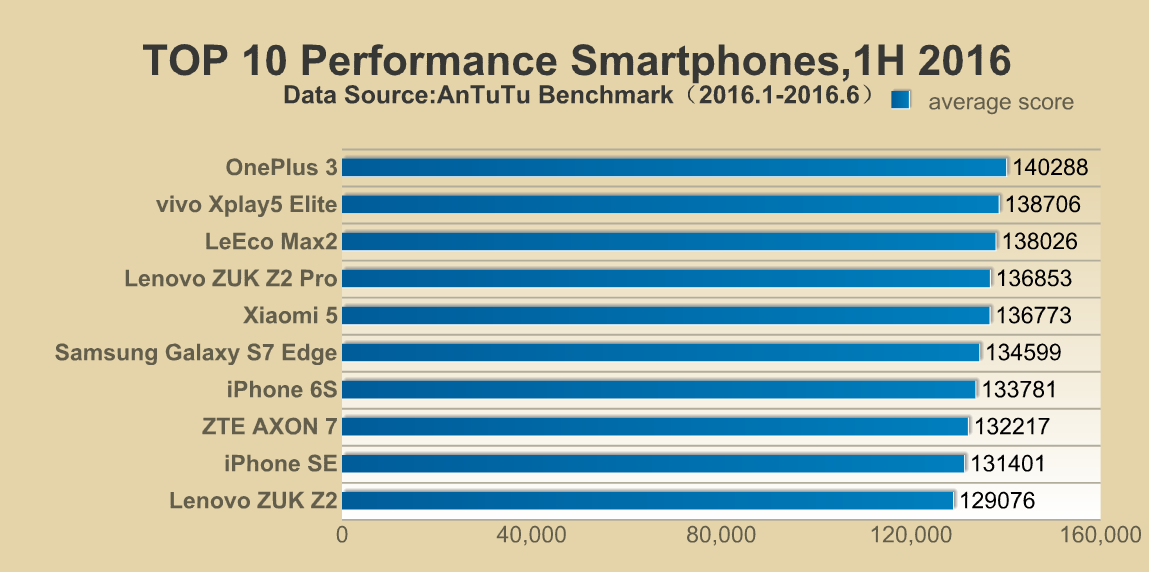
Now that we are officially into the second half of 2016, we can take a look at the top 10 smartphones in the first half of 2016. This is a list released by the popular benchmarking app AnTuTu. Unsurprisingly, there are a lot of Snapdragon 820 powered smartphones. Another thing to note is that 6GB RAM and 64GB ROM have become the standard among flagships this year. While this configuration would have sounded a lot last year, this year, it looks like there could be even 8GB RAM phones! But more on that later. In this article, let’s look at the top 10 list!
On top is the mighty OnePlus 3 flagship powered by Snapdragon 820, 6GB RAM and 64GB of internal storage. The phone managed to reach an average score of 140,288, which is the best average scores we have seen till date on AnTuTu. The phone manages to reach this level because the Snapdragon 820 chip inside is not throttled, unlike some other flagship phones, which unleashes its full potential. So, despite entering the market late June, the phone has topped the AnTuTu benchmark’s top 10 list.
Next up is another Chinese smartphone, the Vivo XPlay 5 Elite edition which was also the world’s first 6GB RAM phone. The phone managed to score 138,706 points on average on the benchmarking website, thanks to its top-end specs that include Snapdragon 820 and 128GB ROM. Another thing to note here is that it is also the first Chinese dual curved display smartphone.
Next up is the Le Max 2, another Snapdragon 820 + 6GB + 64GB ROM phone. Well, now there’s a 128GB ROM model as well. This particular device managed to score 138,026 on an average, which is pretty good and just below the XPlay 5 Elite model. In the fourth and the fifth position are two more Chinese flagships namely the ZUK Z2 Pro and Xiaomi Mi5. In all, there are seven Chinese models (including Axon 7 and ZUK Z2) in the top 10 list which clearly shows the dominance of these phones in the first half of 2016. Non-
Non-Chinese phones that made it to this list include the Galaxy S7 Edge, iPhone SE and the iPhone 6S.
So, these were the top 10 smartphones of the first half of 2016! These scores were calculated from the data collected from January 1 to June 30 and with at least 2000 scores registered on the app (v6.0) for each model.
We have reviewed almost all of these smartphones. You can check out each model’s review from the links above.
A good number of smartphones these days pop with tracking functions in the event of loss or theft of the device and unfortunately, those functions are network dependent. However, MIUI 8 is about to change that. A lot of these phones can be located using cloud services but when the phone is in an area where there’s no network coverage or the SIM card is removed, this function becomes invalid.
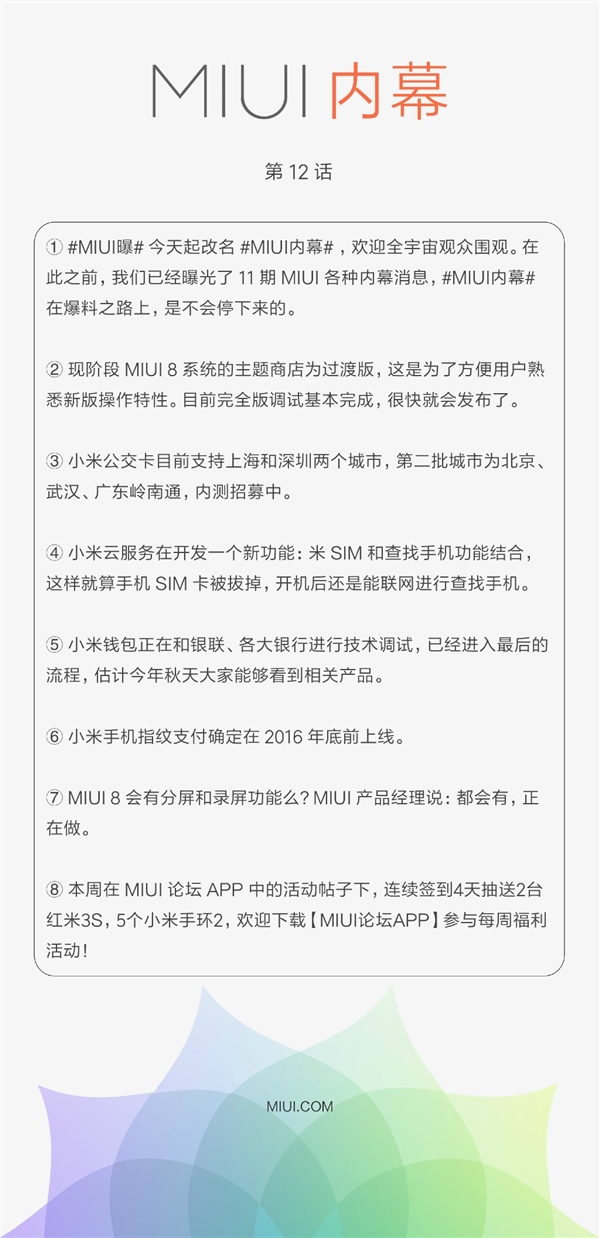
However, MIUI officials have come out with a somewhat great news that a new feature is being developed for the latest MIUI 8. The official revealed that the current Mi Cloud services will soon combine the phone lookup feature with virtual SIM feature to detect a phone even without a SIM card.
What this implies is that Mi Cloud would be able to detect the phone’s location even if the smartphone’s SIM card was pulled out by someone. As soon as the phone is booted, regardless of the presence of a SIM card inside, Mi Cloud would detect the device and pinpoint the location.
If this news is true, then it becomes very easy recovering lost or stolen phones and that would be a big boost to Xiaomi phones running the MIUI 8. More so, the feature will join other amazing features like fingerprint payment, split-screen and screen recording functionalities which are currently under development for the MIUI 8 version.
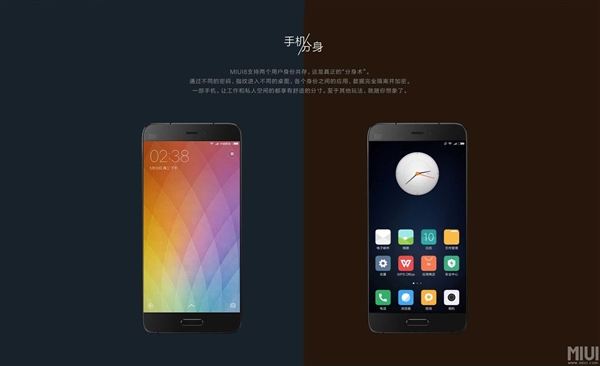
MIUI 8 also builds in several technology breakthroughs such as being able to clone apps and manage multiple accounts on the same phone and a host of other amazing features.
Chuwi has been known for their good yet affordable tablets and the HiBook is one of their latest offerings. This tablet is well-built, it runs on both Android and Windows and it offers a great value for the price. Learn more in our full review.
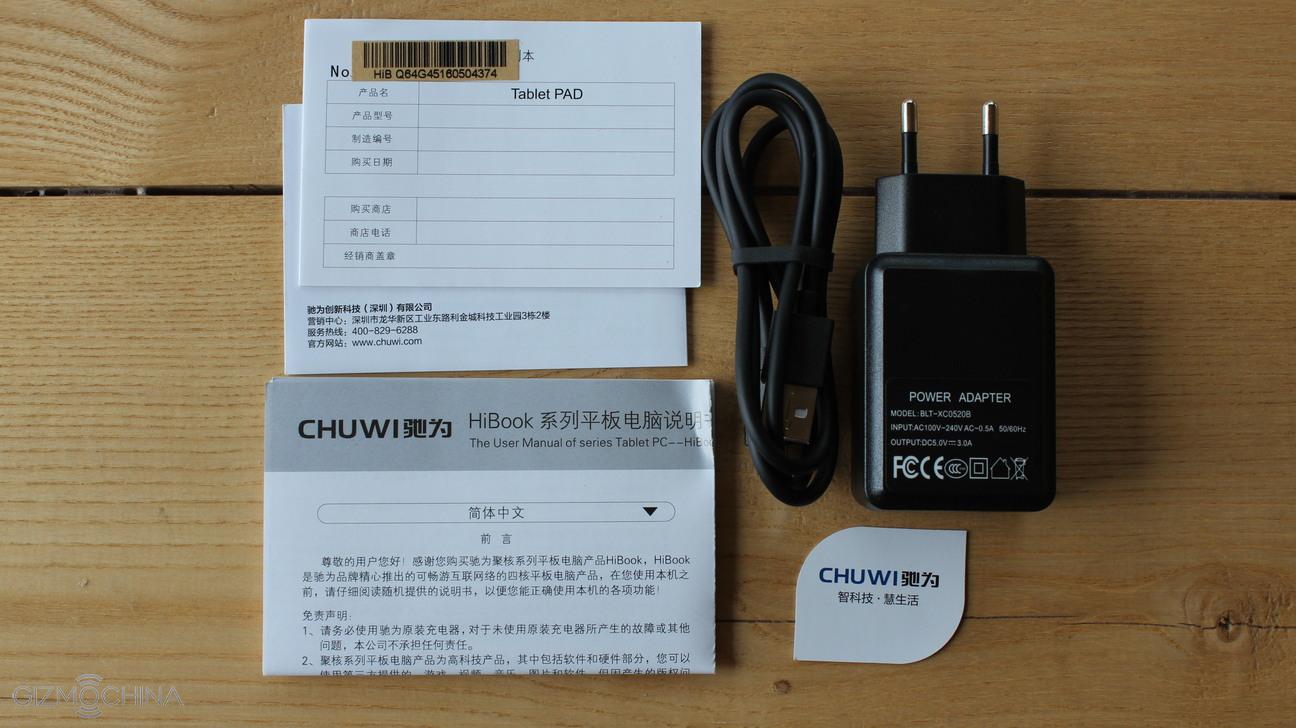
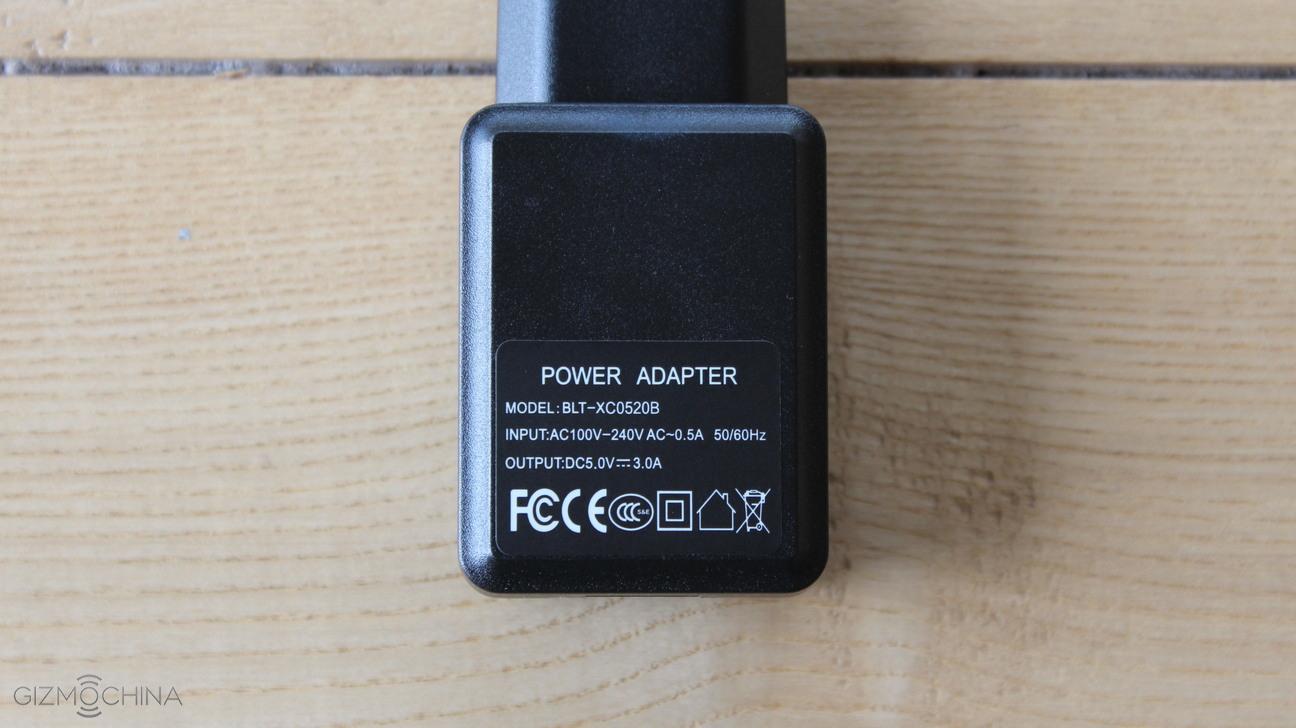
The tablet comes with the USB C cable, a power plug that is capable of fully charging the tablet in around 3 hours and some paperwork.
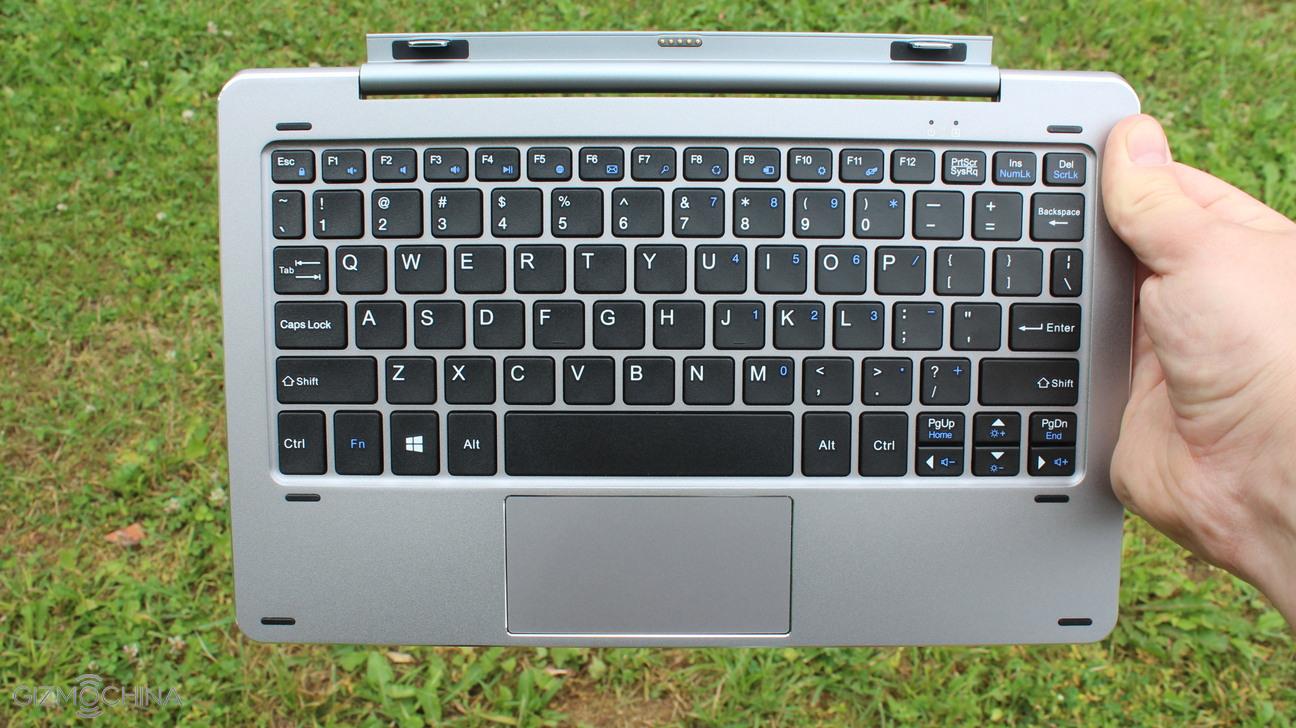
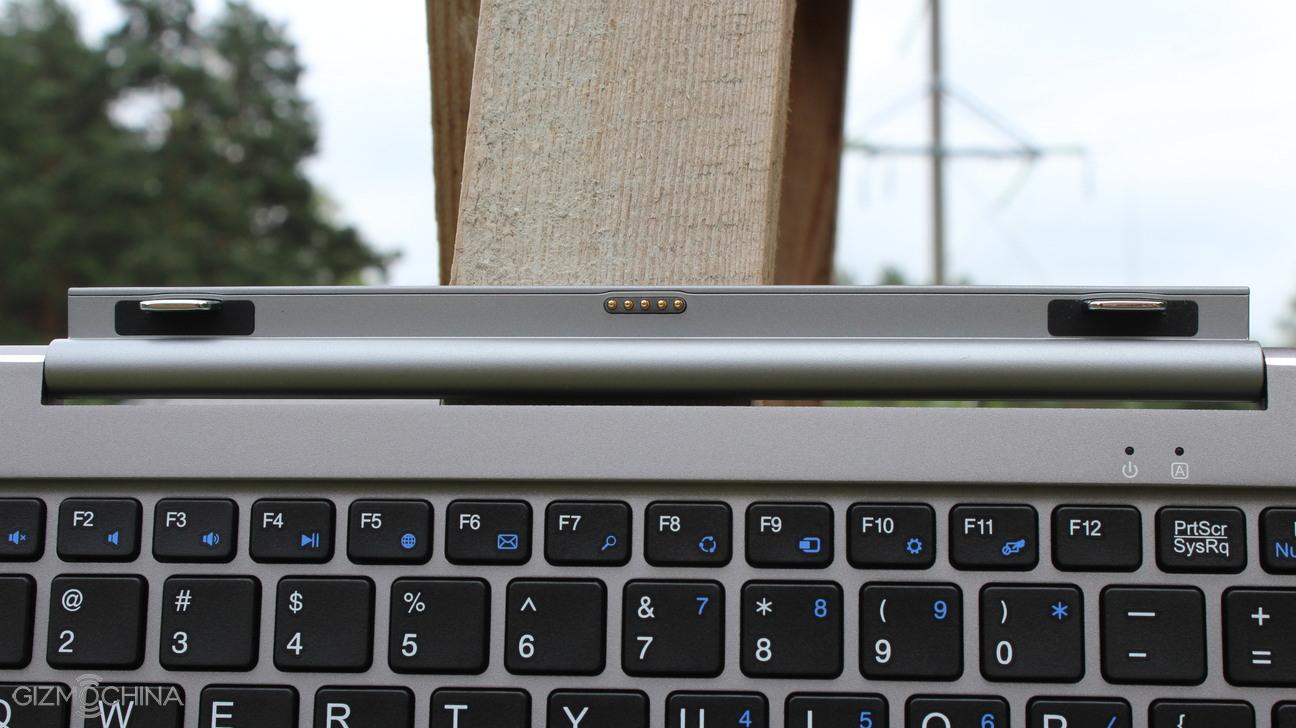
I also have an optional keyboard, which is a great addition to have but more on that later on.
Chuwi HiBook Review: SPECS
Display
10.1″ 1080p (Full-HD)
Processor
Quad-core 64-bit Intel Cherry Trail Z8300 CPU (1.44GHz)
RAM
4GB
Camera
2MP Front/5MP Back
Connectivity
Bluetooth, WIFI
Battery
6.600 mAh (non-removable)
Dimensions
26.20 x 16.75 x 0.85 cm / 550g
OS
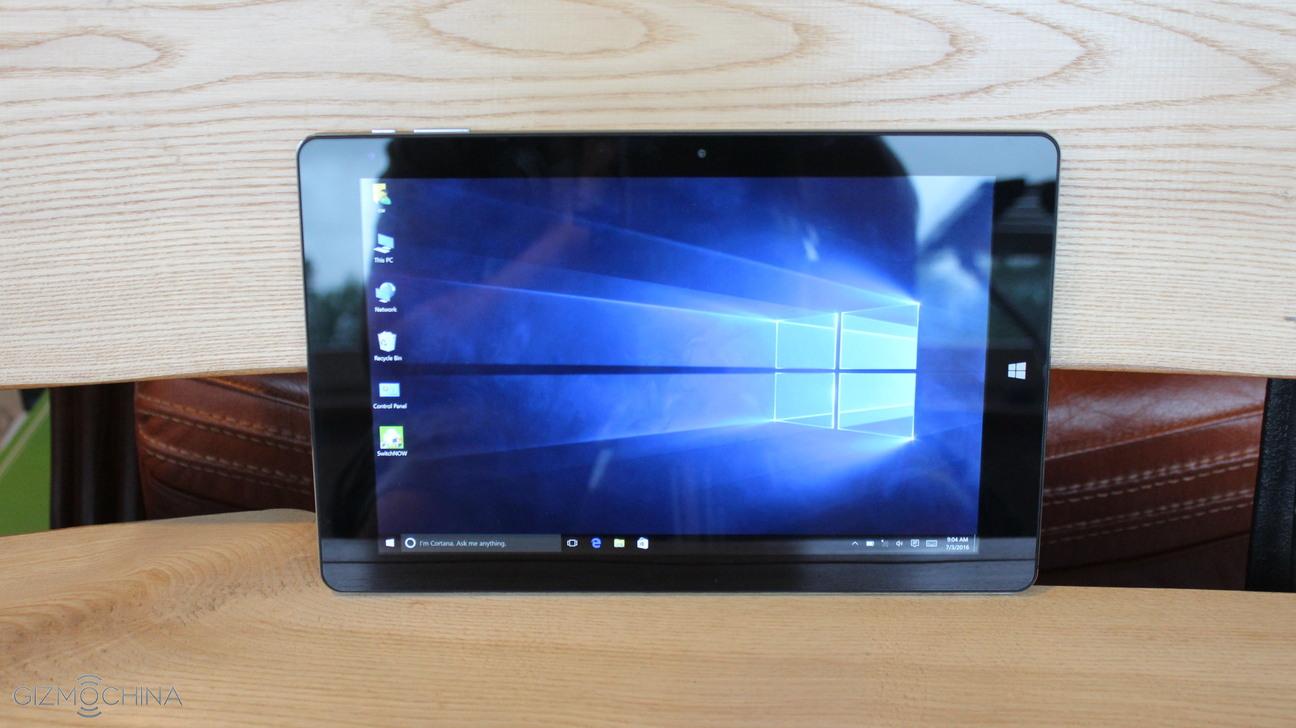
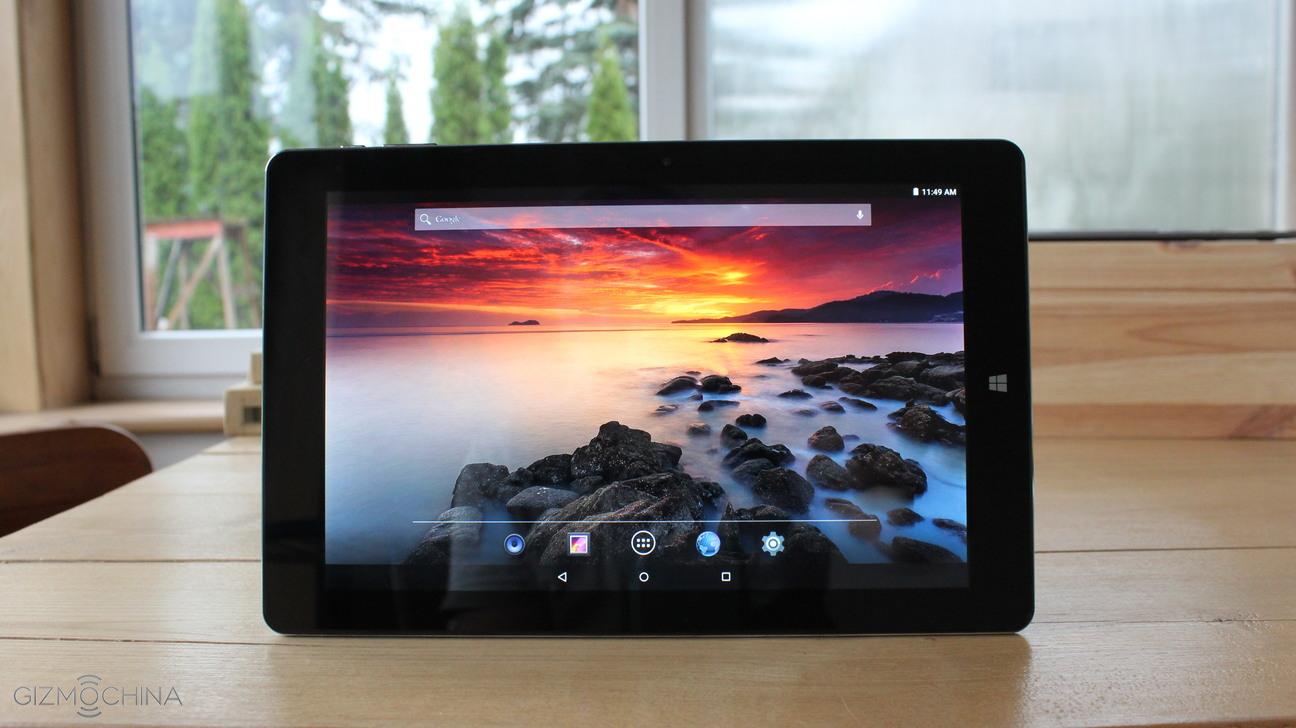
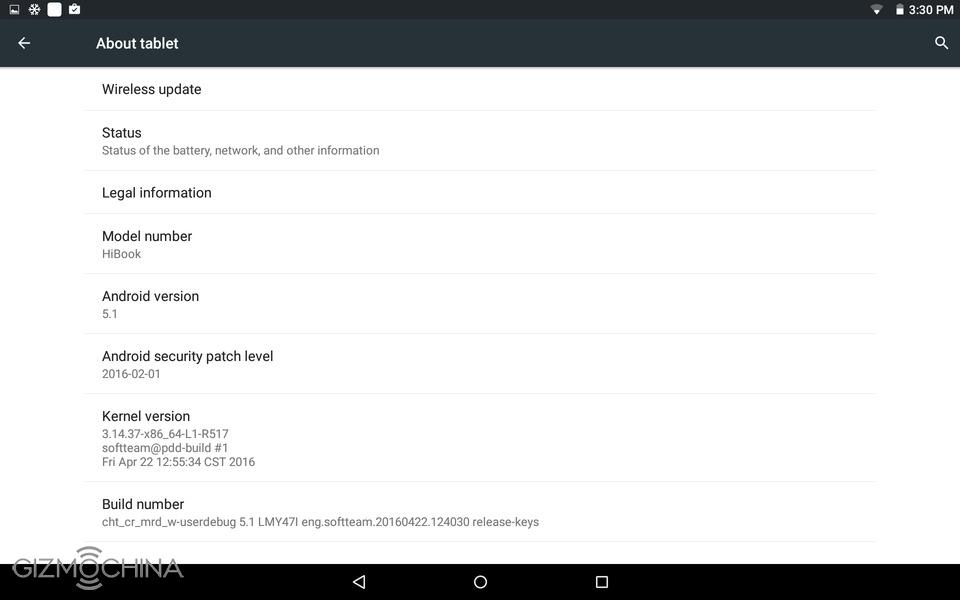
Android 5.1 / Windows 10 (dual-boot)
Storage
64GB (expandable via microSD card slot up to 256GB)
Chuwi HiBook Review: DISPLAY
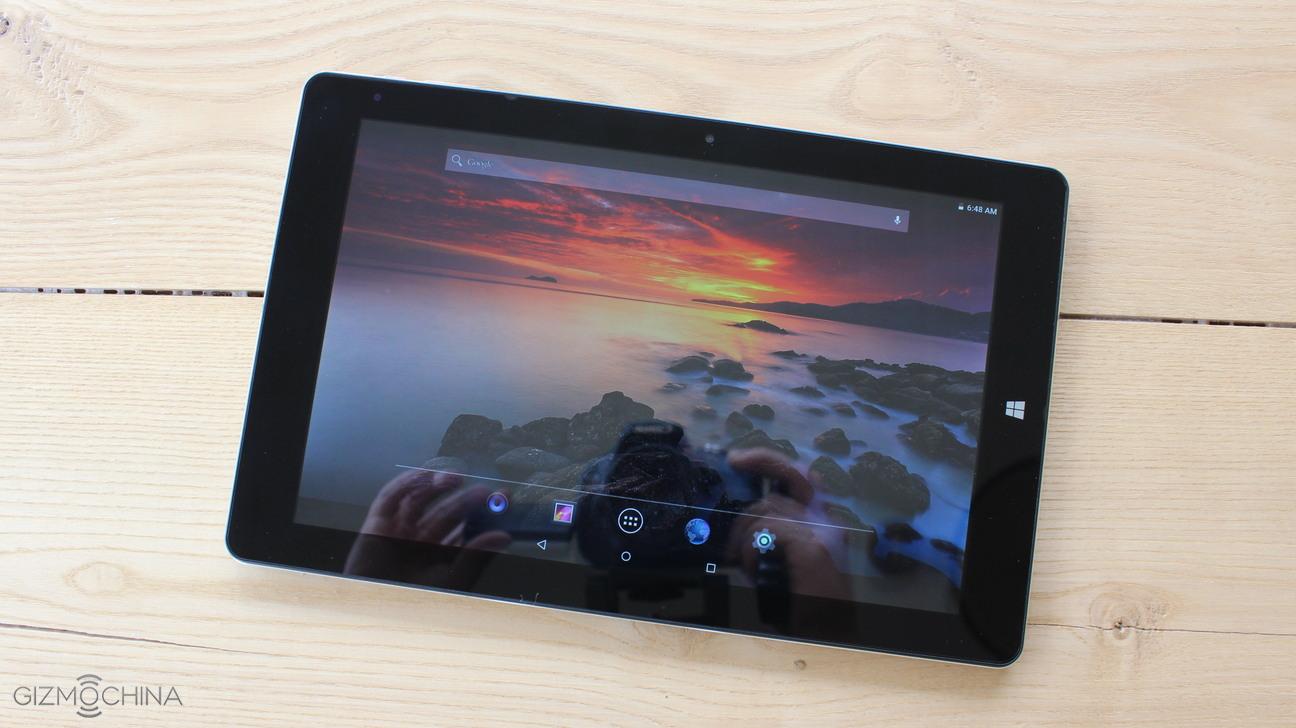
When it comes to the display, we have a 10.1” 1080p LCD panel. It is a pretty good and sharp display with a bit colder looking colors. It is a good panel if you use the tablet in low light environment or indoors.
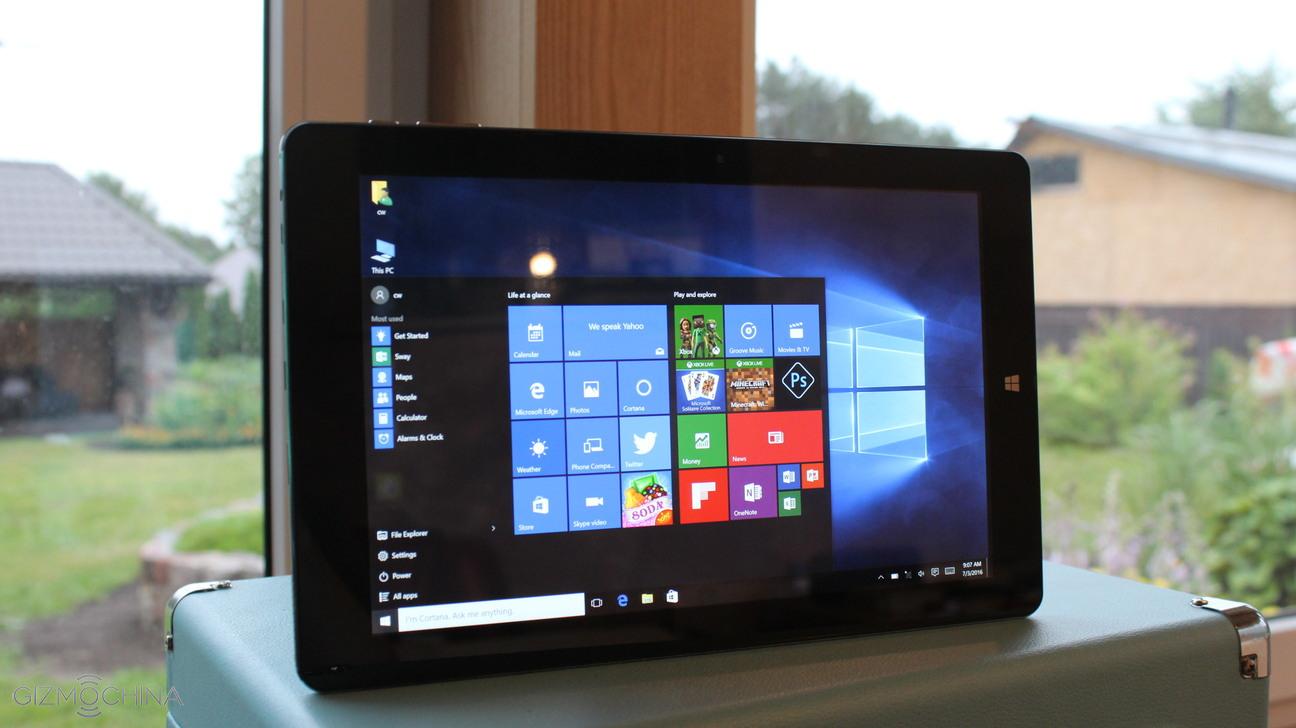
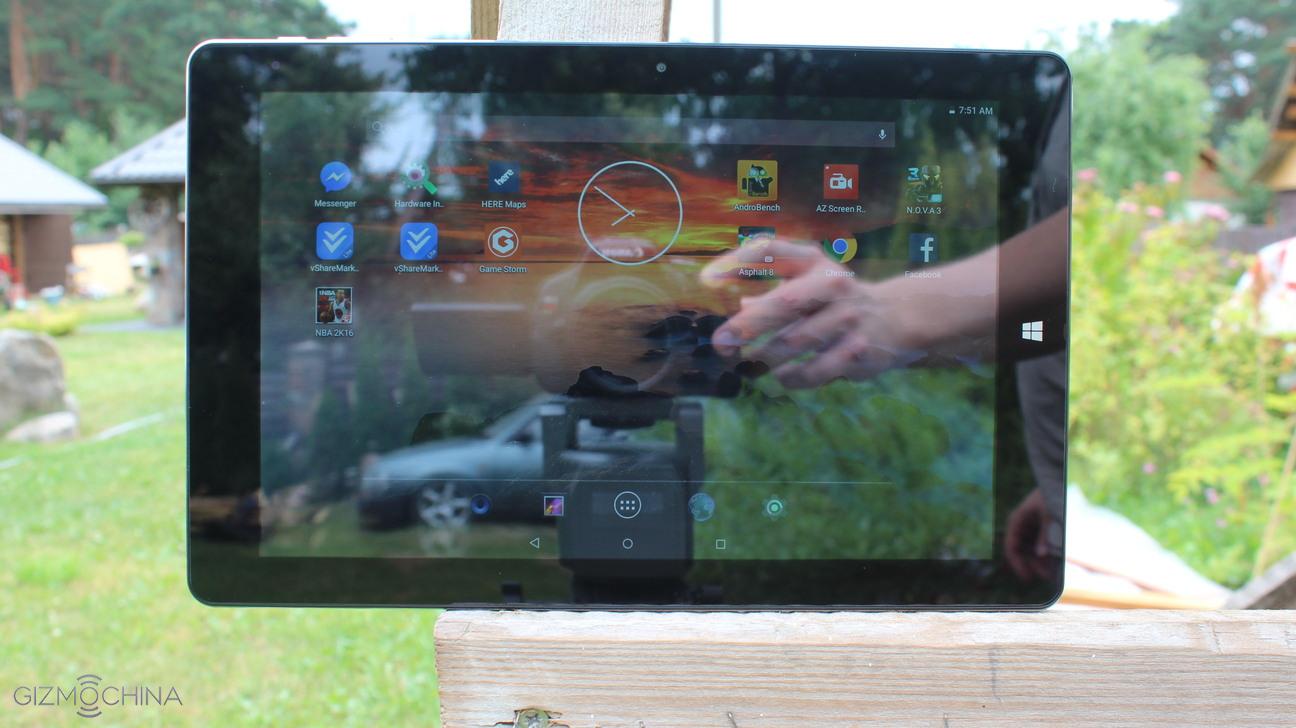
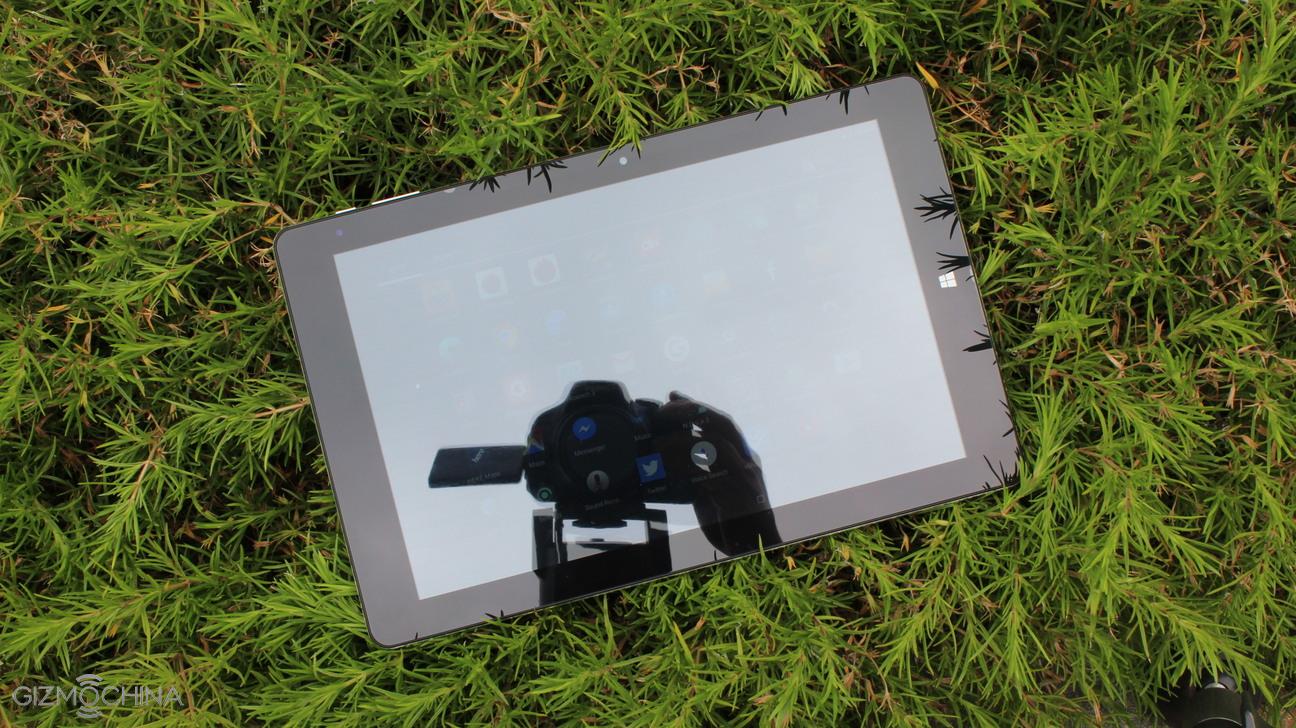
However, the screen is very reflective and it acts as a mirror almost all the time in better-lit environments (e.g. bright rooms). In addition, it has a poor sunlight legibility if you use it outdoors.
Keep in mind that removing the pre-installed screen protector may reduce the reflection but the display does not have any protective materials like Gorilla Glass.
Chuwi HiBook Review: DESIGN and FEATURES
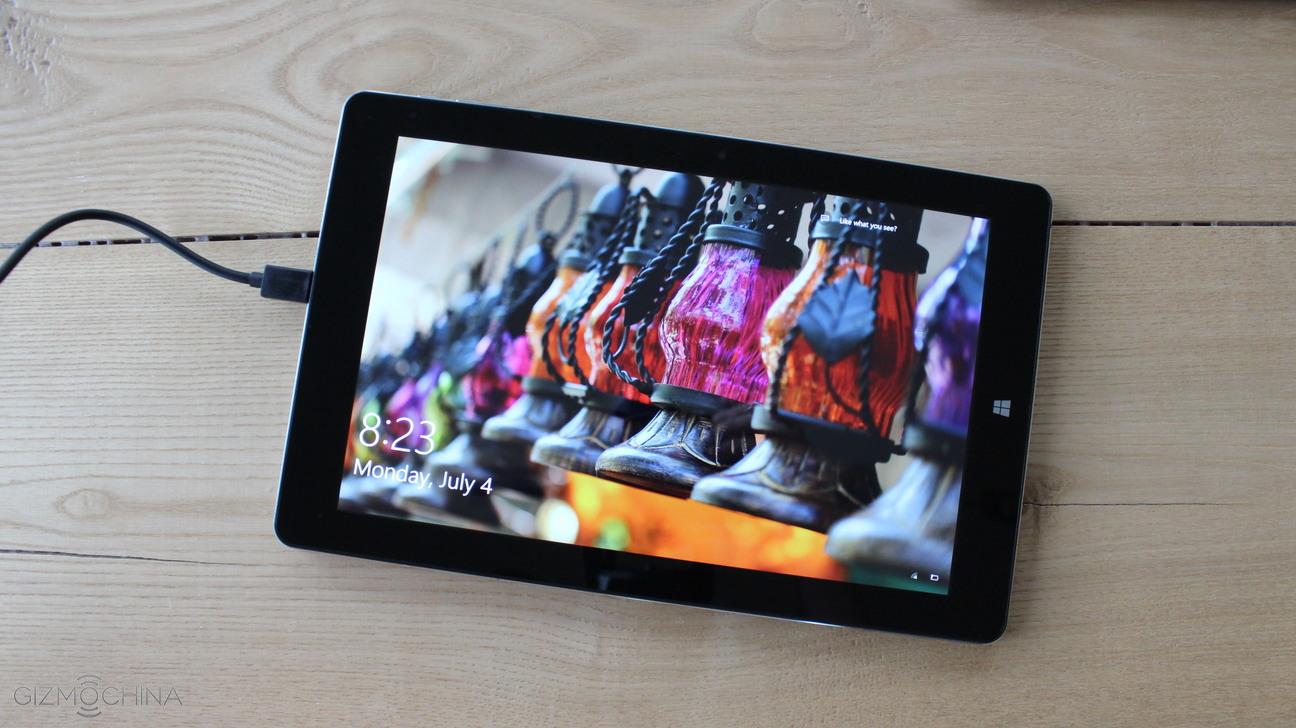
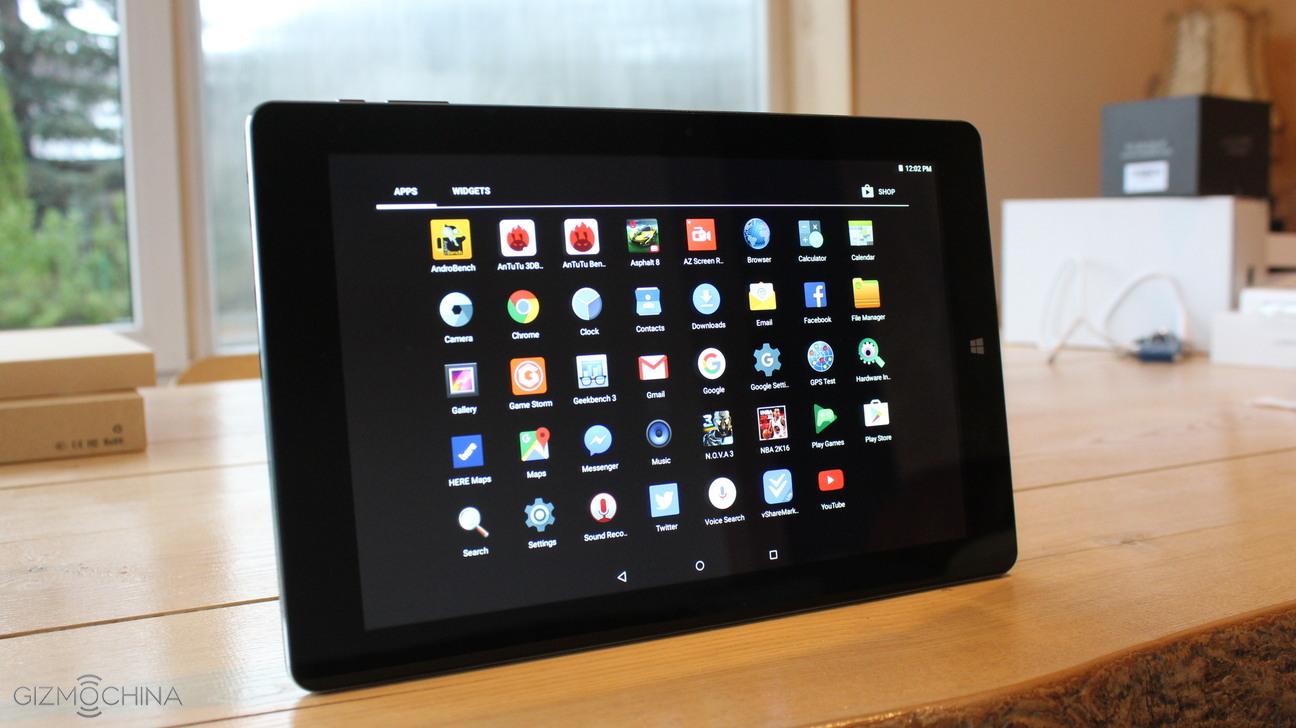
The main selling point of this tablet is that it runs both Android 5.1 and full version of Windows 10 out of the box. Also, the tablet can be attached to the keyboard to increase productivity.
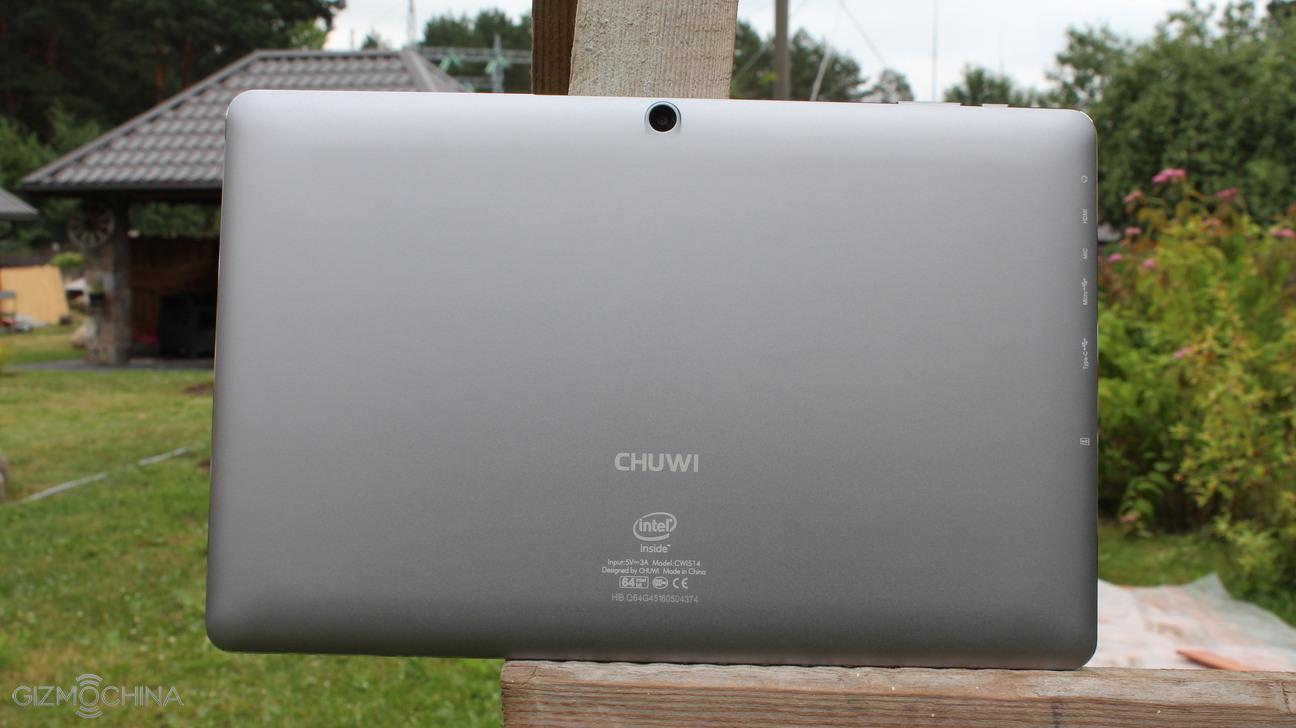
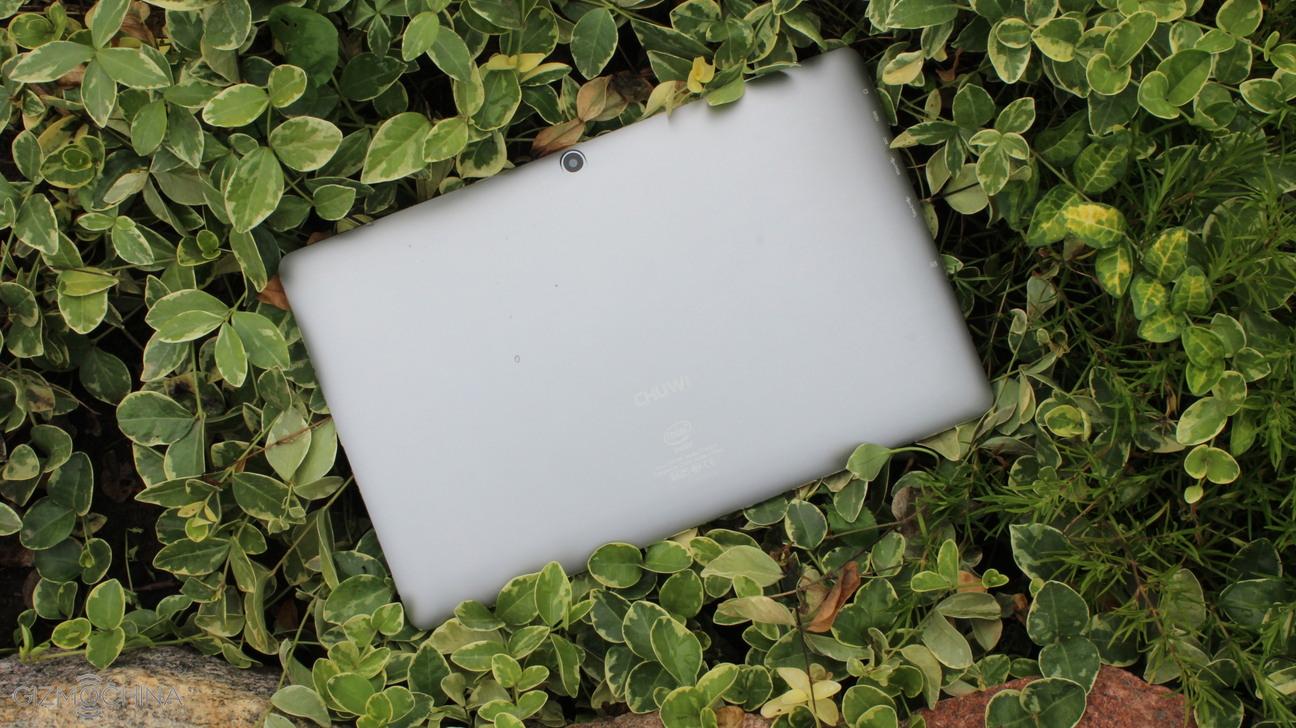
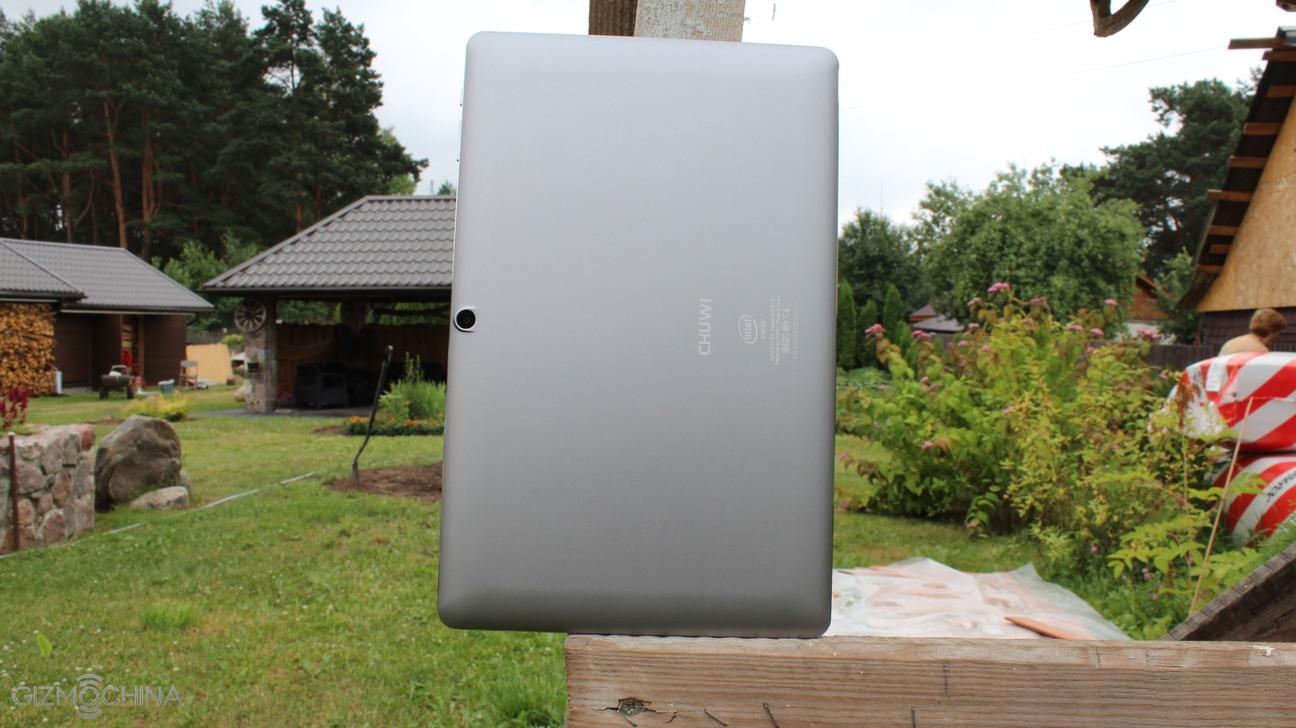
The HiBook sports an all-metal design, good build quality and it weighs 550g.
Jpeg
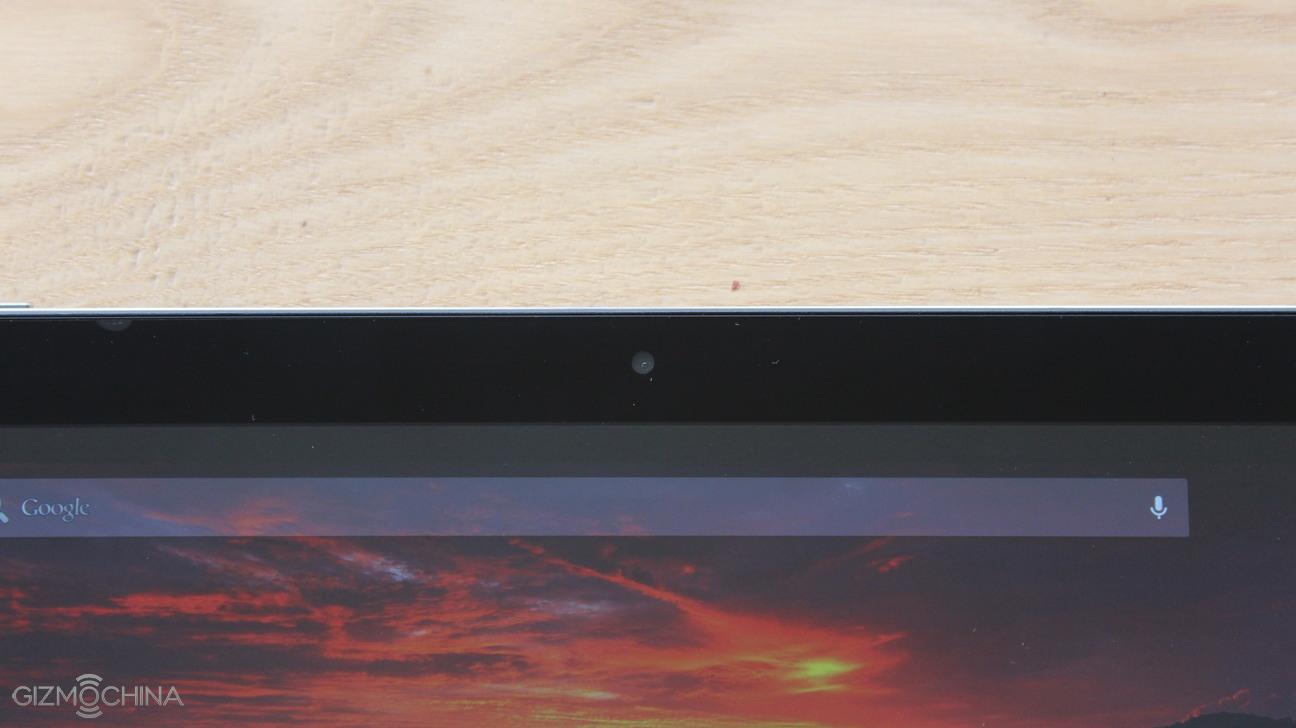
We have just 2MP selfie camera on the front, which is quite terrible as the images simply look bad.
Also, we have the LED light, which starts flashing when the device is charging.
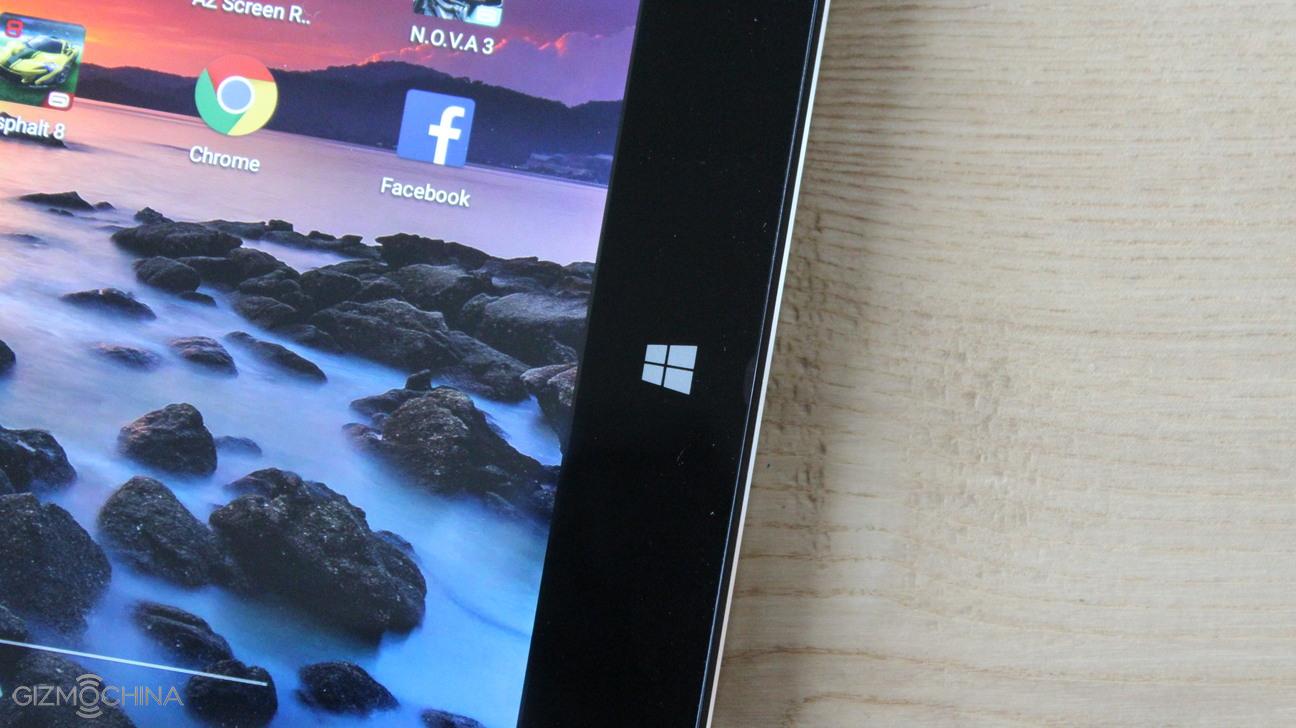
We have only a home button, which works just fine in both Android and Windows.
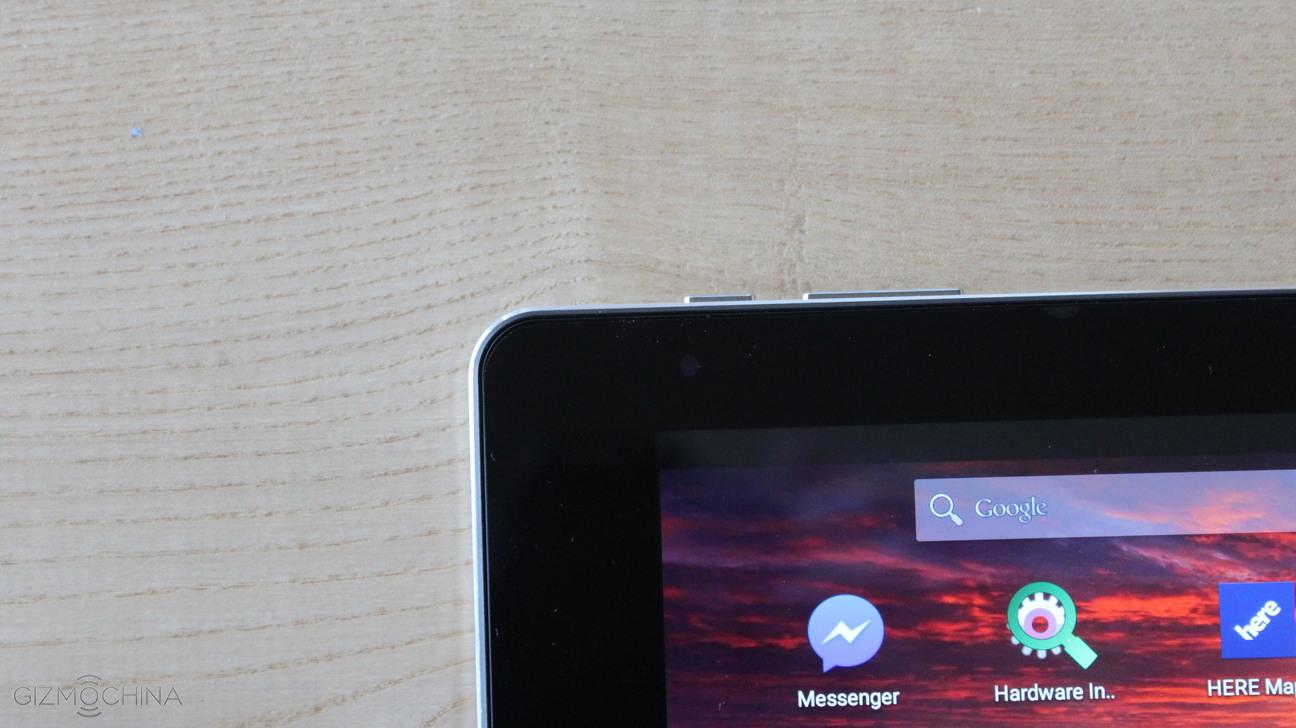
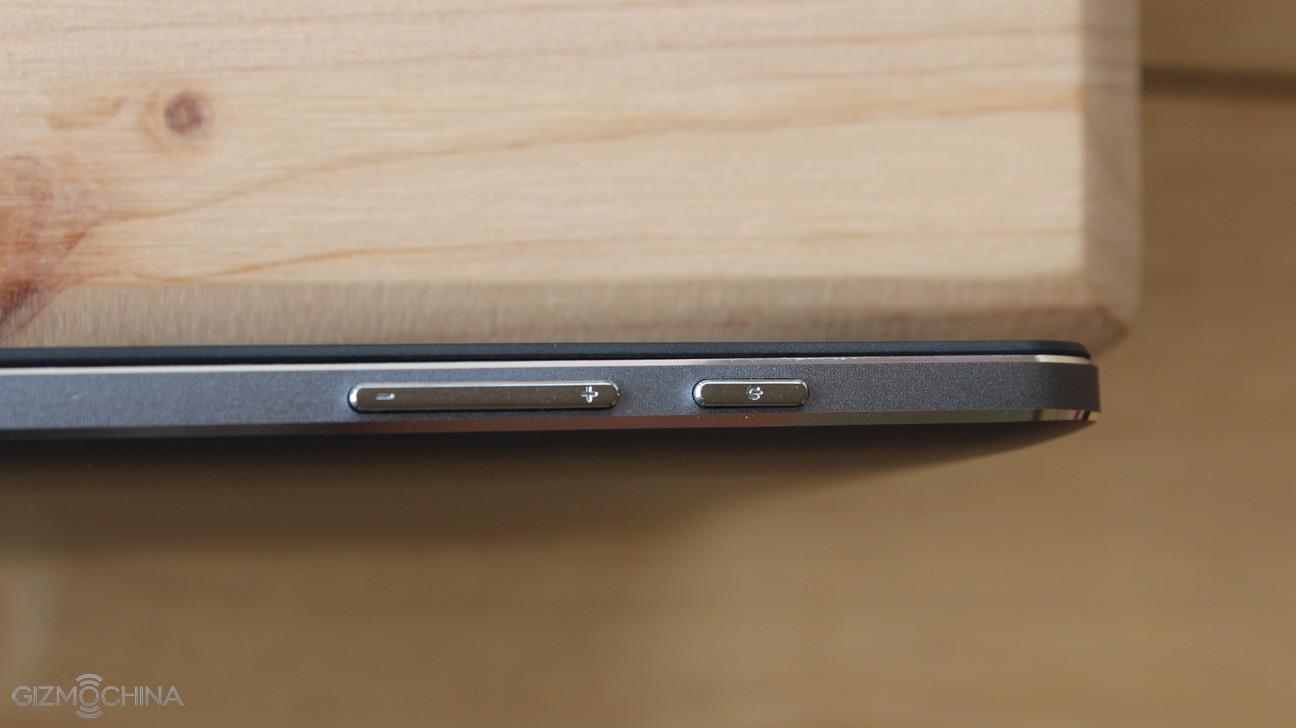
On the top, there are the usual buttons, which are made out of metal and have a good tactile feedback.
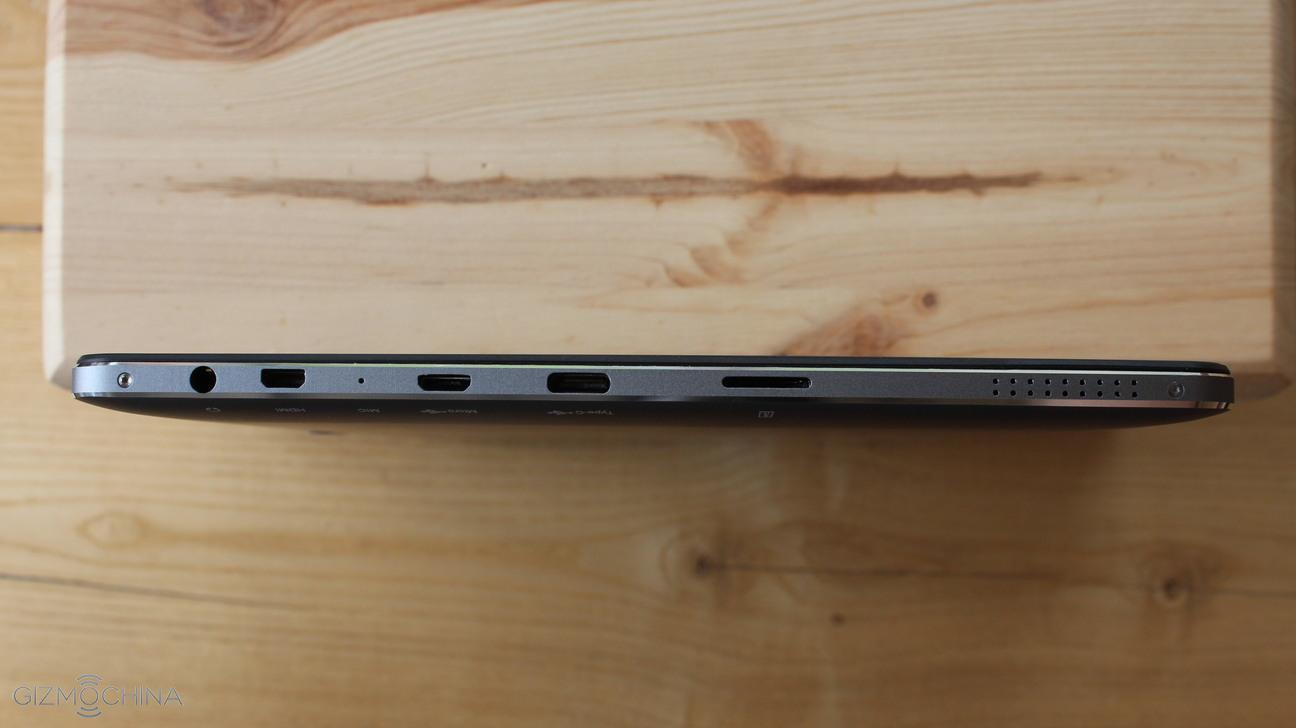
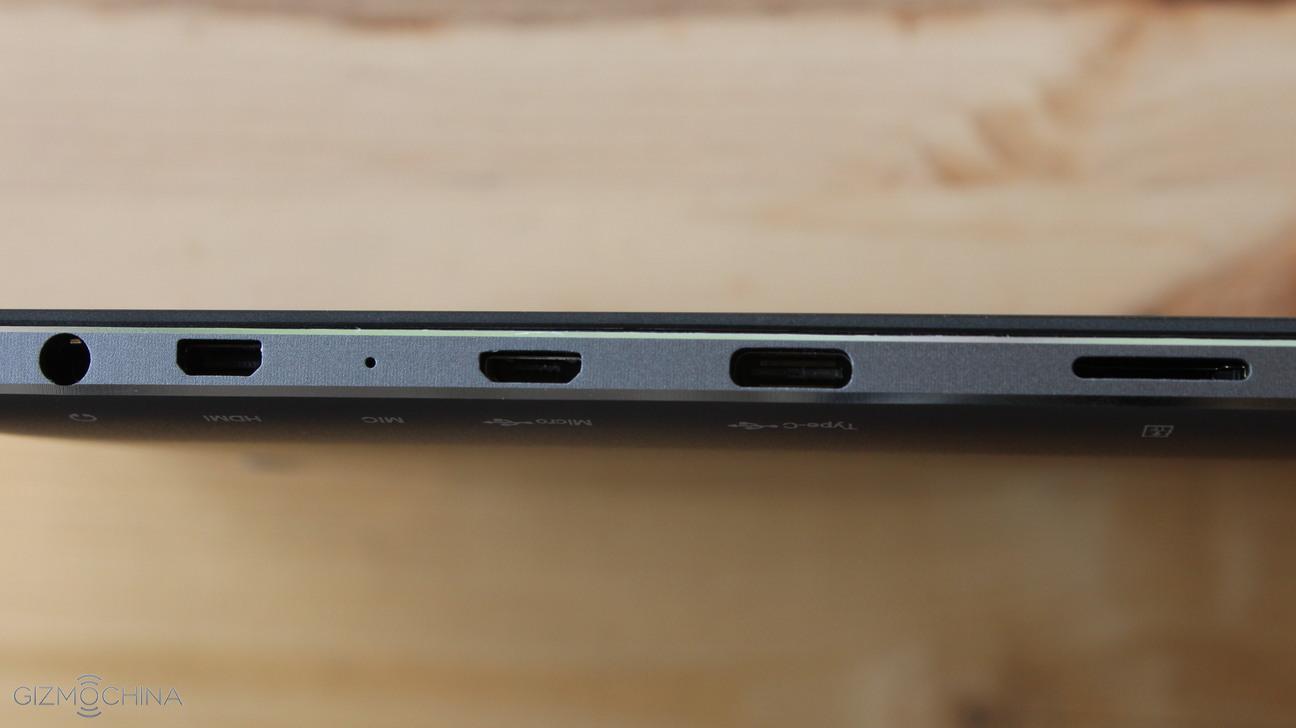
On the left side, we have a bunch of ports that include a headset jack, a micro HDMI, micro USB, USB C port and the microSD card slot.
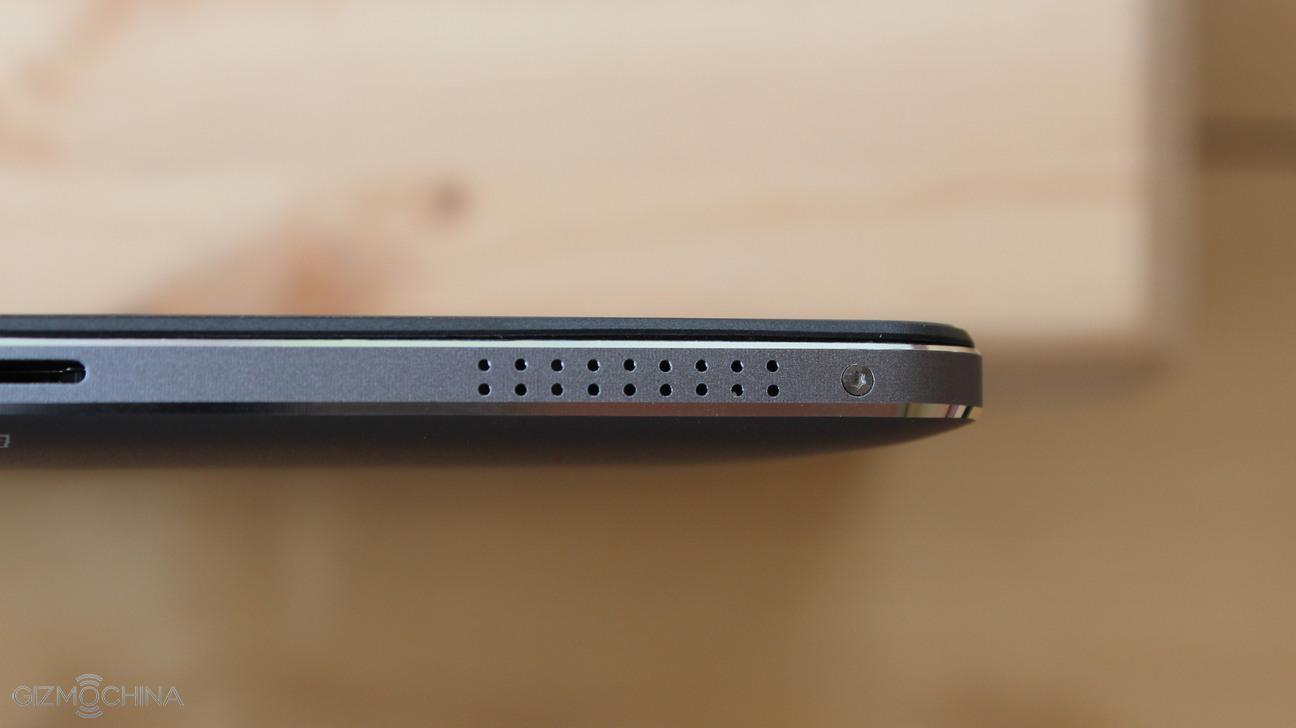
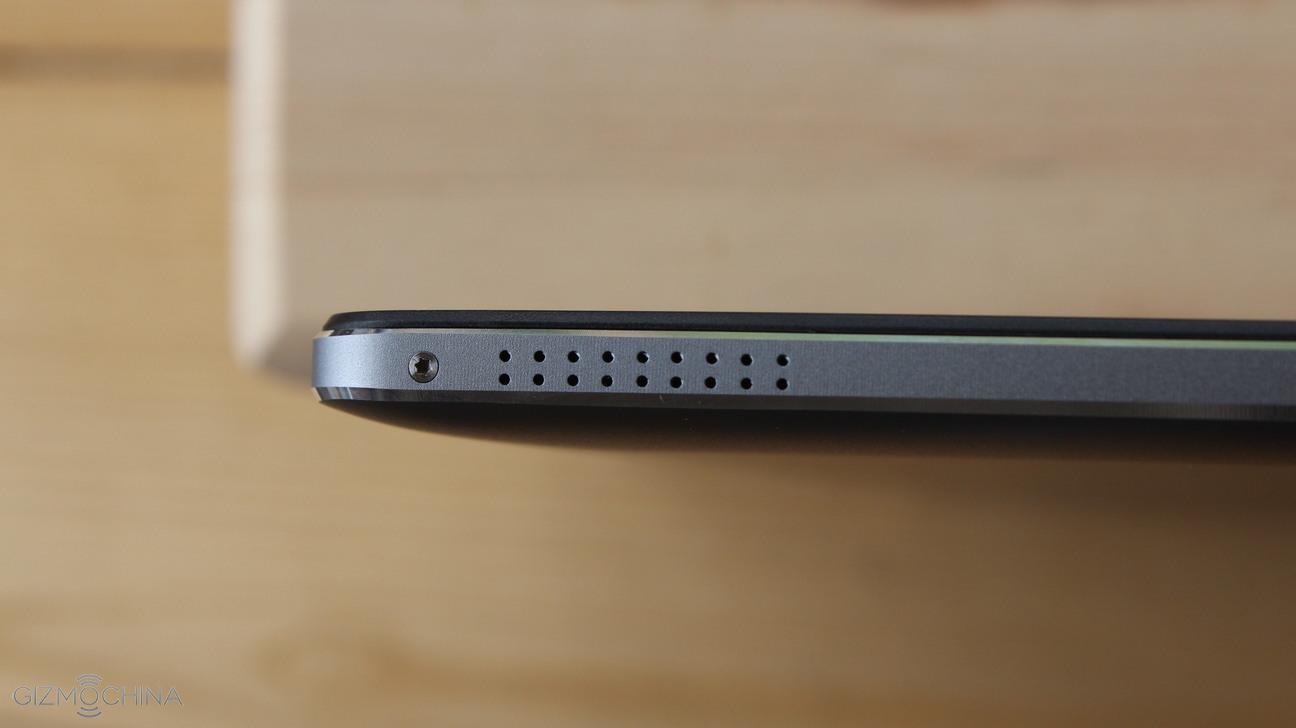
Also, we have stereo speakers on the left and right side of the tablet. The sound quality is kind of mediocre, however.
Jpeg
Jpeg
Jpeg
Jpeg
Jpeg
Jpeg
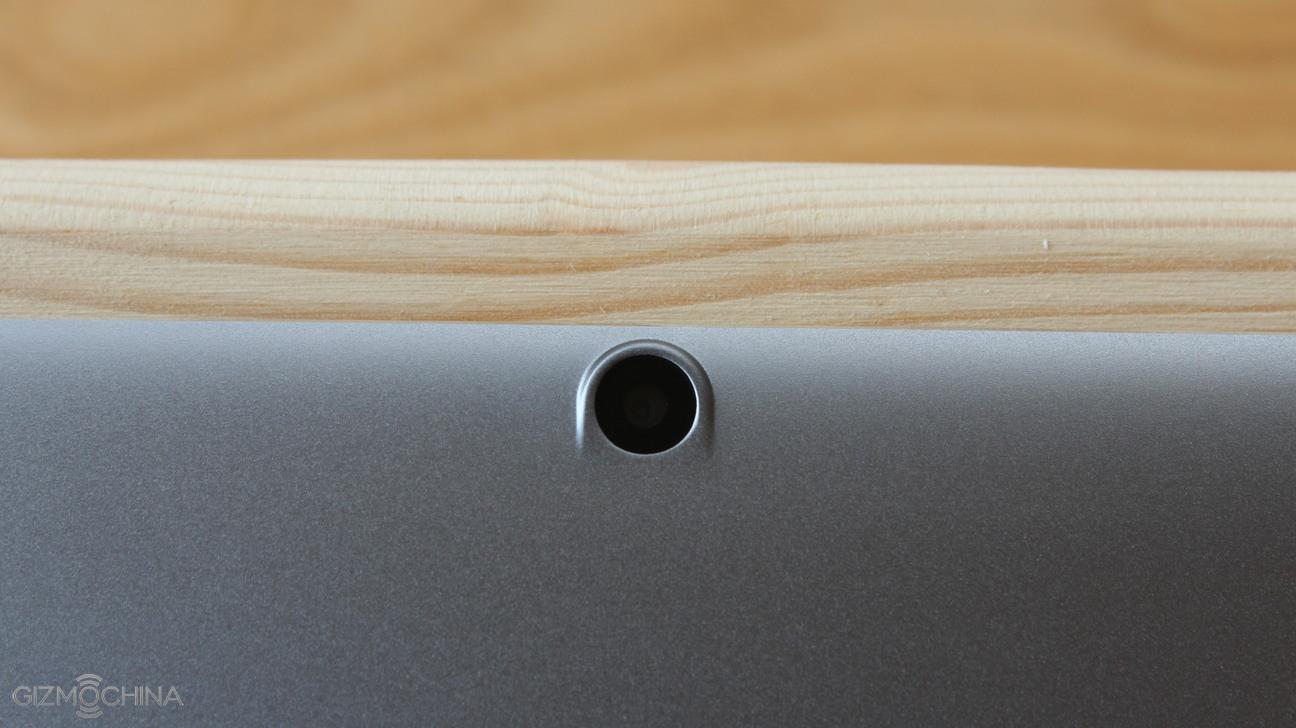
On the back side, there is a 5MP camera, which is pretty horrible as the front facing camera. Well, I hope you are not that guy who takes pictures with a tablet, anyway.
Overall, the tablet is well built and you simply can’t ask more. However, display is very reflective and the cameras are poor.
Chuwi HiBook Review: KEYBOARD
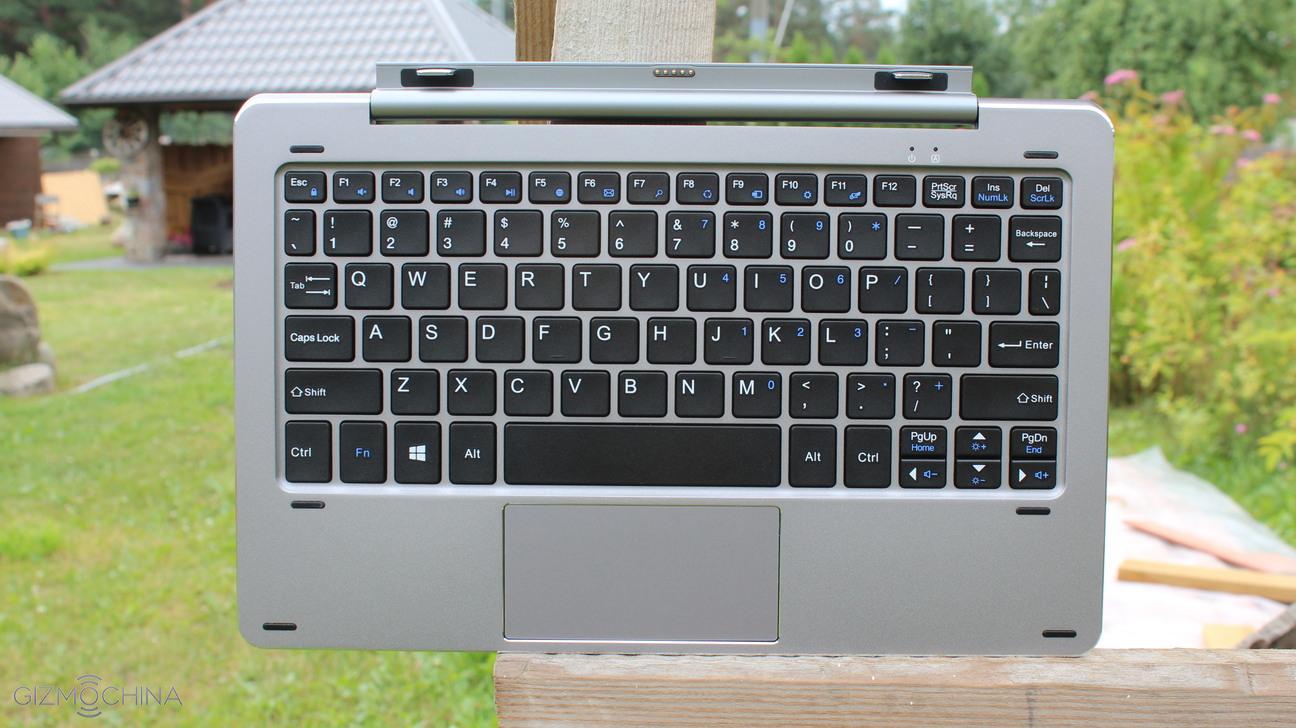
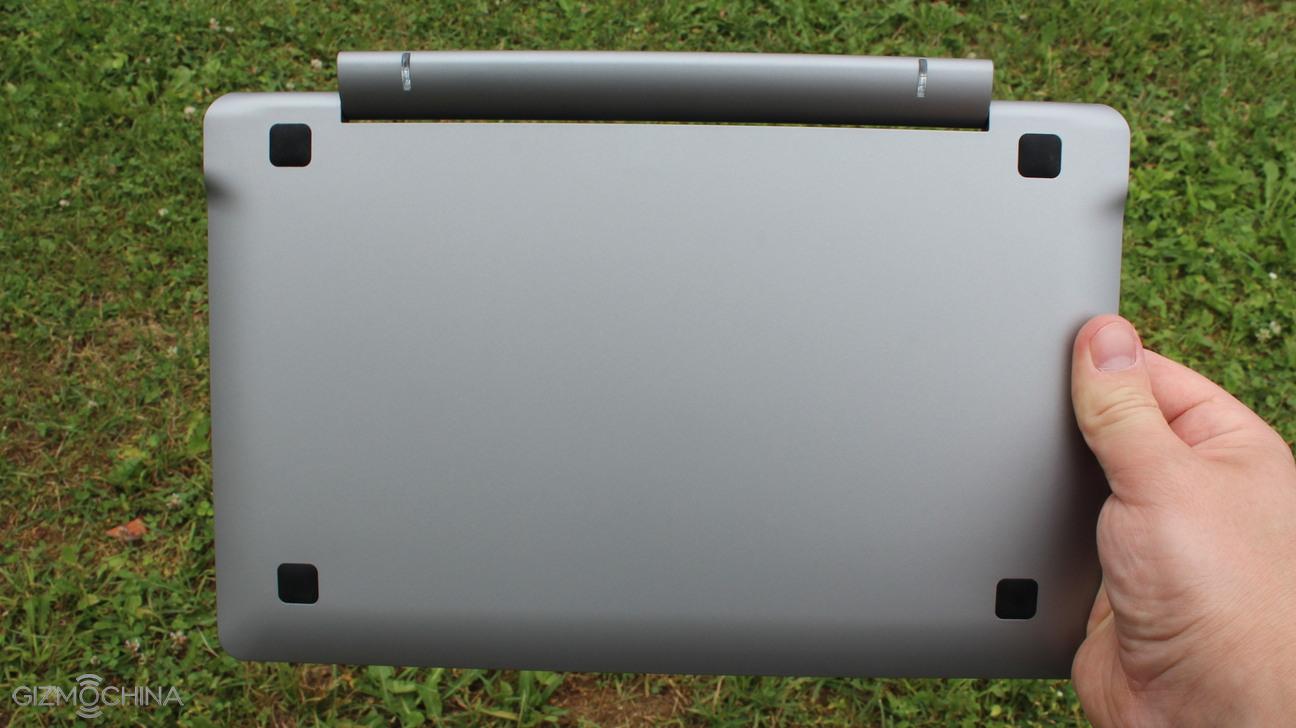
I am very impressed with the design and the overall quality of a keyboard. It uses metal casing on the top and plastic on the bottom, and it feels quite premium.
The buttons are easy to press and comfortable to type on. Also, they have a good travel and feedback. It took me just a few hours to get used to it to start typing normally.
It has a trackpad, which is good but not great. It is fairly responsive but it does not recognize the input if you e.g. scroll the web page very fast.
You have to know that the keyboard does not have an embedded battery and it uses the power of the attached tablet.
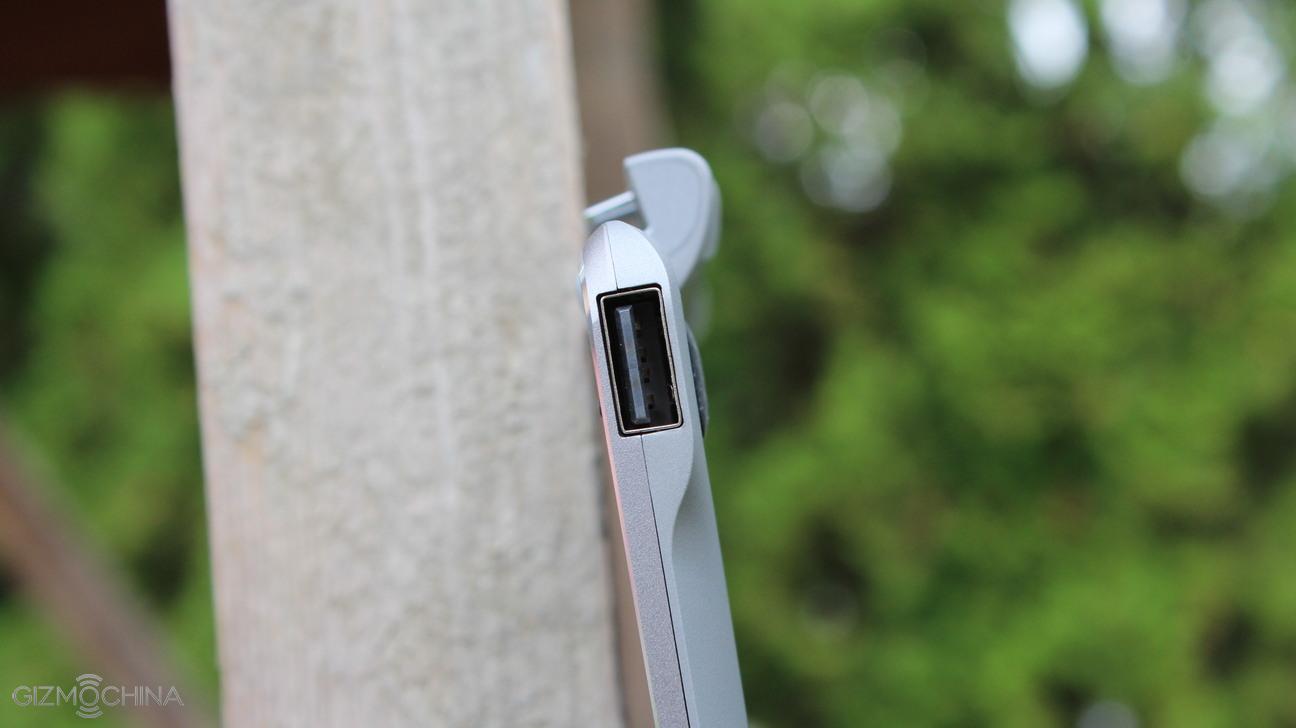
There are 2 USB 2.0 ports, which are great for connecting peripherals and USB sticks but keep in mind that they would not recognize devices like external disk drives.
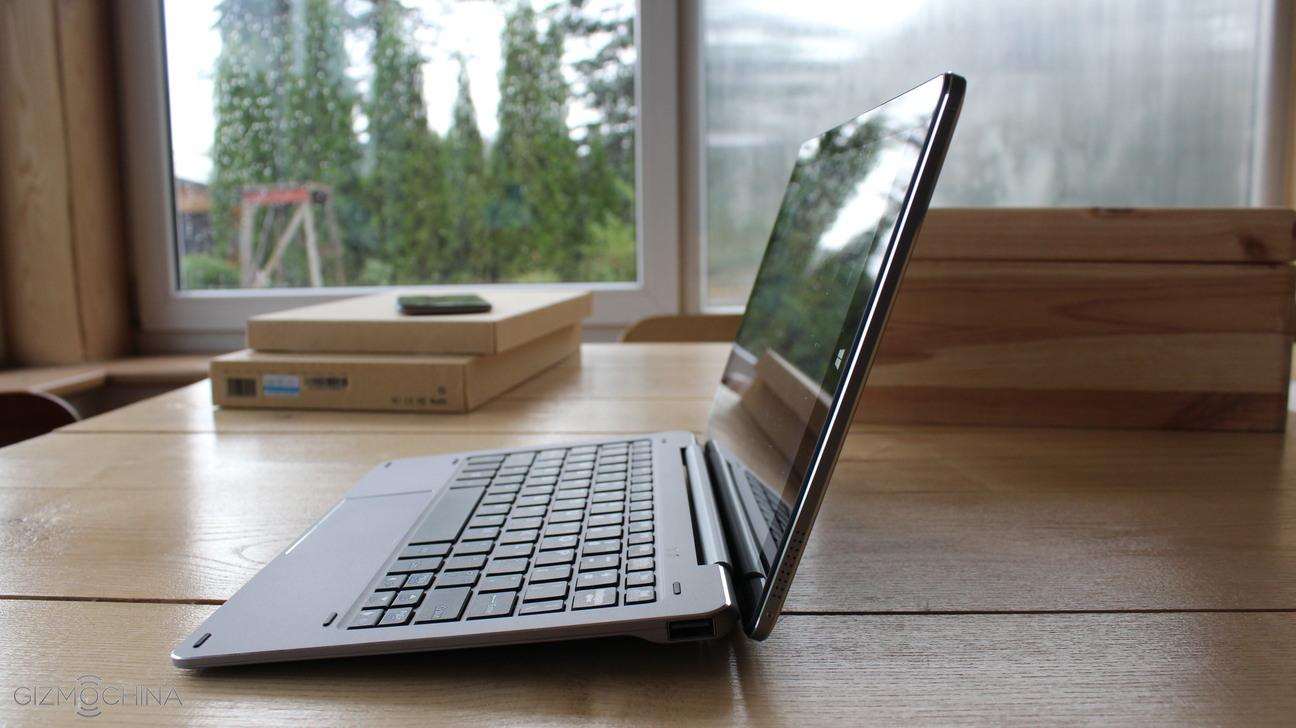
Attaching a tablet to the keyboard is very simple but removing the tablet requires a little bit of extra effort. I am absolutely okay with that as I prefer the tablet to stay firmly. The latching mechanism works fine and it holds the tablet in one position firmly. However, it could move a bit more gracefully. See a video review to see how the latching mechanism works.
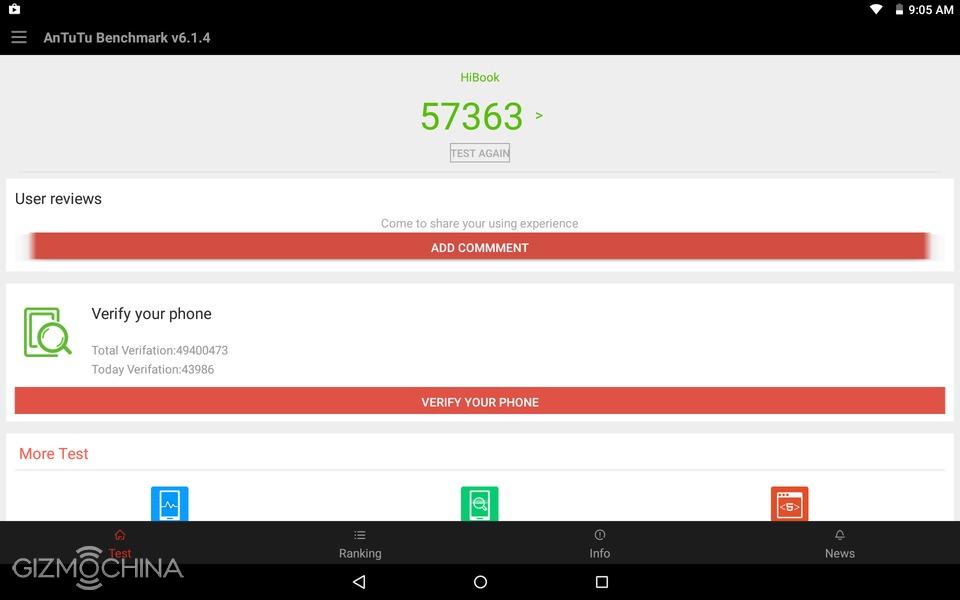
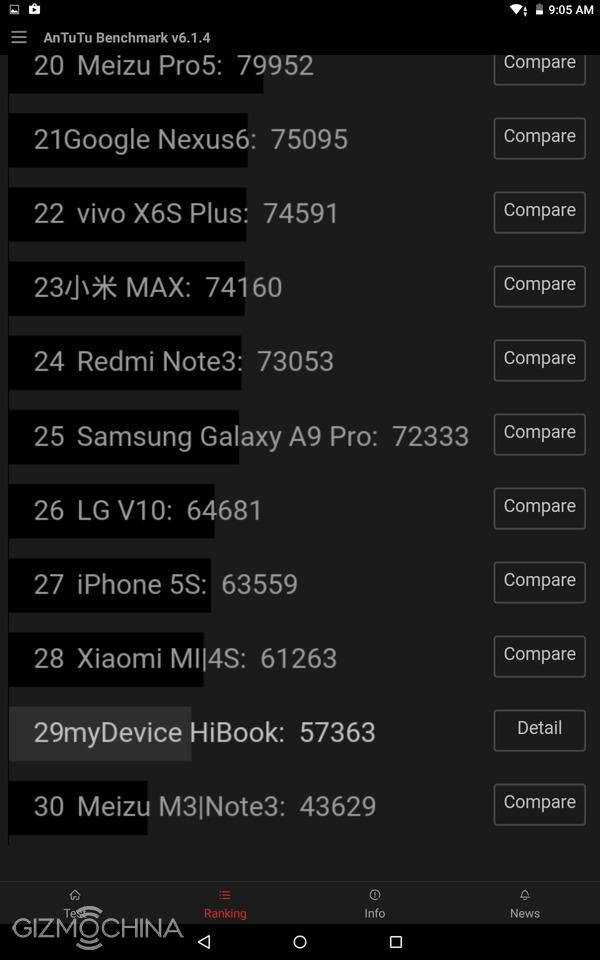
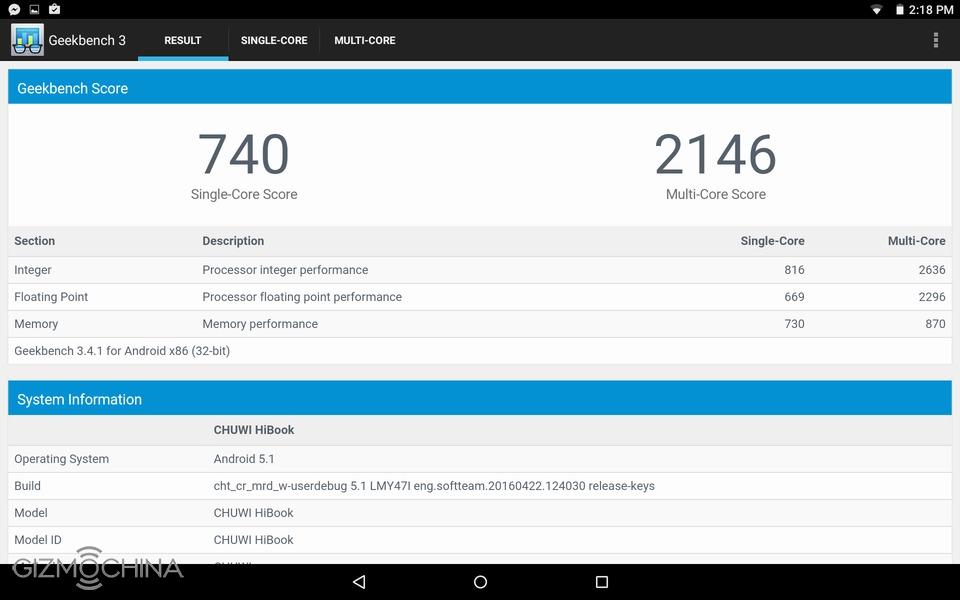
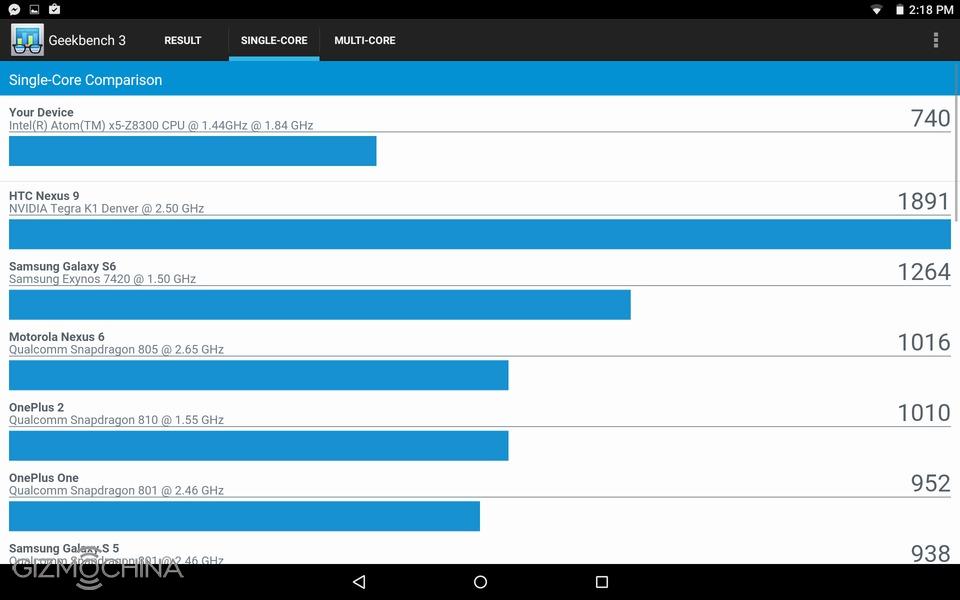
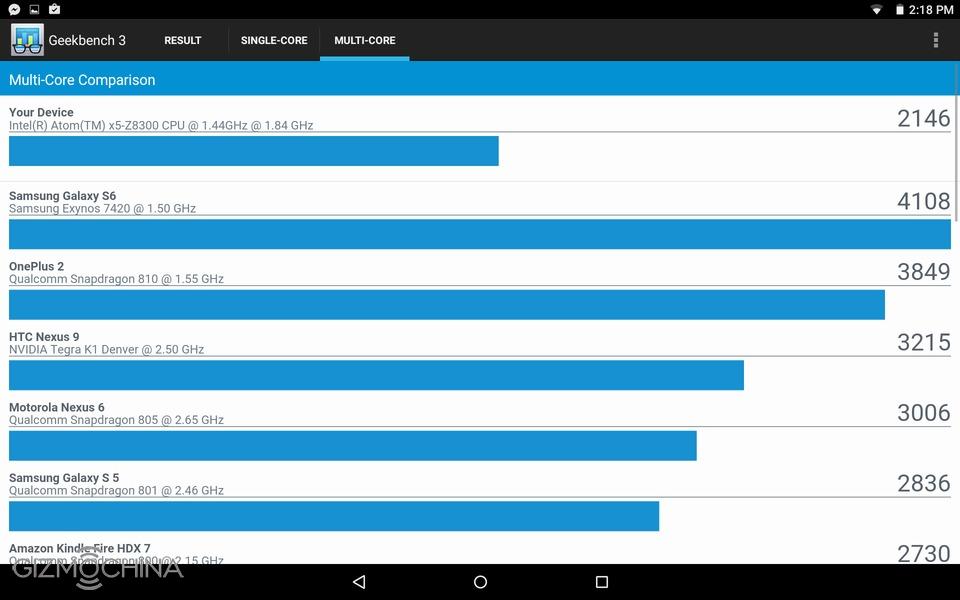
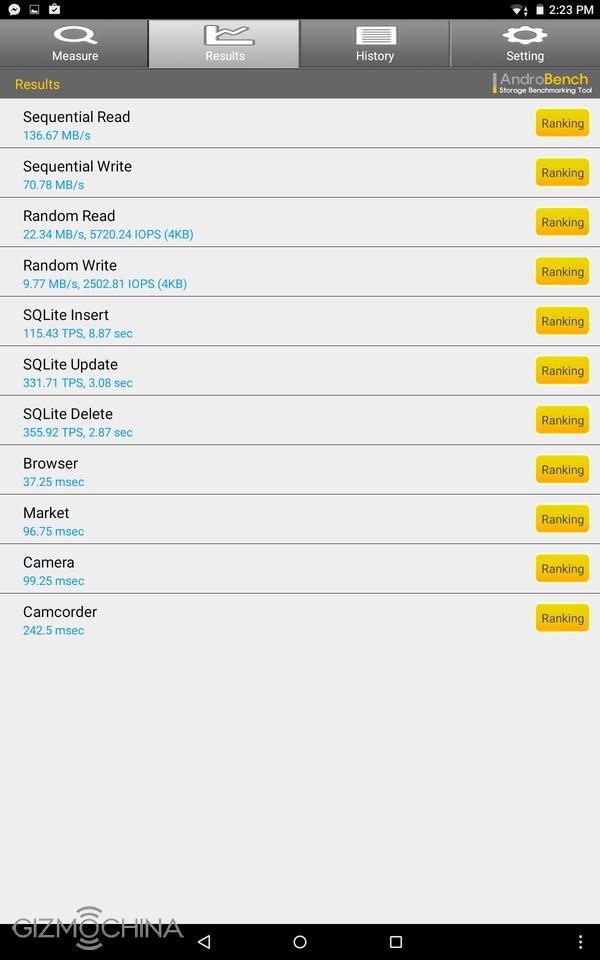
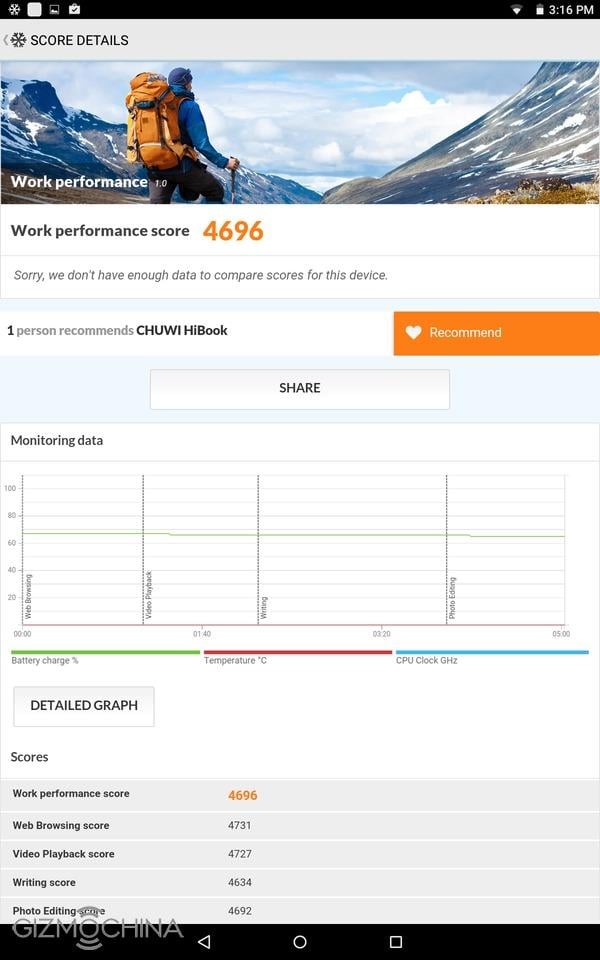
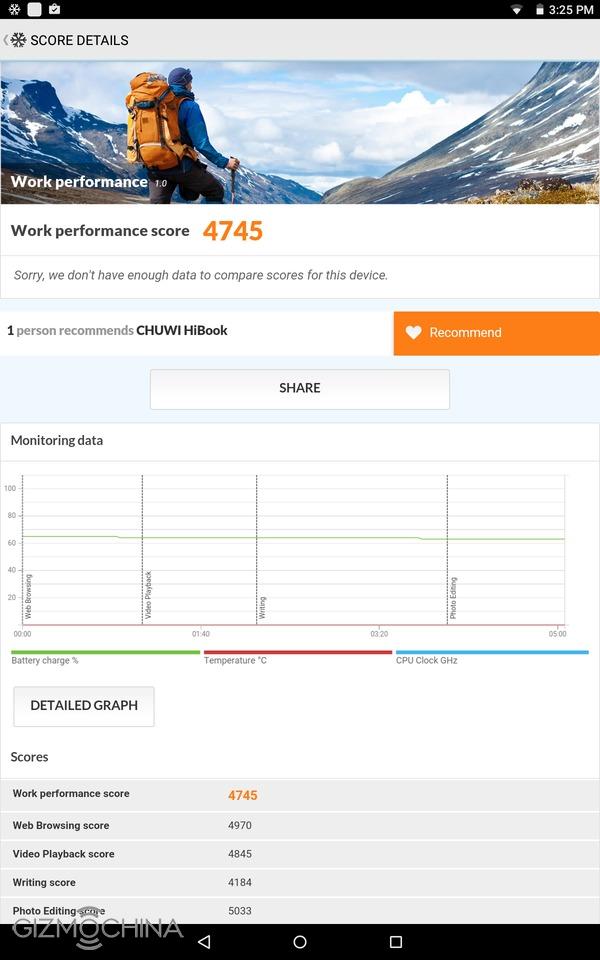
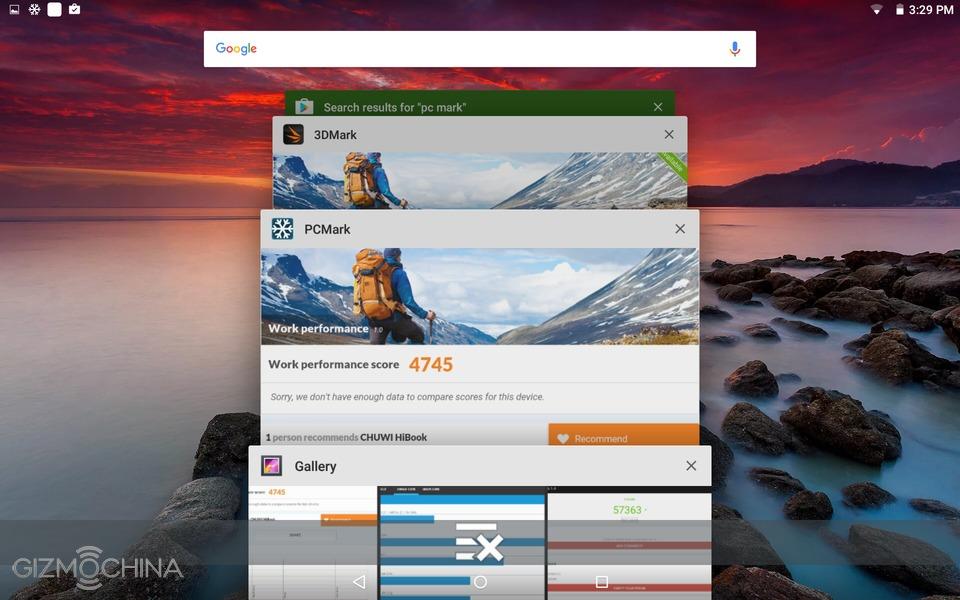
Chuwi HiBook Review: BENCHMARKS
Chuwi HiBook Review: HARDWARE
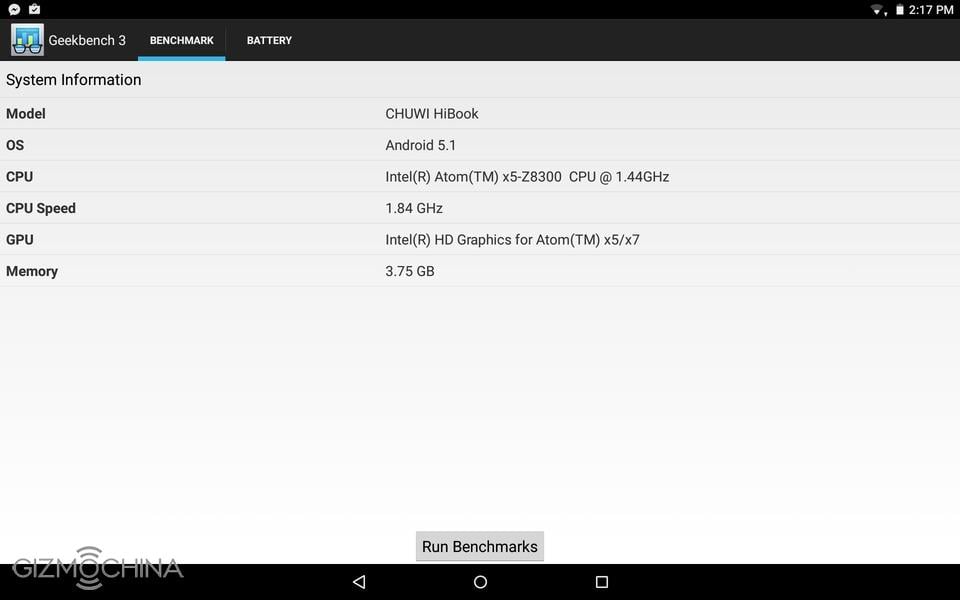
Chuwi HiBook packs some powerful internals for a sub-$200 tablet. It sports a quad-core 64-bit Intel Cherry Trail Z8300 CPU, clocked at 1.44GHz, 4GB of RAM and 64GB of expandable internal storage.
Naturally, the storage is divided between the two operating systems. Android has around 9GB and Windows has around 30GB of accessible storage.
Chuwi HiBook Review: USER INTERFACE: Android
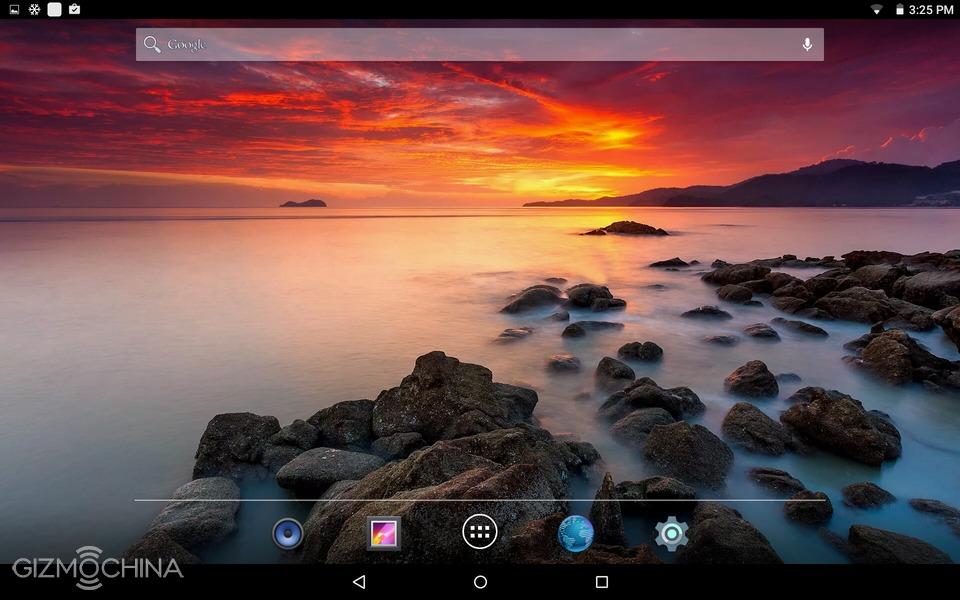
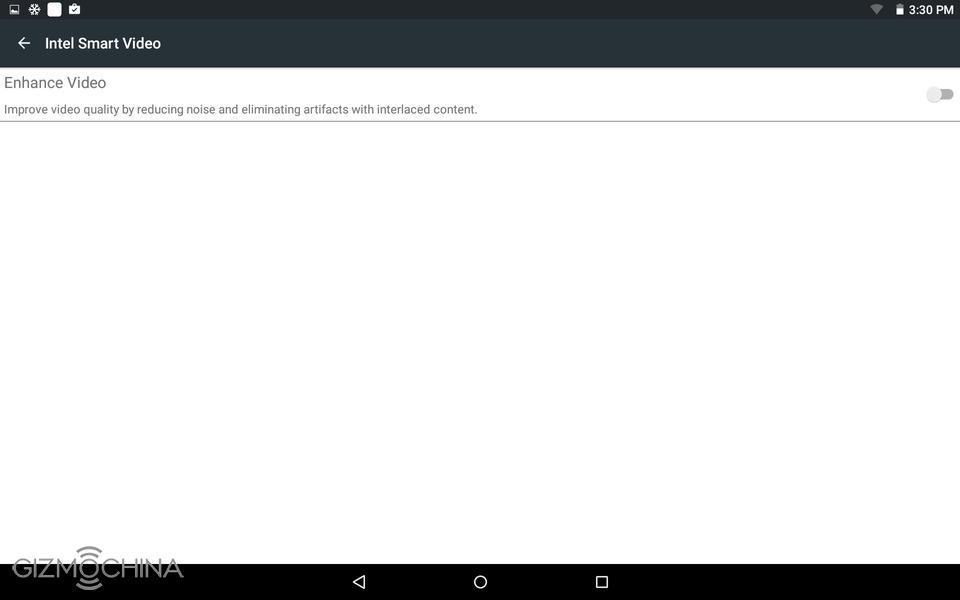
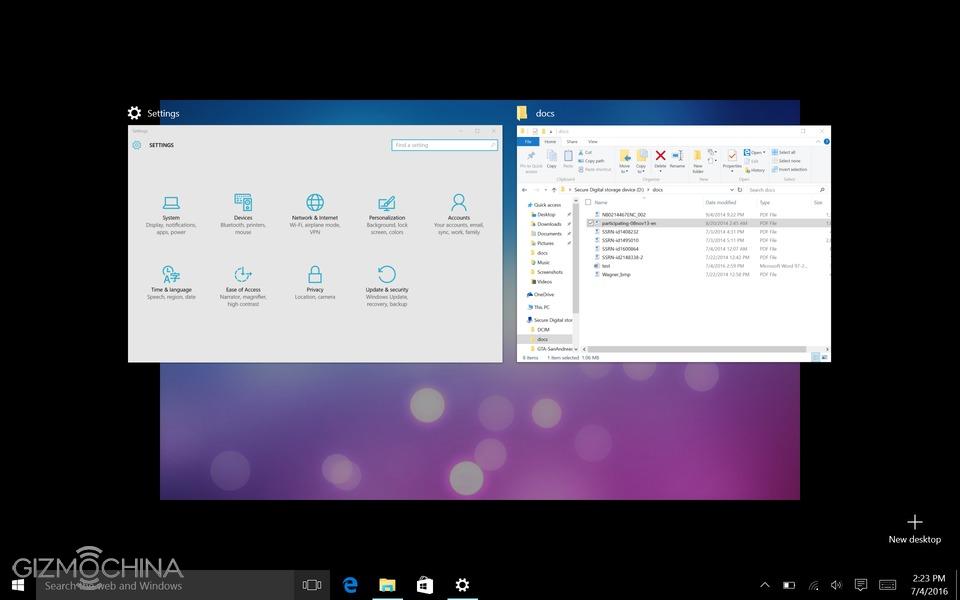
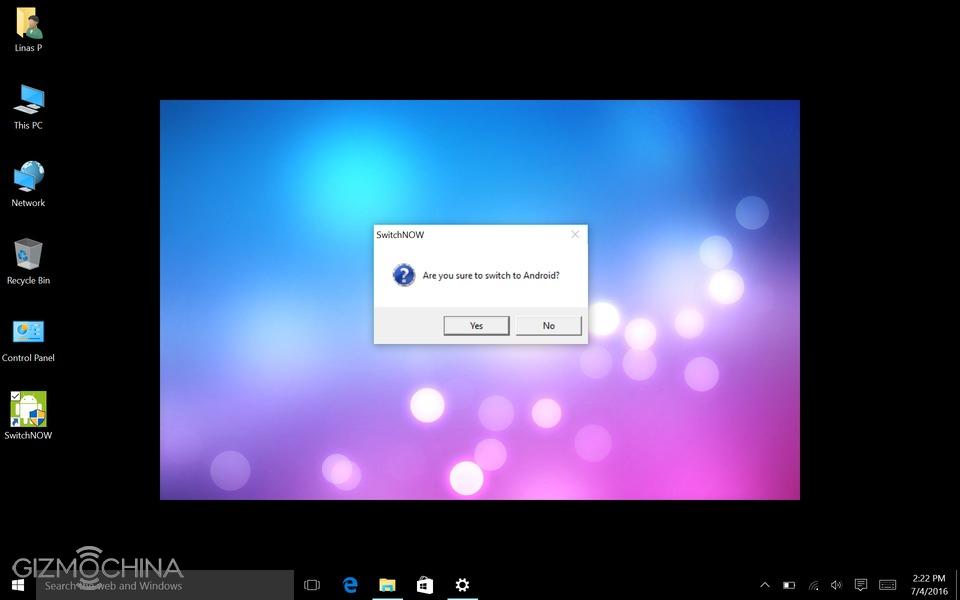
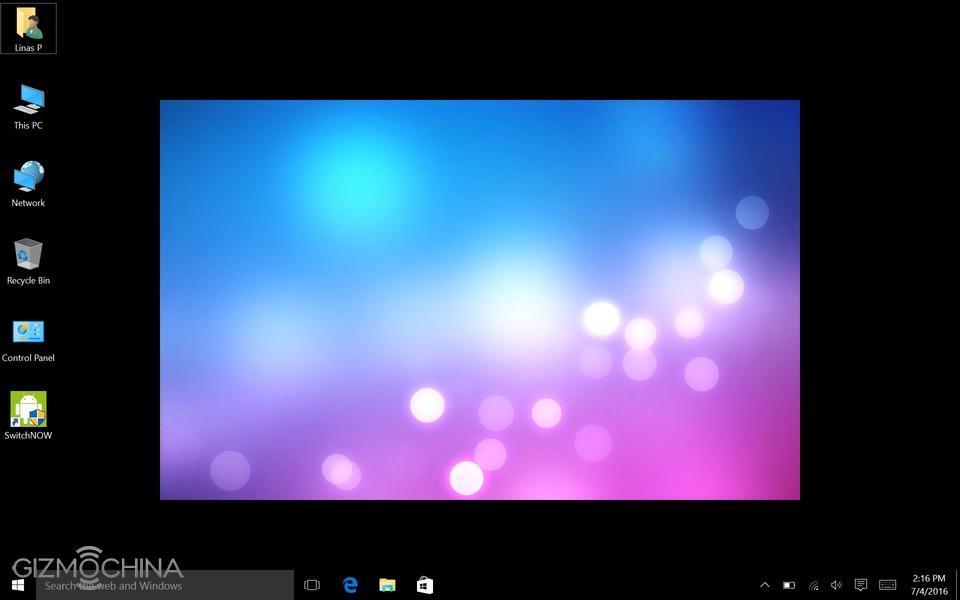
You can easily switch between Android and Windows with just a few clicks. Switching from one OS to another takes roughly one minute, which is fair enough.
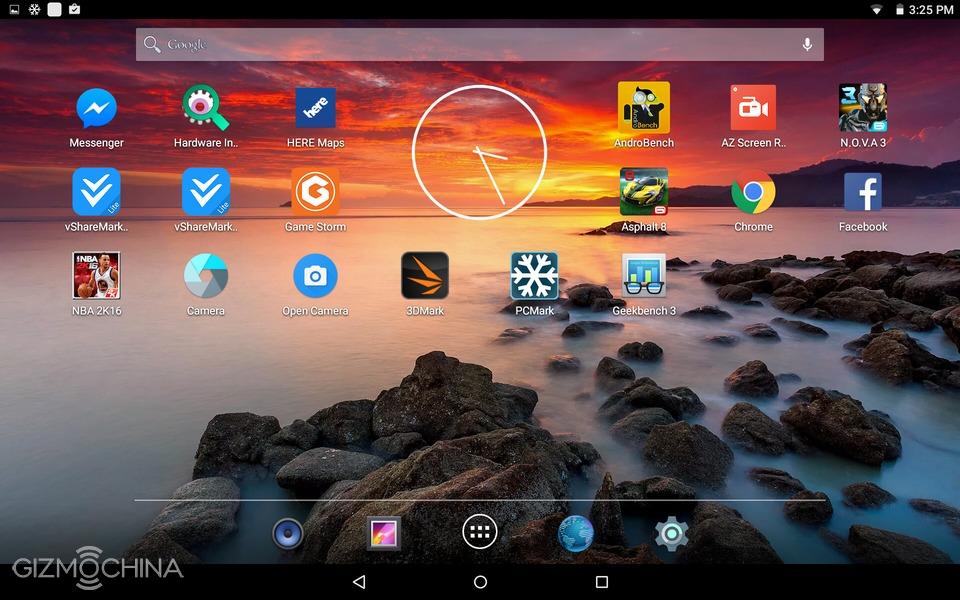
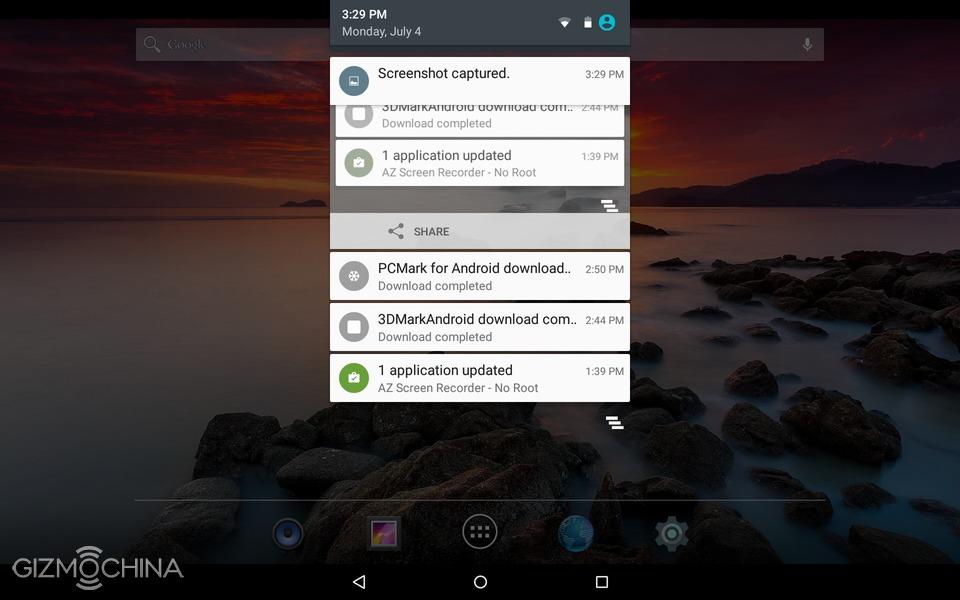
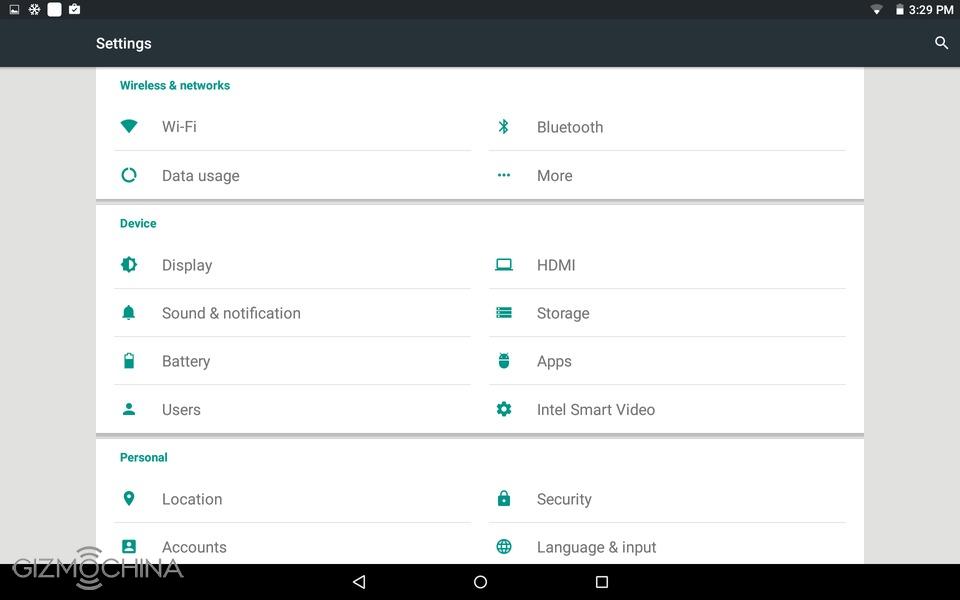
The HiBook runs on a pretty much barebones Android 5.1. A great thing is that there is no bloatware but it would have been nice to see some customization options.
Overall, the UI has been working fast and fluid during the review. I didn’t have any app compatibility issues. Also, it works with the attached keyboard fine but keep in mind that swiping from one side to another and other gestures will not work as it would work on Windows.
Chuwi HiBook Review: WINDOWS
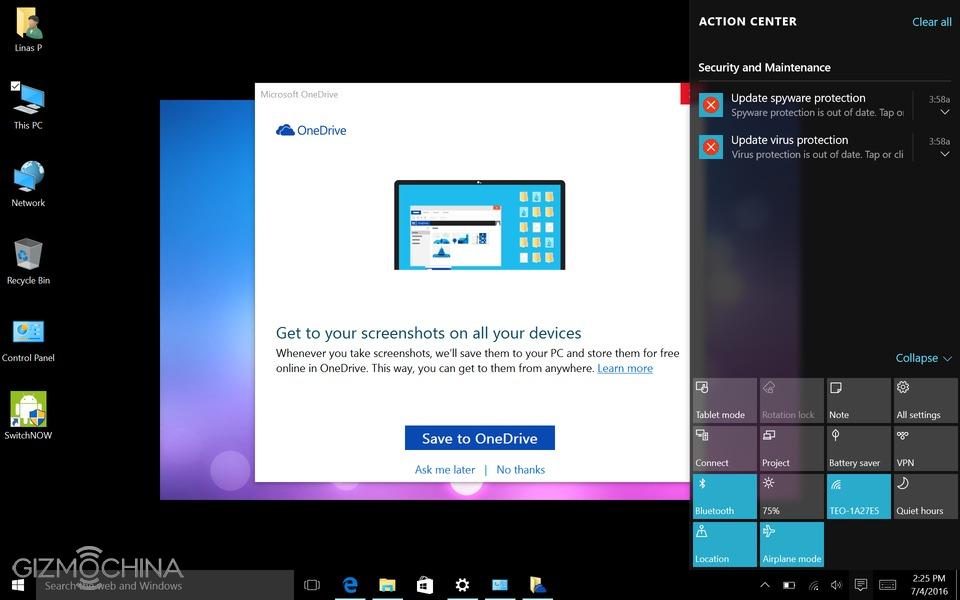
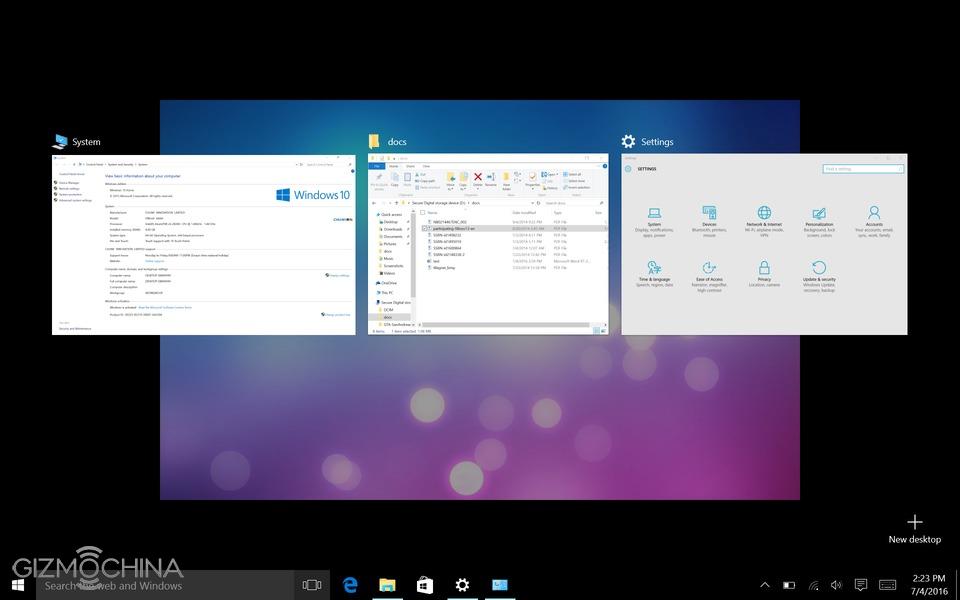
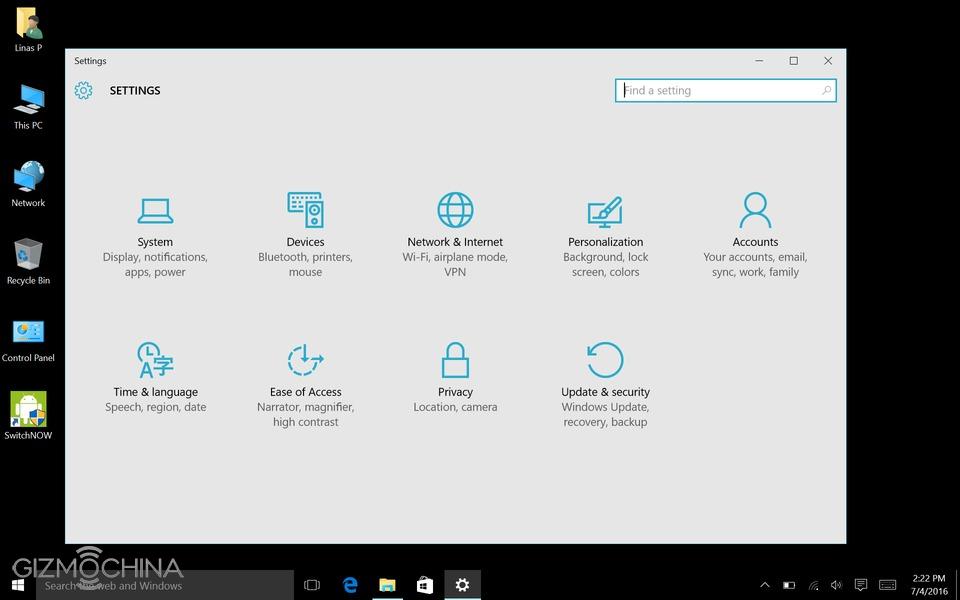
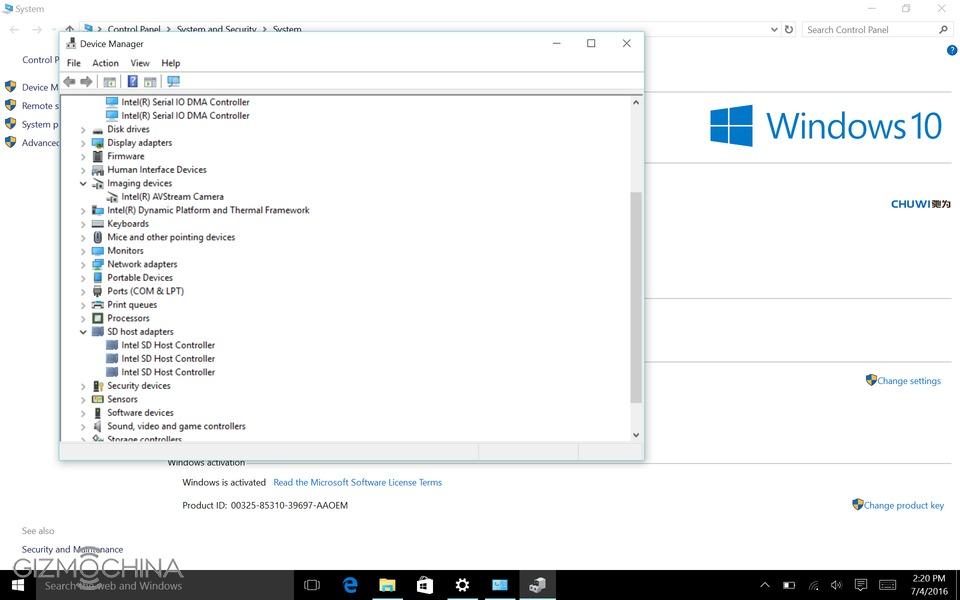
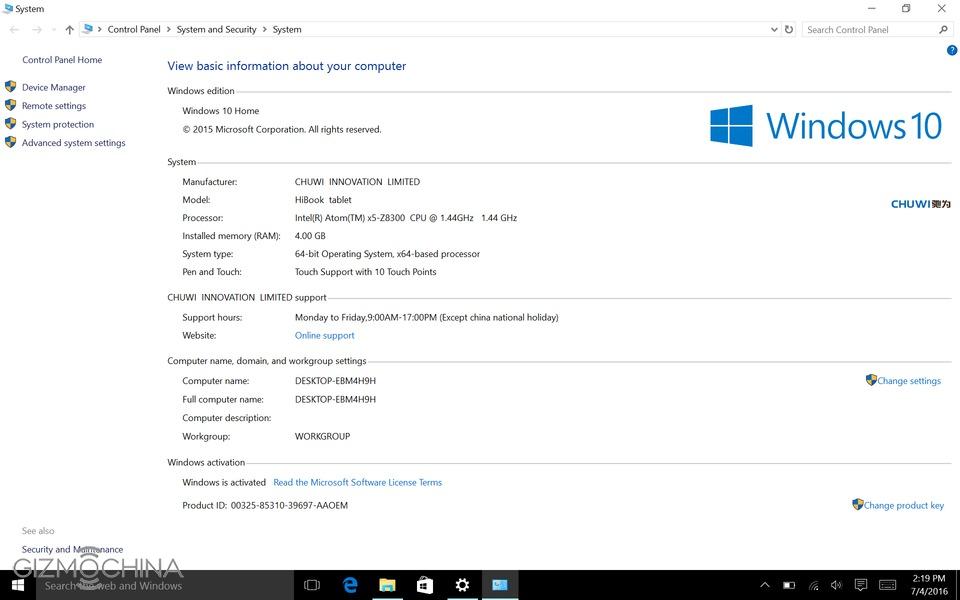
When it comes to the Windows, we have a fully activated full version of Windows 10 out of the box and I am pretty happy with the overall performance.
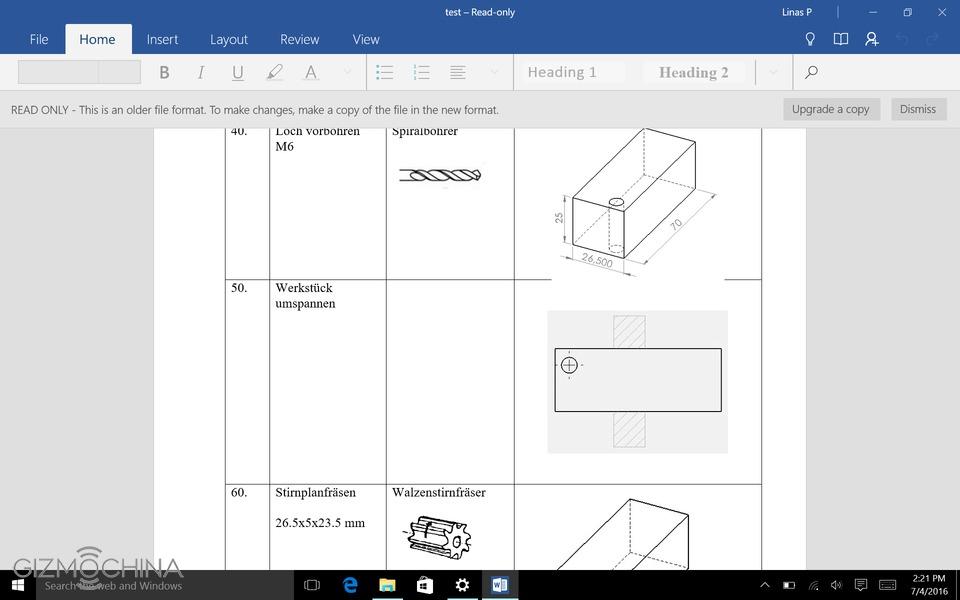
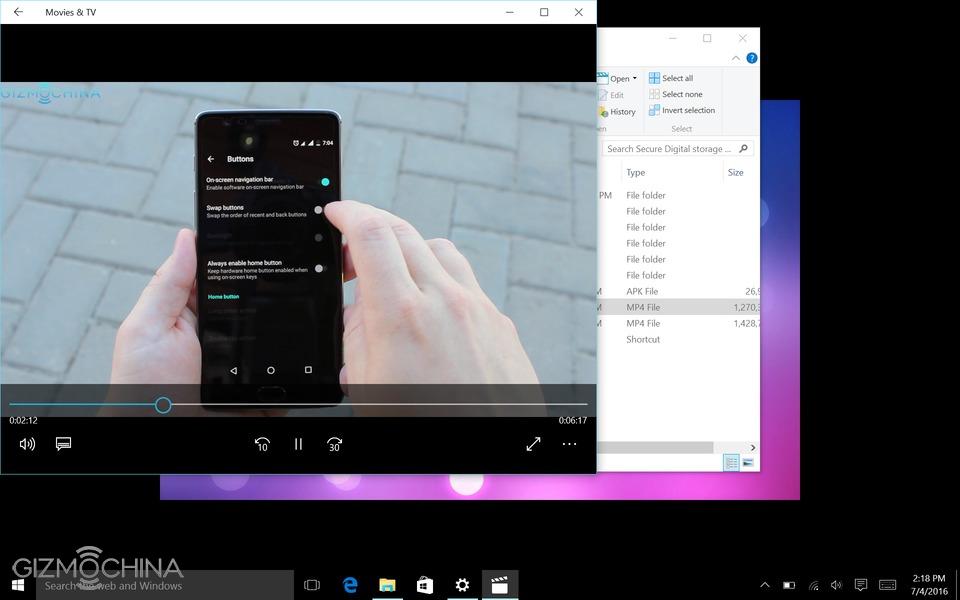
I didn’t have any issues doing all the basic stuff with the tablet as I would do with any other laptop. I edited a few Word documents, downloaded and installed a few apps, played 4k video on Youtube and from the microSD card, and did other stuff without any issues.
I love the fact that the trackpad supports Windows 10 gestures. However, the trackpad is a bit small and it takes some time to get used to it, so you should expect some accidental touches.
Overall, I am happy with the Windows performance. Don’t expect this tablet to be able to edit 4k video but it works fine for more basic stuff.
Chuwi HiBook Review: GAMING
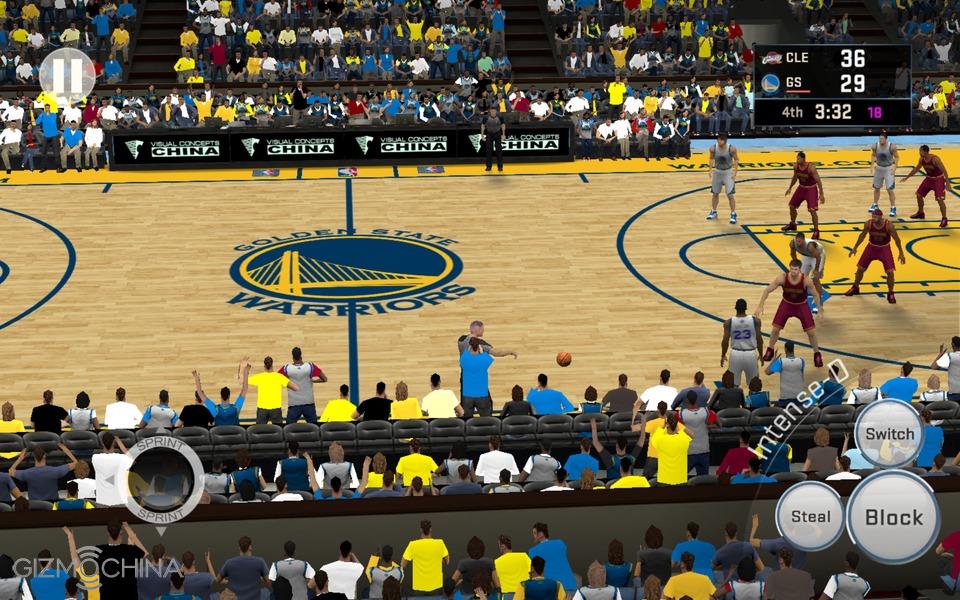
I have to admit that I’m not a huge gamer when it comes to Windows platform but I love playing some games (mainly when I test new devices) on Android. A powerful hardware allows you to play games like Asphalt 8, Nova 3 and NBA2k16 on highest graphics without any issues and the graphics look good. Finally, the device gets quite warm but the heat does not impair a good gaming performance.
Chuwi HiBook Review: CONNECTIVITY
All the connectivity options work fine but the Wifi range could be slightly better. Well, I compared it with the iPad and the MacBook Pro, so it may not be a fair comparison after all.
Chuwi HiBook Review: BATTERY LIFE
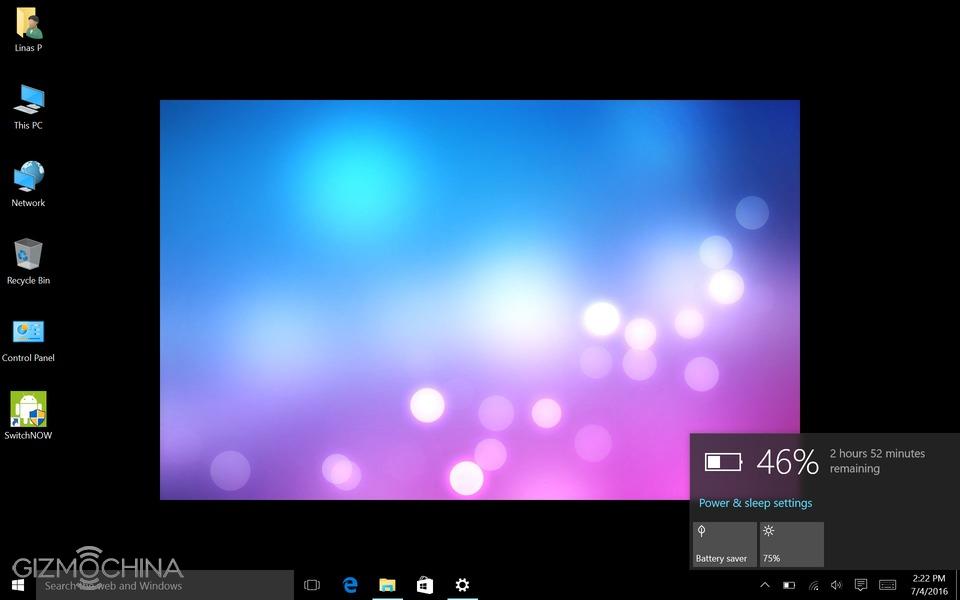
The tablet has a 6600mAh battery, which is said to give you around 8 hours of use (under ideal conditions). However, I could get just around 5 hours of usage, which is still a decent result. As always, the battery life results may vary significantly depending on the usage.
Chuwi HiBook Review: CONCLUSIONS
Chuvi HiBook is a hybrid tablet that runs both Android and Windows in one package and you can easily switch back and forth in less than a minute.
Also, I love the fact that the tablet is well-built, has some powerful internals and it performs great on both operating systems.
However, the display is glossy, it attracts fingerprints very easily and most importantly, it is very reflective unless you use it in dim environment. On the other hand, it is a good looking and sharp 1080p LCD panel overall.
Also, the speakers are kind of mediocre and the cameras are terrible (as on the majority of budget tablets).
All in all, Chuwi HiBook is still a good hybrid tablet as it has more pros than cons. For the price of just over $200, it is a good buying option if you don’t mind the above-mentioned shortcomings, which are quite common to most of the tablets in this price range, anyway.
LeEco, formerly known as LeTV announced the LeEco Le 2 smartphone in China back in April and the device has been on sale since then. The device, which is also available in India and elsewhere at the moment, has received mixed reviews from users. Since the release, a few users have criticized the beautiful LeEco Le 2 for having a screen that cracks easily even just after a simple drop.
Subsequently, LeEco went back to the drawing board to chart up a solution to the fragile display problem. The Chinese company then came out to announce that the display of the Le 2 has been reinforced in order to avoid such issues.
Not everyone swallowed that news, cheering as it may be, hook line and sinker. Popular Youtube tech channel Technical Guruji decided to subject the device to a drop and bend test to see if the claim by LeEco is true.
The videos of the drop test as well as the bend test were both uploaded to Technical Guruji’s YouTube channel.
The first video features a series of drop test performed on the LeEco Le 2. The phone actually survived all of those drop tests with excellent results. After the tests, the display was still intact, functioning well, suggesting LeEco is right about reinforcing the Le 2 display.
https://youtu.be/lNXx8tZcmaI
The second video shows the Le 2’s bend test. After applying pressure from both sides of the phone, the phone managed to survive. The display did pop up for a second after extreme pressure was applied, but it continued functioning later on. The LeEco Le 2’s metal body sure seems sturdy, and definitely helps make this device more durable, that’s for sure.
As a reminder, the LeEco Le 2 is an affordable, mid-range smartphone which sports a 5.5-inch full HD display, 3GB of RAM and 32GB of internal storage. The device is powered by the Snapdragon 652 64-bit octa-core processor, and a non-removable 3,000mAh battery is also a part of this package. The phone also features a 16-megapixel rear snapper with LED flash, and an 8-megapixel shooter up front. The sleek device boots Android 6.0 Marshmallow out-of-the-box and on top of it, with LeEco’s EUI 5.6 user interface hovering above it. The LeEco Le 2 carries a price tag of Rs. 11999 in India ( US$266.64).
We use cookies on our website to give you the most relevant experience by remembering your preferences and repeat visits. By clicking “Accept”, you consent to the use of ALL the cookies.
This website uses cookies to improve your experience while you navigate through the website. Out of these, the cookies that are categorized as necessary are stored on your browser as they are essential for the working of basic functionalities of the website. We also use third-party cookies that help us analyze and understand how you use this website. These cookies will be stored in your browser only with your consent. You also have the option to opt-out of these cookies. But opting out of some of these cookies may affect your browsing experience.
Necessary cookies are absolutely essential for the website to function properly. This category only includes cookies that ensures basic functionalities and security features of the website. These cookies do not store any personal information.
Any cookies that may not be particularly necessary for the website to function and is used specifically to collect user personal data via analytics, ads, other embedded contents are termed as non-necessary cookies. It is mandatory to procure user consent prior to running these cookies on your website.

 menu and select Settings.